
FileMaker Pro for macOS
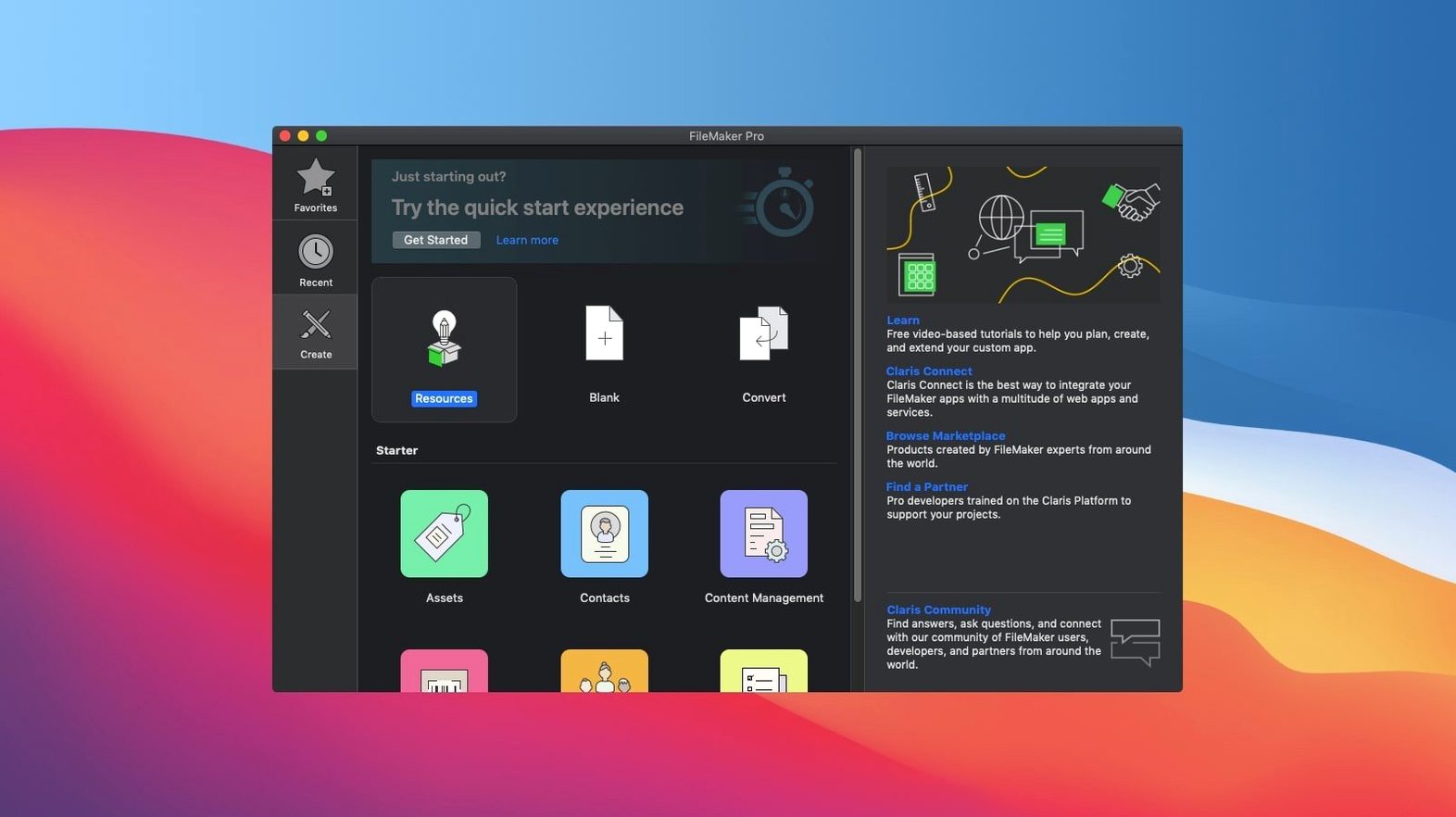
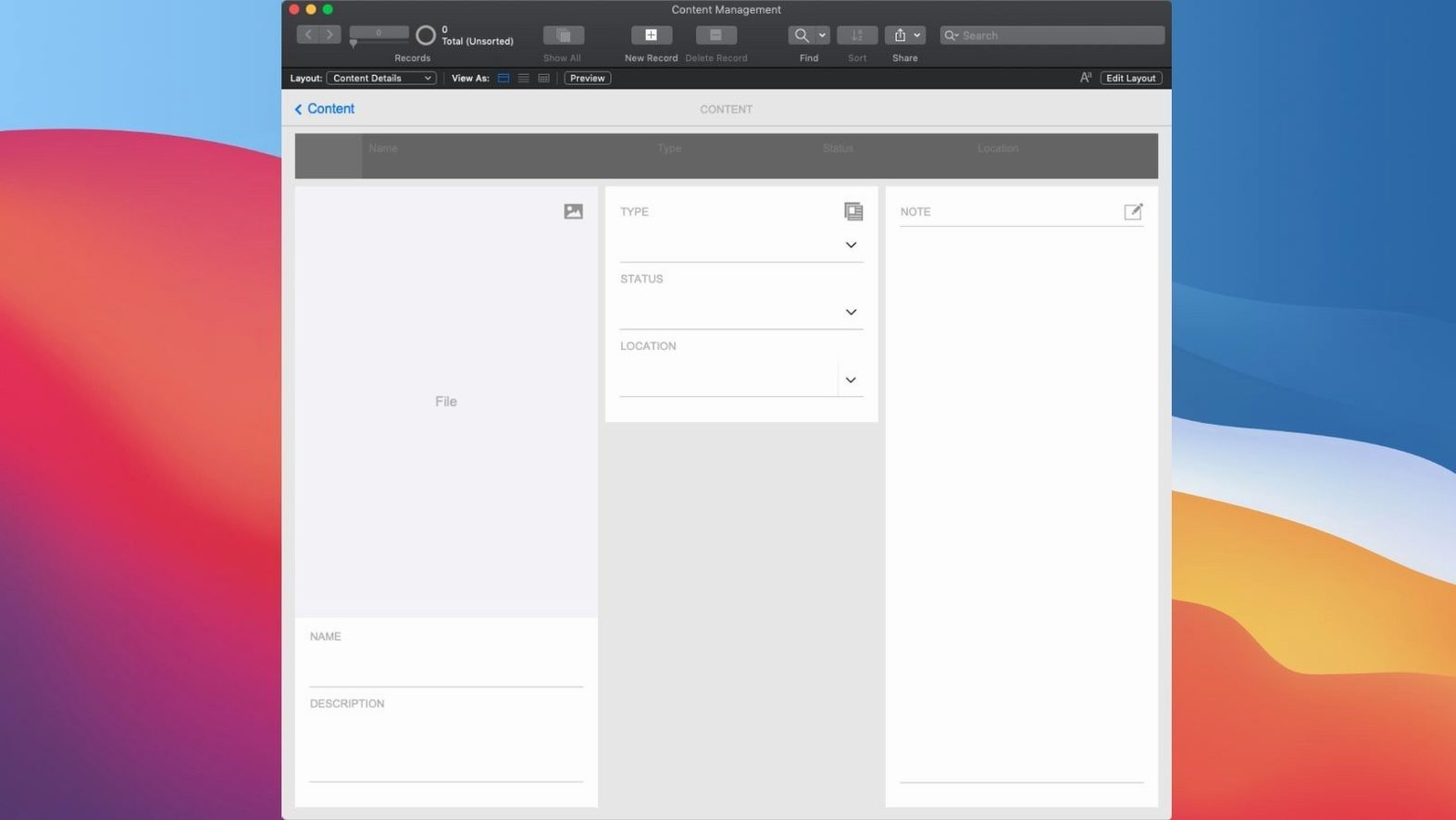
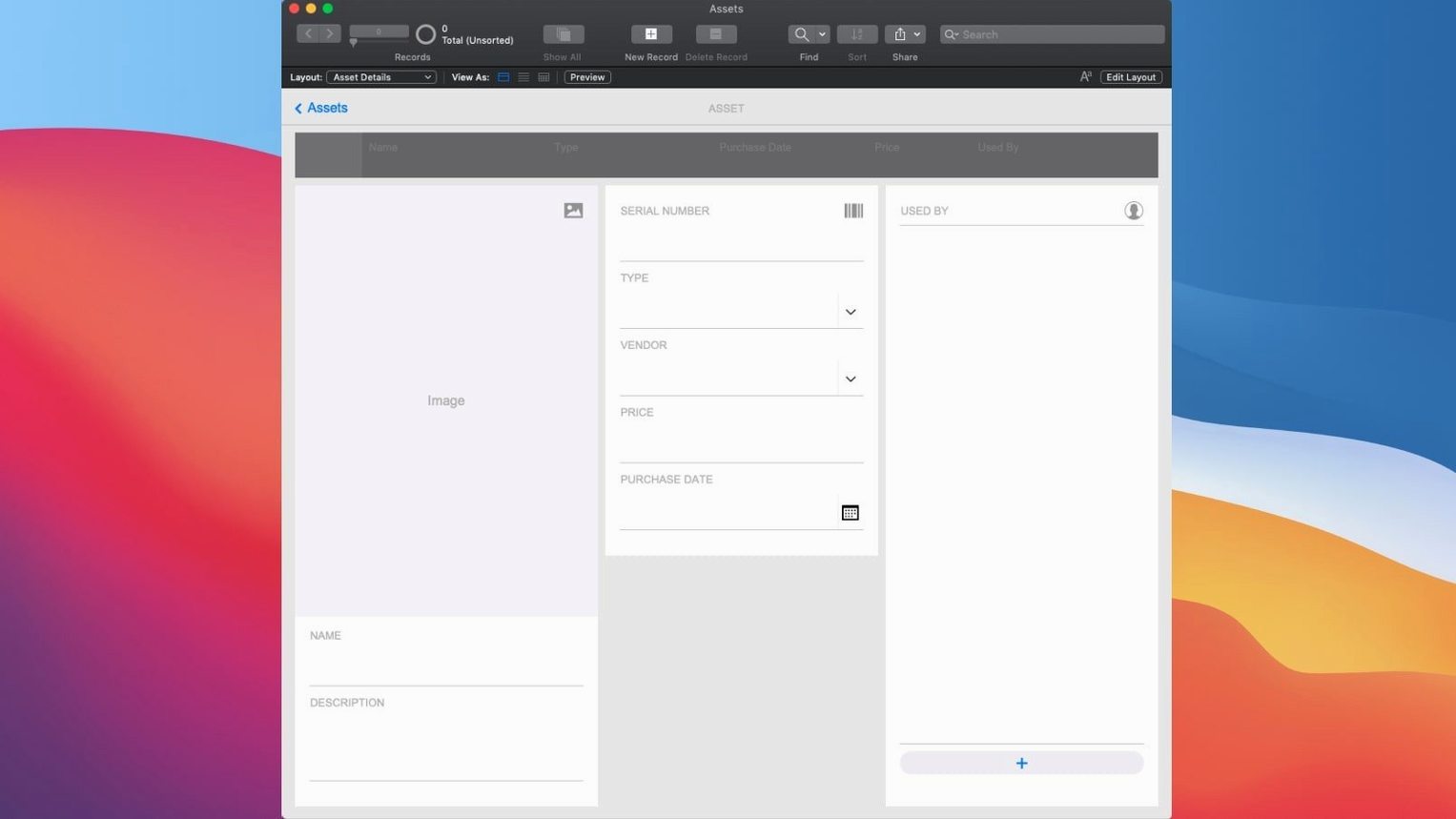
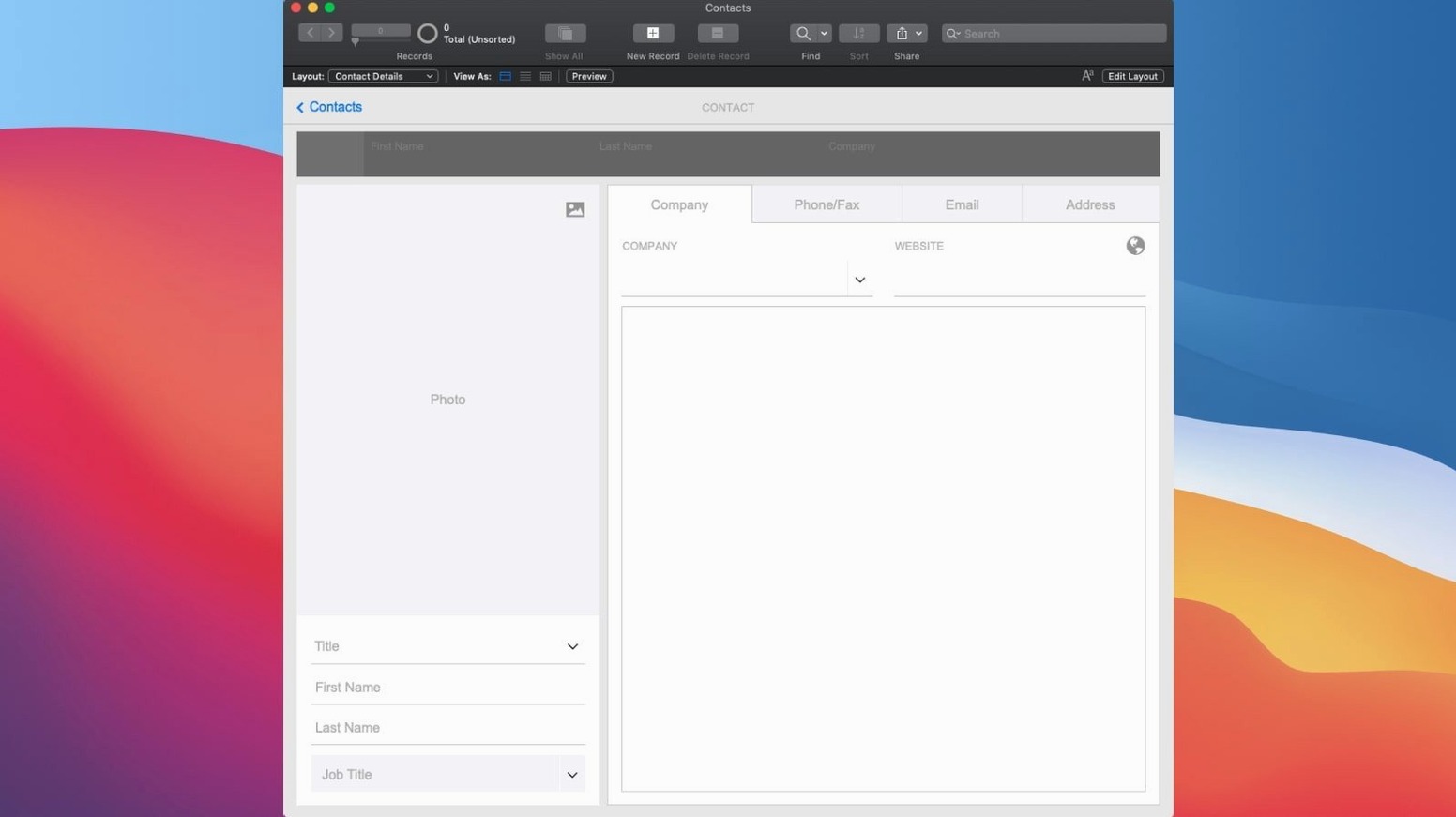
FileMaker Pro runs on any Mac with macOS 10.14 or newer, and version 21.0.1 ships as a universal binary, so it loads natively on Intel machines and Apple silicon without Rosetta. That covers a lot of older hardware still in daily use, which matters for a tool that often anchors a small office or lab workflow.
The core job hasn't changed: you build custom apps with drag-and-drop layout tools and built-in templates, then share them on mobile, desktop, the web, or in the cloud. Real-time sharing means a change made on one device shows up for everyone connected to the same app, no manual syncing step.
Version 21.0.1 adds AI features directly into the scripting layer. Configure AI Account lets you point FileMaker at an AI service with credentials, Set AI Call Logging writes those calls into a log for debugging or auditing, and Insert Embedding — plus Insert Embedding in Found Set — stores vector embeddings for semantic search. Perform Semantic Find then uses those embeddings to find records by meaning rather than exact text match.
For anyone maintaining older custom apps, FileMaker Pro still opens and uses them. The new AI scripting functions are additive; existing scripts and layouts keep working.
Default text encoding to change first
Out of the box, FileMaker Pro makes a few choices that don't suit long-term work. The first one I adjust is the default text encoding. Head into File → File Options → Text and set the default to Unicode (UTF-8) unless you have a legacy reason not to. That avoids garbled characters when importing CSV exports from other systems.
Next, the relationship graph appearance. Open File → Manage → Database and switch to the Relationships tab. By default, table occurrences stack in the order you create them. I immediately drag them into a rough logical grouping — contacts near contacts, financial tables together — and turn on the alignment grid from the view menu inside that window. It sounds cosmetic, but when a file grows past twenty tables, a readable graph saves real debugging time.
On the layout side, I turn off View → Toolbars → Status Toolbar for any layout meant as a data-entry form for other people. The status toolbar is useful during development, but it confuses users who click the sort buttons and wonder why their found set changed. Lock it down in File → Manage → Security once you are ready to share.
If you plan to use the new AI functions, open File → Manage → Security → Extended Privileges and check that the privilege set assigned to your test account allows fmrest access. The AI calls go through the Data API, and a missing extended privilege is the first thing that trips up a fresh configure-AI-account script.
Why skipping primary keys costs you later
The most expensive one is treating a single FileMaker file like a spreadsheet. People import a thousand-row Excel sheet, add a few fields, and start entering data without defining primary keys. Six months later they need to relate that table to something else and discover they have no unique identifier. Define a serial number field with auto-enter on creation for every table, early, even if you do not plan to relate it yet.
Another common misstep: storing calculated data in regular text or number fields and then updating it with scripts. FileMaker has a native calculation field type that updates automatically whenever its source fields change. Use it. The only reason to store a calculated value in a static field is if you need to snapshot historical data, like an invoice total that must not change when tax rates do. Beginners often overuse scripted updates because they do not trust unstored calculations, but an unstored calc referencing fields in the same record is fast and maintenance-free.
Layout design trips people up too. Dragging a field onto a layout and stretching it wide works for development, but in production that field will clip text if the font metrics differ on another machine. Set an explicit font, size, and field behavior in the inspector for every object. The default font on a Mac built in 2019 is not guaranteed to be the same as a Mac from 2023, and FileMaker will substitute silently.
With the AI scripting additions in version 21.0.1, a new mistake is calling Perform Semantic Find on an unfiltered found set of hundreds of thousands of records. Embedding comparison is computationally heavier than an indexed text search. Always narrow the found set with a conventional find first, then run the semantic pass on the smaller result.
Option-click skips the layout and script assistants
Holding Option while clicking the New Layout/Report button in the status toolbar skips the assistant and drops you straight into layout mode with a blank layout. The same modifier works on the New Script button in the Script Workspace. I did not discover that for years.
In the relationship graph, double-clicking a table occurrence opens the Manage Database dialog on that table's fields. That is slightly faster than the menu route, especially when you are hopping between schema and relationships to debug a missing TO.
The Data Viewer is the unsung hero of script debugging. Enable it from Tools → Data Viewer and leave the Watch tab open. You can add any expression — a field, a global variable starting with $$, or a function call — and see its live value as you step through a script. When a Perform Semantic Find returns zero records, I watch the embedding vector expression right there to see if it resolved to something sensible or an empty string.
If you build layouts for macOS and iOS, use the Get ( Device ) function in conditional formatting to hide or resize objects per platform. A layout that looks crisp on a 27-inch iMac usually overflows an iPad screen, and FileMaker does not auto-scale layout objects the way a responsive web framework would.
For anyone who searched out filemaker pro 17 download mac in the past and is now on a newer release, the script workspace has a find-and-replace that works across all scripts in the file — Edit → Find/Replace → Find in Scripts. When a field name changes, this is how you update every script reference in one pass instead of opening each script individually.
Does it run natively on Apple silicon?
Will it run on an M1 or M2 Mac? Yes. The 21.0.1 build contains both arm64 and x86_64 slices. It launches natively on Apple silicon with no Rosetta translation layer, and it runs on Intel machines from the same binary.
Can I open files I built in an older version? Yes. FileMaker Pro opens .fmp12 files created by versions going back years. It will prompt you to convert the file format on first open, which is a one-way operation — make a backup before you let it convert if you need to keep a copy readable by the older version.
Does it need an always-on internet connection? No. Local files open and run fine offline. The AI scripting functions and cloud sharing features require a connection when you use them, but nothing stops you from building and using a standalone app on a laptop with no network at all.
Do I need to know SQL? No. The relationship graph and calculation engine handle most data logic without writing a single query. That said, FileMaker does support ExecuteSQL in calculations and scripts if you want it, and the function accepts standard SQLite syntax. It is there when you need it and invisible when you do not.
People who once looked for FileMaker torrent or FileMaker Pro torrent downloads often ask whether third-party plug-ins still work. The answer depends on the plug-in architecture. FileMaker supports plug-ins through its own SDK, and any plug-in compiled as a universal binary with support for the current FileMaker plug-in API should load. Check the plug-in developer's notes for compatibility with version 21 specifically, because the AI scripting hooks added new internal calls that older plug-ins will not know about.
How academic labs share data entry and querying
Small research groups and academic labs are a natural fit. They usually have one person who is comfortable enough with data structure to set up a few tables and relationships, and a whole team that needs to enter and query data without learning a programming language. FileMaker gives the lead researcher a low-code environment to build the forms and reports, then everyone else opens the app on their own machine or a shared iPad. The real-time sharing model means a graduate student entering observation data sees the same record set as the PI running a summary report in the next room.
Business teams that have outgrown shared spreadsheets but do not have a dedicated development team also benefit. A marketing group managing an asset library, a sales team tracking leads with custom stages, a small HR department handling onboarding checklists — these are all scenarios where a purpose-built app beats a cloud service that does not quite match the workflow. The built-in templates for CRM and asset management give a starting structure, and the drag-and-drop layout editor lets someone reshape the interface to match how the team actually works rather than how a SaaS vendor imagined it.
Developers who already know a scripting language sometimes dismiss FileMaker as a toy, then discover the script workspace has step-through debugging, breakpoints, and a full function library that covers JSON parsing, cURL-based HTTP calls, and now vector embedding calls. Anyone who has built a web front-end for a database will recognize the pattern: layouts are the view layer, scripts are the controller, and the schema is the model. The difference is that FileMaker collapses all three into one file you can hand to a non-technical user, and they can open it without installing a web server, a database engine, or a dependency manager.
If you have ever searched for filemaker mac torrent because you wanted to try the tool before committing to a workflow, the installer package includes everything in one .pkg — no separate server component to configure for local use. That simplicity is why people who start with FileMaker for one small project often end up building half a dozen apps over the following year. The skill compounds.
- Configure AI Account — set up credentials for an external AI service from inside FileMaker.
- Insert Embedding — generate and store a vector embedding for a single record.
- Insert Embedding in Found Set — batch-generate embeddings across the current found set.
- Perform Semantic Find — search records by vector similarity instead of literal text matching.
- Set AI Call Logging — enable logging of AI calls for debugging or audit trails.
- macOS 10.14 or later
- Intel or Apple silicon Mac
- Interface language: English
Comments 0
Sign in or create an account to leave a comment.
No comments yet. A codec, a slice, a machine — they appear after moderation.