FontLab for macOS
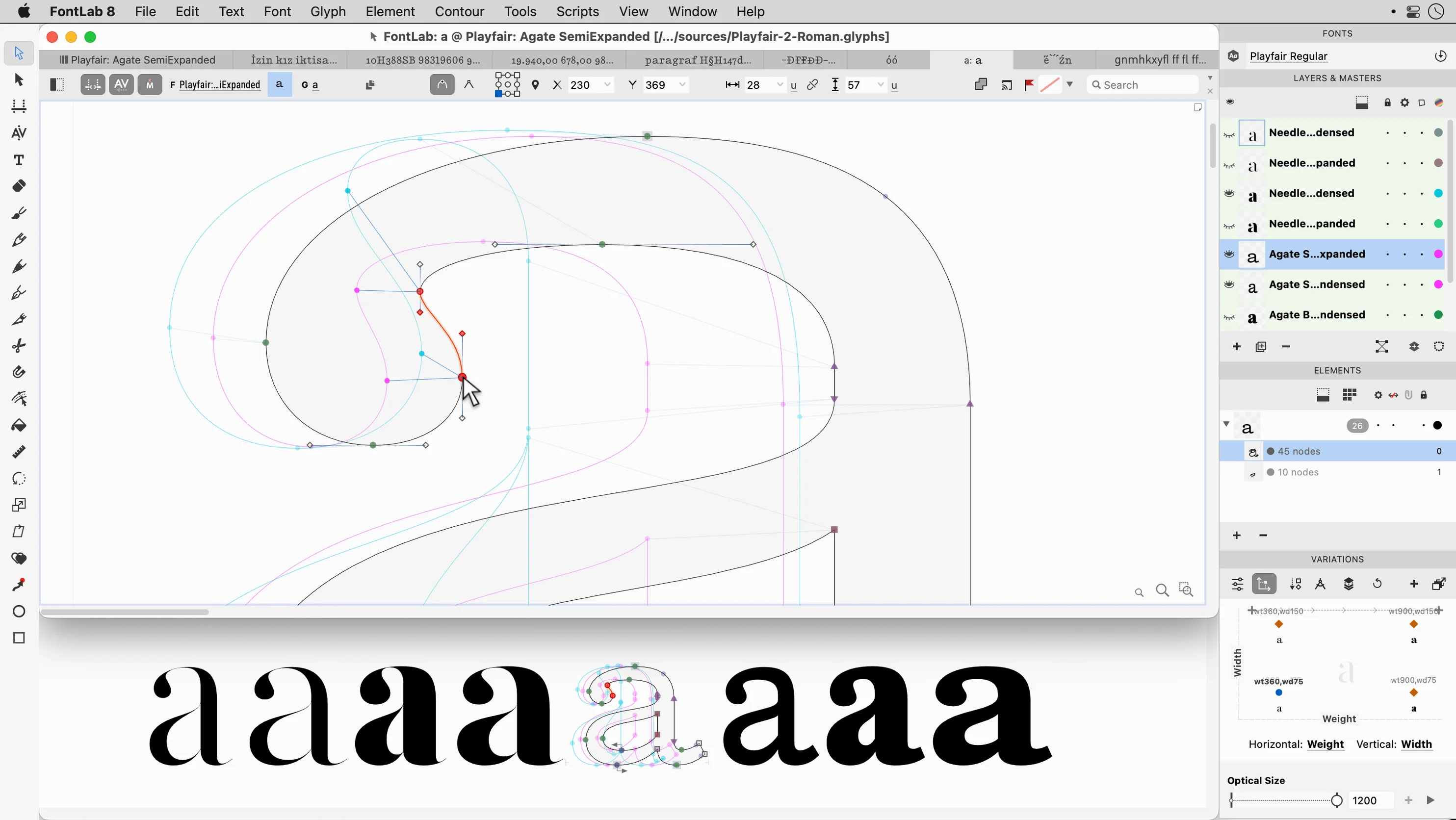
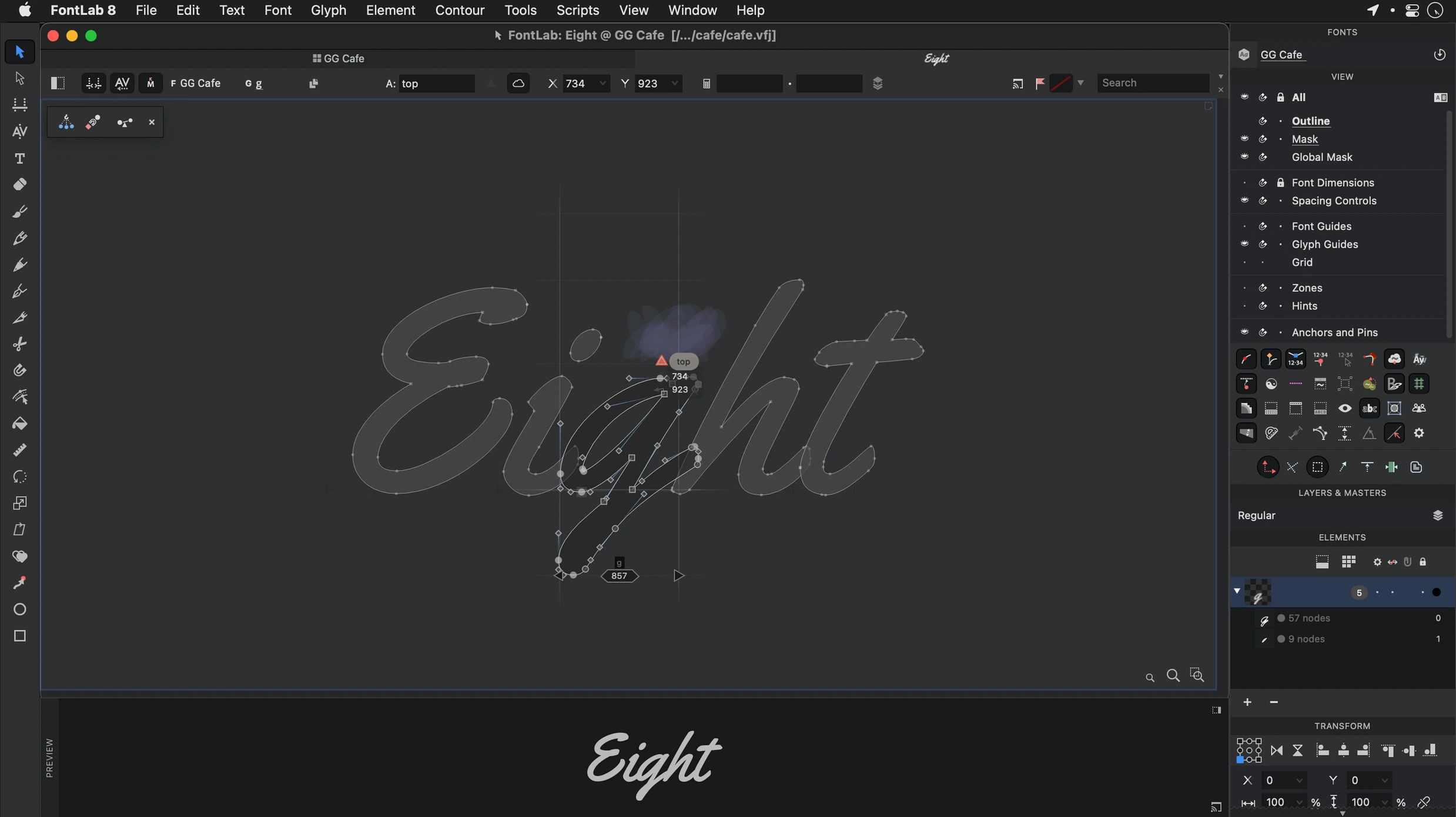
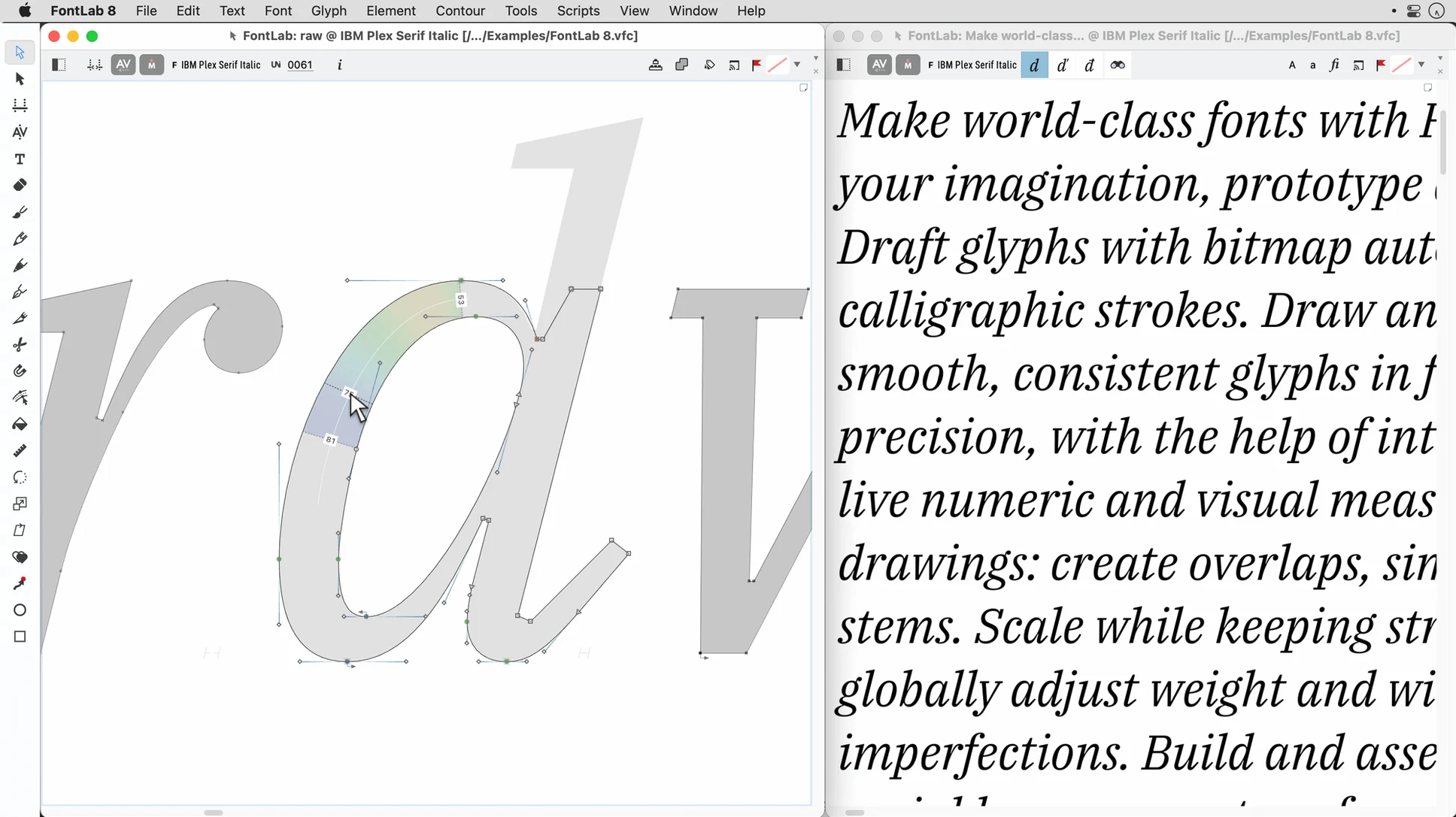
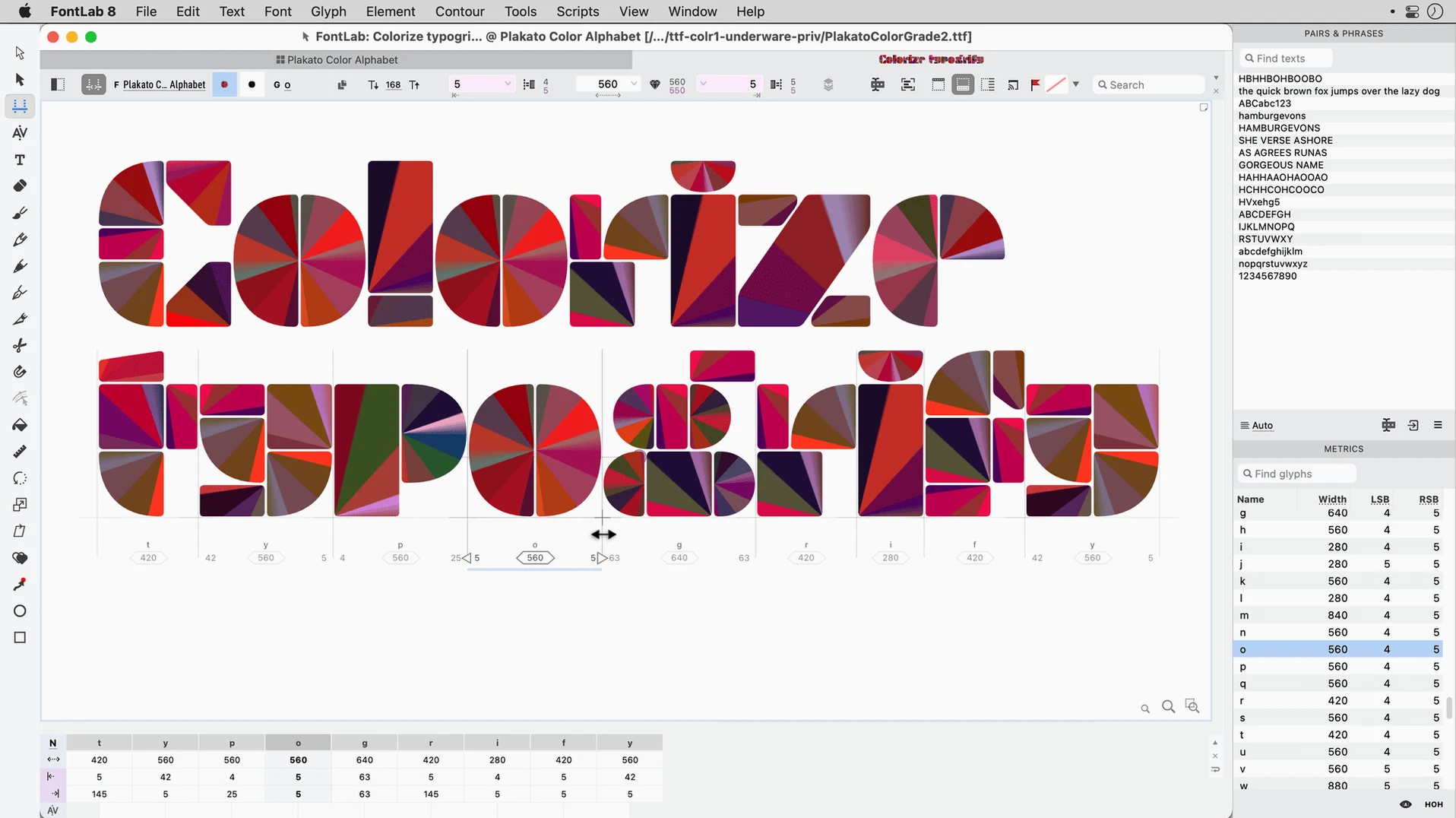
When a design project outgrows the font tools bundled with the OS, you need an editor that speaks the same language as the rest of your creative stack. FontLab fills that gap — a professional type editor that imports the vectors you already have and exports fonts your other Mac apps can actually use.
Pulling outlines from Illustrator and bitmap scans
You can pull in outlines from Illustrator as .ai or .eps files, or bring in bitmap scans in .tiff and .bmp format for tracing. The built‑in vector drawing tools feel familiar if you have spent time in any Bézier‑based app, and drag‑and‑drop glyph placement keeps the process tactile rather than menu‑driven. Once the glyphs are in, batch transformation lets you apply the same adjustment across an entire character set — useful when a client asks for a slightly wider weight an hour before delivery.
Outputs that play nicely
On the output side, FontLab handles the formats your Mac actually expects: OpenType, TrueType, Mac TrueType, and even older ASCII/Unix Type 1 fonts if you are maintaining a legacy project. Full Unicode support means scripts like Arabic and Hebrew sit correctly alongside Latin glyphs in the same font file. Version 8.4 runs natively on both Intel and Apple Silicon Macs from macOS 10.15 through macOS 26 Tahoe, so there is no Rosetta translation in the middle of a heavy kerning session.
How FontLab compares with other Mac font editors
Type design on the Mac has three heavy hitters worth knowing about. Glyphs leans hard into the modern, streamlined end of the spectrum — its draw‑in‑place interface and smart OpenType feature generation make it the go‑to for many independent foundries. What Glyphs gains in simplicity it sometimes gives up in deep manual control. FontLab sits on the other side of that trade‑off: it gives you editable code pages, over two hundred undo levels, and programmable transformations that let you script your own font‑wide changes. If Glyphs is the sketchbook, FontLab is the workshop.
RoboFont earns its spot as the tinkerer’s choice. Its entire interface is built from Python scripts, so you can swap out almost every panel and tool. The learning curve, however, assumes you are comfortable writing code to shape your workspace. FontLab includes a similar scripting layer — the programmable font transformations cover a lot of ground — but presents it inside a more traditional UI that expects you to draw, drag, and adjust visually. For someone who wants extensibility without living in a code editor, FontLab lands in a workable middle zone.
Then there is BirdFont, the budget‑conscious option. It handles basic TrueType and OpenType output competently, and its vector tools are approachable enough for someone making a first icon font. But it lacks Unicode‑level script support for Arabic and Hebrew, has no batch transformation engine, and caps undo history well below FontLab’s generous stack. A FontLab torrent search might turn up a few of these names side by side; the feature gap becomes obvious the moment you need right‑to‑left shaping or a multi‑master axis.
Fitting FontLab into a real Mac workflow
FontLab does not demand you abandon the rest of your toolchain. macOS Quick Look recognizes .otf and .ttf files natively, so you can hit Space in Finder and preview a glyph set without launching the app. The built‑in Font Book utility picks up exported families immediately — install a test weight and your page‑layout app sees it in the font menu seconds later. Designers who sketch on an iPad can AirDrop a .tiff scan directly to the Mac, drop it into FontLab’s background layer, and trace over it with the vector tools without a round‑trip through Photoshop.
For studios juggling multiple designers, the editable code pages and encodings become a shared spec rather than a hidden setting. One team member defines the encoding table once, exports it, and the rest of the group imports it into their local fontlab 8 download. The batch transformation commands — slant, scale, weight adjust — apply across an entire project consistently, which matters when a family spans twelve styles and a client requests a global x‑height tweak. And because version 8.4 runs native on Apple Silicon, those batch operations finish while you still remember why you started them.
Glyph previews without the beach‑ball pauses
The jump from FontLab 7 to 8 brought roughly 900 improvements, and the 8.4 update layered another 500 on top. In everyday use, the most noticeable shift is speed: glyph previews render without the beach‑ball pauses that used to accompany large OpenType feature sets. The vector drawing tools received a subtle but meaningful overhaul — node placement feels snappier, and the tangent‑handling logic produces fewer kinks when you convert a scanned outline into Bézier curves.
Drag‑and‑drop glyph placement got smarter about collision detection. When you drag a composite glyph into a narrow spacing zone, FontLab now nudges sidebearings proportionally rather than requiring a manual undo cycle. The batch transformation engine gained an interactive preview toggle; you can see a live‑updated sample glyph while you dial in numbers, instead of commit‑and‑pray. Unicode 15 support landed quietly in the 8.4 branch, so newer script additions render without tofu boxes. The upshot is that tasks which used to be multi‑step workflows — test, undo, adjust, re‑test — collapse into a single adjustment pass more often than not.
Why the default Undo Levels cap feels stingy
Out of the box, FontLab ships with sensible defaults, but two or three tweaks make it feel like your own tool. The first stop is the Undo Levels preference. The factory setting caps at a number that sounds generous until you are deep in a kerning session and realize you cannot step back far enough. Bump it to the maximum — you have the RAM for it on any machine that runs a fontlab for mac build smoothly.
Next, open the Glyph Window preferences and switch on measurement‑line snapping. This one checkbox prevents the subtle vertical drift that creeps in when you align diacritics by eye. While you are there, set the default background‑layer opacity to something around thirty percent. It keeps your reference scan visible without competing with the vector outline you are drawing over it.
If you work with Arabic or Hebrew regularly, visit the Encoding panel early and set your default right‑to‑left rendering mode. FontLab remembers it per project, but setting the system‑wide default saves you from opening a new file and wondering why the text direction looks backwards. A quick FontLab 8 crack search might surface discussions about these exact settings — experienced users tend to converge on the same handful of adjustments because they solve real friction points.
- Version 8.4 ships with 500 improvements over the original FontLab 8 release, touching everything from drawing precision to OpenType export stability.
- Measured against FontLab 7, the 8.x line includes roughly 900 changes — a substantial rework under the hood.
- macOS 10.14 or later (officially supported through macOS 26 Tahoe)
- Intel or Apple Silicon Mac (native on both architectures)
$ man fontlab | grep -A2 "?"
Can FontLab import artwork from other design apps?
Yes, it imports.ai, .eps, .tiff, and .bmp files, so you can bring in vectors from Illustrator or scanned sketches for tracing.
Comments 0
Sign in or create an account to leave a comment.
No comments yet. A codec, a slice, a machine — they appear after moderation.