
Gemini for macOS
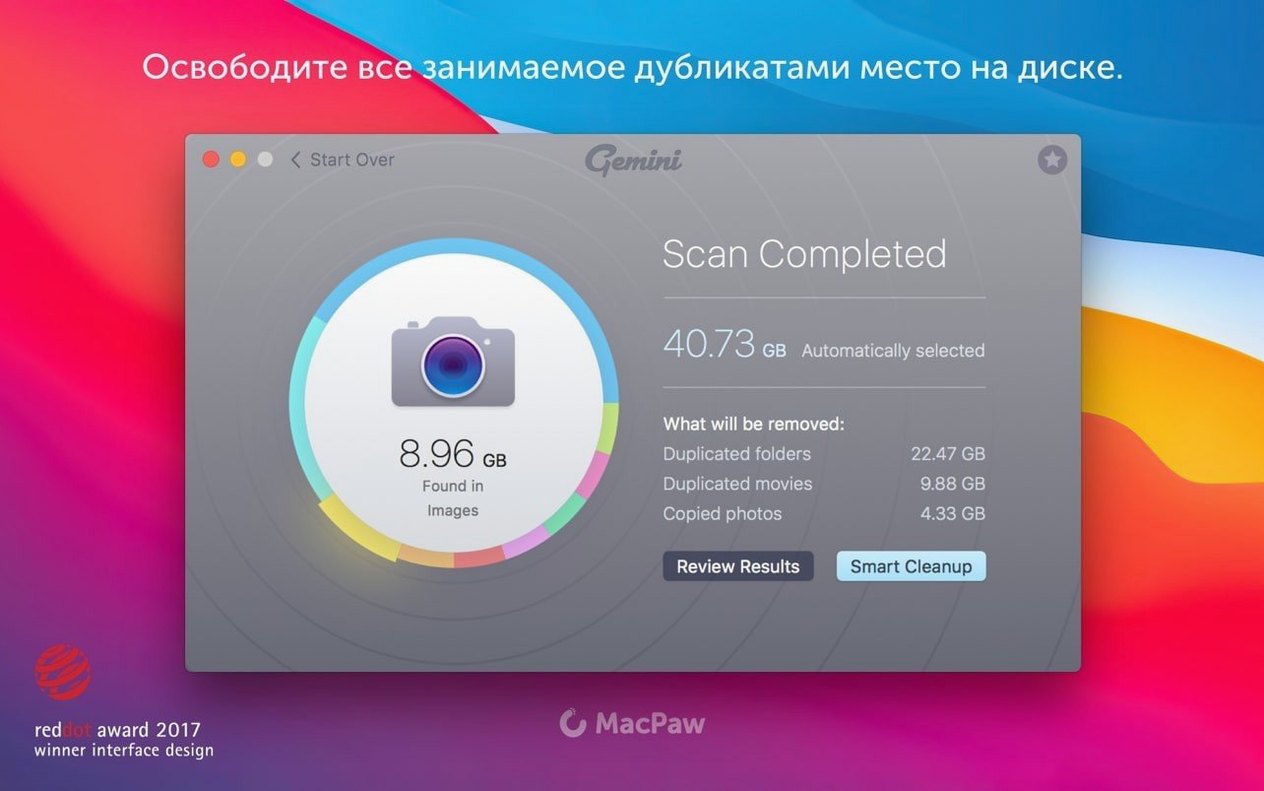
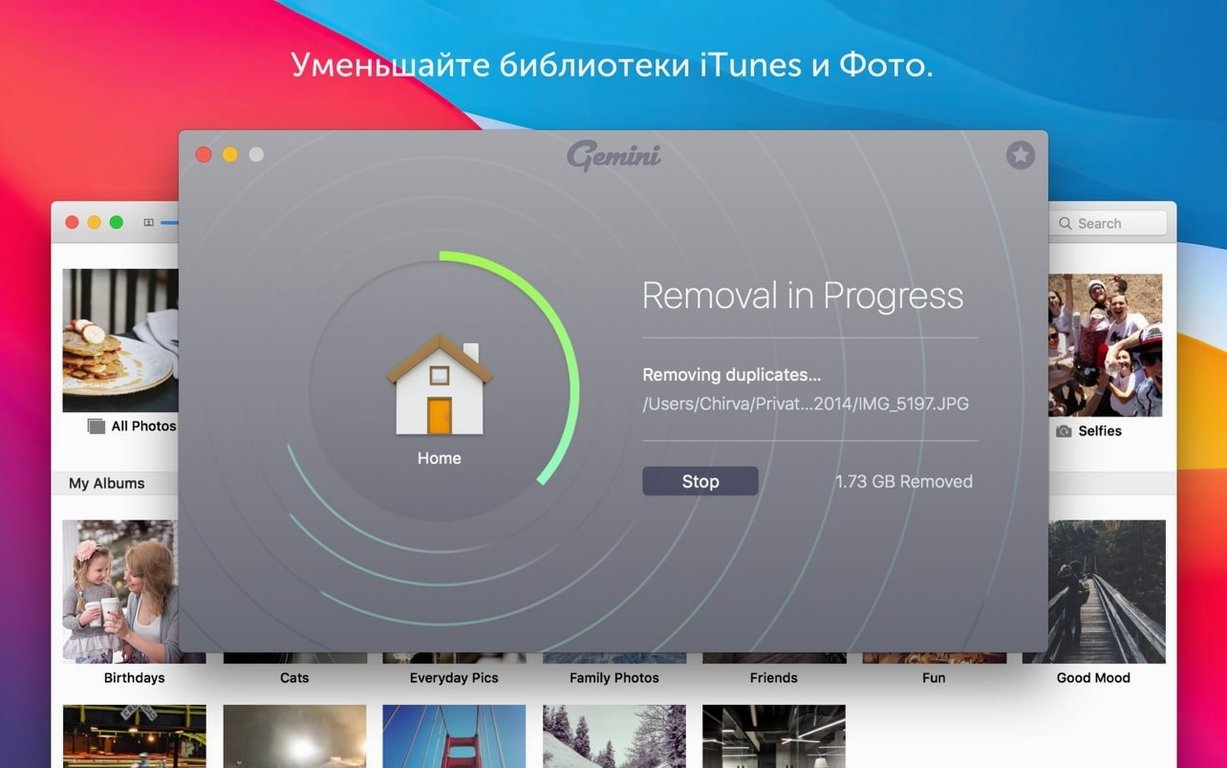
Version 2.10.2 ships with a scan engine that sinks its teeth into iTunes libraries, Photos databases, and folder trees stretching back years.
Smart Select — the cleanup logic that pre-checks files deemed safe to remove, keeping originals in place while flagging copies.
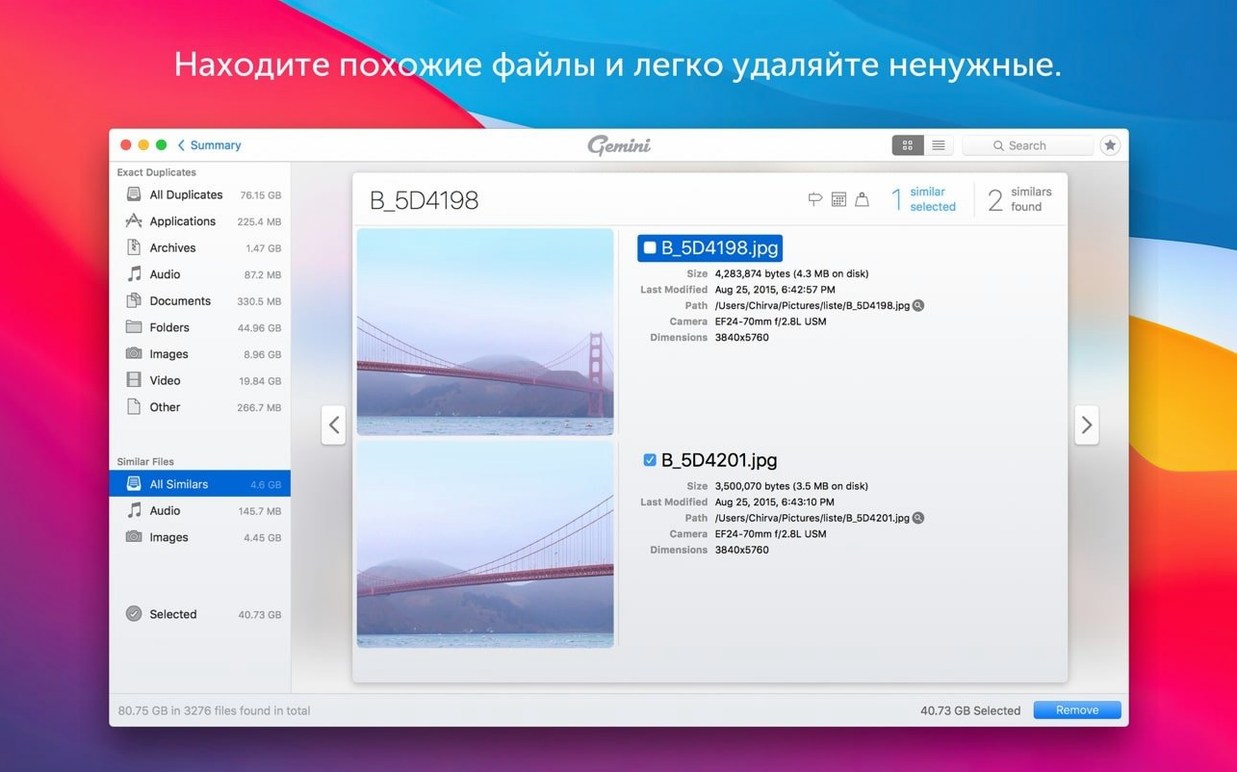
Similar Files grouping — not just byte-for-byte duplicates. Gemini clusters files that look alike or share nearly identical content, which catches resized images and slightly edited video exports that a hash check would miss.
Recently Deleted — a recovery buffer built into the app. Removed duplicates sit here instead of vanishing immediately, giving you a window to pull back anything the algorithm misjudged.
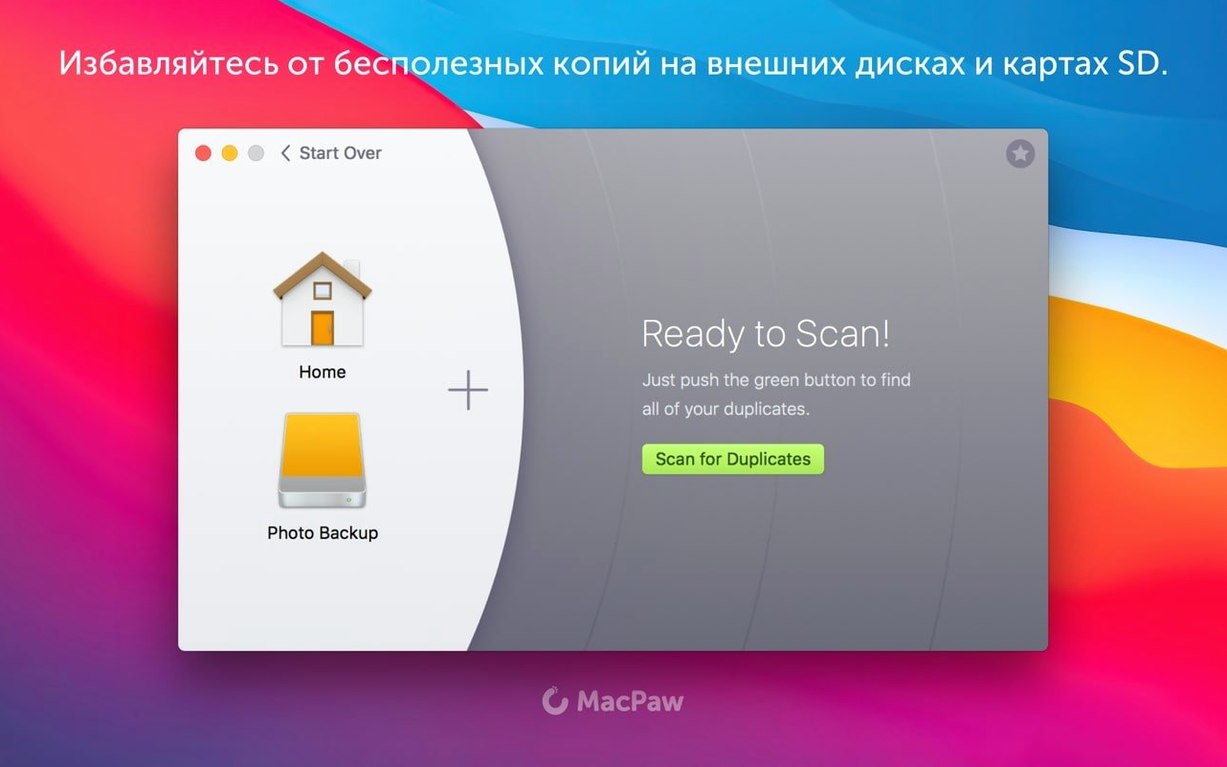
Scan targets — the whole volume, specific folders, Photos, or iTunes. You pick the battlefields. Results land in an interactive view where you can group, ungroup, and manually move items before committing to deletion.
- macOS 10.13 High Sierra or newer
- Intel architecture
$ man gemini | grep -A2 "?"
What macOS versions does Gemini 2 need?
It runs on macOS 10.13 High Sierra and later, on Intel Macs.
Comments 0
Sign in or create an account to leave a comment.
No comments yet. A codec, a slice, a machine — they appear after moderation.