
GrandTotal for macOS
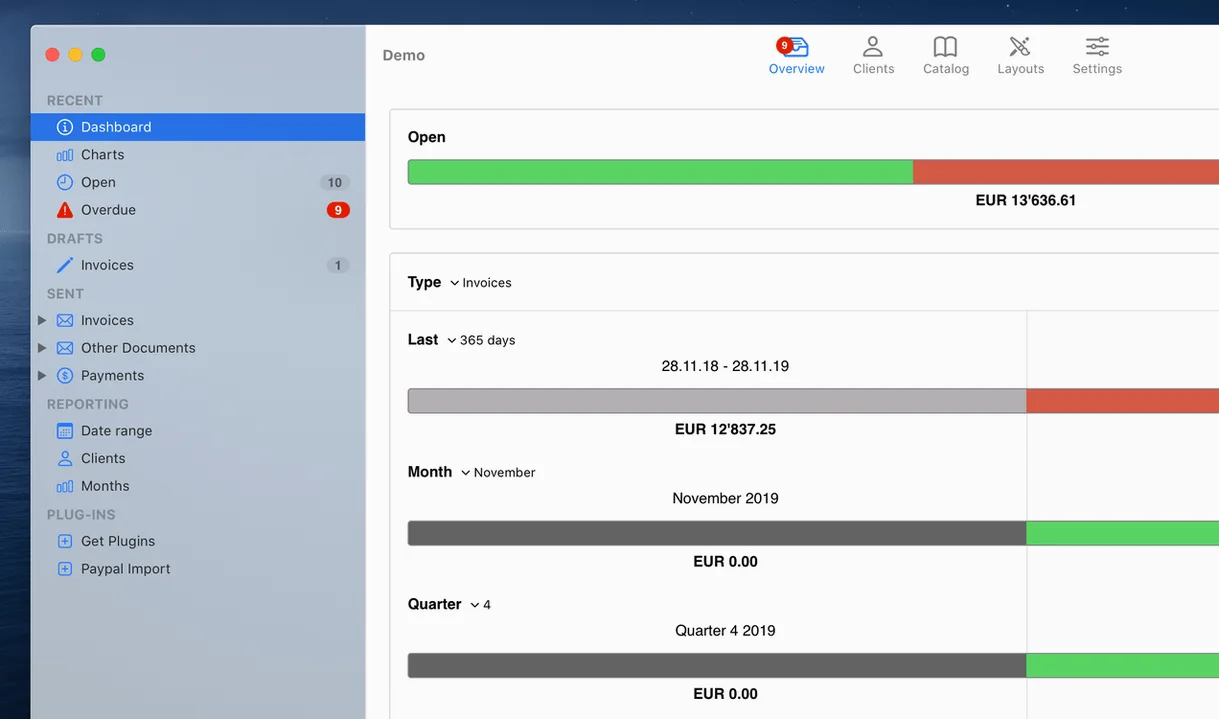
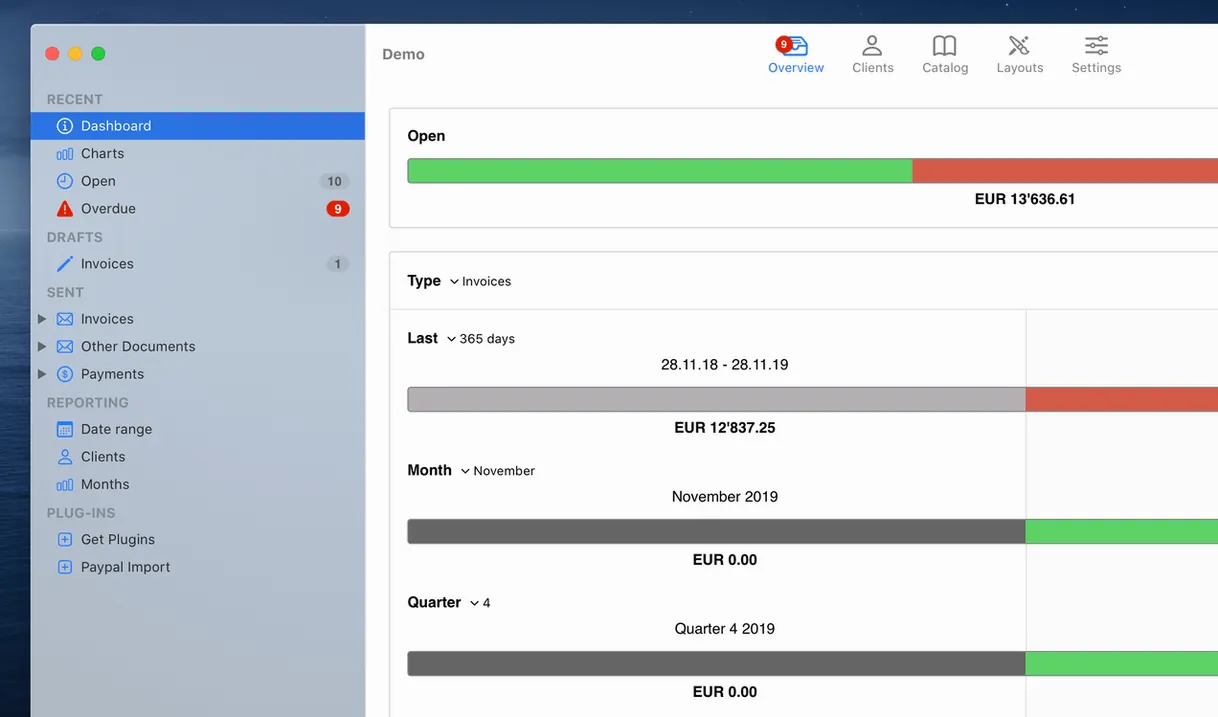
Out of the box, GrandTotal ships with ten invoice templates, ranging from minimal DIN-style layouts to detailed time-tracking sheets. That’s your starting point. Here’s the logical first-project flow.
- Pick a template. Open Settings and browse the built-in library. Choose one that matches how you bill — services, products, or hourly work logged in TimeLog.
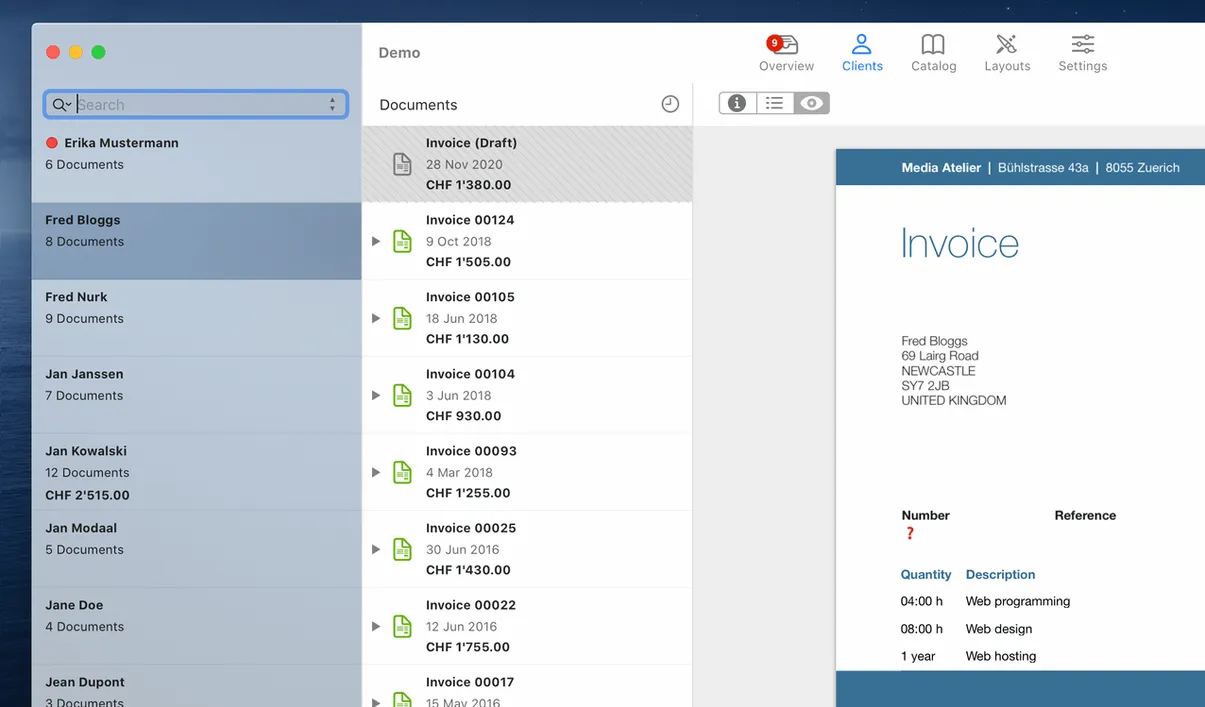
- Add a client. Create a contact record and fill in at least the legal name and VAT ID if you need it on your documents. GrandTotal pulls this into the template automatically.
- Build an item catalog. Define your recurring line items: hourly rates, flat-fee services, or physical products with SKUs. This makes future invoices a drag-and-drop affair.
- Generate your first invoice. Select the client, drop in the items, and set a due date. The app calculates everything live, including tax per line if you’ve configured it.
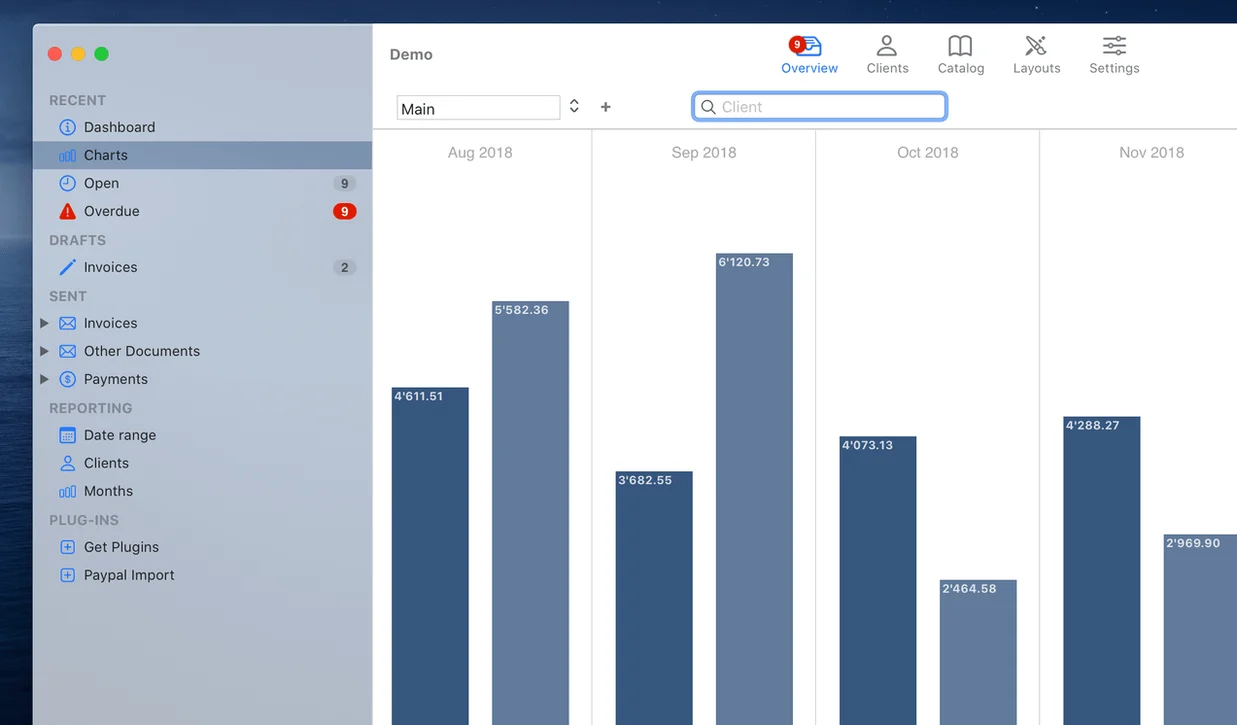
- Check the statistics tab. After you have a few invoices, open the charts panel. It lets you overlay two business periods to compare revenue streams side by side — useful for spotting seasonal patterns without exporting to a spreadsheet.
The next step is usually linking your TimeLog data so tracked hours flow straight into an invoice as billable line items.
a freelancer's end-of-month sprint
Imagine a freelance Mac developer at the end of the quarter. They've logged hours across five projects in TimeLog over the last three months, some billed at a flat project rate, others by the hour. Opening GrandTotal, they pull in those TimeLog entries, group them by client, and generate four invoices in under ten minutes — each with the correct VAT treatment for the client's country. One client has a payment that's two weeks overdue. The overdue-payments tracker flags it immediately, so they fire off a polite reminder before the invoice batch even goes out. The whole session — reconciling time, creating invoices, checking for late payers — stays inside GrandTotal. No copy-pasting totals into Pages, no fiddling with Numbers to see who hasn't paid.
Billing for time and materials instead of fixed-price products
GrandTotal clicks with Mac users who bill for time and materials rather than selling fixed-price products from inventory. The sweet spot includes:
- Solo developers and designers who log work in TimeLog and want invoices that reflect exactly what was tracked, without manual data entry.
- Small agencies running a handful of recurring clients. The template editor lets them keep one layout per client — some want hourly breakdowns, others only want a lump sum.
- Contractors billing across borders. Per-client tax rules, currency settings, and VAT ID handling mean you configure the legal details once and the app remembers them on every subsequent invoice.
- Freelancers who hate spreadsheet accounting. The built-in charts give a quick business-period comparison without setting up pivot tables, which is often enough for someone who just wants to know if Q2 was better than Q1.
If your work rarely involves hourly billing and you never touch TimeLog, a simpler PDF-fill tool might feel more natural. But for time-tracked freelance work on a Mac, the TimeLog–GrandTotal pipeline removes the usual friction of matching hours to line items.
Template-driven invoicing versus Billings Pro, Invoice Ninja, and Zoho Invoice
Three apps come up alongside GrandTotal when Mac freelancers look at invoicing: Billings Pro, Invoice Ninja, and Zoho Invoice. Each takes a different approach.
Billings Pro shares GrandTotal's template-driven invoicing and ties into its own time tracker, but the interface feels heavier and the template editor is less direct. GrandTotal's advantage is the tighter, faster edit-here-see-it-there relationship between the template editor and the final PDF. Billings Pro also leans more toward teams, so solo users may feel they're paying for collaboration features they never open.
Invoice Ninja is web-first, which means it runs anywhere with a browser. The trade-off is that it doesn't integrate natively with TimeLog, and you lose the offline speed of a native Mac app built for both Intel and Apple Silicon. If you want to invoice from an iPad occasionally, a web tool wins. If you want Command-Z to undo in the template editor and local statistics that don't depend on a server, GrandTotal fits better.
Zoho Invoice covers the full small-business toolchain — invoicing, expenses, project billing — but its Mac presence is a web wrapper. For a freelancer who just needs clean invoices from tracked time, Zoho can feel oversized. GrandTotal does one job in a native Cocoa app; Zoho tries to be the back office.
In short: GrandTotal works best when you're already on the Mac, already tracking time with TimeLog, and you want invoice creation to feel like a five-minute administrative task rather than a separate workflow. The native build — Universal Binary, running on everything from an old Intel MacBook Air on macOS 10.14 to a current M3 MacBook Pro — keeps it responsive even with a few hundred invoices in the database. That responsiveness and the grandtotal mac one-two punch of template editing plus TimeLog imports remain the main reasons freelancers stick with it.
- macOS 10.14 or later
- Apple Silicon or Intel (64-bit)
Comments 0
Sign in or create an account to leave a comment.
No comments yet. A codec, a slice, a machine — they appear after moderation.