Haptyk for macOS
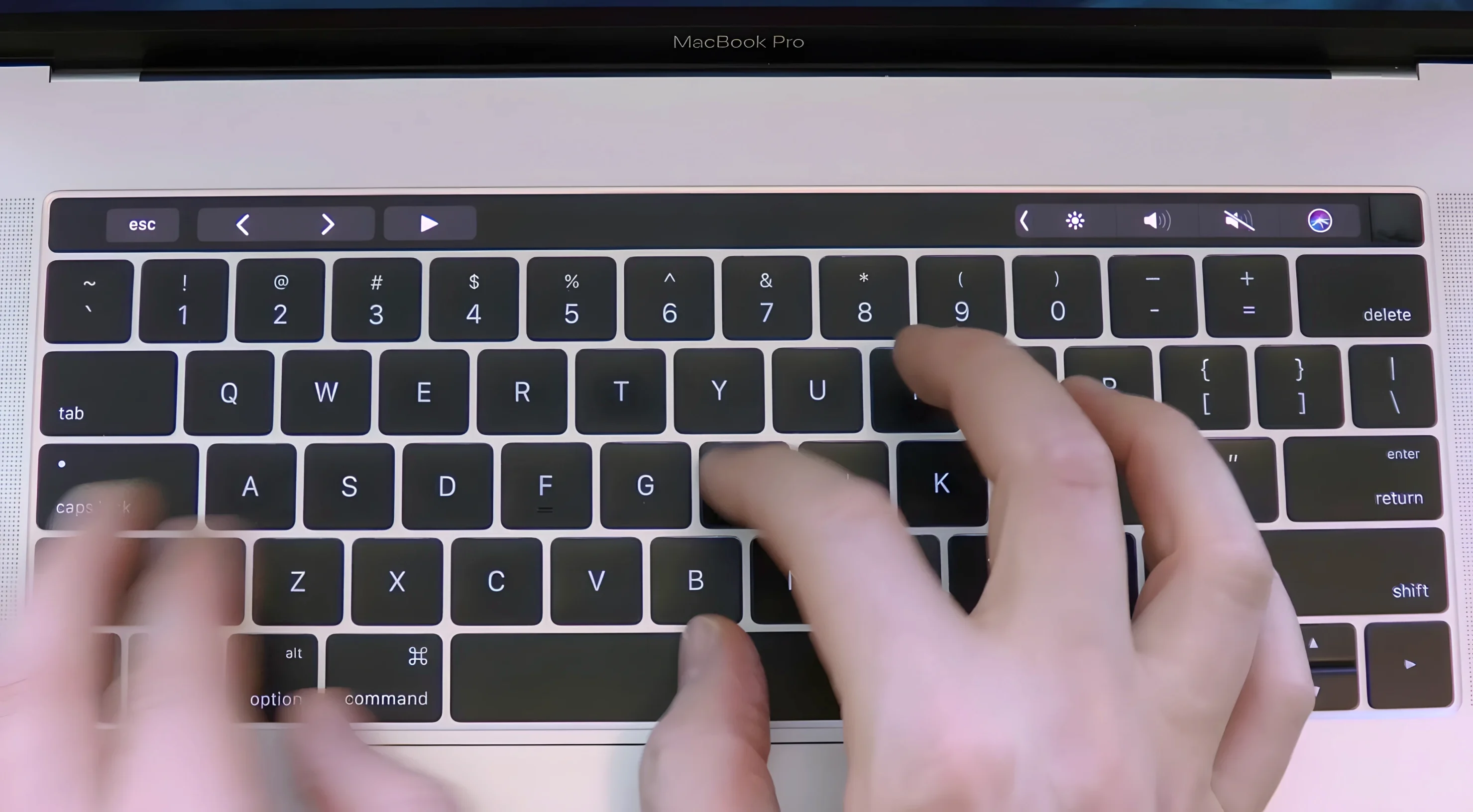
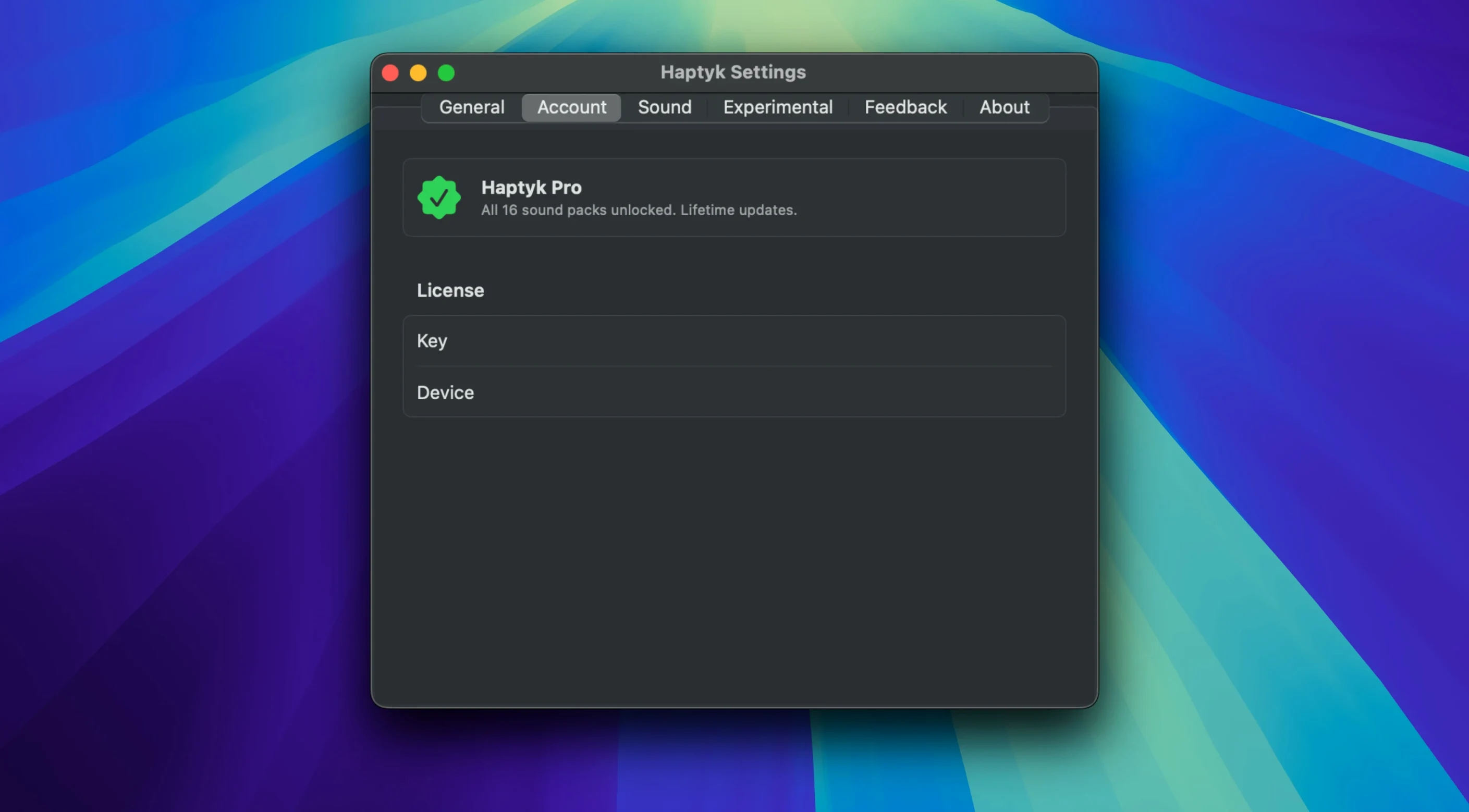
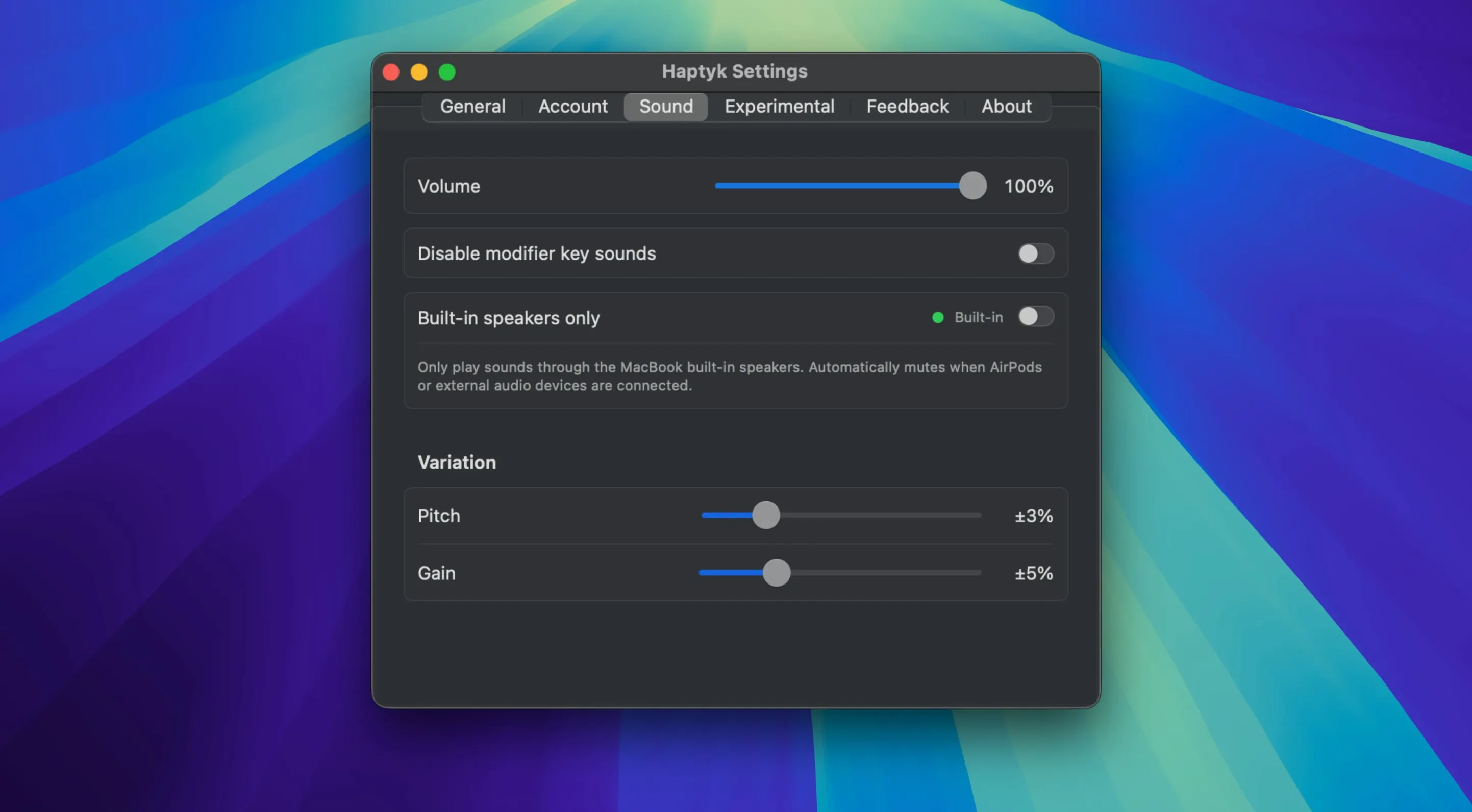
Most people don't think about the accelerometer tucked inside their MacBook. Haptyk does. It's built for writers and coders who miss the audible feedback of a mechanical keyboard but aren't ready to give up the built-in scissor-switch keys. The app reads force data from the hidden motion sensor and plays a corresponding typing sound — harder presses get a louder, sharper click.
The built-in sensors already know how hard you type
- People who want mechanical-style sound without carrying extra hardware
- Long-form writing sessions where audio feedback helps maintain rhythm
- Apple Silicon MacBook owners curious about their machine's built-in sensors
It only works on an Apple Silicon MacBook with the right accelerometer
- Requires an Apple Silicon MacBook — Intel models and desktops aren't supported
- The sound library is focused on mechanical keyboard profiles; don't expect vintage typewriter or synth packs
- Force detection depends on the accelerometer, so typing on a desk versus a lap can shift the response slightly
Typing in a quiet hostel without the silent-keyboard guilt
A travel writer on a 14-inch MacBook Pro settles into a hostel common room. It's late, the room is quiet, and she doesn't want to be the person clacking away on a loud external keyboard. She launches Haptyk, picks a subdued switch profile, and sets the volume just above the ambient hum of the refrigerator. The sound is local to her — it comes through the speakers or headphones, not out into the room — but her fingers get the rhythm feedback they need. Over a two-hour drafting session the audio reinforcement keeps her pacing steady, and the force-sensitive variation means she can type lightly without things sounding flat. When she packs up and moves to a café the next morning, the app adapts to the different surface; a quick volume tweak is all it takes.
Will it work on my machine, and can I plug in a keyboard?
Only 14‑inch and 16‑inch MacBook Pros from M1 Pro onward get the sensor
Not quite. The app relies on a specific accelerometer that Apple includes in MacBook models from the M1 Pro / M1 Max generation onward. That means a 14-inch or 16-inch MacBook Pro with M1 Pro or later, a MacBook Air with M2 or later, or a 13-inch MacBook Pro with M2. The original M1 MacBook Air and the 13-inch M1 MacBook Pro don't have the sensor Haptyk needs, so those machines are out. Desktops — Mac mini, Mac Studio, iMac, Mac Pro — don't carry the accelerometer either.
Will it drain the battery?
The accelerometer is already powered on as part of the system's motion-sensing hardware; Haptyk reads it, it doesn't wake it up. The main power draw comes from audio playback, and even that is modest on Apple Silicon efficiency cores. Most users won't see a meaningful difference in battery life compared to running without it.
External keyboards carry zero force data over USB or Bluetooth
No. The force data comes from the built-in keyboard's accelerometer. An external mechanical or membrane keyboard doesn't send force information over USB or Bluetooth, so Haptyk stays silent when you type on anything other than the MacBook's own keys. If you dock your MacBook in clamshell mode and use an external keyboard, the app won't produce sound.
It reads sensor data and plays audio, so every text editor plays along
Haptyk sits in the menu bar and stays out of the way. It doesn't intercept keystrokes or install a kernel extension — it reads sensor data and plays audio, nothing more. That means it coexists cleanly with text editors, IDEs, and writing apps like Ulysses, iA Writer, and Nova. If you use a clipboard manager or a text expander, Haptyk won't interfere; it doesn't touch the input pipeline.
On the audio side, the app plays through the system output device you've selected in Control Center. If you're wearing AirPods, the typing sound routes there. If you're using a USB audio interface, it goes to the monitors. The volume is independent of system-wide alerts, so you can mute everything else and still hear your keypresses, or the reverse.
A subtle interaction worth knowing: when you enable Haptyk, macOS doesn't treat it as a background process that gets throttled during low-power mode. The sensor polling keeps it in the active category, which is fine for most workflows but worth noting if you're obsessive about energy stats. In practice, the difference is negligible.
Tighter force-to-volume mapping and a more linear response curve
Version 2.0.2 tightened the force-to-volume mapping. Earlier builds sometimes exaggerated light touches on soft surfaces, making quiet keystrokes louder than expected. The current version dampens that effect and gives a more linear response curve. It also added support for MacBook Air M2 models that shipped with a firmware revision the earlier app didn't recognize. A small but practical fix: the menu bar icon now shows a muted state when you pause the app, where before it looked identical to the active state and left you guessing whether sound was on.
- macOS 13 (Ventura) or later
- Apple Silicon or Intel 64-bit processor
Comments 0
Sign in or create an account to leave a comment.
No comments yet. A codec, a slice, a machine — they appear after moderation.