
HitPaw Edimakor for macOS
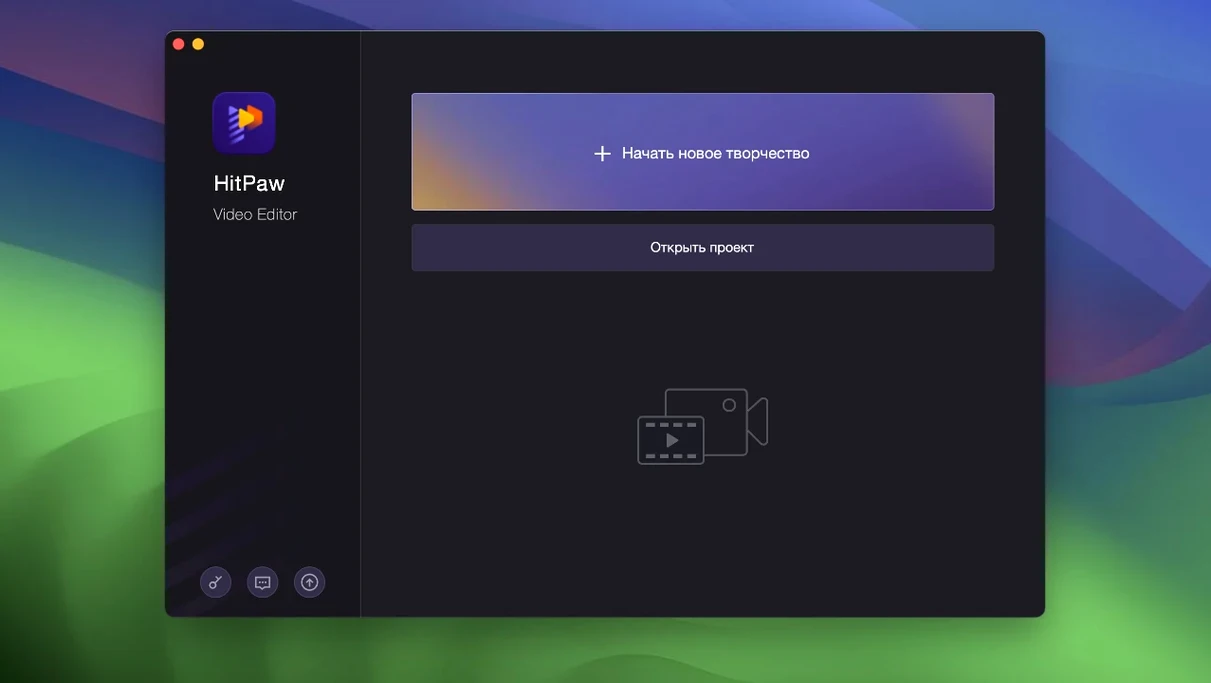
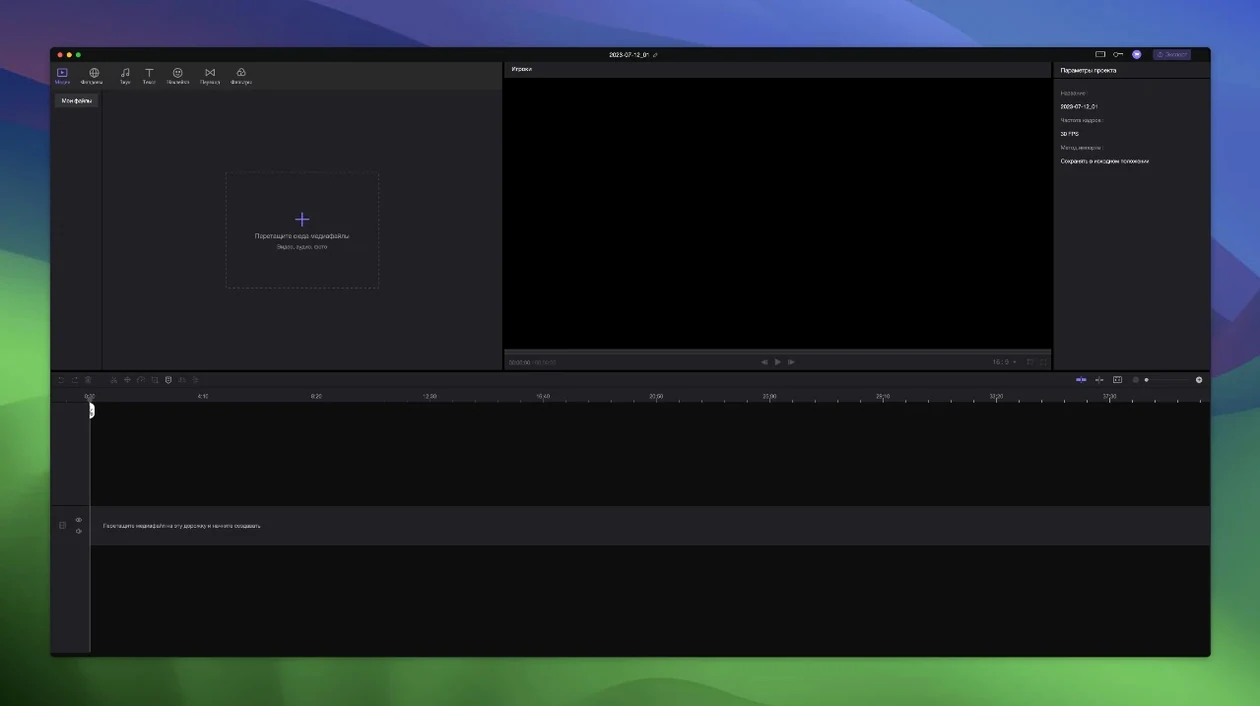
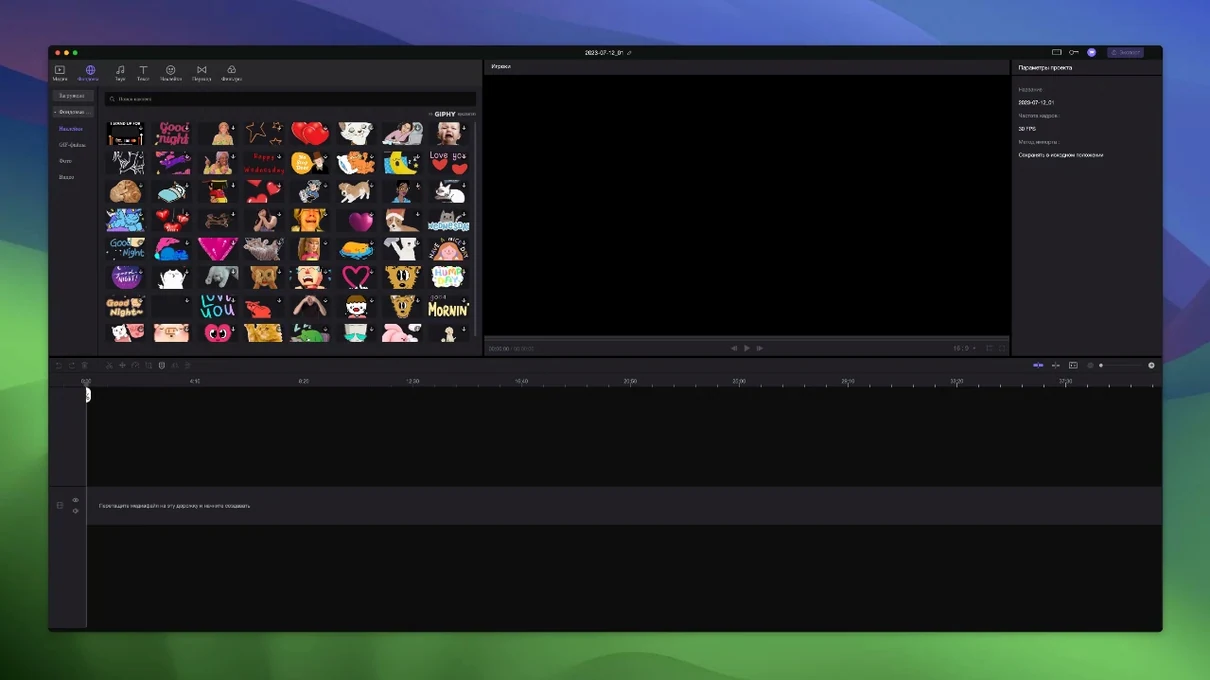
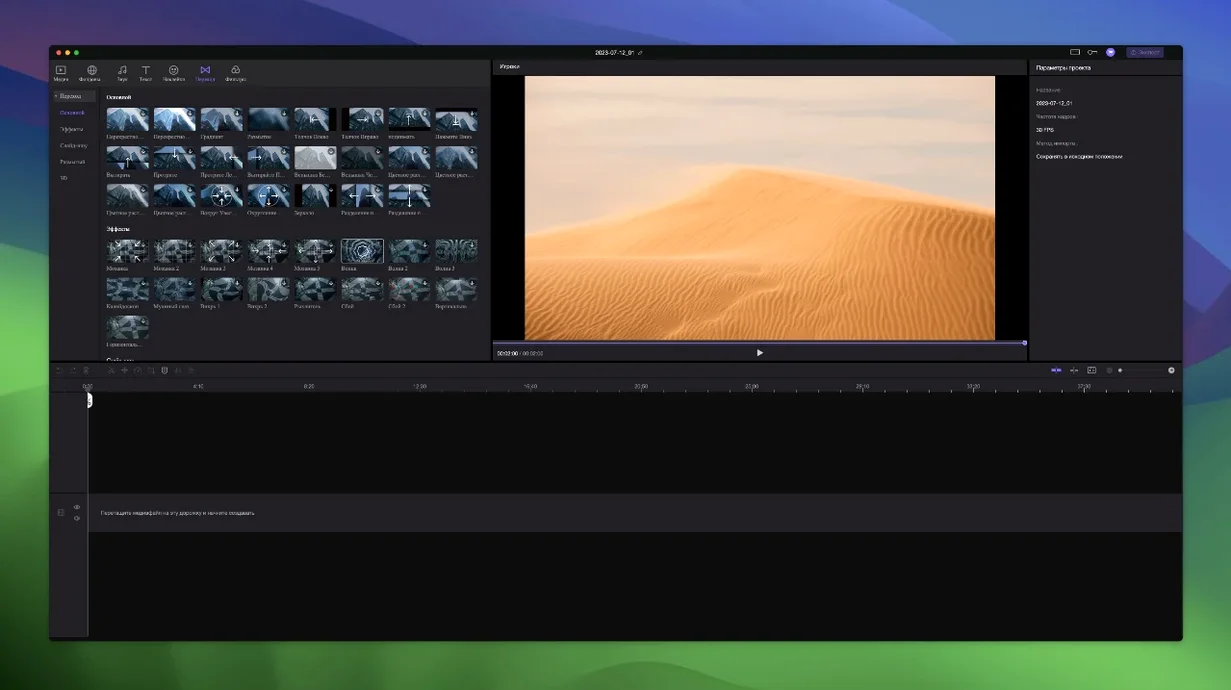
Edimakor runs on any Intel Mac with macOS 10.15 Catalina or newer — there is no native Apple silicon build, so it runs under Rosetta 2 on M-series machines. The interface ships in sixteen languages, including English, Russian, German, Japanese, and simplified Chinese.
Cutting a rough assembly with linked tracks
One workflow where Edimakor saves real time is building a picture-in-picture edit. You drop a main clip onto the timeline, then overlay a screen recording or B-roll on a second track. The moment you drag the primary video left or right, every element stacked on top — overlays, text labels, stickers — moves with it. No unlinking, no manual re-sync. That automatic attachment also applies to transition effects and stickers pulled from the built-in library. If you need to land a specific overlay precisely on a spoken word, the timeline lets you zoom in and nudge the playhead to individual frames. Once the rough cut is locked, you can apply crossfades by dropping transition presets between adjacent clips. The whole assembly stays synchronized because the secondary tracks are bound to the main video by default, which removes the most tedious part of multi-track editing.
What you give up for that convenience
The trade-off is the x86-only architecture. On an Apple silicon Mac, the app goes through Rosetta translation, which adds a small CPU overhead on export. The installer itself ships as a raw .dmg that requires a Terminal workaround to bypass Gatekeeper — you mount the image, run a helper script, press Enter to approve the exception, then drag the app into /Applications. The export panel covers common h.264 and h.265 presets, but there are no ProRes options or plug-in extension points for third-party codecs. For quick social-media edits where speed matters more than format depth, the linked-track system earns its keep.
What changed up to version 2.6.0
HitPaw hasn't published a verbose public changelog for the 2.6.0 release, but the installer metadata and behaviour match what the TNT build notes describe. The main shift users notice day-to-day is a quieter Gatekeeper dance on Catalina and Big Sur — the bundled Open Gatekeeper friendly script handles the quarantine flag with a single Terminal confirmation instead of requiring manual xattr commands. Timeline zoom responsiveness improved slightly compared to earlier 2.x builds, and the sticker library gained a handful of new animated overlays. Underneath, the linked-track logic stays identical to what shipped in 2.5.x, so projects move forward without compatibility surprises.
How it handles a real session
I open a project with six clips shot on an iPhone, two screen recordings in h.264, and a handful of PNG overlays. Edimakor parses the media on import without transcoding — the clips appear in the bin immediately. I drag the longest interview clip to track one, then drop a screen-capture track above it. The moment I slide the main clip three seconds to the right to trim the intro, the screen recording and a text label I placed earlier follow it cleanly.
Precision work happens in the timeline. I zoom in until the ruler shows individual frame ticks, then scrub to the exact syllable where I want a sticker to land. The playhead snaps to the nearest frame edge without drifting. I add a crossfade between two B-roll clips by grabbing a dissolve preset from the transitions drawer and dropping it on the cut point. The whole edit — trimming, overlay placement, two transitions, a title card — stays under twelve minutes because nothing falls out of sync when I rearrange the base layer.
Export is straightforward: I pick an h.264 preset at 1080p, name the file, and let the encoder run. On an Intel i7 MacBook Pro, a three-minute timeline renders in about ninety seconds. On an M1 machine under Rosetta, the same export takes closer to two minutes — the translation layer adds a small but noticeable delay, though the timeline itself scrolls smoothly throughout.
Bypassing the “damaged” gatekeeper block permanently
The gatekeeper bypass causes the most support threads. If you see "Edimakor is damaged and can't be opened," the quarantine attribute is still set. Re-run the helper script and press Enter at the prompt — that clears the flag permanently for that installation. If you skipped the script and moved the app directly, open Terminal and run xattr -cr /Applications/Edimakor.app, then launch normally.
A less obvious snag: projects saved with one language active sometimes show garbled menu labels when reopened under a different system language. Switching back to the original language in the app preferences restores legibility, so pick one and stick with it for a given project.
On Apple silicon, the first cold launch after a reboot can take fifteen to twenty seconds while Rosetta translates the binary. Subsequent launches are faster, around five seconds. If the timeline feels sluggish during scrubbing, close the sticker preview panel — rendering animated thumbnails on the fly eats CPU cycles Rosetta could use elsewhere.
People searching for an Edimakor crack or a HitPaw Edimakor torrent often end up with an older build that predates the helper script, which means manual terminal work. The 2.6.0 package avoids that. Likewise, anyone grabbing an Edimakor torrent labeled "pre-activated" should verify the version number before installing — mismatched gatekeeper scripts from older distributions won't clear the quarantine flag on macOS 12 and later. A clean Edimakor cracked build of 2.6.0 ships with the helper script inside the disk image, so the process is a two-click affair: mount, run the script, press Enter, install.
Stability and resource footprint
During a two-hour editing session with eight tracks and fifteen clips, Edimakor idles around 600 MB of RAM on Intel and roughly 800 MB under Rosetta — the translation layer adds memory pressure. I haven't seen a crash during timeline manipulation, though scrubbing heavily through a timeline with twelve simultaneous sticker overlays occasionally drops a frame on older integrated graphics. The app writes autosaves every ten minutes to ~/Library/Application Support/HitPaw/Edimakor/autosave, and the recovery dialog on relaunch actually works — I pulled back a session after force-quitting mid-trim without losing clip placements. Export stability is solid across h.264 and h.265; the encoder doesn't choke on variable-frame-rate iPhone footage the way some lightweight editors do. If an export fails, it's usually because the destination drive ran out of space — Edimakor doesn't estimate file size beforehand, so check your disk before queuing a long render.
- macOS 10.15 Catalina or later
- Intel x86 64-bit processor (Apple Silicon runs via Rosetta 2)
$ man hitpaw-edimakor | grep -A2 "?"
Which plug-in formats does HitPaw Edimakor support?
Edimakor does not expose an external plug-in interface for formats like AU or VST3; effects, stickers, and transitions are limited to the built-in library.
Comments 0
Sign in or create an account to leave a comment.
No comments yet. A codec, a slice, a machine — they appear after moderation.