
iA Writer for macOS
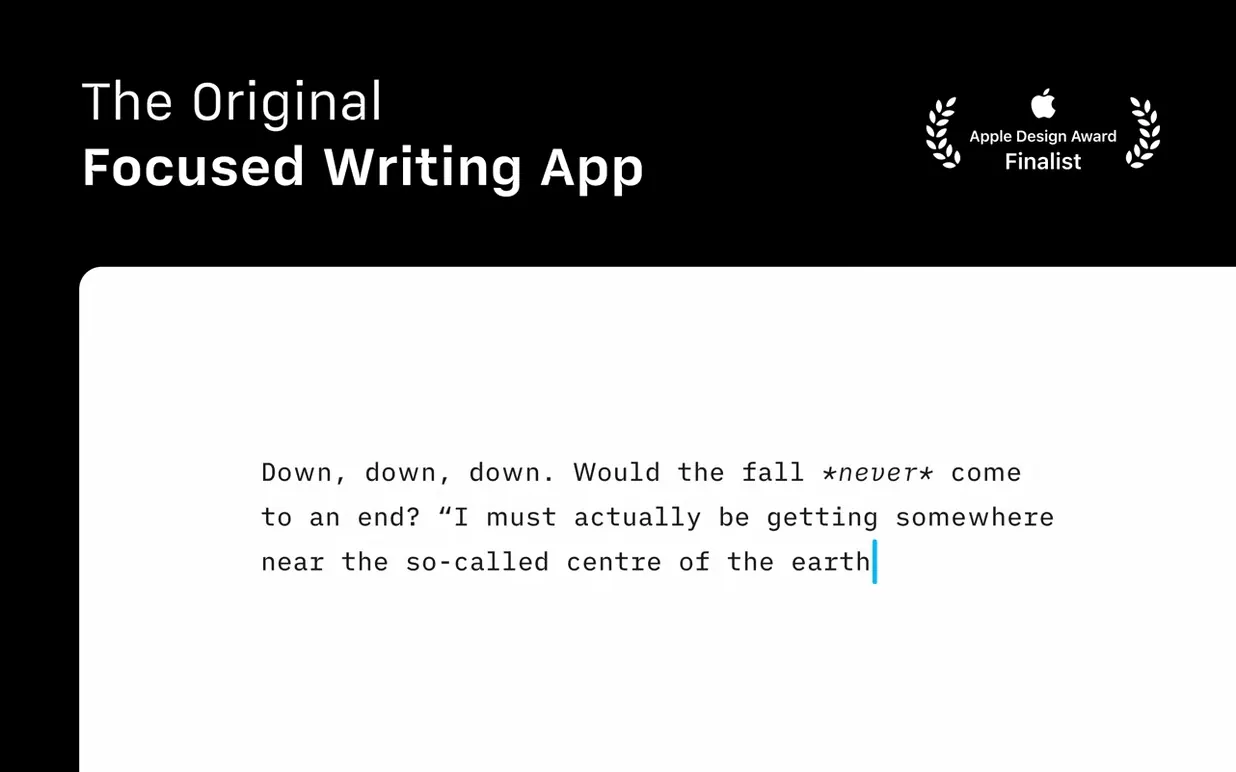
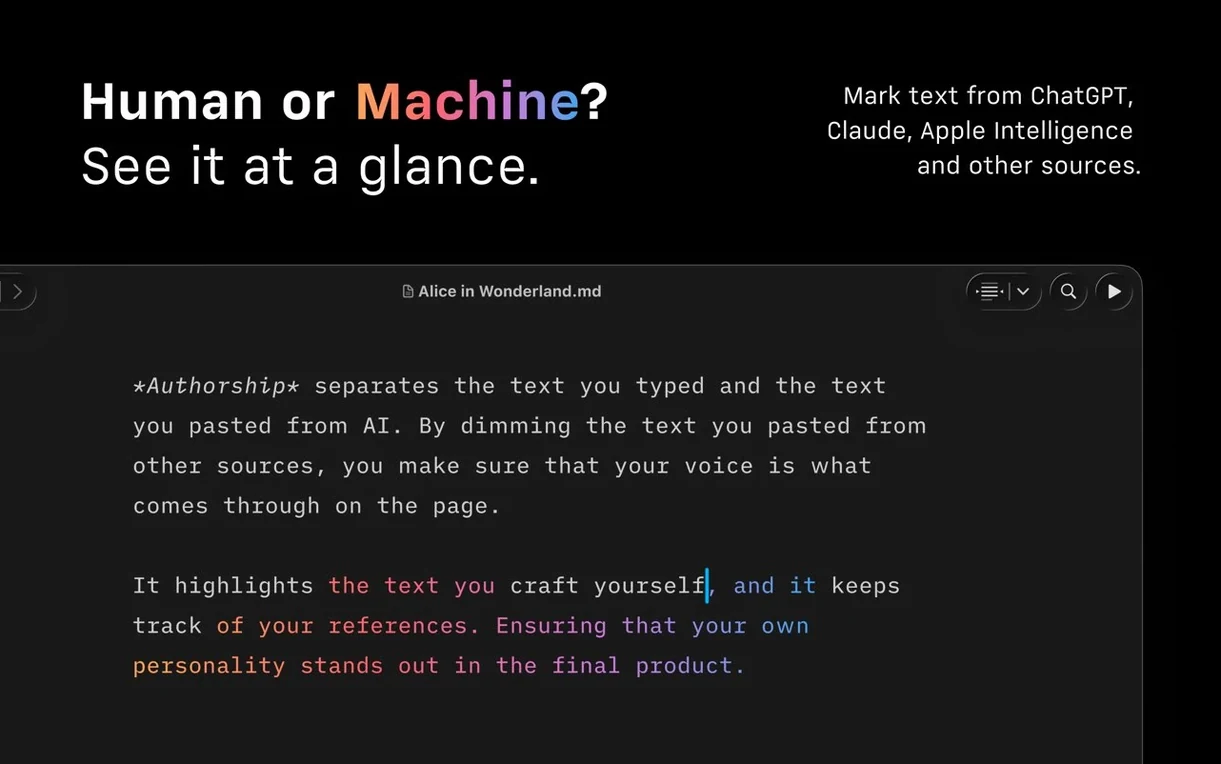
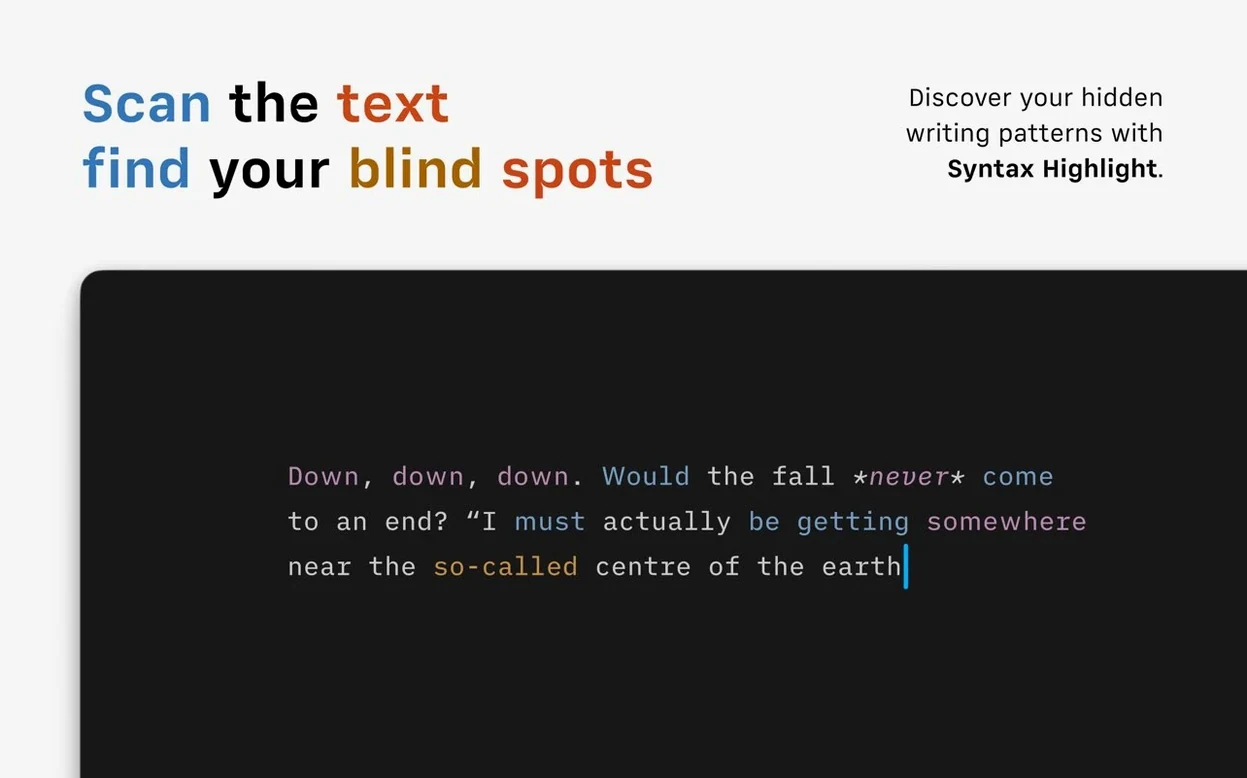
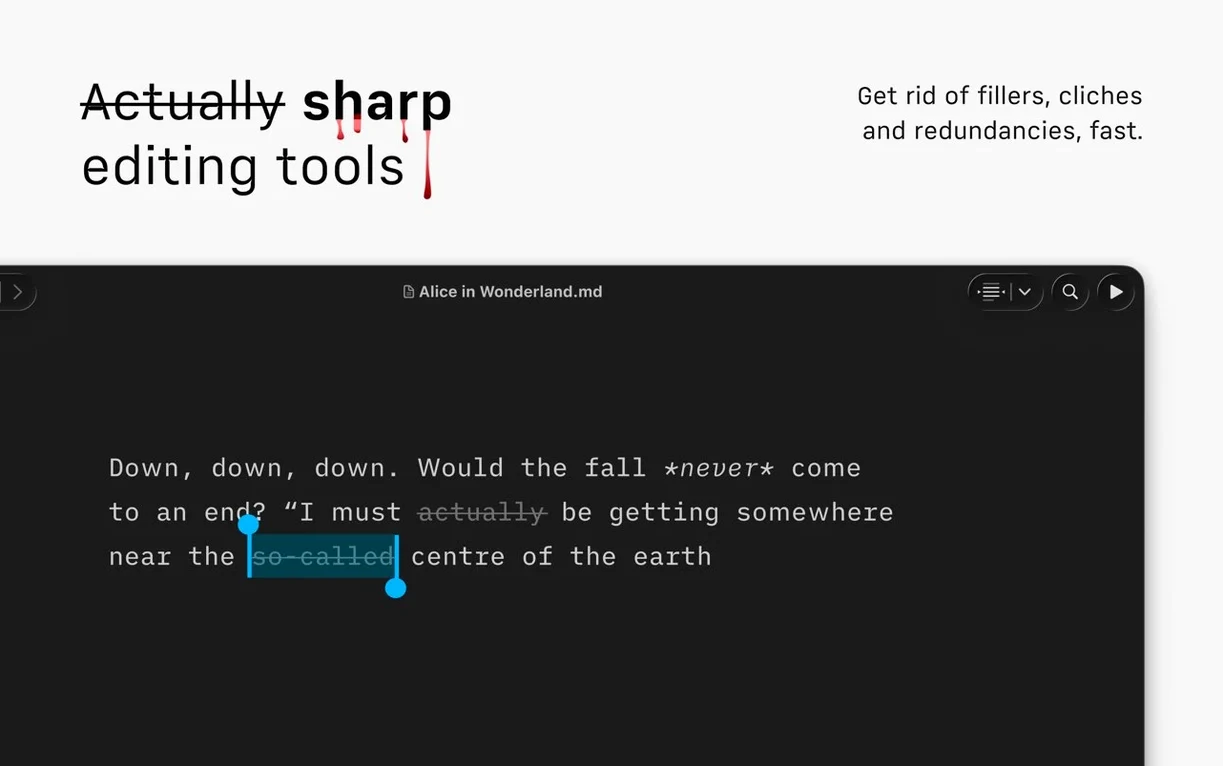
Syntax highlighting that highlights the nouns, verbs, and conjunctions in your sentences — that’s the kind of detail iA Writer builds into its editor. The three tasks below answer what people usually want to know before they install it.
Check what’s new in the interface
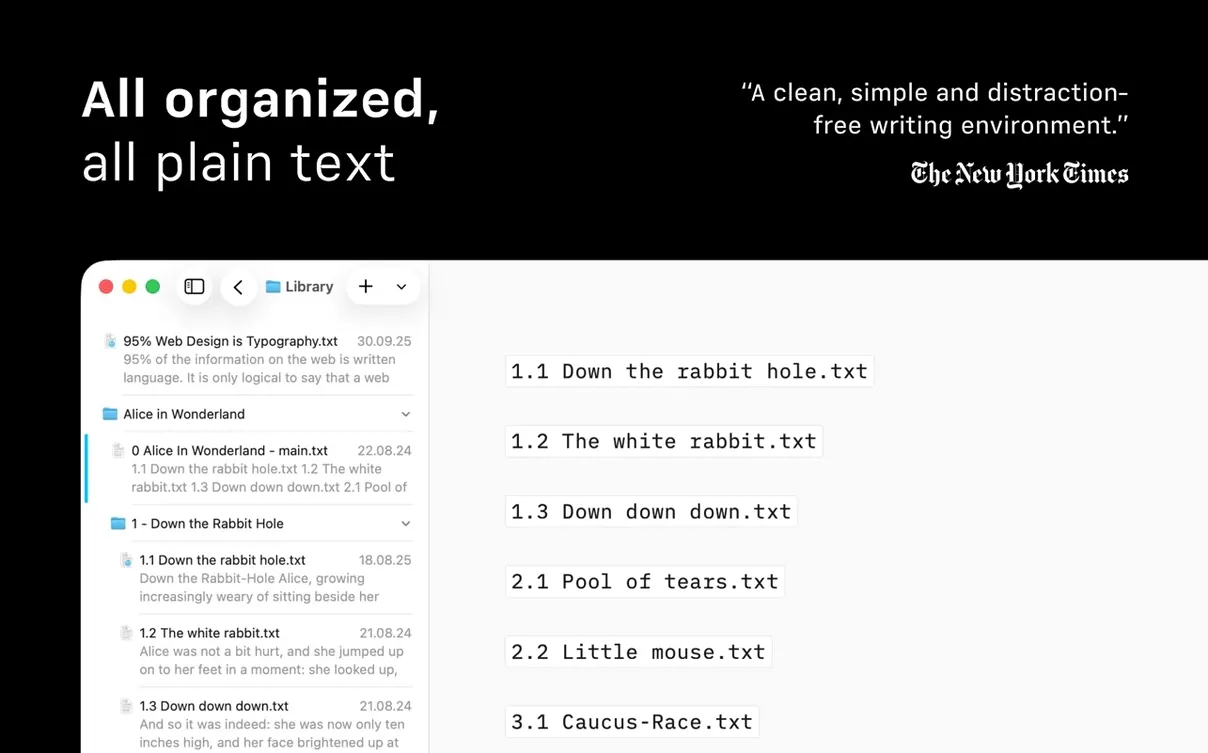
Version 8 added a compact Library layout that hides dates and text excerpts so your file list stays visually quiet. The Command Palette brings formatting actions, export, and authorship tools into a single keyboard-driven overlay.
Navigate a long document quickly
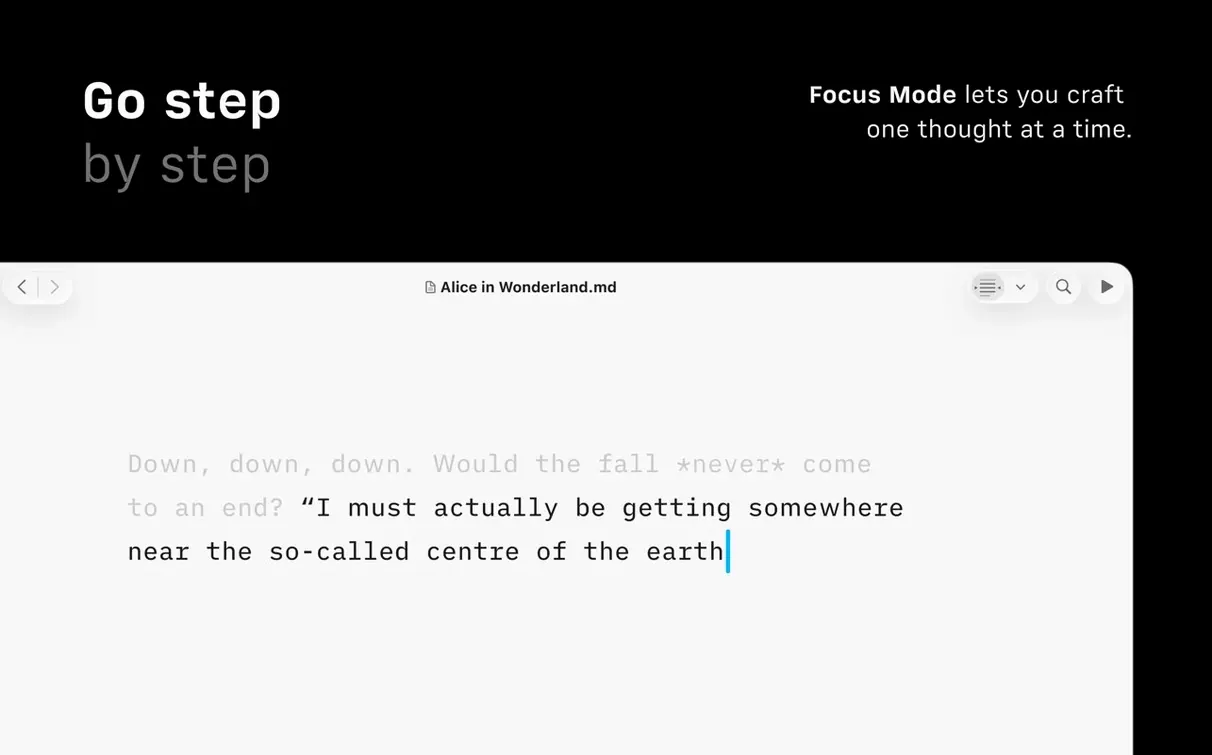
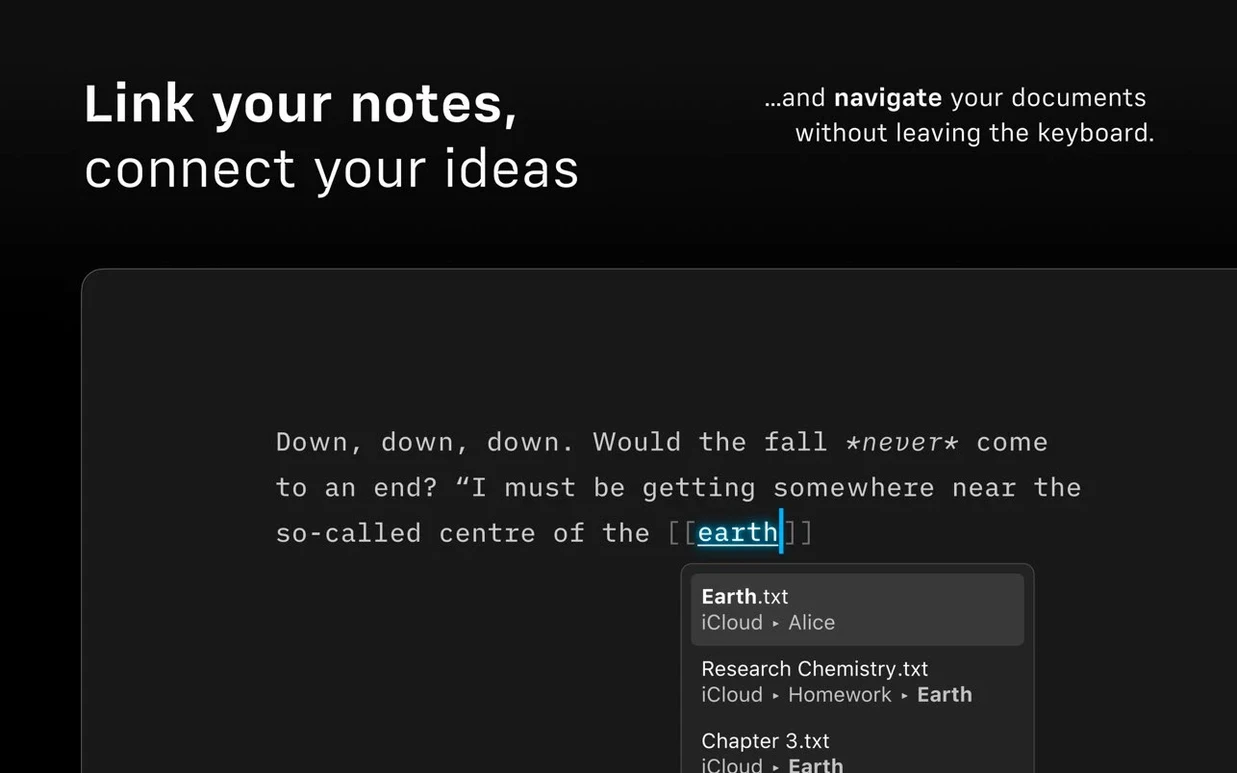
The Document Outline, new in version 8, lets you jump between headings with Quick Search. Focus mode dims everything except the current sentence or paragraph, which pairs well with VoiceOver and Voice Control support for hands-on-keyboard drafting.
Get text out in the right format
Export to PDF with customizable templates or to clean HTML — both built in. Authorship indicators show author colors in menus when you’re collaborating, and the dark interface keeps things comfortable late at night.
What the version 8 changes feel like day to day
The jump to 8.0 rewired a few daily habits — mostly for the better. The refreshed interface that targets macOS 26 and later leaves older systems on the previous look, so if you're still on macOS 10.15 through 14 you won't see much visual difference. What you will notice across all supported versions is the Command Palette: hit ⌘⇧P and a searchable list drops down covering formatting, export, and authorship toggles. It's the kind of thing that, after a week, you stop thinking about and just use.
The compact Library layout is a checkbox away in the sidebar — it strips out dates and text previews, leaving only filenames. If you keep a few dozen working drafts across iCloud and an external folder, that alone cuts visual noise by half. Document Outline with Quick Search means you can type a heading fragment, jump straight to it, and never touch the mouse. Those three pieces — Palette, compact Library, Outline — form the practical core of what 8.0 changed. Version 8.0.9 is a maintenance release that fixes a few small bugs; nothing in the feature set shifted.
Why dragging a folder into the Library does nothing
One common headache: iA Writer won't see a folder you just added. The Library sidebar pulls from locations you explicitly point it at, not from a system-wide file index. If you drag a folder in and nothing appears, open Preferences → Library and click the + to add it manually. That same panel controls which folders sync to iCloud via iA Writer's own file store.
Another: PDF export comes out looking wrong — wrong font, wrong margins — and the culprit is almost always the template. iA Writer ships with a default template that uses system fonts; if you've customized one and a font went missing, the export silently falls back to a substitute. Check ~/Library/Application Support/iA Writer/Templates/ and make sure any custom .iatemplate bundle references fonts you actually have installed.
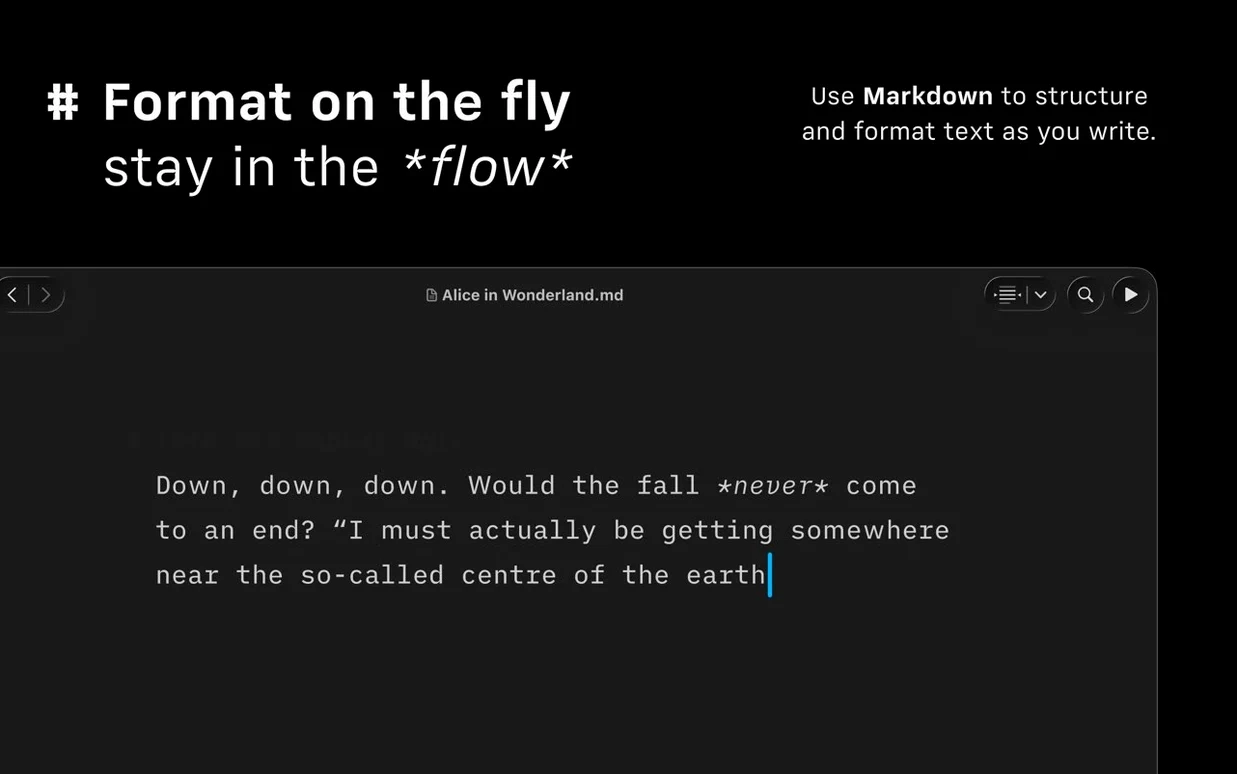
Syntax highlighting for weak verbs and repeated nouns uses part-of-speech tagging that isn't perfect. It flags words based on statistical likelihood, so it sometimes marks a deliberate repetition as a problem. Treat it as a nudge, not a ruling. If it gets annoying, toggle it off in the Edit menu or via the Command Palette — the setting is per-document.
Dark Interface and Reduced Motion are system-level accessibility toggles that iA Writer respects. If the app stays light when your Mac is in dark mode, check that you haven't overridden the appearance inside iA Writer's own View menu.
How to stop the page from chasing your cursor
- Typewriter mode — not a separate setting, just the way the editor scrolls. The line you're on stays vertically centered. If you prefer the cursor to wander lower before scrolling, you can't adjust it, but knowing it's intentional helps.
- Word count at a glance — click the counter in the bottom bar to cycle through characters, words, and estimated reading time. Hold Option while clicking and it shows the count for just the selected text.
- Custom file extensions — iA Writer treats
.md,.txt, and.markdownas editable Markdown. If you want.mmdor something else, add it in Preferences → Editor → Additional Markdown Extensions. - Quick image insertion — drag any image from Finder into the editor and iA Writer copies it to an
assets/folder next to the document, then inserts a relative Markdown link. No dialog, no prompt. - Focus mode granularity — you can set it to dim everything except the current sentence or the current paragraph. The toggle lives in the View menu, right below the Focus Mode entry. Most people never click the arrow to see the sub-options.
One working session, start to finish
You open iA Writer after a morning coffee. The Library shows a flat list — you switched to compact layout last week and haven't missed the previews. You hit ⌘N for a new document and type a working title: notes-on-media-queries.md. The editor fills the window; no toolbar, no formatting bar, just text.
For the first 20 minutes you draft in full-screen, dark interface active. Focus mode is on paragraph-level, so the two sentences you just finished are lit and everything else is dimmed gray. You hit a section where you need to double-check phrasing from last week's notes. ⌘⇧O opens the Document Outline; you type "breakpoints" into the Quick Search field, arrow down to the matching heading, and press Enter. You're there in under two seconds. You grab the relevant sentence, press ⌘⇧O again, type the current document's title, and jump back.
The draft is rough — the syntax highlighter underlines three weak verbs and a repeated noun. You rephrase two, leave the third. You want to send a PDF to a colleague for feedback. ⌘⇧P opens the Command Palette; you type "pdf" and select Export to PDF. iA Writer picks the default template, renders it, and opens the save dialog. You drop it on the desktop.
Before closing up, you drag a screenshot into a paragraph about viewport behavior. The app copies the image to assets/ and drops in . You make a mental note to check the template's image sizing later, save the file, and close the window. Total time: 45 minutes, most of it spent writing.
That's the loop iA Writer aims for — open, focus, outline-jump, export, close. The features that support it (Command Palette, Document Outline, Focus mode, and the template-aware PDF export) are all reachable from the keyboard. If you grabbed the ia writer mac download from a trusted source and you're on macOS 10.15 or newer, everything described here works on both Intel and Apple Silicon without a Rosetta translation layer.
Version 8.1.1 [MAS] has landed. The developer has posted the full change list over on their site.
- macOS 10.15 or later
- Apple Silicon or Intel 64-bit
$ man ia-writer | grep -A2 "?"
Does iA Writer support VoiceOver and Dark Mode?
Yes — it supports both VoiceOver and Voice Control, and includes a dark interface option.
Comments 0
Sign in or create an account to leave a comment.
No comments yet. A codec, a slice, a machine — they appear after moderation.