
HitPaw Watermark Remover for macOS
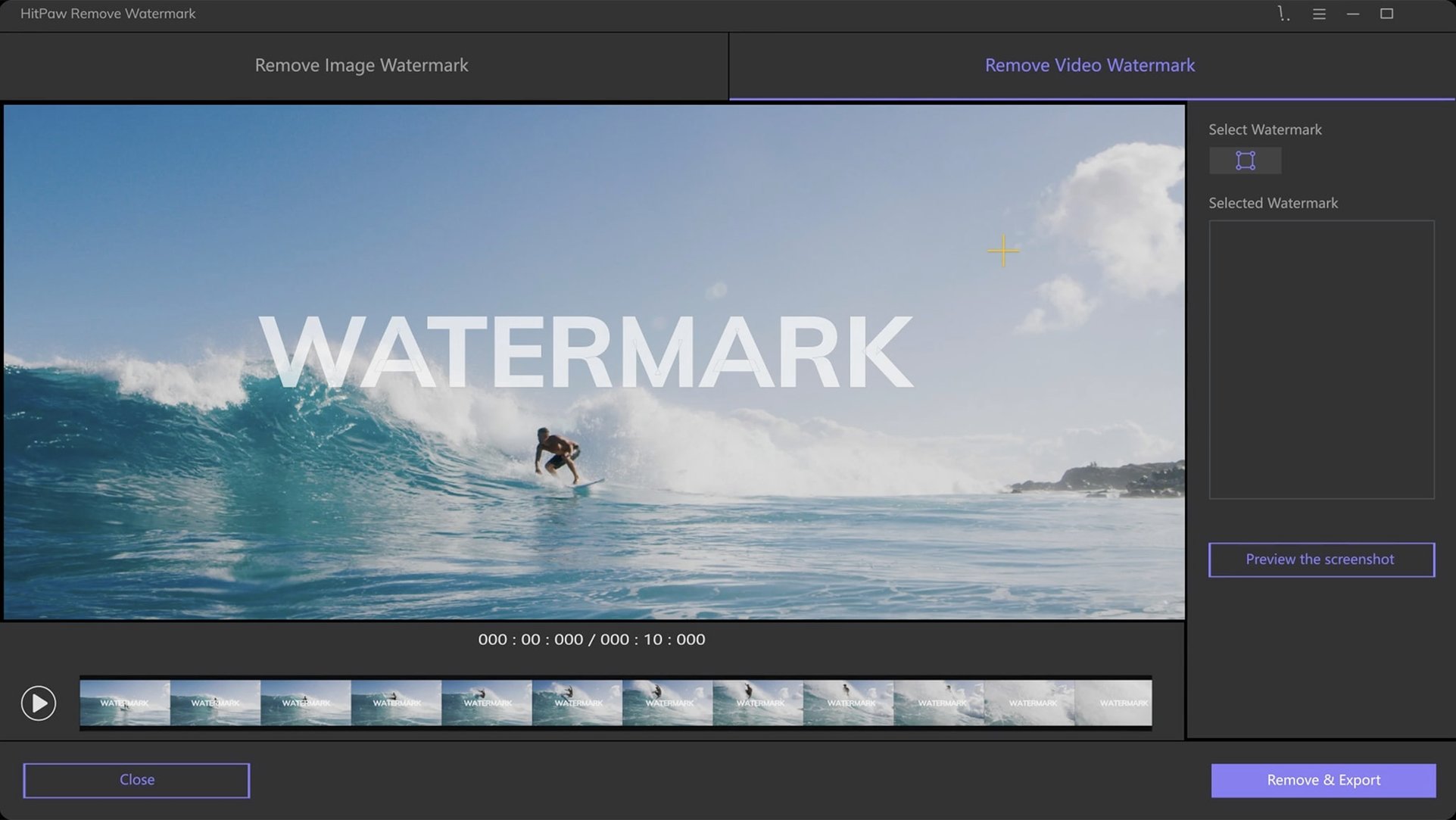
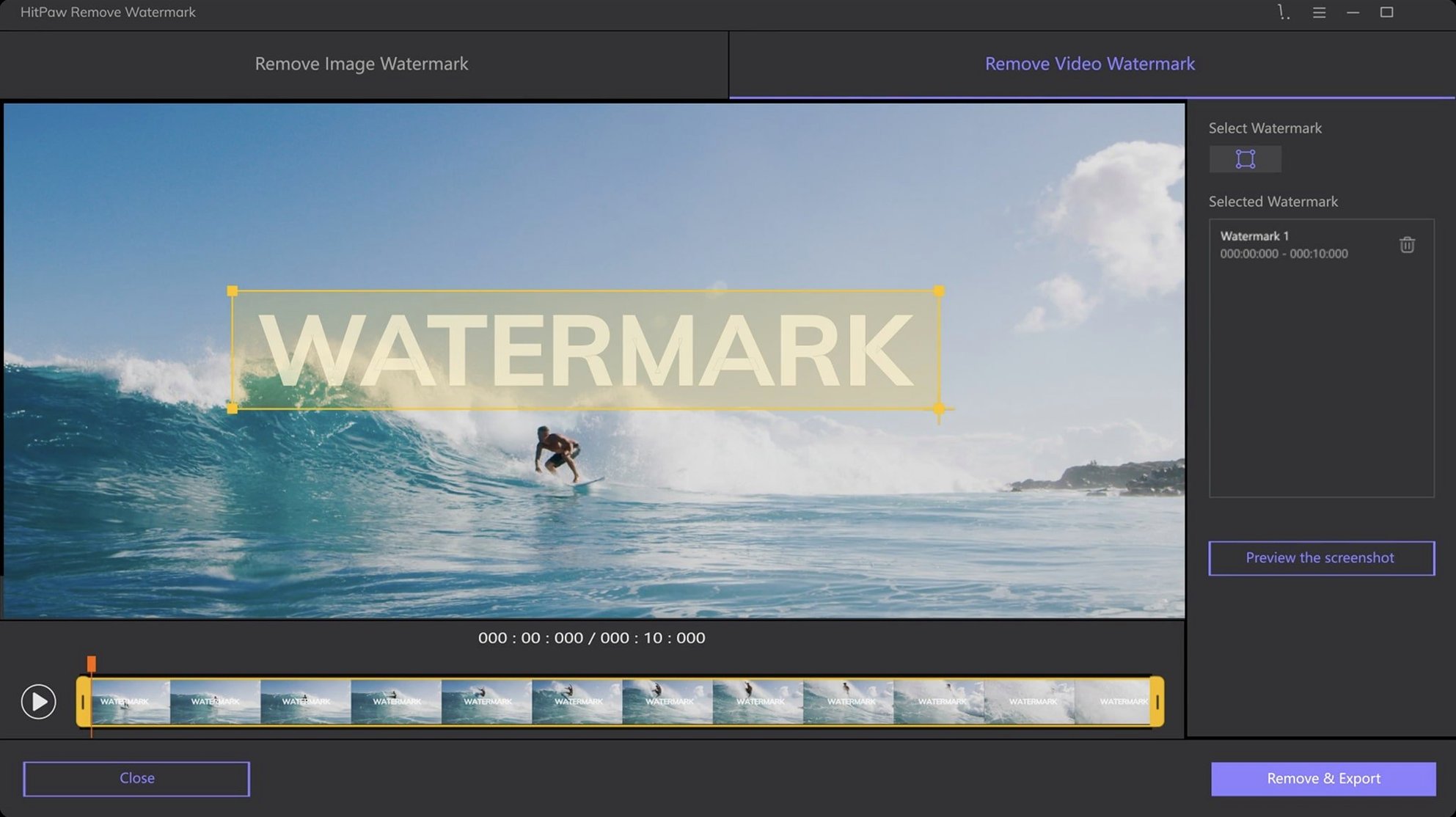
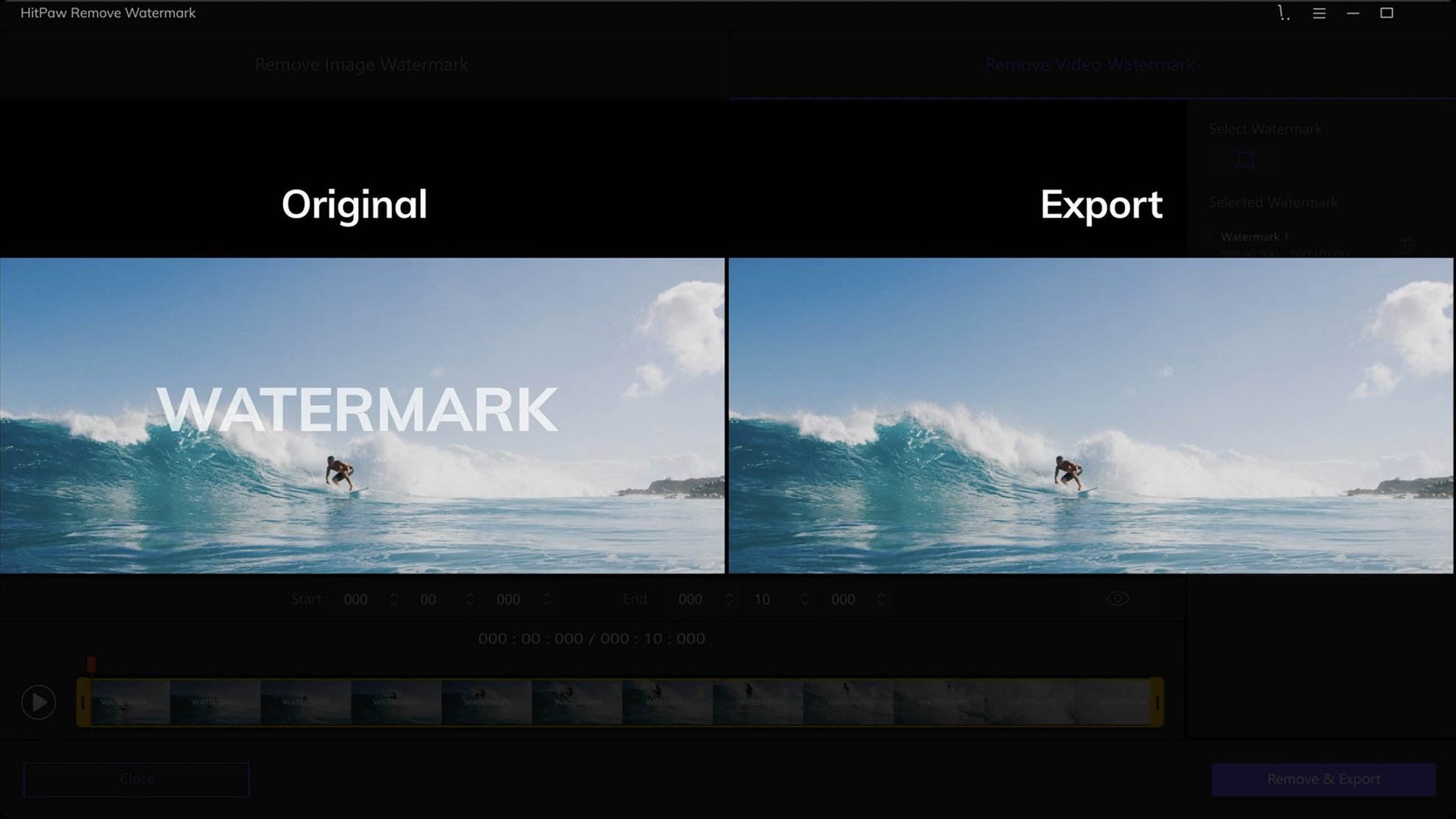
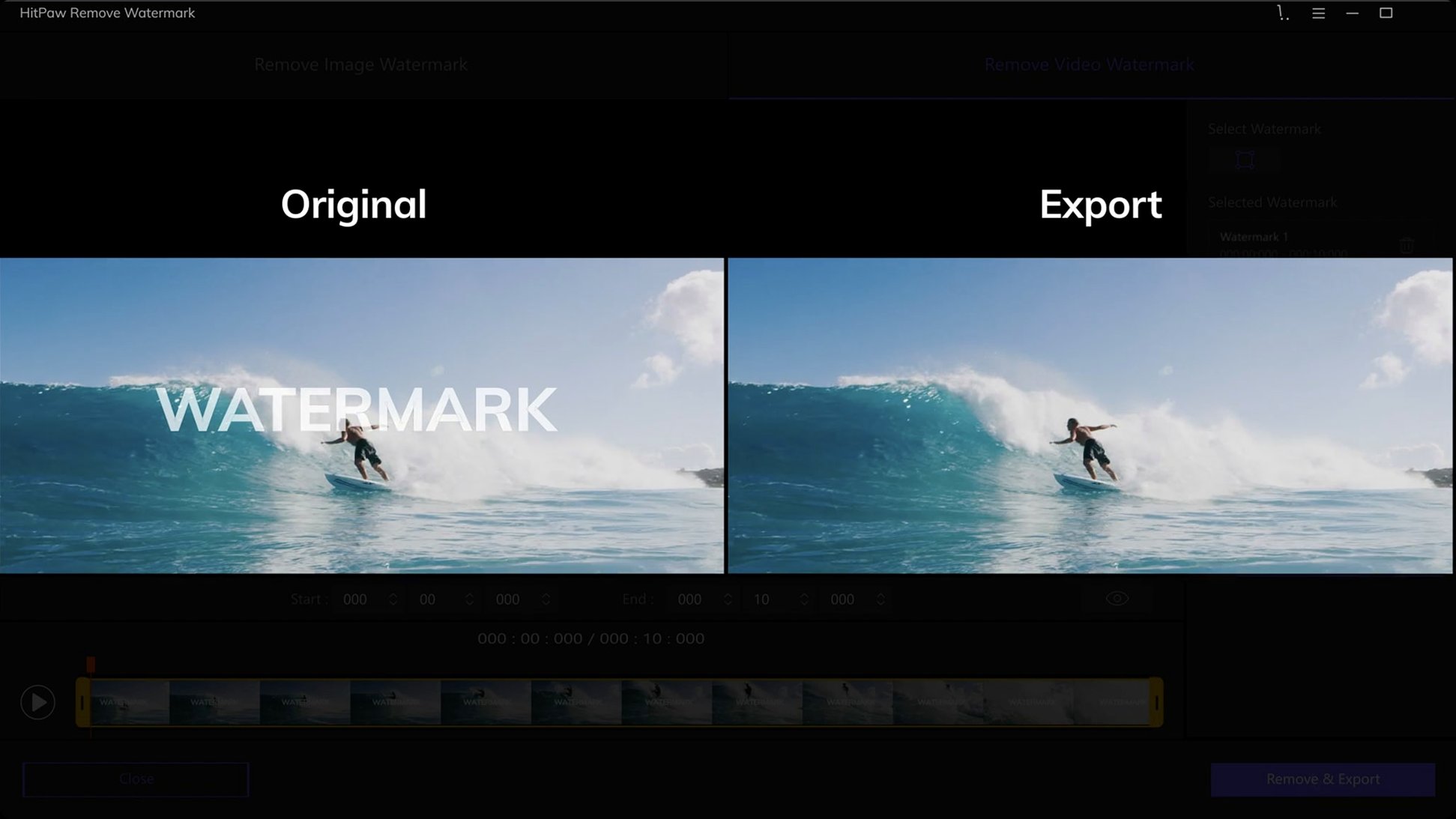
Watermarks don't always sit in tidy rectangles. Sometimes they follow a curved logo, other times they're stamped across an irregular patch of a video frame. HitPaw Watermark Remover 2.4.7 addresses this by giving you more than one way to define the area you want to clean up.
Selection geometry, explained
Rectangle selection — The default. Drag a box around a timestamp, a corner logo, or any watermark with straight edges. Fast and clean when the target is a simple block of text or a channel bug.
Triangle selection — Useful for watermarks placed in angled corners of product photos or diagonal banners that span a frame. Instead of selecting a large rectangular region that eats into the background, you can mask a tighter, triangular portion of the image.
Freeform selection — This is the one you reach for when a watermark is wrapped around an object or placed over complex textures. Click to set anchor points and trace a custom shape. It gives you the most control, and it's what makes the tool usable on watermarks that don't follow a predictable pattern.
- macOS 10.15 or later
- 64-bit Intel processor
$ man hitpaw-watermark-remover | grep -A2 "?"
What video formats does HitPaw Watermark Remover handle?
The app supports AVI, MKV, MP4, FLV, F4V, MOV, WMV, WebM, 3GP, RMVB, MPEG, TS, and MTS video files.
Comments 0
Sign in or create an account to leave a comment.
No comments yet. A codec, a slice, a machine — they appear after moderation.