
Infuse Pro for macOS
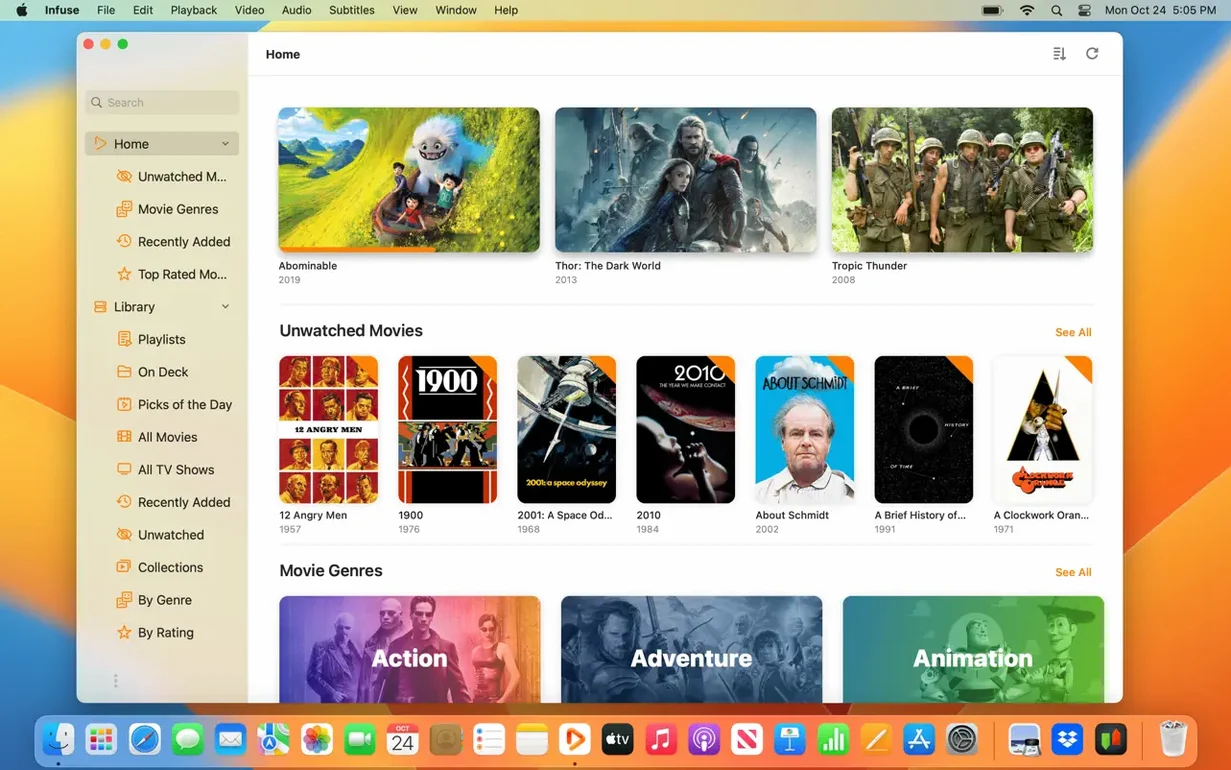
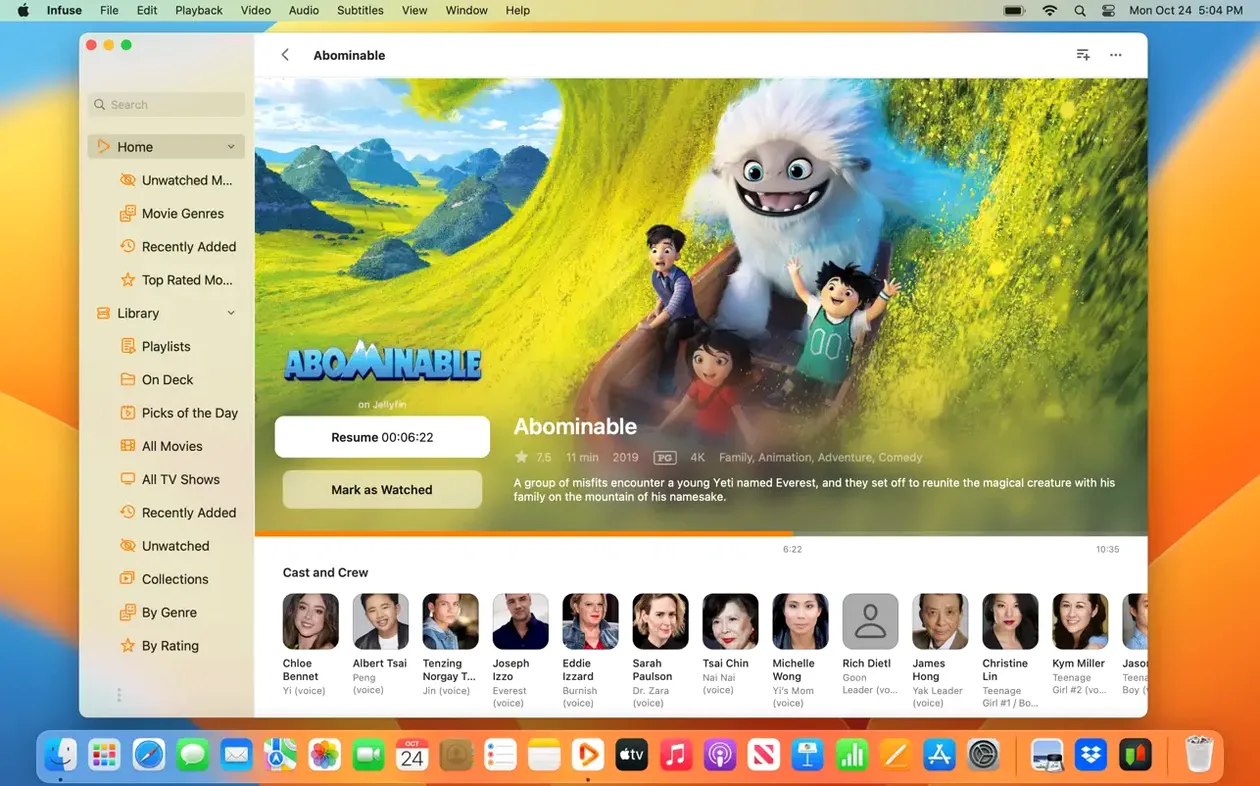
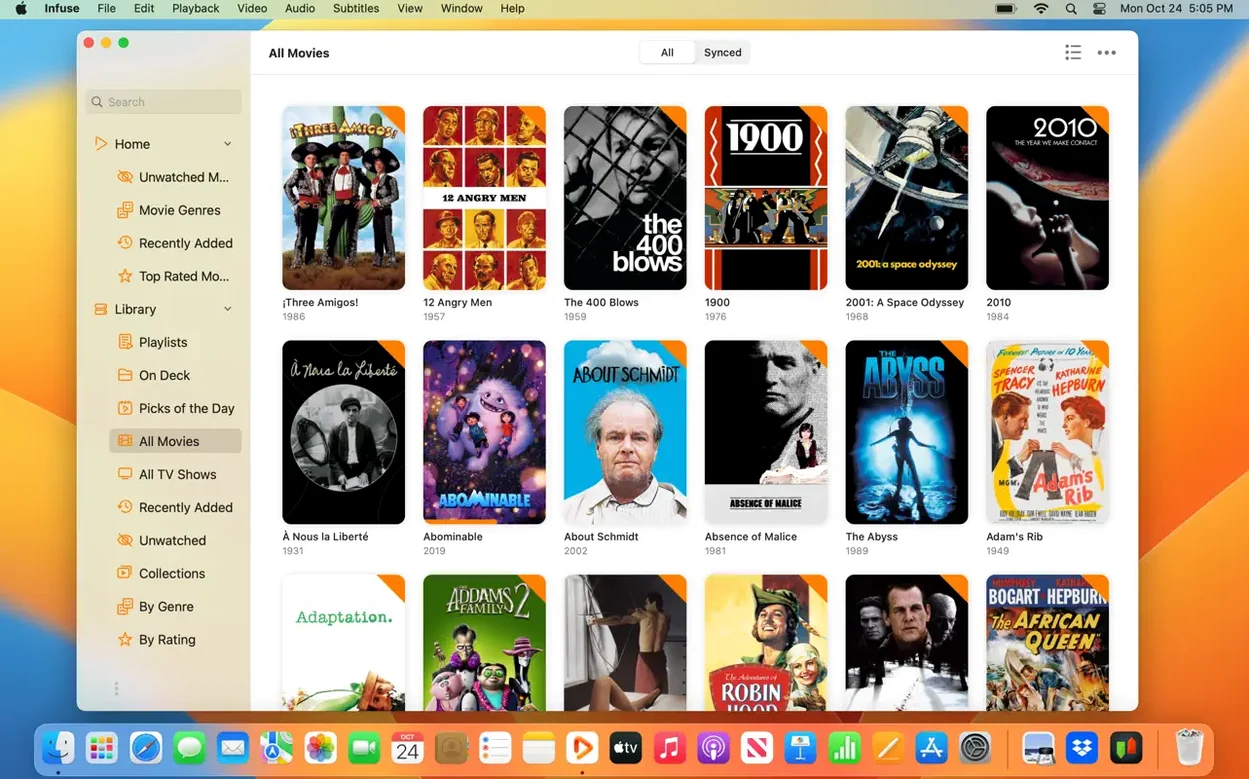
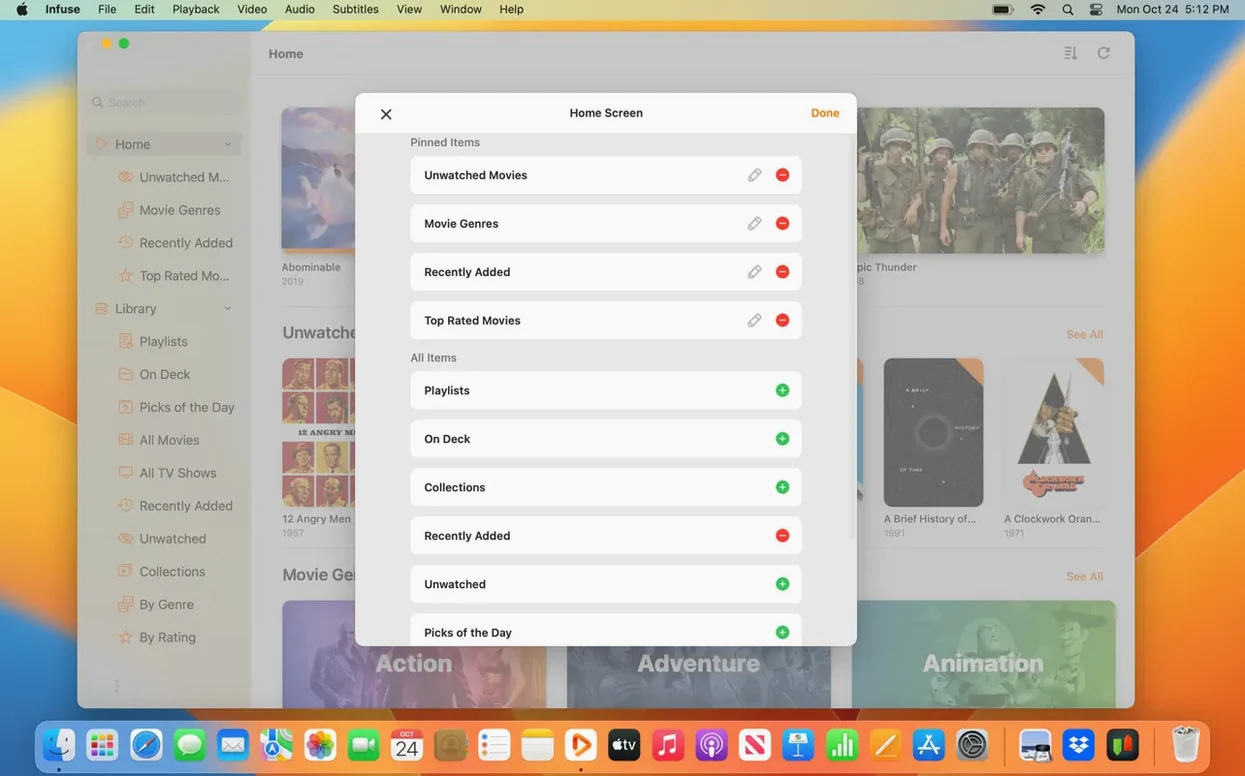
Version 8.5.5 arrived on September 16, 2026, and the format list is still the first thing I check: MP4, MKV, AVI, WMV, MTS, ISO, FLV, OGV, 3GP, WebM, WTV — thirteen container formats that macOS alone won't touch. That breadth, not the interface polish, is why Infuse Pro earns its place in a catalog like this.
Why the Mac release notes point to iOS builds
The release notes for 8.5.5 point to the iOS and iPadOS builds, which tells you a lot about a player that syncs through iCloud. On the Mac side, Pro adds native iCloud syncing for your library, watched status, and in-progress queue, plus Trakt synchronization for history, ratings, and comments. The app still connects to Mac, PC, and NAS storage over SMB, NFS, FTP, and WebDAV, and the interface ships in over thirty languages — from Basque and Gujarati to Estonian and Japanese.
What architecture and OS support hasn't shifted
Infuse Pro remains the paid feature set on top of the free player, built by Firecore LLC. The architecture support is unchanged: Apple Silicon and Intel, macOS 12 or newer. If you already run Infuse, 8.5.5 is about parity across your devices, not a feature reset.
Why half your titles scrape wrong on the first try
The first mistake I see over and over: pointing Infuse Pro at a folder, watching it scrape, and then wondering why half the titles are wrong. The player pulls metadata from TMDB by default, but it matches based on the file name alone — and a stray 1080p.HEVC-x265 suffix or missing year will knock Blade Runner into some obscure 1990s documentary. Rename your files before adding them. A simple Movie Name (Year).mkv pattern saves you an hour of manual corrections later.
Another classic: people add their entire NAS root share instead of the specific media folder. Infuse Pro then dutifully crawls every backup .dmg and family photo, and you get a library full of unplayable junk. Add only the /Movies or /TV Shows paths — narrow scope, fast scan, clean results.
The audio trap catches almost everyone once. Infuse Pro handles AC3, E-AC3, DTS, and DTS-HD without external codecs, but if you're piping HDMI audio to a receiver that expects bitstream and your Mac is set to PCM output in Audio MIDI Setup, you lose the discrete channels. The player decoded them just fine — your output path folded them down. Check the Mac's audio routing before blaming the app.
Subtitles trip up newcomers too. The player supports loading SRT and ASS files on the fly and can pull from OpenSubtitles, but it won't download subs for you unless you set a language preference first. An empty preference means zero results. Three seconds in settings, and suddenly every foreign-film subtitle you need appears.
Will the free version interfere with Pro?
"Do I need to uninstall the free version first?"
No. Infuse Pro is the same binary — the free player and the Pro features live inside one app. When you open it, the Pro functionality is already available; your existing library, watched progress, and shares carry over without a single extra step. Nothing to migrate, nothing to re-scan.
"Will it play my Blu-ray ISOs, or do I need to remux them to MKV?"
Infuse Pro opens the ISO container directly, menus and all, on both Apple Silicon and Intel Macs. No extraction, no remuxing. You can also navigate into the BDMV/STREAM/ folder and play the individual .m2ts files if you prefer skipping the menu structure.
"Does iCloud syncing mean my video files go to Apple's servers?"
No — only the metadata travels through iCloud. Your library entries, watched positions, in-progress timestamps, and Trakt ratings sync across your Mac, iPhone, iPad, Apple TV, and Vision Pro. The actual video files stay on your local drive, NAS, or cloud storage service. A 40 GB remux never touches iCloud.
"What happens with Dolby Vision profile 5 and 7 files?"
Profile 5 (single-layer, used by streaming rips) works. Profile 7 (dual-layer, from UHD Blu-rays) plays back as HDR10 if the secondary enhancement layer cannot be processed — you still get high dynamic range, just without the dynamic metadata. The player handles the fallback gracefully rather than presenting a blank screen.
Downloading Criterion rips from a Synology for a train commute
Imagine a PhD candidate with a two-hour train commute each way, a 2023 MacBook Air, and a collection of Criterion rips on her home Synology. She tags a dozen films in Infuse Pro on Friday evening, presses download, and the app pulls local copies to her Mac's internal storage overnight — no Finder wrangling, no separate encode step. On Monday morning's train, she opens the laptop, and Infuse Pro picks up exactly where she paused Stalker on Thursday, displaying the same custom subtitle offset she set four days ago, because iCloud synced that preference across her devices. The playback is smooth on the M2's media engine, battery drain is negligible, and when she reaches campus Wi-Fi, Trakt silently scrobbles her progress. She never touched a file path or a format setting.
Scanning media folders right after dragging the icon to Applications
It's Wednesday evening and a fresh infuse dmg download sits in the Downloads folder. You open the disk image, drag the app icon into the /Applications shortcut, and launch it from Launchpad. The welcome window offers to scan common media folders — you skip it and head straight to Add Files → Network Share. You punch in the SMB address of your unRAID server: smb://tower.local/Media, along with the credentials. The spinner runs for maybe twenty seconds before your movie list populates.
Metadata lands quickly. A folder called The Conversation (1974) gets the correct poster and synopsis in under five seconds; a poorly named FC5_1080p.mkv doesn't. You right-click, choose Edit Metadata, and type Fight Club. The app suggests the 1999 entry immediately — one click confirms it. While you're there, you notice the audio track defaults to a commentary; a tap in the playback HUD swaps to the DTS-HD Master Audio track, which the app sends to your USB DAC without a hitch.
At the twenty-three-minute mark, you pause to make tea. When you return, you open Infuse Pro on your iPad in the kitchen — the resume point is already there, and the same film continues playing on the smaller screen. Back at the Mac, you drop a .srt file onto the playback window and the subtitles appear mid-scene, synced to the dialogue without a restart. You finish the film, assign a four-star rating, and the Trakt plugin pushes that rating, plus the watch timestamp, to your profile. The entire session felt like using a first-party app — except Apple's own player would have refused to open three of the five codecs involved.
- Version 8.5.5, released September 16, 2026.
- Release notes cover the iOS and iPadOS builds of Infuse 8.5.5.
- macOS 12 or newer
- Apple Silicon or Intel
$ man infuse-pro | grep -A2 "?"
Does Infuse Pro sync watched status across devices?
Yes. Infuse Pro adds native iCloud syncing for the library, watched status, and in-progress queue.
Can Infuse connect to a NAS?
It connects to Mac, PC, and NAS storage over SMB, NFS, FTP, and WebDAV.
Which macOS versions does Infuse 8.5.5 support?
It requires macOS 12 or newer and runs on both Apple Silicon and Intel Macs.
Comments 0
Sign in or create an account to leave a comment.
No comments yet. A codec, a slice, a machine — they appear after moderation.