Invisible for macOS
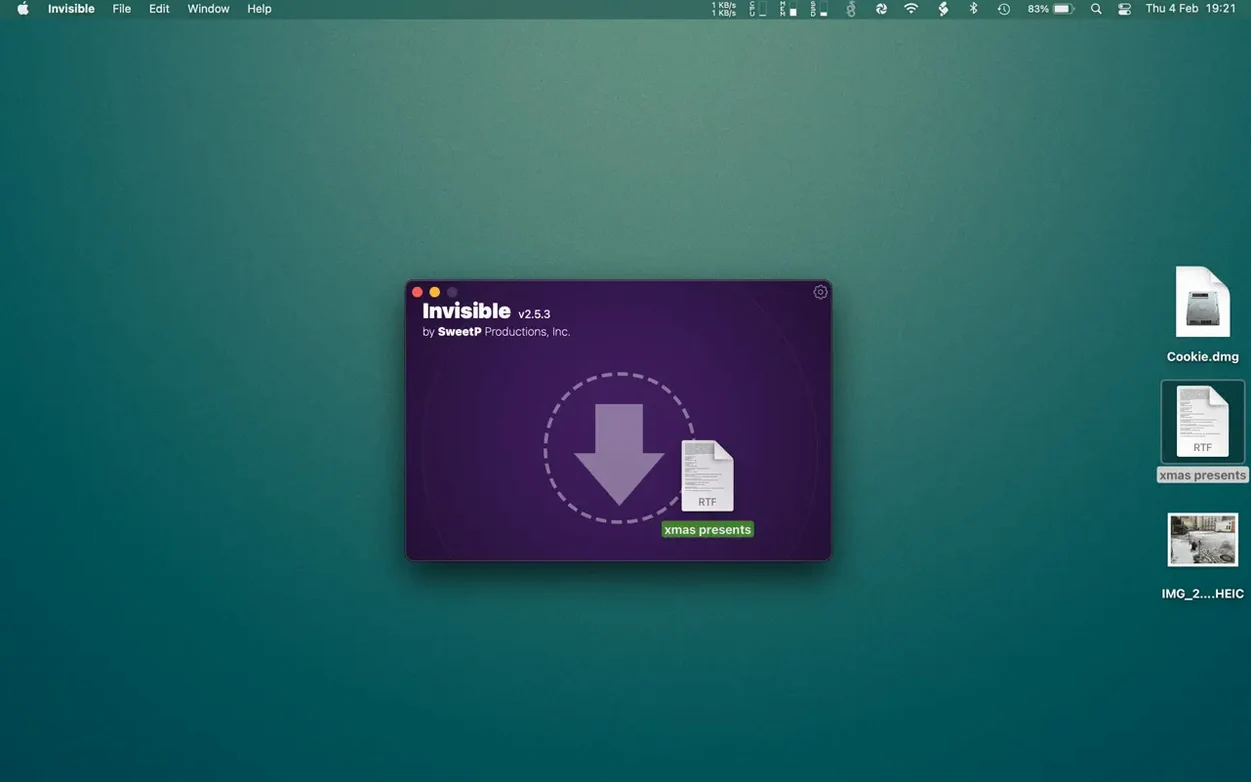
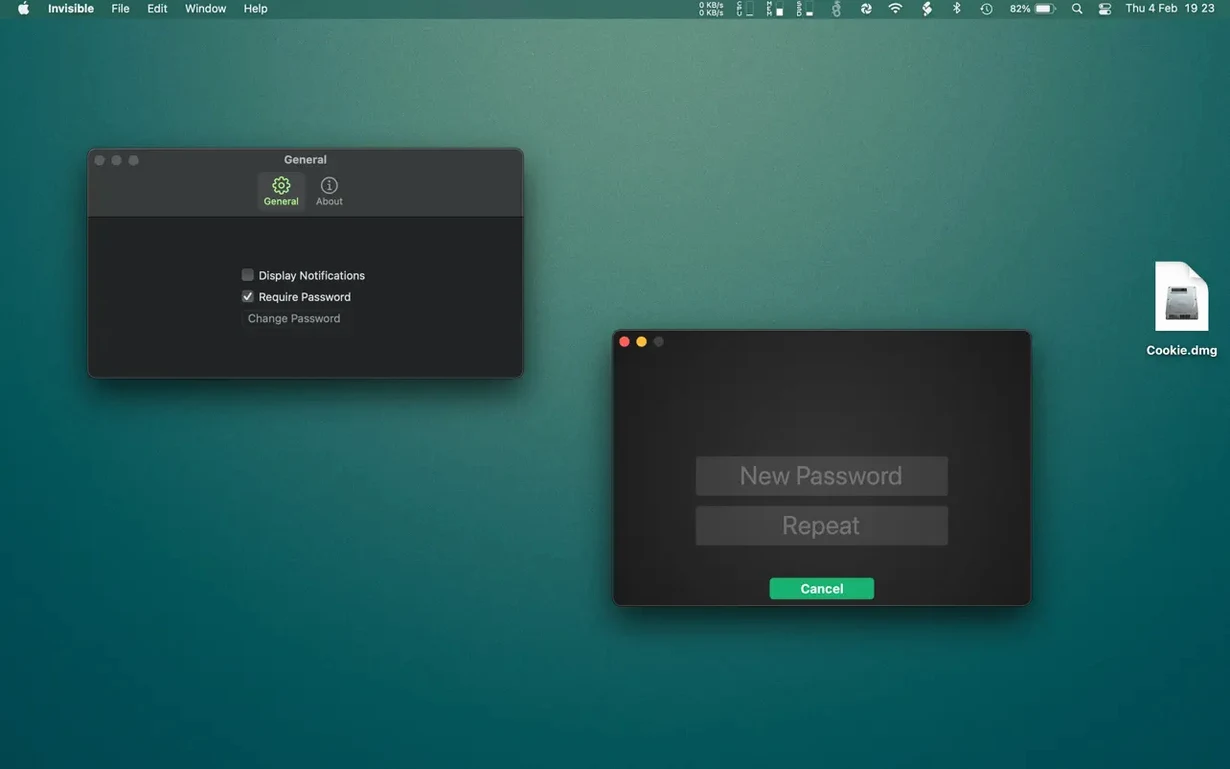
Think of it as a software invisibility cloak that sits alongside your Finder—not a disk-encryption vault like FileVault.
Compatibility — macOS 11.5 or later; universal binary for Apple Silicon and Intel Macs
What it hides — individual documents or entire folder structures
File integrity — does not alter, encrypt, or move the original data
Authentication — uses biometrics (Touch ID) or a password to reveal items
Quick Look — pressing the spacebar still shows a preview, which is worth knowing if you rely on it
Visibility caveat — experienced users who know where to look can still access hidden files; it is not a security sandbox
Desktop cleanup — can quickly clear a cluttered desktop without trashing anything
Languages — English, German, Dutch, Russian, Traditional Chinese, Simplified Chinese
Shared Mac, private work documents
If you keep sensitive work documents on a shared family Mac, this clicks immediately. The app doesn't encrypt anything, so it's not the right tool for defence against a targeted forensic search, but it solves a much more common problem: keeping casual eyes from wandering across client contracts, tax statements, or surprise party plans when someone borrows your laptop.
Students storing research data they'd rather not explain to a housemate, designers with in-progress work on a desktop that gets screen-shared during meetings, and anyone who has ever panicked while handing their Mac to a relative to "quickly check something" will find it fits their daily rhythm. It also suits users who already understand that the chflags hidden mechanism isn't bulletproof but value speed over cryptographic guarantees—Invisible makes that trade-off deliberate and convenient.
No file encryption—what it actually protects
Does it encrypt my files?
No. It sets the macOS hidden flag and optionally requires a password or Touch ID before those flagged items become visible again through the app. The bytes on disk stay exactly as they were—no transformation, no container format, no key derivation. That means performance is instant, even on large folders, but it also means someone who already has access to your unlocked account and knows to press Cmd+Shift+Period in Finder will see everything. Invisible is a privacy layer, not a security boundary.
Will it break if macOS updates?
The hidden flag it uses has been part of HFS+ and APFS since the beginning, and apps that touch file metadata through the standard frameworks rarely break with OS updates. Version 3.2.2 runs on macOS 11.5 through the current release on both Intel and Apple Silicon. The install steps—mount the .dmg, run Open Gatekeeper friendly, press Enter in the Terminal window, then drag the app to /Applications—are the same regardless of architecture.
Can I still search for hidden files?
Spotlight ignores items flagged as hidden by default, but Terminal commands like ls -laO list them plainly, and anyone who knows the exact filename can open it directly from Finder's Go to Folder dialog. If you're searching for invisible mac torrent or an invisible torrent magnet to grab the app, you'll find several invisible torrent sources floating around—and the visibility rules apply to the .dmg once it's on your machine too, so check the file's hidden flag if it doesn't show up in Finder.
A desktop cleanup workflow
Mondays start with a desktop full of screenshots, PDF invoices, and loose text clippings from the weekend. Here's a sequence that clears it in under a minute:
- Open Invisible and unlock it with Touch ID.
- Drag the entire
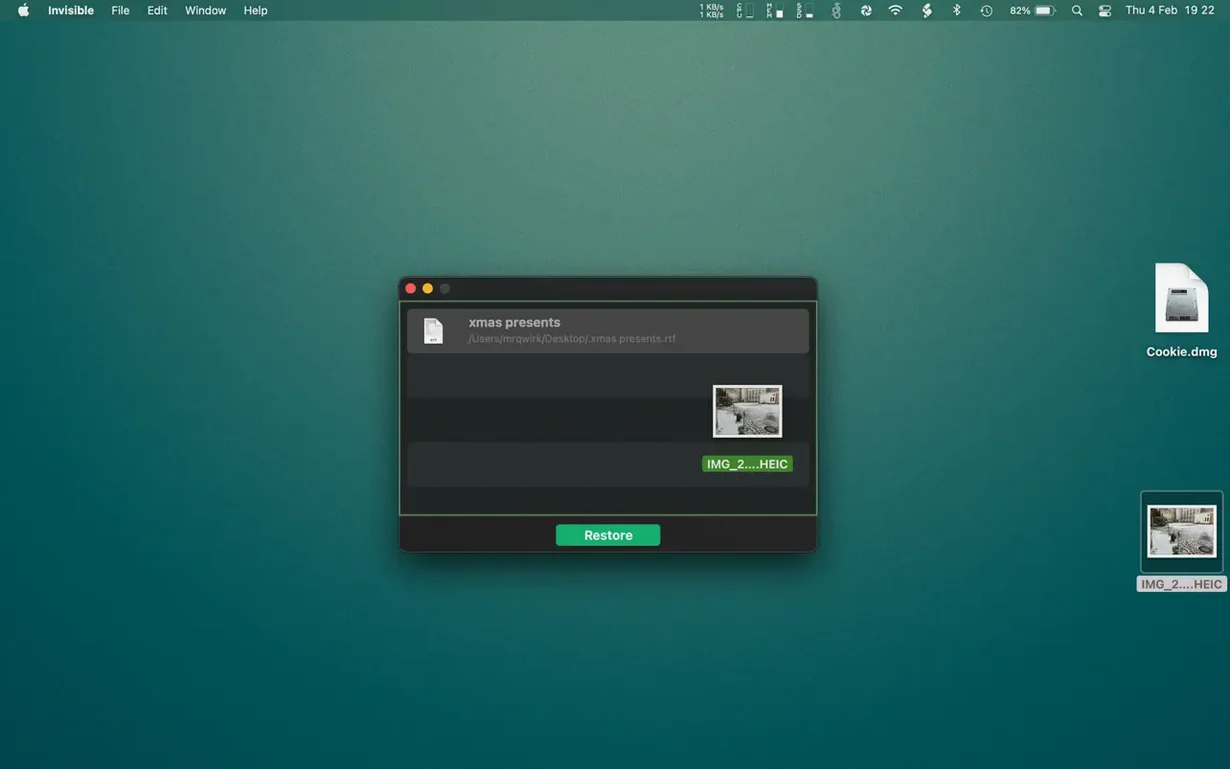
~/Desktopfolder onto the app window. It disappears from Finder instantly. - When a client call requires a specific screenshot, double-click it inside Invisible's list—the file opens in Preview without becoming visible on the desktop.
- At the end of the week, select the hidden Desktop folder and click Reveal. Everything returns to its original location, unchanged.
What makes this feel fluid is the Quick Look integration. Pressing the spacebar on any file inside Invisible shows a full preview, so you rarely need to reveal things just to check what's inside. The app treats hidden files as if they were in a Finder window with a single extra unlock step—no vault mounting, no disk image password prompts, just a fast tap on the Touch ID sensor.
- macOS 11.5 or later
- Apple Silicon and Intel Macs
Comments 0
Sign in or create an account to leave a comment.
No comments yet. A codec, a slice, a machine — they appear after moderation.