JustStream PRO for macOS
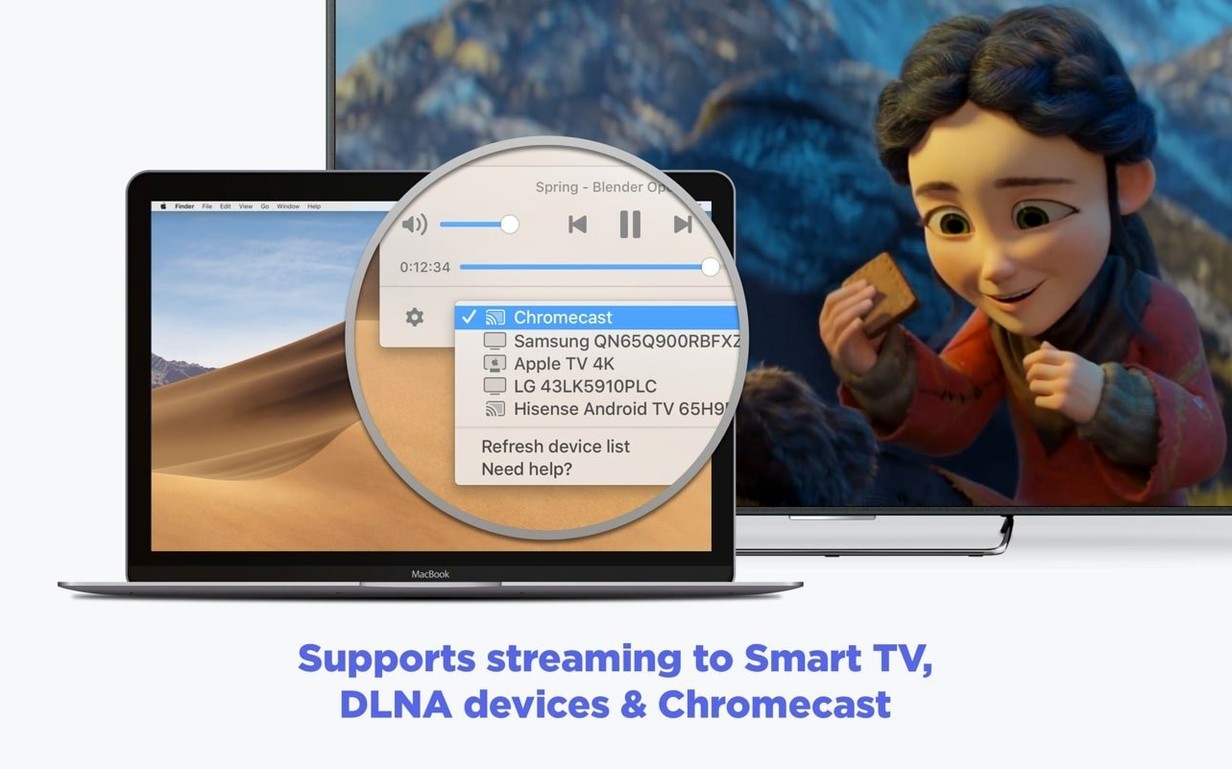
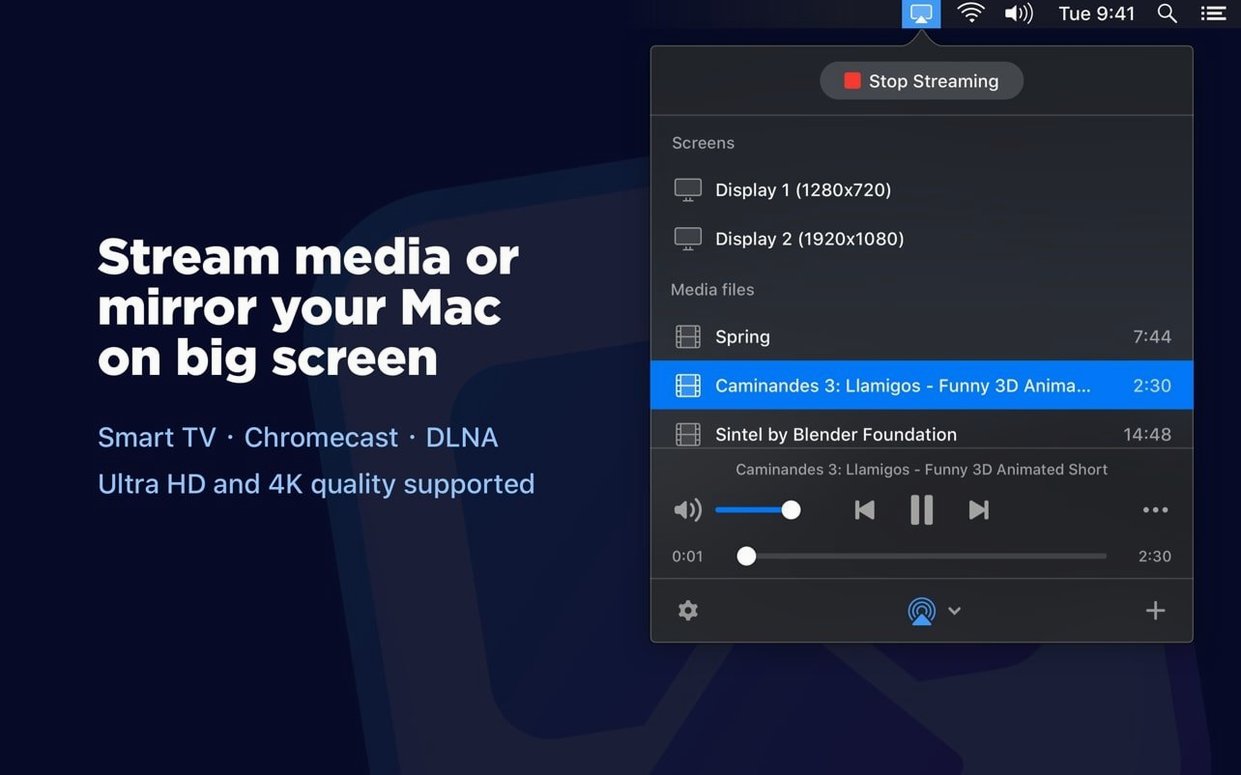
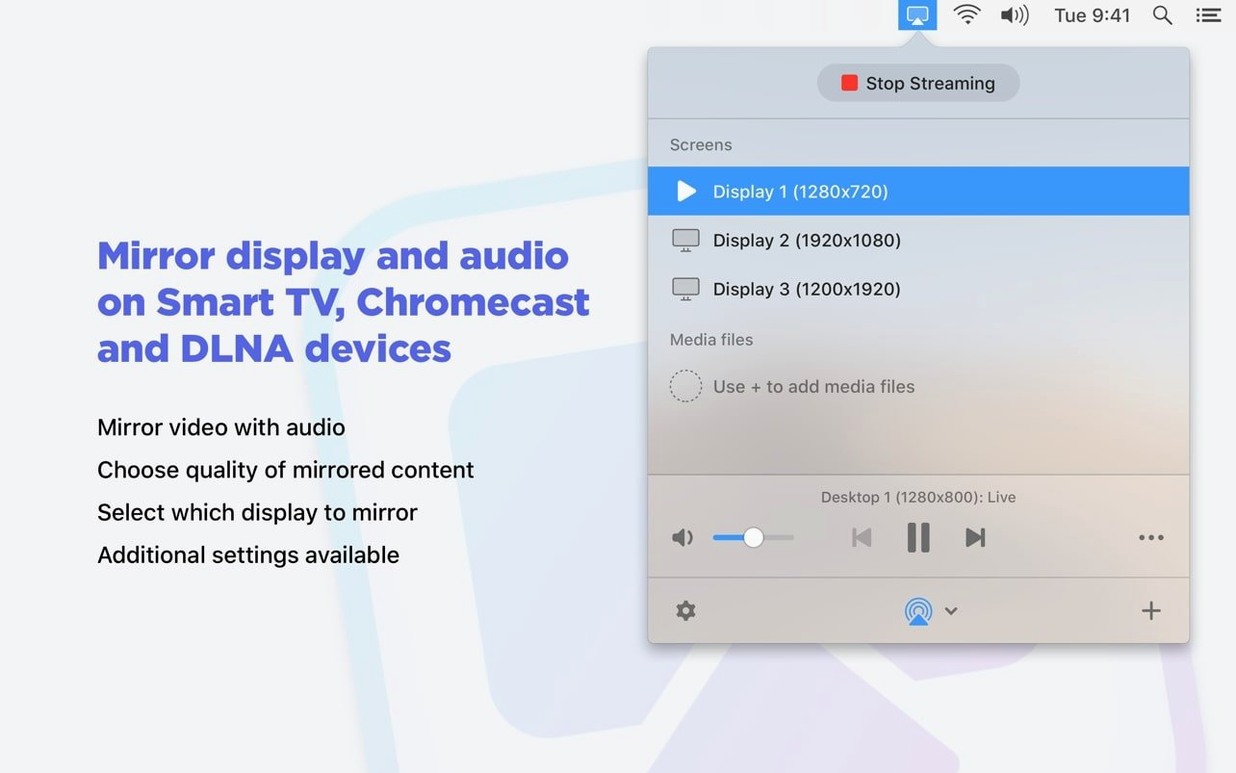
You’ve got a movie file sitting on your Mac with a subtitle track that your TV refuses to read directly. Instead of hunting for a USB drive, you drag the file into a menu bar app, pick the living room Chromecast, and the video pops up on the big screen with the subtitles styled the way you set them.
How to stream a local video file
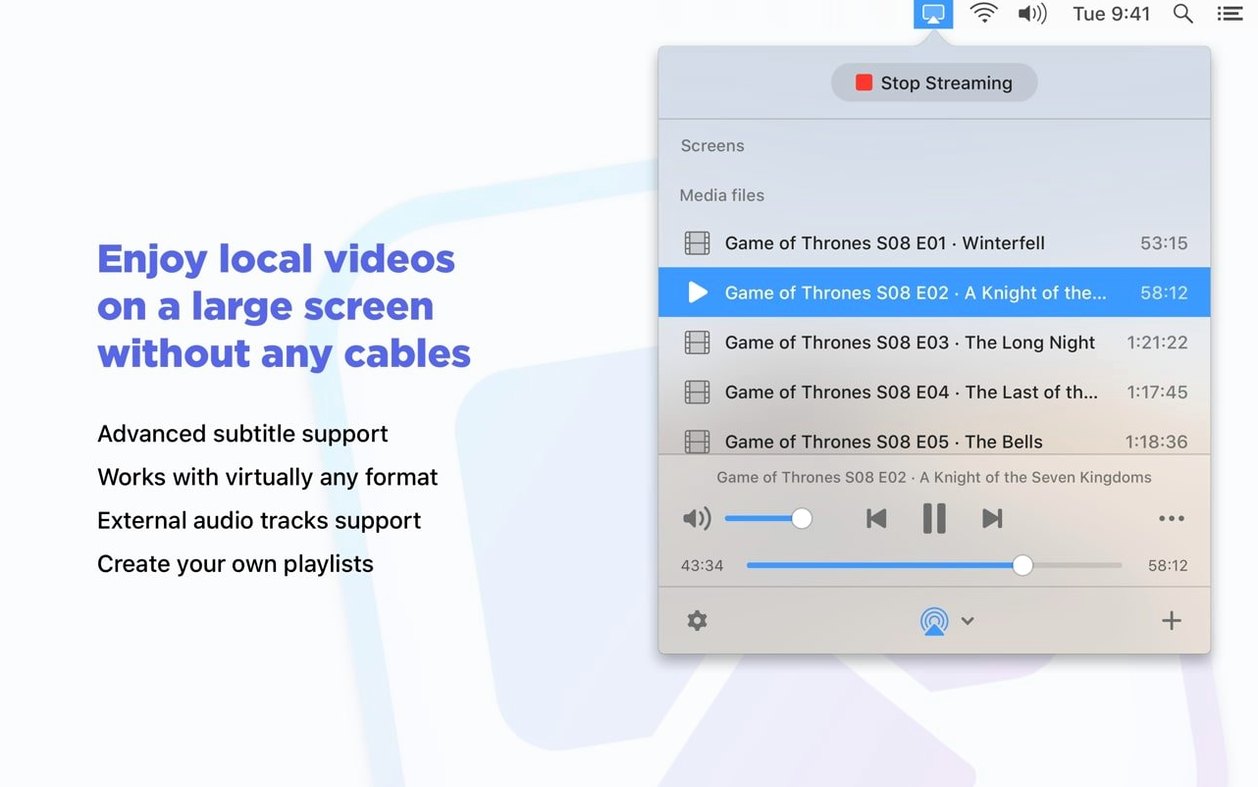
Drag a video into the app window or add it through the file picker. JustStream PRO sees both embedded and external subtitle tracks and can transcode the video in real time so it plays on devices that don’t support the original codec. While the stream is running, you can pause and resume from the menu bar.
How to mirror the Mac display
Open the menu bar icon, select your TV or streaming device from the list, and enable mirroring. Mouse cursor movement is captured by default, which is handy for presentations or walking someone through an interface remotely on a larger screen.
How to tweak subtitles on a Chromecast
When streaming to a Chromecast or Chromecast Ultra, the app lets you change the subtitle font, size, and color before playback starts so you aren't stuck with tiny white text against a bright scene.
What’s it like in daily use
A 1080p MKV with an SRT subtitle track starts playing on a first-gen Chromecast in about five seconds — the real‑time transcoding isn’t instant, but it’s close enough that you don’t reach for your phone while waiting. CPU sits around 20–25% on an M1 Air during a full‑screen mirror session; streaming a 4K MP4 to an Apple TV 4K pushes that closer to 40%. Memory usage stays under 300 MB even with a long playlist going. The menu bar icon is genuinely unobtrusive, and I’ve yet to see it beachball during a stream. One thing worth keeping in mind: closing the lid while mirroring toggles the behavior depending on whether you’ve enabled “Prevent Mac from sleeping” — version 2.14 tightened this up so an active stream now holds sleep off reliably.
Why doesn’t AirPlay pick up my file unless I use JustStream directly?
- Expecting AirPlay to pick up any file. JustStream PRO works with AirPlay 2 targets, but dragging a WMV into QuickTime and hitting the AirPlay icon isn’t the same thing — the transcoding happens inside JustStream, so use its own file picker.
- Ignoring the output quality switch. Leaving it on Auto when your Wi‑Fi is congested can produce stutter on a 720p set. Forcing HD 720p in the menu bar often smooths things out without a visible hit on a mid‑size screen.
- Dragging in external subtitles after playback starts. The subtitle track loads at the beginning of a session. If you add an
.srtfile mid‑stream, you need to stop and restart for it to be picked up.
What first permission can stop your TV from showing up in the list?
Right after dragging the app to /Applications and running the Gatekeeper‑friendly installer, give the app permission to scan your local network when macOS asks — skip it and your TV won’t appear in the device list. Next, build a short playlist with two or three files that have different codecs (say an older AVI and a modern MKV) and stream them one after the other to confirm transcoding kicks in for both. If you plan to mirror regularly, right‑click the menu bar icon and enable “Launch at Login” so it’s always ready; the footprint when idle is negligible. Finally, test subtitle styling on a Chromecast with something that has a dark opening scene — bump the font size up two points and switch the color to a warm yellow so you have a preset you can return to later without fiddling.
- Improved compatibility with macOS 26.
- Streams now keep the Mac awake more reliably while active.
- Fixed an issue where pausing a stream occasionally didn't work.
- Corrected errors that appeared when opening the device list.
- Resolved playback problems with certain videos sent to Chromecast.
- macOS 10.12 or later (Intel and Apple Silicon Macs supported)
- Version 2.14
$ man juststream-pro | grep -A2 "?"
Does JustStream PRO handle subtitles during streaming?
Yes, it supports both embedded and external subtitles and can pass them through or burn them in during real-time transcoding.
Can I pause a stream once it has started?
Pause and resume controls are available during streaming sessions, directly from the menu bar or the app interface.
Comments 0
Sign in or create an account to leave a comment.
No comments yet. A codec, a slice, a machine — they appear after moderation.