KeyShot for macOS
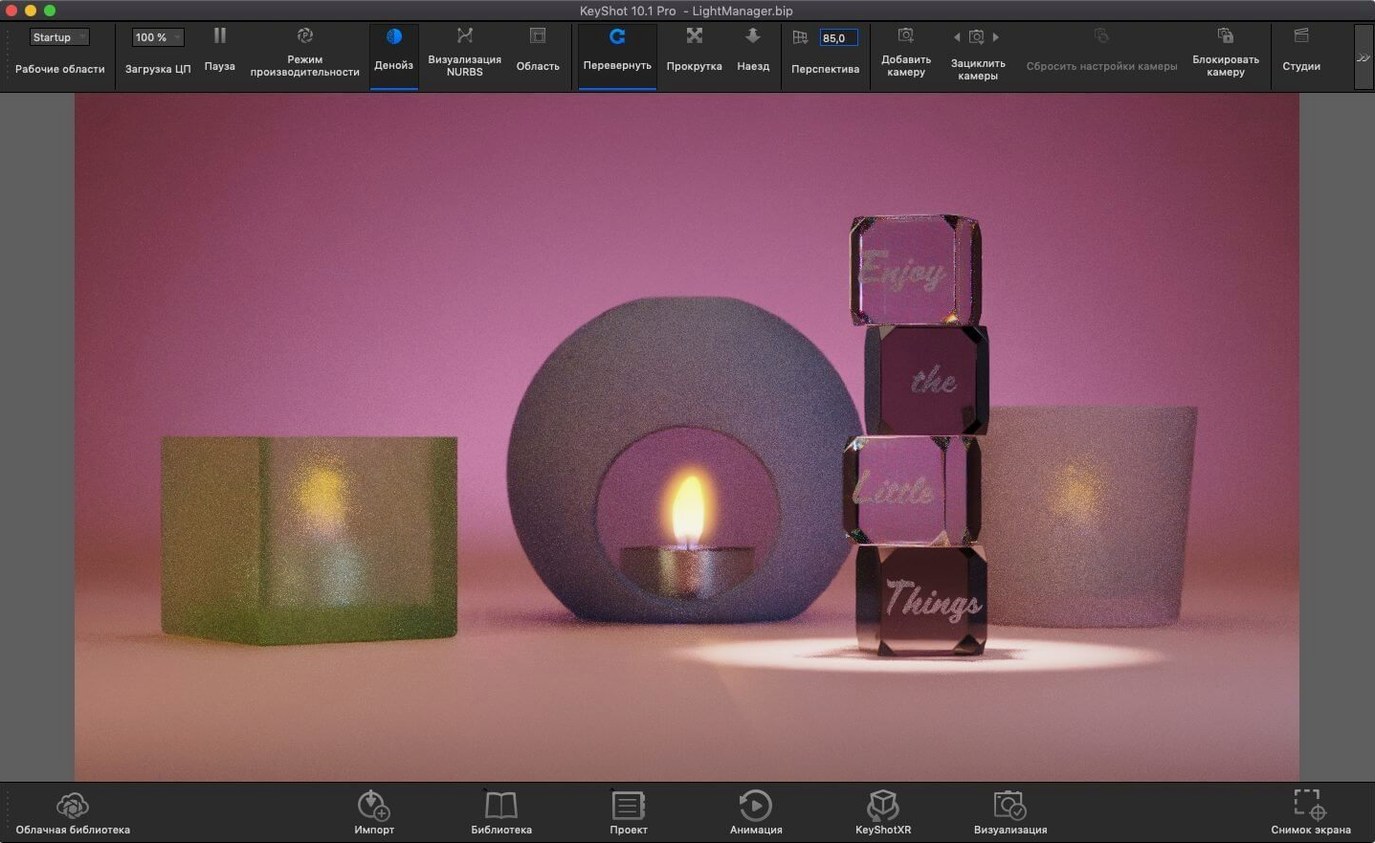
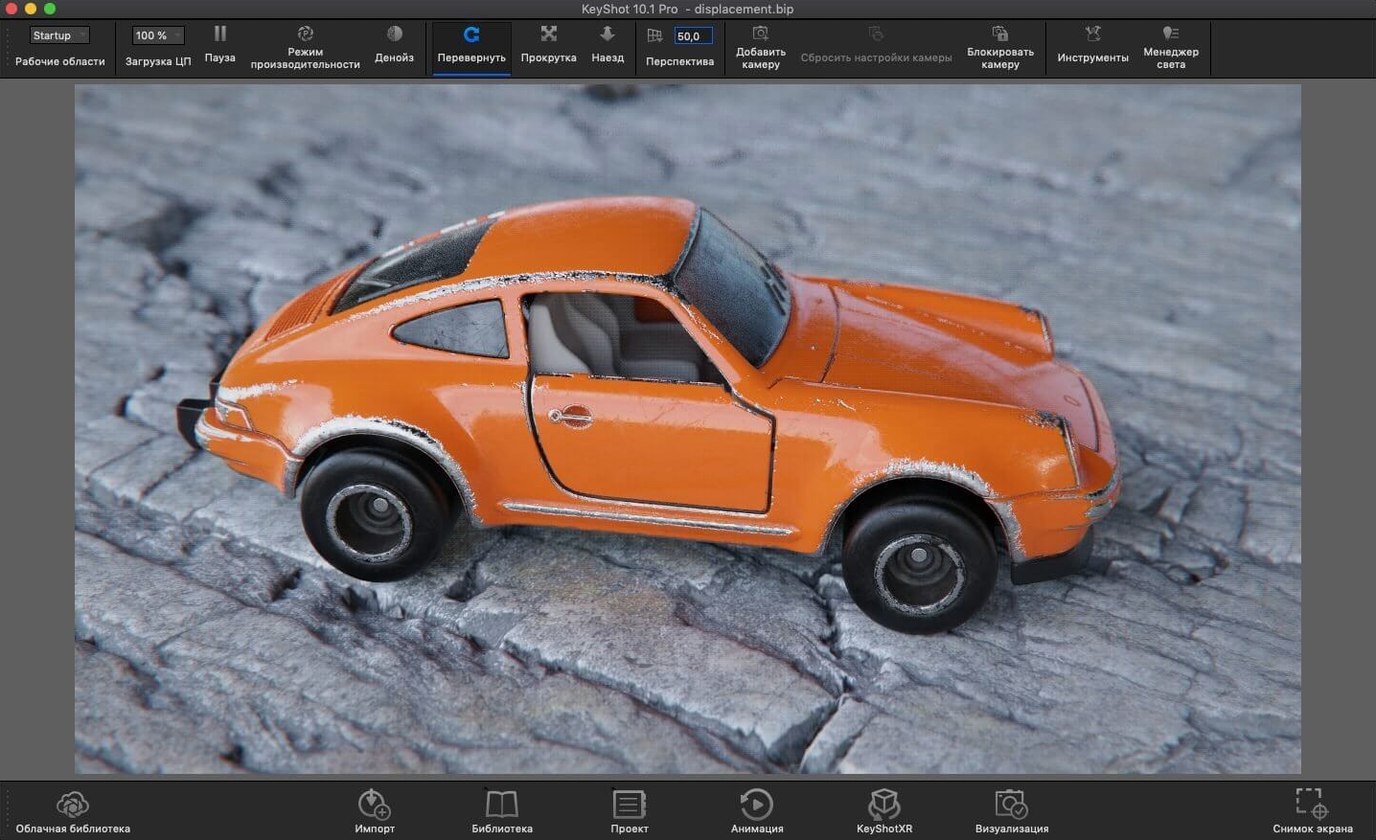
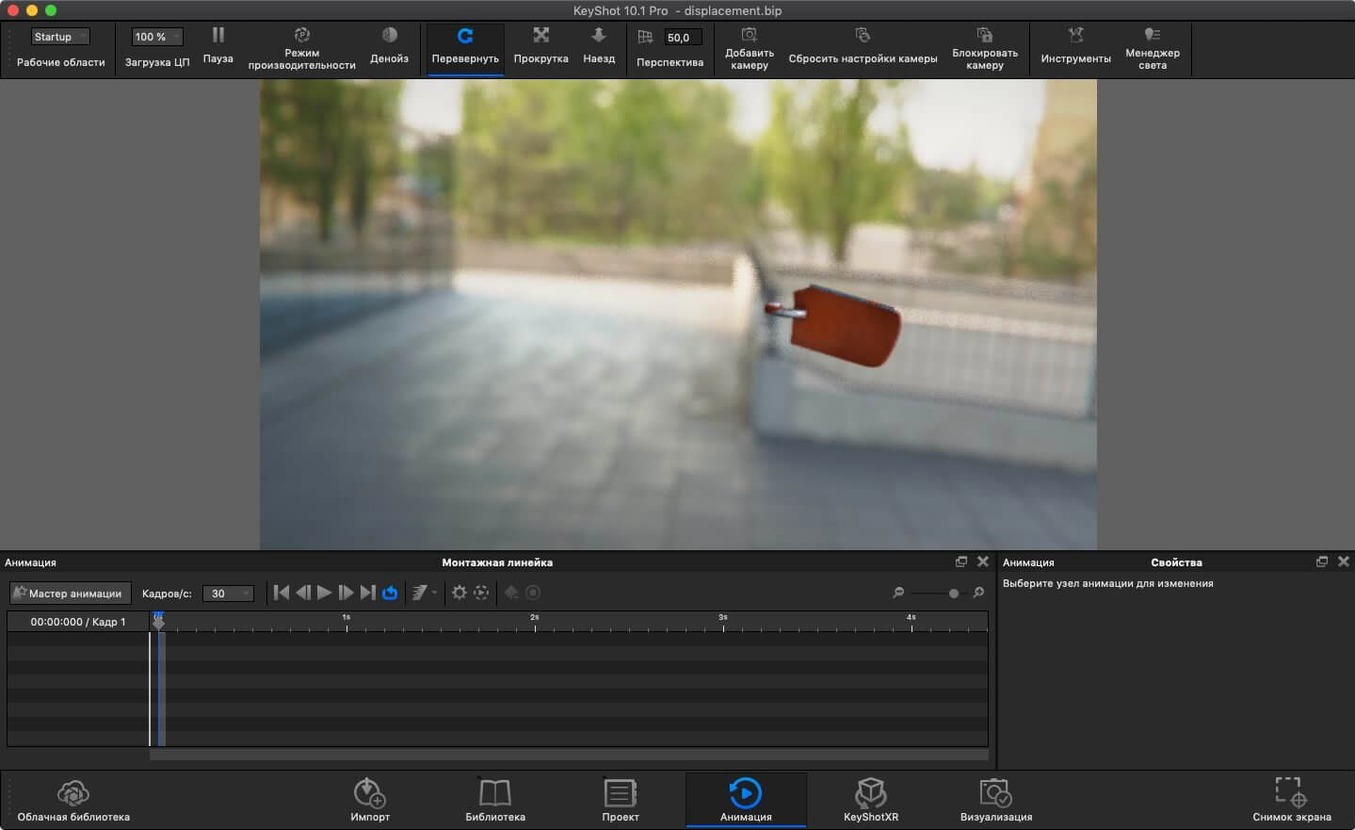
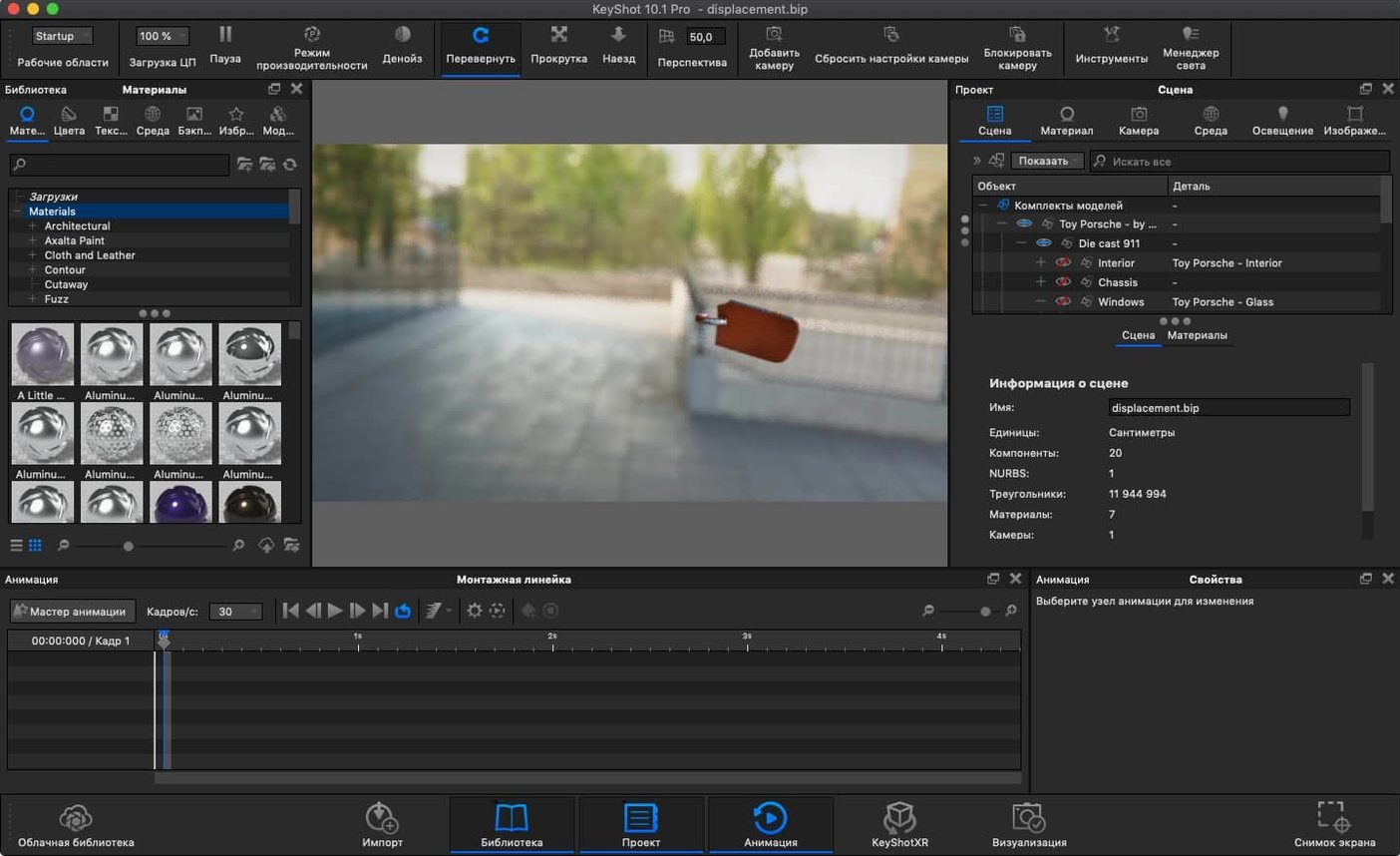
A product designer opens a STEP file from CAD, drops a studio environment behind it, and watches the first physically lit frame resolve in the viewport before the coffee finishes brewing.
Real-time rendering — what you see in the viewport is the ray-traced output, not a preview. No separate render window.
Physically based materials — surface properties follow measured values: roughness, index of refraction, subsurface scattering. The renderer is global illumination from the start.
Physical Lights — the new Light Tool in 2025.1 lets you drag emitters into a scene as actual geometry. New material type Planar Light turns any flat surface into a light source.
File formats — import OBJ, FBX, 3DS, IGES, STEP, JT, Collada, or Parasolid. Export USD and glTF alongside the usual render outputs.
For a Mac-based workflow, KeyShot Studio 2025.1 runs on Apple silicon without Rosetta. The scene you build in the real-time viewport is the scene you ship.
Import a STEP, pick an HDRI, hit render — no shader graphs needed
Product designers working inside CAD all day and rendering only when a review is due. They import a STEP file, assign three materials, pick an HDRI, and hit render. KeyShot doesn't ask them to learn shader graphs or UV unwrapping — it asks what the thing is made of and what studio light it sits under. That speed from import to presentable image is why they stick with it.
Industrial design teams who need everybody — not just the visualization specialist — to produce the same quality output. The library of physically accurate materials (metals that measure their roughness in microns, plastics with actual IOR values) means a junior designer and a lead both get a shot that looks like the physical prototype sitting on the bench.
Mac users in mixed-hardware studios. KeyShot Studio 2025.1 is a single binary that runs native on Apple silicon and Intel. You can open the same .ksp scene on an M3 Max MacBook Pro in a coffee shop and an Intel Mac Pro in the office, and the render settings, materials, and lighting carry across without translation. No "Mac version" and "Windows version" scene files.
Animators who need turntable renders and exploded-view animations but don't want to leave their CAD ecosystem. The animation timeline inside KeyShot is simple — move the pivot, keyframe the rotation, set the duration — and the output is the same ray-traced quality as the stills. For a design review video, that's often all anybody needs.
Where it fits less naturally
Arch-viz artists who rely on scene-referencing workflows with live-linking to a DCC app may find KeyShot's import-and-render model too static. Character artists expecting rigging or blend shapes won't find them here — it's a product-vis tool, not a DCC. And anyone hoping for a node-based material editor should look elsewhere; KeyShot's material graph exists for power users, but the primary interface is a parameter panel, not a noodle graph.
Why curved surfaces look faceted and how to fix tessellation
Importing CAD geometry without checking tessellation quality. KeyShot tessellates NURBS data on import. The default settings work for quick drafts, but curved surfaces — especially car body panels or consumer-electronics fillets — can show faceting in the render. Before you import, open the import dialog's geometry tab and raise the tessellation quality. It costs a little import time and saves a re-import later.
Treating the real-time viewport as a preview. I hear this one in forums all the time: "the viewport looks grainy but the final render is clean." That's because the viewport is progressive — it keeps refining. But beginners sometimes crank samples in the render settings and wonder why the viewport doesn't instantly resolve. The viewport is the render; give it time, or reduce the real-time sample cap if you need a responsive viewport during material work.
Ignoring the environment entirely. KeyShot lights everything through the HDRI environment by default. A new user drops a model in, sees flat lighting, and starts adding area lights one by one. Switch the environment first — the library ships with studio setups, outdoor skies, and contrasty dark-field HDRIs that often solve the lighting in one click. The Physical Lights added in 2025.1 are for accents and rim lights, not for building the base illumination from scratch.
Overloading the material graph before checking render times. Displacement, subsurface scattering, and caustics all cost samples. Beginners sometimes assign a displaced leather to every surface on a sofa and wonder why a frame takes twenty minutes. Render region is your friend: box-select a small patch, see what's expensive, and simplify.
How KeyShot fits with other apps and macOS features
KeyShot plugins for Rhino, SketchUp, SolidWorks, and Fusion 360 keep a live link from the CAD modeler to the render scene. Update the geometry in CAD, hit the "Update KeyShot" button in the plugin, and the scene re-imports with materials and camera positions intact. On a Mac, the Rhino and SketchUp plugins are the most common pairings I see in architecture and furniture-design workflows.
For post-processing, the rendered output — typically EXR or TIFF with render layers and a clown pass — lands in Photoshop or Affinity Photo for compositing. KeyShot's render-layer system exports diffuse, specular, shadow, and ambient occlusion as separate passes, so you can tweak reflections without re-rendering.
With macOS specifically: KeyShot respects the native color management. If you've calibrated your display with a ColorSync profile, the viewport honors it. Render outputs can embed the display profile or a specified working space. On a MacBook Pro with an XDR display, the HDR pipeline from viewport to saved EXR is a straight line — no tone-mapping surprises between what you see and what the file contains.
The new AR export in 2025.1 — USDz and GLB — ties into Apple's ARKit ecosystem. Export a USDz of your model, AirDrop it to an iPad or iPhone, and open it in Safari or the Files app for a quick AR review. It's the fastest way I've seen to get a client looking at a product in their own space without building an app.
What formats does it handle?
"Does it use the GPU for rendering?"
Yes. KeyShot's render engine can run on CPU, GPU, or both. The GPU path uses OptiX on NVIDIA hardware and Apple's Metal ray-tracing API on Apple silicon. On an M3 or M4 Mac, the GPU path is fast enough for interactive work at high resolutions. The CPU path still exists and still produces identical output — useful for final-frame rendering when you need every last sample and don't want to tie up the GPU for other apps.
Everything matches Windows except OptiX denoising
Feature parity is close. You get the same material types, same lighting tools, same export formats — including the new glTF and USD exports in 2025.1. The one gap worth knowing: NVIDIA OptiX denoising is Windows-only, so the Mac relies on the built-in denoiser. In practice, the difference in final-frame quality is small, but the GPU denoising on Windows can be faster during interactive work in very noisy scenes.
Will an Intel Mac with integrated graphics hold up?
It runs on any Intel Mac with macOS 12 or later and a Metal-capable GPU. Performance varies with the GPU — an Intel Mac with a discrete AMD GPU holds up fine for stills; integrated Intel graphics will struggle with real-time GPU rendering and should stick to CPU mode for anything above draft resolution.
"Will a keyshot torrent or keyshot crack mac version behave the same?"
I can't speak to that. What I can say: the build downloaded from the developer's site is a universal binary with signed frameworks, and the scene-file format (.ksp) is forward- and backward-compatible within a major version. If you're searching for a keyshot 2025 download for Mac, the installer from Luxion's portal handles the ARM and Intel binary selection automatically — no separate packages to track.
Why the viewport goes black in GPU mode
The viewport goes black after switching to GPU mode. This almost always means the GPU driver couldn't allocate enough memory for the scene. Reduce the output resolution, close other GPU-heavy apps (Blender, DaVinci Resolve, a browser full of WebGL tabs), and restart KeyShot. On Apple silicon Macs with unified memory, scenes that are fine in CPU mode can hit the shared memory limit in GPU mode if you're near capacity.
Imported CAD models show flipped normals. Some CAD exporters — especially older IGES exporters — output surfaces with inconsistent winding. KeyShot's "Flip Normals" checkbox is in the import dialog, but if you've already imported, select the part in the scene tree, open the material properties, and toggle the normal direction per part. It's not a global fix; it's per-surface.
KeyShot hangs when adding an HDRI from a network drive. The environment library browser caches previews in ~/Library/Application Support/KeyShot/. If the network path is slow or disconnected, the preview generator can stall. Move the HDRI to a local folder, add it from there, then relink if needed.
Render queue jobs fail silently on macOS. Sometimes a permissions issue blocks the render queue from writing to the output folder — especially on external drives formatted as exFAT. Check that KeyShot has Full Disk Access in System Settings > Privacy & Security. When in doubt, set the output to ~/Desktop/ and move the files later.
Activation prompts after a macOS update. A macOS point release can invalidate the machine fingerprint the license file checks. If you're running a keyshot for mac build that requires re-activation, the usual fix is re-running the host-mapping command in Terminal and restarting. Keep the installation instructions handy — the /etc/hosts entry sometimes gets wiped during system updates, especially if you use a VPN or network filter that modifies host resolution.
- A new Light Tool for dragging Physical Lights into a scene without hunting through panels.
- A new hotkey for Add Studio — fewer clicks when you want a different environment.
- The Re-tessellate Tool is now exposed through the Scripting API, so scripts can rebuild mesh density programmatically.
- macOS 12 or later
- Intel or Apple silicon Mac
- Interface languages: Russian, English, German, Spanish, Italian, Traditional Chinese, Simplified Chinese, Korean, Polish, French, Czech, Japanese
$ man keyshot | grep -A2 "?"
Does KeyShot 2025 run natively on Apple silicon?
Yes. KeyShot Studio 2025.1 supports both Intel and Apple silicon Macs, with the Apple silicon build running as a native binary.
What file formats can I bring into KeyShot for Mac?
You can import OBJ, FBX, 3DS, IGES, STEP, JT, Collada, and Parasolid files. Version 2025.1 also adds USD and glTF export.
What exactly is the new Light Tool?
The Light Tool simplifies placing Physical Lights in a scene. It pairs with the new Planar Light material type, which makes any flat geometry emit light.
Comments 0
Sign in or create an account to leave a comment.
No comments yet. A codec, a slice, a machine — they appear after moderation.