Luminar AI for macOS
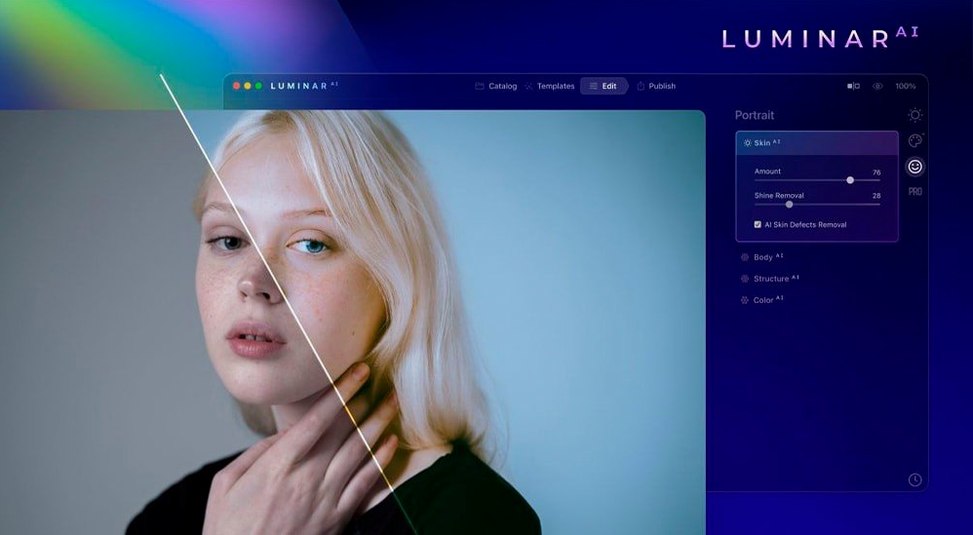
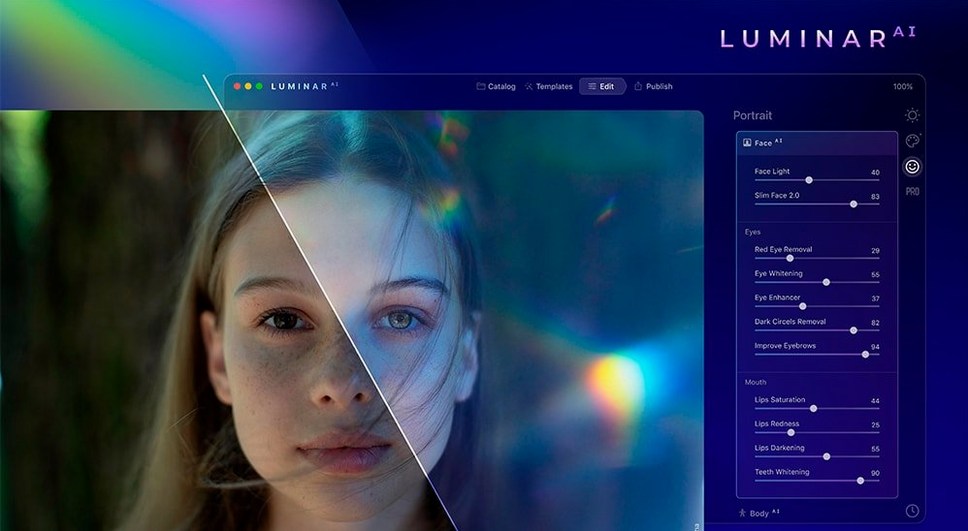
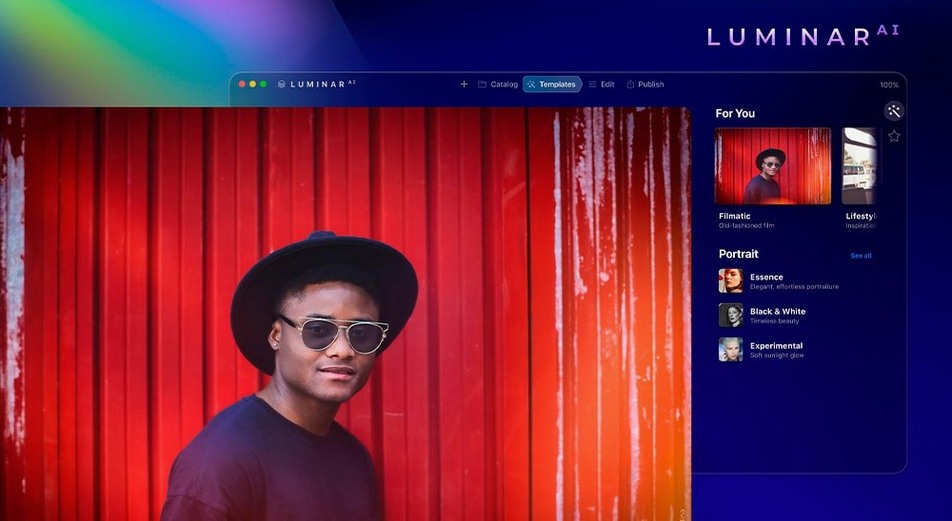

Portrait and landscape photographers who want fast, automated edits without building layer stacks or learning curves reach for Luminar AI. Skylum built it around a collection of task-specific AI tools that handle jobs like replacing a dull sky, cleaning up skin, or recomposing a frame in a couple of clicks.
Still the full AI toolset in a maintenance release
Version 1.5.5 is a maintenance release with no new features. The toolset remains the same as earlier 1.x builds. That means you still get the full set of AI-driven modules: Sky AI for swapping out backgrounds, Skin AI for blemish removal that preserves texture and pores, Body AI for subtle silhouette adjustments, Composition AI for rule-based auto-cropping, and Atmosphere AI for layering in fog, haze, steam or drizzle. Nothing has been added or removed.
Standalone editor plus a plugin inside other hosts
The app comes as a standalone editor and can also run as a plugin inside other hosts, so you can send a shot to Luminar AI for a specific fix and pick up where you left off. The binary handles both Intel and Apple Silicon architectures, and the interface ships in ten languages including English, German, Japanese, and Simplified Chinese. macOS 10.13.6 or later is required.
Press D to flip between original and edited views
Luminar AI keeps its interface deliberately simple, but a few shortcuts live just below the surface and can change how fluid the app feels day to day. Press D to jump between the original and the edited version at any point — no side-by-side view needed when you just want a quick reality check. The Tab key hides all panels and gives you a full-frame look at the image, which is especially useful on a 13-inch MacBook where screen space is tight.
The Templates browser supports a star-rating system. If you land on a combination of edits you expect to reuse, hover over the template thumbnail and click the star icon that appears. Your favorited templates then filter into their own tab, saving you from scrolling through the full list every time. Templates also respond to the current image content — the app pre-sorts suggestions based on what it detects in the scene, so the first few options usually make sense without digging.
When you work with the local masking tools, holding Option while painting temporarily switches from Add to Subtract mode (or the reverse), so you do not need to toggle the brush mode in the toolbar. The brush size responds to the bracket keys [ and ] — standard in most editors, but easy to forget when the interface does not surface it. For the Sky AI module, dragging the horizon adjustment slider with Shift held gives you fine-grained control, which helps with shots where the horizon line sits at an odd angle.
Import performance improves noticeably if you point the catalog to folders on fast internal storage rather than external spinning drives, since the app generates previews and runs AI analysis during the import pass. If you work with RAW files from a Fujifilm X-Trans sensor, Luminar AI can process them, but turning off automatic lens corrections in Preferences often gives cleaner detail rendering because the built-in profiles sometimes clash with the demosaicing path.
Does it require an internet connection to work?
Does it replace Lightroom or does it sit alongside it?
It can do either. As a standalone app, Luminar AI has its own catalog and non-destructive editing pipeline, so you can import, rate, edit, and export without touching another program. As a plugin, it opens as an external editor from Lightroom Classic, Photoshop, or Apple Photos — you send a TIFF or PSD, make your adjustments, and the file returns to your host library. People who prefer Lightroom for organization and want Luminar AI only for the AI tools often run the plugin route, while those starting fresh sometimes use Luminar AI as the sole editor.
How well does the Sky AI replacement actually hold up?
It depends on the shot. Images with a clear separation between the sky and the foreground — bare tree branches against an overcast sky, or a clean horizon line over water — come out surprisingly natural. The algorithm picks up fine details like gaps between leaves and does not leave a halo if the scene contrast is strong. Shots where the foreground bleeds into the sky (foggy mountain ridges, hair blowing against a bright window) need manual refinement with the gap fill and edge correction sliders, but the tool gives you those controls instead of forcing a single result.
What file formats does it handle?
The app opens JPEG, TIFF, PNG, HEIC, and a wide range of RAW formats including CR2, CR3, NEF, ARW, DNG, and RAF. It saves edits to a sidecar file or inside its catalog rather than touching the original, so your RAWs stay untouched. Export options cover JPEG, TIFF, PNG, PSD, and JPEG-2000.
Will it run smoothly on an M1 or M2 Mac?
Yes. The binary includes native ARM code, so there is no Rosetta translation step. Catalog browsing, template previews, and the heavier AI modules like Body AI and Skin AI all feel responsive. The app loads into memory around 800 MB at idle and climbs toward 2 GB during active editing, which is typical for a modern image editor working with high-resolution files.
- macOS 10.13.6 or later
- Intel 64-bit or Apple Silicon Mac
$ man luminar-ai | grep -A2 "?"
Does Luminar AI work as a plugin on Mac?
Yes, it can run as a plugin inside compatible hosts in addition to its standalone application mode.
What architectures are supported on macOS?
The app supports both 64-bit Intel and ARM (Apple Silicon) architectures natively.
What languages does the interface include?
It ships in English, German, Spanish, Italian, French, Japanese, Traditional and Simplified Chinese, Korean, Dutch, and Portuguese.
Comments 0
Sign in or create an account to leave a comment.
No comments yet. A codec, a slice, a machine — they appear after moderation.