
Microsoft Outlook for macOS
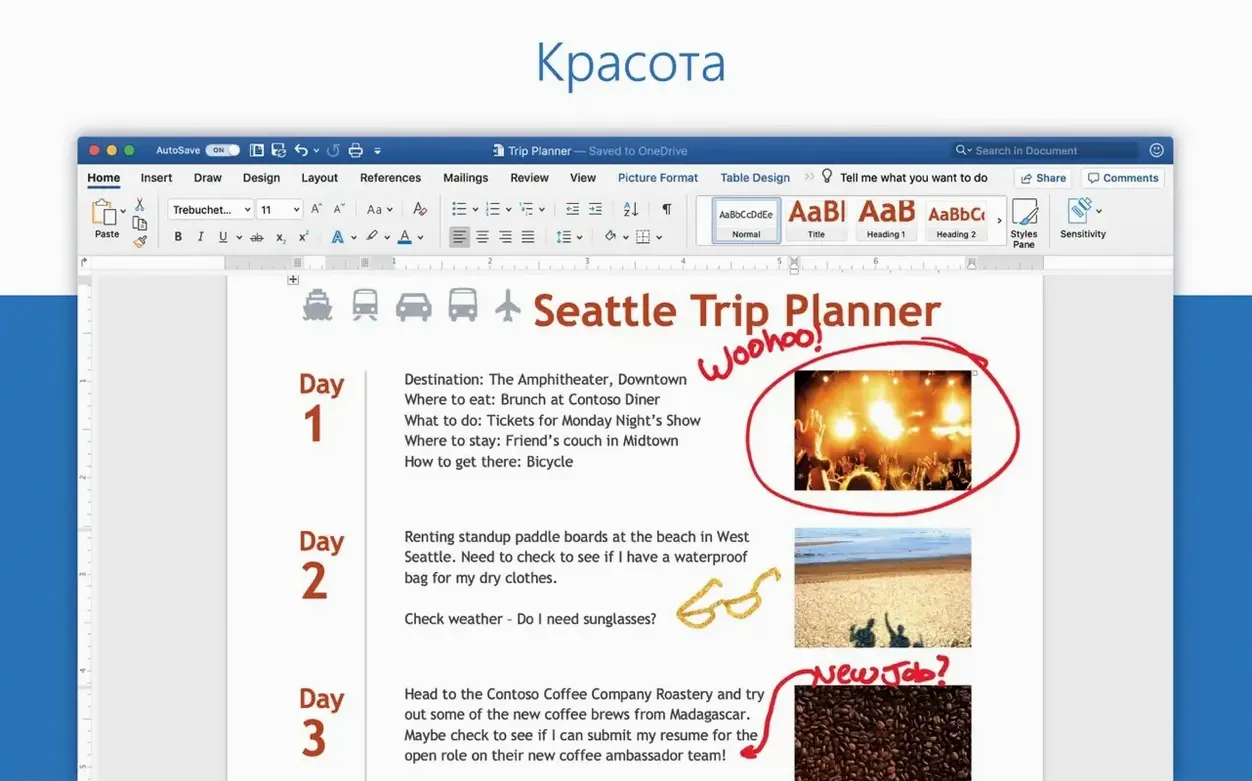
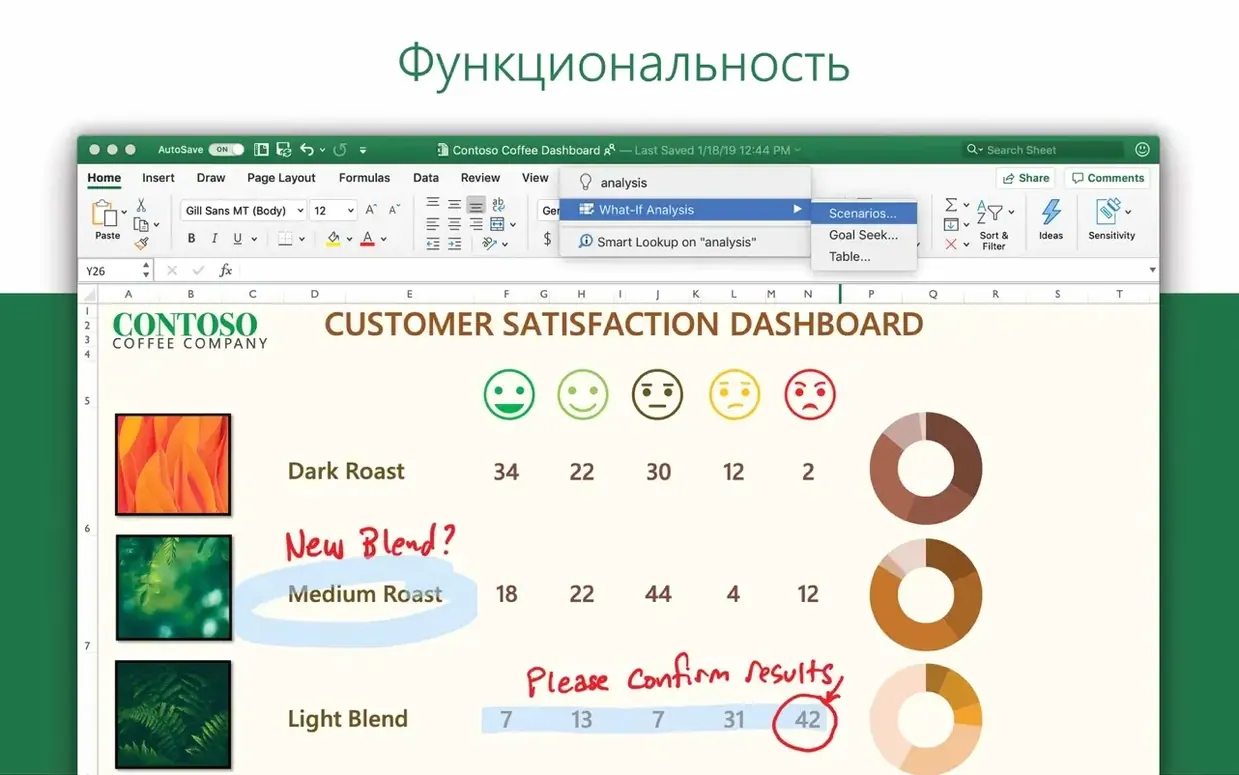
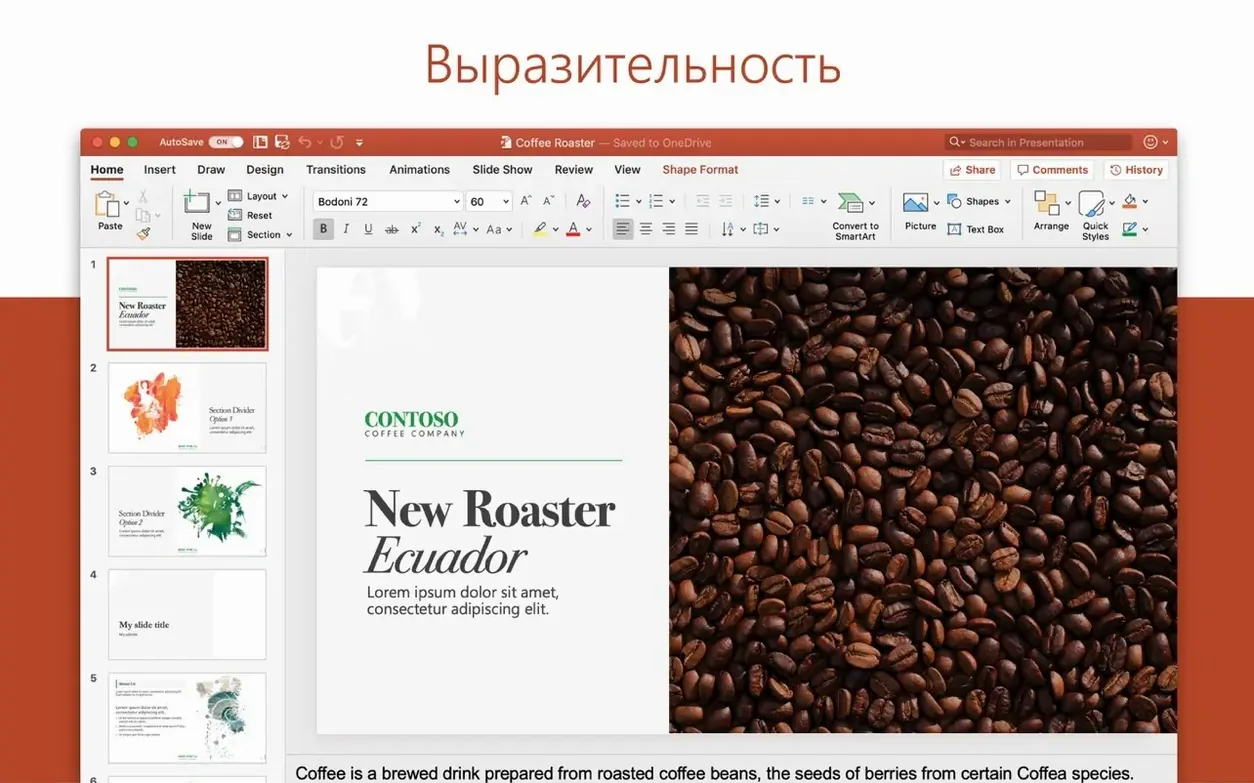
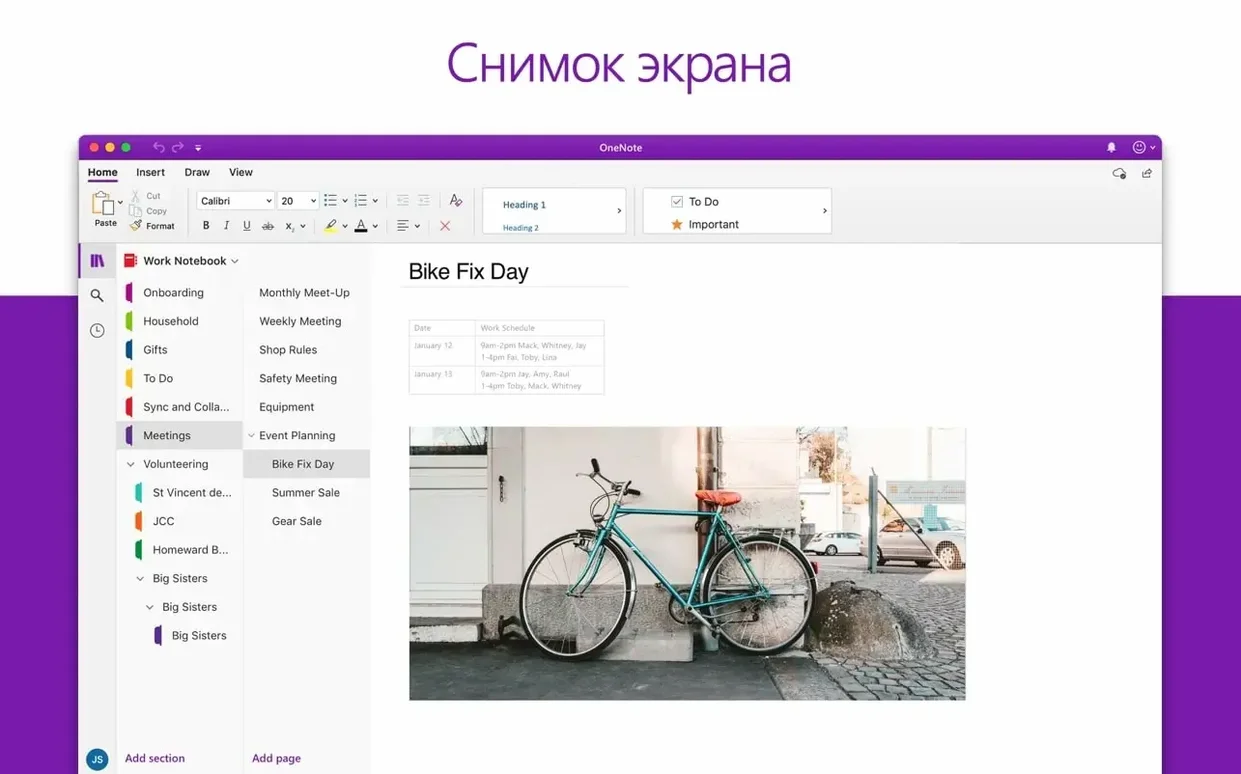
Outlook for Mac supports up to 99 email accounts in a single profile, but the number most people notice first is the two-in-one merge of Mail and Calendar into a single native window.
Unified inbox — all accounts flow into one view; you can also split by account when you need isolation.
Native Apple Silicon binary — the Microsoft Outlook.app bundle contains an arm64 slice. No Rosetta fallback on M-series Macs.
Package delivery — the standalone installer arrives as a .pkg file pulled from Microsoft’s CDN. The same bits ship inside the Office LTSC Standard for Mac 2024 suite, so you can install just Outlook or the whole set.
AutoUpdate hook — once installed, Microsoft AutoUpdate handles delta patches. The January 2025 cycle pushed 16.93.1 and 16.93.2 through that same channel, which fixed document-sharing handoffs between Outlook and other Office apps.
20 interface languages — the app switches without a separate language pack. The list runs from Russian and Hungarian through Thai and Indonesian, covering every script the Mac’s localization system knows.
macOS 13 floor — Ventura is the cutoff. That means Outlook leans on modern APIs available only on macOS 13 and later, which aligns with the Apple Silicon–forward design.
Wait for the Spotlight index to finish before judging speed
Let the app build its Spotlight index before you judge performance. Outlook writes a local database inside ~/Library/Group Containers/UBF8T346G9.Office/Outlook/Outlook 15 Profiles/, and the initial sync across a multi-gigabyte mailbox can peg a CPU core for a solid hour. Check Activity Monitor; once msd calms down, the app settles into a lighter rhythm.
Set your calendar default early. Open Settings → Calendar and pick which calendar new events land on. If you skip this, meeting invitations from a work account can accidentally spawn on a personal Gmail calendar — the default heirarchy isn't always what you expect.
Turn on the unified inbox only after you've verified each account delivers mail correctly. Adding a sixth account into a unified view while one is still stuck on an IMAP folder mismatch just makes troubleshooting harder. Validate individually, then merge.
Profiles deserve a name right away
macOS 13 added system-level Focus integration. Outlook hooks into that via Profiles — custom views that filter accounts depending on what you're doing. Name one "Work" and another "Personal" immediately. Without names, you'll end up staring at two blank profile icons and guessing which holds your Exchange account.
Drag-and-drop importing a giant PST file can corrupt the database
The biggest one: treating Outlook like Apple Mail with a calendar bolted on. It isn't. The app runs its own database engine, and dragging a 15 GB PST file into the dock icon without importing through the proper File → Import path creates a mess. The data lands in a separate "On My Computer" folder tree that doesn't sync and doesn't back up to the cloud unless you explicitly configure it.
Another classic: ignoring the Send & Receive schedule. New users often assume all accounts refresh on push. Gmail accounts default to a fetch schedule unless you enable IMAP push explicitly. If messages arrive on your phone five minutes before Outlook shows them, check Settings → Accounts → [account] → Advanced — the button is small and hides behind a gear icon.
People also routinely skip the signature-per-account setting. The app lets you attach a different footer to each sending address, but the interface parks it under Settings → Signatures, not inside the account pane. One generic "Best regards" across a work account and a personal Yahoo address looks sloppy.
Unified inbox and server-side rules set it apart from Apple Mail
Apple Mail + Calendar ships free with macOS. Its accounts pane handles iCloud, Gmail, Yahoo, and Exchange, and the calendar pulls from the same sources. What it lacks: a unified inbox on the scale Outlook provides, server-side rules management for Exchange accounts, and any meaningful offline database performance beyond a few thousand messages. Mail is fine for three accounts; Outlook handles thirty without collapsing.
Mimestream is a native Mac client built specifically for Gmail. It reads Gmail labels directly instead of shoehorning them into IMAP folders, and its search fires against Google's servers rather than a local index. The trade-off is account scope — Mimestream is Gmail-only. Outlook covers Exchange, Office 365, IMAP, and POP alongside Gmail, so anyone juggling a work Microsoft account and a personal Gmail misses nothing by staying in one app.
Spark focuses on smart inbox categorization and team collaboration features like shared drafts and comment threads on messages. Its threading model groups email by sender and topic aggressively. Power users who want raw, unfiltered message lists sometimes find Spark's automatic grouping overbearing. Outlook keeps the message list flat unless you turn on conversation view, which gives you more control over how threads collapse.
What common snags hit people and how do I sort them out?
Search returns nothing for recent messages. This is almost always a Spotlight index problem. Run mdutil -E ~ in Terminal and give the machine ten minutes. If that doesn't fix it, check System Settings → Siri & Spotlight → Spotlight Privacy and make sure your home folder isn't accidentally excluded. Outlook relies on the system index for search, unlike the Windows version's built-in engine.
Calendar events appear at the wrong time. Each account carries its own time zone setting. Right-click the calendar in the sidebar, pick Get Info, and verify the time zone matches the account's server setting. An Exchange calendar set to "America/Chicago" while the Mac runs "Europe/London" shifts every appointment by hours. This trips up remote workers constantly.
Attachments won't open after downloading an Outlook for Mac torrent install. Third-party repacks sometimes strip the Office sandbox entitlements. The official download outlook for mac dmg from Microsoft's CDN includes a signed .pkg with the full com.apple.security.app-sandbox entitlement chain intact. If attachments stall on a gray spinner, check Console.app for sandboxd denials, then reinstall from a clean package.
CPU spikes every fifteen minutes. A stuck folder sync loop is the usual culprit. Open Window → Sync Status and look for a folder that never finishes. The fix: right-click that folder in the sidebar, pick "Close", then reopen it. If the spike returns, remove the account, restart Outlook, and add it back — the local cache will rebuild cleanly.
- Shipped as part of the Office suite release 16.93.
- 16.93.1 (January 21, 2025) and 16.93.2 (January 28, 2025) brought a fix for sharing documents and content from other Office applications to Outlook.
- macOS 13 (Ventura) or later
- Apple Silicon or 64-bit Intel Mac
$ man microsoft-outlook | grep -A2 "?"
Does Outlook for Mac run natively on Apple Silicon?
Yes. Microsoft states Outlook for Mac is enhanced for Apple Silicon, and the binary includes arm64 code that runs without translation on M-series chips.
Is Outlook a separate download or part of the Office suite?
Both. It ships inside Office LTSC Standard for Mac 2024 alongside Word, Excel, PowerPoint, OneNote, and OneDrive, and it is also available as a standalone package from Microsoft’s servers.
Comments 0
Sign in or create an account to leave a comment.
No comments yet. A codec, a slice, a machine — they appear after moderation.