
Microsoft Word for macOS
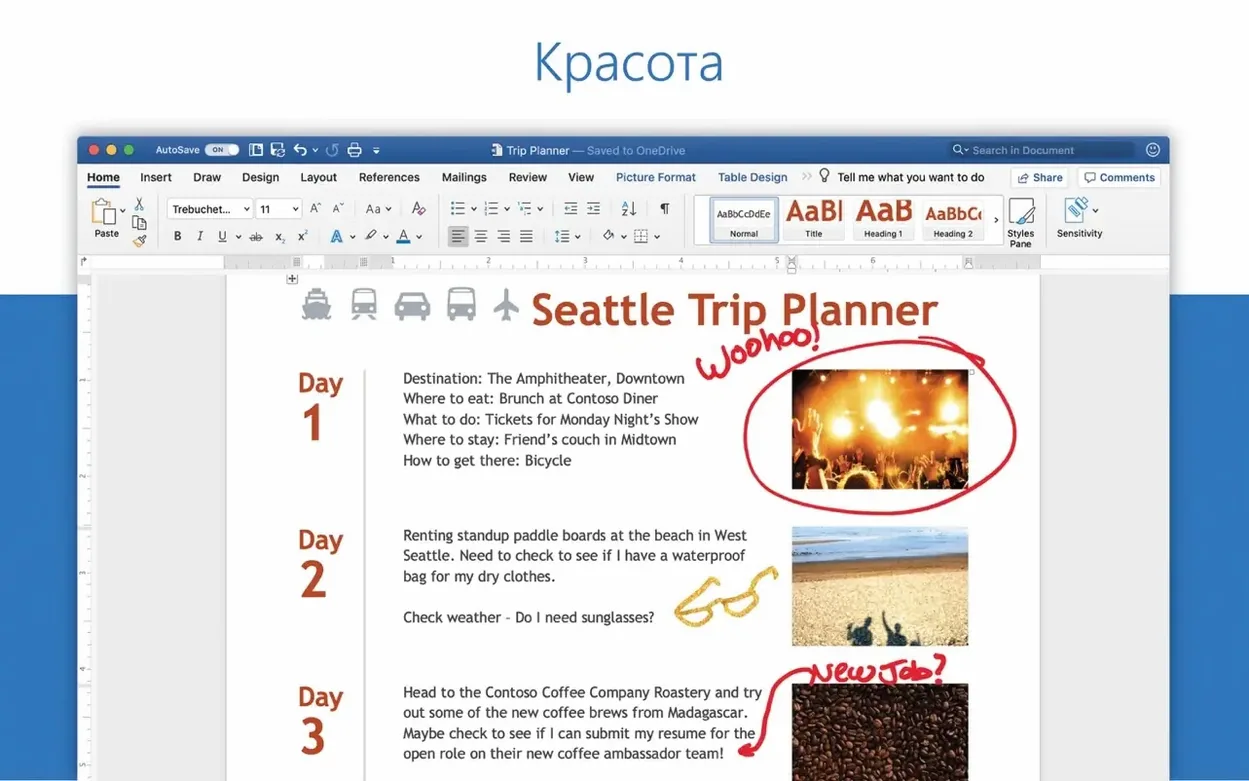
When a plain text editor isn't enough and a page-layout tool feels like overkill, a word processor built for structured documents is the right call. Word fills that slot for macOS users who need formatting control, revision tracking, and real-time collaboration without leaving the document they are working on.
| Detail | Note |
|---|---|
| Current version | 16.93 |
| Architecture | Universal (Apple silicon and Intel) |
| Minimum OS | macOS 13 |
| Part of | Microsoft 365 / Office for Mac |
Version 16.93 landed in January 2025 and is a maintenance release more than a feature drop. The headline fix addresses equation editing that wasn't behaving as expected—good news for anyone typesetting math-heavy work. Alongside that, Microsoft lists the usual round of quality and performance improvements. Word still ships alongside Excel, PowerPoint, Outlook, OneNote, and OneDrive in the Microsoft 365 suite, and the collaborative editing tools remain the core of the shared-document workflow. You open a .docx stored in OneDrive, share a link, and watch co-author cursors move in real time. That part hasn't changed, and it's the reason a lot of Mac labs and writing teams keep Word as their default.
How does Word fit with the rest of macOS and the Office suite?
Word doesn't live in a vacuum. On a Mac it talks to the system in ways that aren't always obvious. Drag a .docx onto the Dock icon and it opens, sure. But it also registers as a Share target—select a file in Finder, hit the Share button, and Word appears as a destination. That seems small, yet it saves a surprising number of clicks over a week of drafting reports.
The Quick Look integration is patchy. Press spacebar on a .docx and you'll see a preview, but complex formatting sometimes collapses. Tables, tracked changes, and embedded charts can render as blank rectangles. It's serviceable for a glance, not a review.
Word plays well with Focus modes on macOS. Turn on a writing Focus that silences notifications from Mail and Teams, and Word stays out of the way—no pop-ups, no "suggested replies." The ribbon dims to the system appearance without extra configuration. Dark Mode support is full: the document canvas goes dark, but pages render as white sheets unless you flip them in Preferences, so what you see matches what prints.
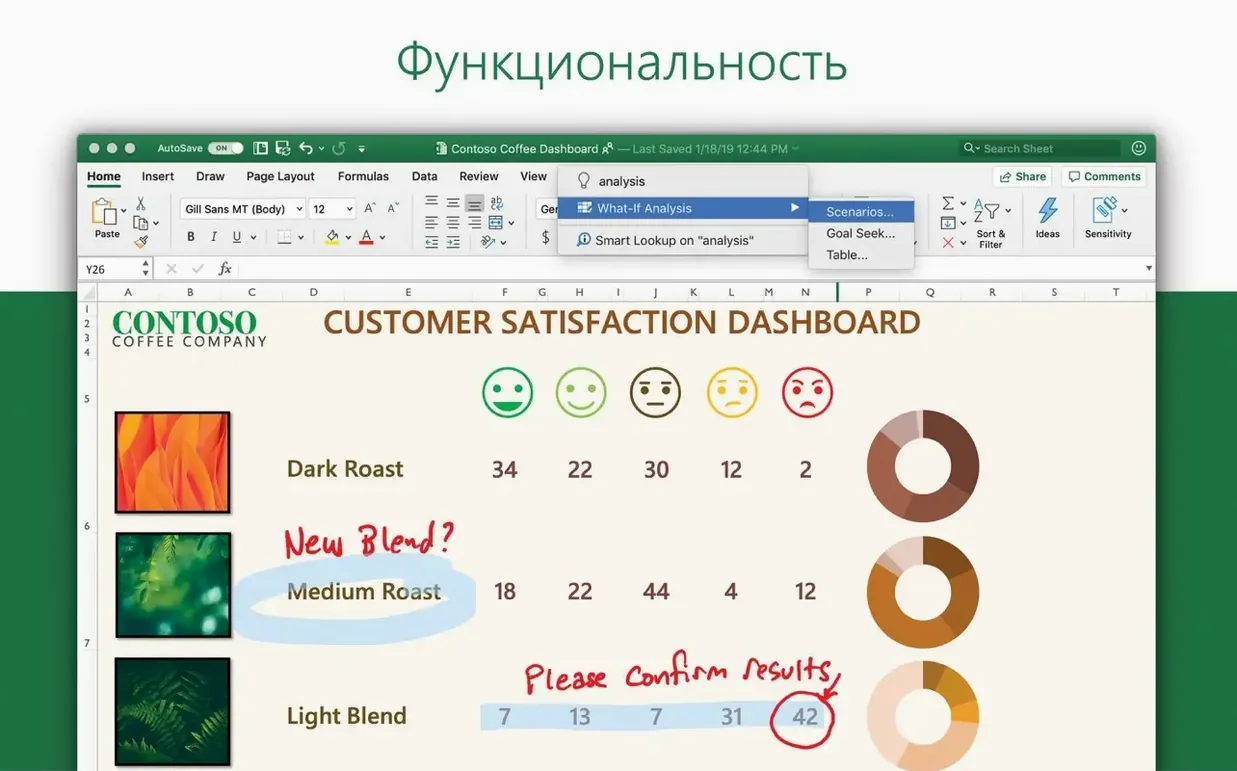
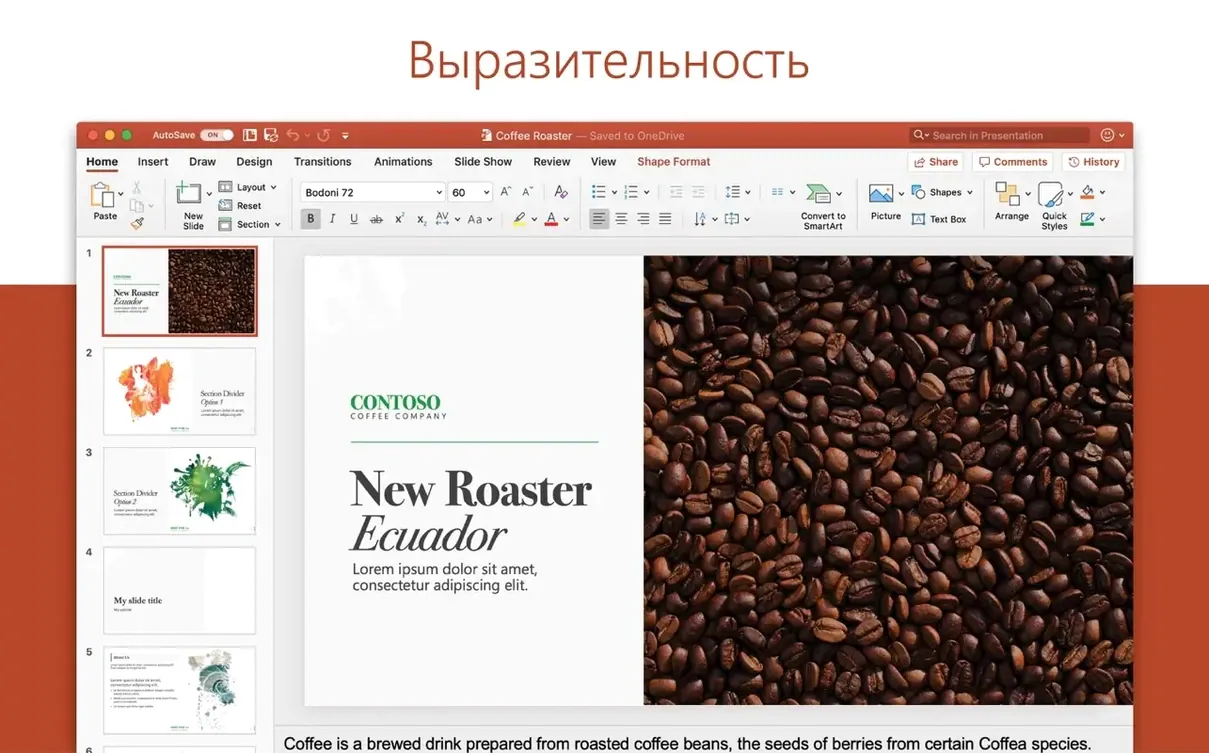
Cross-app behavior inside the suite is the real connective tissue. Excel tables pasted into Word can stay linked. Update the spreadsheet, right-click the table in Word, choose Update Link, and numbers refresh. PowerPoint outlines export directly to a Word document with File → Export → Create Handouts. It's a workflow that's been around for years, and it still works on the Mac version without hiccups. Outlook uses Word as its email editor by default—that means the same autocorrect list, the same styles, and the same proofing tools apply to messages and long-form documents alike.
Launches an 80 000-word manuscript in under four seconds on Apple silicon
Word 16.93 launches in under three seconds on a modern Apple silicon Mac when there's no document to restore. Cold start with a large manuscript—say 80 000 words with embedded images and tracked changes—adds another second. That's fast enough that I never think about it.
Memory use is moderate. A blank document idles around 180 MB. Open five chapter files with comments, cross-references, and Zotero field codes, and the total climbs toward 600–700 MB. That's reasonable for a full layout engine with a live spell-checker, grammar checker, and real-time collaboration listener. What's less reasonable is the occasional memory creep. Leave Word open for a full workday with heavy editing sessions, and I've seen it push past 1.2 GB without releasing pages back. A quit and relaunch fixes it. This isn't new behavior—it's been the pattern since the 16.x branch—but it's less pronounced on Apple silicon than on Intel Macs where the Intel binaries ran through Rosetta.
Stability has been solid in 16.93. No crashes during equation-heavy editing, which makes sense given the patch notes. I've thrown 200-page documents with nested styles, section breaks, and mixed page orientations at it, and the only stutter comes when Word re-paginates after a section-break change. That's CPU-bound and brief.
Background collaboration is the real resource tax. With a document shared to three co-authors, Word maintains a persistent WebSocket connection and merges remote changes in near-real-time. On a fast connection it's invisible. On spotty Wi-Fi, the UI can hesitate as it queues and resolves edit conflicts. Saving locally while collaborating stores a cached copy in ~/Library/Containers/com.microsoft.Word/Data/Library/Application Support/Microsoft/Office/ and syncs when the connection returns. I've never lost a paragraph to sync failures, but I have seen a co-author's cursor freeze for ten seconds while Word re-establishes the session.
No pre-install checklist—just drag it from the App Store
Does Word for Mac need a Microsoft 365 subscription?
Word is installed as part of the Office 2024 package. Activation uses a volume license, not a personal Microsoft 365 login. Once the standard Office installer finishes and the LTSC 2024 serializer does its job, Word opens without prompting for a subscription. AutoUpdate keeps it current through the MAU tool. If you've used subscription Office before, the interface is identical—the difference is entirely in how the license is validated.
Will it open documents I wrote on a Windows PC?
Yes. The file format is the same Office Open XML (.docx) on both platforms. Fonts behave differently. Windows fonts like Calibri and Cambria are included in the Mac version, but if a document uses a Windows-only typeface that's not installed, Word substitutes it and flags the substitution in a dialog on first open. The layout engine is shared code—line breaks, pagination, and table rendering match within a few pixels. Embedded Excel charts render natively. VBA macros run if the document uses them, though some Windows-specific ActiveX controls won't work.
Can I set it as the default app for .docx files?
Yes. Right-click any .docx in Finder, choose Get Info, pick Word from the "Open with" dropdown, and click Change All. macOS respects the setting. After that, double-clicking any Word document opens it in Word, not Pages or TextEdit.
Does it work offline?
Completely. Install, activate once, and Word runs without an internet connection. Real-time collaboration and OneDrive sync pause, and you get a small "Offline" indicator in the title bar. Everything else—formatting, editing, printing, export to PDF—works as normal. The next time you connect, documents stored in OneDrive sync their changes automatically.
Focus Mode hides the ribbon for a distraction-free writing screen
A few things in Word for Mac aren't on the ribbon and don't advertise themselves. They're the kind of features you stumble into after months of use and wish you'd known on day one.
- Focus Mode with a background dims the rest of the desktop. It's not just full screen. Click View → Focus, and everything except the document fades to a neutral gray. The ribbon collapses to a thin strip. Move the cursor to the top edge and it reappears. Press Escape to exit. It's cleaner than full-screen mode for short writing bursts.
- Shift-F5 jumps to the last edit point. This one's been in Word for decades, but Mac users who grew up on other editors rarely discover it. Close a document, reopen it, press Shift-F5, and the cursor lands exactly where you were working. Works across sessions if the document was saved.
- Customize the Quick Access Toolbar for one-click PDF export. The toolbar sits in the title bar by default. Right-click it, choose Customize, and add "Export to PDF." Now it's a single click, no File menu digging.
- Drag a selection to the desktop to create a clipping. Highlight text in a Word document, drag it to the Finder desktop, and macOS creates a
.textClippingfile. Double-click it later to see the text in a floating Quick Look window. Useful for research snippets you want to keep outside the document structure. - Smart Lookup (Control-click → Smart Lookup) queries the web without leaving the app. It uses Bing by default, but it pulls definitions, Wikipedia excerpts, and related web results into a right-hand pane. Not a power-user feature, but a time-saver when you're drafting and don't want to switch to a browser.
- The "Tell Me" search box on the ribbon actually works. Type "hanging indent" or "section break next page" and it jumps you directly to the relevant dialog. It's faster than hunting through menus when you know what you want but not where it lives.
Merging a status report, punch list, and stakeholder brief into one workflow
Consider someone who isn't a writer by trade but spends half their week in Word. A project manager coordinating a construction project pulls together three types of documents: a status report for stakeholders, a table-heavy punch list for contractors, and a mail merge to send individual deadlines to each subcontractor.
They start the morning by opening the status report from OneDrive. The document has comments from two reviewers added overnight. Word shows comment threads in the right margin with usernames and timestamps. They resolve four, reply to two, and insert a revised risk table copied from an Excel sheet. They paste with "Keep Source Formatting and Link Data" so next month's numbers flow through without manual updating.
The punch list lives in a separate document with a custom multilevel list style—Item 1.1, 1.2, 2.1—that they set up once and saved as part of the template. They add ten new items, collapse the headings to see only the top-level categories, and drag section 4 above section 3 using the Navigation Pane. The list renumbers automatically. They export a PDF for the site team using the Quick Access Toolbar button they added months ago.
For the mail merge, they connect to a CSV of subcontractor names, email addresses, and deadline dates stored in ~/Documents/Project Data/contacts.csv. The merge fields slot into a short template letter. They preview results, catch a formatting error in the date field (the CSV used U.S. format and Word defaulted to ISO), fix the field code with a format switch, and run the merge to email. Outlook sends 23 individual messages through the default mail account. The whole merge takes under ten minutes.
At no point does Word beachball. The linked Excel table updates silently. The PDF export completes in seconds. The only friction is a brief pause when Outlook hands off to Word for the mail merge—a half-second delay while the two apps negotiate the data source. For a day's work that spans three distinct document workflows, Word stays out of the way and lets the content drive the pace.
- Fixed a bug where editing equations could produce unexpected results.
- Quality and performance improvements across the app.
- macOS 13 or later
- Apple silicon or Intel Mac
$ man microsoft-word | grep -A2 "?"
Is Word 16.93 a major update?
No—it's a maintenance release from January 2025 that fixes equation editing and brings general performance and quality improvements.
What other Office apps ship alongside Word for Mac?
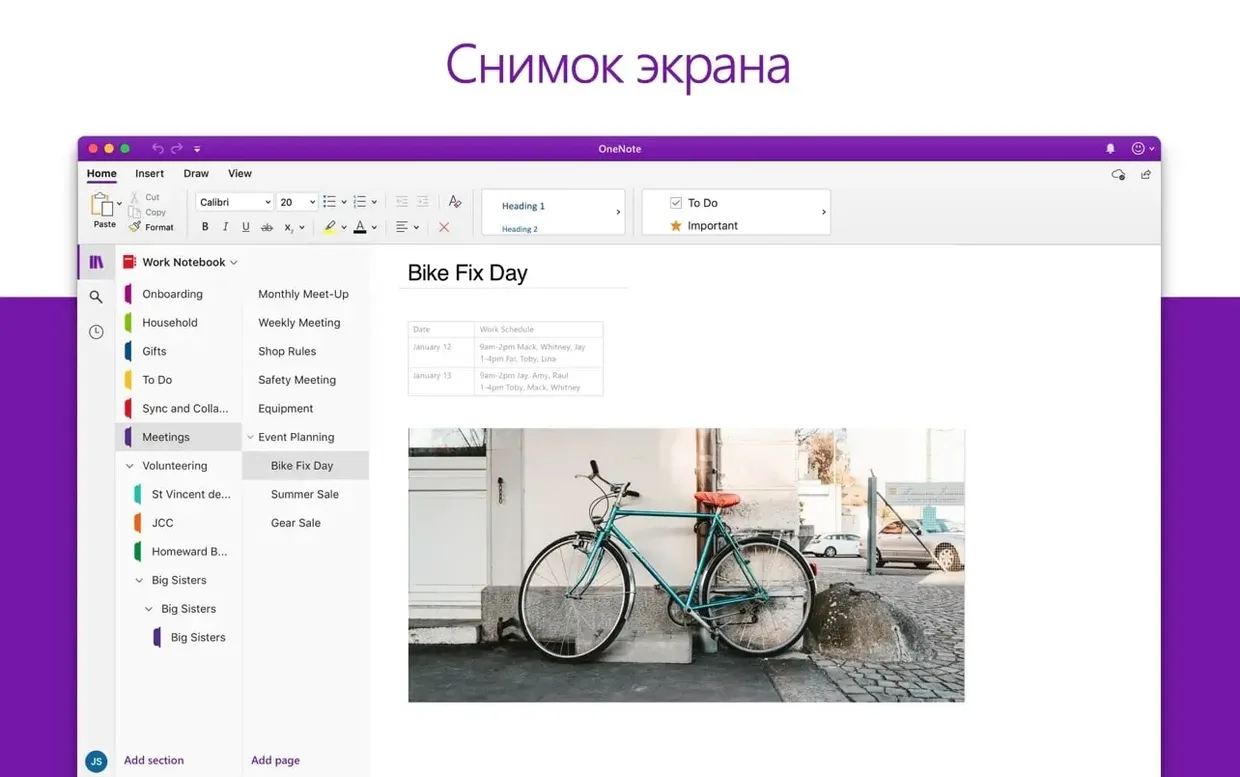
Word is part of Microsoft 365 for Mac, which also includes Excel, PowerPoint, Outlook, OneNote, and OneDrive.
Comments 0
Sign in or create an account to leave a comment.
No comments yet. A codec, a slice, a machine — they appear after moderation.