
Millumin for macOS
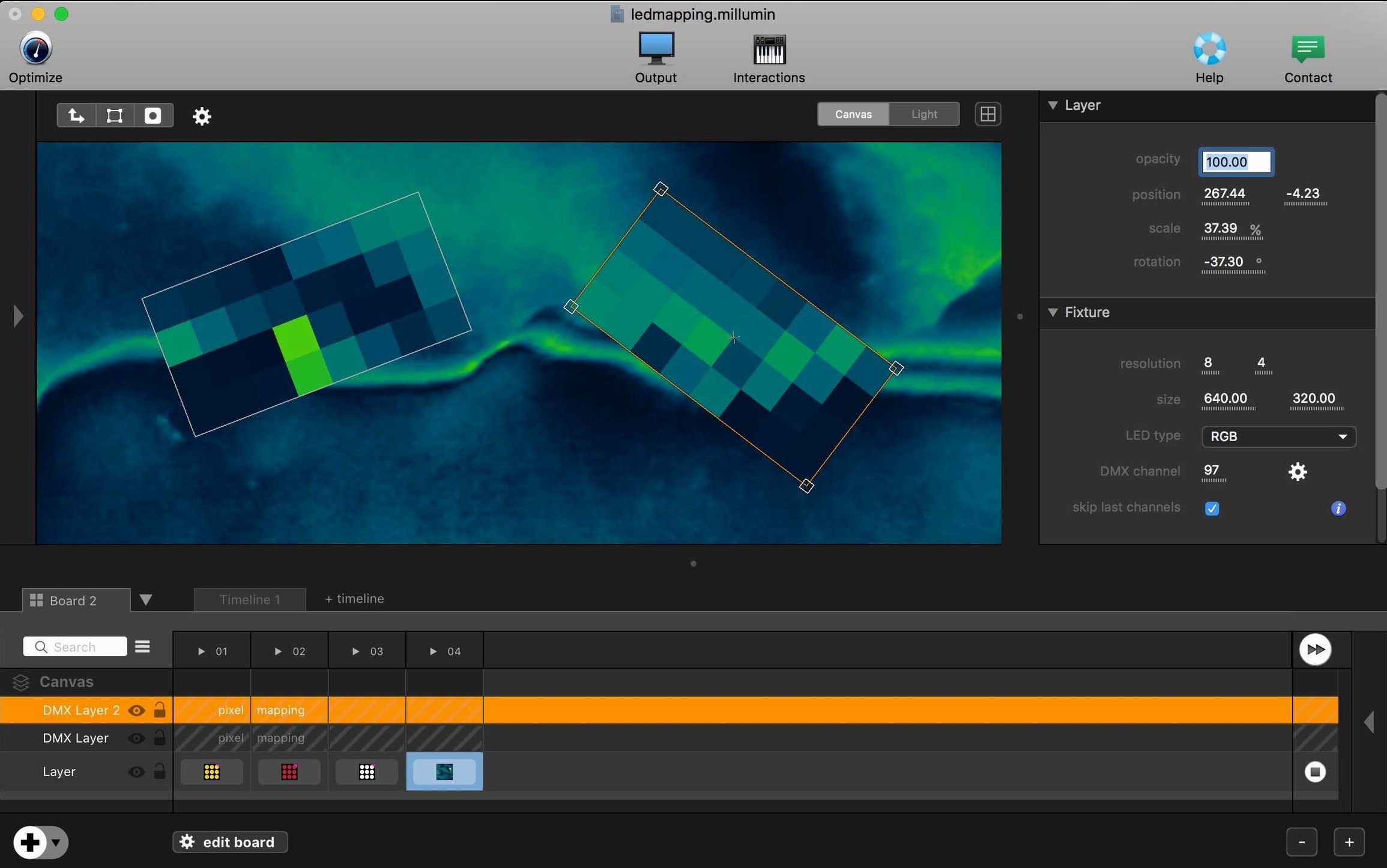
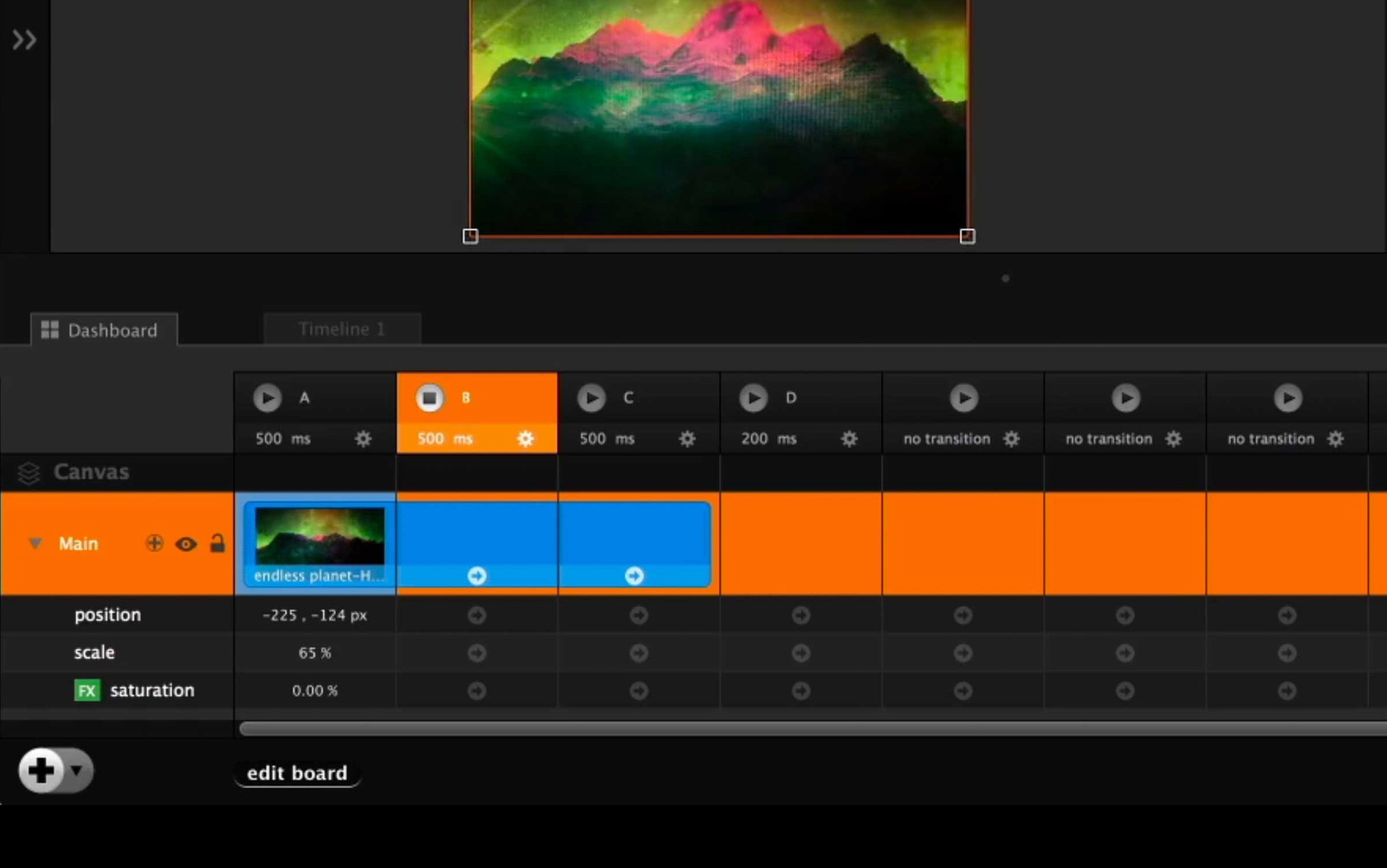
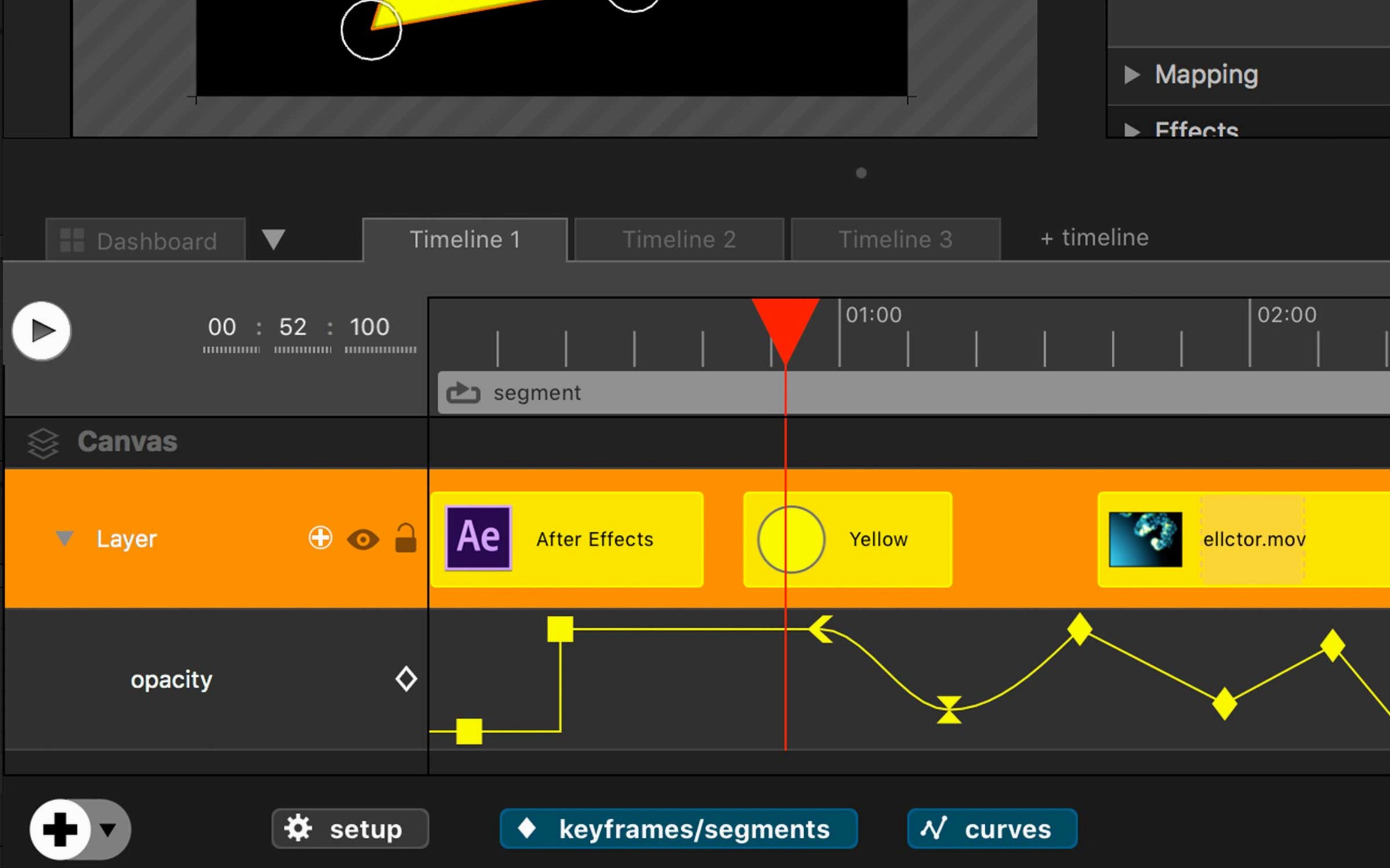
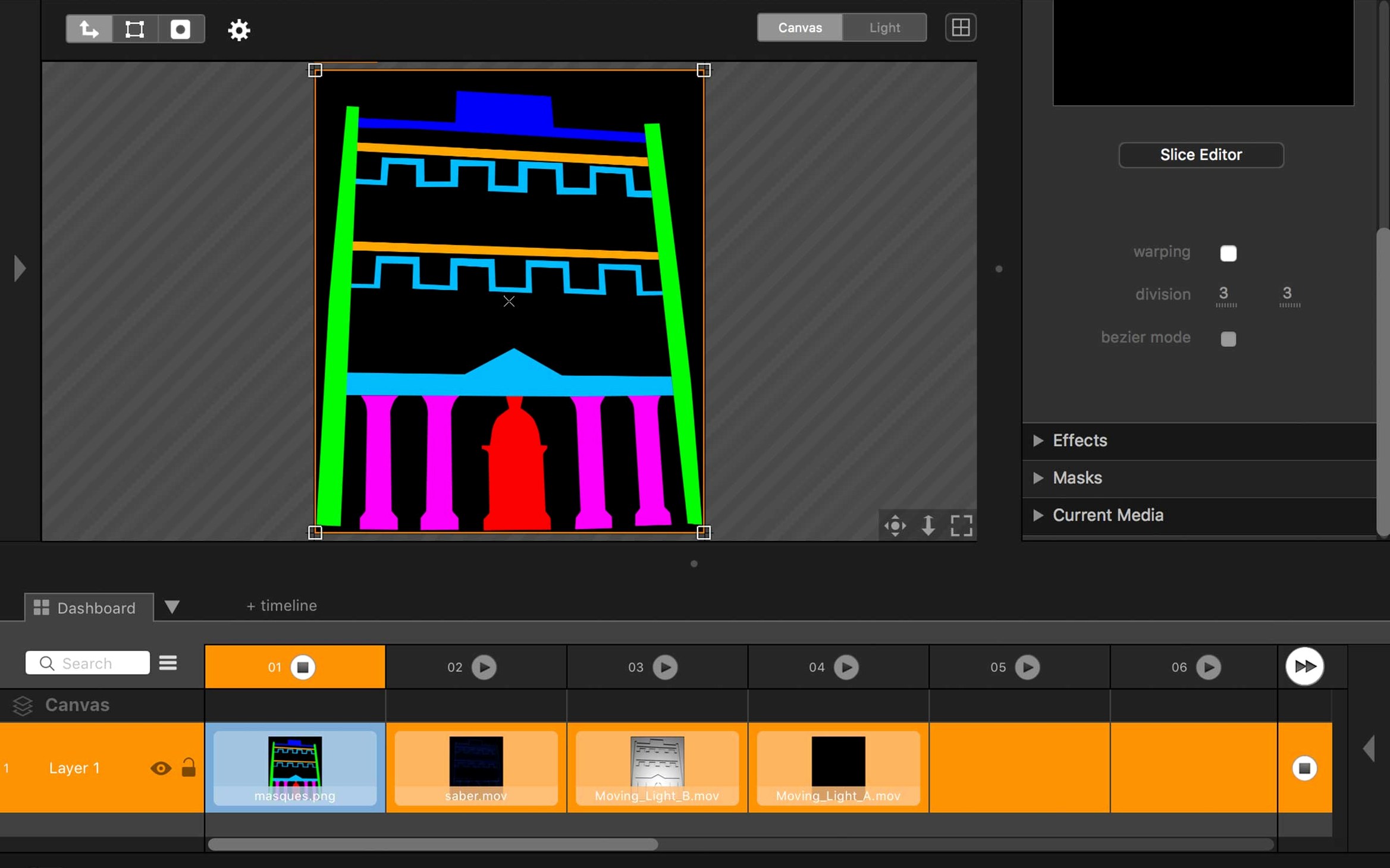
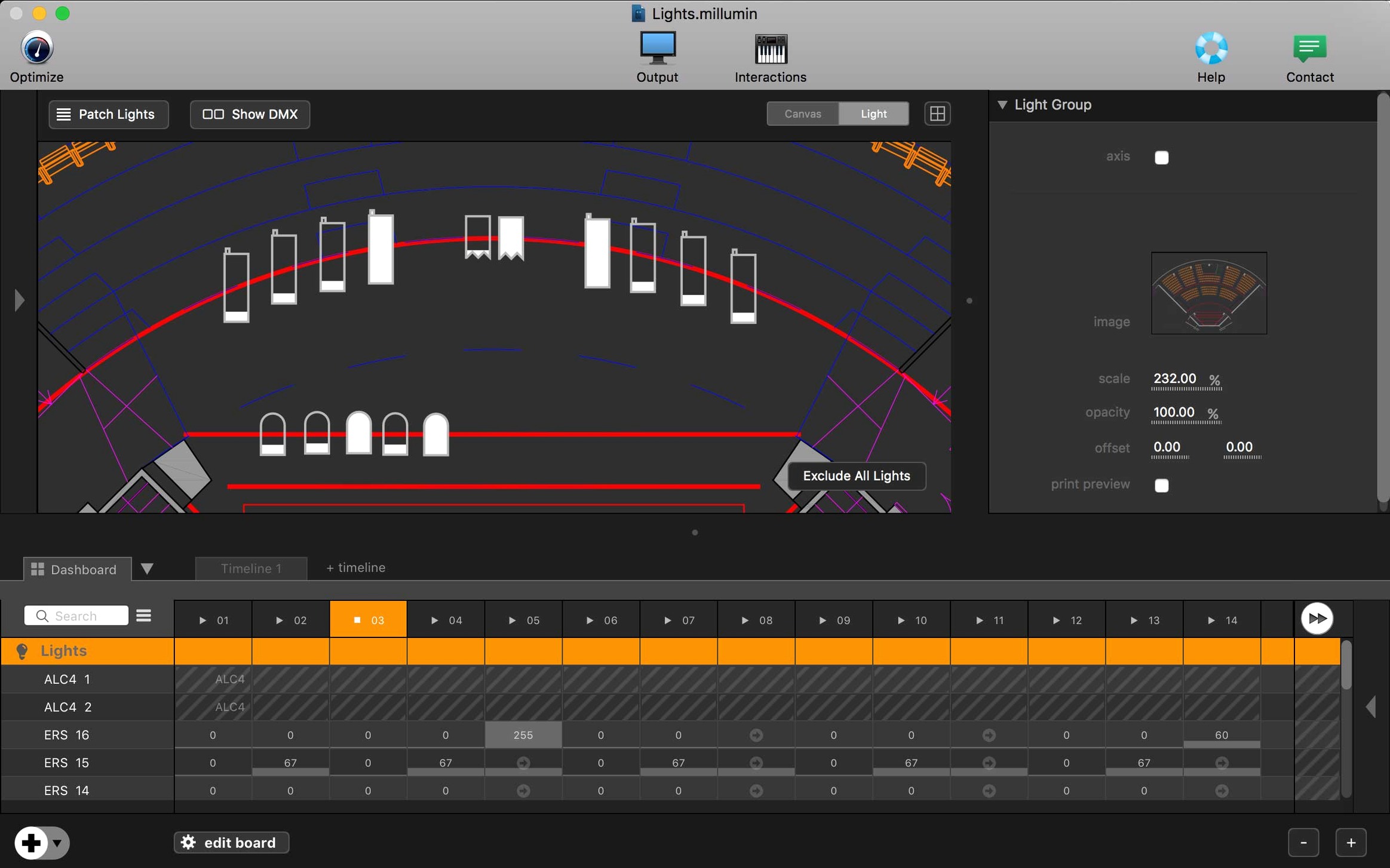
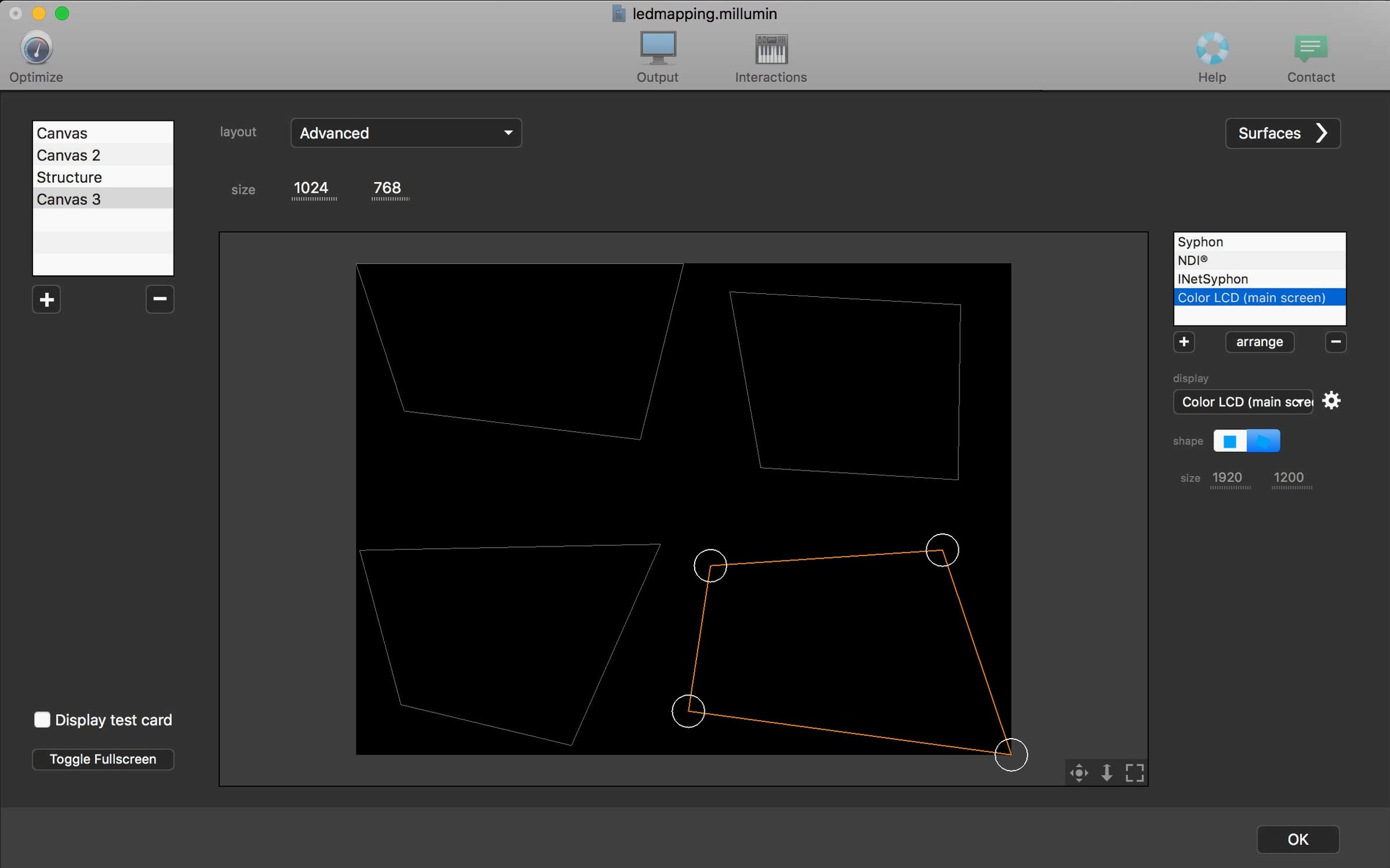
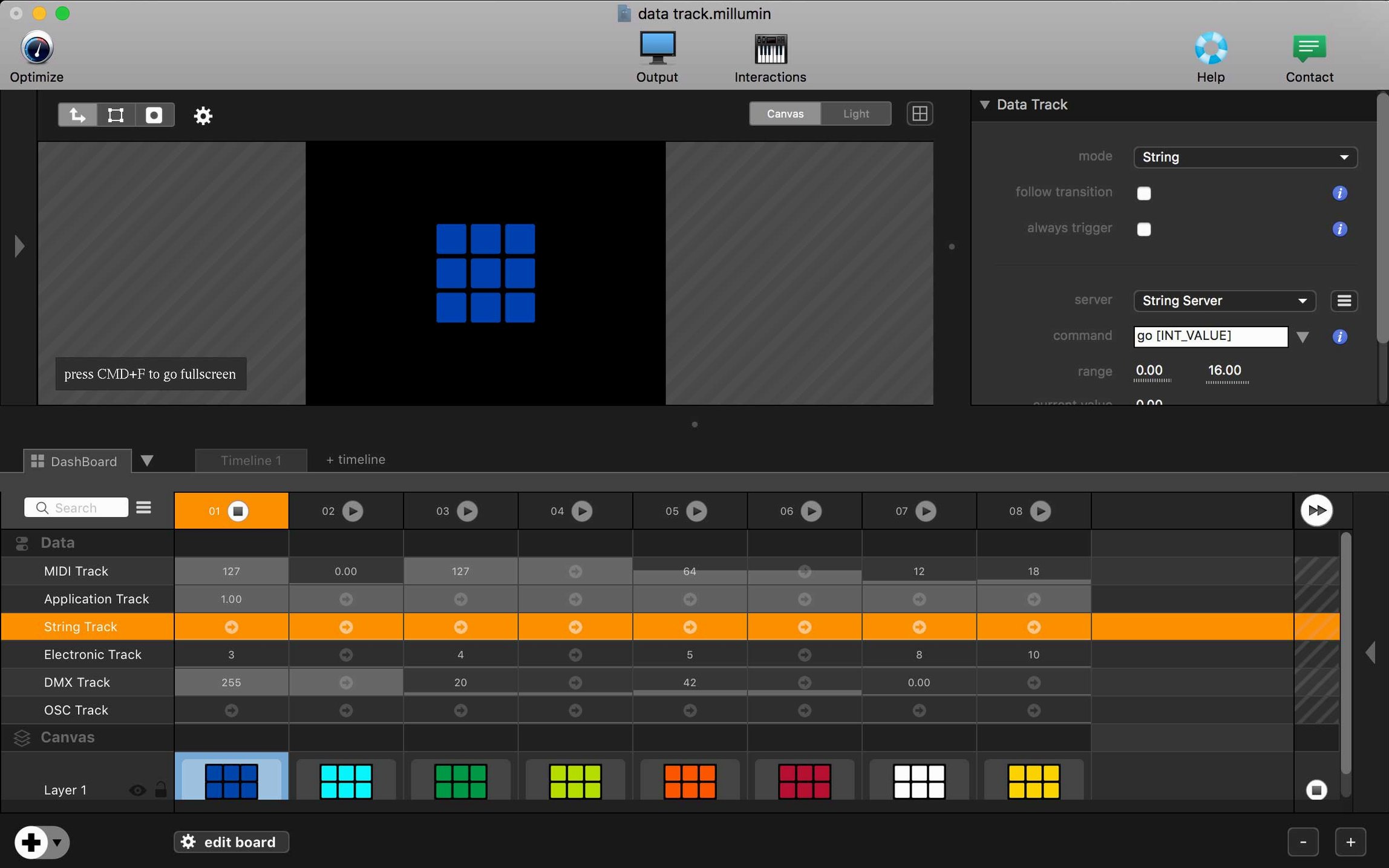
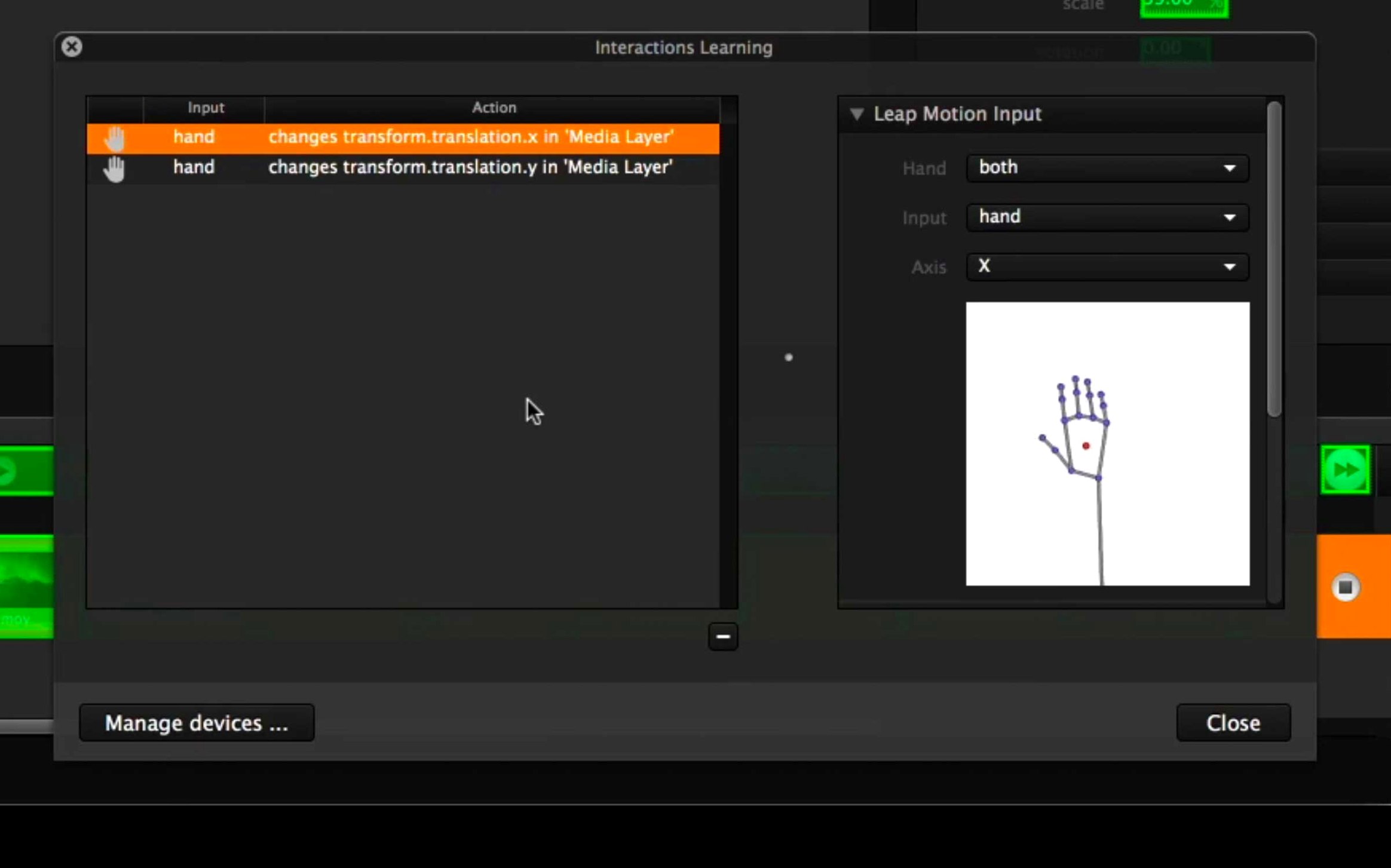
Five separate connections to video gear and lighting desks—that is where a typical Millumin timeline starts before you have even placed a clip. The application is built for creating audiovisual and interactive shows, and version 5.14.j keeps that core identity intact while updating compatibility for recent macOS releases.
| Detail | Note |
|---|---|
| Current version | 5.14.j |
| Architecture | Intel 64‑bit |
| macOS support | Big Sur through Golden Gate 27 |
Contextual help greets you right when the workspace opens, which matters in a tool where a single patch can route DMX, MIDI, OSC, and Syphon streams at once. The growing list of supported devices and software means a light desk change or a new media server rarely forces you to rethink the entire cue list. Online tutorials are included in the app itself, so exploring a feature like video‑mapped masks does not send you hunting through a forum. A newer V5 release is available, though the supplied package ships 5.14.j with no included change notes.
Where does it draw the line against QLab, Isadora, and MadMapper?
Three names tend to appear in the same conversation: QLab, Isadora, and MadMapper. They overlap in some Venn diagram of live performance, but each draws its boundary differently.
QLab is the theater workhorse. If your show runs on a locked cue list—sound, video, lighting triggered in strict order—QLab feels frictionless. It speaks OSC and MIDI, but its world is linear. Millumin steps in when the show is non‑linear: interactive installations, dance pieces where a performer's position on stage drives the media, or setups that juggle five independent timelines at once. QLab does one timeline beautifully; Millumin does several simultaneously, and it ties them to live inputs without workarounds.
Isadora has deeper generative-video chops and a node‑based patching system some artists prefer. But its interface has aged differently, and its timeline is less visual than Millumin's. If you think in spread‑out timeline lanes—video here, lighting cue there, Arduino trigger on a third—Millumin maps to that mental model more directly. Isadora rewards tinkering; Millumin rewards cue‑structure clarity during the panic of tech week.
MadMapper is the projection‑mapping specialist. Millumin does mapping, but MadMapper lives there: quad‑warping, soft‑edge blending, 3D calibration on complex surfaces. Many video‑mapping setups run MadMapper alongside Millumin, piping a Syphon feed from Millumin into MadMapper for the final warp. They are not really competitors; they are often chained together.
A dance production scenario
Picture a contemporary dance piece with three projectors, a single moving head, and a sensor mat downstage. The choreographer wants the floor projection to shift hue when a dancer steps on the mat, while the moving light picks up that same color cue and the side screens play a slow‑dissolve background layer that never stops.
The Millumin timeline for this has four lanes. Lane one holds the looping background; it plays from curtain to curtain. Lane two listens for an OSC message from the sensor mat. When it arrives, that lane triggers a three‑second color‑wash clip and simultaneously fires a DMX cue to the moving head via the built‑in Art‑Net output. Lane three handles the side screens, crossfading between pre‑rendered textures on a second OSC trigger. Lane four is just a black‑out safety cue mapped to a MIDI foot pedal. The operator watches all four lanes scroll in parallel and can override anything with a single click. That kind of multi‑threaded cue flow—where one trigger fans out to video, light, and an external protocol—is exactly where Millumin stops being a media player and starts being a show brain.
Can it hold 60 fps with six HD layers and Syphon on an Intel Mac?
On an Intel Mac, version 5.14.j loads a modest project—six HD layers, a couple of Syphon feeds, Art‑Net out—in under four seconds. The timeline scroll stays at 60 fps during playback even with blending modes active, though heavy H.264 files benefit from being pre‑converted to ProRes. Memory sits around 1.2–1.8 GB for a typical hour‑long show file; adding four 4K ProRes layers pushes that toward 3 GB, which is still comfortable on 16 GB machines.
The app rarely crashes during playback. When it does stumble, it is usually during edit‑time operations—undo after a complex paste, or rapid switching between the Dashboard and timeline while video layers are decoding. Autosave has recovered every test session without data loss. One quirk: the contextual help pane, when left open on a second monitor, can cause a slight frame‑time hitch on older Intel integrated graphics. Closing it smooths things out immediately.
CPU use is spiky by design. A cue that starts a video, sends DMX, and fires an OSC packet will briefly push a single core to 60–70%, then settle back to idle. The app does not spread work evenly across cores, so single‑core speed matters more than core count. That is why users hunting a millumin download or millumin 5 download for older Intel hardware often run a separate Mac for live playback while building the project on another machine.
Which hidden columns and drag tricks speed up the timeline?
- Option‑drag a transition to copy its curve and duration to another cut without opening the inspector. Works across layers.
- Right‑click a column header in the Dashboard to show hidden columns like File path or Duration. New users often miss that the column set is fully configurable.
- Spacebar preview works not just on the timeline but on individual clips selected in the library—handy for hunting the right texture without dragging everything to a layer first.
- Syphon server auto‑registration: any layer with video out can announce itself as a Syphon source with one checkbox. No manual naming unless you want it. MadMapper or OBS picks it up instantly.
- MIDI learn on the transport controls is a right‑click away, not buried in preferences. Map play, pause, and jump‑to‑cue to a controller in seconds.
- Double‑click the timecode display to switch between absolute time, SMPTE, and bars‑beats. In a theater, SMPTE wins. In an installation synced to music, bars‑beats saves mental math.
- Cmd‑Shift‑D duplicates a cue with all its target mappings intact—media, DMX, OSC all come along. Faster than copy‑paste if you are building a repeating flash cue.
These are the kinds of shortcuts that do not appear in a feature list but change how fast you move during a rehearsal. When someone is searching for Millumin 4 download or Millumin torrent to test an older version, they often miss that V5's interaction design is tuned for exactly this kind of rapid cue building. The contextual help inside the app covers these details, and it takes a deliberate right‑click or key‑press to discover them.
- macOS 11 Big Sur or later
- Intel 64‑bit Mac
$ man millumin | grep -A2 "?"
Which macOS versions does Millumin 5 support?
It runs on macOS 11 Big Sur and remains compatible through Tahoe 26 and Golden Gate 27.
What kind of help does the app include?
It opens with contextual guidance and ships with online tutorials built right into the interface.
Comments 0
Sign in or create an account to leave a comment.
No comments yet. A codec, a slice, a machine — they appear after moderation.