
Movavi Video Converter for macOS
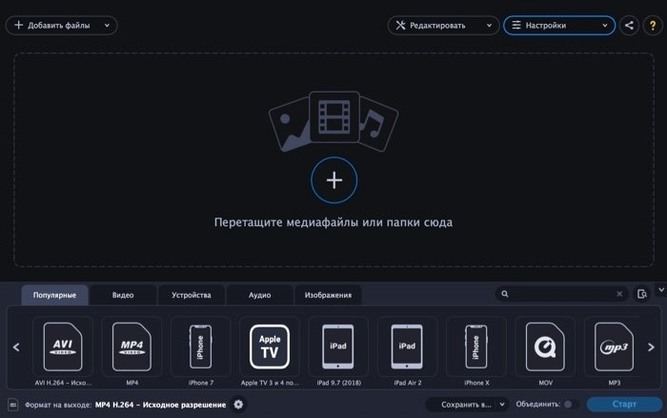
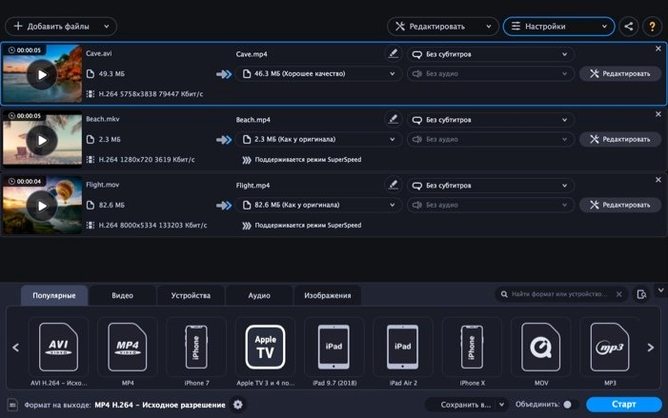
When a video won't open in your editor or a client requests a format your camera never shoots, the job is getting the footage into the right container without losing a day to it. Movavi Video Converter Premium 2022 is built for exactly that.
- Load the source. Drag in a video, an image sequence, or an audio track. The app reads common camera formats and lets you pull the audio stream out of a video if all you need is the sound.
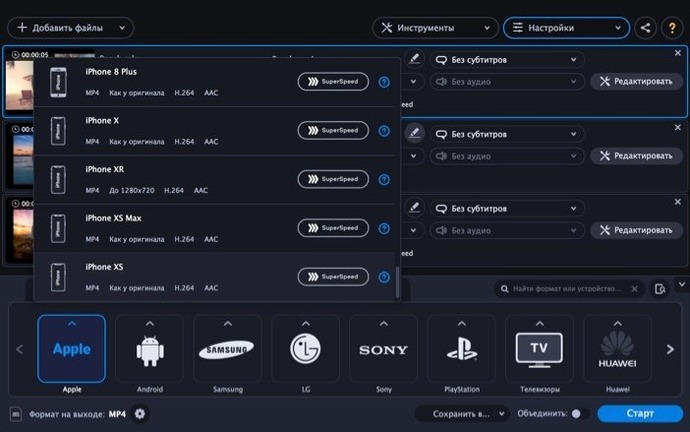
- Pick the target format. Video presets cover
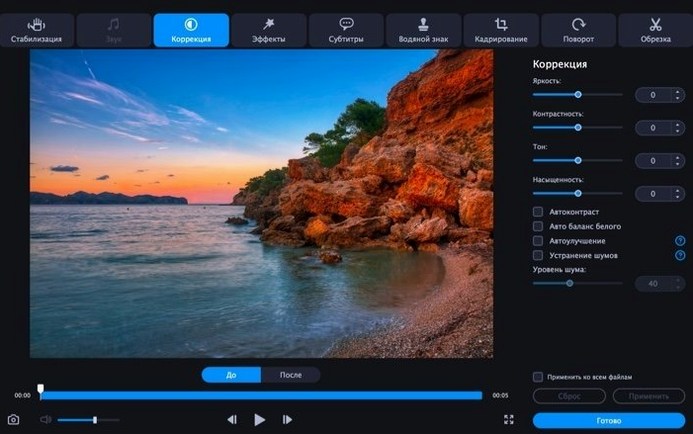
MP4,MKV,MOV,AVI,WebM,MPG, andWMV. For audio, you getMP3,AAC,FLAC,M4A,OGG,WAV, andWMA. Image output includesJPEG,PNG,TIFF,BMP, andGIF. The GIF path also converts short video clips straight to animated GIFs. - Tidy up the file. Before the run, use the built-in editing to trim, crop, rotate, adjust volume, reduce noise, stabilize shaky footage, tweak color, or burn in subtitles, text, and a watermark.
- Run the conversion. Switch on SuperSpeed mode when your hardware supports it — the app uses Intel Quick Sync Video to push the encode through faster.
Nothing in the pipeline is hidden. You see the codec pairing, resolution, and estimated file size before you commit. The app runs natively on Intel 64-bit Macs from macOS 10.13 High Sierra onward.
- macOS 10.13 High Sierra or later
- Intel 64-bit processor
$ man movavi-video-converter | grep -A2 "?"
Can Movavi Video Converter pull audio out of a video file?
Yes. Load a video, choose an audio output format like MP3 or AAC, and it extracts the soundtrack as a standalone file.
Does the SuperSpeed mode work on all Macs?
It depends on the hardware. SuperSpeed taps Intel Quick Sync Video, so you need an Intel processor with that feature and a format pairing the encoder supports.
Comments 0
Sign in or create an account to leave a comment.
No comments yet. A codec, a slice, a machine — they appear after moderation.