m’s HalfTone for macOS
Dial in the dot size
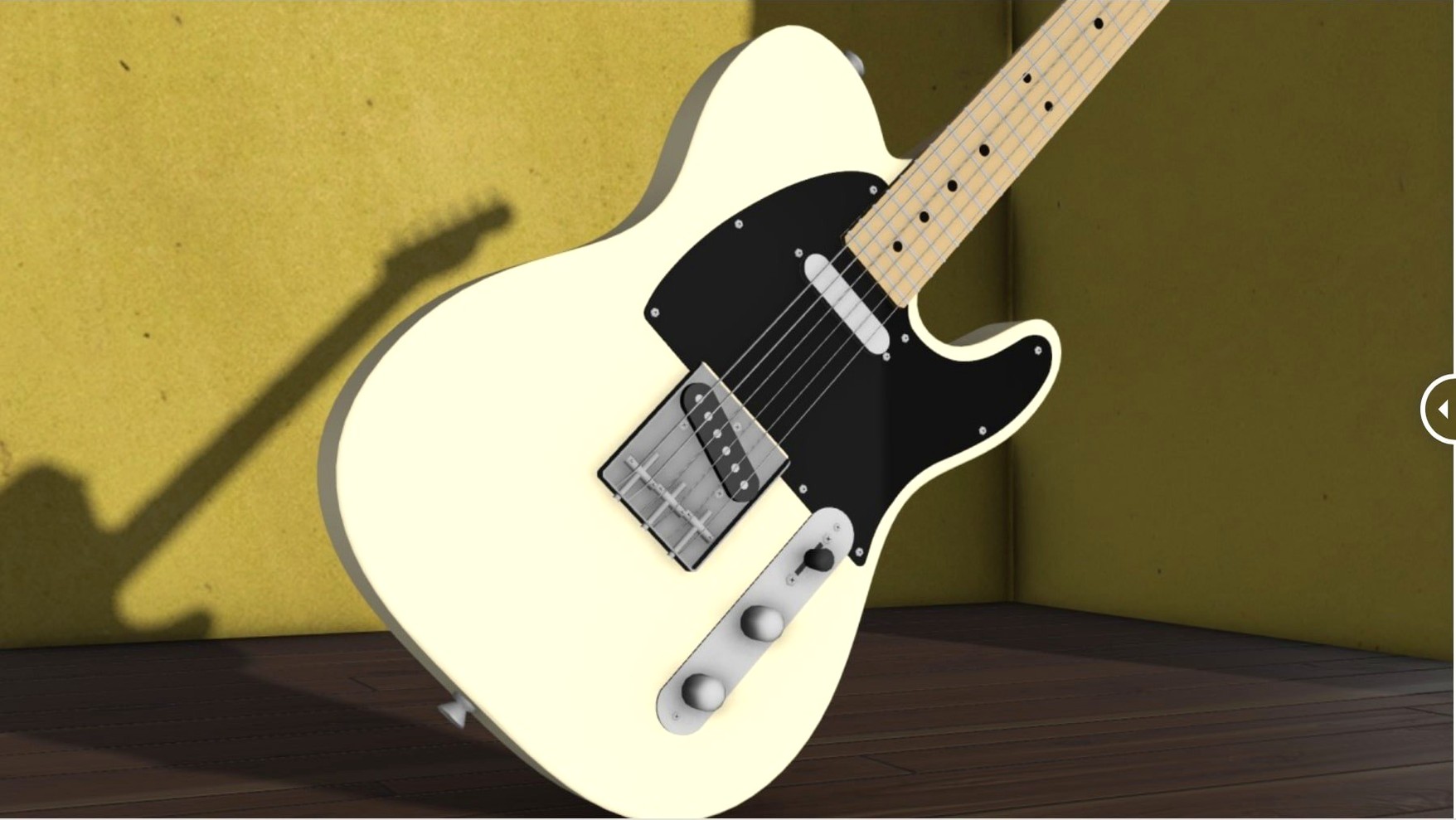
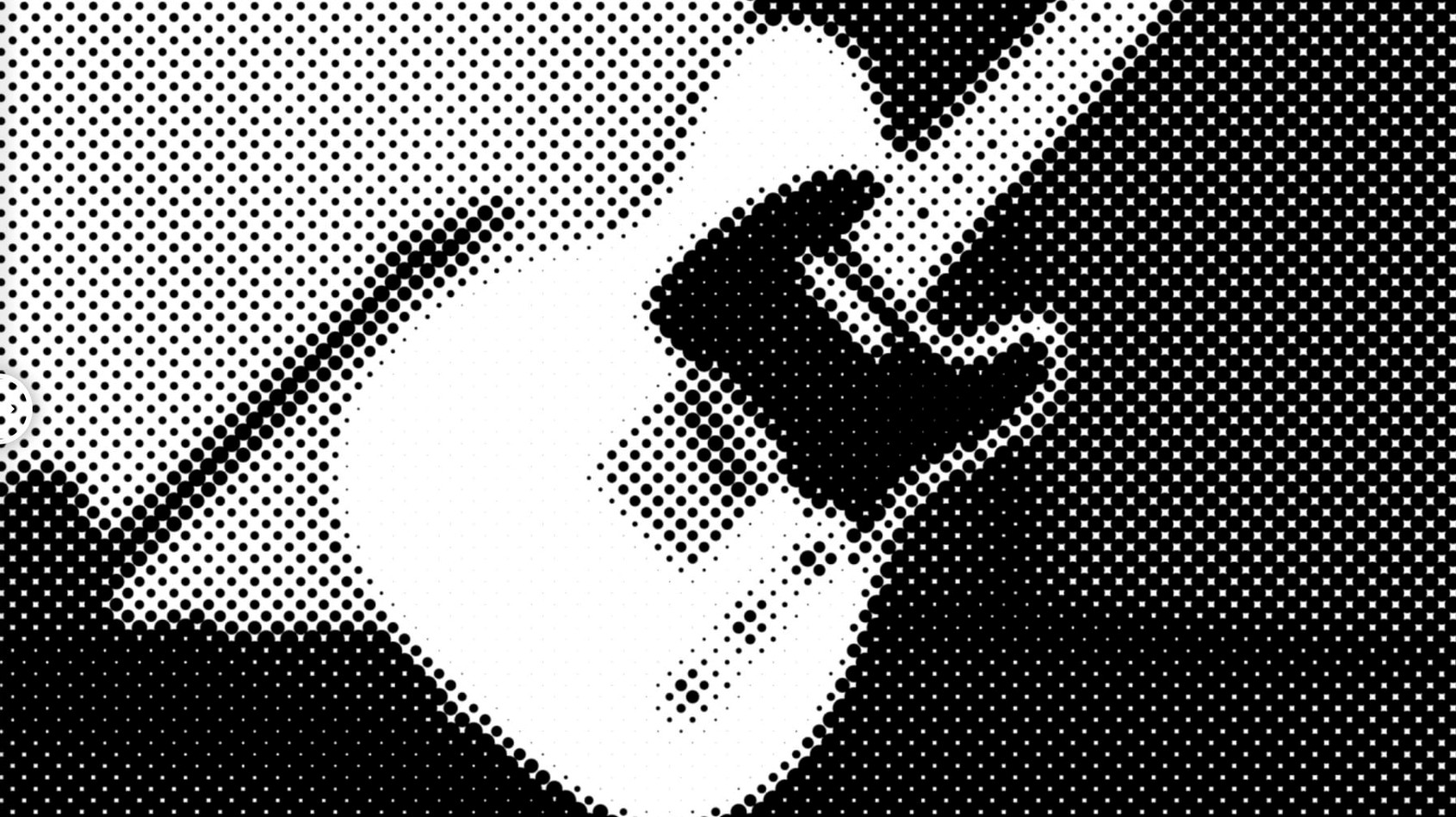
The Dot Size slider doesn't just scale circles up and down. Crank it, and it re-grids the image at a coarser frequency, so photographic detail dissolves into a graphic, screen-printed look. Pull it back, and the dots tighten until they almost read as continuous tone again.
Shape the threshold with the mapping curve
The mapping curve is where the effect stops being a simple bitmap filter and starts acting like a photographic process. Dragging the curve flattens or expands the tonal range that converts to dots, letting you crush shadows into solid ink or pull unexpected detail out of a blown-out sky.
Twist the pattern with angle and aspect
Angle rotates the entire dot grid, so you can align it to a composition's geometry. The aspect control stretches circles into ellipses, simulating an angled printing screen or just giving the layer a directional, brushed-metal tension that follows the motion in your shot.
Graphics that look screen-printed, not keyframed
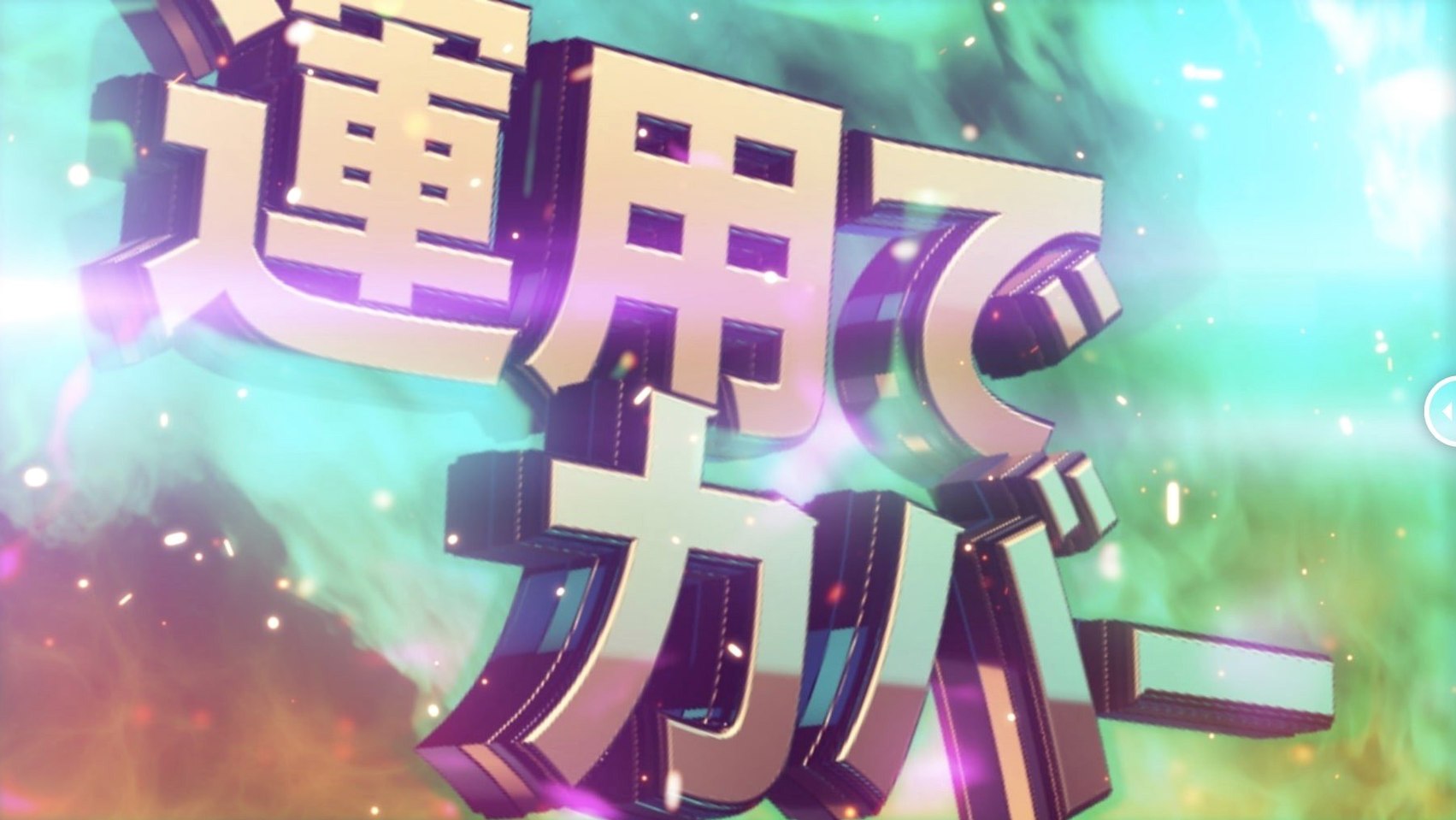
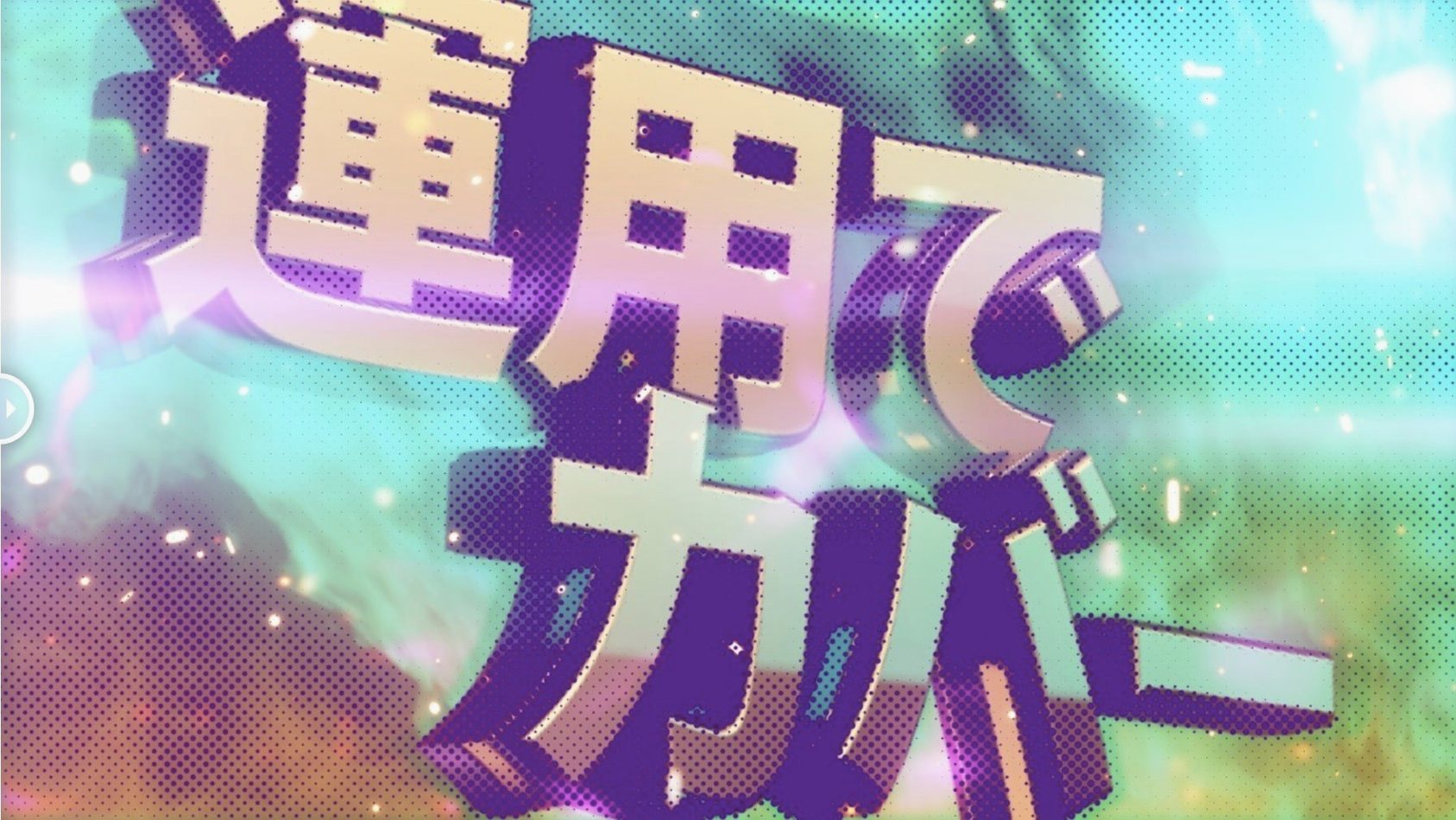
Motion designers working on title sequences and broadcast packages get immediate value here. The plugin turns flat vector logos and kinetic type into something tactile — as if the graphics were screen-printed onto the frame rather than keyframed in digital space. Because it operates on a single layer without external maps, you can drop it onto a pre-comp and keep working without rebuilding your project structure.
Music video editors who need to match a lo-fi, zine-aesthetic brief will find the line-shaped halftone mode particularly useful. It mimics the look of Risograph drums misaligned on purpose, and the rotation control lets you offset the line angle per cut so the effect doesn't feel like a preset. Photographers experimenting with moving-image treatments also get a lot out of it: the alpha sampling control means halftone dots follow transparency edges correctly, which matters when you're compositing a treated portrait over a solid background.
Building a distressed poster loop, step by step
Here's a workflow for turning a clean portrait into a looping, screen-printed promo clip — the kind that lives on a band's YouTube channel or an event page.
- Import your source clip and drop it into a new composition. Set the comp to your delivery resolution — 1080×1080 for social works well here.
- Apply m's HalfTone to the layer. Start with Circle shape and a dot size around 8–12 so the facial features stay readable but the halftone texture is obvious at full playback speed.
- Open the mapping curve. Pin the left point near the bottom to crush shadows, then lift the mid slightly. This pushes the midtones into a narrower dot range and leaves the darkest areas as near-solid ink.
- Set rotation to about 15° and nudge the aspect to 1.3. The slight ellipse and off-axis grid make the halftone feel like a misregistered print run rather than a digital effect.
- If your clip has an alpha channel, enable alpha sampling so the dots feather correctly at the edges of the subject. This stops harsh, stair-stepped halftone borders that break the printed illusion.
- Add a subtle wiggle expression to the offset property — something like
wiggle(0.3, 2)— so the dot grid drifts imperceptibly over time. It sells the analog feel without distracting from the subject. - Pre-compose the treated layer and apply a slight chromatic aberration or film grain on top. The halftone pattern underneath gives those secondary effects a textured surface to bite into, so the final render looks like scanned 16 mm rather than a plugin stack.
The whole setup takes maybe five minutes once you know the controls, and because m's HalfTone doesn't rely on layer maps, you can copy the effect to other comps without breaking references.
What the v1.5.3 update actually changed
The licensing framework moved to v4.1.4. In everyday use, that means activation is less likely to trip over macOS security changes or sudden hardware-ID shifts — the kind of thing that can break a plugin right before a deadline. No new knobs, no UI changes, just a quieter, more predictable experience when you open a project that used an earlier version.
Why a dot size of 1 makes images look like a screen door
The most common slip is treating the dot size like a resolution slider. New users often pull it down to 1 or 2, expecting a finer halftone, then wonder why the image looks like it's through a screen door. Small dot sizes push the pattern frequency so high that it aliases on a standard preview — bump it up until the dots read as a deliberate graphic choice, not noise.
Another one: ignoring the mapping curve entirely. The default linear curve can produce a flat, posterized look that doesn't suit every shot. A quick S-curve — lifted mid, pulled shadows — adds contrast back into the halftone conversion and stops skin tones from turning into a muddy wash of equal-sized dots.
Beginners also tend to leave the angle at 0° on every shot in a sequence. A halftone grid that stays locked while the camera moves or the edit cuts feels static and digital. Rotating the pattern by a few degrees per clip, or matching the angle to the dominant line in the composition, makes the treatment feel intentional rather than slapped on.
Finally, people forget the offset control exists. When you're using the line halftone mode and the subject has a strong vertical edge, an unshifted line grid can create an uncomfortable moiré interaction. Shifting the offset by even 10–15 pixels breaks that interference without visibly repositioning the pattern.
- Licensing framework updated to v4.1.4.
- macOS running Apple Silicon or Intel 64-bit architecture.
- Adobe After Effects 2026 through CS5.
$ man ms-halftone | grep -A2 "?"
Does m's HalfTone need external layer maps to work?
No, the plugin applies the halftone processing directly to the layer you attach it to, with no external maps required.
Which versions of After Effects are supported?
The plugin runs on After Effects 2026 all the way back to CS5, on both Apple Silicon and Intel Macs.
Comments 0
Sign in or create an account to leave a comment.
No comments yet. A codec, a slice, a machine — they appear after moderation.