MuMu Player Pro for macOS
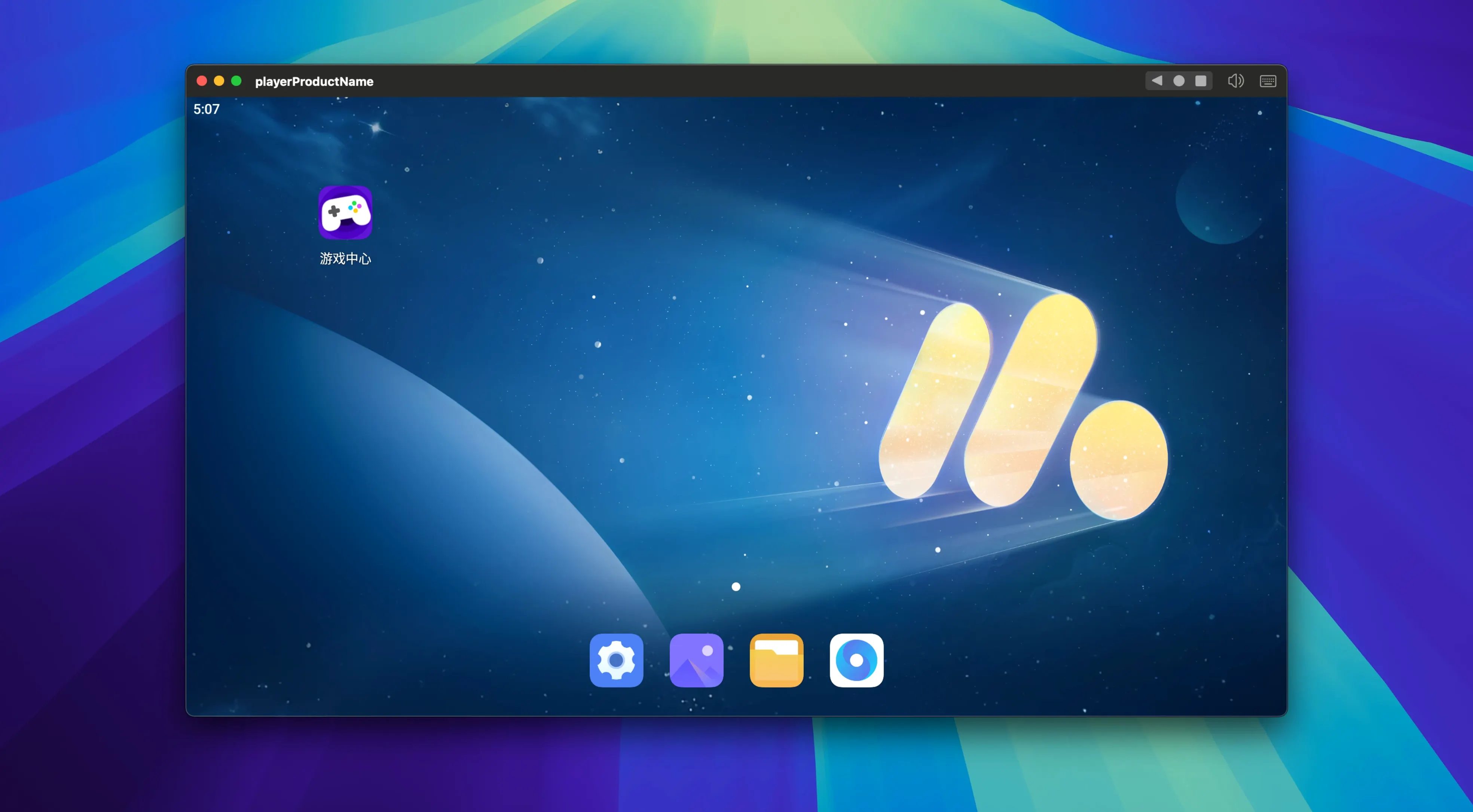
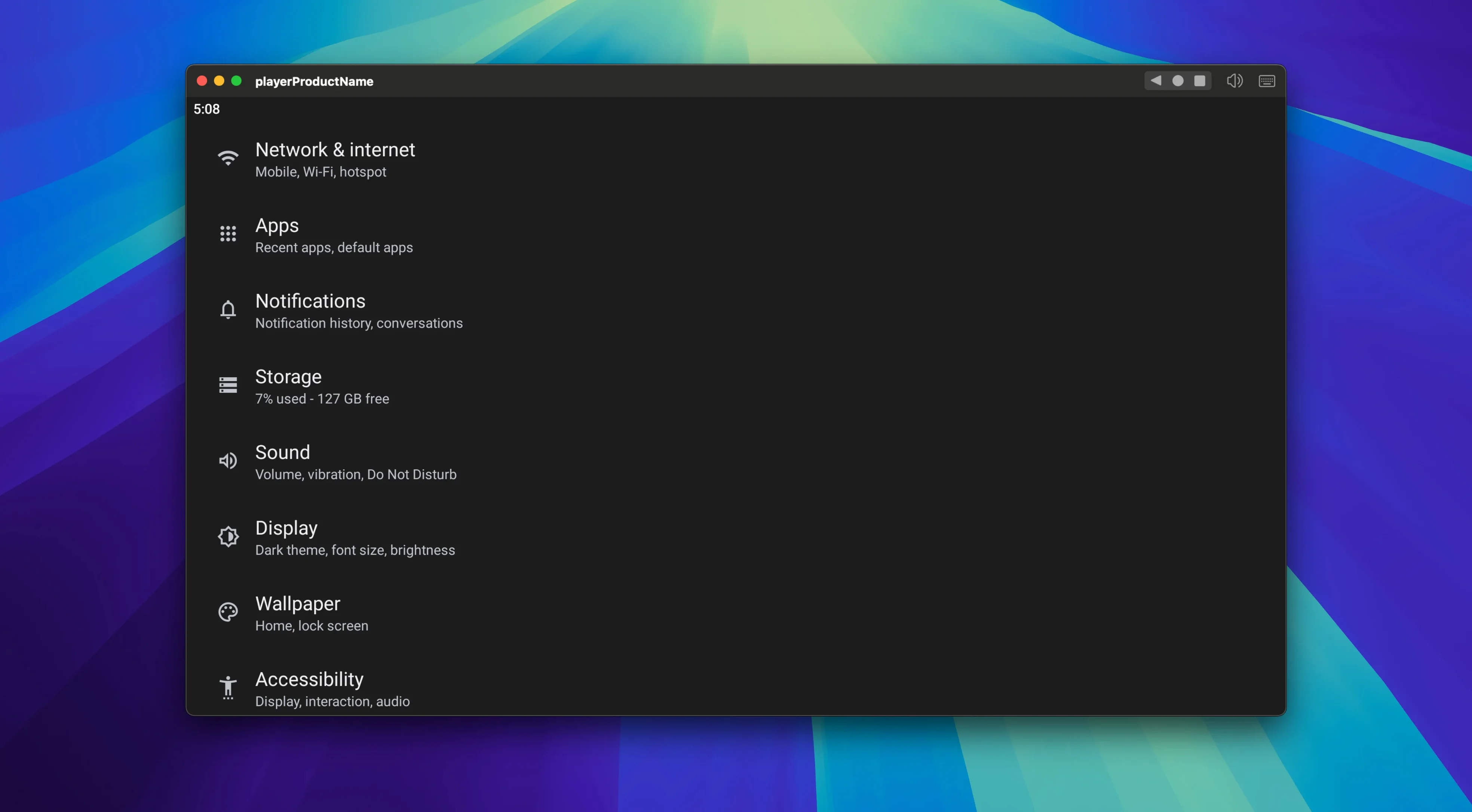
Most Android emulators on the Mac feel like they were ported from another planet, but MuMu Player Pro gets used by people who want a straightforward way to run mobile apps on Apple Silicon without fighting the tool itself. Developers testing APK builds, folks checking region-locked apps, or anyone who prefers a keyboard and trackpad to phone tapping will find it fits.
Sideload APKs and set custom device resolutions
- Sideload
.apkfiles by dragging them onto the window or using the built-in file picker. - Set a custom display resolution that matches a specific phone or tablet layout you're targeting.
- Switch the interface between English and Simplified Chinese depending on what you're more comfortable reading.
What it runs on
This is not a universal binary. NetEase built MuMu Player Pro specifically for ARM Macs, so it expects an Apple Silicon chip and macOS 11 or later. The current build, version 1.6.10 fix inquten, includes fixes for some known issues that had been cropping up in recent macOS releases, so staying up to date is worth the .dmg download.
Android devs on Apple Silicon drag APKs straight in
It is not trying to be everything to everyone, and that focus works in its favor. Three groups tend to keep it installed longer than a week.
Android developers who live on Apple Silicon. Building an APK and immediately dragging it into a clean ARM emulator skips the dance of adb over USB and lets you check layout, gesture handling, or region logic right on the same machine you compile on. No second device on the desk, no charging cable snaking across the keyboard.
People playing mobile games with keyboard and mouse. MuMu Player Pro ships with a control mapping system that translates taps, swipes, and tilt into keys and mouse movement. If you have spent hours hunched over a phone playing a gacha or an action RPG, moving that session to a Mac feels less like a workaround and more like an upgrade. The FPS slider—stepping from 30 up to 120—makes a visible difference in anything frame-sensitive.
Anyone curious about what runs elsewhere. Region-locked apps, app versions that look different on a tablet, or just trying something before committing phone storage to it—the emulator is an easy sandbox. You can record the screen to capture a quick bug report, snap a screenshot for a store listing draft, or rotate the display to see how a UI breaks in landscape.
Capture ten screenshots without touching the mouse
- The screenshot shortcut lives in the toolbar, but you can trigger it with a customizable key combination if you dig into the control settings. Handy when you are documenting steps and need ten captures in a row without mousing around.
- Resolution switching is not just a dropdown of phone names. You can type a custom width and height, which helps when you need to test at exactly the logical resolution of a device that is not in the preset list.
- Dragging an
.apkfile straight onto the emulator window installs it silently. No navigating menus, no “open with” dialog. The same drag works from a Finder window or from the desktop. - The rotation button is not locked to a single direction. Repeated clicks cycle through portrait, reverse portrait, landscape, and reverse landscape. If an app forces one orientation, you can test how it handles all four without restarting.
Skip the Google sign-in for most games and utilities
Does it need a Google account to run anything at all? No. You can sideload APKs immediately without signing in. Some apps that depend on Google Play Services will complain or refuse to launch, but plenty of games and utilities work fine in a clean, account-free state.
Will it run on an Intel Mac? The build is ARM-only. On an Intel machine the .dmg will mount, but the app itself will not open. If you are hunting for something that works on older hardware, this is not the emulator you want. A search like MuMu Player Pro torrent Mac sometimes turns up older attempts to patch around that limitation, and if you find one, check whether it bundles a Rosetta-translated binary or a custom x86_64 build to handle the architecture mismatch.
How much RAM does it reserve? MuMu Player Pro does not expose a direct slider for RAM allocation the way some desktop emulators do. It tends to grab what the Android runtime asks for, and on Apple Silicon that overhead stays modest. If you are running a memory-hungry game alongside Xcode and twenty browser tabs, you will feel it, but for a single app it stays lean.
Can it share files between macOS and the Android environment? There is a shared folder mechanism that appears inside the emulator's file manager. Drop something into that folder from the Mac side, and Android apps see it immediately. It is the easiest way to move screenshots out or push test data in without connecting via adb.
Version 1.9.9 is out with the developer's latest fixes and improvements.
- macOS 11 (Big Sur) or later
- Apple Silicon Mac
Comments 0
Sign in or create an account to leave a comment.
No comments yet. A codec, a slice, a machine — they appear after moderation.