NotchBox for macOS
What Macs does it run on?
NotchBox requires macOS 13 Ventura or later and works on any Mac with a notch — that means MacBook Air and MacBook Pro models from 2021 onward. Apple silicon and Intel builds are both in the .dmg.
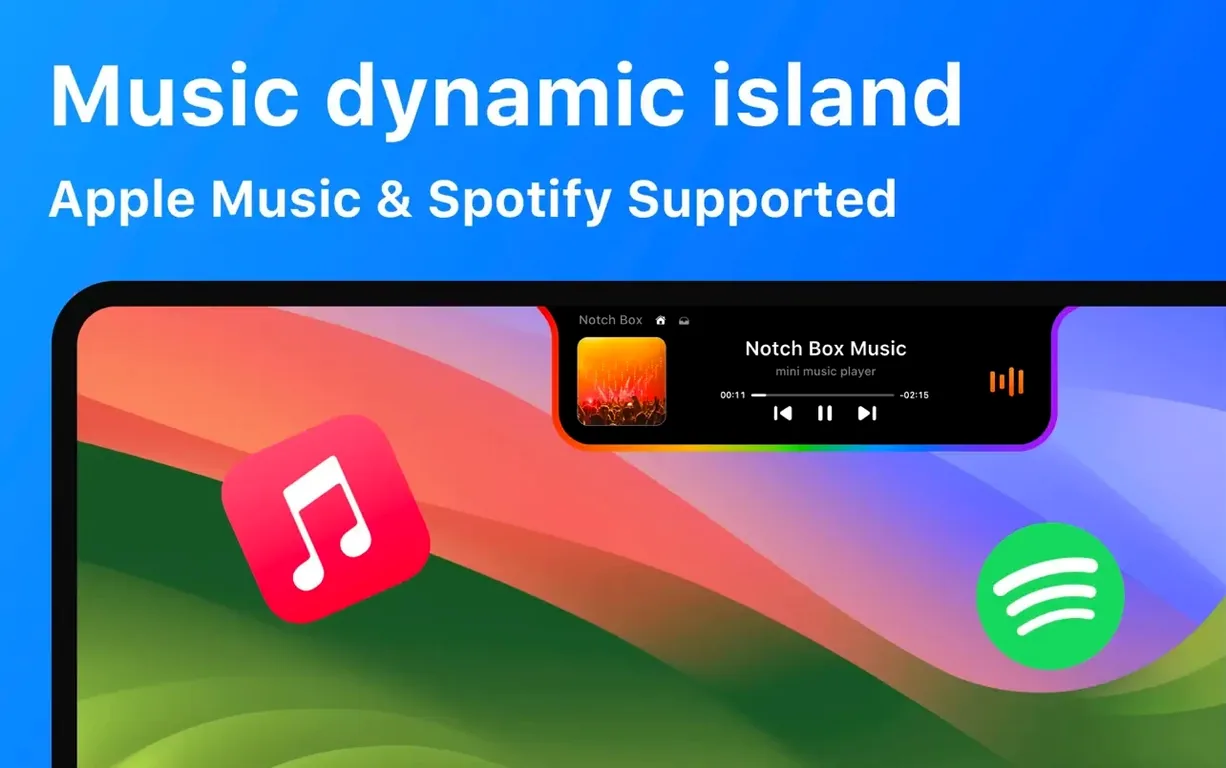
Music controls, right under the clock
It hooks into Apple Music and Spotify, pulling track info and playback controls into the notch area. Skip a track or check what's playing without switching windows.
Quick tools when you need them
A compact countdown timer and a camera mirror view live in the same drop-down panel. It also reads out Wi‑Fi signal strength and network speed, so you can keep an eye on connectivity from the menu bar.
Memory footprint settles to 65–95 MB on an M2 Air
After a couple of days with NotchBox, the performance picture settles into something predictable. On an M2 MacBook Air with 16 GB of RAM, the helper process sits around 65–95 MB of memory — negligible when you have a browser and an IDE open — and CPU time barely registers unless you keep the camera mirror view active for long stretches. Launching the notch panel is immediate; there is no janky slide-out animation to wait through, and the interface snaps open when you click the menu bar icon.
Stability is solid on version 1.1.71 under macOS 14 Sonoma. I have yet to cause a crash by dragging in a 2 GB disk image or queuing up a dozen clipboard entries, which is more than I can say for some clipboard managers I have tried. The one thing that can spike energy use is the Wi‑Fi speed monitor when set to refresh every second — the constant polling keeps the network stack awake and nudges the average power draw up by a watt or two on Apple silicon. Dropping the refresh interval to five seconds fixes that without making the numbers feel stale.
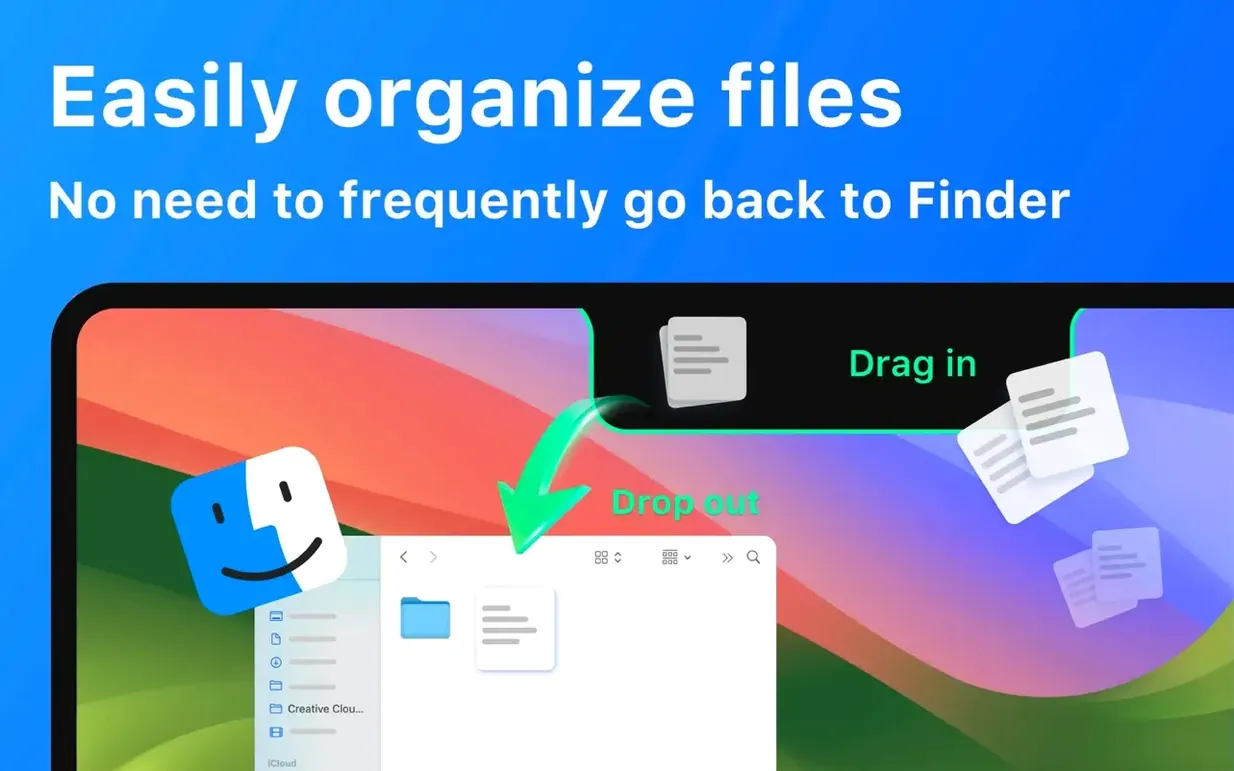
The file parking feature — drag a .zip or a PDF onto the notch and retrieve it later — uses a temporary cache in ~/Library/Containers/com.notchbox.app/Data/tmp/. Items survive a restart, but the cache is not a permanent shelf; macOS may purge it if disk space gets tight. For quick shuffles between Finder and a Slack compose window, the flow is faster than opening Downloads and hunting for the file.
Why the panel stays invisible on external displays
Not every quirk is a bug, but a few deserve a heads-up.
- The notch panel does not appear on external displays. That is by design — the app hooks into the physical notch geometry on the built-in display. If you work in clamshell mode with a Studio Display, you need the menu bar drop-down instead.
- Spotify controls stop responding after a system sleep. Killing the
notchboxdhelper in Activity Monitor and reopening the app re-establishes the session token. It happens rarely, maybe once a week. - Wi‑Fi speed shows 0 Mbps. The monitor uses a short data burst to a speed-test endpoint. If Little Snitch or a corporate firewall blocks that domain, the readout stays blank. Adding
notchbox.appto the allowlist restores it. - Camera mirror is upside-down on some external webcams. The rotation flag in the AV capture session defaults to the built-in camera orientation. A toggle in preferences would solve it, but for now, using the built-in camera avoids the issue.
First-day setup that pays off
Out of the box, NotchBox shows all its widgets in a default order. Taking ten minutes to prune and rearrange them makes a real difference once you reach for it in a hurry.
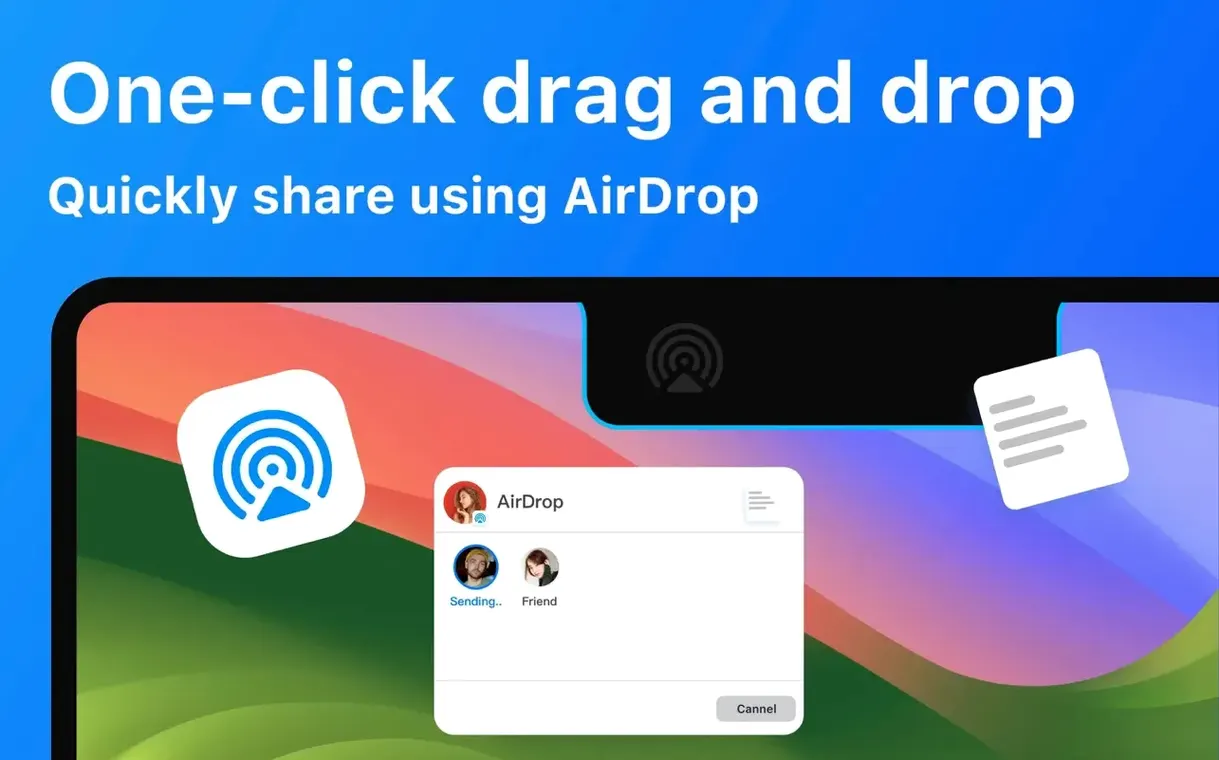
- Decide which three widgets you actually reach for. If you never use AirDrop file sharing, hide it. The panel stays compact and you get to the timer or music controls faster.
- Set the clipboard history to 20–30 entries. More than that and scrolling feels crowded; fewer and you miss the paste you wanted. The history lives in memory, not on disk, so it clears when you quit the app.
- Grant Spotify access through the system prompt. The first time you play a track, a browser window opens for OAuth. Approve it once and the token is stored in the Keychain — subsequent launches connect silently.
- Check the calendar permissions in System Settings → Privacy & Security → Calendars. If NotchBox is not listed, the meeting widget will stay empty. Clicking the widget opens the settings pane; toggle it on and the next event populates within seconds.
- Pick a refresh rate for Wi‑Fi stats. One-second updates are fun for the first afternoon; five seconds is kinder to battery life and equally useful.
Files vanish from the notch when disk pressure rises
None of these are dealbreakers, but they cause confusion that a quick explanation can prevent.
- Treating the file drop zone as permanent storage. The notch cache flushes when disk pressure rises, so a file parked there on Monday may vanish by Thursday. Think of it as a temporary clipboard for files, not a folder.
- Dragging files onto the notch while the panel is closed. The drop target is only active when the notch interface is expanded. Drag a file onto the physical notch without opening the panel first and nothing happens — Finder treats it as a miss.
- Expecting the camera mirror to work with apps already using the camera. macOS enforces exclusive camera access. If FaceTime or Zoom holds the camera, the mirror widget shows a blank frame until the other app releases it.
- Ignoring the Wi‑Fi monitor during VPN use. The speed readout measures the interface throughput, not the tunnel speed. With a VPN connected, the number reflects encrypted traffic on the physical adapter, which is slightly higher than the actual payload speed due to overhead.
- Not realizing the countdown timer rings only when the app is in the foreground. If NotchBox is hidden behind a full-screen Xcode window, the alarm may not play. Keeping it on the active desktop or using the menu bar icon to trigger it avoids missed alerts.
For anyone searching notchbox mac download or looking up notchbox for mac, the current build is a straightforward .dmg install with no extra kernel extensions or login items beyond the optional helper. If you have been curious about how a notchbox pro tier might differ, version 1.1.71 packs all its features into a single unbundled download — everything from AirDrop to clipboard history is present without add-ons. That keeps the disk footprint small and the permission surface manageable.
- macOS 13 or later
- Apple Silicon or Intel 64-bit Mac
$ man notchbox | grep -A2 "?"
Which Macs have a notch that NotchBox works with?
NotchBox is built for MacBook Air and MacBook Pro models with a notch, running macOS 13 or later. It won't appear as intended on Macs without a notch, like the Mac mini or iMac.
Comments 0
Sign in or create an account to leave a comment.
No comments yet. A codec, a slice, a machine — they appear after moderation.