Paragon NTFS for macOS
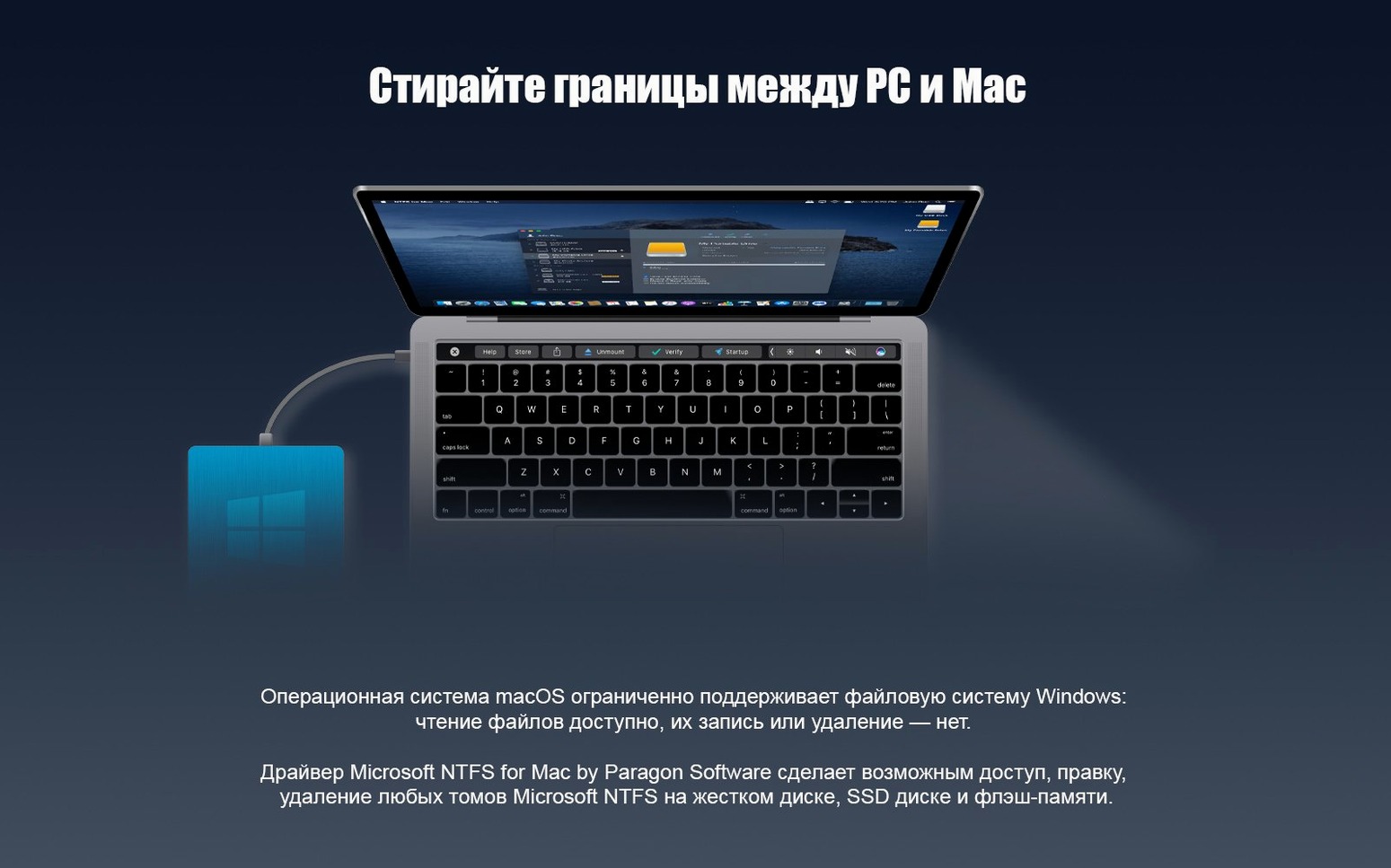
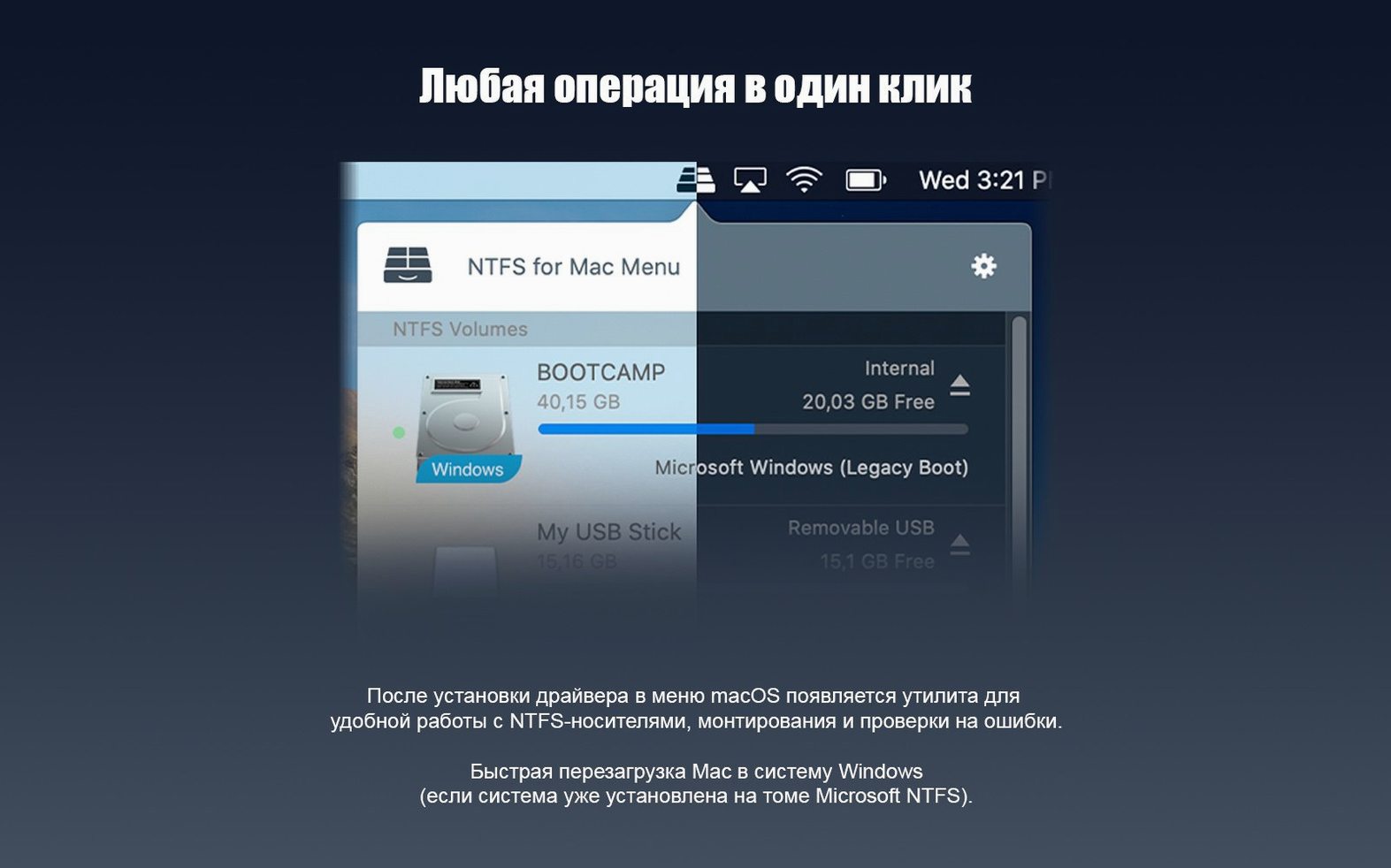
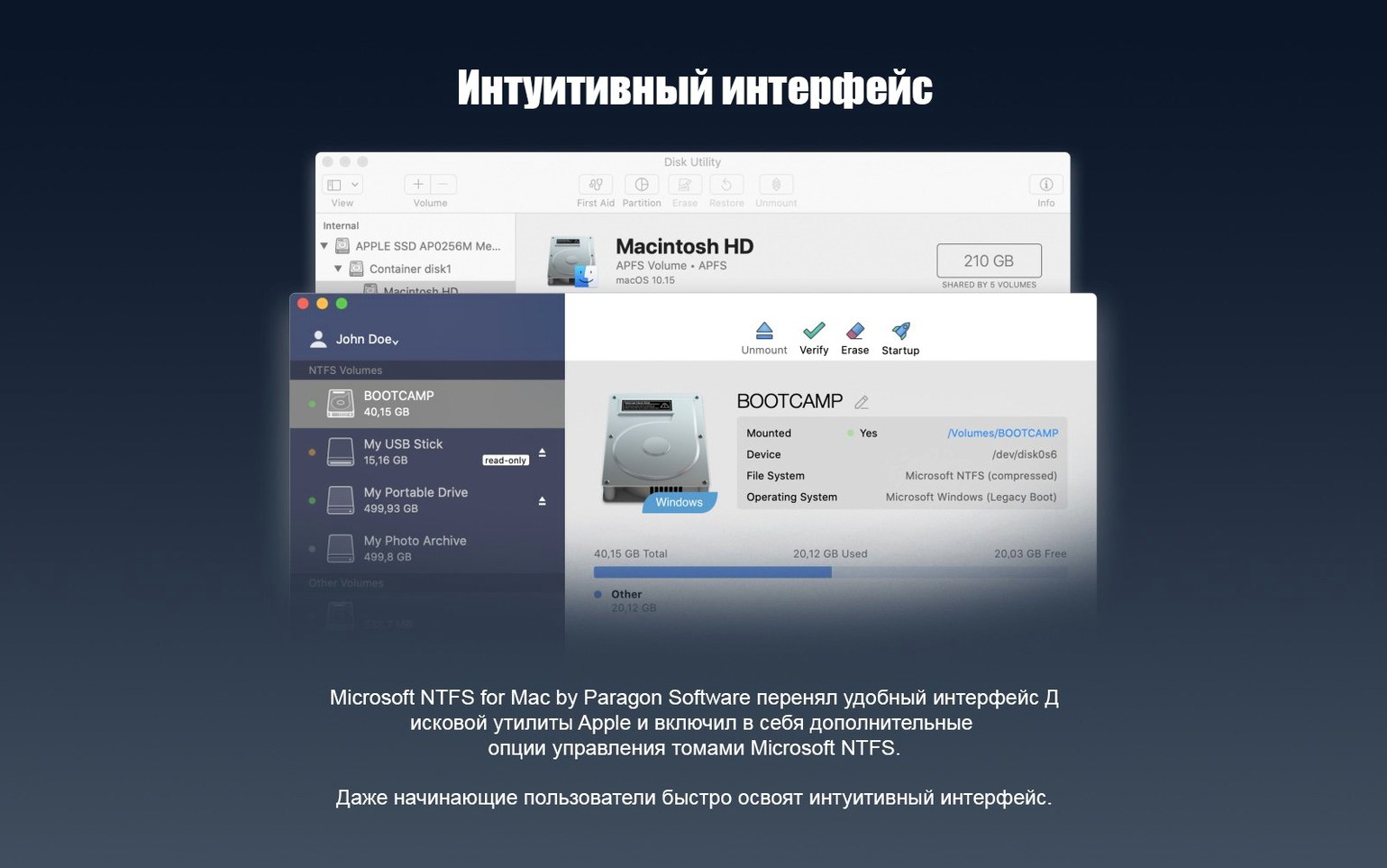
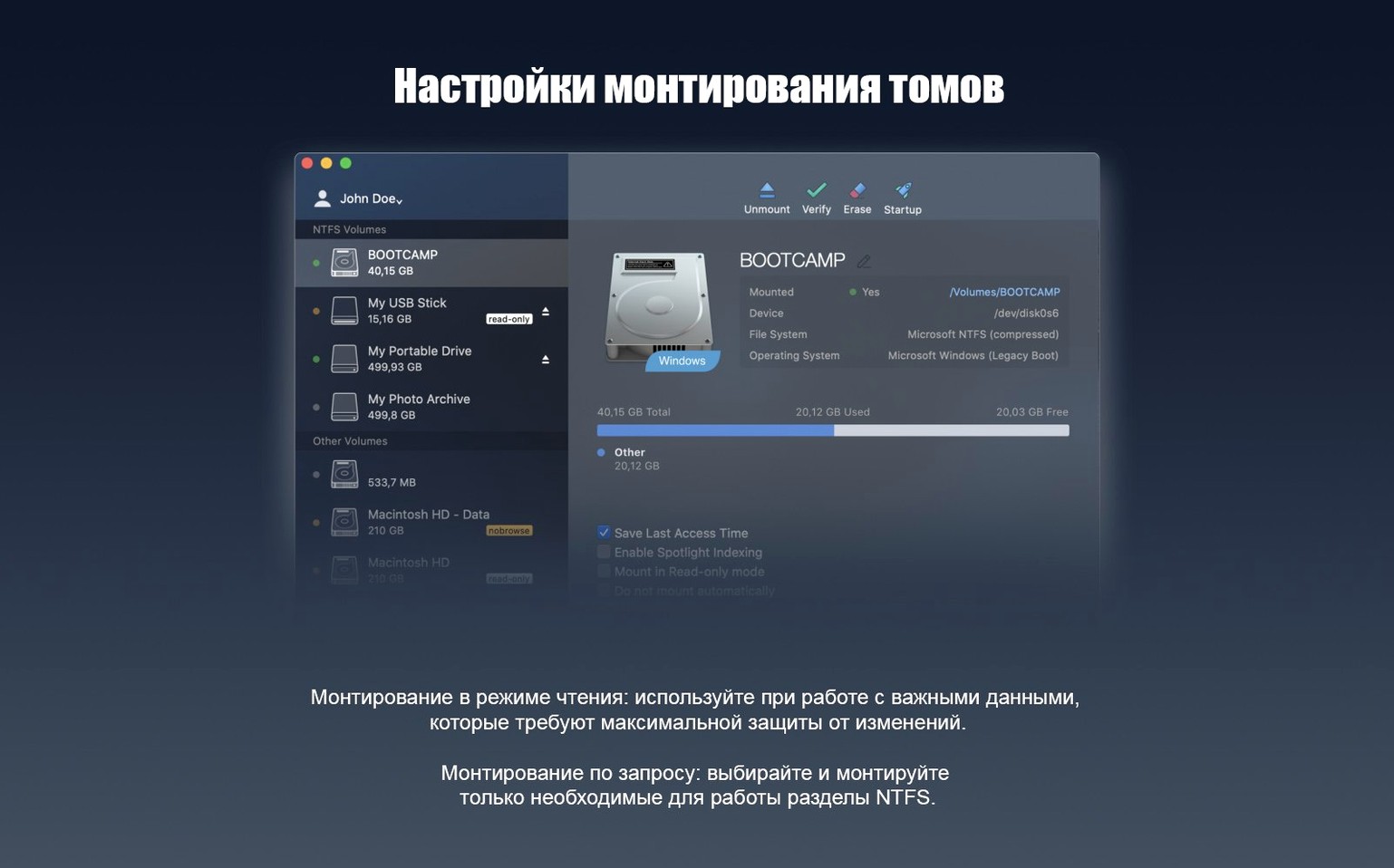
The NTFS for Mac driver ships with a kernel extension that replaces the read-only handler Apple bundles in macOS. That’s the short explanation for why plugging in a Windows-formatted external drive suddenly lets you drag files both ways instead of just copying them off. If you dual-boot, shuffle drives between a PC and a Mac, or inherited a stack of NTFS disks from an old workstation, this is the utility that makes those volumes behave like native storage.
What the driver actually changes
macOS knows how to mount NTFS — it has for years — but the built-in driver refuses writes. Paragon swaps in a full read-write driver core. In version 15 that core was rewritten; the company claims faster throughput and fewer stalls when a volume has deep directory trees or Windows 10 system compression turned on. On an Apple Silicon Mac the driver runs natively, so there’s no Rosetta 2 translation penalty when pushing large video rushes or VM images to an NTFS target. File ownership and permissions set under Windows are preserved rather than flattened, which matters if the same drive goes back to a PC.
Who actually needs this
Boot Camp users who still access a Windows partition from the macOS side, video editors moving camera originals between operating systems, and IT folks managing mixed-OS fleets are the core audience. It’s less relevant if your external drives are already APFS or exFAT — a format both OSes handle natively — but exFAT lacks journaling, so some workflows stay on NTFS for safety. The installer drops the driver into /Library/Extensions and adds a preference pane where you can toggle the driver on or off without uninstalling.
Read files on the Windows side without rebooting
Dual-booters who keep a sizeable Windows partition on their Mac's internal drive are the first group that comes to mind. Without a write-capable NTFS driver, that partition is a one-way street when booted into macOS — you can pull files off it, but you cannot drop anything back. Paragon NTFS turns it into a proper shared workspace. Video editors running DaVinci Resolve or Premiere on both platforms get a lot out of this: cache files, project archives, and export targets can all live on the same NTFS volume regardless of which OS is currently awake.
Another group that benefits more than they expect is anyone maintaining a media server or Plex library on external NTFS drives. A lot of NAS setups start life as a USB enclosure plugged into whatever machine is handy, and many of those enclosures were formatted on a Windows box. Being able to manage metadata, rename folders, and clean up stray .nfo files directly from Finder rather than hopping to a PC saves genuine friction. IT generalists who keep a Windows-to-Go drive in their bag — the kind you boot from a USB-C SSD — lean on this heavily too, since they often need to update tools or drop logs onto the drive without a full reboot cycle.
Workflow: prepping a portable drive for a cross-platform edit
Imagine a 2 TB Samsung T7 that was formatted NTFS on a Windows workstation and already holds a project folder called Client_2025_RoughCuts with about 600 GB of media. You plug it into a Mac Studio running macOS 14. Here’s a straightforward routine that Paragon NTFS makes possible:
- Connect the drive. Finder mounts it within seconds — no different in appearance from an APFS volume, other than the disk icon which remains a generic external-drive glyph.
- Open the
Client_2025_RoughCutsfolder and create a new subfolder namedProxy_Media. Drag the proxy files your assistant generated on the Mac straight into it. The write operation uses the same NTFS transaction model Windows expects, so the drive stays consistent if you yank it later without ejecting — though you should obviously eject properly. - Launch DaVinci Resolve and point the project at the media already on the NTFS volume. Resolve reads the source clips directly; Paragon’s driver handles the block-level translation. No copying to an intermediate APFS drive, no wasted space.
- When the rough cut is done, export a review MP4 back to the same NTFS volume in a
Exportsfolder. File permissions stick asrwxfor the user, so the Windows machine picks them up without complaints about ownership. - Eject the drive, walk it over to the Windows box, and the entire folder structure — including the new proxy media and the export — is there exactly as you left it.
The whole sequence hinges on the driver treating NTFS as a first-class citizen. Without it, step two would fail silently (Finder pretends to let you drag, then throws a “disk full” or permissions error), and step four would be impossible.
Settings to check right after installing
The preference pane that lands in System Settings (or System Preferences, depending on your macOS version) keeps things minimal, but a couple of defaults are worth adjusting immediately:
- Driver auto-start. The driver loads at boot by default. If you only occasionally mount NTFS volumes, switch it to manual — the kernel extension stays unloaded until you mount a volume, which keeps memory footprint near zero on days you do not touch NTFS at all.
- Spotlight indexing. Indexing large NTFS drives can hammer the disk for hours, especially on spinning rust. Turn it off for volumes that hold things like backup archives or game libraries where you already know the folder structure.
- Ownership model. Under the advanced tab there is a toggle for how the driver maps macOS users to NTFS security descriptors. If the drive stays within a single-user Mac, the default “ignore ownership” behavior works fine. If the drive travels to a domain-joined PC, switch it to preserve Windows security so ACLs survive the round trip. Forgetting this is why some people see “access denied” when the drive goes back to Windows.
- Trial reset. The included trial reset tool cycles the 10-day clock. The installer mentions it, but the tool is a separate script — run it from
/Applications/Paragon NTFS for Mac 15if you need to extend the evaluation window.
Force a disk to use Paragon’s driver instead of Apple’s
The most frequent issue people hit is a volume mounting read-only even after installation. Nine times out of ten the cause is Apple’s own ntfs.kext grabbing the volume before Paragon’s driver loads. Unmount the disk, open Terminal, and run kextstat | grep ntfs — if you see Apple’s kext still listed, a cold reboot after installation usually clears it. On Apple Silicon Macs, you also need to allow the kernel extension in System Settings > Privacy & Security within 30 minutes of installing; the OS flashes a prompt, but it is easy to miss if you click through initial setup quickly.
Another pain point: Time Machine refuses to back up NTFS volumes. That is not a Paragon limitation — Apple’s backup framework simply ignores non-HFS/APFS volumes. The workaround is a separate cloning tool like Carbon Copy Cloner, which talks to the filesystem through the driver and backs up NTFS data without issue.
If you ever see “the disk was not ejected properly” on the Mac side but the disk is still perfectly fine on Windows, run a quick chkdsk from a PC. The Paragon driver writes a standard NTFS journal, so the Windows check usually finds nothing wrong — but it clears the dirty flag that makes macOS nervous. For those hunting down a paragon ntfs mac torrent or paragon ntfs for mac cracked version, the bundled installer validates its kernel extension signature during boot; unsigned or modified kexts trigger a security policy block that leaves the volume mounted read-only, so you'll want to reduce SIP to a permissive level in Recovery Mode before installing. The paragon mac torrent from this distribution includes the signed kext and the trial reset mechanism, so the driver loads without gatekeeper friction.
- Rewritten driver core — Paragon re-architected the low-level NTFS handler for lower latency on volumes with large file counts and deep folder structures.
- Windows 10 system compression support — the driver now reads and writes files compressed with the NTFS-native LZNT1 algorithm that Windows 10 enables by default in some system directories.
- macOS 10.12 or later (back to OS X covered in the v15 release, but 10.12 is the stated floor).
- Intel and Apple Silicon Macs (universal driver included).
- An NTFS-formatted volume connected via USB, Thunderbolt, or internal SATA/NVMe.
$ man paragon-ntfs | grep -A2 "?"
Does Paragon NTFS work on Apple Silicon Macs?
Yes, the current version includes a native arm64 driver, so it runs without Rosetta 2 on M-series chips.
What’s new in the version 15 driver core?
The driver was rebuilt for faster directory enumeration and now handles Windows 10 system-compressed files that older versions would misread.
Comments 0
Sign in or create an account to leave a comment.
No comments yet. A codec, a slice, a machine — they appear after moderation.