PDF Squeezer for macOS
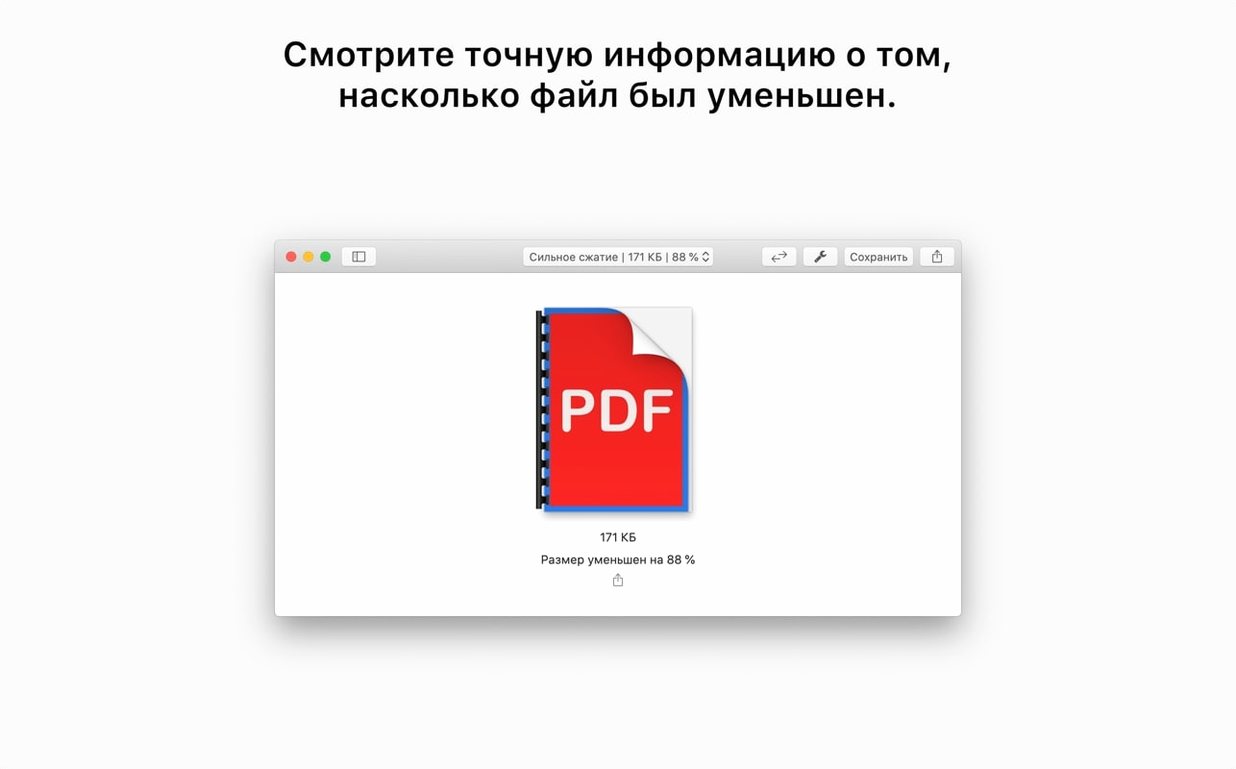
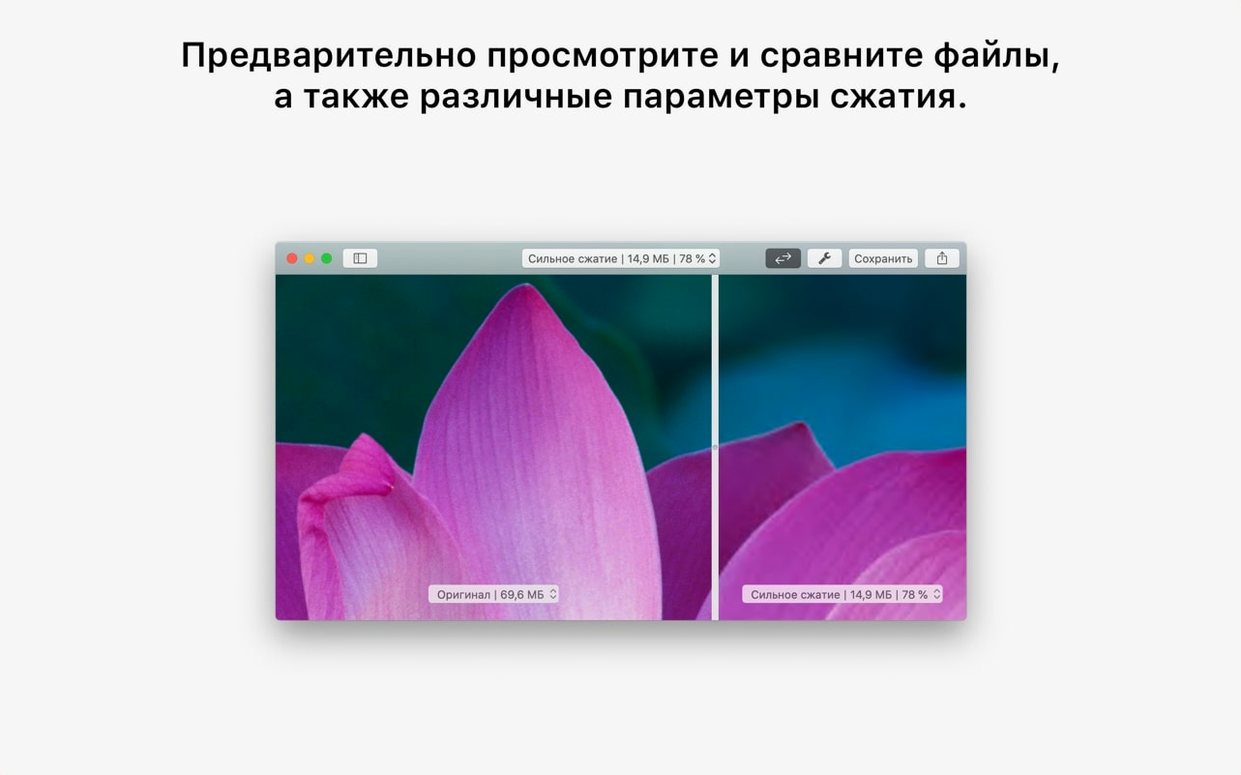
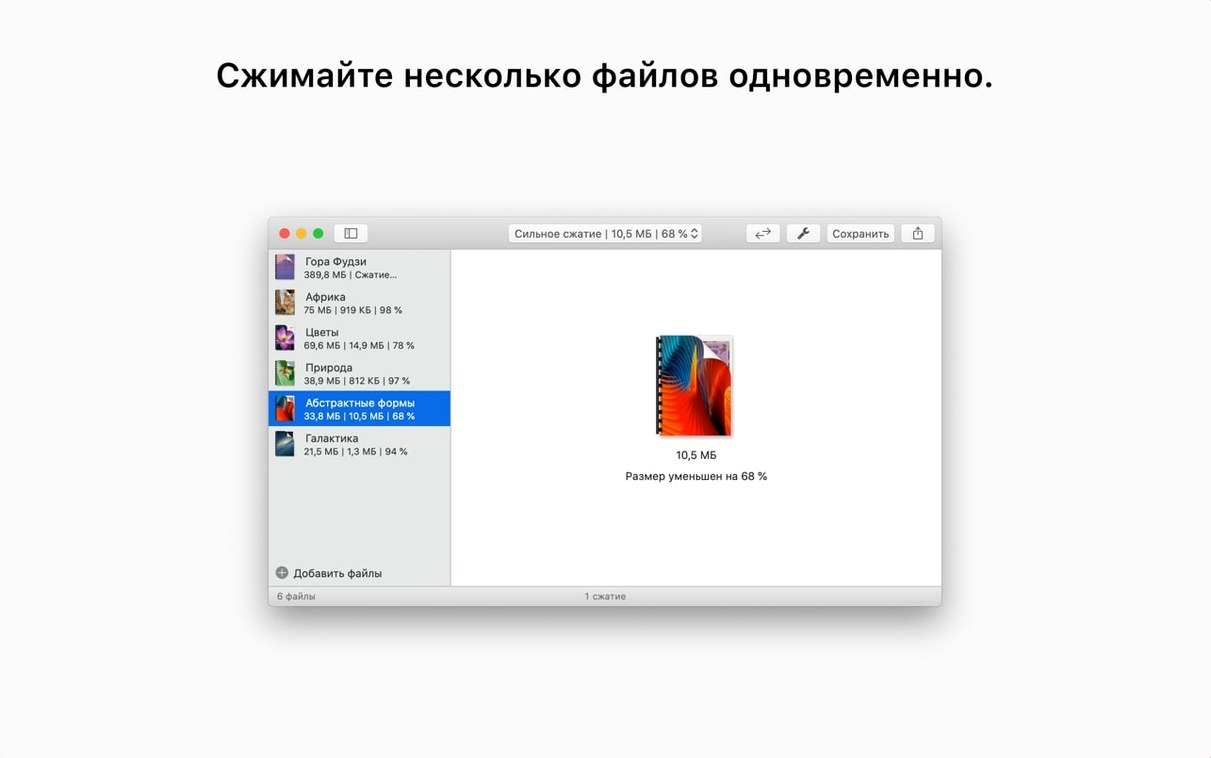
macOS already shrinks a PDF when you pick File > Export and slap on a Quartz filter in Preview. That works until you need to nail a 10 MB upload cap on a form, and the built-in options barely trim a few kilobytes. PDF Squeezer steps in for exactly that moment — it is a single-purpose compressor that takes a more aggressive approach without asking you to fiddle with settings.
One job, start to finish
Here is what a real task looks like:
- You have a scanned contract saved as a 22 MB PDF.
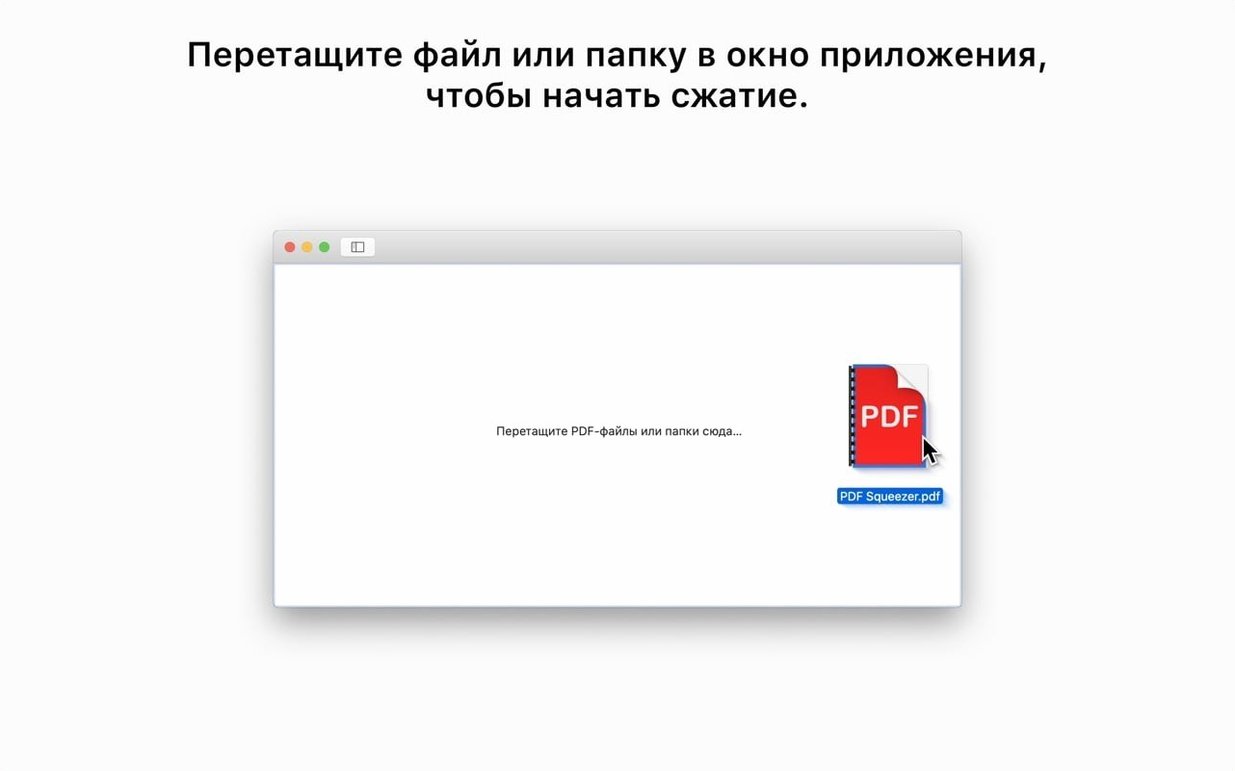
- You drop the file onto the PDF Squeezer window or its Dock icon.
- The app crunches the images and stream objects inside the PDF and saves a copy — the original stays untouched.
- The resulting file lands at around 2.1 MB, clear enough to read and light enough for a web upload form.
If you have a stack of invoices, you can drop several files at once. PDF Squeezer processes them sequentially, so you do not have to babysit each one. The current version 4.9 runs as an Intel binary under Rosetta 2 on Apple Silicon Macs and requires macOS 13 or later.
The app is a separate macOS product from the iPhone and iPad version, built by Daniel Witt. It speaks the language you do — the interface ships in over twenty languages, from Arabic and Hebrew to Korean and Ukrainian, which is rare for a small utility.
Slide the quality slider down for photo-heavy PDFs
Out of the box, PDF Squeezer picks a middle-of-the-road quality preset that works for most office documents. If you process anything with photos or detailed charts, hop into preferences and move the quality slider down to Low or Smallest file — the visual difference on screen is often negligible, but the file size can drop by an extra 40 percent. For scanned archival records where legibility matters more than megabytes, keep the slider near Good and enable Preserve original color space if the source has spot colors or a CMYK profile you need intact downstream.
Another toggle worth flipping early: Create backups of originals. The app does not overwrite your source file by default — it saves a compressed copy alongside it — but if you batch-process a folder in place, having the backup flag set means every original gets a _original.pdf sibling. You will thank yourself the first time you realize a client wanted the uncompressed scan after all.
Why your vector-heavy PDF barely shrinks at all
The most common slip is assuming PDF Squeezer works like a zip tool. It does not — it re-encodes raster images and strips unused objects, so a PDF heavy with vector line art or embedded fonts may barely shrink at all. If you get a 0.3 MB reduction on a 30 MB file, check whether the bulk of that file is high-resolution photos or a single bloated embedded font. In the second case, the app has little to grab onto.
Another classic stumble: dragging a password-protected PDF and watching the progress bar stall. The app handles encrypted files, but it needs the password first. Right-click the file in Finder, open it once in Preview and save an unlocked copy, or enter the passphrase when prompted — PDF Squeezer will not guess it for you. If you snagged a pdf squeezer mac download from a friend’s recommendation and skipped the readme, the command-line interface hidden in /Applications/PDF Squeezer.app/Contents/MacOS/ might go unnoticed entirely — it is there for scripting batch jobs, but calling it without quoting paths with spaces will hand you a cryptic error instead of a squeezed file.
- macOS 13 or later
- Intel 64-bit
Comments 0
Sign in or create an account to leave a comment.
No comments yet. A codec, a slice, a machine — they appear after moderation.