PDFelement Pro for macOS
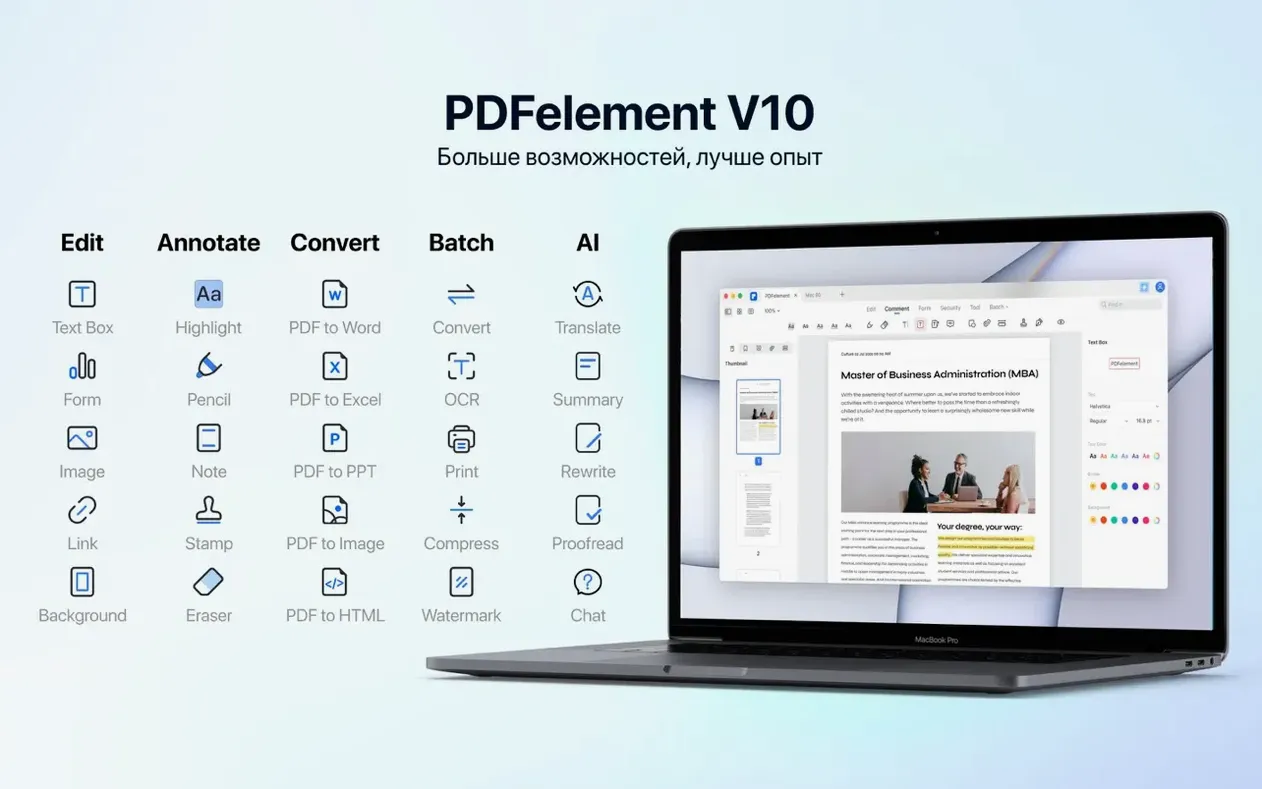
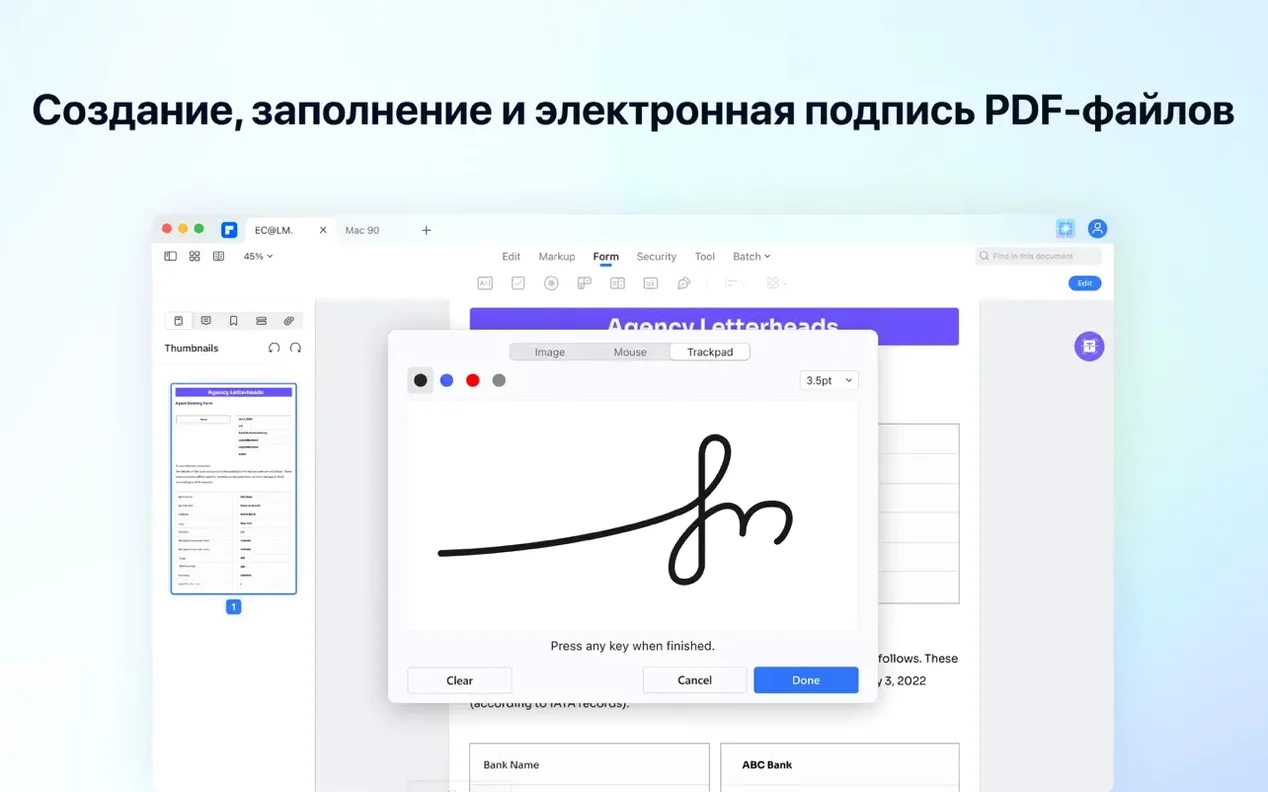
People who handle contracts, research papers, or scanned documents daily tend to accumulate a lot of PDF friction—locked text, image-only pages that need searching, forms that should be fillable but aren't. PDFelement Pro is built for that crowd, on Intel Macs running macOS 11 and later.
- Open a scanned document and run OCR. The engine recognizes text in 29 languages and layers it invisibly over the image so you can search, copy, or highlight.
- Switch to the Edit tab. You can adjust text blocks, images, and links directly on the page without converting to another format first.
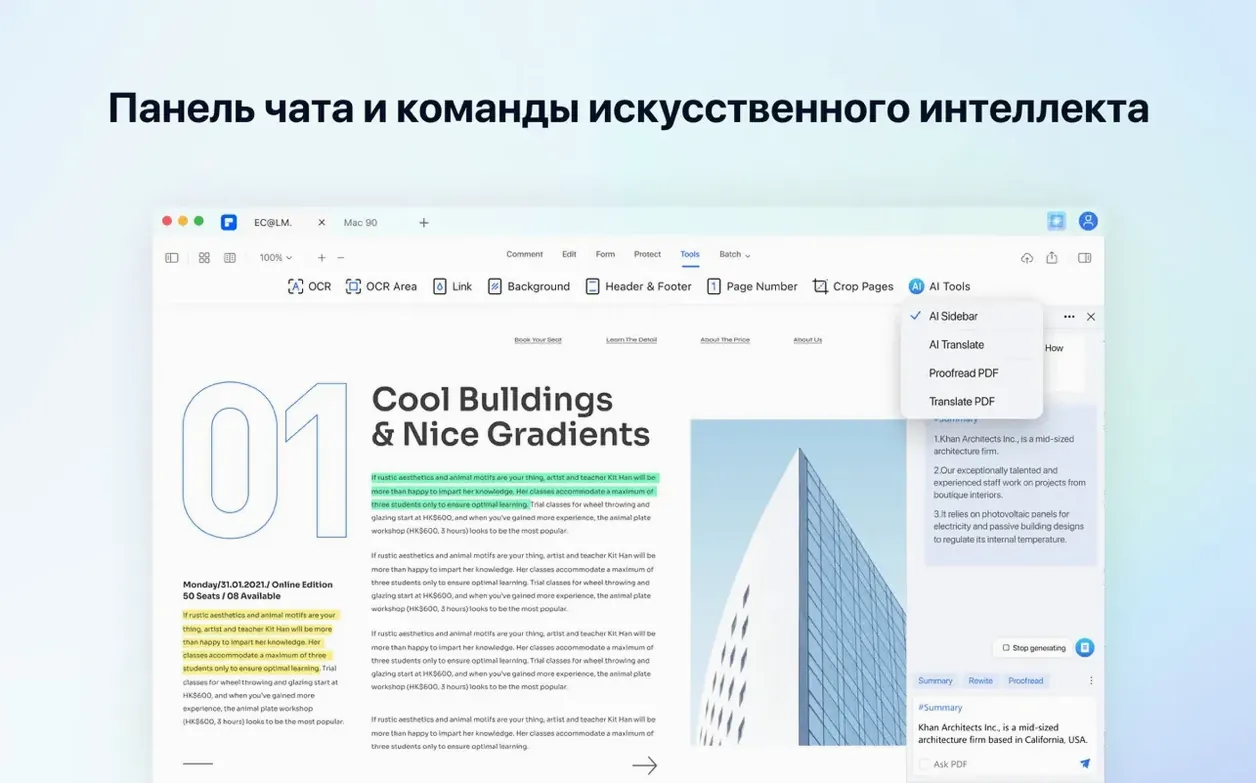
- Use the AI sidebar to summarize a long report or translate a paragraph into one of over ten interface languages, including French, Japanese, and Arabic.
- Add signature fields, checkboxes, or drop-down lists to turn a static form into something someone can fill out on screen.
- Export the result as a flattened PDF, a Word document, or one of the other supported formats. Batch conversion handles a stack of files at once.
The current build includes OCR and can encrypt, merge, and annotate documents alongside the core editing tools. It supports a wide set of interface languages—Russian, German, Spanish, Dutch, Portuguese, Simplified Chinese, Italian, and English among them.
- OCR is included in this build.
- macOS 11 or later
- Intel-based Mac
$ man pdfelement-pro | grep -A2 "?"
Which languages does the OCR recognize?
The built-in OCR engine handles text recognition for 29 languages, and the app's interface itself can be switched between more than ten languages including English, German, Japanese, and Arabic.
Can I create fillable forms with PDFelement Pro?
Yes. You can add interactive fields such as buttons, checkboxes, radio buttons, and drop-down lists to turn a static PDF into a fillable form.
What macOS versions does PDFelement Pro support?
It requires macOS 11 or later and runs on Intel-based Macs. Wondershare states that versions 9 through 12 also support Macs with Apple M1 and M2 chips.
Comments 0
Sign in or create an account to leave a comment.
No comments yet. A codec, a slice, a machine — they appear after moderation.