Picview - Image Viewer for macOS
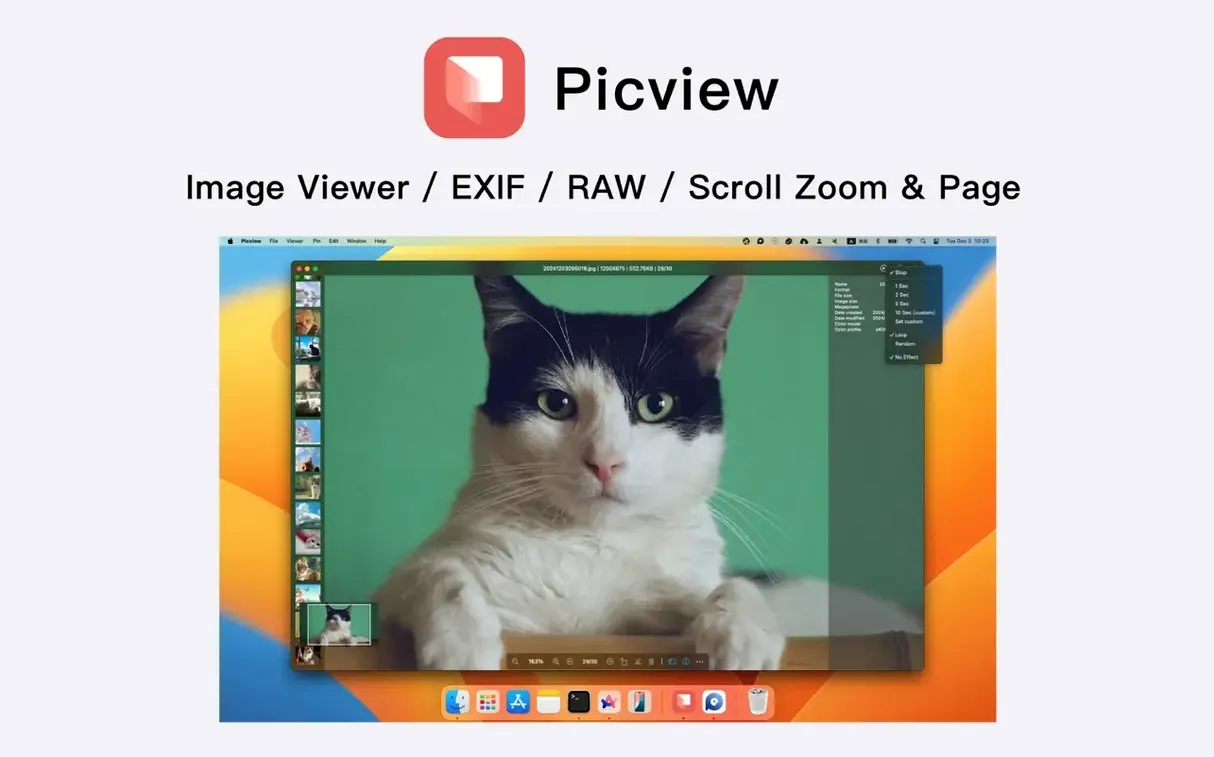
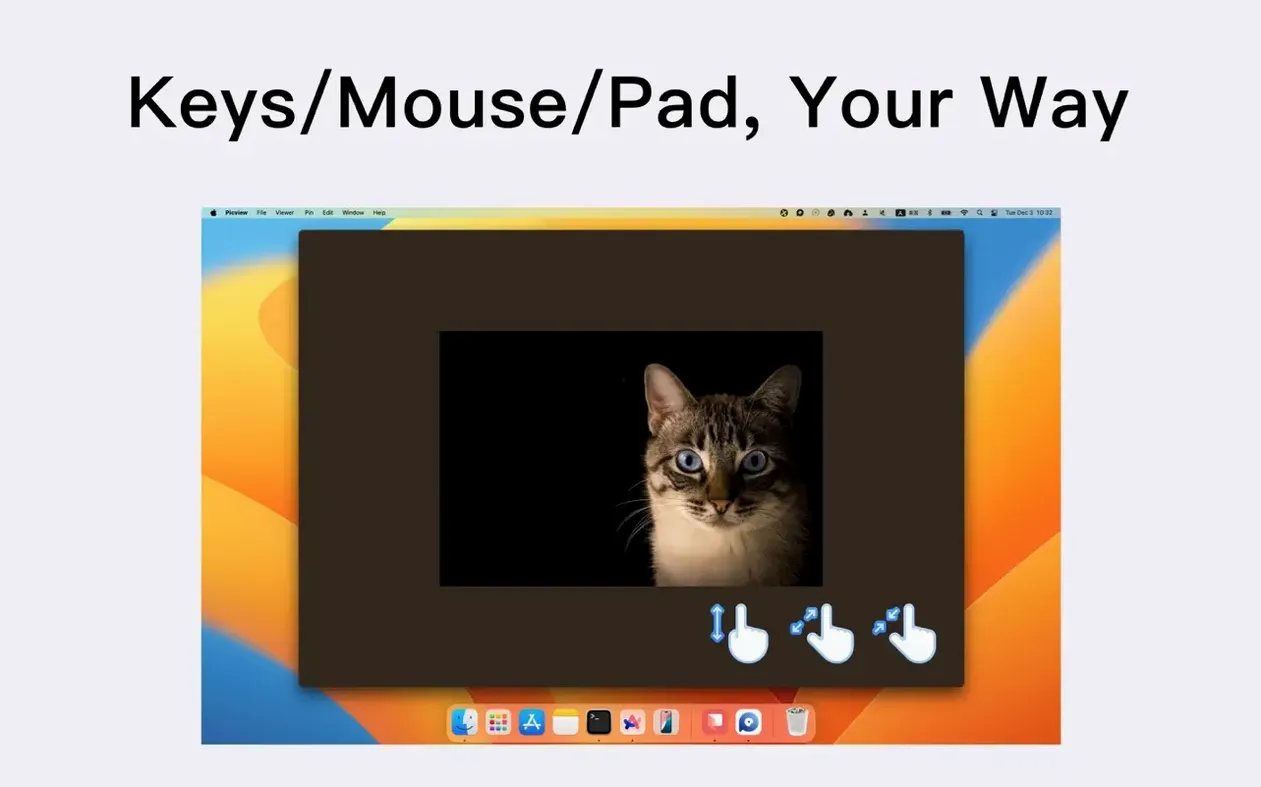
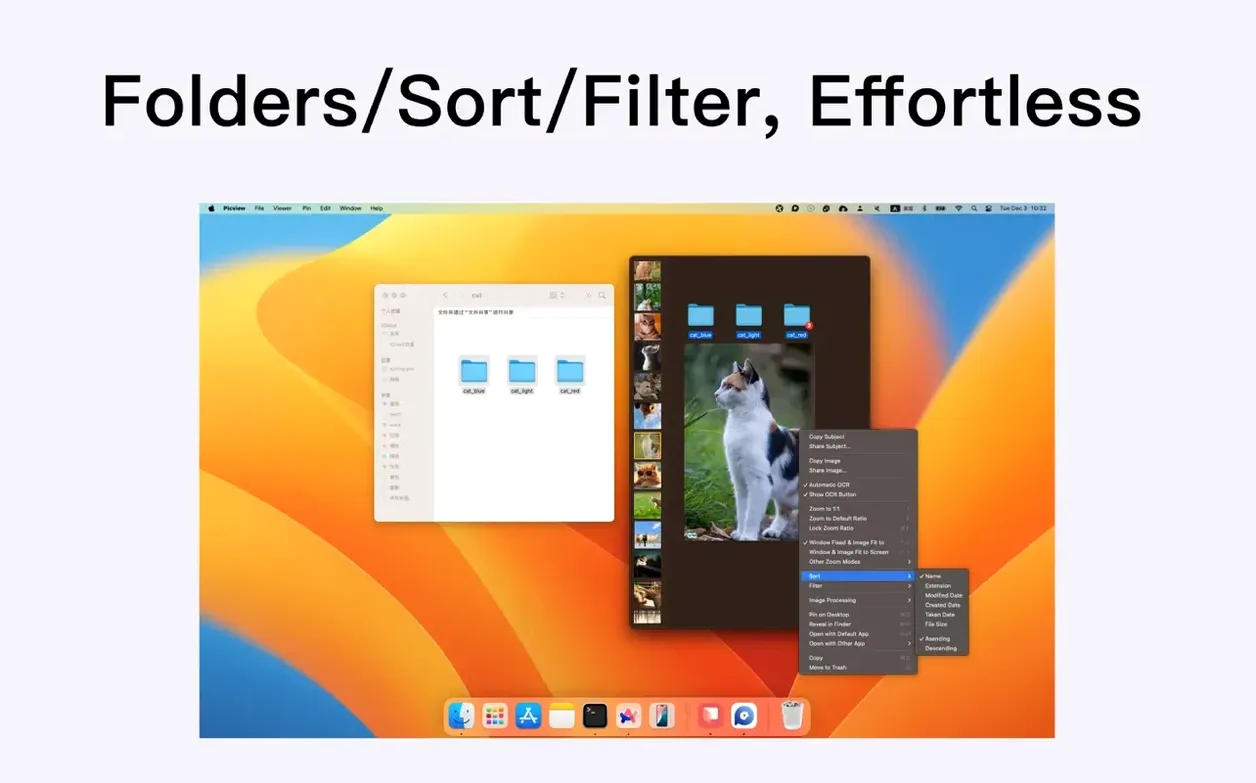
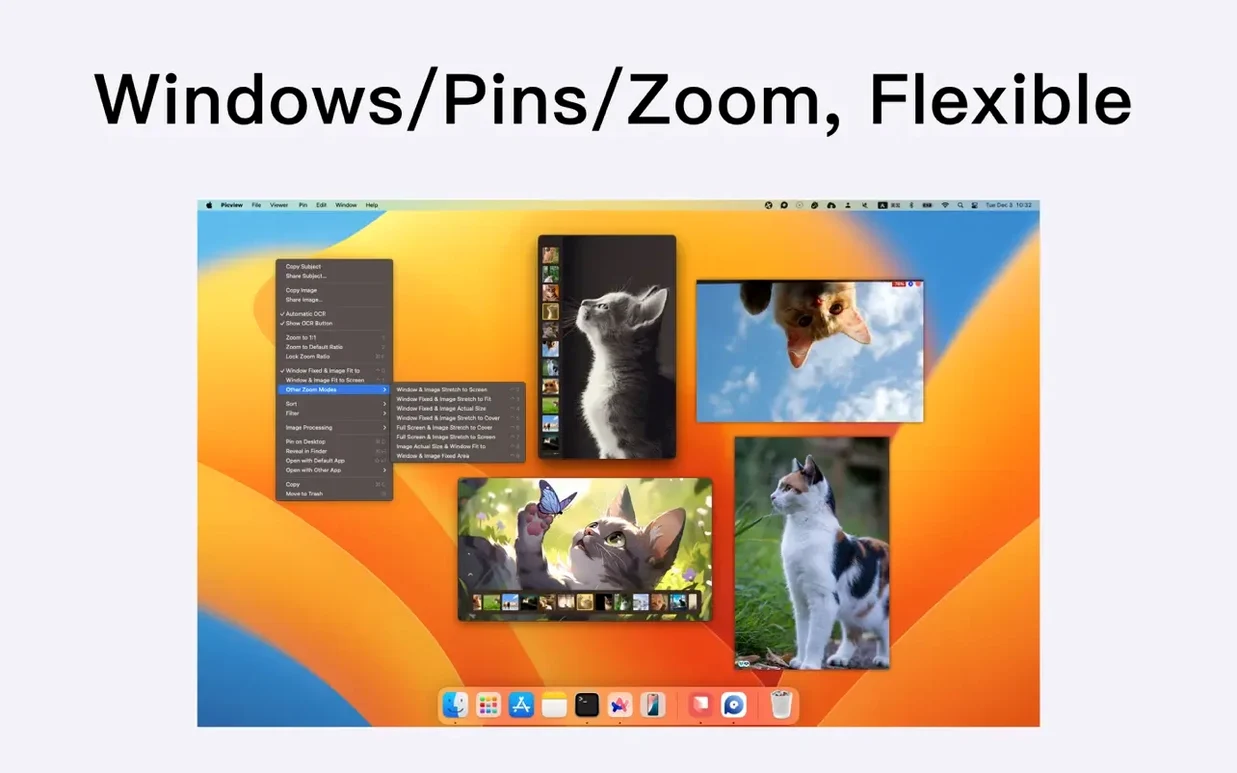
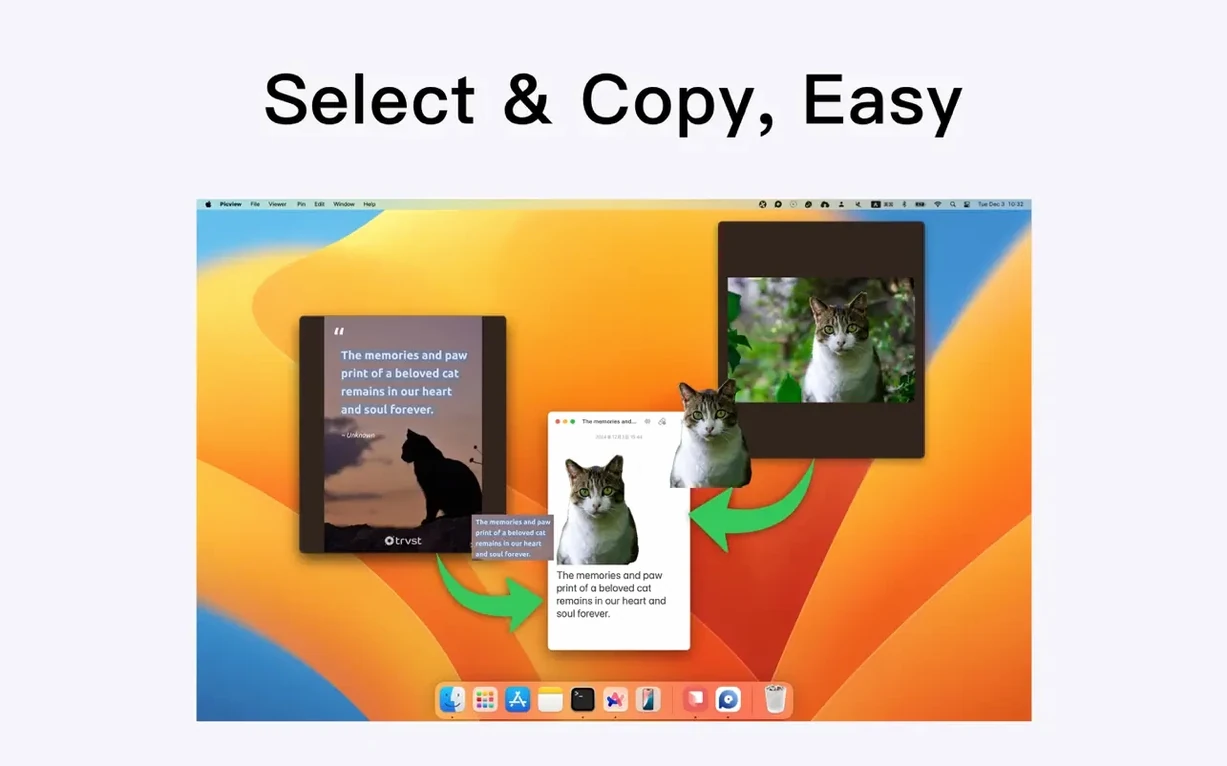
Photographers with overflowing folders, designers who need to flip through comps quickly—people who think in directories rather than libraries. Picview is built around the folder. You point it at a directory and walk through every image inside with the arrow keys, no importing needed.
Good for
- Quick folder-based browsing of mixed formats including JPEG, HEIC, PSD, WEBP, GIF, and camera RAW files
- Checking EXIF metadata and capture details without switching to a heavier tool
- Copying a detected object straight out of an image—the app can isolate major subjects for paste into other software
- Adaptive or fixed-size windows depending on whether you want the viewport to follow the image dimensions
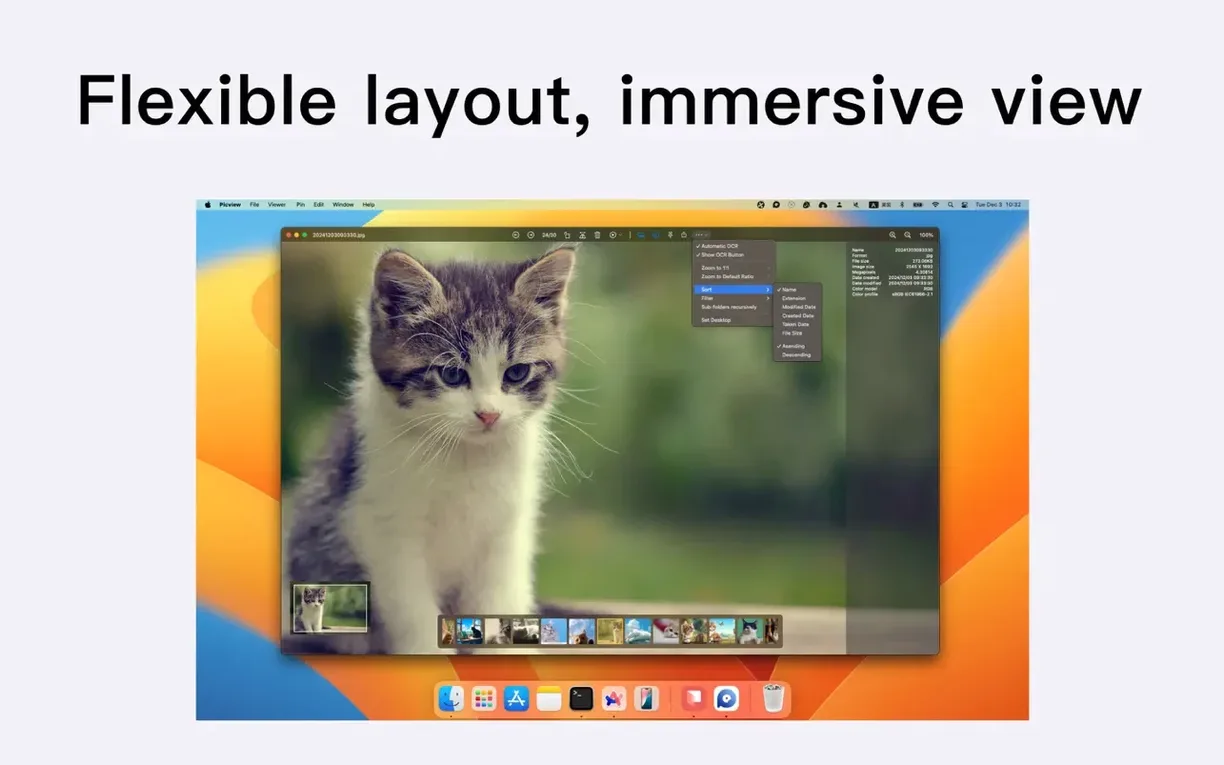
- Filtering a directory by extension and sorting by capture time or file size
Keep in mind
- The editing tools are basic; this is primarily a viewer, not a pixel editor
- Full-screen mode hides the cursor automatically, which is clean but takes a moment to get used to
- Interface localizations are limited to English, Traditional Chinese, and Simplified Chinese
How does a session with Picview usually feel?
You grab a folder of RAWs from a shoot—maybe a hundred frames. Drag the folder onto the Picview window, or open it from File → Open Folder. The first image appears. Arrow keys walk you forward. Mouse wheel zooms in on a face to check focus; a second flick of the wheel pulls back out. You notice a keeper, hit the right arrow twice more, then arrow back—Picview never stutters on a modern Mac, even with 50-megapixel files. When you spot the frame you want to share, you copy it, paste it into a message, and close the window. The session took forty-five seconds and never asked you to build a catalog.
Another flow: you open a nested folder of web assets. You filter by .webp, sort by file size, and scroll through. A slideshow runs while you take notes on paper—loop on, shuffle off. The cursor disappears after a moment, so nothing distracts from the frame.
Who connects with it the most?
Photographers who work directly with SD-card folder structures tend to click with Picview immediately. They already have their own sorting method and dislike tools that force a library import first. Designers pulling visual references from mixed-format asset dumps also benefit—PSD previews alongside WEBP and HEIC in one window saves opening half a dozen apps. Users who miss the Windows Photos folder-browsing rhythm on macOS often call Picview a natural replacement; it restores that double-click-and-arrow-key muscle memory.
It also suits anyone who needs OCR in an image viewer rather than a separate utility. Grabbing text from a screenshot becomes a single action inside the same app that already handles the browsing.
A concrete workflow: pulling text from a folder of screenshots
Suppose you have a directory of thirty presentation screenshots, all PNG. You need the text from five of them.
- Open the folder in Picview—drag it onto the dock icon or use
File → Open Folder. - Filter by
.pngso only the screenshots appear in the browsing order. - Arrow through until you reach the first slide with text you need.
- Use the OCR command. Picview recognizes the text regions in the image.
- Select the block you want, copy it, and paste it into your notes app.
- Arrow to the next screenshot and repeat. The whole extraction takes under a minute for five slides.
The same pattern works for object detection: open a product shot, let Picview isolate the main subject, copy it, and drop it into a Keynote slide. No lasso tool, no export step.
- Fixed an issue where custom slideshow playback durations would not stick
- macOS 11 (Big Sur) or later
- Apple Silicon & Intel 64-bit supported
$ man picview-image-viewer | grep -A2 "?"
What image formats does Picview handle?
It supports over 30 formats, including common ones like JPEG, PNG, GIF, HEIC, WEBP, PSD, and various camera RAW files.
Can Picview replace the built-in macOS Preview app?
For folder-based image browsing, yes. Picview extends what Preview offers by walking entire directories with the arrow keys and providing direct access to EXIF data and object detection.
Does it run natively on Apple Silicon Macs?
Yes, version 1.5.7 is a universal binary with native support for both Apple Silicon and Intel 64-bit Macs running macOS 11 or later.
Comments 0
Sign in or create an account to leave a comment.
No comments yet. A codec, a slice, a machine — they appear after moderation.