Pixologic Zbrush for macOS
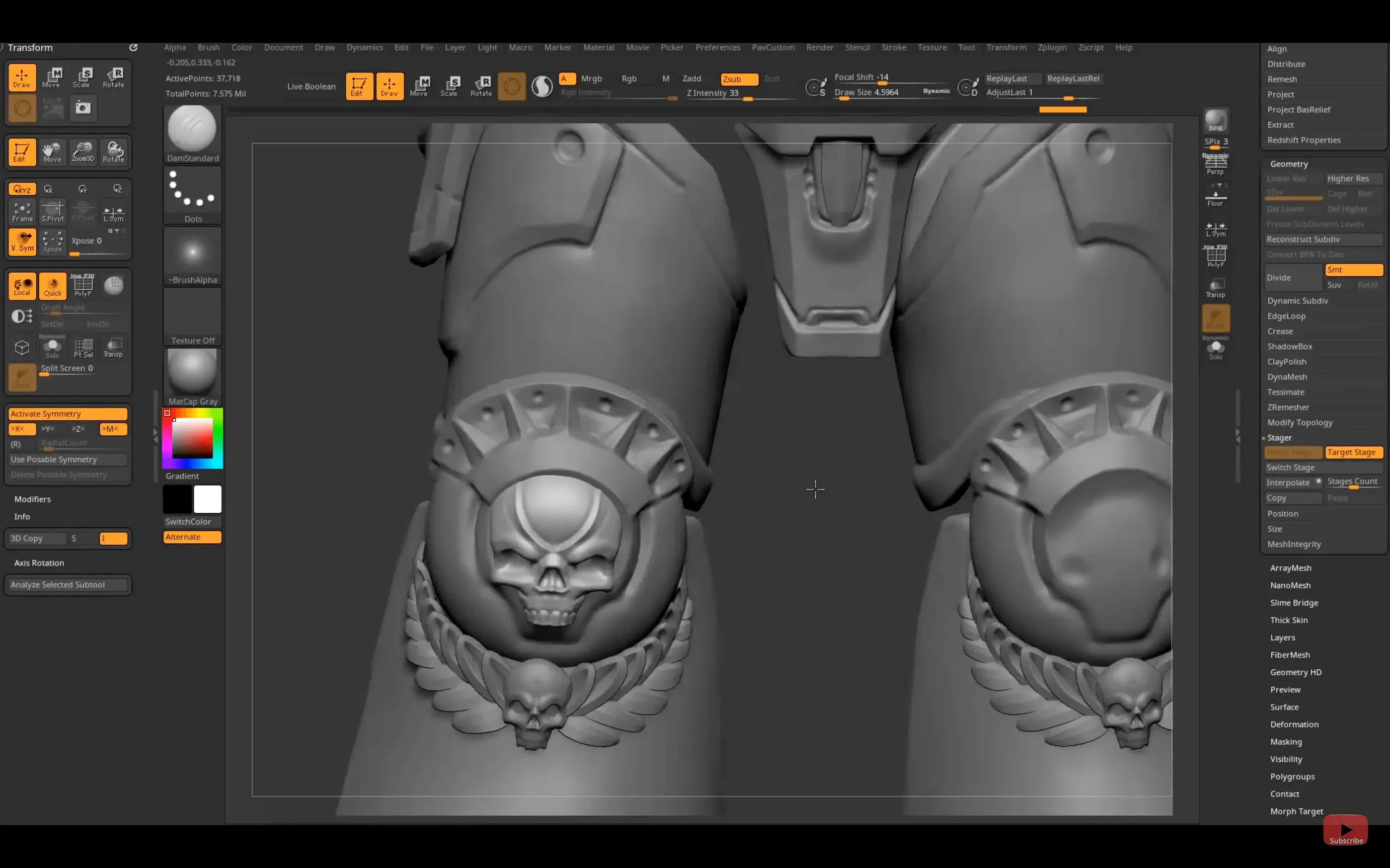
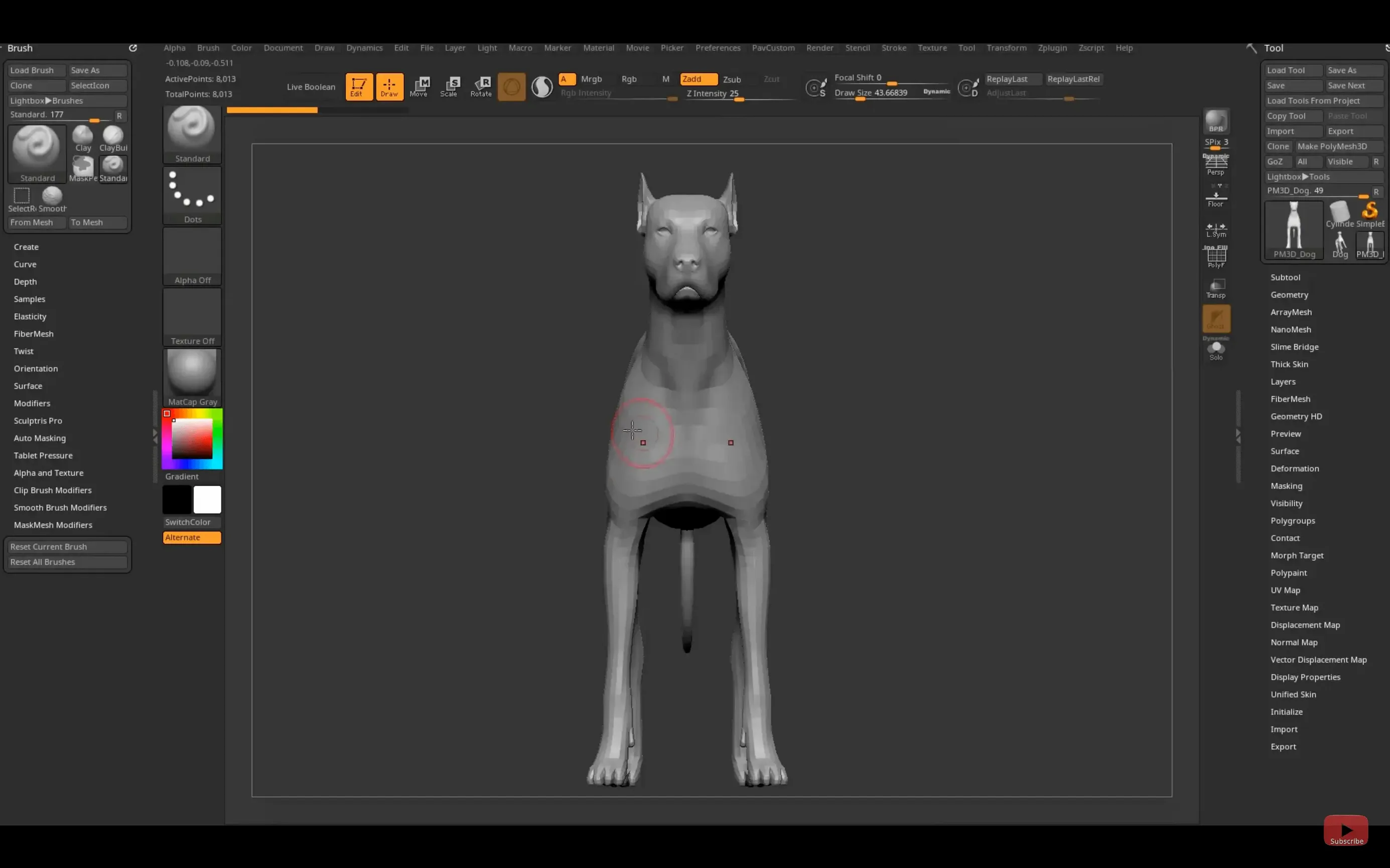
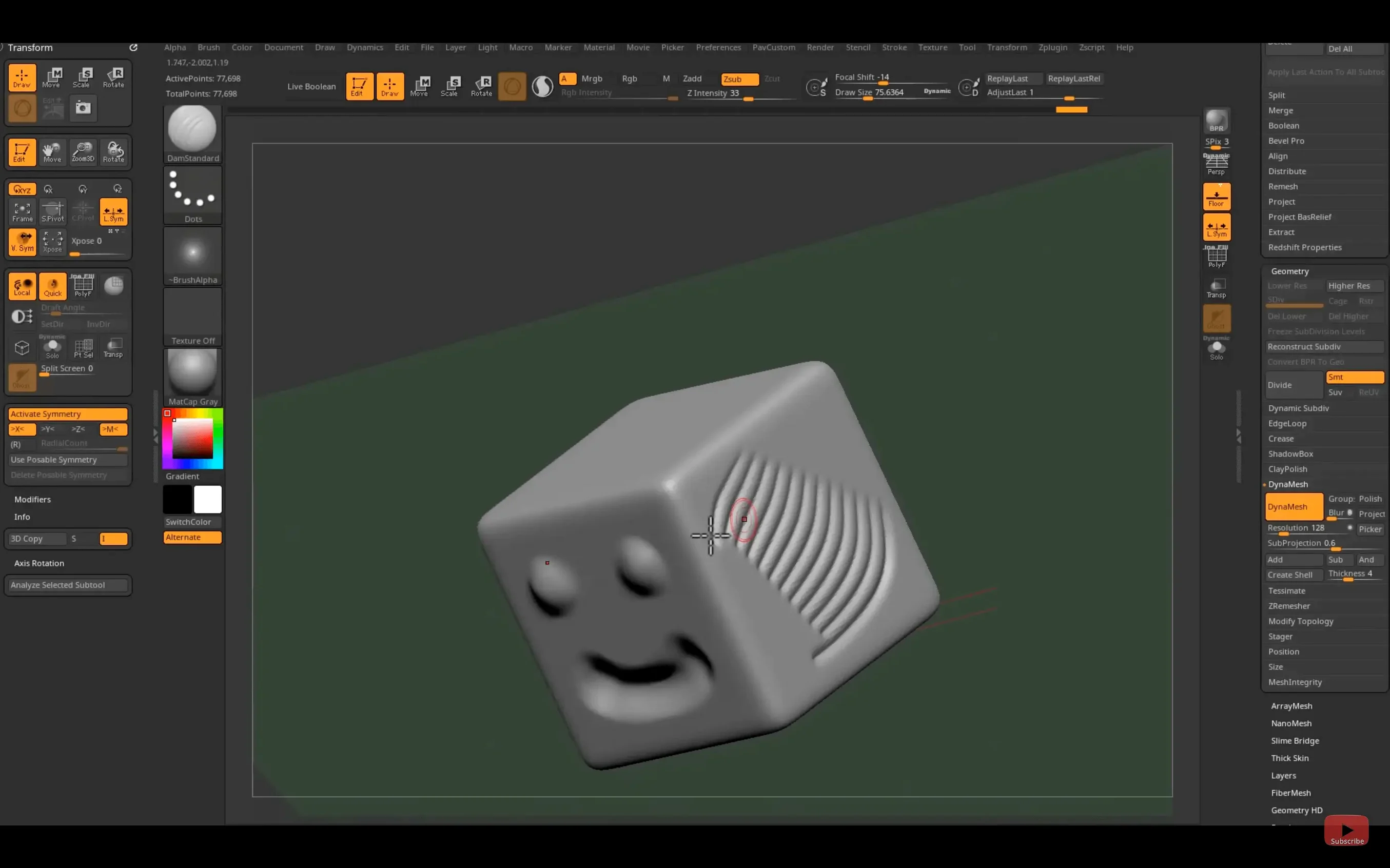
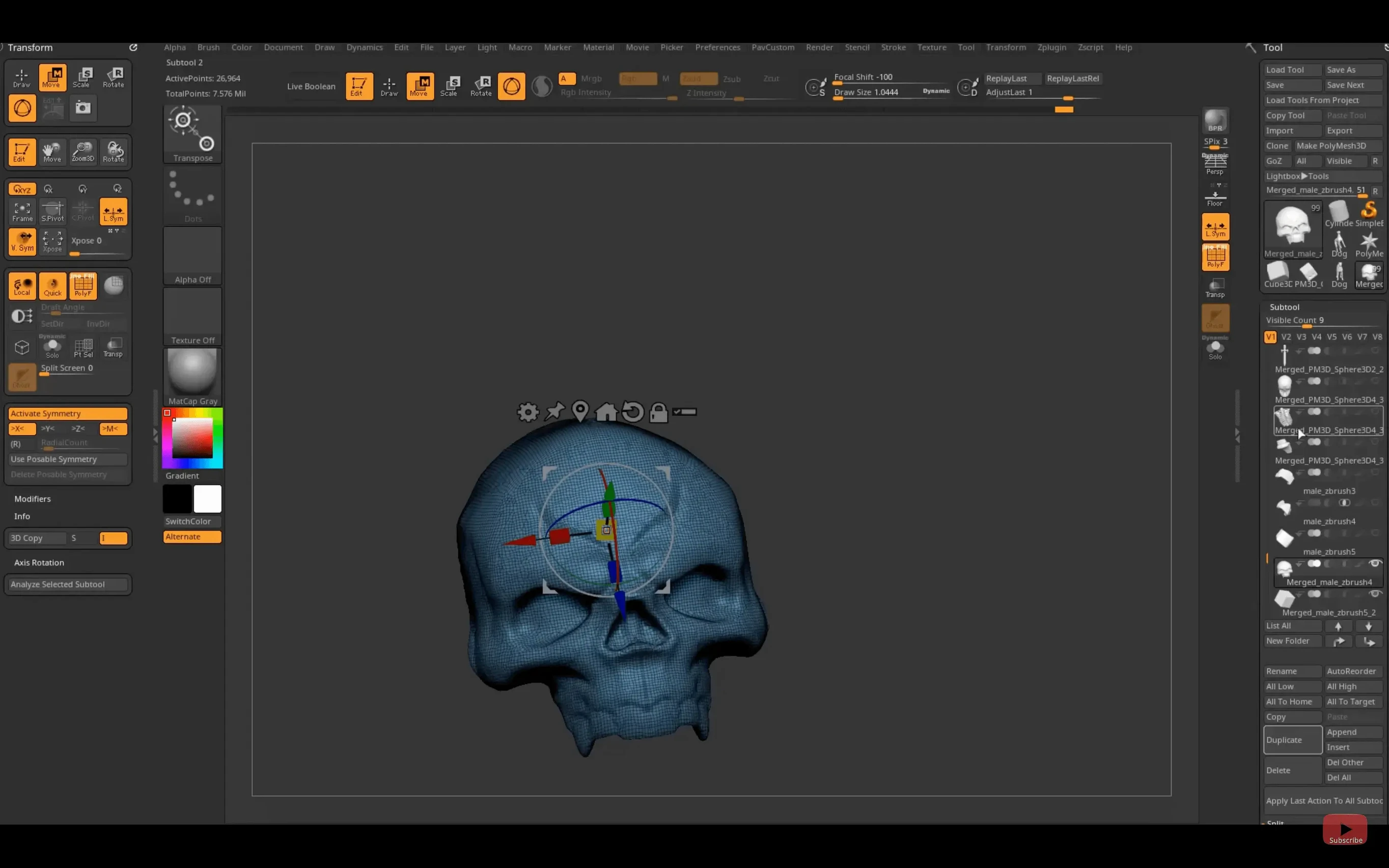
Every point on the canvas is a pixol — not just an XY coordinate and a color value, but a data structure holding Z-depth, orientation, and a material assignment. That’s the core difference when you sculpt in ZBrush, and the 2026.2.1 build on macOS keeps that data flowing into the rest of a production pipeline in a few new ways.
What’s the substance bridge for?
It’s a one-click transfer path from your high-res sculpt directly into Substance Painter. You’re sending mesh and texture data without an intermediate file export step, which preserves the material and polygroup information you’ve already set up.
What plug-in formats are supported on the Mac side?
The software ships with a collection of plug-ins for textures, geometry generation, and new brushes, and the Mac build uses the same native plug-in architecture. You’re working with .zsc and .zgp files that drop into the ZBrush application bundle or a user-library folder.
How does GoZ fit into a Maya 2026 workflow?
The 2026.2.1 update refreshes GoZ support for Maya 2026 and 3ds Max 2026. It’s a geometry transfer protocol, not a file format — it marshals the mesh, displacement maps, and normals between applications while ZBrush’s real-time 3D rendering engine shows you a live preview of what’s being sent back.
What macOS versions keep the rendering engine stable?
The requirement is macOS 12.6 or later, running natively on both Intel and Apple Silicon. The real-time engine relies on Metal, and keeping the OS at 12.6 or above ensures the shader pipeline and the pixol-based rendering pass have full GPU access without a compatibility layer.
One artist, one deadline, one sculpt
A toy sculptor has a tight turnaround for a collectible figure prototype — the kind with exaggerated anatomy and sharp mechanical ridges that will later be printed on a resin printer. She’s pulled reference from concept sketches, and the brief asks for three angles of the character bust by end of day. The pose is asymmetric, so symmetry-mode tricks will only take her part of the way.
She opens the zbrush macos build on her M2 MacBook Pro, loads a base mesh from the LightBox, and immediately starts blocking in volume with the Move and ClayBuildUp brushes. The real-time engine lets her orbit and light the bust while sculpting — no offline render breaks, just constant feedback. She knows the client will look at material breaks, so she masks the inner mouth cavity early and assigns a separate polygroup for what will become a gunmetal insert.
A session from blocking to final render
9:40 am. She starts with ZSphere armature to rough out proportions, then skins the armature into an adaptive mesh. Polycount sits around 20k — low enough to push big shapes fast.
10:15 am. After the silhouette reads correctly, she subdivides to roughly 2 million active points and switches to the DamStandard brush to carve wrinkles and mechanical panel lines. DynaMesh gets toggled on twice to remesh the neck after aggressive stretching.
11:30 am. Time for surface noise and alphas. She loads an etched-metal alpha from the Surface menu and drags it across the shoulder armor at low intensity, using a masked area to keep the face clean.
1:00 pm. Polypainting begins. She fills the skin polygroup with a warm base tone, then uses the Spray stroke with a freckle alpha on the cheeks. The color information lives in the pixol data, so she can rotate the view and the Z-depth shading stays consistent.
2:30 pm. With the sculpt and paint done, she sets up three cameras in the ZBrush document, adjusts the BPR render settings for each, and queues the renders. While they process, she uses the Substance Bridge to push a decimated version into Substance Painter for a quick dirt pass on the armor — one click, no manual export.
3:50 pm. The rendered turntable frames and a composited still go to the client. The session file and .zpr project are saved alongside an .stl export for the printer.
Common beginner missteps on the Mac build
Painting without disabling Zadd. New users often leave Zadd on while trying to polypaint, which means every stroke pushes geometry instead of laying down color. The fix is one button: switch to RGB mode and check that Zadd is off.
Over-relying on DynaMesh for everything. DynaMesh is brilliant for concept blocking, but hitting it at 10 million points on a laptop will slow the session to a crawl. Beginners sometimes remesh far too often when a simple subdivision level change or a reprojection pass would have preserved detail without the compute hit.
Ignoring the Mac quarantine attribute. After a fresh zbrush download mac, mounting the .dmg and running the installer can trigger a gatekeeper block. The standard fix — stripping the quarantine flag via Terminal — is well documented, but people skip reading the notes and assume the build is broken.
Hiding the UI palette and not knowing how to get it back. A stray hotkey can collapse the entire interface into a blank viewport. Beginners panic and force-quit. The menu bar and the “restore standard UI” button in the Preferences palette make it a five-second fix, but you need to know where to look.
Painting on the wrong material channel. ZBrush’s material system is separate from polypaint, and a new artist will load a chrome material, marvel at the reflectivity, then wonder why their color strokes don’t show. The render pass picks up the material’s base channel, not the paint, until the material is switched to one that respects vertex color — typically SkinShade4 or a custom MatCap with vertex color enabled.
- Substance Bridge: one-click mesh and texture transfer from ZBrush to Substance Painter.
- GoZ support updated for Maya 2026 and 3ds Max 2026 pipelines.
- iPad version adds custom hotkey saving and sharing.
- Native Windows on Arm support added (Windows platform).
- macOS 12.6 or later
- Apple Silicon or Intel processor
Comments 0
Sign in or create an account to leave a comment.
No comments yet. A codec, a slice, a machine — they appear after moderation.