ProPresenter for macOS
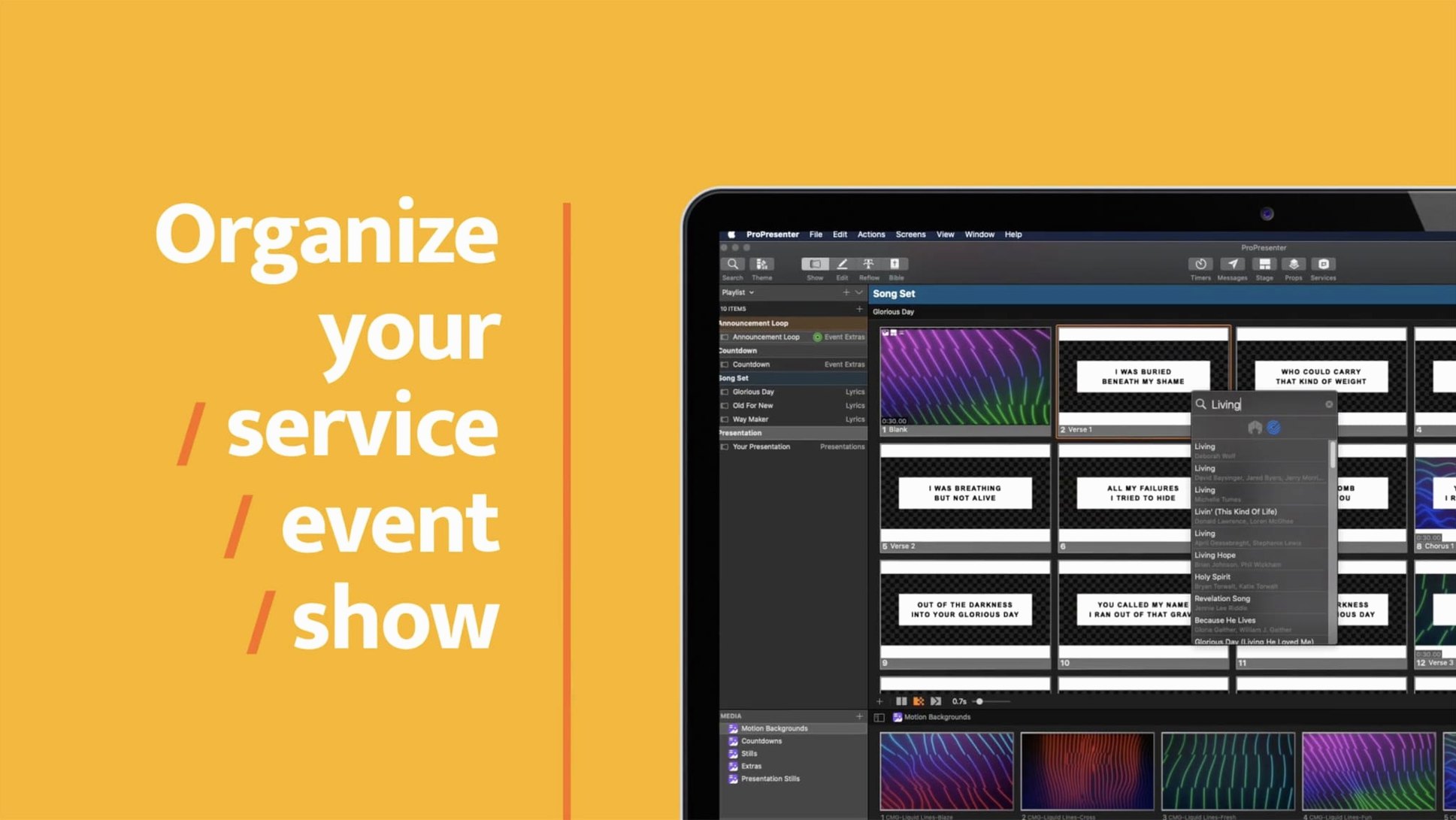
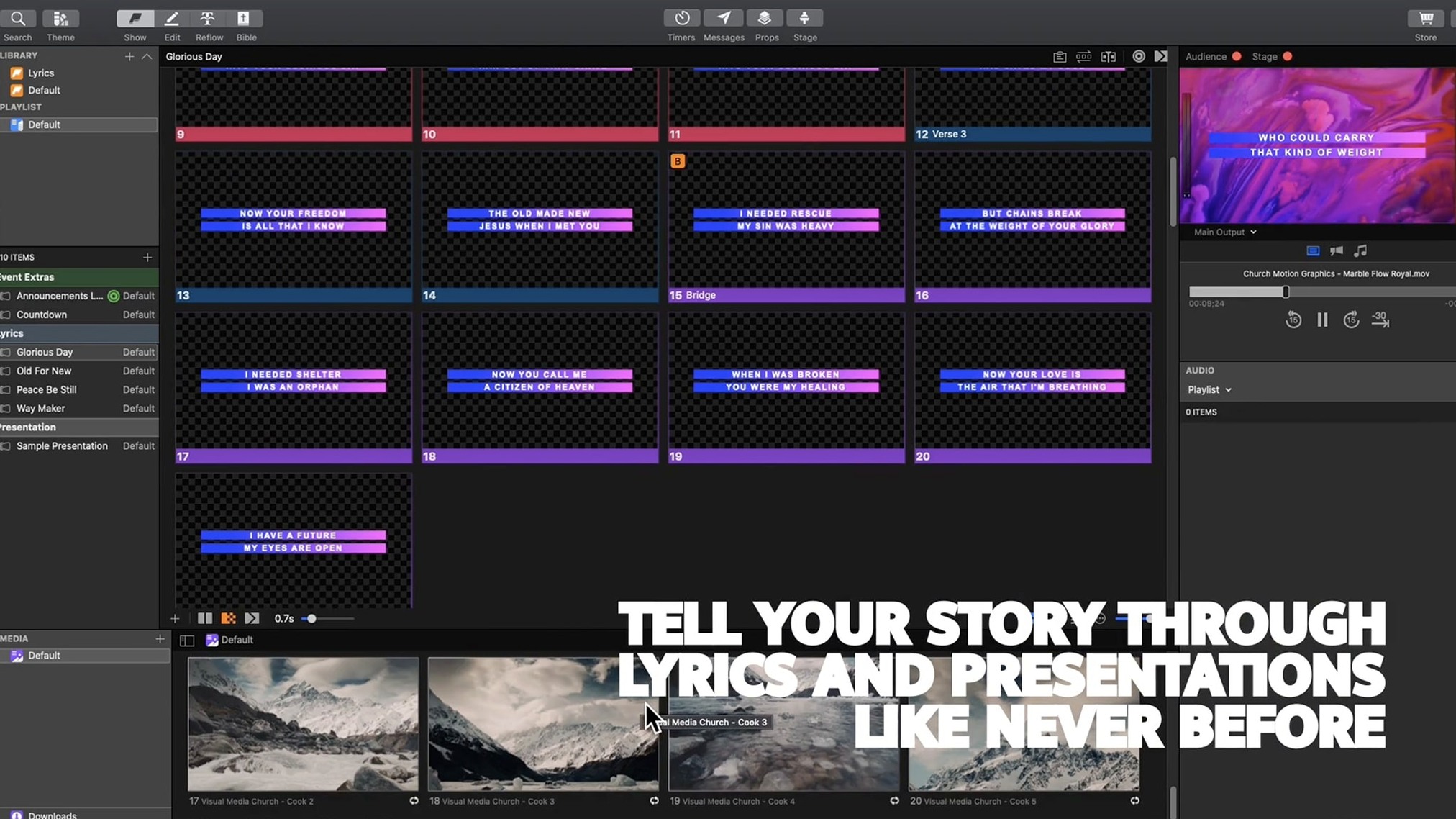
ProPresenter 7 ships as a single .dmg that unpacks to around 350 MB. That bundle includes a native Apple silicon binary and the Rosetta-translated Intel slice, so it runs on both architectures without asking.
Run lyrics and slides next to your DAW
Audio playback tools live inside the app, but the real integration happens through the output routing. You can send click tracks and timecode to a separate audio interface while your DAW handles the mix — two machines or one, the signal path stays clean.
Feed confidence monitors with timers
The multi-screen engine pushes independent feeds to stage displays. Each confidence monitor can carry a custom timer overlay, a clean slide, or a notes-only view, all driven from the same playlist on your Mac.
Share a presentation output to other Mac apps
Syphon support lets compatible applications grab the ProPresenter output as a real-time video stream. Drop it into OBS, MadMapper, or a broadcast switcher without a capture card in the middle — useful when the presentation needs to sit inside a larger live-switched show.
Small conveniences you probably walked right past
A few shortcuts live just below the surface and make a real difference once you know them. The Clear All button has a hidden behavior: hold Option while clicking it and every layer resets on the active slide without clearing the whole playlist. Stage Display layouts remember their last-used configuration per screen, so unplugging a monitor and plugging it back in doesn't mean rebuilding from scratch.
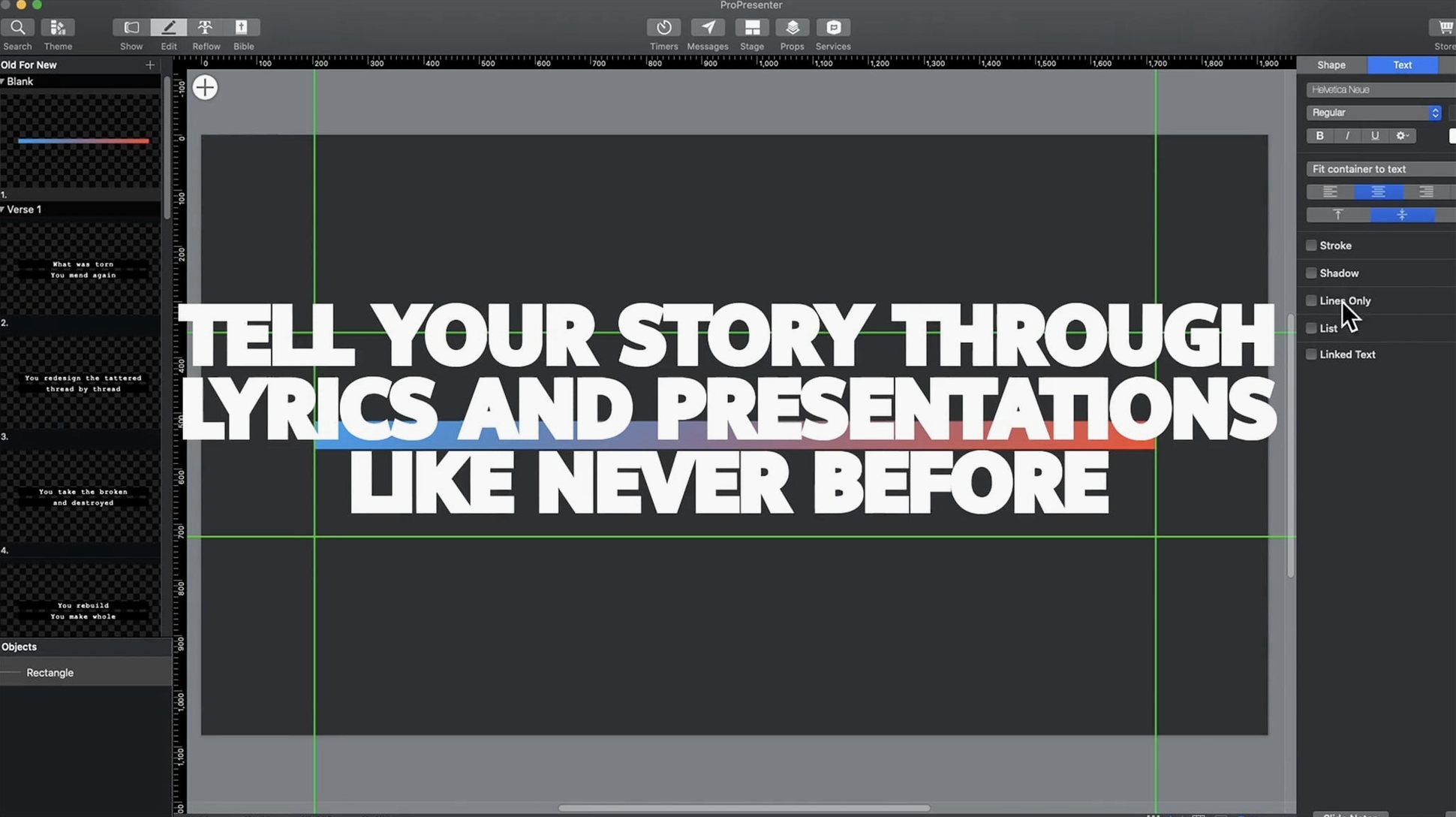
The slide editor supports arrow-key nudging. Select any text box or shape, tap an arrow key, and it moves one pixel. Hold Shift and it jumps ten pixels. Sounds trivial until you're lining up lower thirds at 4x output resolution and the mouse feels like a blunt instrument.
QuickTime-friendly video files dragged directly onto a slide thumbnail become media cues automatically — no import dialog, no re-encoding. And if you ever lose track of which playlist a slide belongs to, right-click it and pick Reveal in Playlist. That little command saves frantic scrolling during soundcheck when someone asks "which song is this slide actually from?"
Why worship teams lean on the Bible importer and Stage Display
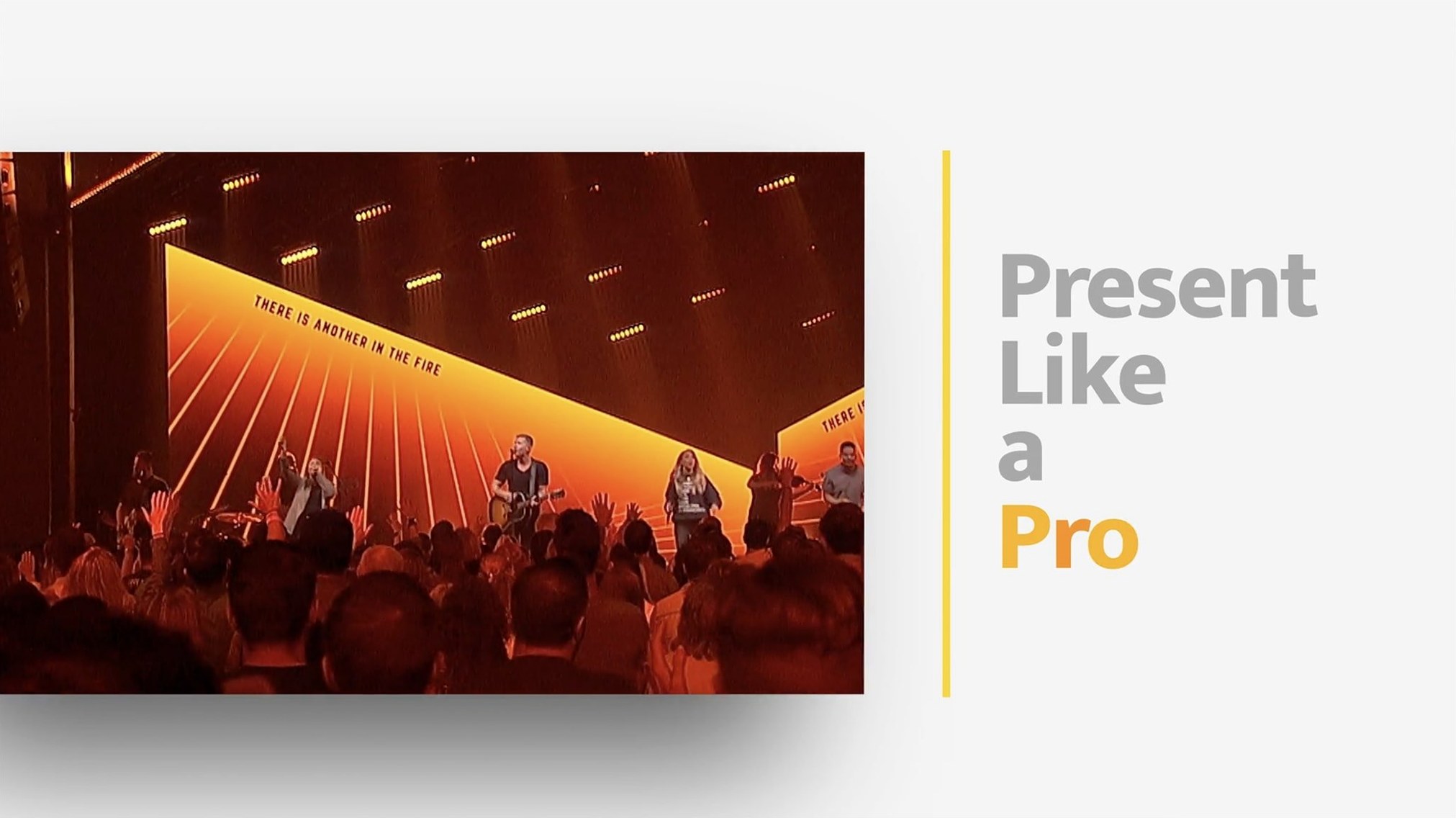
Worship production teams are the obvious answer — Renewed Vision built the tool for that world, and it shows in features like the Bible importer, the CCLI song library integration, and the way Stage Display handles foldback lyrics. A single operator can drive three screens, a lobby feed, and a live stream overlay from one MacBook Pro, and that workflow is what the interface was designed around.
Corporate event producers get equal value from the multi-screen routing. A general session might push slides to the main screens, a different confidence feed to the teleprompter, and a clean lower-third key to the broadcast switcher — all from the same timeline. The Syphon output becomes genuinely useful here, feeding into vMix or a hardware mixer without extra conversion.
Educators and conference organizers tend to under-use the moderated social feed. You can pipe in a Twitter hashtag, approve posts before they appear, and style them to match the event branding. It's not flashy, but it turns a passive slide deck into something that responds to the room.
Musicians and bands using backing tracks benefit from the click-and-cue routing, especially when paired with a DAW on the same machine. The app doesn't replace a playback rig, but it handles the visual side so the keyboardist isn't also advancing slides between chords.
Does it run native on Apple silicon?
Does it work on Apple silicon without Rosetta? The bundle includes a universal binary, so yes — it runs natively. The .dmg you download contains both slices, and macOS picks the right one. On an M1 or M2 machine, Activity Monitor shows "Apple" under the architecture column.
Will it conflict with my existing presentation tools? ProPresenter doesn't touch Keynote or PowerPoint files directly. You import static slides as images or rebuild them in the slide editor. The app installs its own support files inside ~/Library/Application Support/Renewed Vision/ProPresenter and doesn't modify system-wide codec packs or QuickTime components.
Can I run it on an older Mac? The stated floor is macOS 10.15 Catalina. Intel Macs from 2012 and later that support Catalina will launch it, but actual performance depends on the video outputs you're driving. A single 1080p screen is one thing; three 4K outputs with alpha-keyed overlays is another workload entirely.
Is the Remote app required? No. The Mac app works fully standalone. The iOS remote is a companion for triggering cues from a phone or tablet, useful when the operator needs to be away from the desk — during a walk-on announcement, for example — but nothing in the desktop workflow depends on it.
Do I need to disable System Integrity Protection? The standard install doesn't require SIP changes. Mount the image, drag the app to Applications, and if Gatekeeper objects, the Terminal bypass handles it. SIP only enters the picture in edge cases where a third-party plug-in demands kernel-level access, which is rare.
How fast it launches and how much RAM it idles at
Launch is quick — cold start to the library window takes about three seconds on an M1 Mac mini with an SSD. The app holds around 400–600 MB of RAM at rest with a small playlist loaded. Add a dozen HD video cues and that climbs toward 1.5 GB. It's not lightweight, but it's predictable. The memory pressure stays green on Apple silicon even during two-hour services with mixed media.
Video playback benefits from the native media engine. ProRes and H.264 files play smoothly without pre-rendering, and the timeline scrubs frame-accurately. Dropped frames are rare on modern hardware; when they happen, the usual culprit is a slow external drive serving 4K files over USB 3, not the decoder. Keep your media on the internal SSD or a fast Thunderbolt enclosure and the experience is solid.
Crashes in daily use are infrequent but not unheard of. The most common trigger is a third-party plug-in that doesn't handle the transition between Apple silicon and Intel code paths gracefully. Running the app natively with native plug-ins avoids that entirely. Auto-save writes to ~/Documents/ProPresenter every few minutes, and the backup folder keeps multiple revisions, so losing work is rare even when something does go sideways.
Why PowerPoint slides arrive as flat, uneditable images
The biggest one is building slides in PowerPoint first and expecting a clean import. ProPresenter imports PPTX as flat images — one per slide — and text is no longer editable. If you want live text that you can tweak during rehearsal, build it directly in the slide editor. Importing a finished deck is fine for reference, but it's not a starting point.
Another is ignoring the Video/Image Bin's folder structure. New users often dump every asset into the root level and then hunt through a flat list of 200 clips during a live run. Spend ten minutes creating folders — "Sermon Bumpers," "Announcements," "Background Loops" — and the Media Inspector becomes instantly usable under pressure.
Setting Stage Display to mirror the main output is a trap. The whole point of confidence monitors is that the speaker sees something different from the audience. A countdown timer, slide notes, or the next-slide preview belongs on stage; the congregation sees the finished slide. Configure each output independently in the Screens panel before you even add a playlist item.
Forgetting to assign a Clear command to a hotkey leads to awkward blackouts. Map "Clear All Layers" to a single key (the tilde key is popular) and you can snap to black between segments without fumbling through menus. Train your fingers to hit it during transitions and it becomes muscle memory.
Finally, new operators sometimes leave the social feed moderation queue unattended. If you're displaying a live Twitter hashtag, unmoderated posts go straight to the screen. Set the feed to require approval or assign a second person to watch the queue — one rogue tweet on a 20-foot screen is not a mistake you make twice.
- macOS 10.15 or later
- Apple silicon and Intel Macs
- Interface languages: English, French, German, Korean, Norwegian, Portuguese, Russian, Spanish
Comments 0
Sign in or create an account to leave a comment.
No comments yet. A codec, a slice, a machine — they appear after moderation.