QuarkXPress for macOS
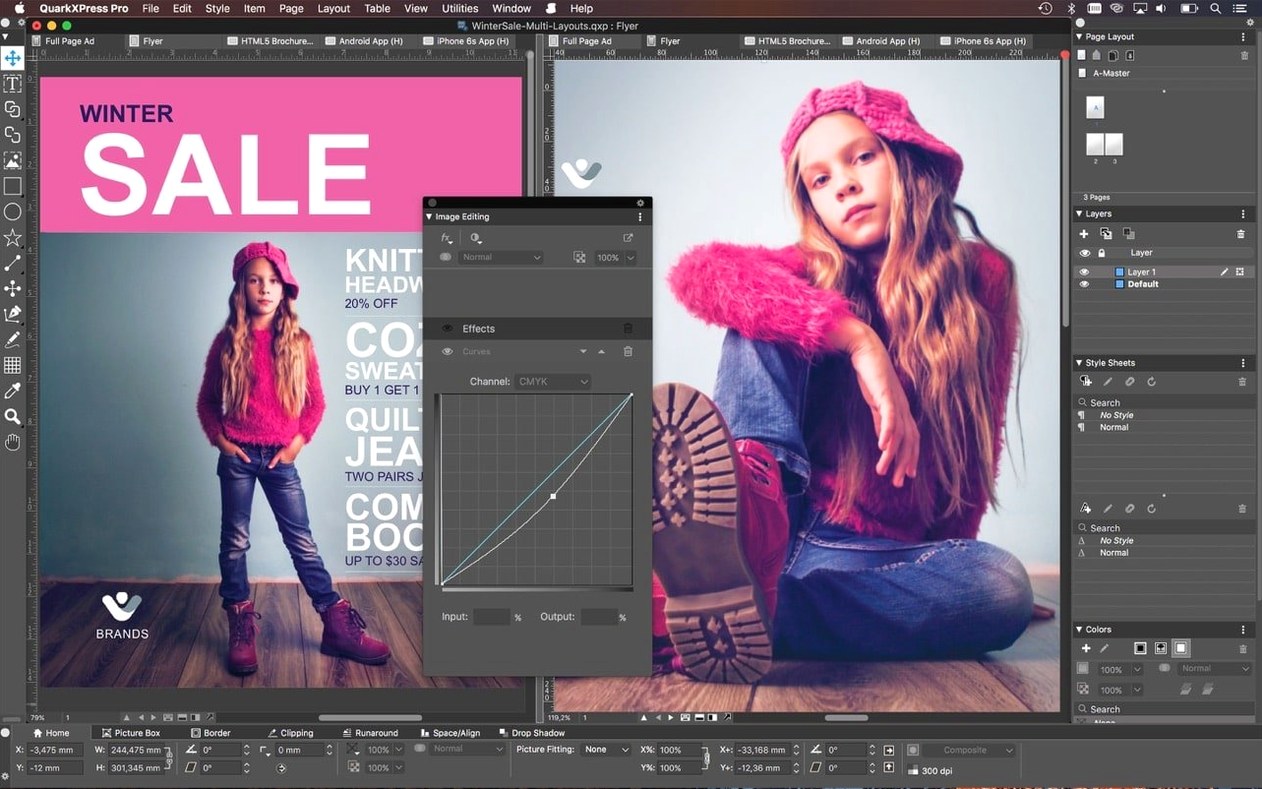
QuarkXPress 2021 and the current 22.x releases require macOS 12 or later and run natively on both Intel and Apple Silicon processors. If your Mac is stuck on an older OS, the installer won't get past the gate — the 2021 codebase is compiled for modern frameworks only.
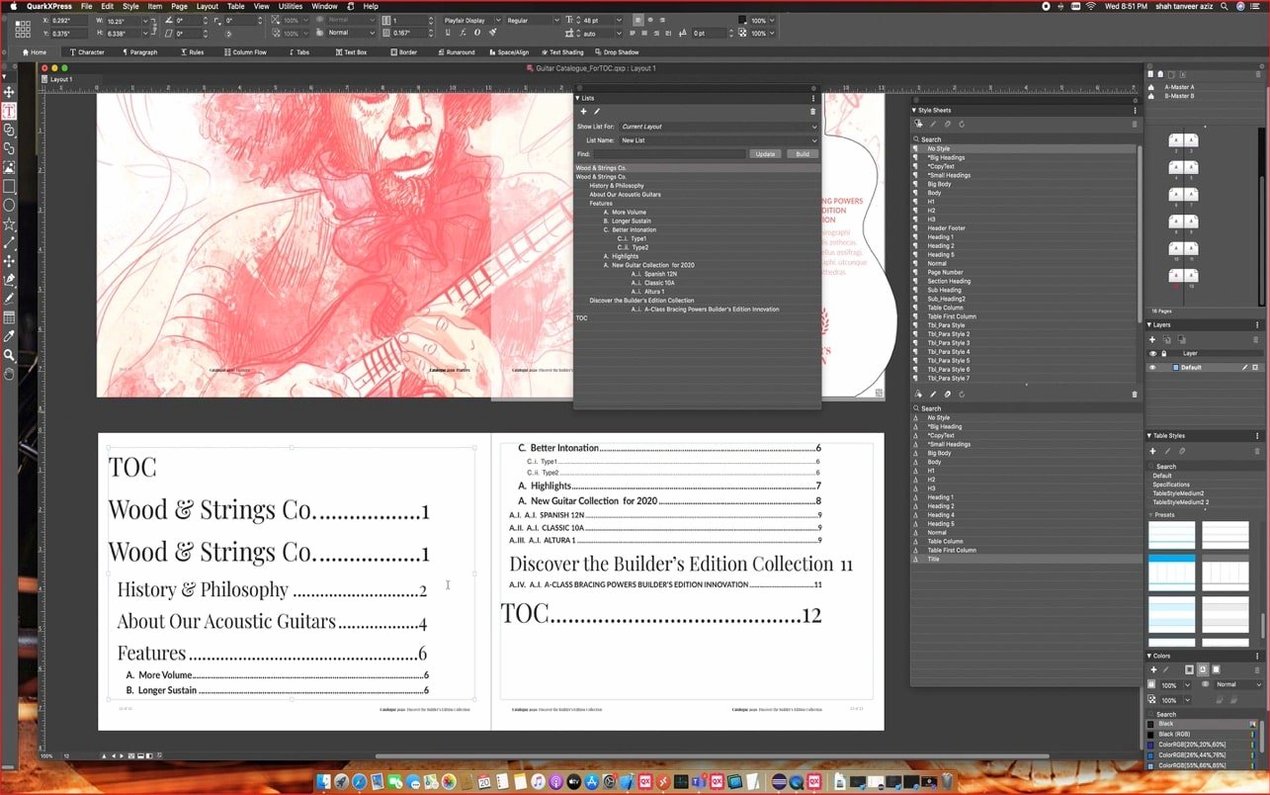
Distraction-free copy work in the Story Editor
- Laying out long, text-heavy documents where you want a dedicated Story Editor for distraction-free copy work.
- Projects that mix languages heavily — the app ships interface translations for Japanese, Arabic, and over a dozen European and Asian languages, plus hyphenation dictionaries for more than 30.
- Building photo-rich grids fast with ImageGrid, which now keeps master page elements consistent when you auto-generate pages.
- Scientific and technical publishing, thanks to native math equation support introduced in version 22.0.
Single-file projects still need intermediate formats for sharing
- The single-file project format is handy for sharing work across regions, but round-tripping to other layout apps still requires intermediate formats.
- While callouts can move frames and groups with your text flow, complex anchored-object behavior differs from what you might expect coming from a word processor.
- Illustrator and Photoshop file import works, but you'll want to keep linked assets organized — the mechanism relies on standard macOS file references.
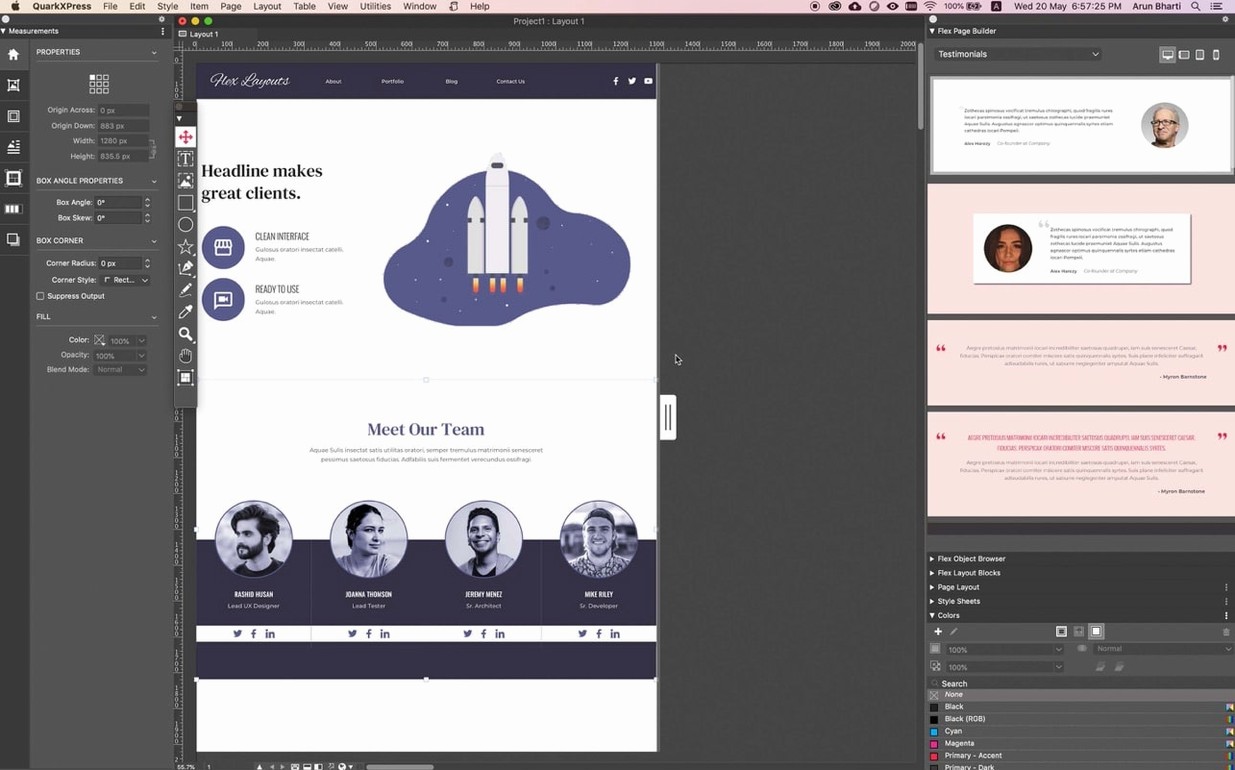
Picking A4 from the redesigned welcome screen
I launch QuarkXPress 2026 and the redesigned welcome screen gives me project size presets right away — I pick A4, no facing pages, and the workspace opens with my saved "Editorial" palette layout. The first thing I do is set up a master page: a running header frame at the top, a folio frame at the bottom, and two empty text boxes linked on the master so every new page inherits them.
I drop into the Story Editor for the first hour. It's a full-screen text view — no distractions, no frames jostling around — where I paste the raw manuscript and run through a first-pass clean-up. OpenType ligatures and the language-specific hyphenation dictionary for French kick in automatically because I set the paragraph style's language attribute before typing. When I switch back to layout view, the text flows across 14 pages with callouts keeping sidebar notes anchored to their paragraphs. One sidebar gets a linked Illustrator file dragged straight onto the spread; QuarkXPress reads the .ai and places it as a native object, retaining vectors.
Mid-session I realise chapter three needs a photo grid. I use ImageGrid to auto-build a 3×4 grid on a new spread, dropping 12 product shots from a folder. The master page elements — the header and folio — hold firm across every auto-generated page. A quick equation block goes into a tech spec callout using the native math editor; I type LaTeX-style tokens and the rendered formula sits inline with the body text, no plug-in needed.
The last 20 minutes are all about conditional styles. I define a rule: any paragraph following an "H2" style that begins with "Note:" automatically picks up the "Note body" style with a grey background and smaller type size. It saves me from manually tagging 40-odd notes. Export goes to PDF/X-4 for the printer and an ePub with the Reflow View preview to check how it'll look on an iPad. Two exports, one project file.
Dragging palettes into your own saved workspace
The first thing to sort out is your workspace. The welcome screen lets you pick a pre-built layout — Print, Digital, or a custom one — but I recommend spending 20 minutes dragging palettes around and saving the arrangement. Put the Measurements palette top-right, the Shared Content palette bottom-left if you're collaborating, and pin the Style Sheets palette open. Save it as a named workspace; you'll thank yourself on day three when muscle memory kicks in.
Next, set your default project preferences before you build anything real. Open QuarkXPress > Preferences and walk through these tabs:
- Display: turn on "Full Res Preview" for placed images if your Mac has the GPU headroom — Apple Silicon machines handle it without breaking a sweat, Intel Macs with integrated graphics benefit from keeping it on "Typical" for multi-spread documents.
- Save: enable auto-save every 5 minutes. The single-file project format means your entire layout, links, and colour profiles live in one
.qxpfile, so recovery is straightforward. - Fonts: activate the OpenType features you actually use — ligatures, stylistic alternates, old-style figures — so they're available in the Measurements palette without drilling into menus.
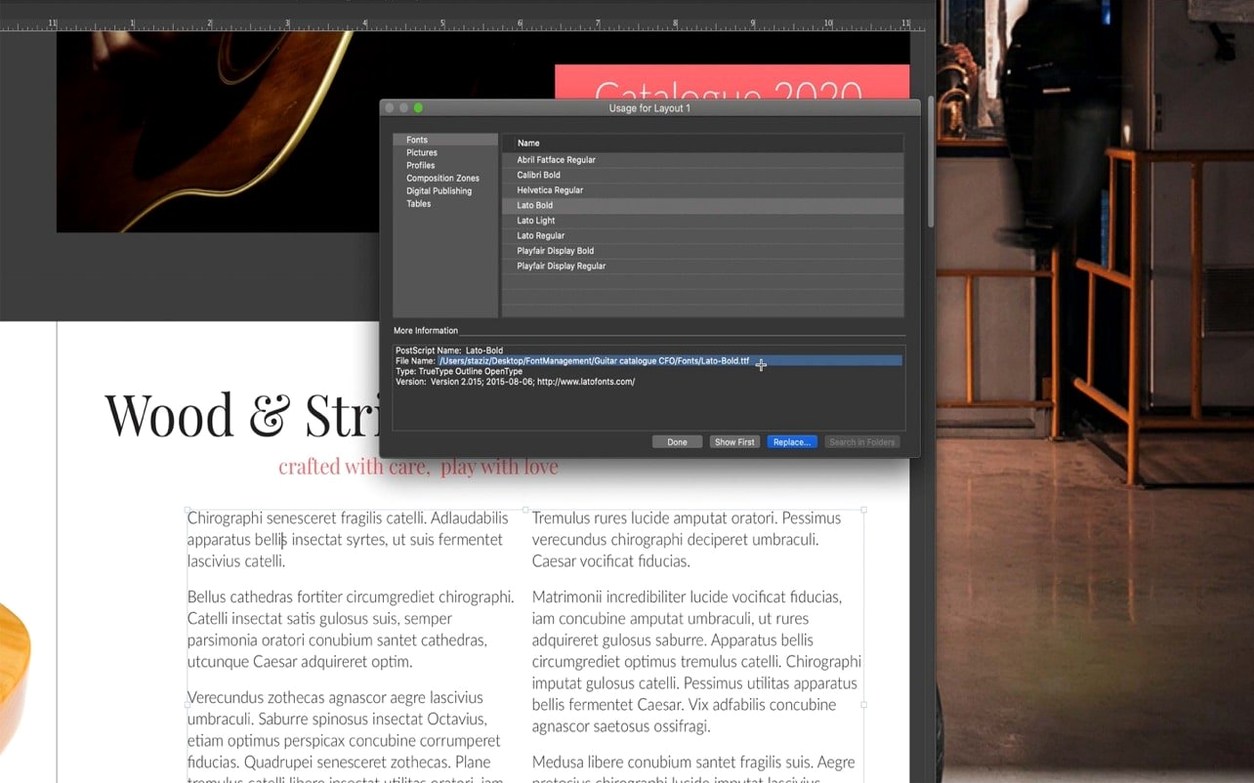
One more thing: if you're importing .ai or .psd files, keep them in a single project folder and use relative linking. QuarkXPress resolves paths relative to the project file location, so moving the whole folder to another Mac doesn't break links. This matters when you're bouncing between a desktop and a laptop.
Does it run natively on Apple Silicon?
Does it run on Apple Silicon, or is it still Rosetta?
Native. The 22.x codebase ships a universal binary — ARM and Intel 64-bit in the same bundle. On an M1, M2, or M3 Mac, it loads as an ARM process, no translation layer. You can verify this in Activity Monitor under the "Kind" column.
Can I open old QuarkXPress 9 or 2016 files?
Yes, and the single-file format introduced in the 2018-era releases means a project saved in QuarkXPress 2026 opens on another Mac running the same version anywhere in the world without font remapping or layout shifts — assuming the fonts are installed. The format embeds layout data, style sheets, and colour definitions. Older files from version 9 and 10 convert on open; keep a backup of the original just in case.
What about InDesign file interchange?
There is no direct .indd import. The practical route is IDML export from InDesign and then importing into QuarkXPress, which handles IDML reasonably well for text flows and basic frames. Complex effects, nested styles, and some transparency modes need manual adjustment. For collaboration with InDesign users, plan your exchange format before the project starts.
Does the math editor require a separate licence or plug-in?
No. Native math equations landed in version 22.0 and are built into the application. The editor uses a token-based input — similar to LaTeX math mode — and renders the result as a vector object in your layout. It's available in every project, no add-ons needed.
120-page catalogue in five languages with photo-heavy layouts
A packaging designer at a mid-size manufacturer needs to produce a 120-page product catalogue in five languages: English, German, Simplified Chinese, Korean, and Russian. The layout is photo-heavy — each product gets a hero shot, a spec table, and a short description — and the text changes language, not structure.
She builds the master layout in English first. Each product block is a grouped set of frames: an image box, a table for specs, and two linked text boxes. She uses callouts to anchor the spec table to the product name paragraph, so when the Korean translation expands the text block by 30%, the table moves with it instead of sitting stranded two paragraphs down. The conditional styles take care of formatting: any product name that starts with "NEW" in bold gets an automatic red accent bar above it.
For the translations, she duplicates the project file and swaps the text layer using the Story Editor's find-and-replace with language-specific dictionaries loaded. The Korean and Chinese layouts get a different paragraph style with adjusted leading because the character density changes the grey value of the page. QuarkXPress handles the line-breaking with its language-specific hyphenation modules — Korean doesn't hyphenate in the Latin sense, and the app respects that. When the client requests a last-minute Nook version, she exports an ePub through the built-in Reflow View preview, checks the pagination on a tablet, and sends it out the same afternoon.
A 200-page project with 400 linked images opens in under 10 seconds
On an M2 MacBook Air with 16GB of RAM, QuarkXPress 22.0.1 launches in about three seconds — the welcome screen appears before I've finished reaching for my coffee. A 200-page project with 400 linked high-res images opens in under 10 seconds, and scrubbing through spreads in the page navigator is smooth. Memory usage sits around 1.2GB for that document; it climbs to about 2GB when the Story Editor and Reflow View are open simultaneously. That's reasonable for a layout app of this complexity.
Image-heavy operations — building a 6×8 ImageGrid from 48 RAW files — spike CPU usage momentarily, but the grid populates progressively, so you can start adjusting frames while the import finishes. On an Intel i7 Mac Mini, the same operation takes about twice as long and the fans become audible, which is expected given the media decode workload.
Stability has been uneventful in the best way. Over a month of daily use with print, ePub, and math-heavy documents, I've seen one crash — triggered by a corrupt OpenType font, not the application itself. Auto-save had a backup from 90 seconds prior. The single-file project format helps here: no separate link databases to get out of sync, no preference files that silently corrupt. If the file opens, everything's there.
- Native mathematical equation support was added in version 22.0 — no external equation editor required.
- ImageGrid received an update so master page elements remain consistent across auto-generated pages.
- The welcome screen was redesigned in v22.0.1 with project size presets, workspace options, and built-in tutorials.
- macOS 12 or later
- Runs natively on both Intel and Apple Silicon Macs
$ man quarkxpress | grep -A2 "?"
Does QuarkXPress 2021 handle math and equations?
Yes. Native support for mathematical equations arrived in version 22.0, so the current release can set technical and scientific formulas without external plug-ins.
What languages does the interface support?
The interface is localized into English, German, French, Spanish, Italian, Russian, Danish, Dutch, Norwegian, Polish, Portuguese, Finnish, Czech, Swedish, Japanese, Korean, Simplified Chinese, and Traditional Chinese.
Comments 0
Sign in or create an account to leave a comment.
No comments yet. A codec, a slice, a machine — they appear after moderation.