Sync Folders Pro for macOS
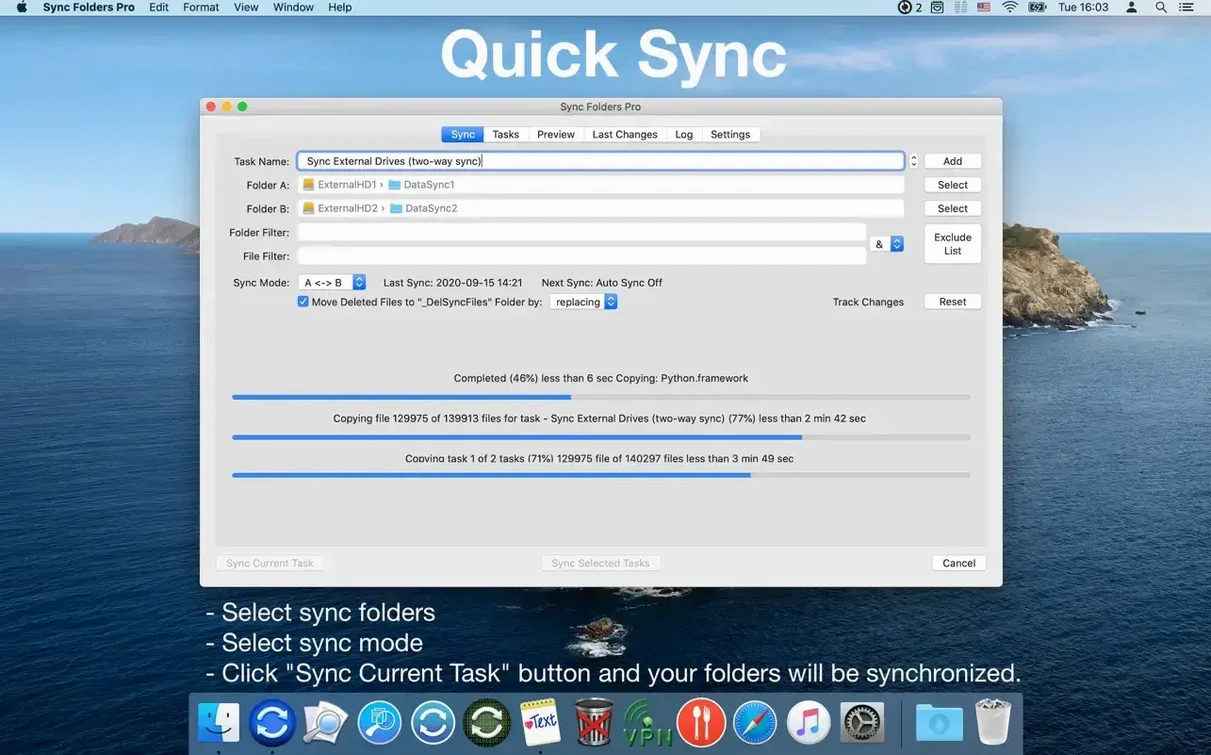
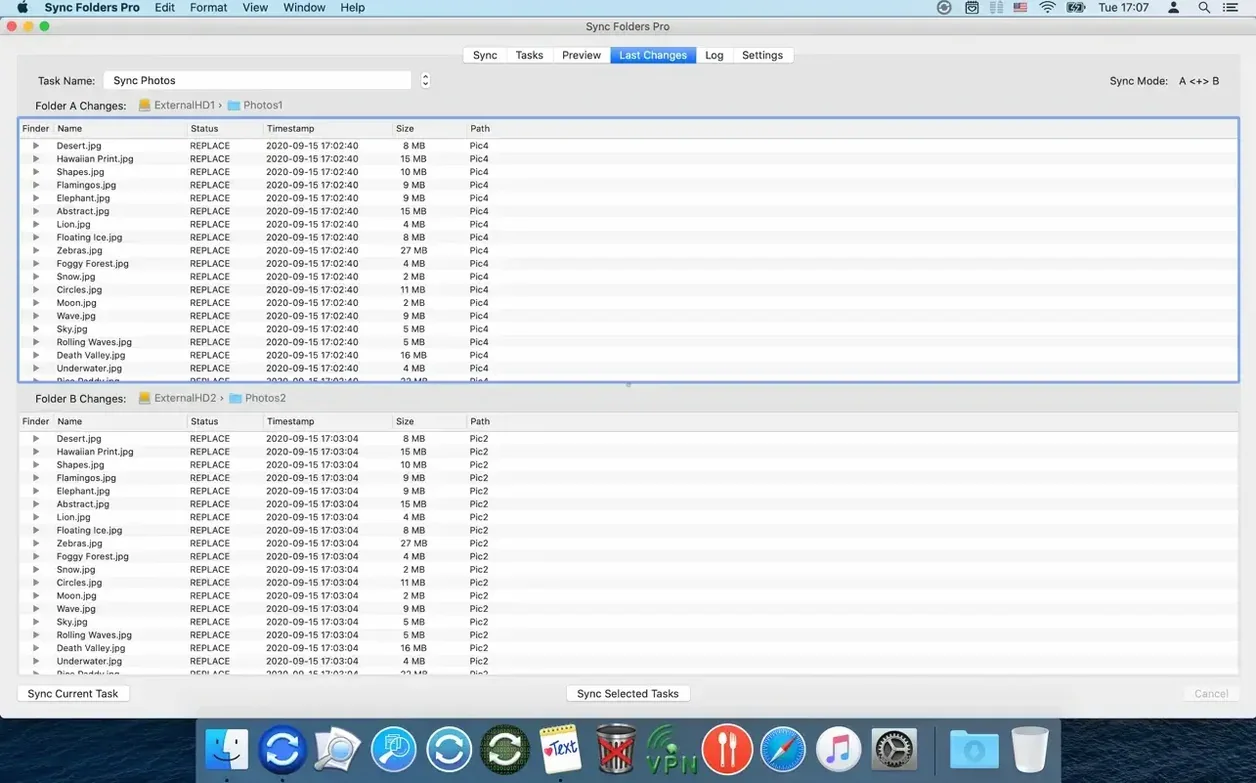
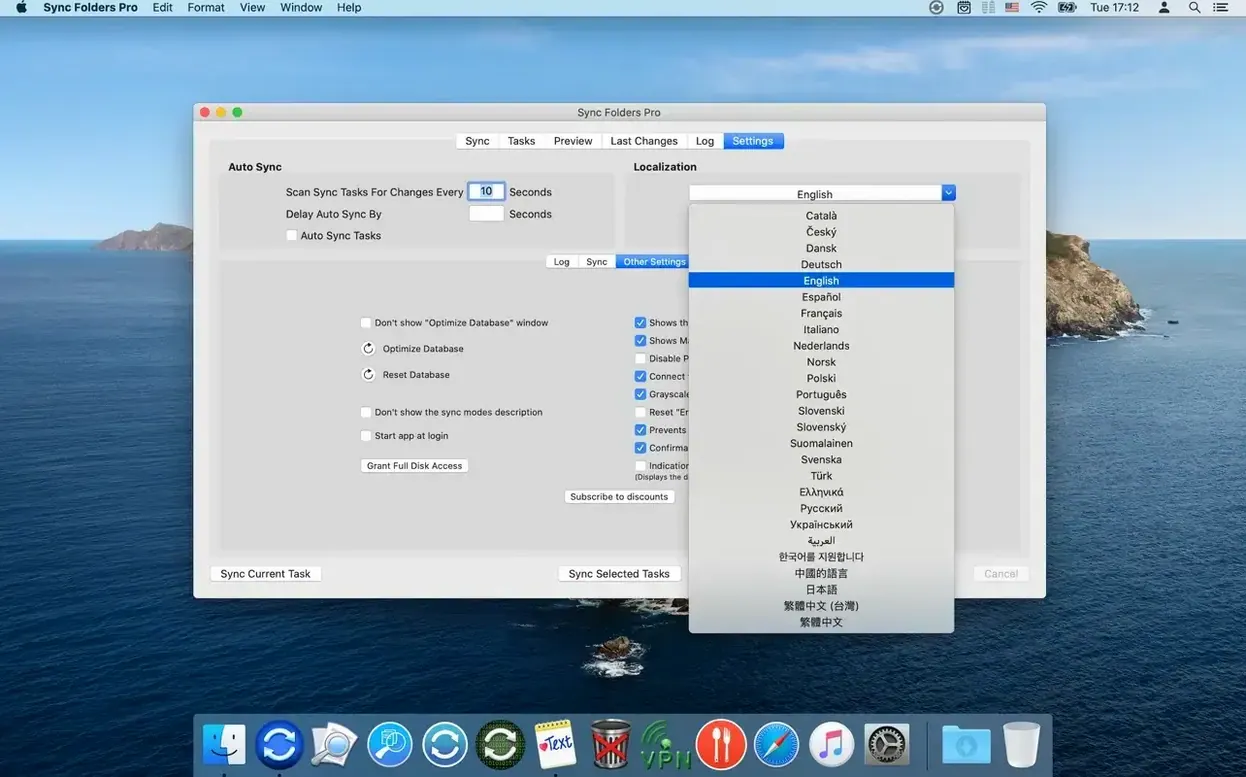
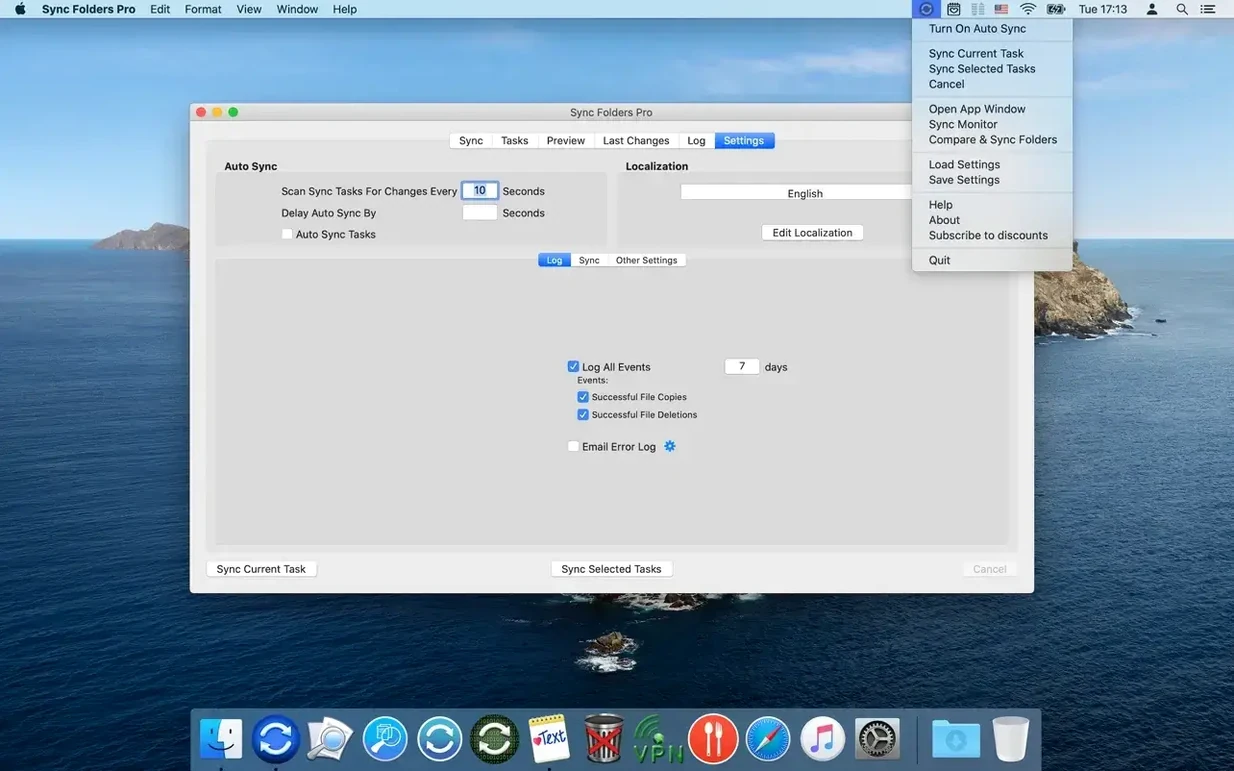
Sync Folders Pro is a folder synchronization and backup utility built to handle very large numbers of files without choking. It copies, mirrors, and compares directories across local drives, external storage, network computers, and cloud service folders, keeping everything in step with minimal overhead.
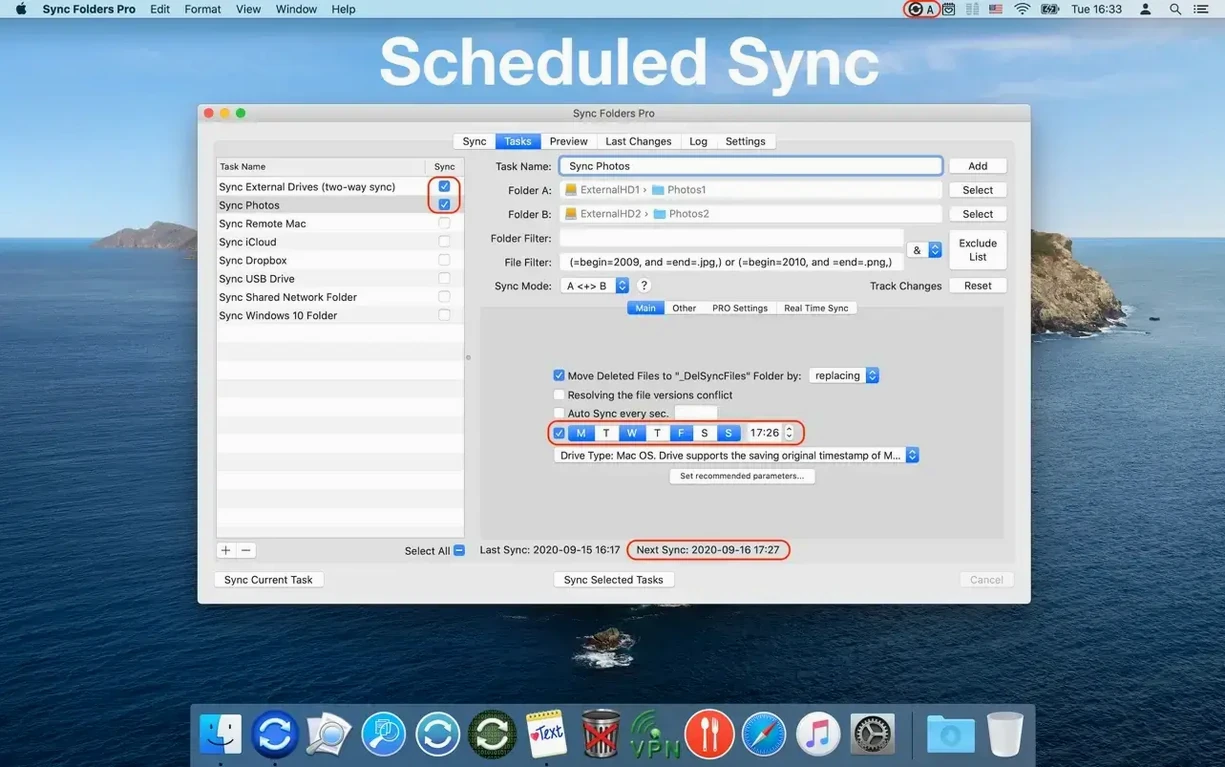
It earns its “Pro” suffix through parallel execution. You can synchronize multiple folder pairs simultaneously, and when a pair points at a network share the app can automatically mount the remote volume before the sync kicks off — no manual connecting first. File and folder filtering tools let you exclude temp files, hidden dotfiles, or entire subfolder trees from the job so only what matters gets copied.
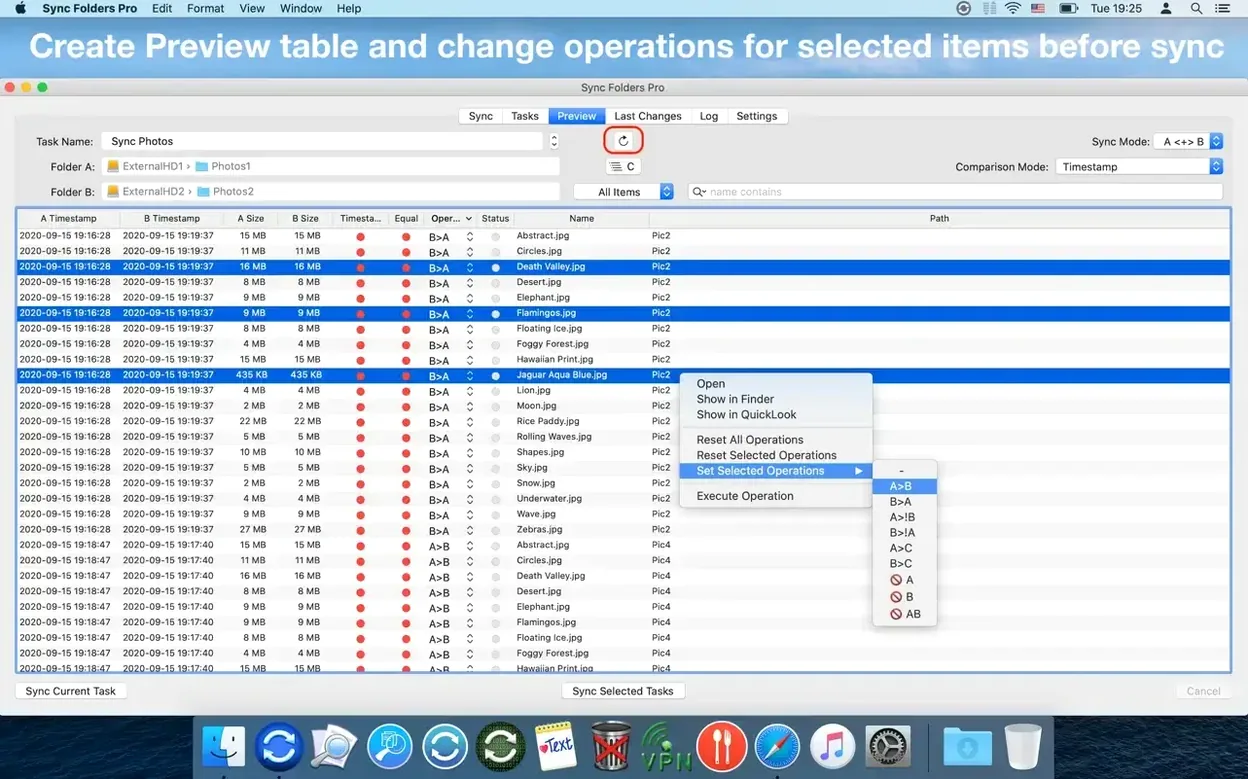
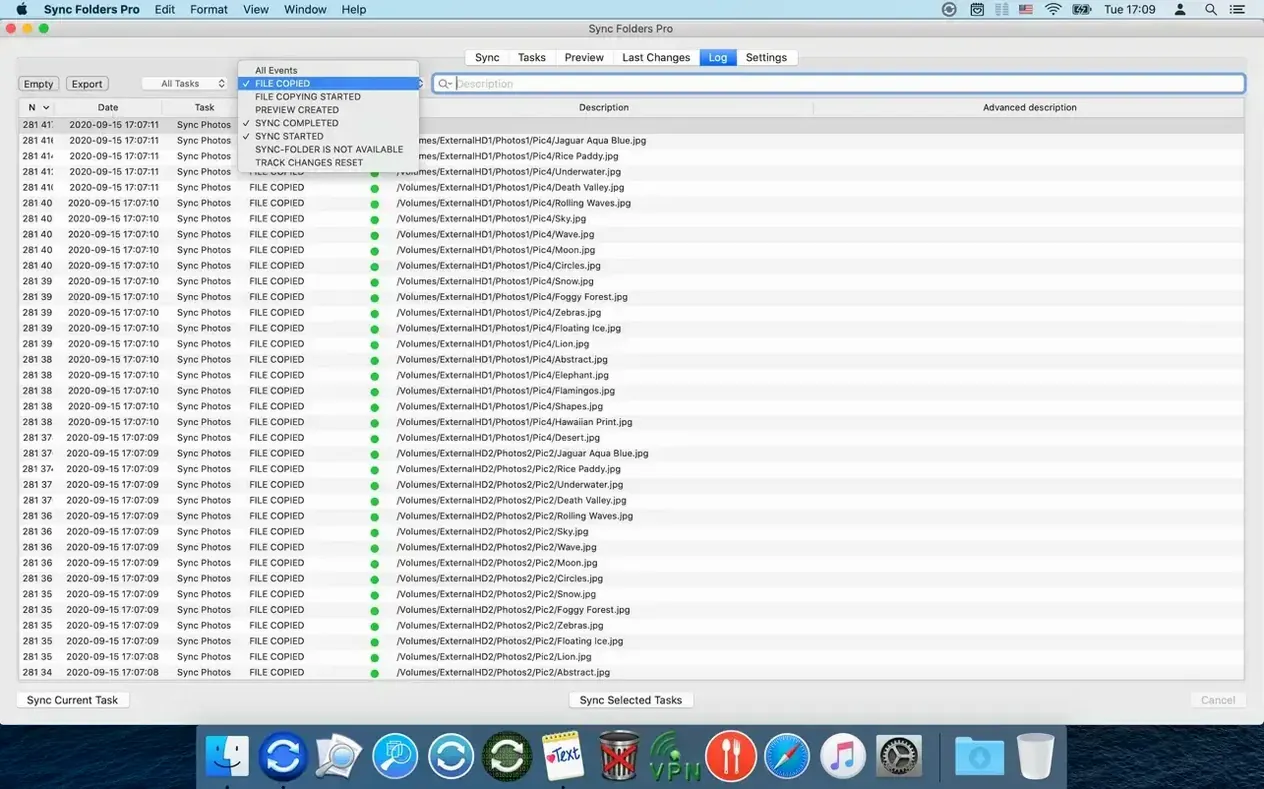
Every operation feeds into an event log that you can filter by type, task, and status, then export to an external file for your own records. A recent-changes view shows what moved where and when, which is handy when you are tracking down a stray overwrite.
If you need sync that stays responsive with six-figure file counts and want fine-grained control over what travels where, this is the kind of tool you reach for.
Handpicked folder pairs that Time Machine never touches
Sync Folders Pro doesn't try to replace Time Machine or iCloud — it sits alongside them. Your Mac's built-in backup handles whole-system snapshots; Sync Folders Pro handles specific folder pairs you define, often in ways Time Machine never would.
Drop a ~Documents/Projects folder onto an external SSD and set it to bidirectional mode, and the external drive becomes a working copy you can plug into another Mac. Point it at a folder inside your Google Drive or Dropbox directory and you get real-time sync with cloud storage, but controlled entirely by the app's filter rules and scheduling — not by the cloud provider's sync engine. Network users can set up pairs that auto-mount SMB shares before the job starts and disconnect them cleanly afterwards, which macOS Finder won't do on its own.
It also understands Unix. The custom copy scripts feature means you can pipe folder operations through rsync flags or a shell one-liner if the built‑in copy logic isn't quite right for your workflow. That's a quiet nod to power users who prefer to blend a GUI tool with command-line precision.
A one-way mirror job with a RAW photos filter
Imagine Tuesday morning. You plug in a 4 TB external drive labeled Archive. Sync Folders Pro notices the volume mount and starts the first pair: your ~/RAW_photos folder to /Volumes/Archive/RAW_photos. It's a one-way mirror job with a filter that skips .DS_Store and anything ending in .tmp.
While that runs in the background, a second pair kicks off — ~/Documents/Invoices to a folder on the office NAS. The app mounted the share automatically, authenticated with stored credentials, and started a bidirectional sync. You can watch the live log in the event viewer: green checkmarks scrolling past, one line per file. A third pair, syncing your ~/Code folder to a local backup directory, is set to real‑time mode, so it already picked up the three files you saved during breakfast.
Twenty minutes later you open the recent-changes view to confirm that a client file you moved yesterday landed in the right place on the NAS. It did. You filter the log by errors just to be sure — nothing red. You export the morning's log to a CSV file and close the app. The network share unmounts on its own a few seconds later.
Try all three sync modes on two tiny test folders first
- Start with a dry-run pair. Pick two small folders — maybe
~/Desktop/TestAand~/Desktop/TestB— and try all three sync modes before touching real data. You'll learn the behavior without risk. - Set up email alerts early. In the preferences, point the error notification to your address. When a sync pair fails because a network volume is offline, you'll know immediately instead of discovering it weeks later.
- Use the filter tools from day one. Exclude
.DS_Store,Thumbs.db,*.tmp, and anynode_modulesfolders right in the pair settings. It keeps the log clean and avoids copying thousands of tiny cache files you never asked for. - Version recovery is not a backup. The app can keep the last version or all versions of overwritten files — turn that on for folders you edit often — but don't let it be your only safety net. It's a deletion recovery helper, not a replacement for a proper snapshot backup.
- Name your pairs clearly. Calling a pair Sync 1 feels fine until you have twelve of them. Use names like Photos → Archive (mirror) or Invoices ↔ NAS (bidir) — the event log becomes readable at a glance.
- OS X 10.10 or later
- Apple Silicon and Intel 64‑bit
$ man sync-folders-pro | grep -A2 "?"
Can Sync Folders Pro back up to a network drive?
Yes — it can back up data to network computers and cloud service folders, with automatic connection before synchronization if the volume is not already mounted.
Comments 0
Sign in or create an account to leave a comment.
No comments yet. A codec, a slice, a machine — they appear after moderation.