
TablePlus for macOS
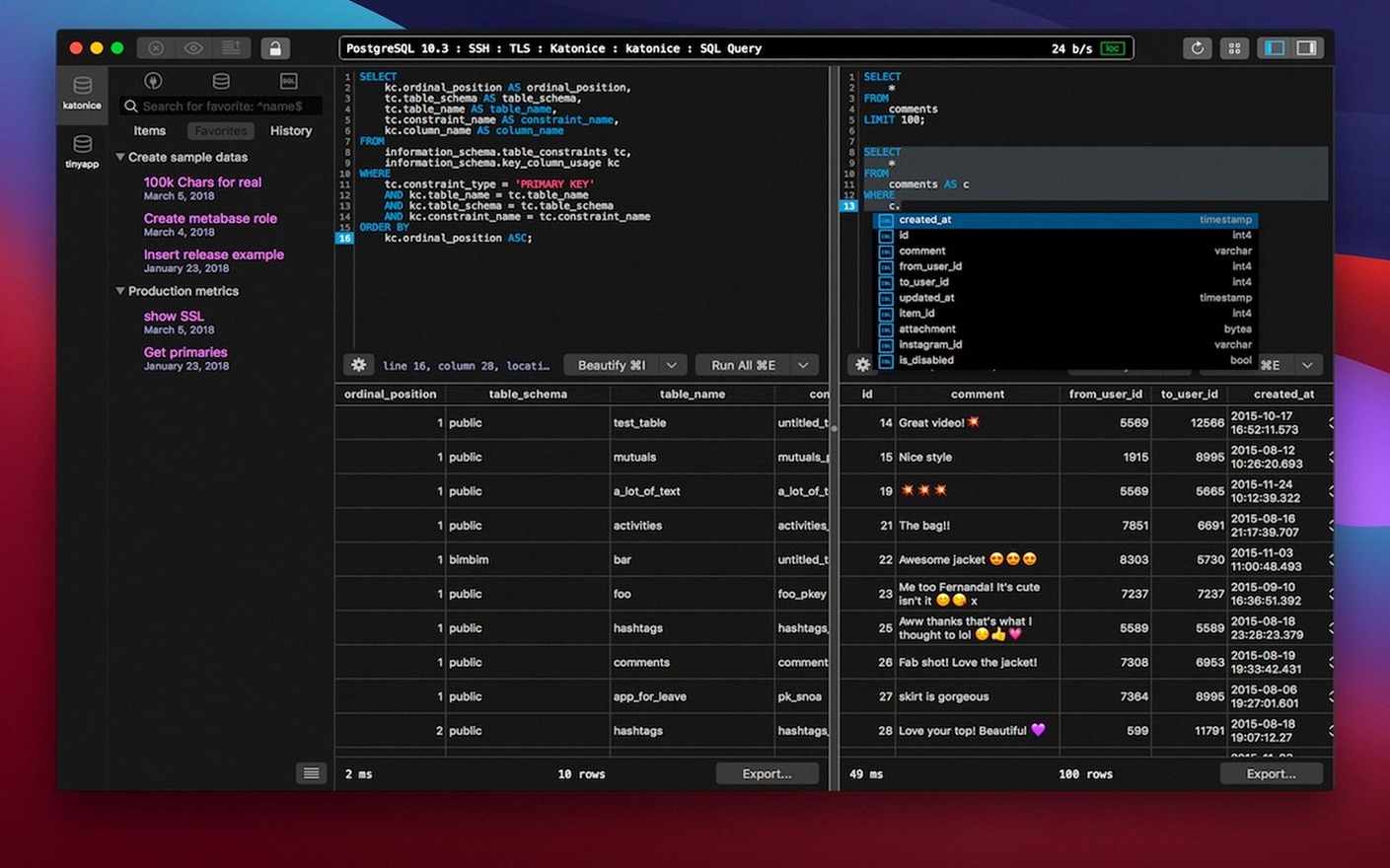
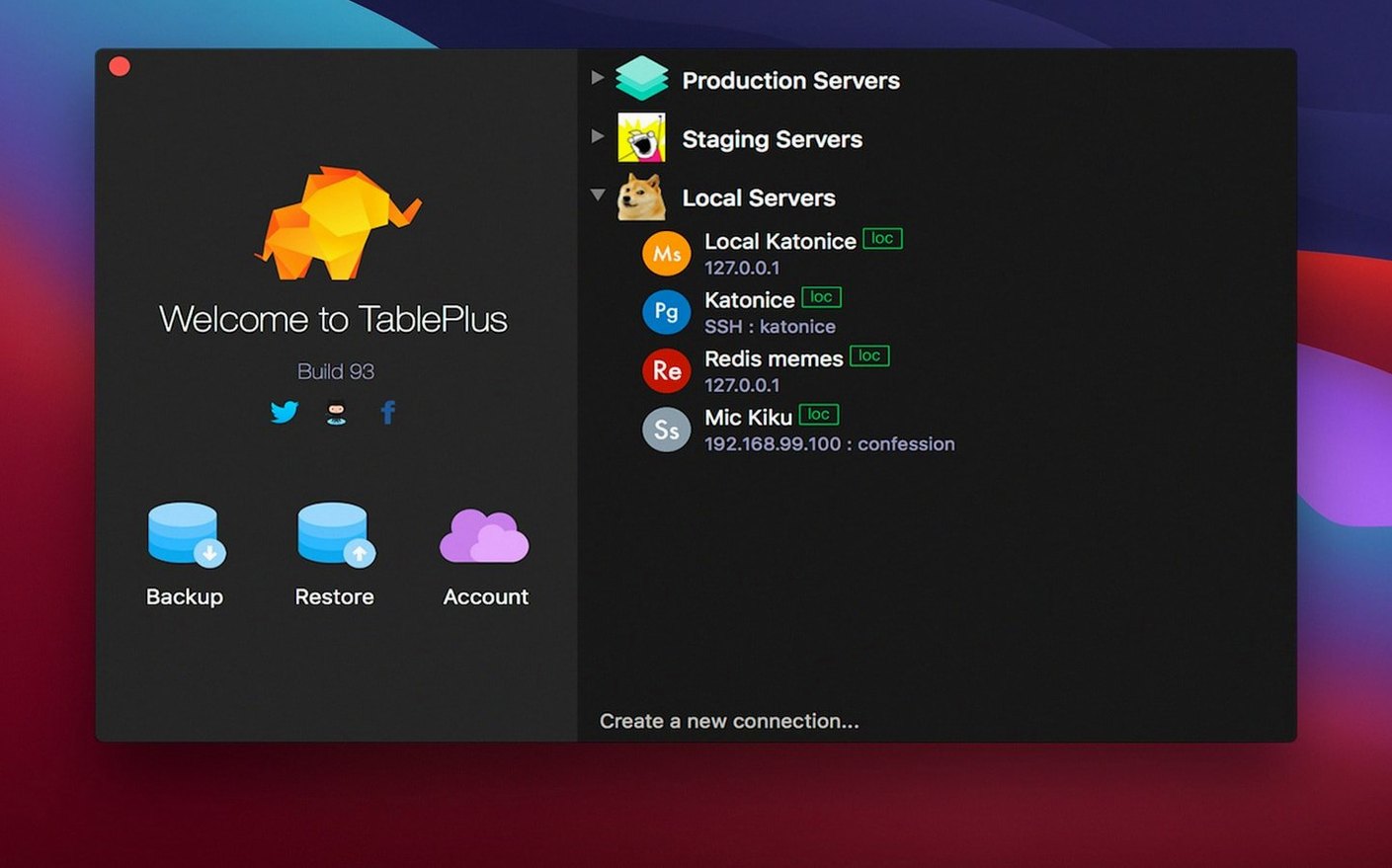
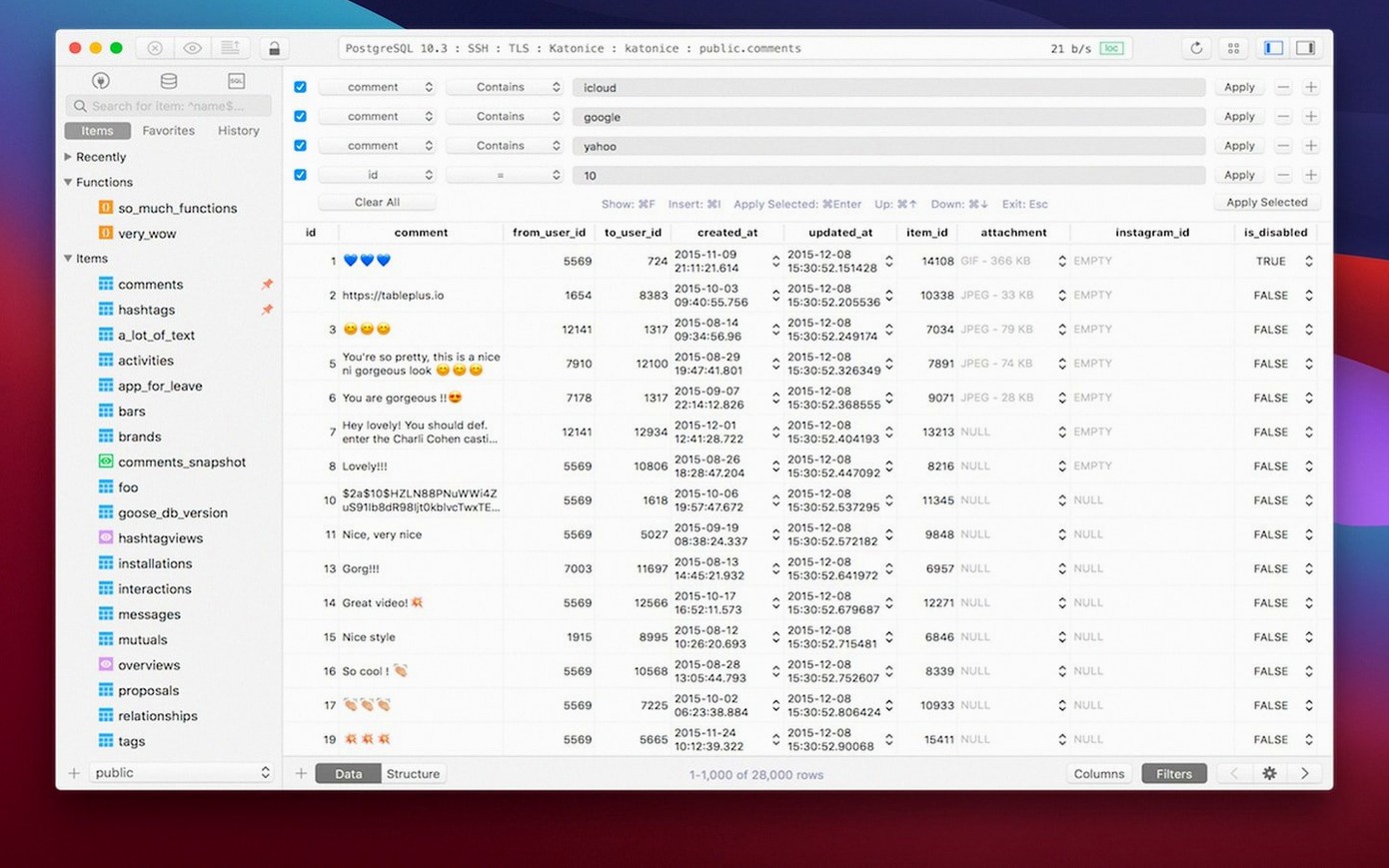
If the command-line feels like you're asking a librarian who only speaks in whispers, a tool like TablePlus is more like walking into a room where every book is already open on the table. It's a native macOS GUI that puts PostgreSQL, MySQL, SQLite, Microsoft SQL Server and others into one interface with multiple tabs and windows, so you're not juggling a different client for every database you touch.
One question that comes up a lot is whether it's safe to plug into a production server. TablePlus handles connections using native libraries and TLS encryption — it's not rolling its own crypto or taking shortcuts. There's also a safe mode you can toggle on, which disables any potentially destructive queries until you explicitly approve them. That alone keeps the "oh no" moments to a minimum when you're clicking around a live dataset.
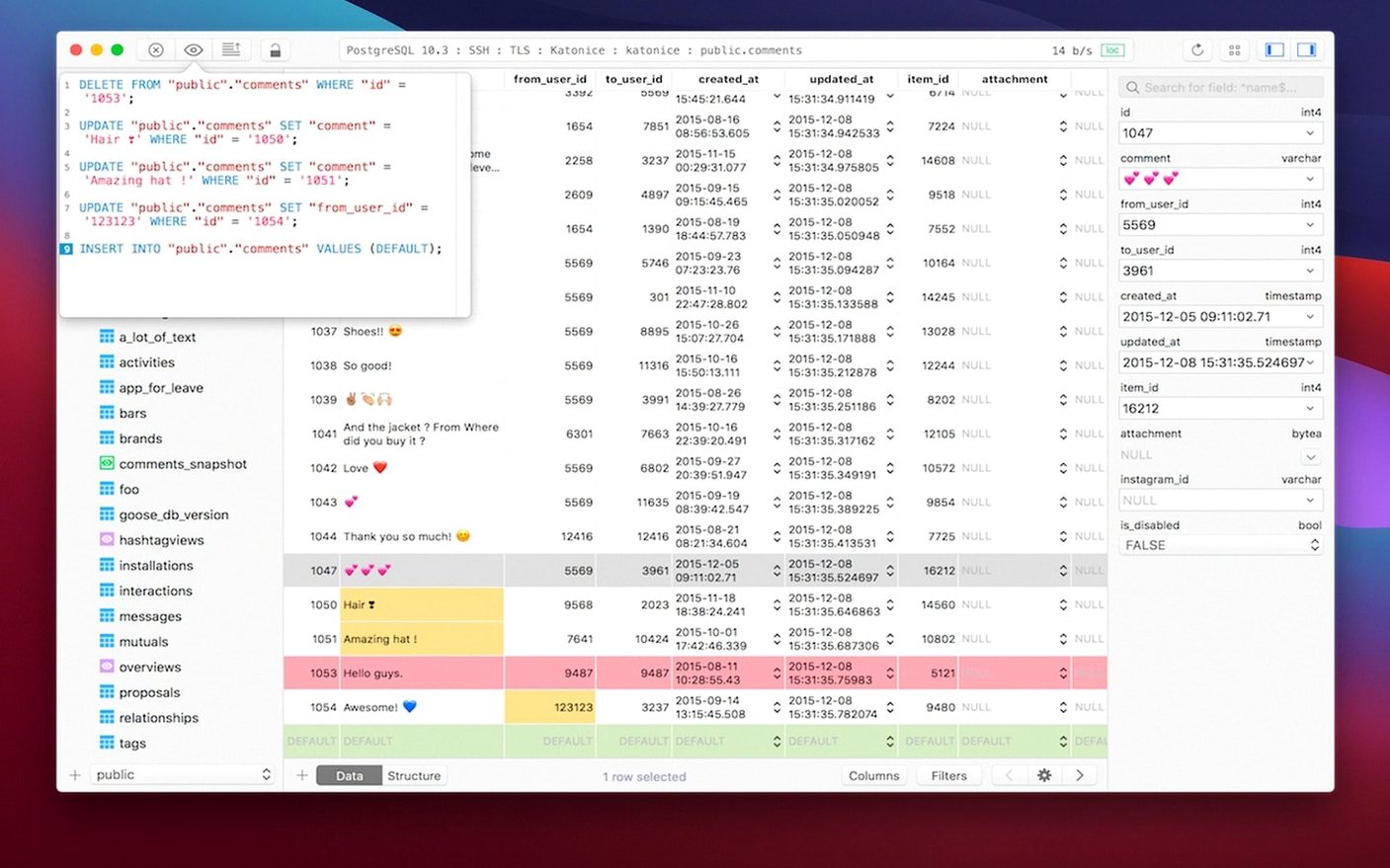
Another thing people wonder about is how it handles the actual SQL. You get a code preview pane that shows exactly what will run before it hits the server, and a full set of keyboard shortcuts for navigating between queries and results without reaching for the mouse. The app ships as a universal binary, so it runs on both Intel and Apple Silicon Macs without Rosetta, and it requires macOS 12.6 or later.
What’s a typical session like for someone juggling three databases at once?
Imagine a backend developer working on a web app that stores user accounts in PostgreSQL, session data in Redis, and order history in MySQL. With TablePlus open, they’ve got three active connections pinned as tabs — each color-coded so there’s no risk of running a DROP on the wrong host. They’re refining a complex JOIN in the PostgreSQL tab, with the code preview showing the exact statement before execution. A syntax error in the script editor lights up the line number in red, and the error report at the bottom explains exactly where the parser got stuck — no scrolling through a wall of log output. While that query runs, they flip to the MySQL tab to check a stale index, then back to PostgreSQL to export the cleaned result set as CSV. They never opened a terminal, never fumbled with a connection string, and never lost track of which window belonged to which database.
Launches in under two seconds on an M2 MacBook Air
Because TablePlus is built on native macOS frameworks, the app launches cold in under two seconds on an M2 MacBook Air and idles at around 120 MB of RAM with three connections open. Scrolling through a 200 000‑row result set keeps up with the trackpad — no jank, no progressive rendering lag. Query cancellation is instant; hit ⌘. and the running operation stops without locking the UI. I’ve left it running alongside Xcode, Docker, and a dozen browser tabs for entire workdays and never saw a beachball. The universal binary means Apple Silicon users aren’t paying a Rosetta tax, and the Intel build is a first‑class citizen too.
What small conveniences do people overlook?
A few things I wish I’d noticed earlier:
- Command‑click a table name in the SQL editor, and it opens that table’s structure in a side panel — no need to browse the schema tree.
- Quick filter with right‑click. Highlight a cell value in a result grid, right‑click, and choose “Filter by this value” to add a
WHEREclause instantly. - History that actually works. The query history panel (
⌘⇧H) is searchable by keyword, not just a timestamped list. If you remember a fragment of a query you ran three days ago, you’ll find it. - Indentation guides in the editor are subtle but save minutes a day when refactoring nested subqueries.
- Plugins extend the editor, not just the connections. You can add custom syntax highlighters for niche SQL dialects through the plugin system, which lives in
~/Library/Application Support/com.tinyapp.TablePlus/Plugins.
Safe Mode blocks writes to production servers until you toggle it on
The most common one I see: not toggling Safe Mode before connecting to a production server for the first time. It’s tucked behind the connection settings icon — a little shield that turns orange when active — and it blocks DROP, TRUNCATE, and other destructive statements until you confirm them. Another frequent slip is editing a cell directly in the data grid without realizing the change commits immediately (TablePlus doesn’t wrap edits in a transaction unless you explicitly open one). Beginners will click into a cell, change a value, tab away, and wonder why the row updated. The fix is simple: check “Use transaction” in the connection’s Advanced tab, or stick to the SQL editor for write operations until you’re comfortable.
A subtler mistake is ignoring the code preview pane that sits below the editor. When you’re using the visual query builder — which is handy for quick joins — the preview shows the raw SQL it generates. Skipping that step means you might ship a query with an unintended cross‑join without realizing it. Finally, some newcomers grab a TablePlus torrent to try the full feature set, and you can get everything running smoothly by making sure the included native driver plugins match your macOS version so TLS handshakes complete without connection errors.
- Build dated 2026-03-05.
- macOS 12.6 or later
- Apple Silicon or Intel Mac
$ man tableplus | grep -A2 "?"
Does it encrypt database connections?
Yes, it uses native libraries and TLS to encrypt connections, rather than a custom implementation.
Is there a way to prevent accidental data changes?
TablePlus includes a safe mode that blocks dangerous queries until you approve them manually.
Comments 0
Sign in or create an account to leave a comment.
No comments yet. A codec, a slice, a machine — they appear after moderation.