Termius for macOS
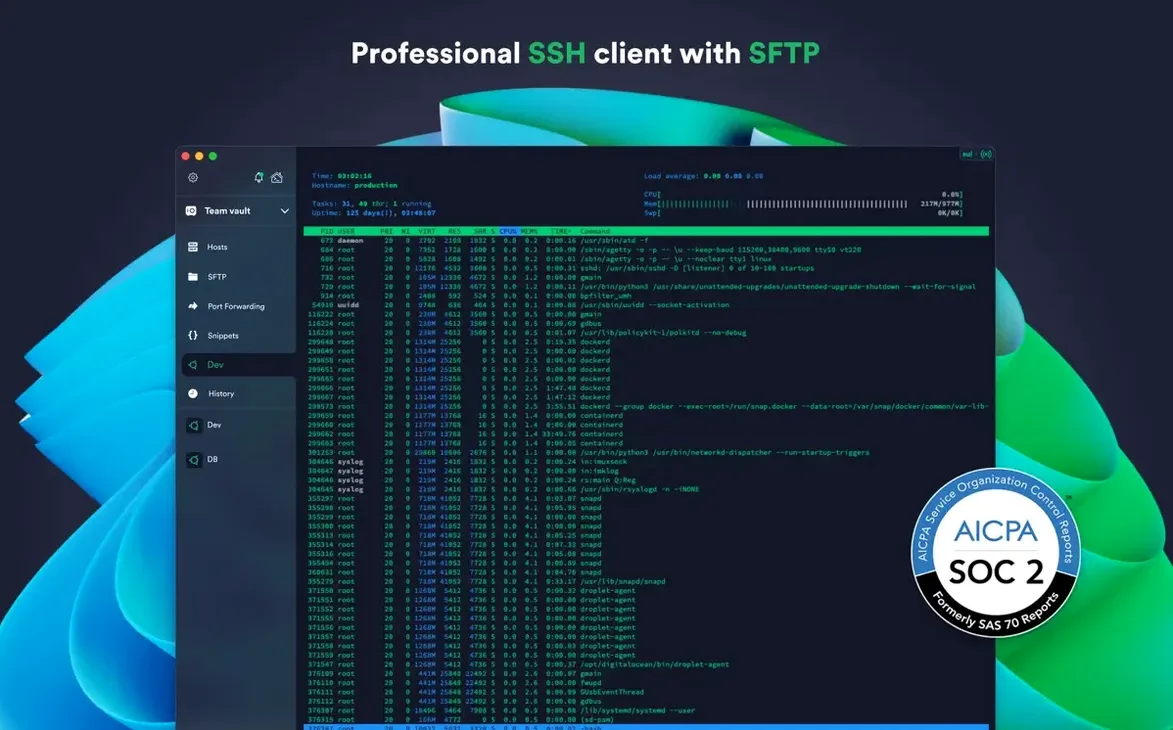
You’ve got a dozen droplets on DigitalOcean, an old Raspberry Pi in the closet, and a build server that only speaks SSH. Tabbing between raw terminal windows stopped working about five servers ago. Termius pulls all those connections into a single workspace, but a few questions always come up before someone commits to a new client.
What connection protocols does it actually support?
SSH, Mosh, and Telnet are the main ones, alongside SFTP for file transfers. Port forwarding and SSH agent forwarding are also built in, so your private keys never leave your local machine and you can tunnel through bastion hosts without extra configuration.
Can it sync across machines without a subscription?
The desktop app on macOS saves your host list, keychain, and layout locally. Cloud sync and the mobile companion apps rely on a Termius account, but the core terminal and connection manager work fine as a standalone app on a single Mac. The website-downloaded version auto-updates itself.
Does it do anything a plain terminal emulator doesn’t?
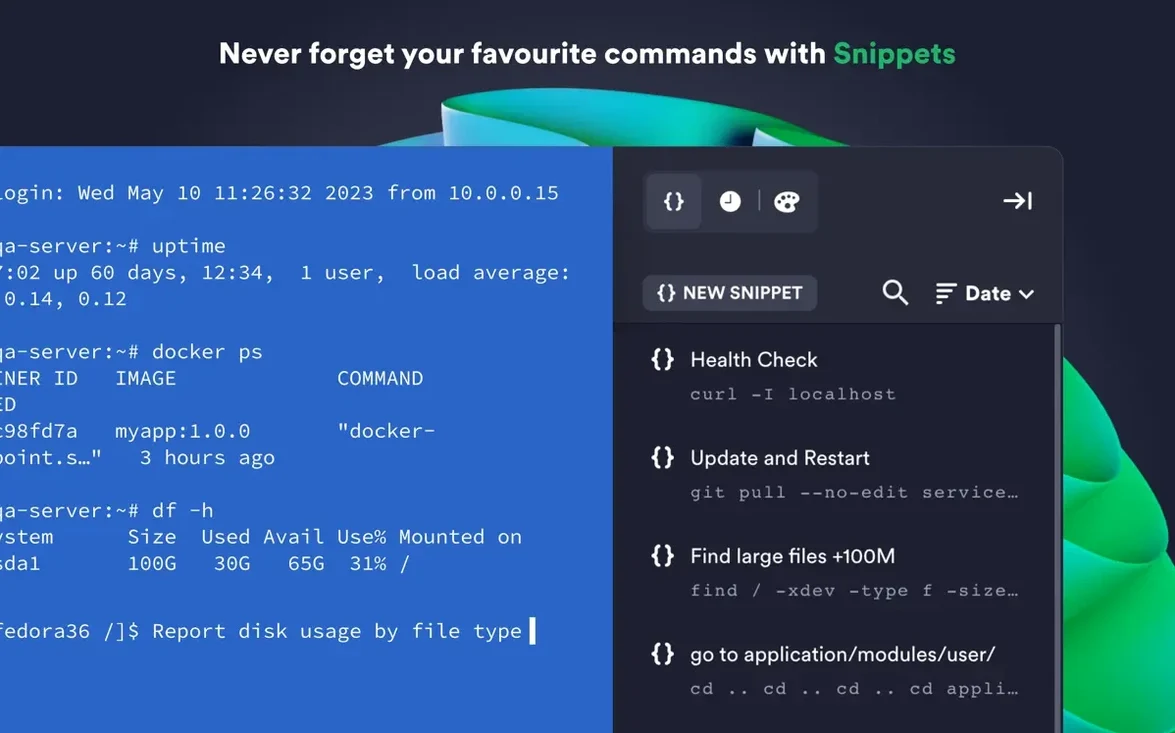
You can store frequently used commands and entire shell scripts as named snippets and fire them with one tap into any active session. Per-connection theming and font settings mean you can visually distinguish a production server from a staging box at a glance. It also integrates directly with AWS and DigitalOcean to pull in your instance lists.
First days: small tweaks that save real friction
After dragging Termius into /Applications and launching it, spend the first hour setting up the bits that a raw .ssh/config file won't give you. Import your existing keys early — ECDSA and ed25519 are both handled, and the chacha20-poly1305 cipher works out of the box — then lock them behind Touch ID so you are not typing passphrases all afternoon.
Create a group-per-environment structure straight away: one folder for staging, one for production, one for personal boxes. Assign a slightly different terminal theme to each. A muted gray background for staging and a subtle amber tint for production removes the “which tab did I just type rm into?” dread that every sysadmin knows.
Snippets take ten minutes to set up and pay back for weeks. Record the sequence you run after spinning up a fresh VPS — apt update && apt upgrade -y, your standard user-and-ssh-key bootstrap, whatever it is — and bind it to a labeled snippet. Do the same for log tailing commands you use across multiple hosts. The snippet panel sits to the side and fires into whichever session has focus, so you stop pasting from a sticky note app.
If you bounce through a bastion host, configure the jump server setting on the host entry rather than nesting ssh invocations manually. Termius chains the connection for you and keeps the agent forwarding intact, which removes an entire class of “Permission denied” mysteries at 2 a.m.
Who benefits most — and why
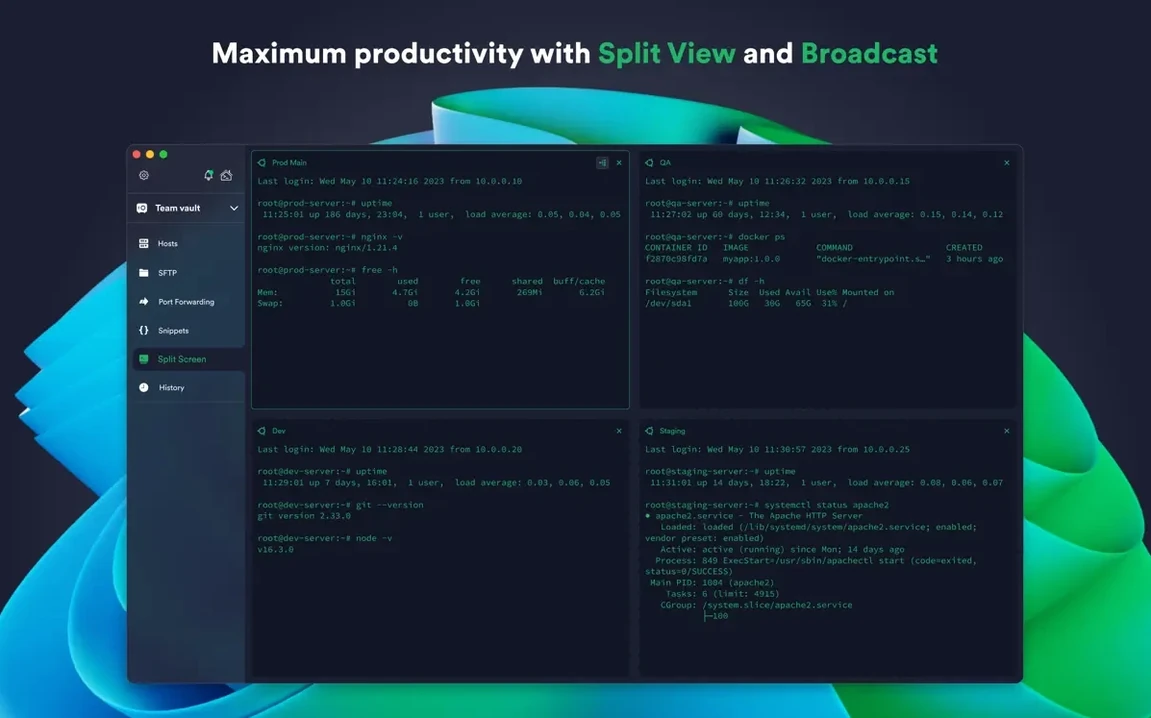
The obvious audience is anyone who touches more than three remote hosts daily: DevOps engineers, backend developers who live inside staging logs, network admins managing switches over serial, and university researchers with lab machines behind jump hosts. They gain the tab-and-split workflow immediately.
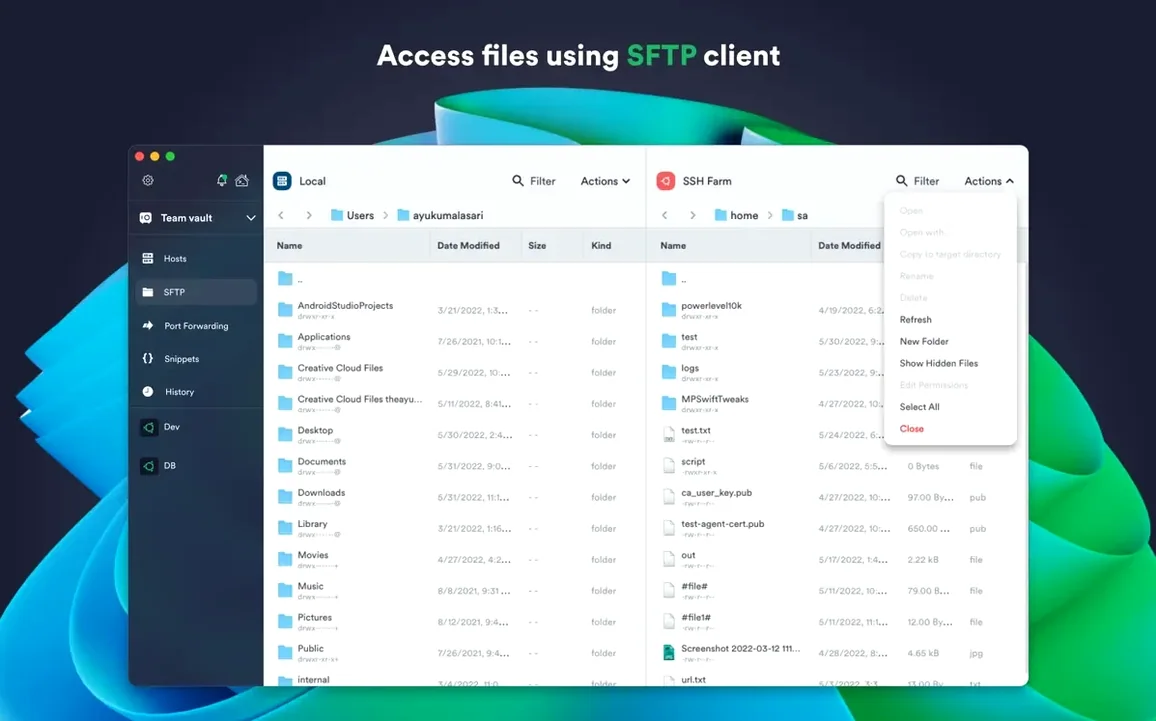
Less obvious are Mac users who mix local terminal work with remote sessions and want one tool that handles both. The direct-download build (the one that ships as a .dmg) gives you a local terminal alongside your SSH sessions and lets you open local folders in SFTP panels. If you grab the sandboxed Mac App Store variant instead, you lose local terminal and local SFTP access — a detail that trips up a surprising number of people — but the trade-off is automatic updates and a tighter macOS permission footprint.
Another group that quietly benefits: people who share a single Mac across shifts. Per-connection themes plus Touch ID protection on the keychain means two engineers can use the same machine without accidentally crossing streams. One glance at the terminal background color tells you whose session is active.
Mistakes that show up in the first week
The most common beginner mistake is treating Termius like a plain terminal emulator and ignoring the host management layer. Someone imports twenty connections, leaves them all in the default group, and three days later they are hunting through a flat list every time. Grouping and color-coding early prevents that entirely.
Another classic slip: assuming the cloud sync backs up private keys automatically. It syncs host entries, snippets, and settings, but your actual key material stays local by design. If you wipe the Mac without exporting your keys first, the synced host list will reconnect to exactly nothing. Export your keychain from the settings panel before any OS reinstall.
Beginners also overlook the serial connection support. If you manage network switches or embedded devices over USB-to-serial adapters, the option lives in the “New connection” dialog but sits below the SSH and Telnet choices where a quick scan misses it. The driver for your adapter still needs to be installed separately, but once the Mac sees /dev/tty.usbserial-*, Termius opens the port without fuss.
Finally, people who discover Termius through a termius crack mac or termius torrent search often end up with an older build that predates the FIDO2 hardware-key support. Version 9.35.4 handles YubiKey-backed SSH sessions cleanly, but some repackaged copies floating around ship without that module or bundle an outdated binary—you can fix the Apple Silicon crash by forcing Rosetta 2 under Get Info for the app. The termius mac direct download from the website gives you the universal binary that runs natively on both architectures.
How it sits next to a few alternatives
Stacked against the built-in macOS Terminal, the comparison is lopsided. Terminal gives you a raw shell and nothing else; Termius adds the connection library, snippets, sync, hardware key handling, and AWS/DigitalOcean integration without losing the shell experience underneath. If your needs stop at SSH-ing into one Raspberry Pi, Terminal is fine. For anything beyond that, the gap widens fast.
Next to Royal TSX, the differences are more interesting. Royal TSX is a broader remote-management Swiss Army knife — it handles RDP, VNC, and web interfaces alongside SSH — while Termius stays focused on the command-line world and does not try to be an RDP client. Royal TSX leans harder into credential vaulting and team sharing; Termius counters with a cleaner snippet system and the Mosh protocol, which Royal TSX does not offer. If your day involves more SSH than anything else, the narrower focus works in Termius’s favor.
Against Tabby, the closest open-source parallel, Termius pulls ahead on mobile sync and hardware-key authentication. Tabby does split panes and theming well and keeps everything in a single config file, but it lacks FIDO2 support and the one-tap snippet execution that Termius builds into every session. Tabby’s approach appeals to the “config as code” crowd; Termius suits people who want the connection manager to feel like a polished Mac app rather than a config file with a GUI bolted on.
- Stability improvements.
- macOS 10.13 or later
- Intel or Apple Silicon Mac
- Interface language: English
Comments 0
Sign in or create an account to leave a comment.
No comments yet. A codec, a slice, a machine — they appear after moderation.