Topaz Photo AI for macOS
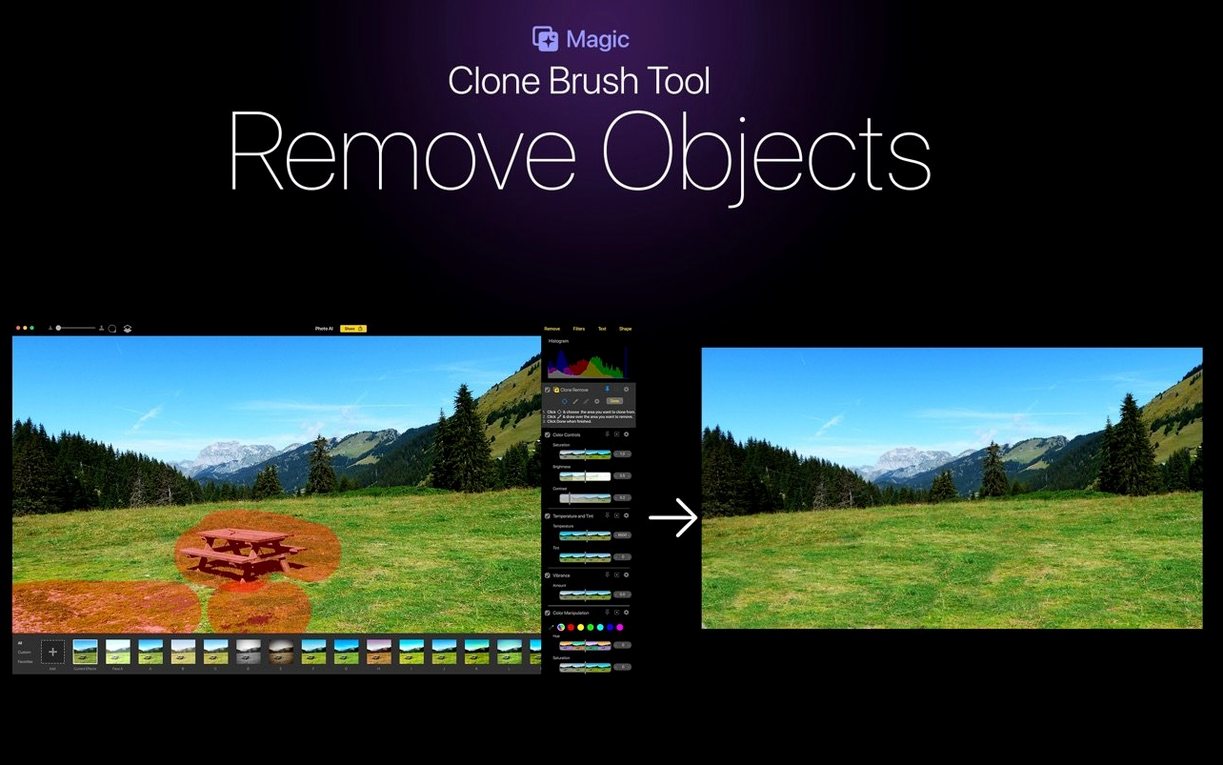
Topaz Photo AI asks for an Intel Mac running macOS 11 (Big Sur) or later. If your machine checks those boxes, you are in. The interface comes in English and Simplified Chinese, and the current build from the Mac App Store is version 2.1.
The best first move is to open a photo that has a clear problem — noise from a high ISO, soft focus, or a distracting object in the frame. Let the autopilot analyze it. The app reads the image and suggests a set of fixes, which gives you a baseline to tweak rather than a blank slate of sliders.
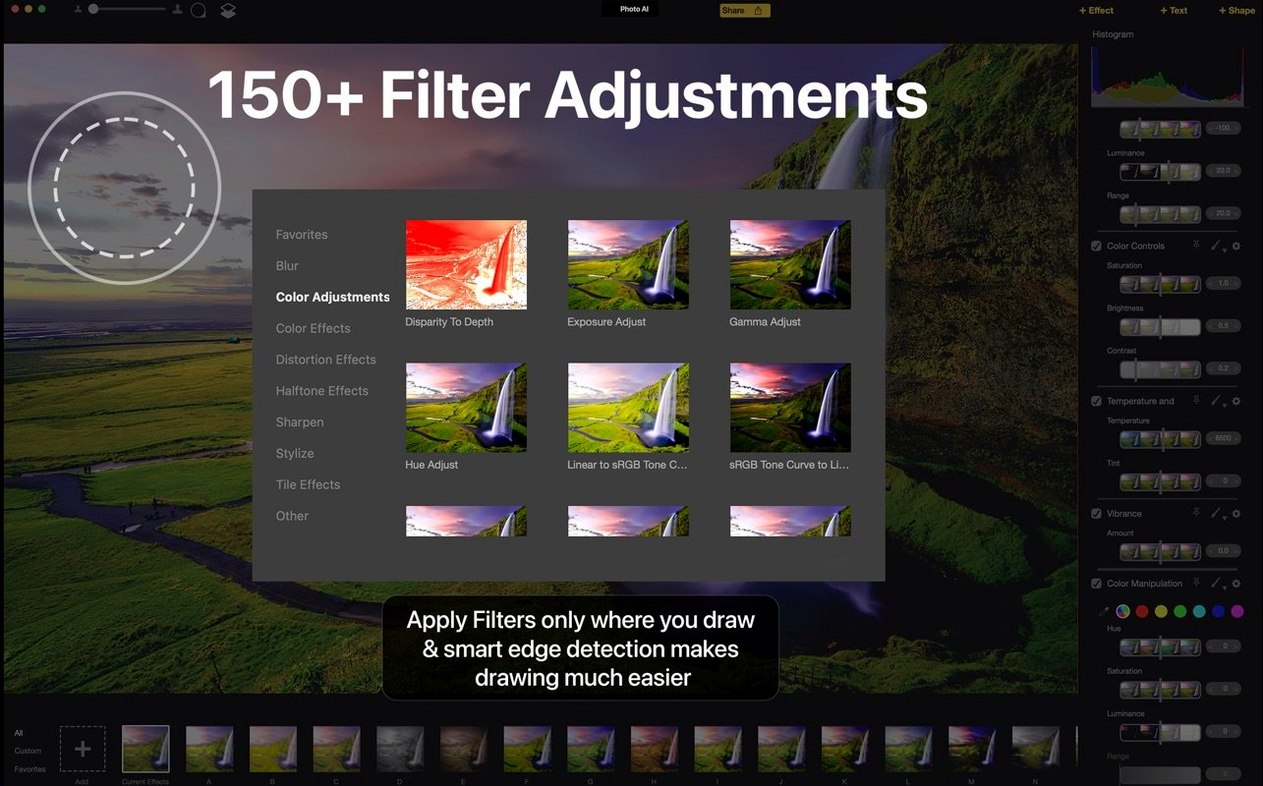
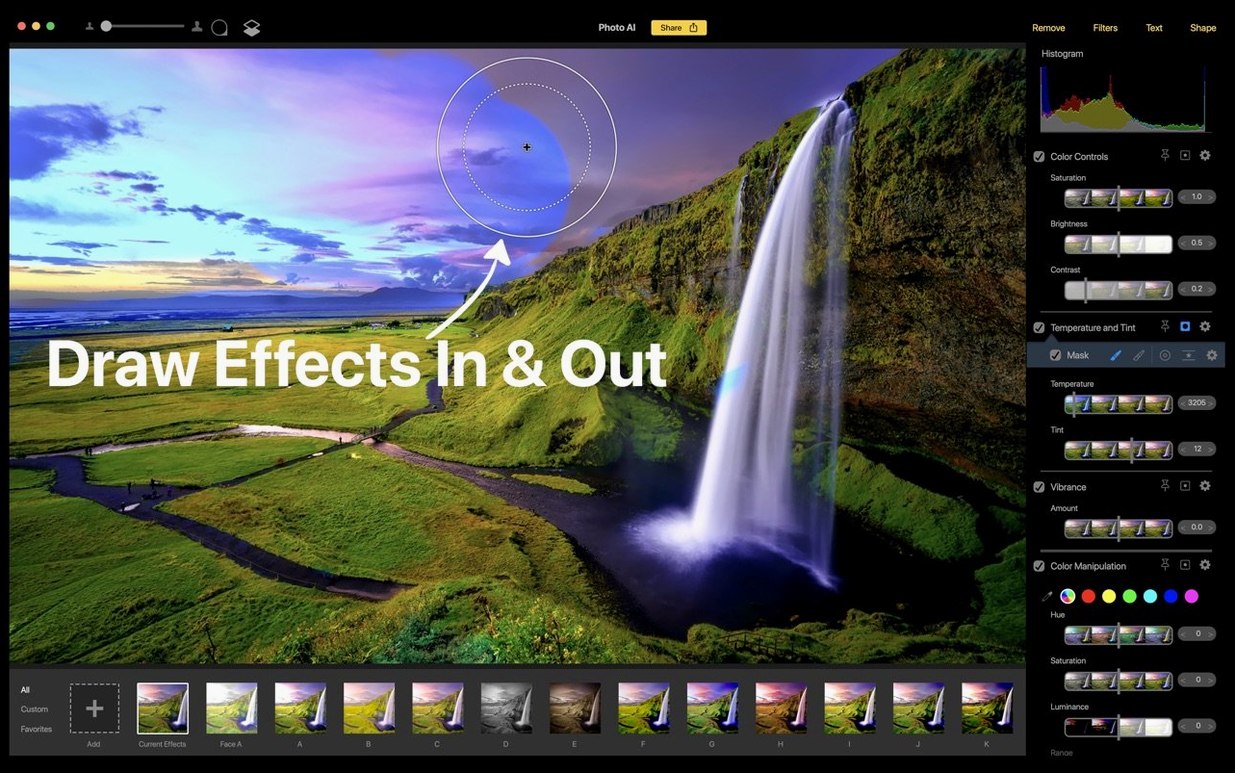
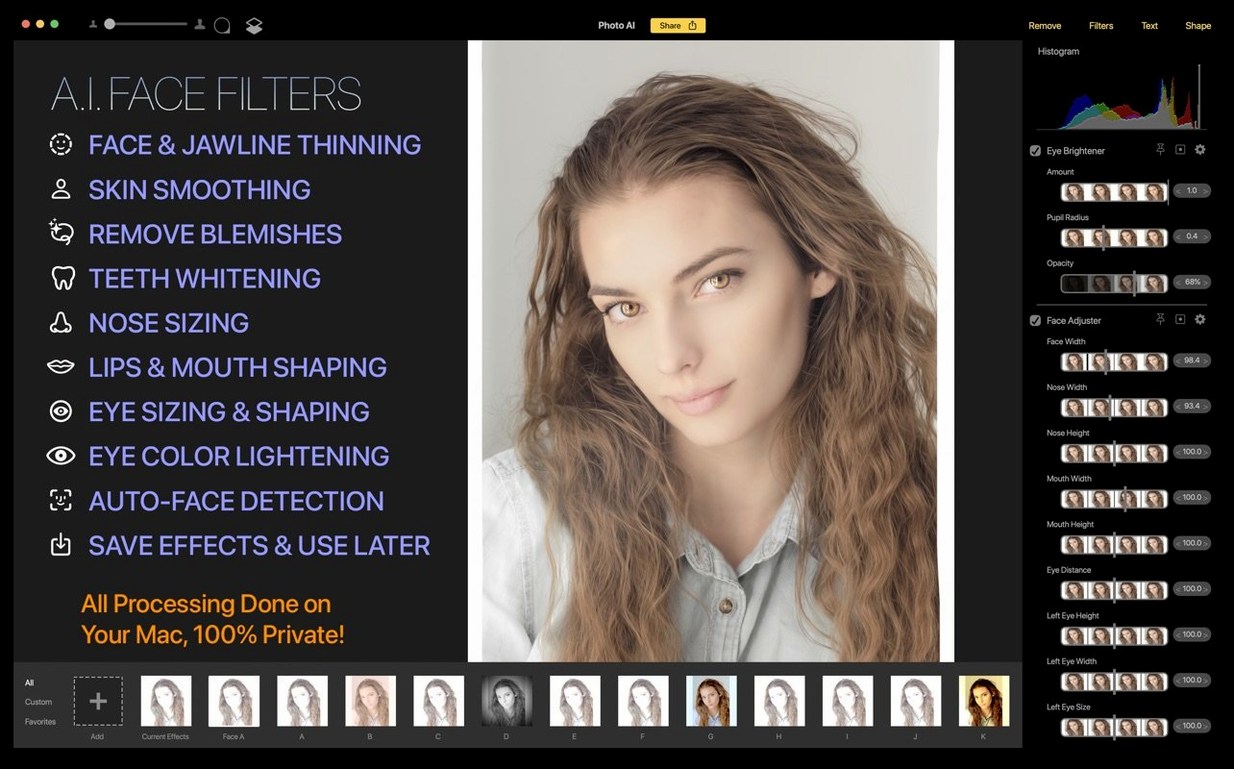
Once you have seen the automatic result, dig into the manual controls. Over 150 filters and effects are tucked into the sidebar. Pull up the Sharpen module and experiment with the model selector — different subjects respond better to different AI models. Then switch to the Remove tool. Paint over an unwanted element and watch the content-aware fill rebuild the background. It handles complex textures like foliage and brickwork surprisingly well for a single-click operation.
When the image looks right, pay attention to export resolution. The upscaling models are the real workhorses here: they let you enlarge a crop without the usual interpolation artifacts, which is practical if you are printing or need a higher pixel count for a layout.
- macOS 11 (Big Sur) or later
- Intel 64‑bit processor
Comments 0
Sign in or create an account to leave a comment.
No comments yet. A codec, a slice, a machine — they appear after moderation.