Tuxera NTFS for macOS
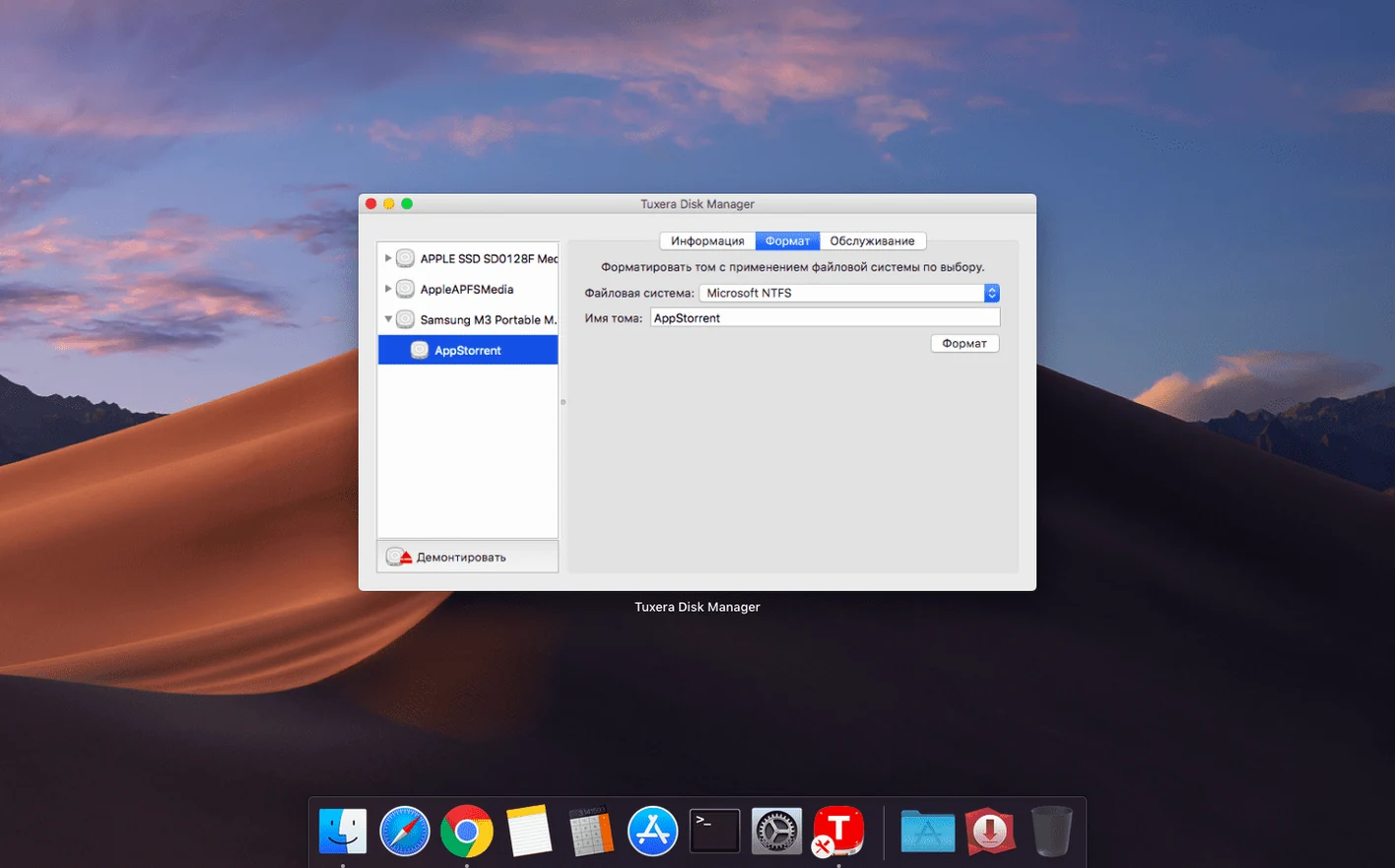
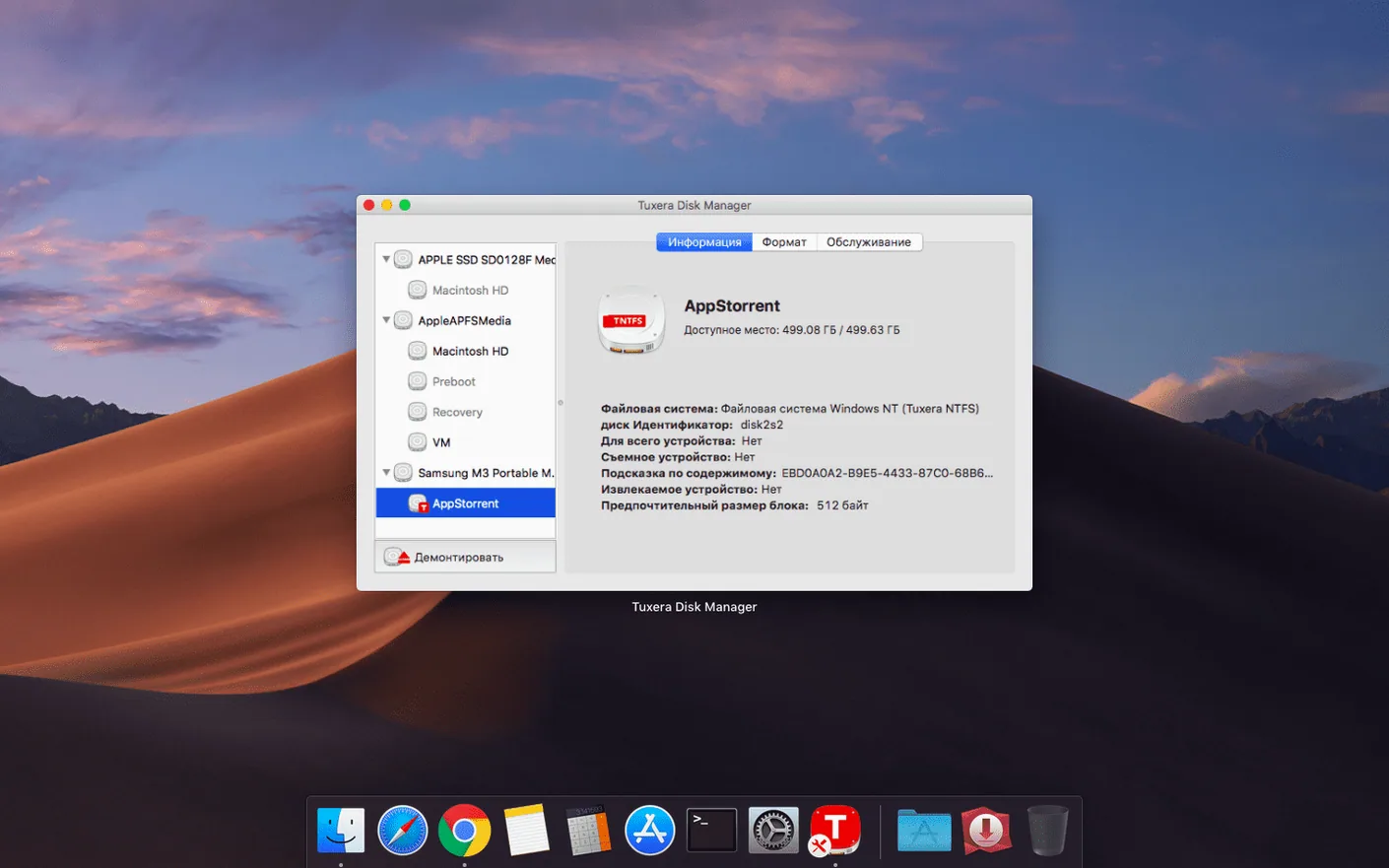
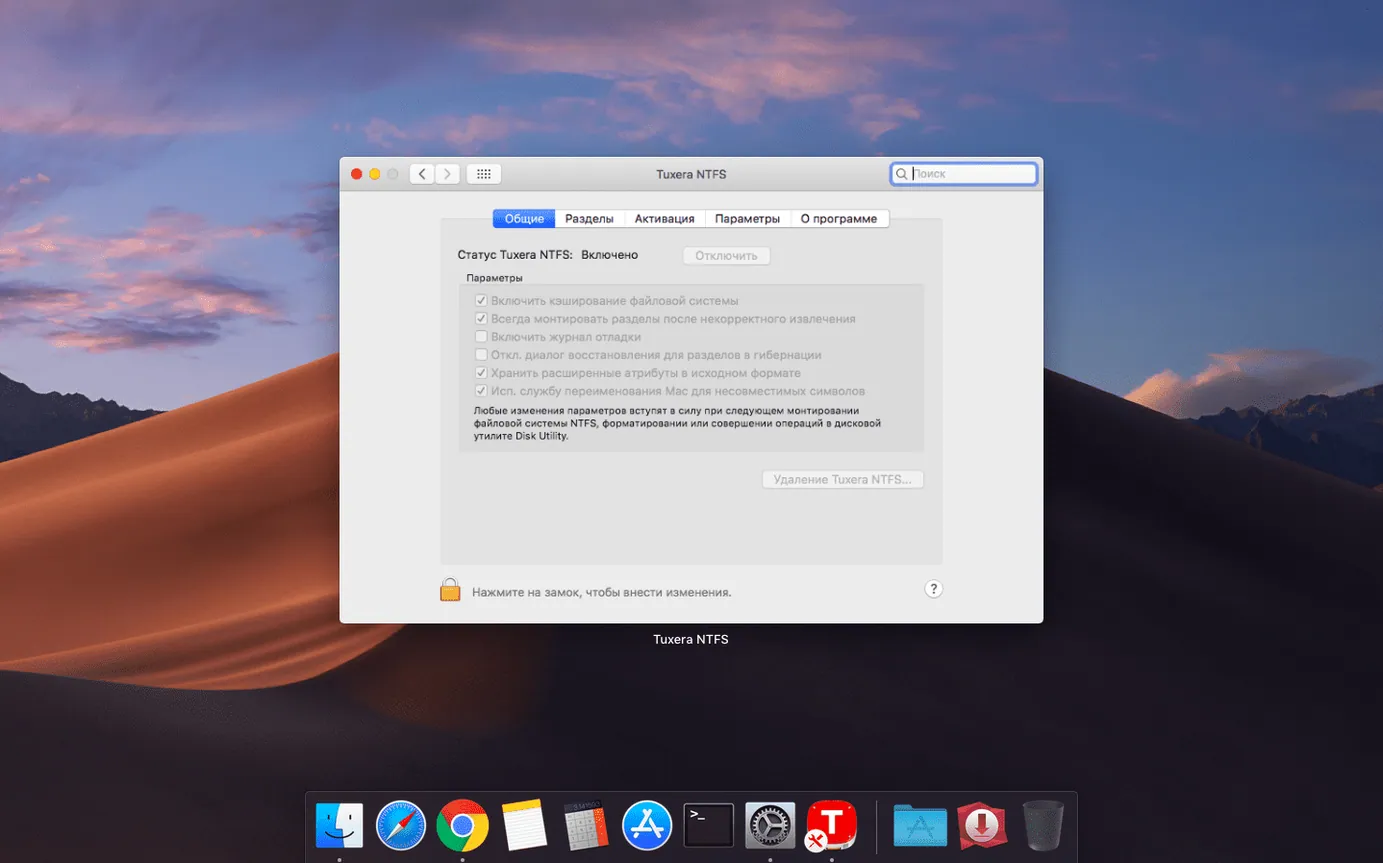
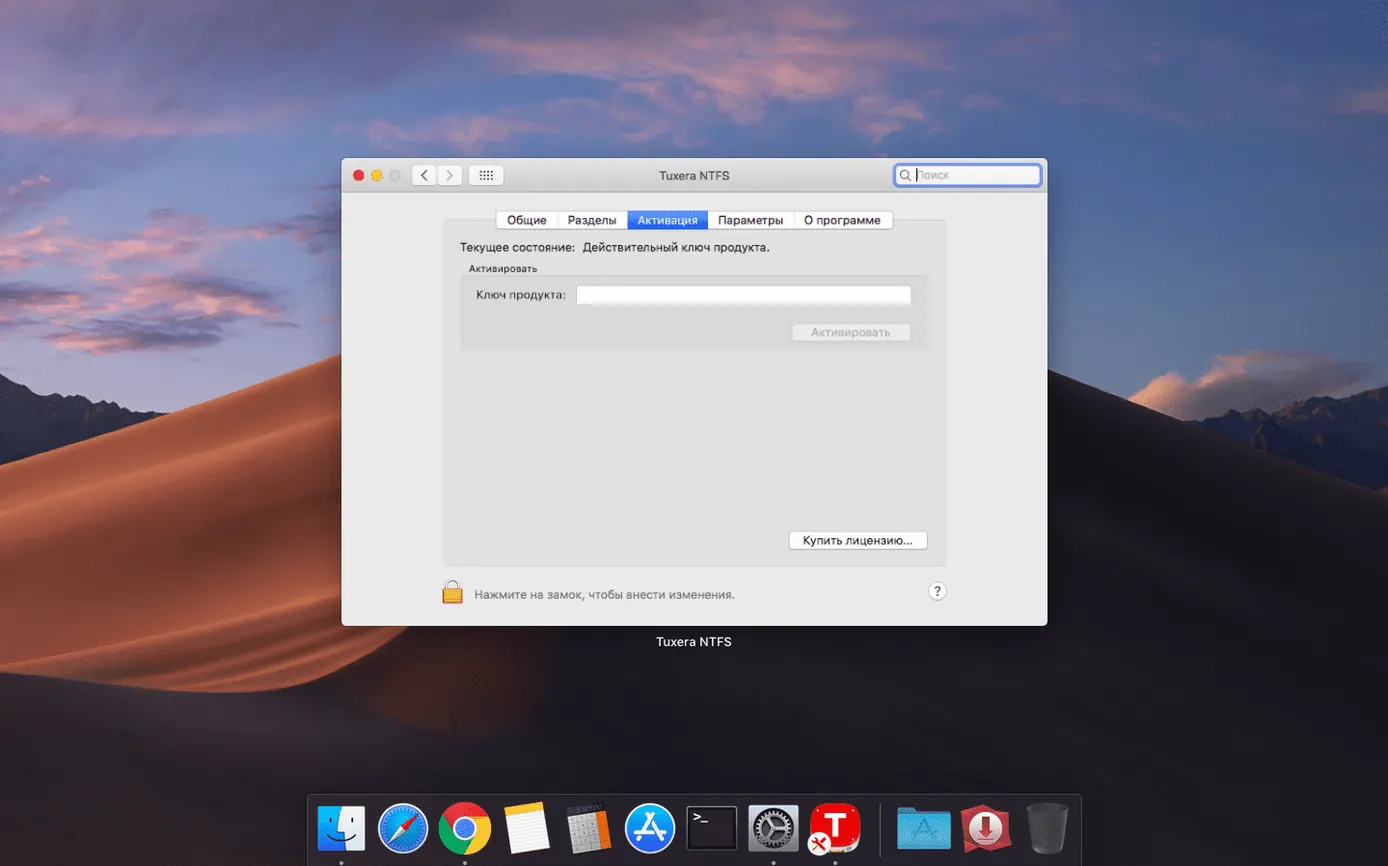
If you have used macOS's built-in Boot Camp tools, you already know the basic idea: Apple can read NTFS, but it stops short of full write access. Tuxera NTFS fills that gap with a file system driver that runs at the kernel level, extending macOS file access for Windows NTFS drives.
- Plug in an external USB drive previously formatted in Windows.
- Open the drive in Finder. With the driver installed, you get read and write access to all versions of NTFS.
- Copy a project folder from your Mac to the NTFS volume. Timestamps now stay correct after the 2023.1 fix.
- Use the included tools to create NTFS volumes and disk images when you need a clean target for Windows.
- Move the drive back to a PC. Files appear as expected because the driver writes standard NTFS metadata.
The same workflow applies when Windows and macOS share one computer. The driver handles the data exchange layer, so moving drives between systems stops being a format conversion exercise.
Will it corrupt my existing NTFS drives?
Three questions come up repeatedly in the forums, and they are worth answering in plain English before you mount the .dmg.
Will this break the NTFS drives I already own? No. Tuxera NTFS uses the same on-disk structures that Windows uses. It does not convert your volume to a different file system, and it does not add a proprietary layer that would make the drive unreadable on a PC. A drive written by the driver mounts normally in Windows 10 and 11, with all permissions, alternate data streams and compression flags preserved. The one caveat is that macOS and Windows disagree about what "last accessed" means, so that particular timestamp can shift when you move drives back and forth. The 2023.1 build tightened timestamp handling for copy operations, but the operating systems still maintain their own access-time policies.
Do I need to reformat my drives? Only if they are currently using exFAT or FAT32 and you actively want NTFS. The driver attaches to volumes that already carry an NTFS signature. Plug in the drive, the kernel extension loads, and write access appears in Finder with no extra steps. If you want a fresh NTFS volume, the bundled disk utility inside Tuxera's preference pane can create one and write a clean NTFS master file table from scratch.
What happens when macOS updates? Major macOS releases sometimes deprecate kernel programming interfaces, and Apple has been gradually tightening third-party kernel extension policies. Tuxera ships as a signed kernel extension on Intel Macs and as a system extension on Apple Silicon, so it clears Gatekeeper checks after an OS update. You will need to approve the extension in System Settings > Privacy & Security after a fresh install or a major upgrade. Once approved, the driver survives point updates without asking again.
A single-drive workflow: moving a Lightroom catalog between Mac and PC
Photographers who split time between a Mac laptop and a Windows desktop deal with this tension constantly: Lightroom catalogs live on external drives, and those drives need to be fast and writable on both platforms. Here is how the whole chain looks with Tuxera NTFS in the loop.
Start on the Windows machine. A 2 TB Samsung T7 is already formatted as NTFS and holds the current Lightroom catalog, about 80,000 raw files and a folder of exported JPEG proofs. You finish a batch edit and eject the drive. Over on the Mac, you plug it in. Finder shows the drive instantly — the NTFS volume mounts the same way an APFS volume would, with the same icon on the desktop. You open Lightroom Classic, point it at the catalog file on the NTFS volume, and everything loads. Smart previews render, you flag a dozen keepers, and you export a new proof sheet straight back to the Exports folder on the same drive. The writes land as standard NTFS file records. No intermediate copy to the Mac's internal SSD, no format-shifting through exFAT.
Back on the PC the next morning, Windows sees the new exports with correct creation dates, and the catalog's write-ahead log is intact. The driver wrote metadata Windows expects: security descriptors, object IDs, and the $MFT entries that NTFS uses to track file locations. The whole round-trip took no extra steps beyond plugging and unplugging.
If you need to verify the volume after several back-and-forth sessions, Tuxera's preference pane includes a repair function that runs a lightweight chkdsk-style pass. It checks the master file table for orphaned records and flags any directory inconsistencies before Windows ever sees them. Running it once a month on heavily used shuttle drives catches small errors before they compound.
Forgetting you even installed it
The driver itself is quiet — no dock icon, no splash screen — and that quietness leads to the first mistake: people install it and then forget they have it. They keep copying files to a FAT32 partition "just to be safe," even though the NTFS drive sitting right next to it is now fully writable. Check Disk Utility or the Tuxera preference pane once after installation and note which volumes show an NTFS label. Write a small text file to each one just to confirm Finder lets you save directly.
A second mistake is pulling the drive without ejecting it. macOS caches writes aggressively, and NTFS is a journaling file system. Yanking the cable mid-write can leave the $LogFile in an inconsistent state. The repair tool fixes most cases, but Windows can still flag the volume as dirty on next mount. Eject properly from Finder or the Tuxera menu bar item — it waits for cached writes to flush before unmounting.
The third mistake is assuming the driver converts line endings or file naming rules. NTFS allows characters in filenames that macOS allows too, but the two systems handle case sensitivity differently. Windows treats Report.pdf and report.pdf as the same file; macOS, even on a case-insensitive volume, can sometimes surface both if an application created them through different APIs. If you work with code repositories or automated scripts that generate files with case variations, decide on one naming convention and stick to it. The driver stores exactly what you give it — it does not normalise names.
Finally, do not install a second NTFS driver alongside Tuxera. Having two kernel extensions claiming ownership of the NTFS volume type leads to mounting failures, kernel panics on older macOS builds, or silent fallback to read-only mode. If you experimented with another driver previously, uninstall it completely and reboot before installing Tuxera.
How fast does a 50 GB file transfer go?
On a large sequential write — say, a 50 GB virtual machine disk image — the driver saturates the USB 3.2 bus on Apple Silicon Macs without obvious CPU spikes. Activity Monitor shows a small background process, TuxeraNTFSUnmountHelper, using less than 20 MB of resident memory during idle periods. During sustained transfers, the kernel extension briefly claims CPU time for NTFS journal writes, but I have never seen it push a single core past 15 percent on an M1 Pro. The system stays responsive enough to browse or edit while a transfer runs in the background.
Random small-file performance is where most NTFS drivers for macOS stumble, because NTFS's B-tree directory structure forces extra metadata lookups per file. Tuxera's implementation handles 4 KB writes to a deeply nested folder at roughly 70–80 percent of the raw device speed. A folder containing 10,000 tiny JSON files copies to an NTFS volume in about the same time it takes to copy to APFS on the same external SSD. Not identical — NTFS carries more bookkeeping overhead — but close enough that you stop noticing after the first week.
Stability on macOS Ventura and Sonoma has been uneventful, which is exactly what you want from a file system driver. It survives sleep-wake cycles with the drive still attached, and it handles the case where a drive disappears because of a loose cable without locking up Finder. The one situation that requires a force-eject is a drive with physical bad sectors — the driver retries reads aggressively before giving up, and that retry loop can beachball Finder for 20–30 seconds. The repair tool usually remaps those sectors once the drive mounts again.
Moving between a Mac Studio and a Windows grading suite
Mara cuts documentary footage on a Mac Studio and colour-grades on a Windows workstation with a calibrated reference monitor. Her raw footage lives on a pair of 4 TB G-Drive units, both formatted as NTFS from the Windows side. Before she switched to Tuxera NTFS, her assistant had to copy proxy files to exFAT sticks, which meant duplicating 300 GB of media every time a cut went to grading. The assistant spent more time managing drives than logging footage.
Now the G-Drives travel with the project. Mara opens DaVinci Resolve on the Mac, points it at the media pool on the NTFS volume, and cuts directly from the raw files. She renders an XML and a set of reference stills, writes them to a Grading folder on the same drive, and hands the drive to the colourist. The colourist plugs it into the Windows machine and sees every file with the folder structure intact — no permissions prompts, no "this drive needs to be formatted" dialogs. The round-trip from offline edit to graded master happens on one file system, and the driver stays out of the way for every step between.
Mara told me the thing she values most is not having to think about the driver at all. It installed once, asked for the usual security approval, and since then the NTFS drives have behaved like native disks. That invisibility is the real benchmark for a file system driver: when it works, you stop checking which format a drive uses and just get on with the job.
- Fixed incorrect date and time stamps on files copied to NTFS volumes.
- OS X 10.9 or later
- Intel and Apple Silicon
$ man tuxera-ntfs | grep -A2 "?"
Which NTFS versions does Tuxera NTFS support?
It supports all versions of NTFS, including volumes created by recent Windows releases.
Can I create new NTFS volumes from macOS?
Yes. The driver includes tools for creating NTFS volumes and disk images directly in macOS.
Comments 0
Sign in or create an account to leave a comment.
No comments yet. A codec, a slice, a machine — they appear after moderation.