Unite Pro for macOS
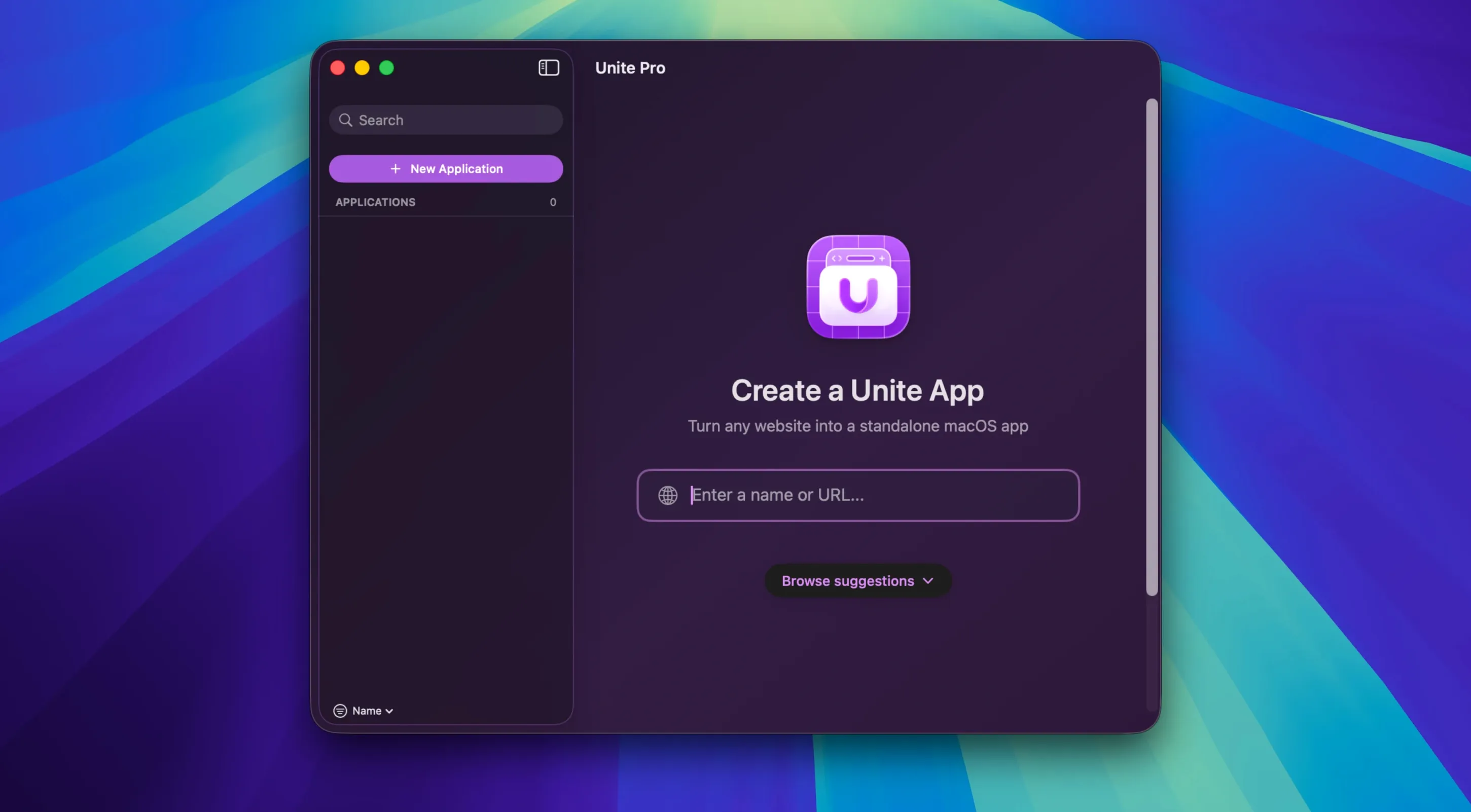
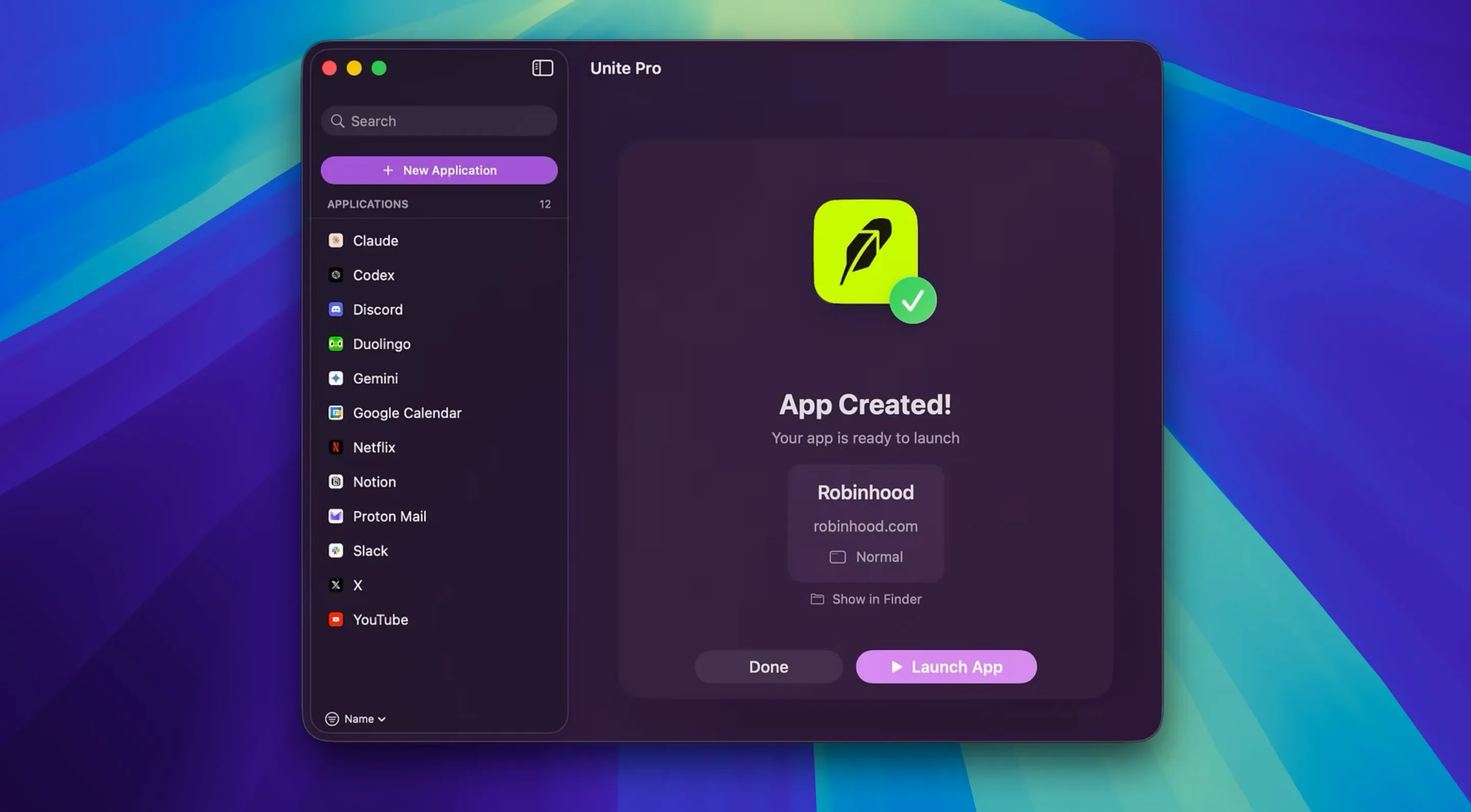
Each site you convert runs inside its own isolated browser instance with separate cookies, cache, and settings. Unite Pro 1.8 — requirements and what you get, defined:
Native web app — a standalone macOS application wrapper around a single website, with its icon in the Dock and its own entry in the Cmd-Tab switcher.
Menu bar pinning — any Unite app can live in the menu bar instead of the Dock, keeping a frequently checked service one click away without cluttering your workspace.
Default email client mode — new in 1.8. You can designate a Gmail, Outlook, or other mail web app as the system-wide email handler. When another application sends a mailto: link, macOS hands it off to that Unite app and opens a pre-filled compose window.
Architecture — the binary contains both Apple Silicon and Intel code. It runs natively on anything from an M1 MacBook Air to an Intel Mac Pro, provided the operating system is current.
How does Unite Pro work with other apps and macOS features?
A Unite app registers itself as a full Mac application — not a bookmark, not a Safari web app. That means it shows up in the standard "Open With" list, can be set as the default handler for any file type its service supports, and responds to Apple Events the way a native app would. Drag a PDF onto a Notion Unite app and it uploads to the right workspace, provided Notion's web interface accepts file drops.
The menu bar integration ties into macOS's menu bar management. When you've got too many status items, Cmd‑drag a Unite app's menu bar icon to reposition it, just as you would with any system menu extra. The app respects Dark Mode automatically — if the wrapped site has a dark variant, Unite Pro exposes the system appearance setting so the site can follow your Mac's schedule.
On the accessibility side, Unite apps participate in the system's zoom and text‑size shortcuts. Cmd‑Plus and Cmd‑Minus scale content within the app window, and the rendering engine respects Reduce Motion and Increase Contrast settings from System Settings. VoiceOver finds standard web controls inside a Unite app window without extra configuration because the underlying view publishes its accessibility hierarchy to the system.
Can I still use my browser extensions inside a Unite app?
Does each app I create consume a full browser's worth of RAM?
Yes, and for good reason. Every Unite app runs its own WebKit process tree — renderer, networking, JavaScript engine — completely isolated from the others. That's what gives each app its own cookie jar, local storage, and service worker scope. A lightweight web dashboard might sit at 150–200 MB of memory; a heavy workspace like Notion or Figma can climb past 800 MB. The trade‑off is predictable isolation: one misbehaving web app can't crash your others, and logging out of one service never touches another's session. If you're running six Unite apps alongside Xcode and Chrome, you'll feel it on an 8 GB machine. On 16 GB or higher, the overhead is rarely noticeable during normal use.
Can I share clipboard contents and drag‑and‑drop between Unite apps?
Standard clipboard operations work across all Unite apps and native Mac applications — copy text in Safari, paste it into a Gmail Unite app, no problem. Drag‑and‑drop behaves the same way: drag an image from Finder into a Unite app that accepts file uploads through its web interface, and the drop target receives the file. What doesn't happen is automatic clipboard sync between Unite apps; each one's JavaScript context is separate, so a clipboard‑sync web feature inside one app won't propagate to another unless the web service itself handles that through its cloud backend.
Does it support browser extensions I already have in Safari or Chrome?
No. Unite Pro doesn't hook into Safari's extension ecosystem or Chrome's extension APIs. What it does offer is custom user scripts and user styles — JavaScript and CSS you write or import that run on every page load inside a given Unite app. If you've got a Tampermonkey script you rely on, you can often paste it into the app's script editor and get identical behavior. The script scope is per‑app, so your Gmail app can have one set of tweaks while your Notion app runs another.
Which keyboard shortcuts make a web app feel native?
- Hold Option while clicking a Unite app's Dock icon to reveal all its open windows — the same behavior as any native app, but easy to forget when the app feels "just like a website."
- Cmd‑Shift‑N in a focused Unite app opens a new window of that web service. If the wrapped site supports multiple accounts (like Gmail's "Add another account"), that second window can be signed into a different profile.
- Download prompts now remember their last folder — that's the 1.8 improvement. Set your downloads to go to
~/Projects/assetsonce, and every subsequent save dialog in that app starts from the same location until you change it. - Touch Bar strips are automatic. Any web media playing in a Unite app surfaces playback controls on the Touch Bar. Pause, scrub, or skip without switching tabs — useful when a podcast web player or YouTube Music instance is running in its own app.
- Right‑click a link inside a Unite app and the context menu includes "Open in Browser." That hands the URL off to your default system browser, which is handy when you want to follow an external reference without muddying the web app's session.
- You can set a custom user‑agent string per app. If a web service nags you about "unsupported browser," spoofing a Chrome or Firefox user‑agent in that app's settings usually silences it without affecting your other Unite apps.
- Adds a default email client mode for supported services like Gmail and Outlook. Once set,
mailto:links from other apps open a pre-filled compose page in the selected Unite app. - Download location prompts now remember the last folder you picked during the current session, so consecutive saves don't send you back to the default directory every time.
- macOS 15 or later
- Apple Silicon or Intel Mac
- Designed for macOS 26 Tahoe
$ man unite-pro | grep -A2 "?"
Does Unite Pro work on Intel Macs?
Yes. The app ships as a universal binary that includes native Intel and Apple Silicon slices, so it runs on both architectures without Rosetta translation.
Do the created apps share cookies with my regular browser?
No. Each Unite app uses its own dedicated browser instance with separate cookies, local storage, and settings, completely isolated from Safari or other browsers.
Which languages can I use the interface in?
The interface is available in English, German, Spanish, Italian, Portuguese, and French.
Comments 0
Sign in or create an account to leave a comment.
No comments yet. A codec, a slice, a machine — they appear after moderation.