
Viaduct for macOS
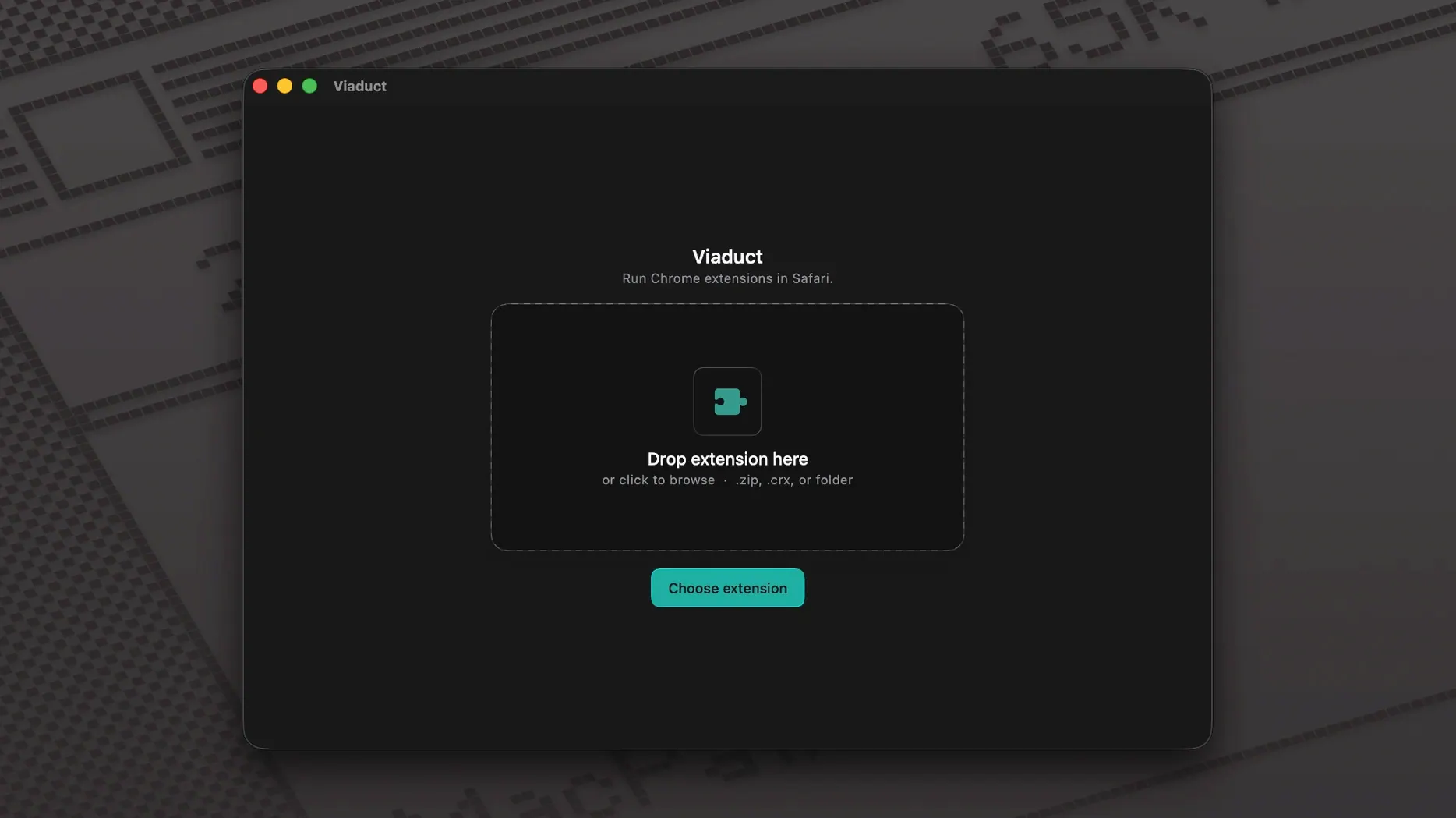
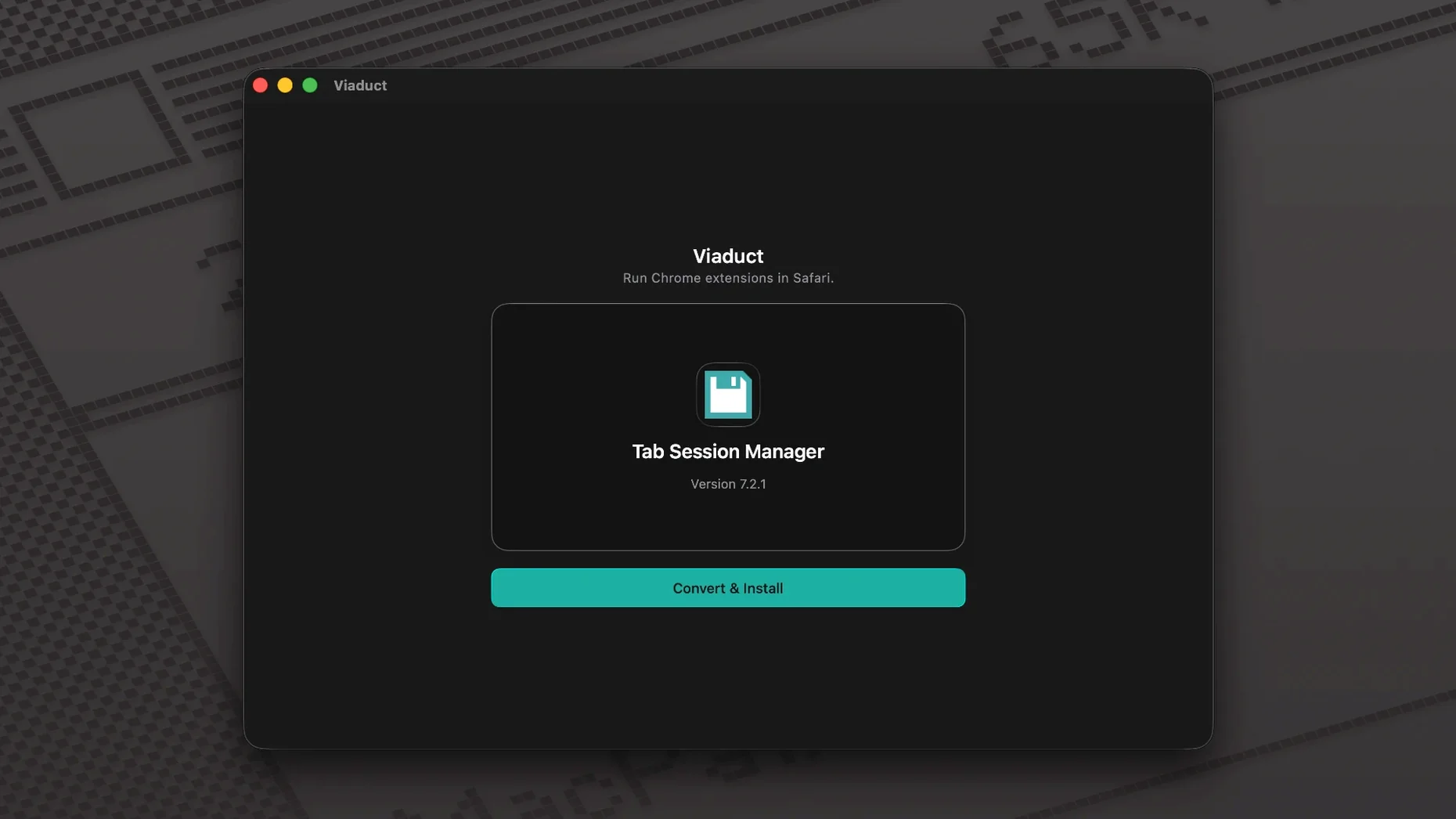
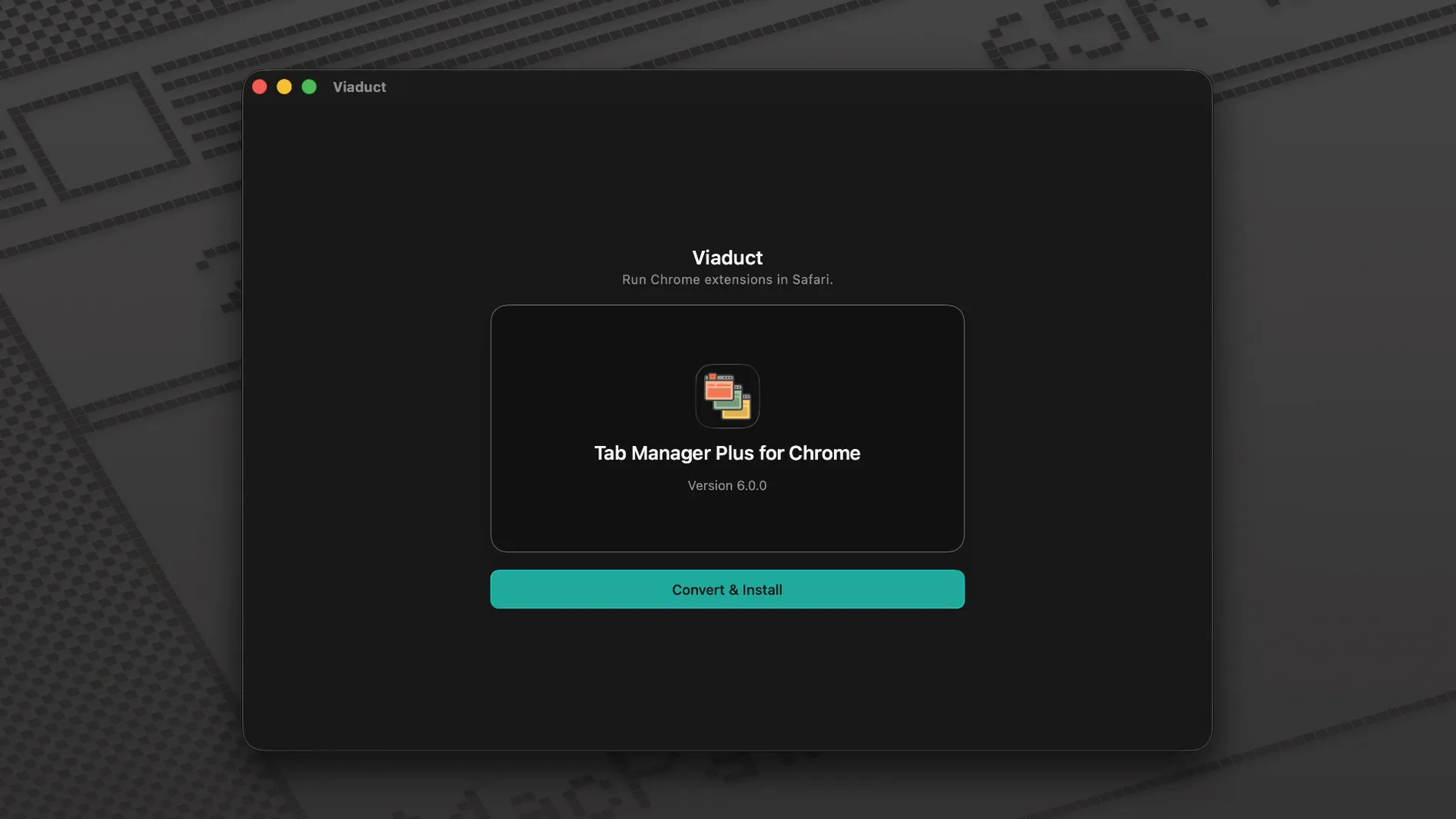
An extension built for Chrome is just a folder of HTML, JavaScript, and a manifest. Viaduct takes that folder, translates the Chrome-specific API calls into their Safari equivalents, and wraps the result in an Xcode project. A few seconds later, you have a native Safari extension, signed and installed.
What the conversion actually does
Most Chrome extensions use the WebExtensions API, which Safari also speaks — but the dialects differ. Viaduct maps chrome.* calls to browser.*, converts the manifest format from Manifest V2 or V3 into Safari’s expected structure, and bundles everything through xcodebuild. The result lands in ~/Library/Safari/Extensions without you dragging a single file. The open-source engine handles the heavy lifting, so you can inspect exactly what changed if you are curious.
Who this is for
If an extension you rely on has no Safari version, Viaduct gives you a path that is cleaner than running Chrome just for one tool. It also re-signs extensions before their signing certificate expires, which matters if you build things that stick around. The app itself is a thin native wrapper — Intel and Apple silicon Macs are both supported.
Why students and researchers avoid running a second browser
Students and researchers who live in Safari but need a specific citation manager or paywall bypass their university library provides only as a Chrome extension are the sweet spot. You avoid running a second browser just to trigger one tool, and the extension keeps working across macOS updates because the app re-signs it before the certificate lapses. Mac users who value battery life over browser loyalty also win: Safari’s energy footprint on Apple Silicon is tough to beat, so porting a handful of extensions means you are not tethered to a charger by lunchtime.
Developers testing how their Chrome extension behaves under Safari’s WebExtensions implementation get a fast feedback loop too. Drag in a .crx or paste a Chrome Web Store link, wait for the Xcode build to finish, and you are inspecting console logs inside Safari’s Develop menu. If the extension’s popup relies on a chrome.windows API that Safari does not expose, failure happens immediately — way faster than setting up a manual Xcode project.
Which single checkbox spares you the headache of dead extensions
Viaduct keeps its preferences minimal, but one checkbox matters: Automatically re-sign installed extensions. Toggle it on before you build anything. Safari revokes signing certificates on a schedule, and an extension that suddenly refuses to load is a headache you will chase for twenty minutes before remembering why. The setting lives in the app’s Preferences window, and it quietly renews signatures in the background. Browsing ~/Library/Safari/Extensions will show .safariextz bundles with fresh timestamps when it fires.
By default, converted extensions inherit the name from the original manifest. If you plan to run the Safari version alongside the Chrome original during a testing period — maybe the ported version still has rough edges — rename the output inside Viaduct’s build dialog so Safari’s Extensions pane does not show two identical labels.
Why your first build should skip the background service worker
Start with a simple extension that has no background service worker. A bookmarklet-style tool or a CSS tweak builds in seconds and teaches you the flow without debugging a broken messaging channel. After the first successful build, open Safari’s Develop > Web Extension Background Content menu — you get a live console that shows browser.runtime warnings the same way you would inspect a webpage. That console is where you discover which API calls the engine could not map.
Keep the original Chrome extension folder around for reference. When a ported extension silently fails to do its job, diff the manifest files. Viaduct logs every transformation it applies, but comparing the original manifest.json against the converted one — especially the permissions and background keys — often reveals a capability Safari denied. That diff is also what you'll want to study if you later grab a viaduct mac torrent to explore older builds; the engine moves fast, and source-level details matter more than a snapshot. For extensions that need persistent storage, check Safari's website data settings early — IndexedDB and localStorage sometimes inherit the extension's container permissions differently than in Chrome.
- macOS 13 or later
- Apple silicon or 64-bit Intel processor
Comments 0
Sign in or create an account to leave a comment.
No comments yet. A codec, a slice, a machine — they appear after moderation.
More in Mac Apps
cd ../ Vellum
Mac Apps 95 MB Updated
 Vibe Island
Mac Apps 18 MB Updated
 Vector Magic
Mac Apps 17 MB
 VideoByte BD-DVD Ripper
Mac Apps 124 MB
 VideoProc Converter AI
Mac Apps 254 MB Updated
 VideoProc Converter
Mac Apps 86 MB
 ViWizard Spotify Music Converter
Mac Apps 7 MB
 UPDF 2 - AI-Powered PDF Editor
Mac Apps 90 MB