

Vibe Island for macOS
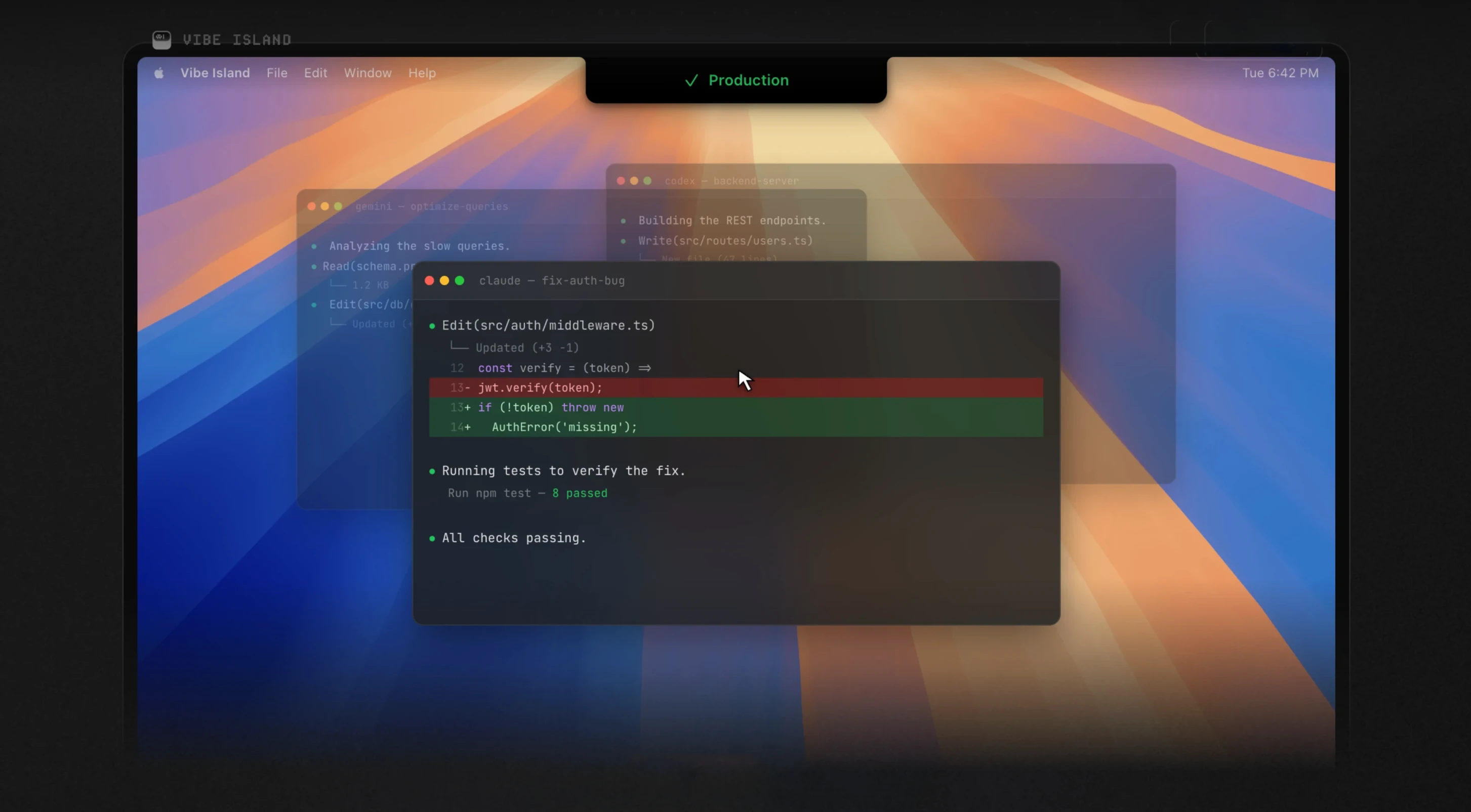
Vibe Island is a free utility that turns your MacBook notch into a live status panel for AI coding agents running in the terminal.
Will it run on your Mac without hogging RAM?
Vibe Island needs macOS 14 (Sonoma) or later and works on both Apple Silicon and Intel 64-bit Macs. It uses under 100 MB of RAM — light enough to leave running alongside your editor and terminal.
Connect it to your AI tools
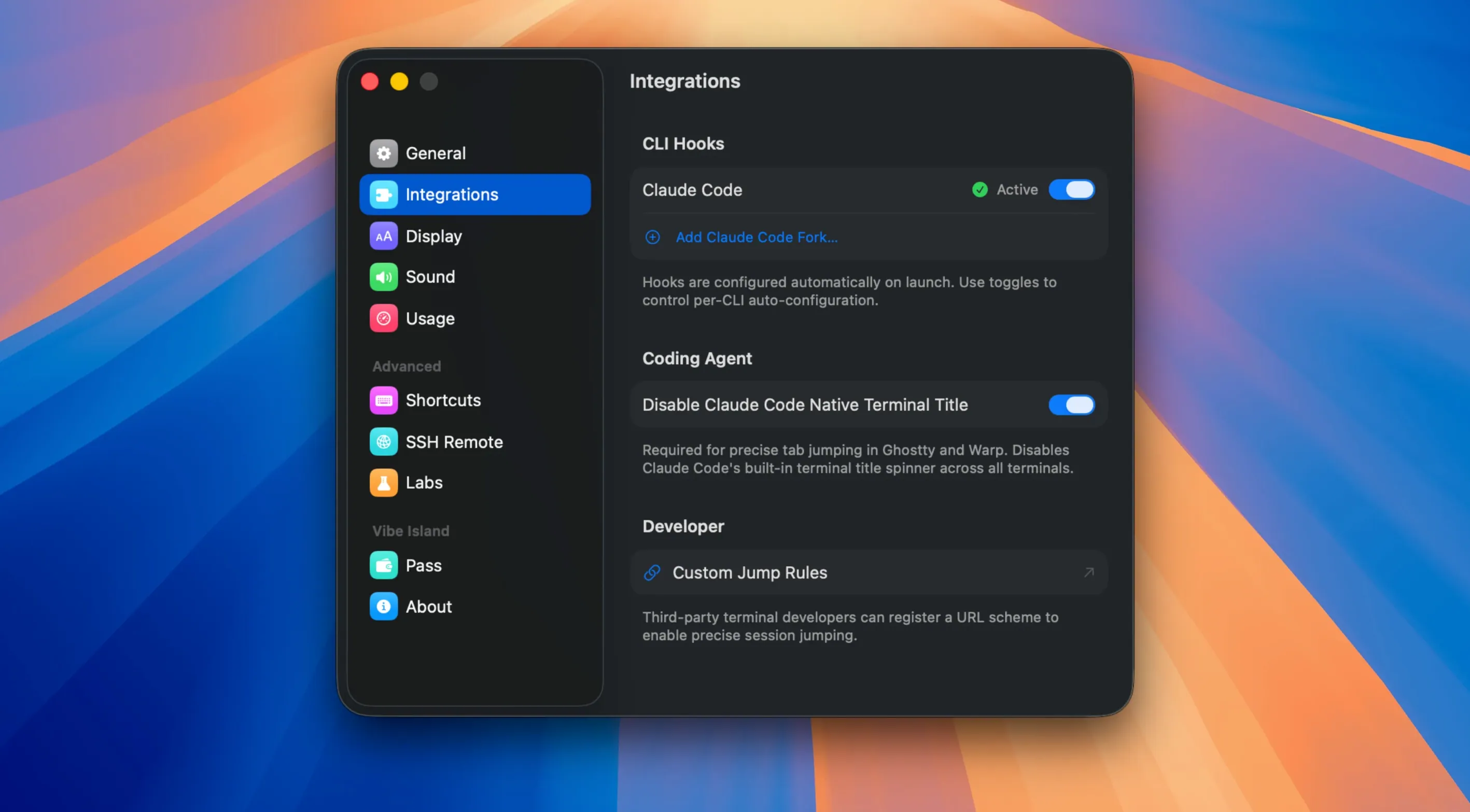
The app monitors 10 AI agents, including Claude Code, Codex, Gemini CLI, Cursor, and OpenCode, across 13+ terminals like iTerm2, Warp, Ghostty, and VS Code’s built-in terminal. You can jump directly to a specific tab, split pane, or tmux session from the notch panel, and SSH remote sessions are supported too.
Approve actions without switching windows
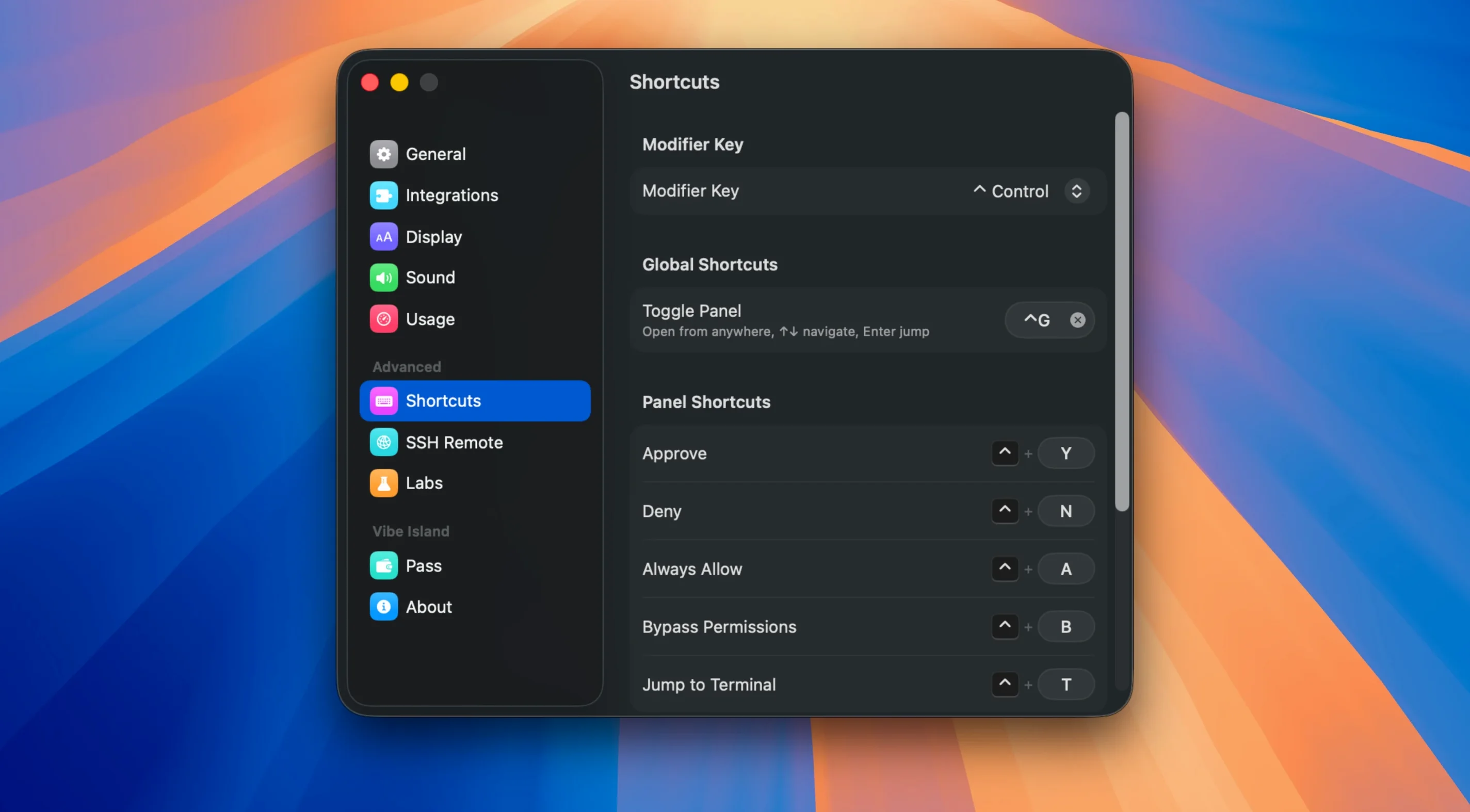
When an agent needs permission to run a command or write a file, the approval request appears right in the notch. You handle it there without leaving your workspace, which keeps the flow going during long coding sessions.
A session with Kiro and Claude Code side by side
Imagine a developer debugging a FastAPI service while a second agent scaffolds integration tests. Claude Code is working through a refactor in one tmux pane; Kiro is generating test fixtures in another. Without Vibe Island, you’d be Cmd+Tab-ing between terminal windows every few minutes just to see whether either agent stalled on an approval prompt.
With the notch panel active, each tool’s status sits in peripheral view. A yellow pulse means Kiro is asking permission to overwrite a fixture file. You glance up, read the Markdown-rendered plan inline, and approve it with a click — then return to the route handler you were editing. Claude Code finishes its task seconds later, and the notch briefly shows the completed checkmark before collapsing back to idle. The whole exchange costs about four seconds of attention instead of a full context switch.
Which one hidden switch makes approvals audible?
Out of the box, Vibe Island ships with sensible defaults, but a few tweaks make it fit tighter into a real workflow.
- Sound events. The 8-bit synthesized chimes are off by default. Turn them on for approvals and task completions if you tend to look away from the screen while agents run. The sounds are short and unobtrusive — closer to a Game Boy than a notification barrage.
- Quota display. For Claude, Codex, and Kimi, the real-time request counter lives in a sub-panel that isn’t pinned by default. Pin it if you’re nearing daily limits and need to pace your prompts.
- SSH reconnect behavior. If you run agents on remote machines, open preferences and set SSH recovery to “ask on disconnect.” Version 1.0.51 improved remote approval context handling, but explicit reconnect prompts prevent stale sessions from silently dropping.
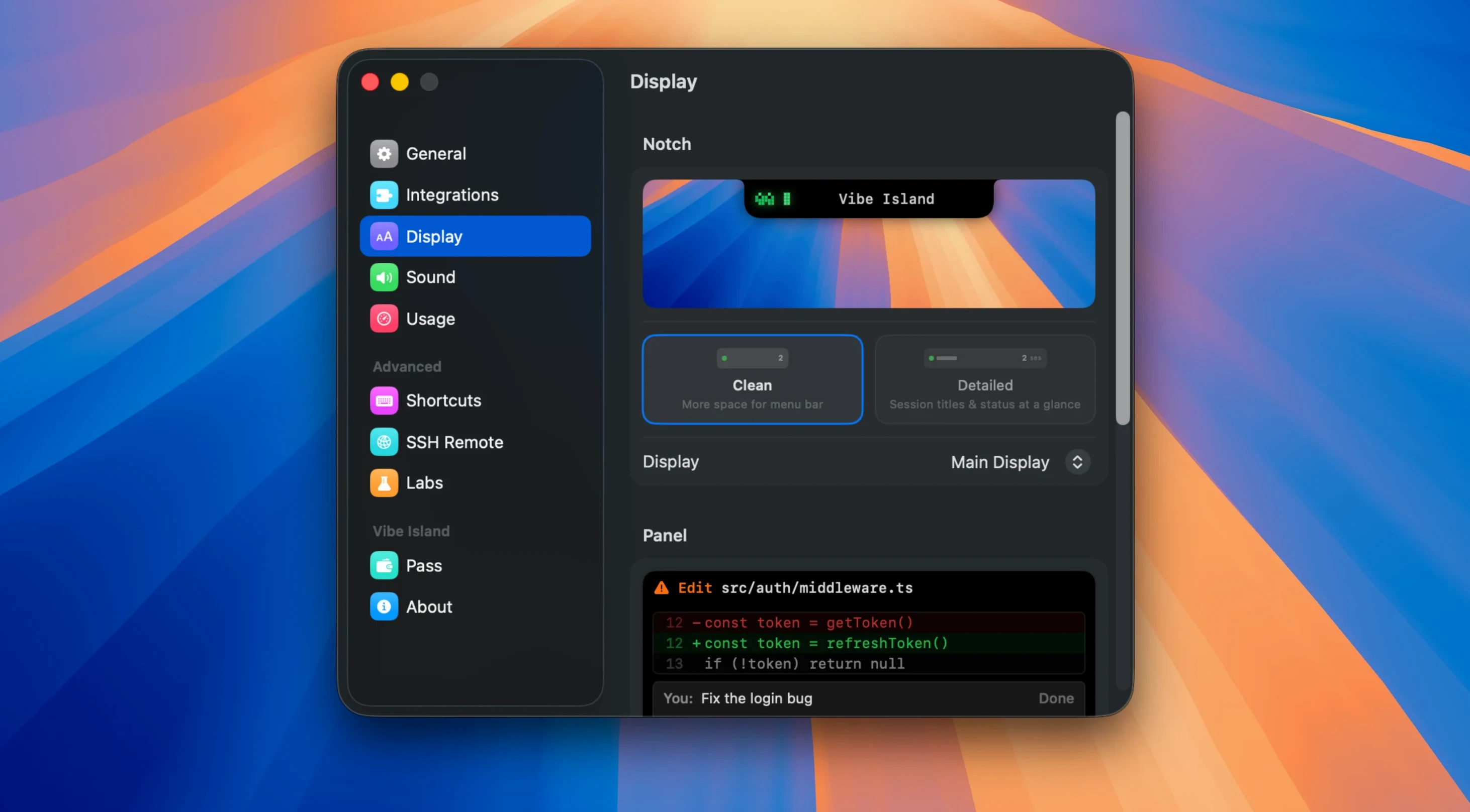
- Markdown plan preview length. The default truncation clips long agent plans. Bump it to “full” if you prefer reading the complete plan before approving, especially with OpenCode 2’s expanded conversation display.
What happens when you approve before reading the plan?
Most friction comes from treating Vibe Island as a passive dashboard rather than an interactive control surface. The most common slip: approving actions without reading the rendered plan. The Markdown preview exists because agents sometimes propose destructive shell commands — glancing at the summary before clicking “approve” catches rm -rf pointed at the wrong directory.
Another pattern: ignoring the terminal jump feature. Beginners click “approve” and then manually hunt for the terminal tab that triggered the request. Instead, clicking the terminal icon in the notch panel jumps directly to the correct split pane or tmux session — faster and less error-prone when three agents run in parallel.
Finally, some users assume SSH remote monitoring works like a local session. It doesn’t — the remote agent’s output arrives with slight latency, and if the SSH pipe breaks, the notch panel can show stale “running” status. Version 1.0.51’s recovery improvements help, but a quick habit of toggling the connection indicator after a network hiccup saves confusion.
- macOS 14 or later
- Apple Silicon or Intel 64‑bit
$ man vibe-island | grep -A2 "?"
Does Vibe Island work on Intel Macs?
Yes. Vibe Island 1.0.51 runs on both Intel 64-bit and Apple Silicon Macs, as long as they are on macOS 14 or later.
Which AI agents does Vibe Island track?
It monitors Claude Code, Codex, Gemini CLI, Cursor, OpenCode, Droid, Qoder, Copilot, CodeBuddy, and Kiro across 13+ terminal apps.
Comments 0
Sign in or create an account to leave a comment.
No comments yet. A codec, a slice, a machine — they appear after moderation.
More in Mac Apps
cd ../ Vellum
Mac Apps 95 MB Updated
 VideoByte BD-DVD Ripper
Mac Apps 124 MB
 VideoProc Converter AI
Mac Apps 254 MB Updated
 Vector Magic
Mac Apps 17 MB
 VideoProc Converter
Mac Apps 86 MB
 ViWizard Spotify Music Converter
Mac Apps 7 MB
 VMware Fusion Pro
Mac Apps 479 MB
 UPDF 2 - AI-Powered PDF Editor
Mac Apps 90 MB