Whisper Mate for macOS
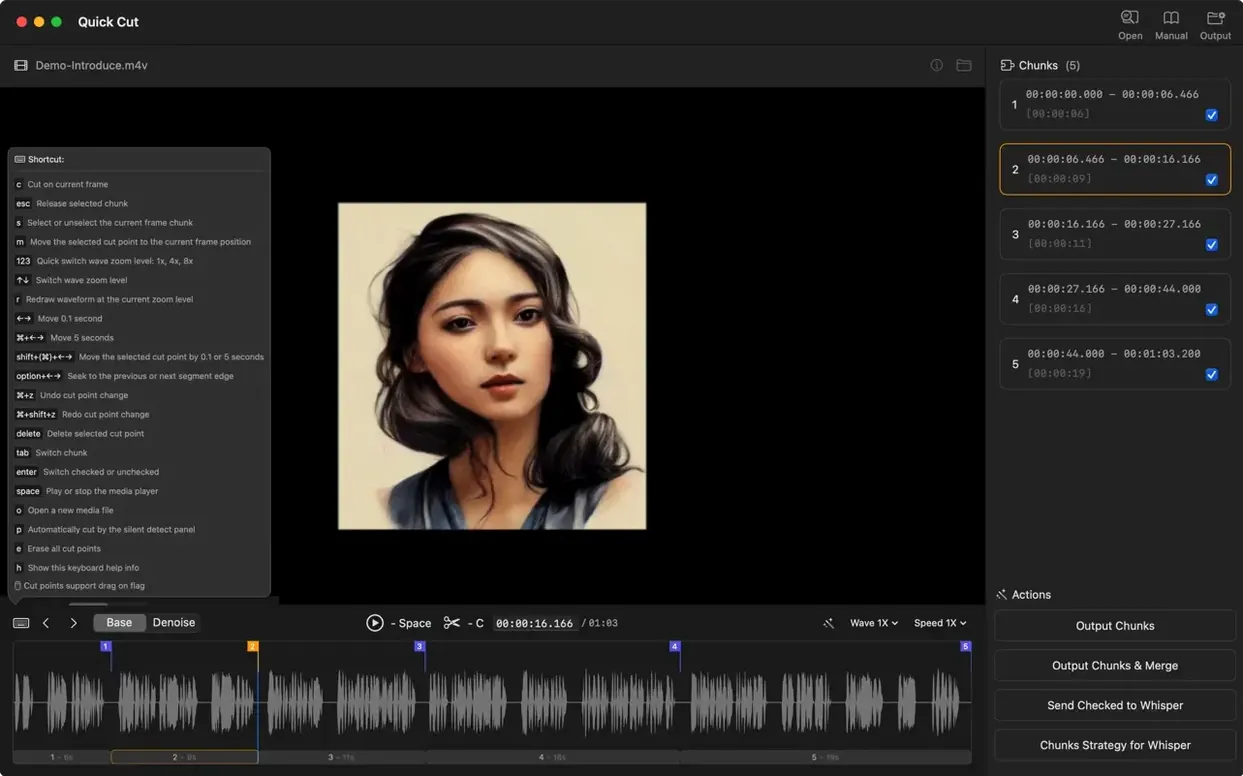
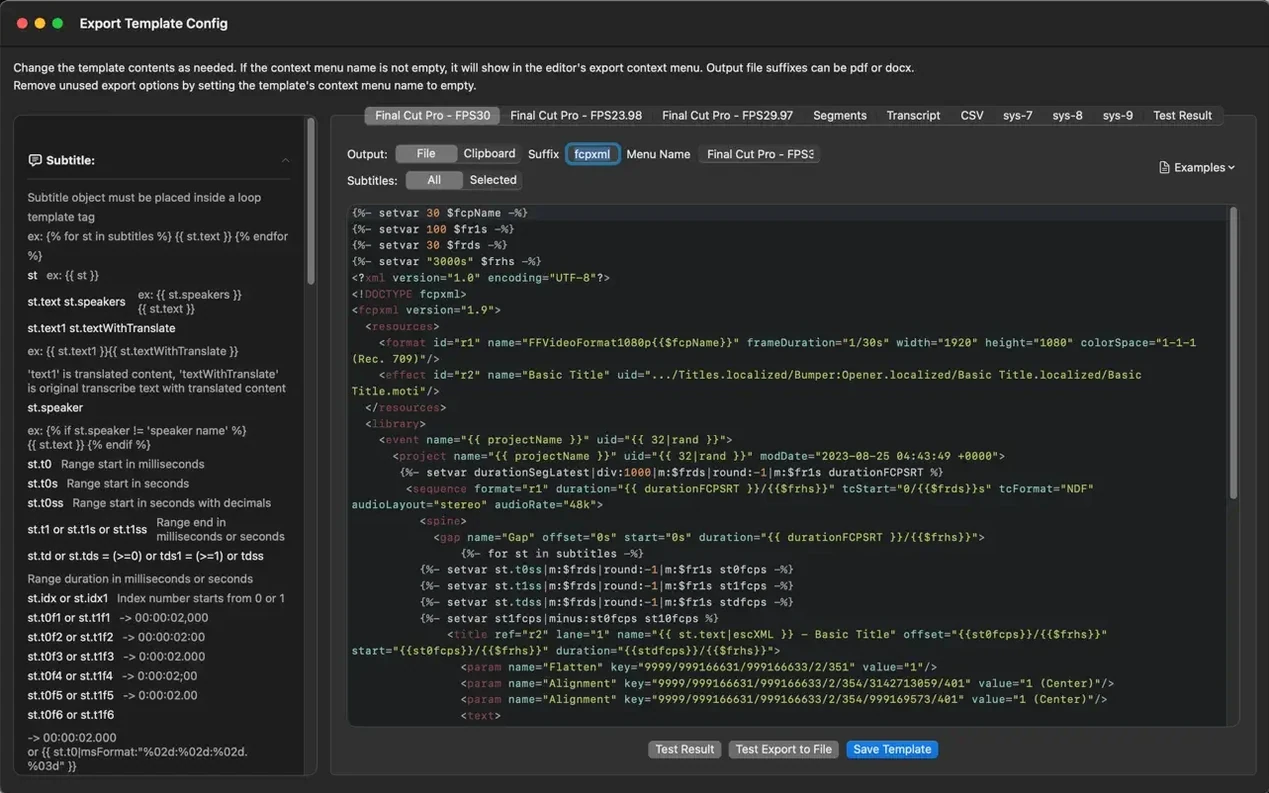
If you have used Apple's built-in dictation or pulled transcripts out of meeting recordings, Whisper Mate is the next logical step: the same idea of on-device transcription, but with an editor and export pipeline attached. It is a macOS app built around local transcription, which means the audio stays on your Mac rather than going to a cloud API.
macOS 12, Apple Silicon or Intel, and screen recording permission?
- macOS 12 or newer, on both Apple Silicon and 64-bit Intel Macs
- Screen recording permission is required for app-audio capture and translation on macOS 13.0 and later
- Interface languages: English, German, Spanish, French, Italian, Japanese, Korean, Chinese (Simplified and Traditional), and more
Drag in a file, edit in the subtitle editor, and merge segments?
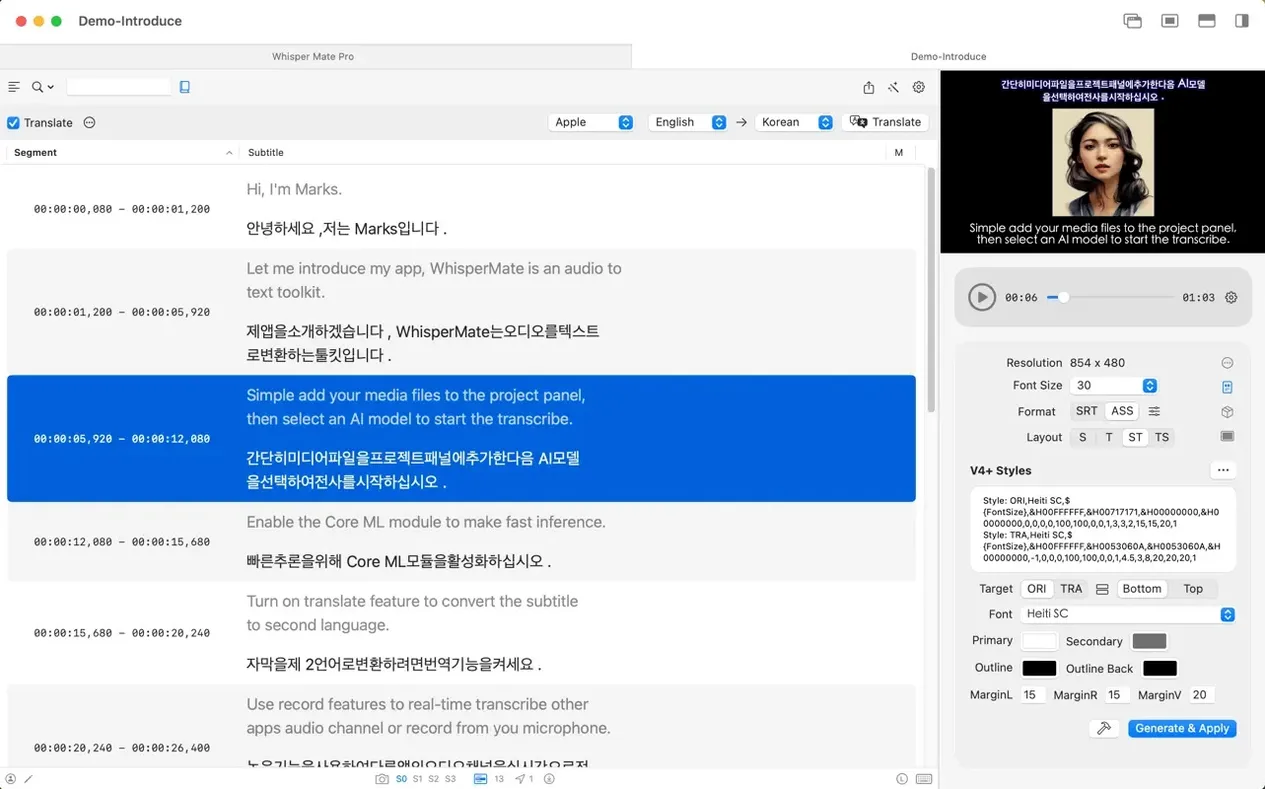
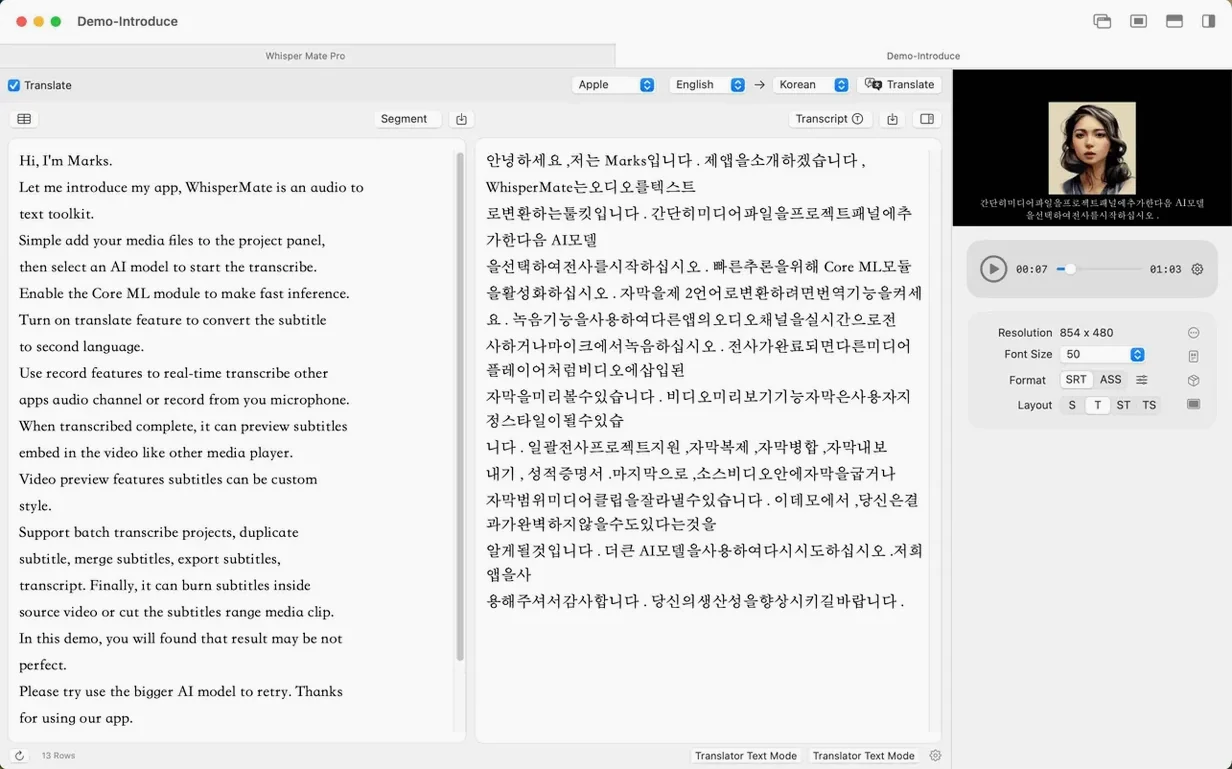
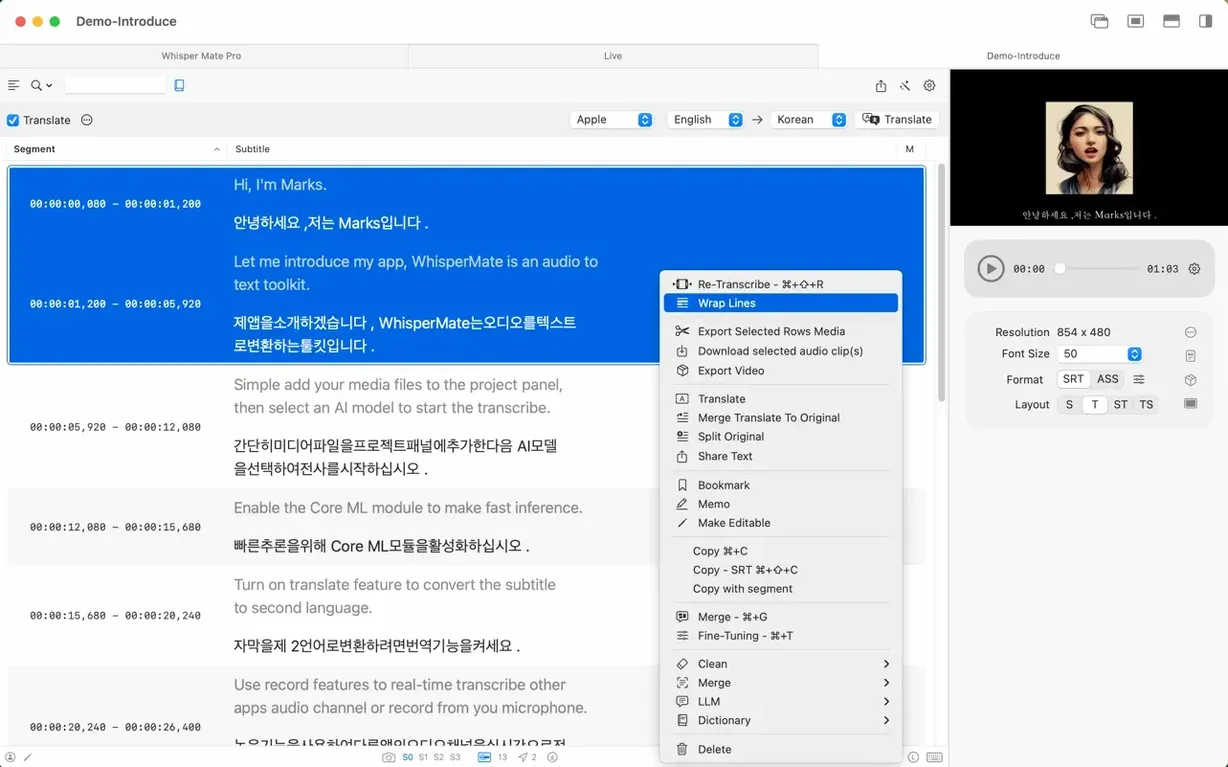
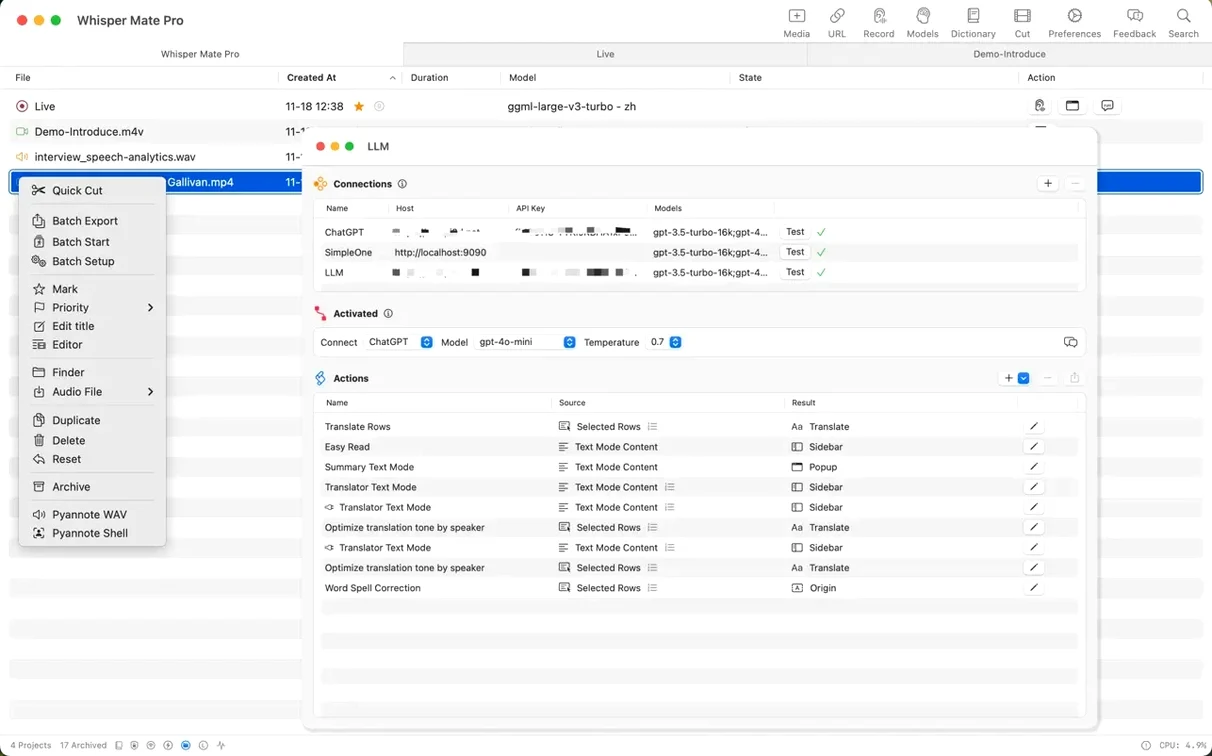
Transcription starts with drag and drop, and results open in a built-in subtitle editor where you can review segments one by one, merge multiple segments into a single line, and adjust playback speed while you work. For translation management, Whisper Mate supports Google Translate, and version 9.9.8 adds subtitle line translation through the built-in translation engine on macOS 26. Export covers SRT, VTT, CSV, JSON, and SEGMENT formats, plus the option to export a selected subtitle media range to a new media file. Projects can be archived from the context menu, and multilingual transcription is supported.
Does the processing percentage stay visible while it transcribes?
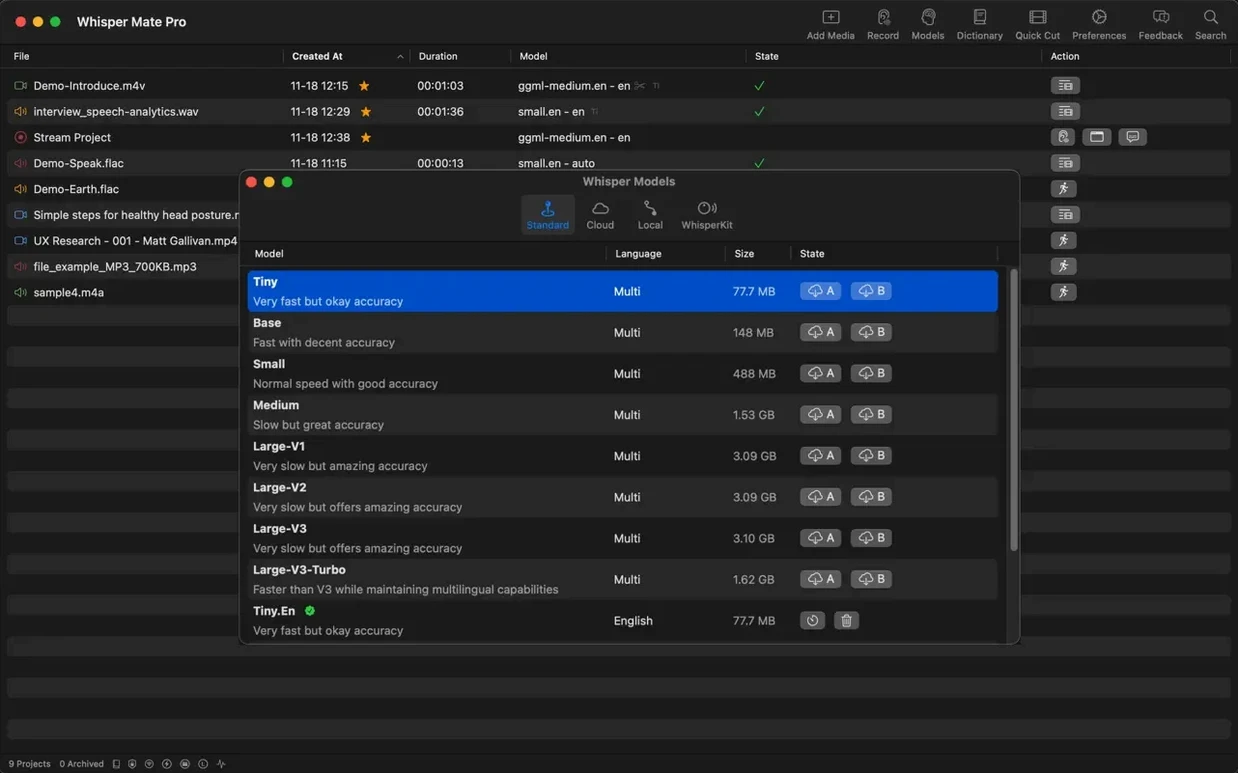
On a modern Apple Silicon Mac, transcription throughput is governed almost entirely by the Whisper model you pick — the app itself adds minimal overhead. You will see a processor-usage percentage right in the interface during processing, so there is no mystery about whether the machine is saturated. With the tiny or base models it keeps up with real-time playback easily, and even the medium model finishes a 30‑minute interview in well under ten minutes on an M‑series chip. RAM pressure stays modest: a 2 GB model load is the peak, and the app releases it cleanly once a batch finishes.
Stability has been a strong point in the 9.9.x line. I left a batch of twelve files queued overnight and came back to twelve completed transcripts with no hangs. The app writes progress per file, so a system sleep interruption only loses the current file’s partial work — not the whole batch. Memory leaks are uncommon; after a full day of transcription, editing, and exporting, resident memory rarely climbs beyond what a single large model session requires.
Recording system audio from apps like Zoom or Teams does add a small CPU bump, typically 4–8 % on Apple Silicon, because of the real‑time capture pipeline. That is expected and is in line with what any screen‑recording‑based audio grab costs. The capture feature uses the macOS screen recording permission explicitly, so you will get the system prompt on first use — no workaround needed.
Missing app audio after an OS update?
The most frequent head‑scratcher is missing audio when capturing from another app. Nine times out of ten, the screen recording permission has not been granted or has been revoked after an OS update. Check System Settings → Privacy & Security → Screen Recording and make sure the toggle for Whisper Mate is on. A restart of the app after toggling it is sometimes necessary for the capture engine to re‑initialise.
Another snag: the DeepL API field is easy to overlook. If you pick DeepL as the translation engine but leave the API key blank, translation silently fails. The app does not block you — it just returns no result. Paste a free DeepL API key (the “Free” plan works fine for modest subtitle loads) into Preferences, and translated segments populate immediately.
Users on older Intel Macs occasionally report that the large-v3 model makes the interface unresponsive during processing. That model pushes older integrated GPUs hard. The fix is straightforward: drop to the medium model or, if you need maximum accuracy, break large files into chunks before transcribing. The app’s batch queue handles chunked files gracefully, and merging the resulting subtitles takes only a few clicks in the editor.
Can you right-click a file in Finder to start a project?
Whisper Mate integrates with Finder at a basic but useful level: right‑click any supported media file and choose Open With → Whisper Mate to start a new transcription project immediately. That small touch saves the step of launching the app and dragging files in from a cluttered desktop. It also respects the standard macOS file‑association dialog, so you can set it as the default handler for audio formats if your workflow revolves around transcription.
On the export side, the subtitle editor is where the integration story gets practical. Export an SRT file and drop it straight into DaVinci Resolve, Final Cut Pro, or Premiere Pro — the timecodes align without tweaking. The SEGMENT export format is less common and targets tools that expect per‑segment JSON metadata, which some video‑localisation pipelines use. For podcasters, exporting a CSV and pulling it into a show‑notes template is a quick way to get a rough episode summary.
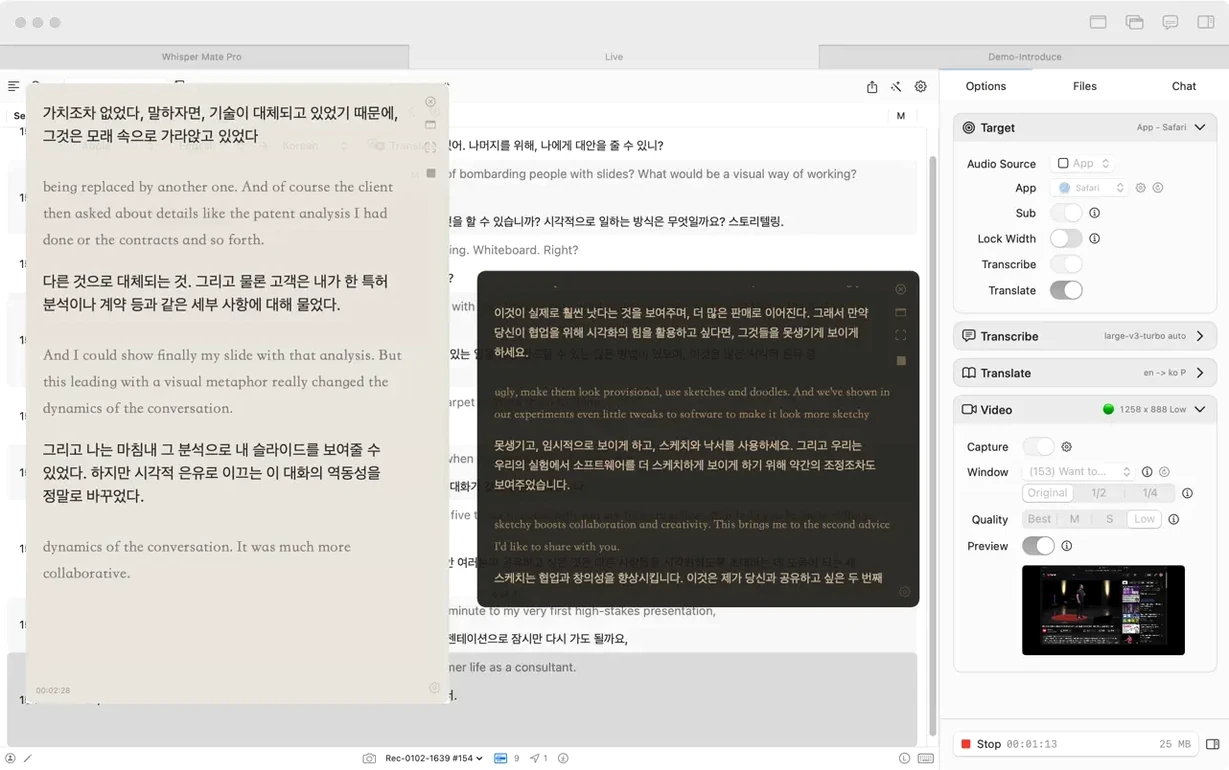
The capture‑and‑translate feature turns the app into a lightweight live‑translation overlay for video calls. With Zoom or Teams audio routed through the system‑audio capture, you get a running transcript in the editor window and can translate it on the fly using the Google Translate or DeepL back‑end. It is not a substitute for a dedicated live‑captioning service, but for bilingual meetings or language‑learning sessions it is surprisingly handy — and everything stays on your Mac once the audio is captured.
The new macOS 26 translation hook in version 9.9.8 is a quiet but clever addition. Instead of an API call, subtitle lines can be translated by the on‑device translation engine that ships with the OS. That means zero network dependency and no character‑count limits for the translations, which matters when you are working through a two‑hour podcast transcript late at night with a flaky connection. The bilingual simultaneous transcription on macOS 26, also new, writes two language tracks into the same timeline — useful if you want to produce a dual‑language subtitle file without running a second pass.
- Subtitle line translation now uses the built-in translation engine on macOS 26.
- Partial bilingual simultaneous transcription is available on macOS 26 when using Apple's built-in transcription engine.
- macOS 12 or later
- Apple Silicon or 64-bit Intel Mac
- Screen recording permission required for app-audio capture and translation on macOS 13.0+
$ man whisper-mate | grep -A2 "?"
What subtitle formats can Whisper Mate export?
Whisper Mate exports subtitles in SRT, VTT, CSV, JSON, and SEGMENT formats.
Comments 0
Sign in or create an account to leave a comment.
No comments yet. A codec, a slice, a machine — they appear after moderation.