Wolfram Mathematica for macOS
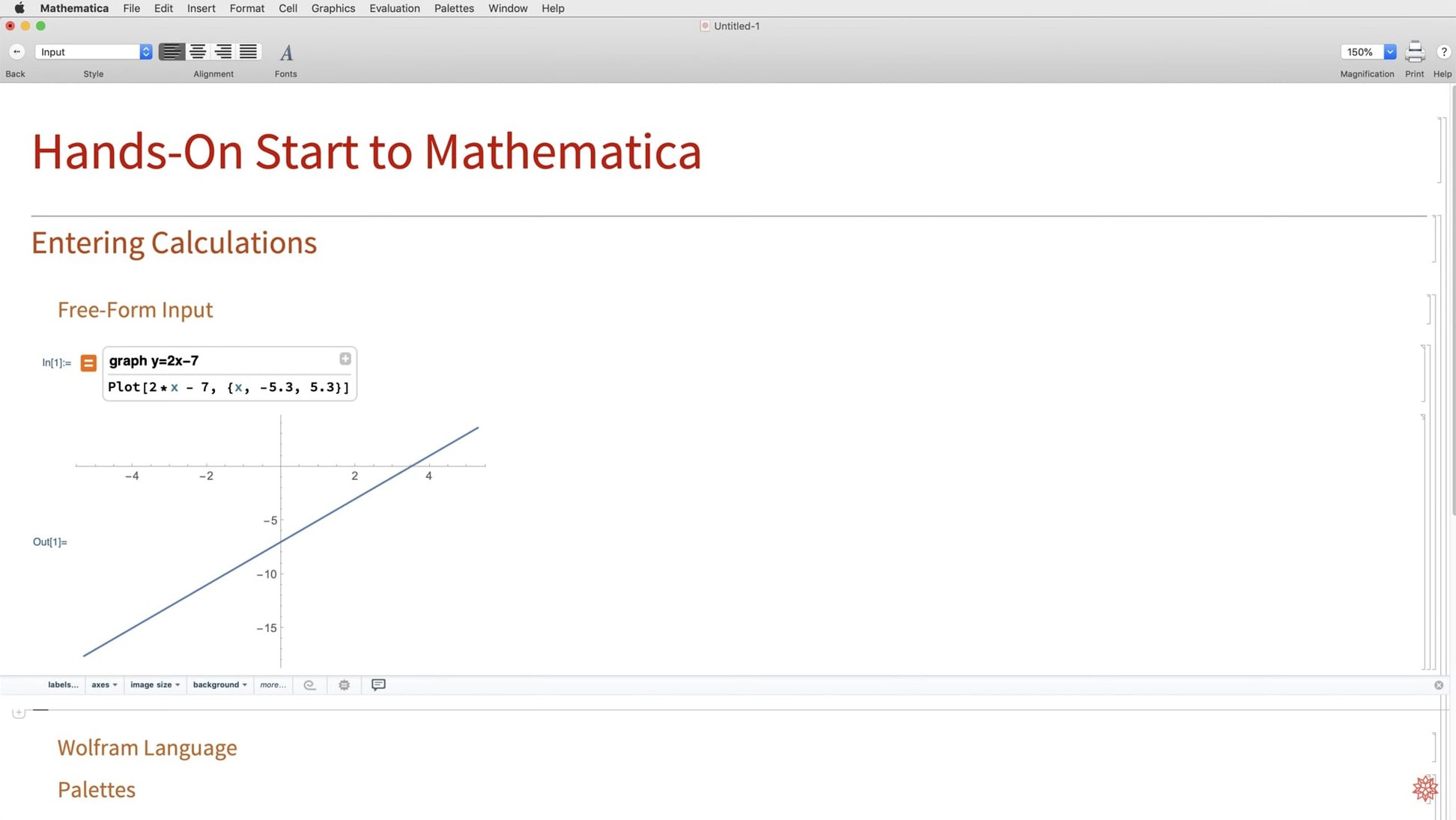
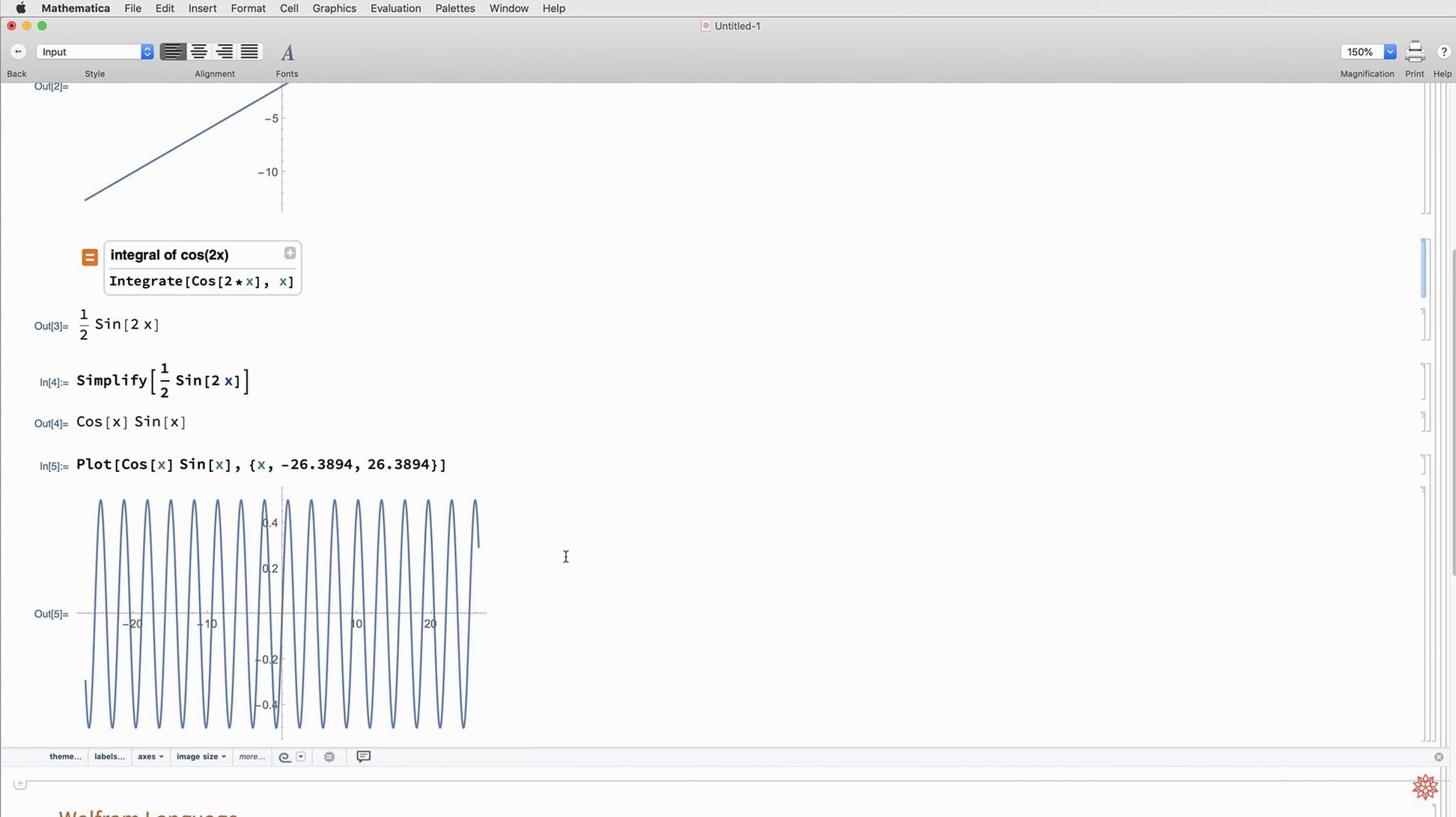
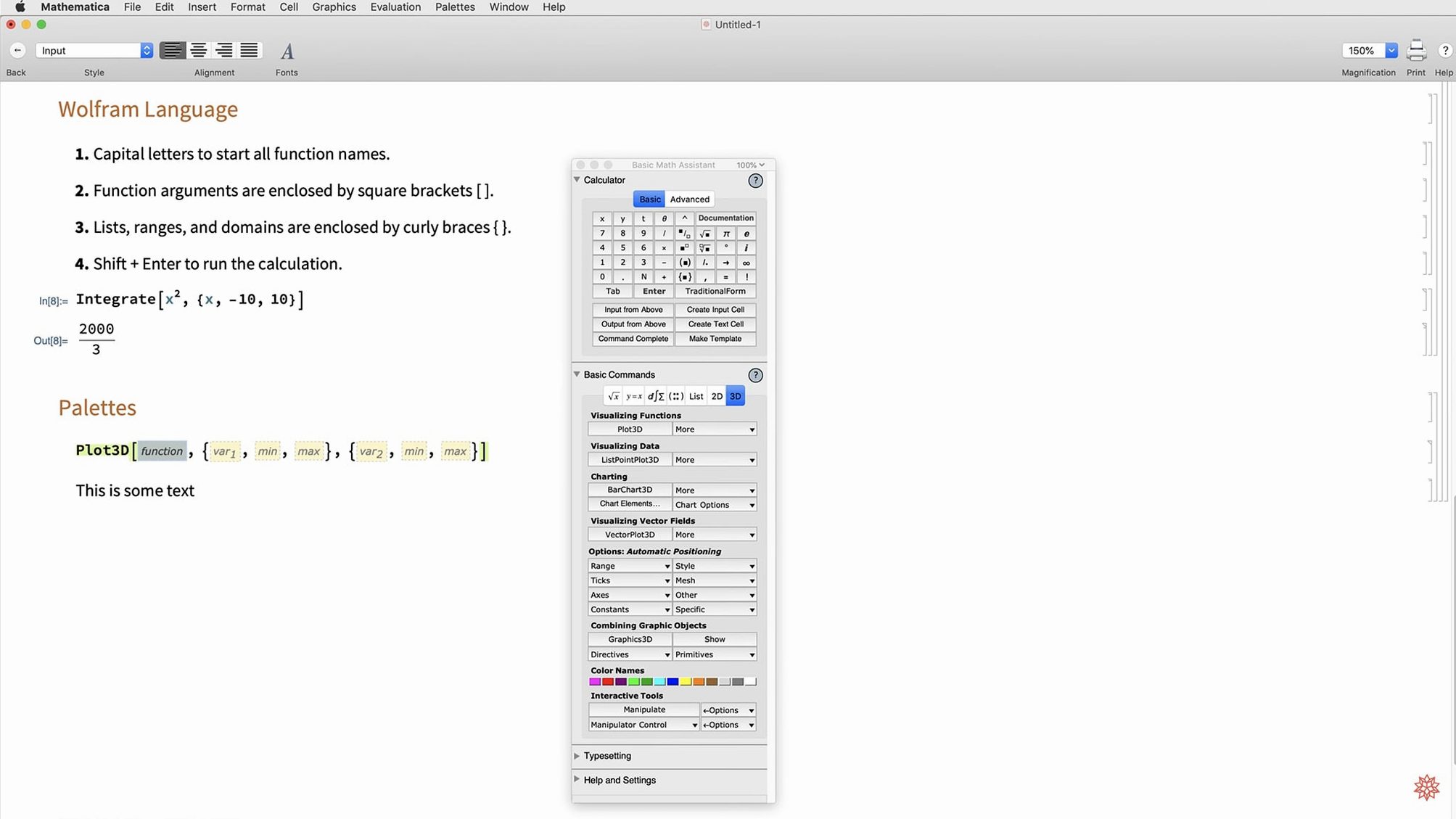
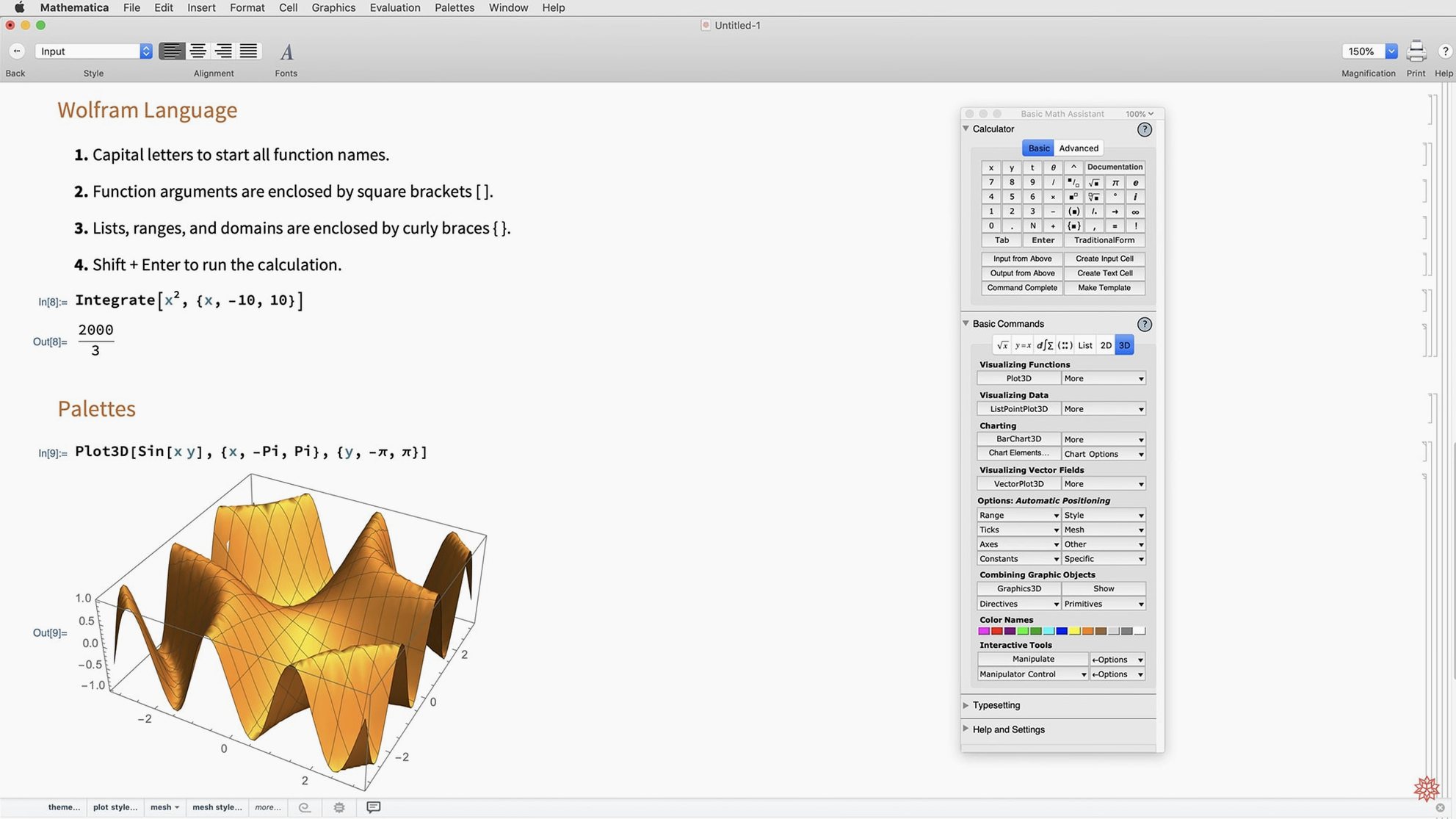
You have a stack of sensor data that needs cleaning, a set of differential equations that refuses to yield a closed-form solution, and a deadline. Wolfram Mathematica gives you a single notebook where symbolic algebra, numerical methods, and graphics live in the same line of code.
How do you bring the data in?
Drag a CSV straight onto the notebook or use Import with a file path. Version 14.3’s faster Python and R integration means you can pre-process in pandas, pull the DataFrame into Mathematica, and pick up where you left off without converting formats twice.
What does the analysis step look like?
Apply one of the new matrix decompositions to find structure, then call ListFitPlot to see how a model tracks against raw measurements. The plot updates inline, and you can adjust fitting parameters with sliders you create from a single Manipulate command.
How do you share the result?
Export the finished notebook as Markdown—new in 14.3—or save graphics as vector-based maps and surface plots. Colleagues can open the notebook in a browser via Wolfram Cloud without installing anything on their own machines.
A full workflow: cleaning and fitting sensor data
Say you have a CSV of temperature readings from a lab experiment. The file has timestamps, sensor values, and a few obvious outliers from a loose connection. Here is one way to take it from raw data to a publishable plot without leaving the notebook.
Start by importing the file. Import handles the CSV and returns a list of rows. Pull the columns apart with Part and strip out readings that fall more than three standard deviations from the mean — a quick Select with a threshold does the job. If the dataset is large, the Python integration in 14.3 lets you hand the heavy filtering to a pandas one-liner inside an external evaluation cell, then bring the clean array back into the Wolfram Language.
Next, model the cleaned data. ListFitPlot shows the raw points and a fitted curve in the same graphic. Choose a spline or a polynomial, tweak the order, and watch the residual plot update. For drift compensation, apply a Hilbert transform from the new 14.3 function library to extract the instantaneous phase of a periodic component you suspect is buried in the noise.
Once the fit looks right, wrap everything in Manipulate. A slider for the outlier threshold, another for the polynomial degree — drag them and the plots recompute live. Export the final graphic as a vector-based map or drop the whole notebook into Markdown so your advisor can read it in a browser. No separate scripts, no juggling between Jupyter and LaTeX.
A physicist’s afternoon
Imagine a grad student running molecular dynamics simulations. The output is a trajectory file with millions of coordinate rows. She imports it into Mathematica, computes the pair correlation function with a few lines of the Wolfram Language, and visualizes the result with a surface plot — one of the new plotting functions in 14.3. The plot reveals a secondary peak she had not predicted. She types a note into the notebook, drags a slider to isolate the angular dependence, and exports a mesh-processed 3D graphic for her group meeting slides. The whole session stays in a single .nb file that she reopens the next day without reconstructing state.
Apple Silicon native support on M-series Macs
Does it run natively on Apple Silicon? Yes. Mathematica 14.3 ships as a universal binary, so it loads without Rosetta on M-series Macs. The kernel benchmarks I have seen show the ARM-native build starting noticeably faster than the Intel-translated version on the same hardware.
Can I use it without an internet connection? The desktop app works fully offline. Cloud features like Wolfram Cloud sharing or LLMGraph calls need a connection, but symbolic computation, numerics, and visualization run locally.
How does it compare to a Python stack? Different trade-off. Mathematica bundles symbolic and numeric engines under one roof, so you avoid setting up a conda environment for each project. The 14.3 release tightens the Python bridge — you can mix Wolfram Language and Python in the same notebook and pass data efficiently. If your workflow lives entirely inside NumPy and SciPy, you may prefer staying there. If you need symbolic integration, differential equation solving, and graphics in the same hour, Mathematica saves time.
What macOS versions are supported? macOS 12 Monterey or later, on both Intel and Apple Silicon Macs.
Why editing the generated code trips beginners
Ignoring the dual language mode. New users sometimes type natural-language queries and then try to debug the underlying Wolfram Language output as if it were a separate script. The natural-language interface is a parser that produces real code — check what it generated and you will learn the syntax faster than reading the documentation alone.
Hoarding giant notebooks. A single .nb with twenty unrelated computations gets slow and confusing. Split projects into separate notebooks and use Get to load shared definitions. The kernel state resets cleanly, and you avoid mysterious variable collisions.
Overlooking Manipulate for exploration. Beginners often hard-code parameters, re-run cells, and squint at static output. Wrapping a computation in Manipulate takes an extra minute and lets you sweep through parameter space interactively. It turns a dead plot into a live experiment.
Assuming all functions are loaded by default. Some specialist tools — geodesic computation, system model validation — live in add-on packages. A quick Needs["package`"] at the top of the notebook saves the baffling “function not found” messages later.
Version 15.0 ships with the latest fixes and improvements detailed in the developer's official release notes.
- macOS 12 or later
- Apple Silicon or Intel 64-bit
$ man wolfram-mathematica | grep -A2 "?"
Does Mathematica run natively on Apple Silicon?
Yes. Version 14.3 ships as a universal binary that runs natively on both Apple Silicon and Intel 64-bit Macs from macOS 12 onward.
Can I work in dark mode?
Full dark mode support arrived in 14.3, along with new standard color palettes calibrated for both light and dark notebook environments.
Comments 0
Sign in or create an account to leave a comment.
No comments yet. A codec, a slice, a machine — they appear after moderation.