Plugin Alliance Brainworx bx_mastering studio for macOS
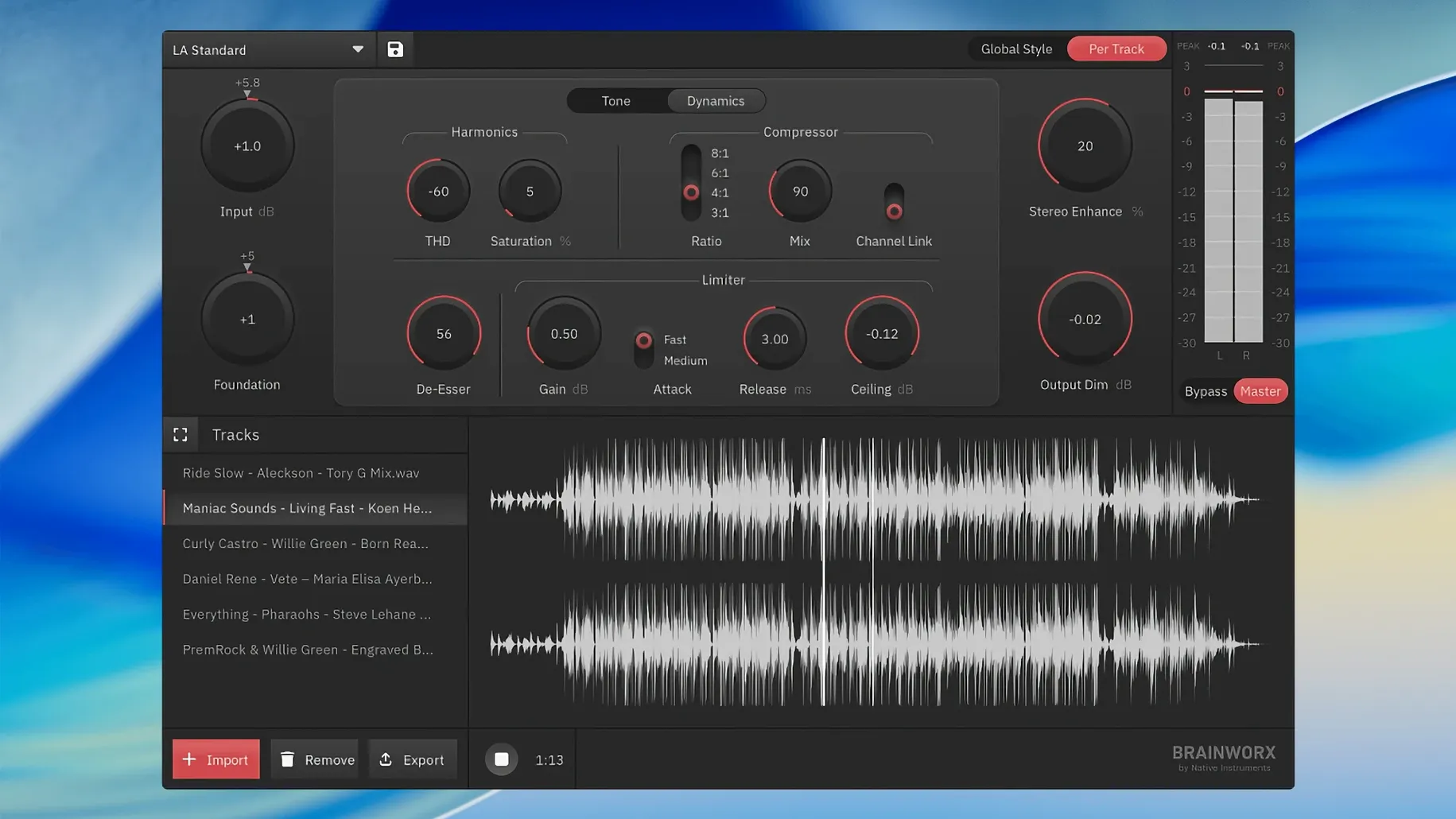
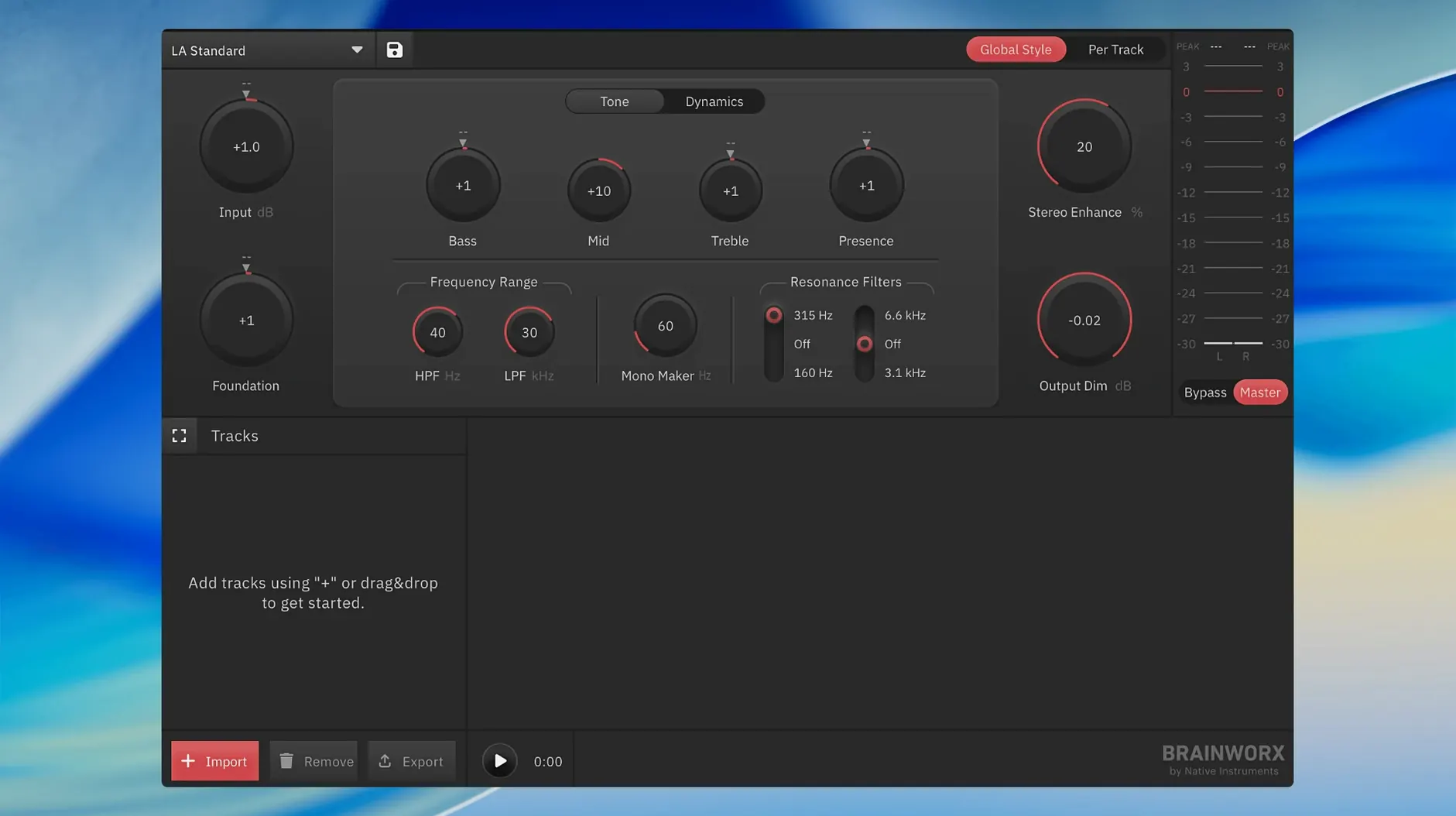
Master a track without opening Logic
If you mix in GarageBand or another lightweight DAW, the built-in limiter and EQ will only take you so far. bx_mastering studio sits on your desktop as a separate app, so you hand off a stereo .wav and shape the final tone in a dedicated environment—no routing, no bus setup.
Work through an album’s worth of material
The app doesn’t restrict how many masters you run. That makes it viable for sequencing an EP or batch‑processing tracks where you want the same chain across every song, without duplicating settings inside a DAW session.
Deliver a streaming‑ready file
Output targets the loudness and peak conventions that Spotify and Apple Music expect, so the file you export is already in the ballpark before you upload to a distributor.
Dragging a mix onto the waveform starts the session
You bounce a mix to a 24-bit stereo .wav straight from your DAW and drag it onto the bx_mastering studio window. The waveform draws almost instantly—no import dialog, no project folder. First thing I do is solo the low end with the band-solo buttons to check whether the kick and bass are fighting below 80 Hz; the on-screen spectrum confirms it visually. Then I click through four or five built-in styles, listening on small monitors at conversation volume. One of the EDM styles pushes the sides a little wide for my taste, but the Acoustic style tightens the stereo image while pulling the vocal forward, so I commit to it as a starting point.
From there it’s small moves. I nudge the EQ shelf down half a decibel around 250 Hz to clear mud, open the limiter section, and watch the integrated loudness meter creep toward -14 LUFS as I raise the ceiling. The real time-saver: the app remembers the last output folder, so when I hit Export the .wav lands right next to my original mix. I drag it into Apple Music to compare with a reference track, make one more EQ tweak, and export again. The whole pass takes under ten minutes.
Three habits that trip up new users
Working with a mix that’s already been limited. bx_mastering studio expects a dynamic mix with headroom, not a squashed file peaking at 0 dBFS. If you bounce with a loudness-war limiter on the master bus, the style engine has almost nothing to work with and your result comes back brittle. Leave at least 6 dB of headroom and turn off the final limiter before you bounce.
Picking a style too early and never adjusting it. The built-in profiles are a fast lane, not a destination. A style that sounds great on one section of a song can make the chorus too harsh. Beginners often set it once and export; the smarter workflow is to audition the style, then tweak the EQ and stereo width per section before committing.
Ignoring the loudness target for the platform. The app defaults to a streaming-oriented level, but if you export for SoundCloud or Bandcamp without checking the meter, you might deliver a file several LUFS below what listeners expect. Glance at the short-term and integrated readouts before you click Export.
Pre-installation doubts to clear up first
Does it run without any DAW at all?
Yes. The app is a standalone binary—double-click it and you’re in. It does not appear as an AU or VST3 plug-in inside a host, and it won’t show up in Logic’s plug-in menu. If you work entirely in a DAW and want an in-session chain, the older mastering.studio plug-in is a closer fit, but for drag‑and‑drop mastering on the desktop, this is the tool.
Does it resample your 96 kHz file on import?
bx_mastering studio reads the sample rate from the source .wav header and processes at that rate—44.1, 48, 88.2, and 96 kHz all work. There’s no SRC on import, so a 96 kHz file stays 96 kHz. If your interface is set to a different rate, Core Audio resamples the monitoring output transparently, but the exported file matches the source exactly.
What’s the relationship with the older mastering.studio plug-in?
This app is effectively the standalone successor. Brainworx took the style‑creation engine from the plug-in, wrapped it in a native Mac application shell, and refined the meter section for modern loudness targets. It shares DNA with the plug-in but makes no attempt to be a 1:1 port—the interface and workflow are rebuilt for a desktop app.
Click the spectrum to solo a resonant snare ring
- Band‑solo clicks on the spectrum. Click any frequency band in the analyzer display to solo it during playback. It’s faster than dragging an EQ band‑pass around and great for locating a resonant snare ring or an overly bright cymbal.
- Drag‑and‑drop file swapping. You can drag a new
.wavonto the window while the previous one is still playing; the app crossfades cleanly and resets the meters without restarting playback. - Disable the style engine entirely. Hold
Optionand click the Style Bypass button, and the processing clears completely while leaving your manual EQ and dynamics intact. Useful when you want to A/B only your own moves against the untreated source. - Output clipping indicator remembers. If the limiter ceiling triggers a clip during an export pass, a small red dot stays lit in the output section until you click it. You won’t miss it after a long export, unlike transient clip lights that vanish immediately.
- Window size presets. Right-click the title bar for a compact view that hides the spectrum and shows only the main controls. Handy on a 13‑inch MacBook screen where every pixel counts.
- macOS 12 or later
- Apple Silicon and Intel native
$ man plugin-alliance-brainworx-bx-mastering-studio | grep -A2 "?"
Does bx_mastering studio work without a DAW?
Yes. It is a standalone macOS application built from Brainworx’s Style Creator technology, designed for mastering outside of any digital audio workstation.
Comments 0
Sign in or create an account to leave a comment.
No comments yet. A codec, a slice, a machine — they appear after moderation.