
Steinberg Nuendo for macOS
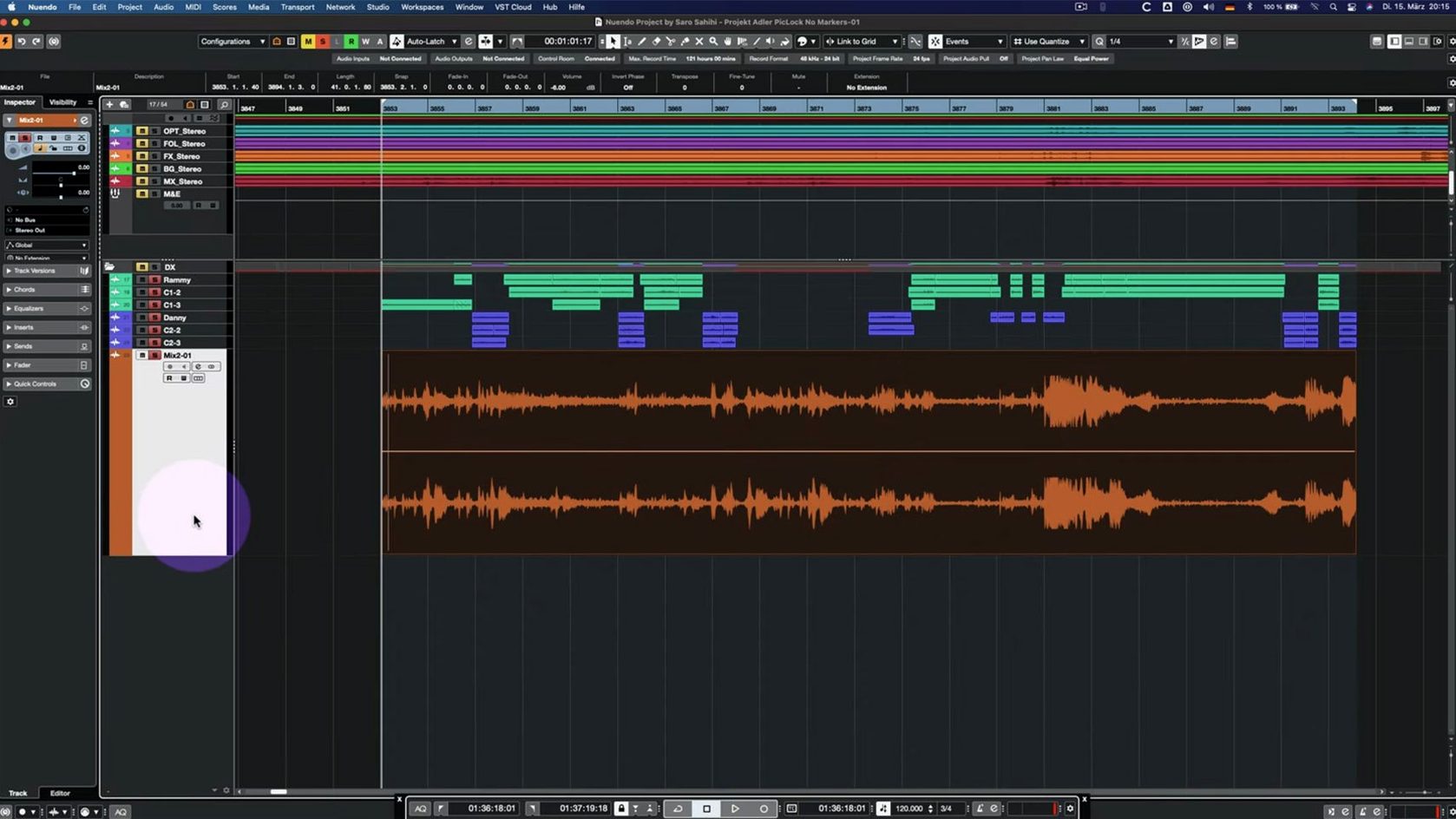
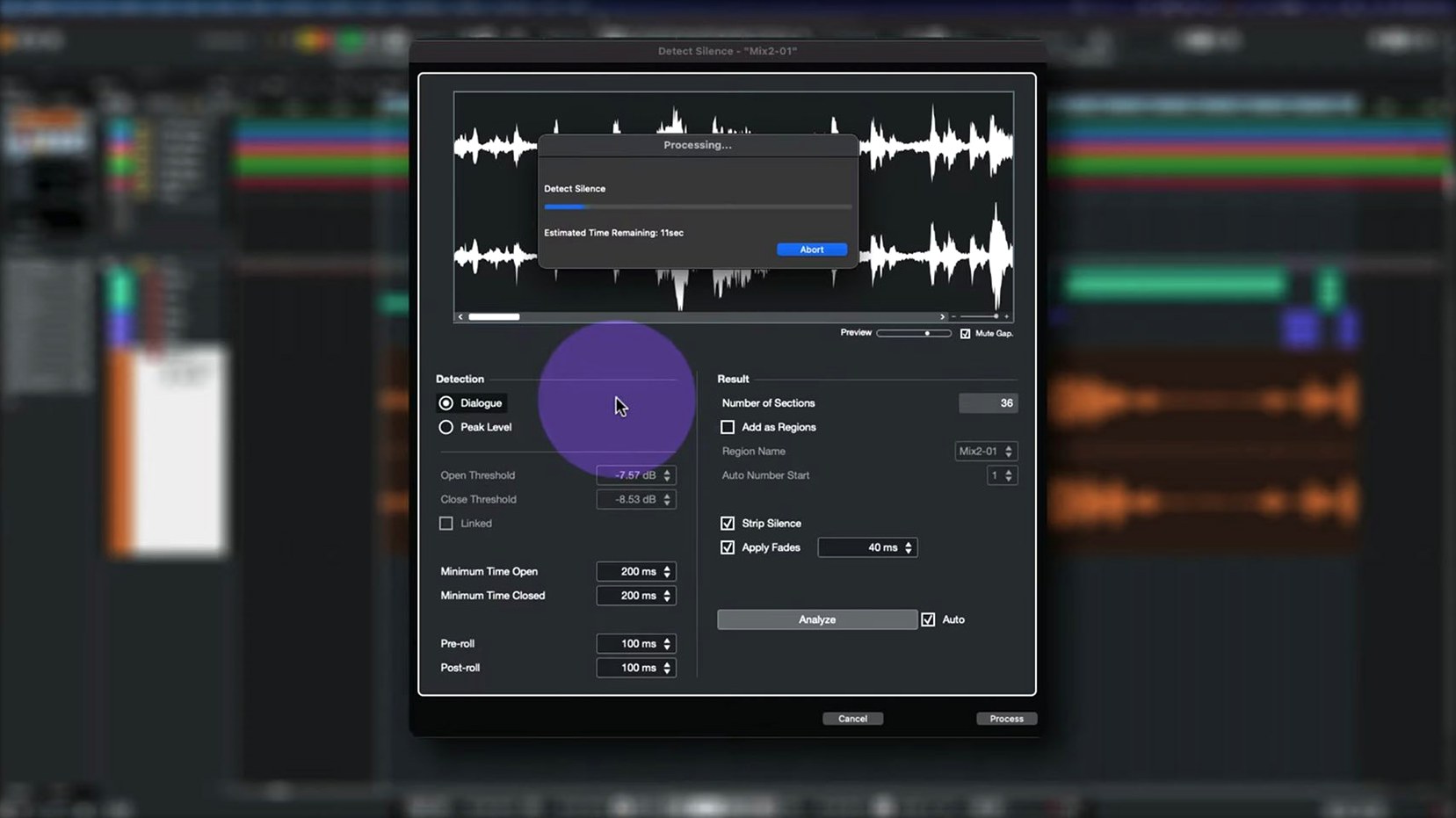
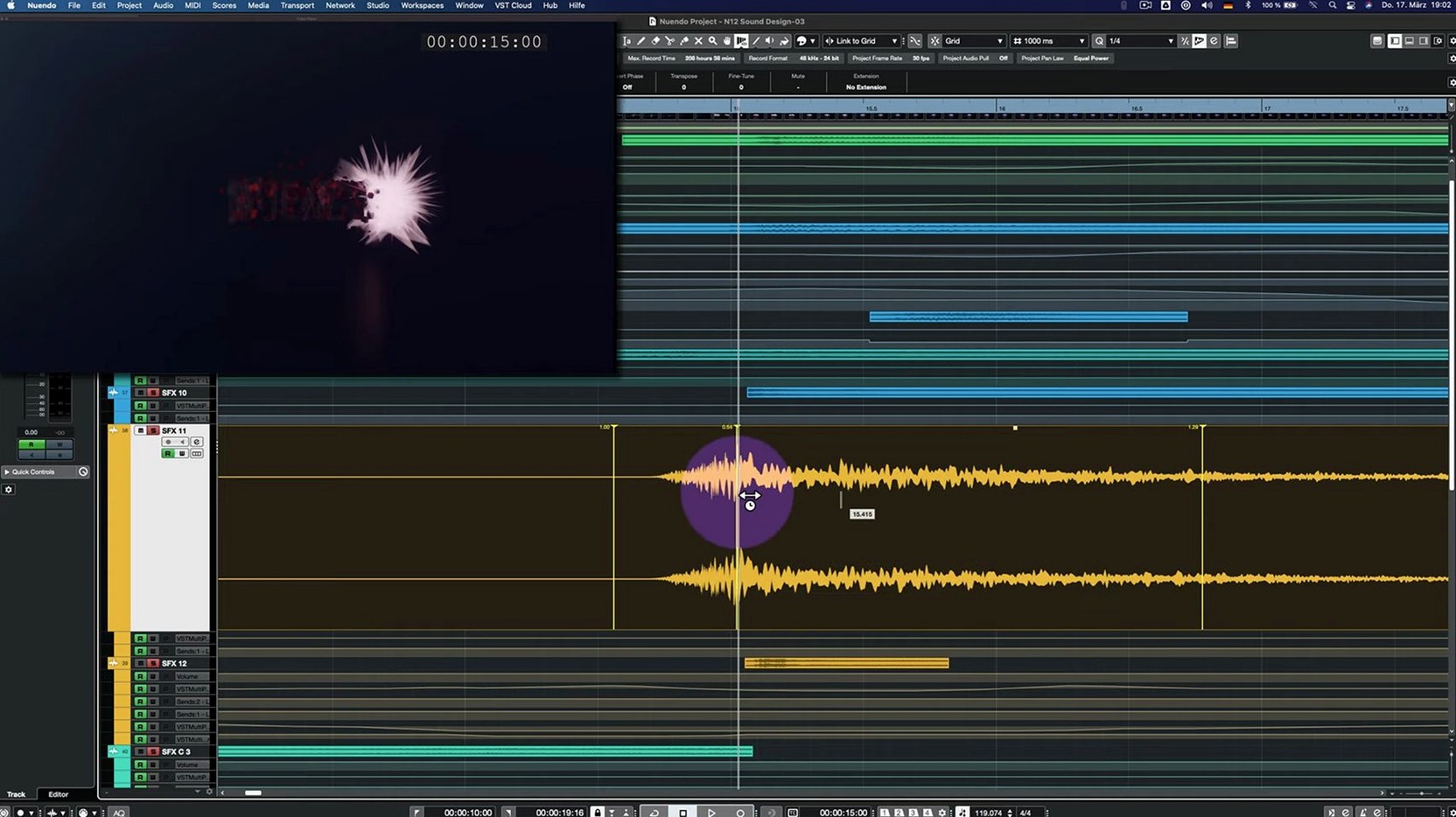
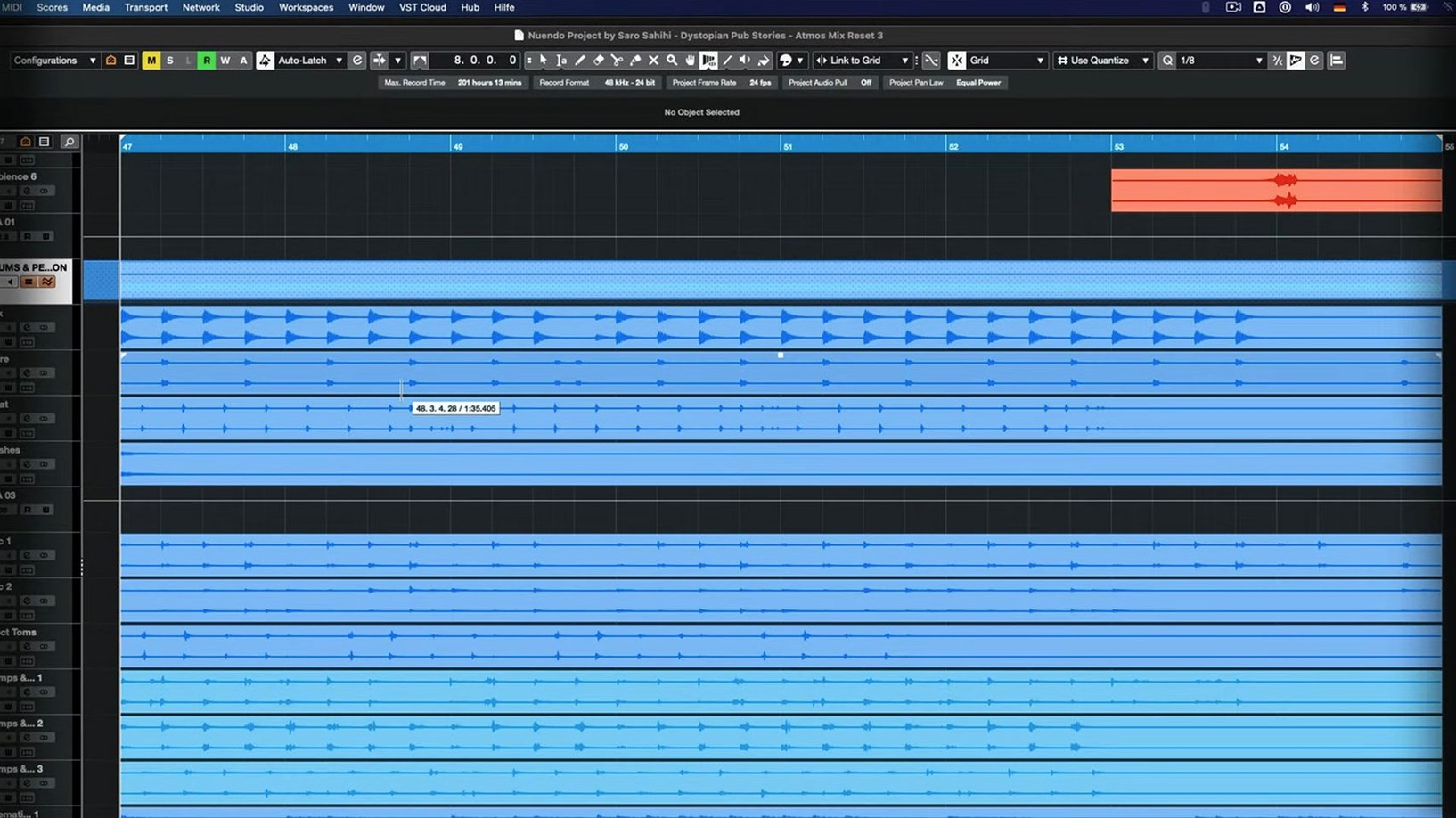
Nuendo 15.0.30 lands as a maintenance update that tightens several working parts across the application. The release touches folder track routing, the way Quick Link handles MIDI ports, and how imported track settings and archives behave—small changes that add up when you're deep in a dialogue edit. There is also a welcome fix for the Score Editor when a project contains a locked global track, and the Comp Tool plays nicer with Group Editing now.
Built for dialogue editors, re-recording mixers, and immersive sound designers
- Dialogue editors who need fast auditioning and precise clip-level control.
- Re-recording mixers building complex stem setups with folder and group routing.
- Sound designers working in immersive formats who rely on consistent track import behavior.
- Composers who use the Score Editor alongside locked video guide tracks.
Stability patch, not a feature drop, with a VST amp UI glitch now fixed
- This is a point update aimed at stability and workflow fixes, not a feature drop.
- The Direct Offline Processing window had a UI glitch with VST Bass Amp and VST Amp Rack—patched here, but worth noting if you relied on workarounds.
- Bypassed Multiband Envelope Shaper instances now consume fewer cycles, a small performance gain in dense sessions.
Open Preferences before touching a project to avoid friction later
After dragging Nuendo 15.0.30.app into Applications and launching it the first time, a few housekeeping moves save friction later. The installer is a standard .dmg with activation instructions included, so follow those, then open Preferences before you touch a project.
Head to VST Plug-ins and check that your third-party plug-in paths are scanned. If you carry over a folder of AU or VST3 plug-ins from an older Nuendo build, a rescan now prevents missing effects when you open existing sessions. The plug-in manager lists blacklisted items at the bottom—if something shows up there that worked in a previous version, remove and re-add its folder once, and the next rescan usually picks it up.
Next, open Audio Connections and confirm your input and output buses map to the interface you intend to use. Nuendo remembers the last device, but macOS sometimes re-enumerates audio hardware after a system update. A quick check here stops a silent playback session where the Control Room meters move but no sound reaches the monitors.
The Analyzer track changes in 15.0.30 mean any custom loudness metering or spectrum templates you built earlier should be tested on a short test session. Create a blank project, insert an Analyzer track, and let it run against a known reference file for thirty seconds. This confirms the metering responds the way your calibration expects before you rely on it for client-facing deliverables.
One overlooked step: open the Key Commands dialog and export your shortcuts to a .xml file. Nuendo point updates generally preserve user key commands, but having a dated backup on disk means a clean preferences reset later takes seconds instead of a painstaking rebuild.
Runs natively on Apple Silicon—no Rosetta translation needed
"Does this run on Apple Silicon natively, or do I need Rosetta?" The build is universal—ARM and x86-64 slices live inside the same .app bundle. No Rosetta translation needed. On an M-series Mac, Activity Monitor shows "Apple" under the Kind column, confirming it runs native. The architecture column in System Report for the app binary tells the same story: "Apple Silicon" means the full pipeline—audio engine, video playback, plug-in host—sits on ARM instructions.
"Will my older session files open in 15.0.30?" Nuendo reads project files from several versions back, and the 15.0.30 release notes confirm improvements to the way imported track settings and track archives are handled. A session saved in Nuendo 12 or 14 opens fine. The parser reconstructs folder routing, plug-in chains, and automation lanes. One quirk to know: if the older session uses Group Channel routing inside folder tracks, the updated behavior in 15.0.30 may re-evaluate the routing on first load. Double-check the folder output assignments against the mixer—the audio plays, but Nuendo now applies a stricter interpretation of the group-to-folder relationship, and a manual reassignment once locks it in for the session.
"How big is the download, and how long does setup take?" The installer clocks in under 1.8 GB. On a typical broadband connection that is a few minutes. Unpacking, dragging the application, and running the included activation steps takes under ten minutes. The plug-in rescan afterward depends on your library size; a modest collection finishes in under a minute, while a large post-production suite with hundreds of VST3 and AU units might need two or three.
"Can I keep Nuendo 14 installed alongside it?" Yes. The application bundles are self-contained. Rename the old Nuendo 14.app to Nuendo 14.app before copying the new one in, and both coexist. They share the same preferences folder by default though, so a setting change in 15.0.30 can ripple into the older version. If you need rock-solid parallel installs, create a separate preferences folder via the command-line --preferences flag, or just accept that the newer build's format gets applied.
MIDI controller not responding instantly? Check Quick Link port assignments
Quick Link MIDI ports acting differently. The 15.0.30 update adjusted how Quick Link handles MIDI ports and channels. A symptom: a MIDI controller that previously addressed a track instantly now needs a manual port reassignment in the Quick Link inspector. The fix is straightforward: open the track inspector, locate the Quick Link section, and re-select the MIDI input port from the dropdown. Nuendo remembers the choice once you save the project. The same applies if a channel assignment shifts—reassign once, save, and it sticks.
Direct Offline Processing window not drawing correctly. If you use VST Bass Amp or VST Amp Rack in Direct Offline Processing, the interface previously had a drawing issue. The 15.0.30 patch fixes the UI, but if the plug-in appears blank or garbled after updating, open the plug-in outside Direct Offline Processing first—insert it on a track, open the GUI, close it, then try again in Direct Offline Processing. The initial external render primes the windowing, and subsequent offline processing windows draw correctly.
Multiband Envelope Shaper still feels heavy in bypass. The performance optimization targets bypassed instances specifically. If you have a template with many Multiband Envelope Shaper inserts sitting bypassed until needed, you should notice lower idle CPU draw. If a particular project still chokes, verify the plug-in is actually bypassed (the power button is off) and not just set to a neutral curve while active. An active insert with a flat envelope still runs the processor; a bypassed one hands back cycles.
Folder track routing confusion after upgrade. The Group Channel behavior inside folder tracks changed. In practice, a folder track that previously passed audio through a nested group channel may now show a different routing path in the mixer. The easiest recovery: open the MixConsole, locate the folder channel strip, and directly assign its output to the intended group or bus. Nuendo shows a small routing indicator next to the fader; click it and choose the destination you expect. Once assigned, bounce a short section to confirm the signal flow matches your template.
A dialogue editor's afternoon
Consider someone cutting dialogue for a six-episode animated series. The production template runs about ninety tracks per episode, with folder tracks organizing characters by scene, and Group Channels handling reverb sends and background ambience beds. They have been on Nuendo 14 for the previous season and download the 15.0.30 update between episodes because the Comp Tool with Group Editing fixes mentioned in the release notes directly addresses a headache from last season: grouped clips across multiple mic tracks drifting out of sync during comping passes.
After installing, they open the season's master template. Nuendo warns once about the folder-to-group routing change. They reassign three folder outputs in the MixConsole, then save the template as a new version. The Analyzer track gets reinserted with their loudness preset—the dialog supervisor requires EBU R128 compliance, and the meter behaves exactly as calibrated. They load the first episode's dialogue assembly, activate Group Editing on the multitrack recordings, and run a comp pass. Grouped clips stay locked across lanes. The Comp Tool now responds to edits across linked tracks without the occasional desync that forced manual realignment in the previous build. A thirty-minute comping task stays a thirty-minute comping task instead of ballooning into an hour of cleanup.
The session sits at moderate CPU load because the template carries several bypassed Multiband Envelope Shapers on creature vocal chains—those now sip fewer cycles in bypass, which leaves more headroom for real-time pitch correction and de-essing further down the strip. By the time the episode's stems are printed and uploaded, the only difference between Nuendo 14 and 15.0.30 they felt during the day was a tighter comping workflow and slightly snappier playback when large folder tracks had group routing active. The update did not change how they work; it removed friction points they had learned to step around.
- Adjusted folder track routing and Group Channel behavior.
- Improved handling of imported track settings and track archives.
- Fixed Quick Link behavior with MIDI ports and channels.
- Resolved Comp Tool issues when used with Group Editing.
- Fixed Score Editor behavior with a locked global track present.
- Corrected the Direct Offline Processing interface for
VST Bass AmpandVST Amp Rack. - Performance optimization for the Multiband Envelope Shaper plug-in when bypassed.
- macOS 11 or later
- Apple silicon or Intel processor
Comments 0
Sign in or create an account to leave a comment.
No comments yet. A codec, a slice, a machine — they appear after moderation.