

FxFactory Pro for macOS
Version 9.0.5-8654 ships as a single installer that handles both ARM and x86 64-bit code paths, so you no longer need to pick a separate build for Apple Silicon. The build label also confirms it runs without SIP disabling, which simplifies setup on current macOS releases. If you are coming from fxfactory 8.0.23, the installer replaces the older framework cleanly.
Let FxFactory scan your host apps first
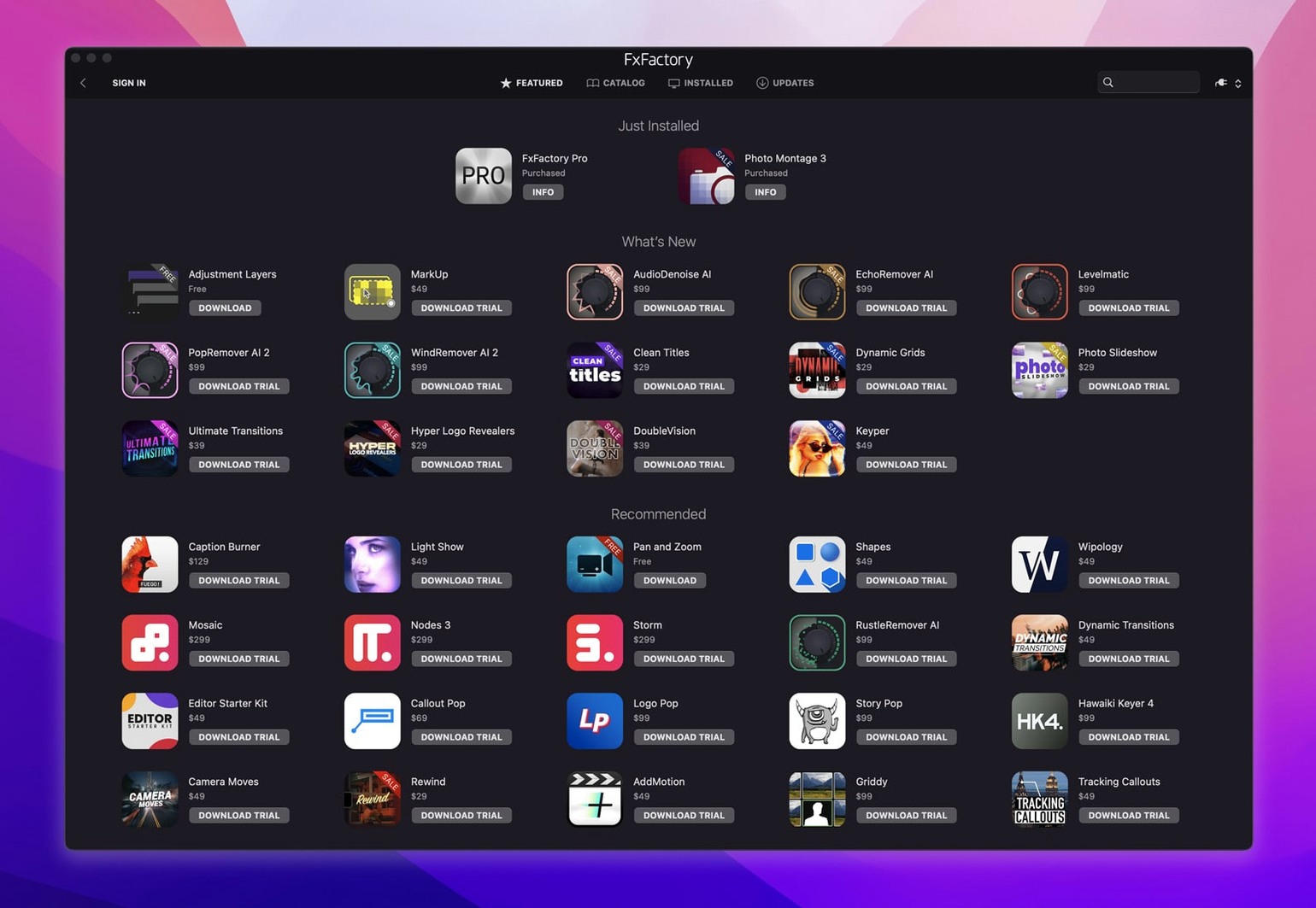
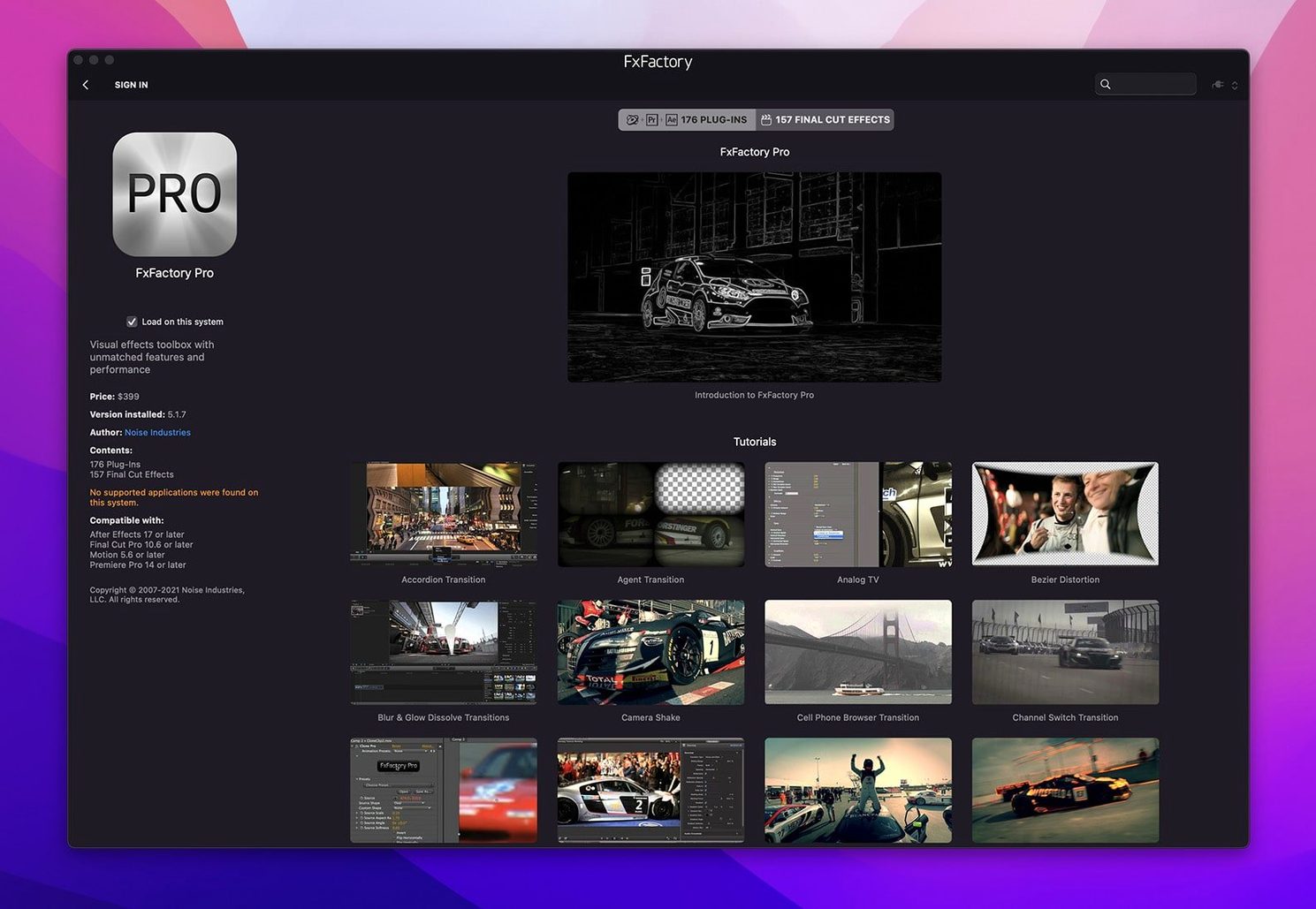
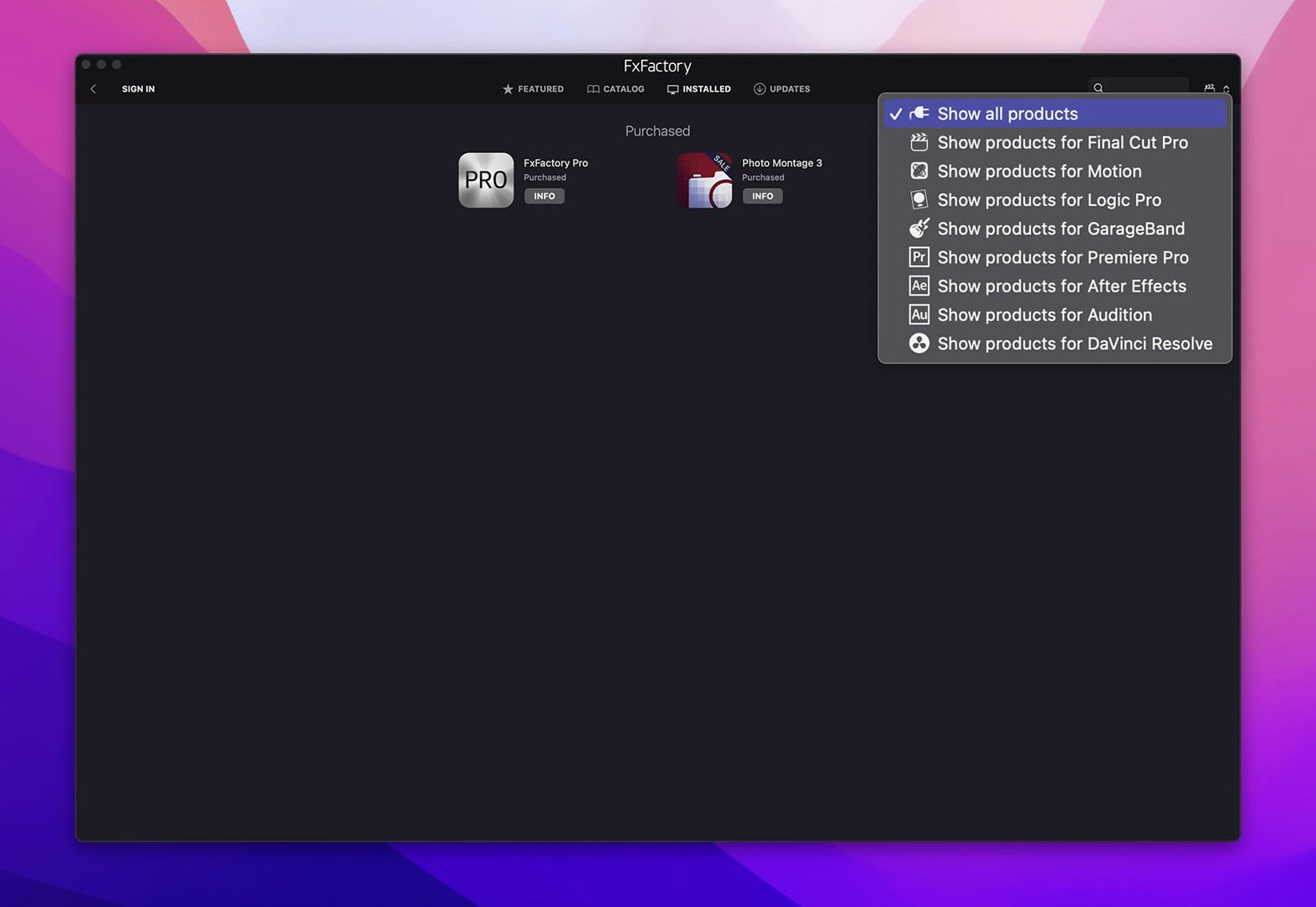
- Open the FxFactory app itself — it is a plugin manager first and an effects browser second. Let it scan your host applications and confirm that Final Cut Pro, Motion, Premiere, After Effects, and DaVinci Resolve all appear under the hosts tab.
- Drop a Pro Pack generator onto a timeline. These support 16-bit and 32-bit per-channel processing, so you can push grades further before banding appears.
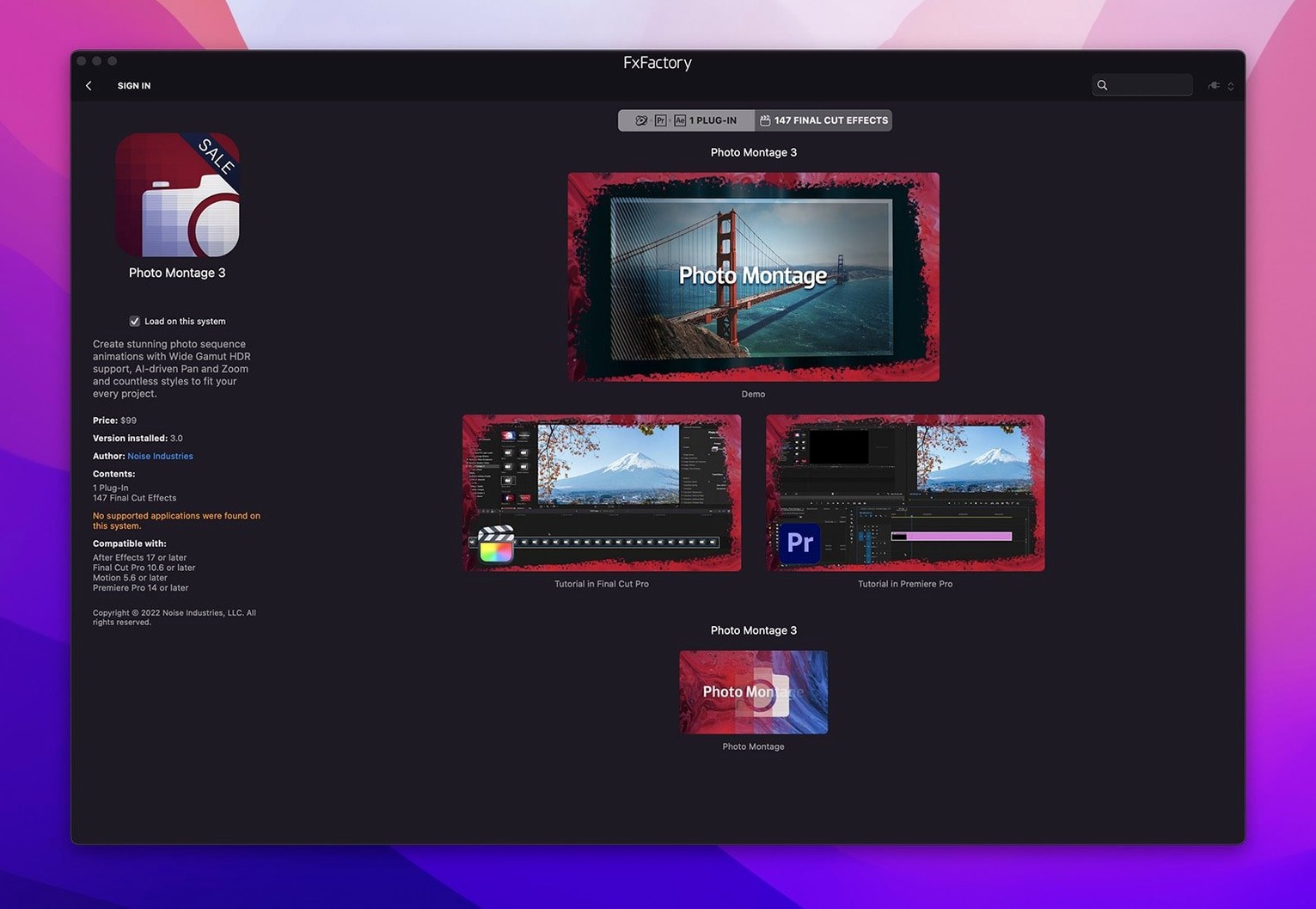
- In Motion or After Effects, inspect any FxPlug layer. The parameters are exposed directly in the host’s inspector — no code required to get a parameter-driven rig going.
How the integration works
After the installer finishes, FxFactory registers its FxPlug bundles in the standard system locations. Final Cut Pro, Motion, and After Effects pick them up on next launch. The manager app handles updates and lets you toggle individual plugins on or off without deleting files, which keeps project compatibility predictable when you switch between machines.
How FxFactory fits into a real macOS workflow
FxFactory does not sit in isolation. It hooks into the FxPlug layer that Apple builds into Final Cut Pro and Motion, and it extends the same plugin bridge into Adobe After Effects and Premiere Pro through its own adapter. DaVinci Resolve support runs through the OFX pathway, which means the same effect can present slightly different parameter layouts depending on the host. That is worth knowing when you switch an effect between, say, After Effects and Resolve — the math underneath is identical, but the knob names might shift.
On macOS, plugin bundles live inside /Library/Application Support/FxPlug/ and the per‑user ~/Library/Application Support/FxPlug/. FxFactory writes into the system‑level directory during installation, which is why the installer asks for an administrator password. Once the bundles are in place, any host that links against FxPlug 4 picks them up automatically. Motion and Final Cut Pro use FxPlug natively; After Effects and Premiere use a shim that translates FxPlug calls into the Adobe effects pipeline.
If you use Compressor or Apple’s batch export tools, FxFactory effects pass through the render chain without extra steps. The same applies to command‑line rendering via ffmpeg or custom pipelines, provided the host application has rendered the effect into the intermediate file. FxFactory does not ship a standalone render node, so any automation you build should trigger a host application’s export engine.
Toggle off plugins you don't want loaded
Day one after installing FxFactory Pro 9.0.5-8654 is mostly about letting the manager app learn your system. Launch it once before opening any video host. The left‑hand sidebar shows every installed product, and toggling one off removes it from all hosts at once — helpful when you need to slim down a cluttered effects menu before a deadline.
A practical first move: open the FxFactory app, click the Hosts tab, and check which applications were found. If DaVinci Resolve is missing, it is usually because the OFX search path changed between Resolve versions. Point FxFactory to the correct OFX/Plugins folder inside the Resolve application bundle and hit rescan. The same trick works for older After Effects installations that do not auto‑detect.
Free products from the built‑in catalog work without any license. Drag one onto a test timeline and render a short section to confirm your host’s render pipeline is pulling from the correct FxPlug bundle. On Apple Silicon machines, make sure your host is running natively — if it is open under Rosetta, FxFactory still works but falls back to the x86 path, which costs you some GPU efficiency.
Snags people actually hit
The most common support ticket pattern is this: effects appear in FxFactory’s manager but not inside the host. Nine times out of ten, the host was open during installation and cached a stale plugin list. Quit the host, launch FxFactory, toggle the missing effect off and back on, then reopen the host. The cache rebuilds and the effect shows up.
Another recurring snag: black frames instead of an effect preview. This usually means the GPU renderer inside the effect tripped over a colour space mismatch. FxFactory Pro packs support 16‑bit and 32‑bit float processing, but some hosts default to 8‑bit until you change the project settings. Switch the project to a float‑based colour pipeline in Final Cut Pro or After Effects and the effect should render correctly. In Premiere, check that “Maximum Bit Depth” is enabled in the sequence settings.
On Apple Silicon, a handful of older free products in the catalog still ship as Intel‑only bundles. FxFactory runs them through Rosetta 2 automatically, and the performance penalty is usually negligible for simple generators. If one of those effects causes the host to hang on render, force‑quit, reopen, and disable that specific product in the manager until it receives a universal update.
A note about installation integrity: the fxfactory package installer verifies its payload against a signature, so a corrupt .dmg simply refuses to mount rather than installing broken bundles. If the installer fails with a vague permissions error, check that Full Disk Access is not blocked for the Installer app in System Settings; some macOS configurations lock that down silently.
A session with FxFactory Pro, step by step
Picture a Tuesday morning. A motion‑graphics artist opens a half‑finished Final Cut Pro project for a product launch teaser. The timeline has talking‑head footage and a few text layers, but the transitions feel flat. FxFactory is already running in the background because it auto‑launches as a menu bar helper after installation.
Step 1 — browse the library from inside the host. In Final Cut Pro, the Effects browser shows an FxFactory category. She filters by “light” and finds a lens flare generator from the Pro Pack. She drags it above the clip, and the effect appears immediately in the viewer, drawing from the FxPlug GPU renderer. No round‑tripping to a separate app.
Step 2 — tweak parameters in the inspector. The flare’s position, intensity, and anamorphic ratio are exposed as keyframe‑able sliders. She enables 32‑bit float mode in the effect’s own settings, which the FxFactory framework passes through to the host’s float pipeline. The histogram in the colour inspector shows clean values with no clipping.
Step 3 — stack and combine. She adds a chromatic aberration effect from the same Pro Pack, placed after the flare in the render order. Because both effects run through the same FxFactory compositing engine, they share a unified colour space. She can toggle either effect on and off using the FxFactory manager without removing them from the timeline, a small thing that saves rework when a client changes their mind.
Step 4 — slip the project to After Effects for a complex title card. She exports an XML from Final Cut Pro and imports it into After Effects. The FxFactory effects survive the round‑trip because they are referenced by bundle identifier, not by file path. The same lens flare and chromatic aberration layers appear in After Effects’ timeline with identical parameter values, ready for the motion‑graphics team to animate further.
Step 5 — render and spot‑check. She sends a short section to the render queue. The FxFactory framework compiles the effect graph into Metal shaders on Apple Silicon, or into GLSL on Intel machines, and the frames land in the output folder with the effects baked in. The whole session, from finding the flare to reviewing the render, takes under twenty minutes.
The menu bar helper is optional
Does FxFactory run a permanent background service? Only the menu bar helper, which you can quit at any time. The effects themselves are inert until a host application loads them. If you remove the helper from Login Items, FxFactory still works perfectly — you just lose automatic update notifications.
Will it break existing projects if I uninstall? Projects that use FxFactory effects will show missing‑effect warnings, but your timeline and keyframes stay intact. Reinstall FxFactory and the effects reconnect automatically because the bundle identifiers do not change across versions.
Can I use fxfactory crack downloads alongside a legal copy? The plugin framework checks bundle signatures against its own integrity database. A modified bundle — whether from a so‑called fx factory crack or a patched fxfactory pro crack mac version — will fail validation and the host will refuse to load it. To get both working side by side, keep the official install in Applications and place any FxFactory crack bundles in a separate folder, then add that path in the host's plugin manager. The same applies to any fxfactory torrent distribution: you may need to re-sign the bundles with your own developer certificate before FxPlug will register them.
How does it handle high‑DPI displays like the Pro Display XDR? FxFactory 9.0.5‑8654 queries the system for the display’s colour space and pixel density and adjusts the on‑screen preview accordingly. Effects that use the 32‑bit float pipeline can drive HDR values directly, so a highlight at 1200 nits in the viewer translates correctly to an HLG or PQ export, as long as the host project is configured for HDR.
Do the plugins add render time even when idle? An FxFactory effect that is applied but has all its parameters set to neutral adds near‑zero overhead. The framework runs a quick “is this a pass‑through” check at the start of each frame and skips the effect graph entirely if the result would be identical to the input. You can leave a dozen muted effects on a clip without paying a performance penalty.
- macOS 12.6 or later
- Apple Silicon or Intel (64-bit) Mac
- English interface
Comments 0
Sign in or create an account to leave a comment.
No comments yet. A codec, a slice, a machine — they appear after moderation.
More in Final Cut Pro Plugins
cd ../ Flicker Free
Final Cut Pro Plugins 24 MB
 Dehancer Pro
Final Cut Pro Plugins 382 MB
 Color Finale
Final Cut Pro Plugins 35 MB
 MotionVFX mInfographics
Final Cut Pro Plugins 8 MB
 MotionVFX mKBHD
Final Cut Pro Plugins 12 MB
 MotionVFX - mLowers Universal for FCP
Final Cut Pro Plugins 71 MB
 MotionVFX mModules
Final Cut Pro Plugins 5 MB
 Motionvfx - mTitle Cinematic
Final Cut Pro Plugins 5 MB