

MotionVFX - mLowers Universal for FCP for macOS
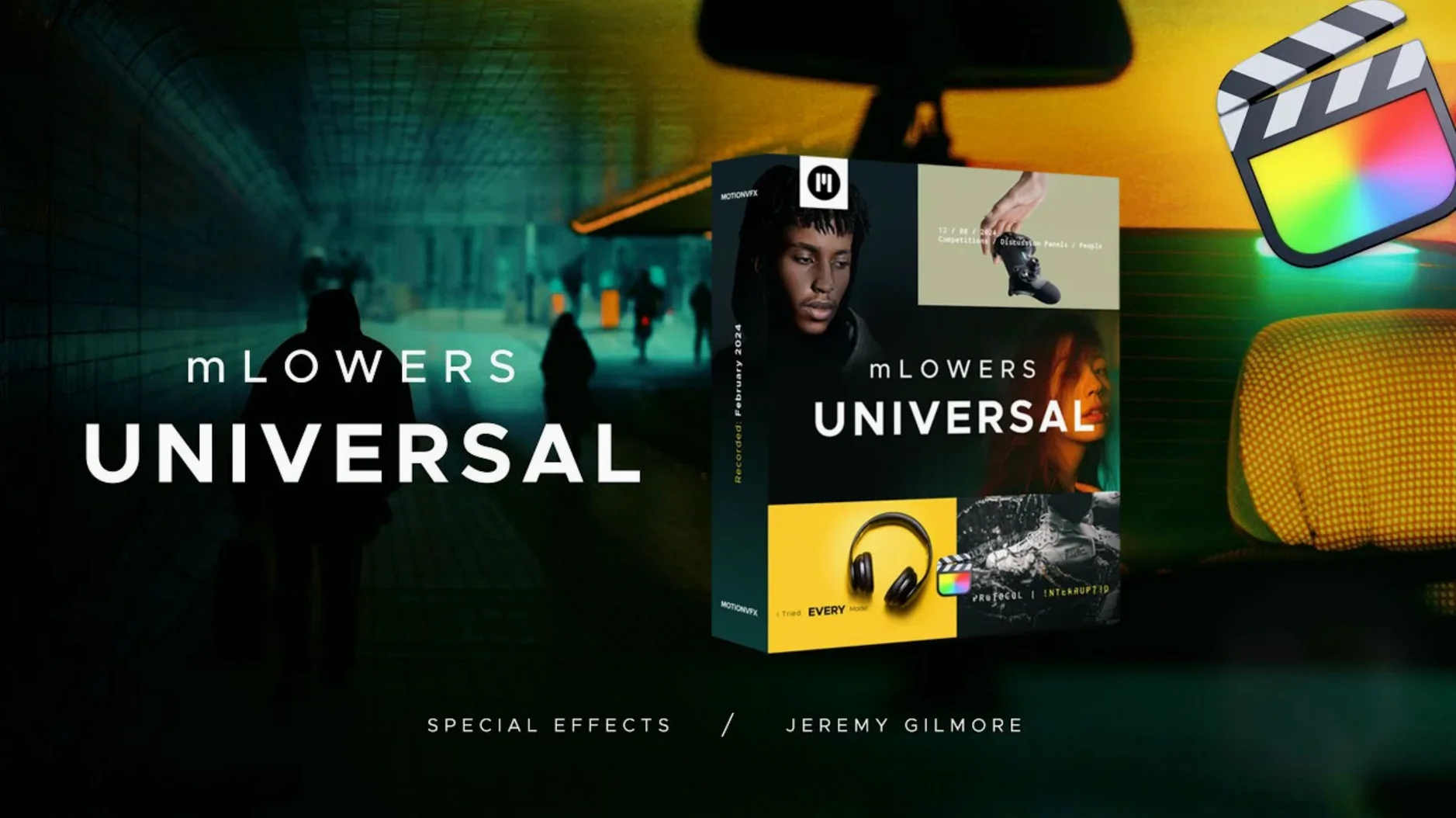
70 animated presets sit in this pack — lower thirds, titles, and HUD-style overlays pulled from movie-screen and high-tech design languages. They land as Motion Templates inside Final Cut Pro, so there is no standalone application to launch. You browse them from the Titles browser and drop a preset onto the timeline above a talking-head clip, a b‑roll sequence, or an interview segment where a name and role need to stay on screen for a few seconds.
Where these presets fit in a session
- Primary storyline track: the main video sits here. The template clips go on connected storylines above it, leaving the original media untouched.
- Audio buses: these title templates carry no audio, so the project’s dialogue and music buses stay exactly as they were before you add graphics.
- Typical job: a corporate interview that needs a name lower-third on every answer, then a glitch-style chapter title between topics.
What the template engine is doing
Each preset is an .moef file inside a Motion Template folder. FCP reads the template’s published parameters — text strings, font, color, the amount of glitch displacement — and exposes them in the Inspector. When you edit a title’s text, you are writing into a Motion generator that composites shape layers, masks, and keyframed transforms in real time. No pre‑rendering happens until export, so playback strain depends on the number of active animated layers you stack.
What the first playback feels like
On an Apple Silicon machine, a single lower-third template loads in the viewer with zero stutter — the glitch displacement and HUD line sweeps run at full timeline frame rate even with a 4K ProRes clip underneath. Stack four or five animated presets simultaneously and the timeline will still scrub smoothly, though the FCP background-render bar may start filling in if you also have color grades and noise reduction active. RAM pressure stays low because these are lightweight Motion generators, not pre‑baked .mov overlays: the template engine recalculates vector shapes on the GPU, so the only real disk footprint is the .moef bundle itself.
Stability has been uneventful in the best way. Dragging presets between libraries, duplicating a title and changing its published parameters, or pasting a style onto a dozen clips — none of it triggers the spinning beach ball. The pack does not install background daemons or plug‑in managers, so Final Cut Pro’s startup time stays identical to a clean install. If a template ever misbehaves, removing its folder from /Users/Your Name/Movies/Motion Templates/Titles and relaunching FCP is all it takes to revert.
A chapter‑title workflow from scratch
Say you are cutting a tech explainer with three segments: hardware, software, and benchmarks. You want each segment introduced by a glitch‑style chapter card that matches the high‑tech look of the b‑roll.
- Place the playhead at the first frame of the hardware section and open the Titles browser. Locate the mLowers Universal category and skim through the presets until a HUD‑framed design with a fast glitch entrance catches your eye.
- Drop the preset onto a connected storyline above the primary track. The default placeholder text reads something generic — select it in the canvas, type “Hardware Architecture”, and watch the letters snap into the template’s monospaced type treatment.
- Open the Inspector to the Title tab. The published parameters expose a glitch intensity slider, two color wells for the HUD linework, and a duration control for the entrance animation. Pull glitch intensity to about 30% so the effect reads as digital noise without obscuring the title, and match the HUD accent color to the orange used in your b‑roll’s motherboard close‑ups.
- Trim the title clip to 3 seconds — long enough for the entrance animation to finish and the text to hold for a beat, short enough that the pacing stays tight. Option‑drag two copies to the start of the software and benchmarks sections, edit the text, and you have consistent chapter cards in under a minute.
- Add a social‑media marker from the pack’s retro category as a small connected clip in the lower‑right corner of the first 10 seconds, fading it out with a simple opacity keyframe. The marker’s glitch behavior ties visually to the chapter titles without repeating them.
First‑day setup that saves frustration later
Right after you install the templates, open Final Cut Pro’s Titles browser and create a new category folder called mLowers Favorites. Skim through all 70 presets once — it takes about ten minutes — and drag the ten or twelve that fit your current project style into that folder. The full list is fun to browse, but on a deadline you want the five lower‑third designs you will actually use sitting one click away.
If you work across multiple Macs, copy the template folder to the same Motion Templates/Titles path on each machine. The templates carry no licensing checks, so a project opened on a second Mac will find the presets and render identically as long as the folder structure matches. Keep the original .dmg or .pkg — some users who grabbed the motionvfx download mac package report that re‑installing after a macOS wipe takes seconds and leaves no orphaned files behind.
- Requires Final Cut Pro
$ man motionvfx-mlowers-universal-for-fcp | grep -A2 "?"
What design styles are included in these lower thirds?
The pack mixes high-tech HUD looks, dynamic glitch-style effects, and designs inspired by movie screens, all working as Final Cut Pro title templates.
Comments 0
Sign in or create an account to leave a comment.
No comments yet. A codec, a slice, a machine — they appear after moderation.
More in Final Cut Pro Plugins
cd ../ MotionVFX mKBHD
Final Cut Pro Plugins 12 MB
 MotionVFX mModules
Final Cut Pro Plugins 5 MB
 MotionVFX mInfographics
Final Cut Pro Plugins 8 MB
 Motionvfx - mTitle Cinematic
Final Cut Pro Plugins 5 MB
 FxFactory Pro
Final Cut Pro Plugins 68 MB
 Flicker Free
Final Cut Pro Plugins 24 MB
 Dehancer Pro
Final Cut Pro Plugins 382 MB
 Color Finale
Final Cut Pro Plugins 35 MB