Downie for macOS
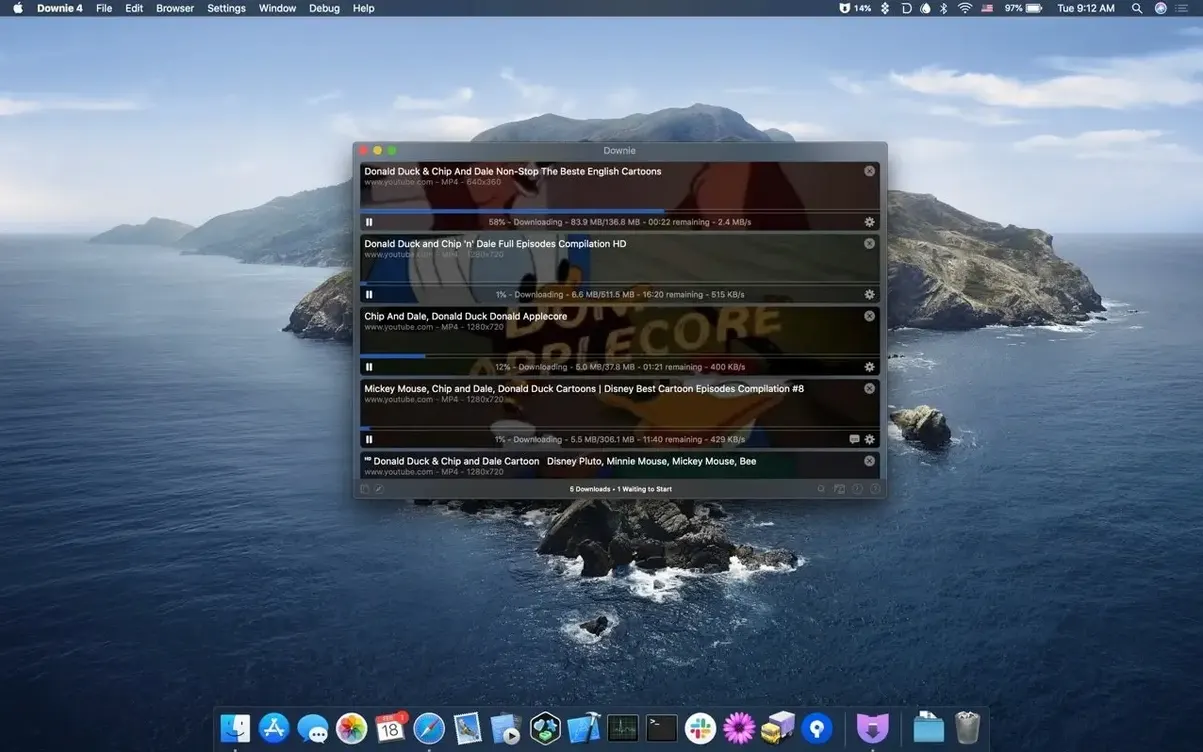
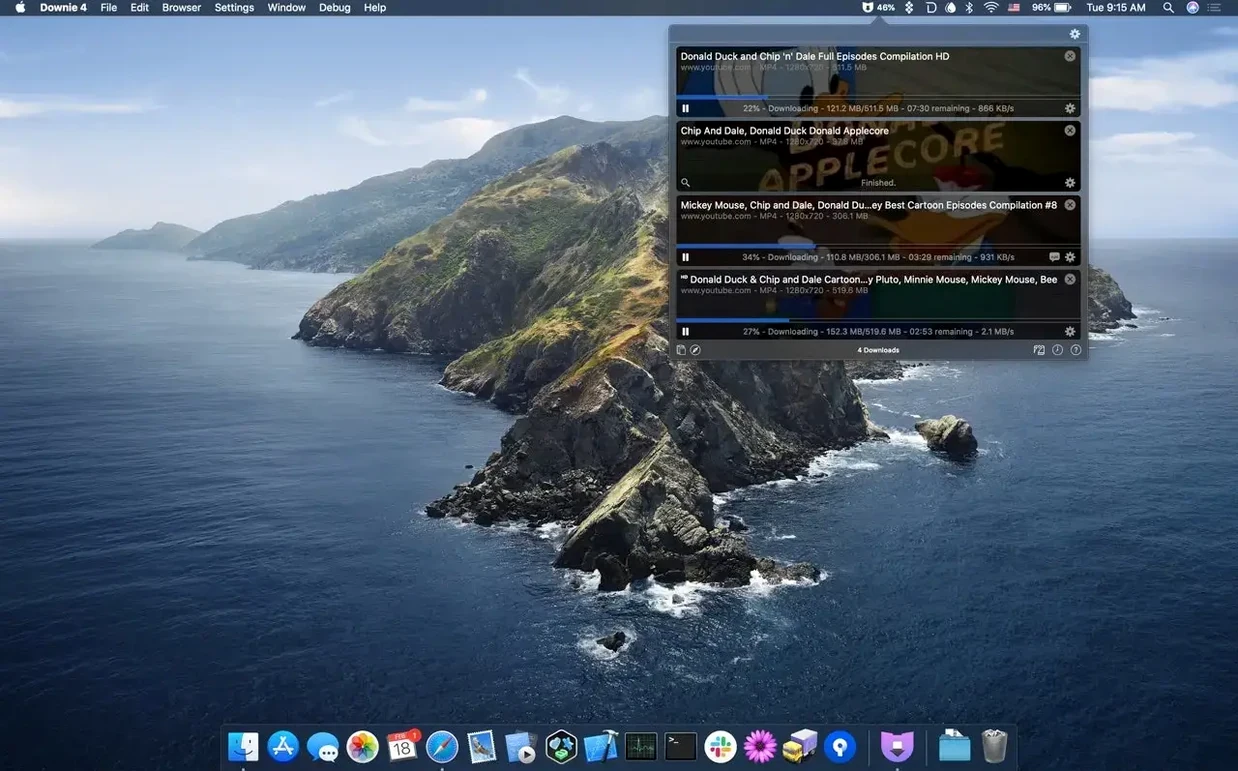
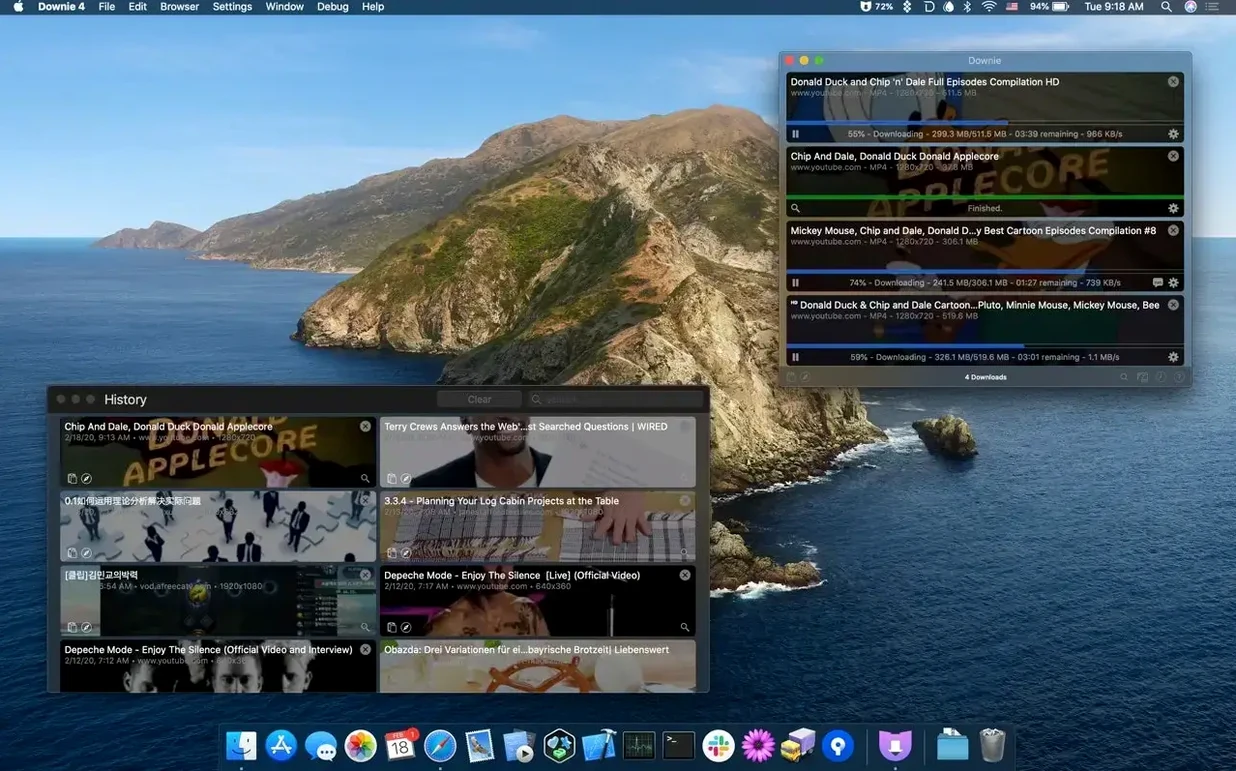
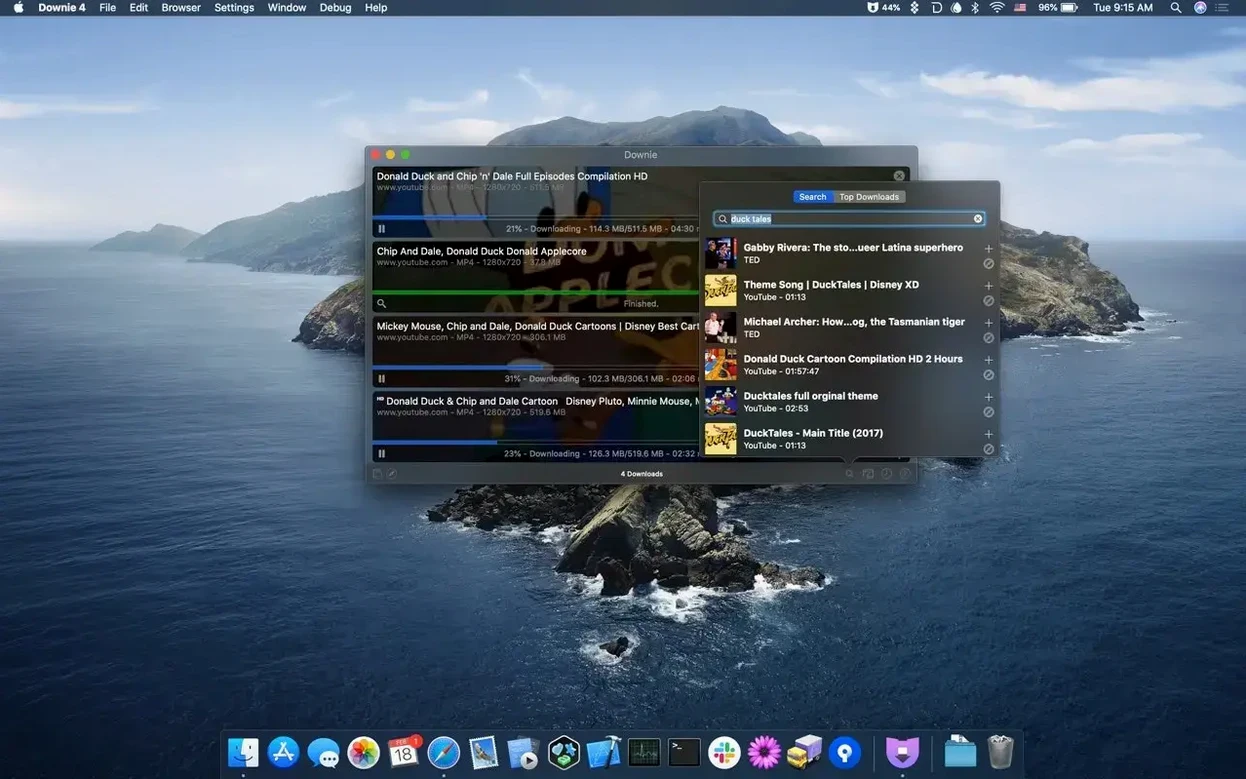
If you’ve ever relied on Permute to wrangle misbehaving media files, think of Downie as its watchful sibling for the web. It’s built to hook into the same conversion pipeline, but its job starts upstream: pulling video off YouTube, Vimeo, Facebook, and a sprawling list of over 1,200 other sites before you ever hit “convert.” Here’s what people tend to ask before dragging it into /Applications.
- Does it do 4K from YouTube? It does. Downie can save YouTube videos at 4K resolution when the source provides it.
- Does it work on an M1 or M2 Mac? Yes. The binary is universal, so it runs natively on both Apple Silicon and Intel 64-bit Macs.
- How do I actually send it a link? Paste a URL, drag a link onto the Dock icon, or use the in-app browser to search. No fiddly extensions required.
- What happens to a multi-part stream? Downie talks directly to Permute. After downloading the separate fragments, it can hand them off to be joined into one file.
- Which macOS do I need? macOS 11 (Big Sur) or newer. The download arrives as a
.dmg; mount it, copy the app, and you’re running.
The app ships translated into 32 languages, so you’re unlikely to be squinting at a button you can’t read. It’s a focused tool—catch, save, optionally hand off for conversion—built for a single job that browsers keep making harder.
Building a lecture archive from a YouTube playlist
Suppose a professor posts an entire semester of lectures as a YouTube playlist. You want every video saved as an MP4, with audio intact, named so they sort in order. Here’s a workflow that takes about four minutes of actual clicking.
- Open the playlist page in your browser and copy the URL from the address bar.
- Switch to Downie and paste the link. The app detects that it’s a playlist, not a single video, and lists every item before downloading anything.
- Click the small gear next to the playlist name. Set Postprocessing to MP4 so every file lands in a format your media player won’t argue with.
- In the same panel, confirm the download folder. A dedicated
~/Movies/Lecturesfolder keeps the semester from scattering across your home directory. - Start the queue. Downie works through the playlist sequentially, so lecture 1 finishes before lecture 2 begins—useful if you’re on a connection that punishes parallel downloads.
When the last file lands, you’ll have a folder of MP4s named after each lecture title. If the naming comes out inconsistent—some titles have episode numbers, some don’t—a quick pass in Finder with the rename tool fixes sorting. The real time-saver is that Downie grabbed everything from one pasted link instead of you copying forty individual URLs.
Which three preferences affect every download?
The defaults are sane, but three preferences change how the app behaves in ways that aren’t obvious until you’ve already downloaded a dozen files. Open Downie > Settings on your first launch and look at these.
- Download location. By default everything lands in
~/Downloads. If you plan to hand files to Permute later, point this at a folder that isn’t already cluttered with disk images and PDFs. - Postprocessing format. The app can save the native stream as-is, or remux to MP4 automatically. For most people, MP4 is the safer default—it plays everywhere and keeps Permute’s job simpler if you convert later.
- Clipboard watching. Turn this on if you want Downie to react the moment you copy a video URL in your browser. It’s the difference between “paste and click” and “copy and it just starts.”
One more thing: the app can import a .csv or .xml file with a list of URLs and custom titles. If you keep a spreadsheet of sources for research, that’s a faster batch route than pasting links one at a time.
Which hidden tricks skip the toolbar?
Some of the best parts of any Mac app are the things that never get a toolbar button. Downie has a handful worth knowing about.
- Drag a link anywhere onto the window. Not just the Dock icon—the main window accepts dragged URLs directly. If you’re already dragging text around, this saves a paste step.
- Custom titles during import. The CSV/XML import isn’t just for URLs. You can assign each entry a title, so a file named
lecture_04_final_v2.mp4on the server arrives asWeek 4 - Attention Mechanisms.mp4on your Mac. - In-app search. You don’t need to leave the app to find a video. Type into the search field and Downie queries the sites it supports, so you can go from “I need that interview clip” to a finished download without touching Safari.
- Audio-only extraction. If a talk or lecture doesn’t need picture, choose the audio-only option and save yourself the bandwidth. The result is a clean audio file instead of a video you’d have to strip later.
- Permute handoff. When a stream arrives in separate segments, Downie can pass the fragments to Permute for joining. You don’t manage the pieces yourself; the two apps negotiate the handoff.
None of these are hidden behind a “pro” tier or a separate panel. They’re just sitting in menus and preferences, easy to skip if you install and immediately start pasting links.
A podcast editor’s evening routine
Maya edits a weekly interview podcast. Guests often send her source material as private YouTube links, and she needs the audio track to drop into her timeline. Her workflow goes like this: she copies the guest’s link from an email, and because clipboard watching is enabled, Downie starts before she’s even switched back to it. She’s set the postprocessing to Audio Only, so the file that lands in her folder is already the format her editor expects—no video wrapper, no extra conversion step.
On Mondays she downloads three or four reference clips for fact-checking, drags them onto the Downie window one after another, and lets the app queue them while she answers email. By the time she opens Premiere, the audio is sitting in ~/Podcasts/raw_audio, named after the YouTube titles she sent to the guest weeks ago. She never opens a browser for the actual download, and she never thinks about codecs or containers—Downie and her settings handle both.
That’s the shape of the tool: it removes the part of the job that used to involve browser extensions, sketchy converter sites, and waiting on a progress bar in a tab you forgot to keep open. For anyone who regularly pulls media from the web on a Mac—whether it’s a downie for mac workflow for archived talks or grabbing a reference clip for an edit—the app earns its place in the dock quickly.
- macOS 11 or later
- Apple Silicon or Intel 64-bit Mac
$ man downie | grep -A2 "?"
Can Downie download from sites other than YouTube?
Yes, it supports over 1,200 websites including Vimeo, Facebook, and Instagram, not just YouTube.
Comments 0
Sign in or create an account to leave a comment.
No comments yet. A codec, a slice, a machine — they appear after moderation.