
Musify for macOS
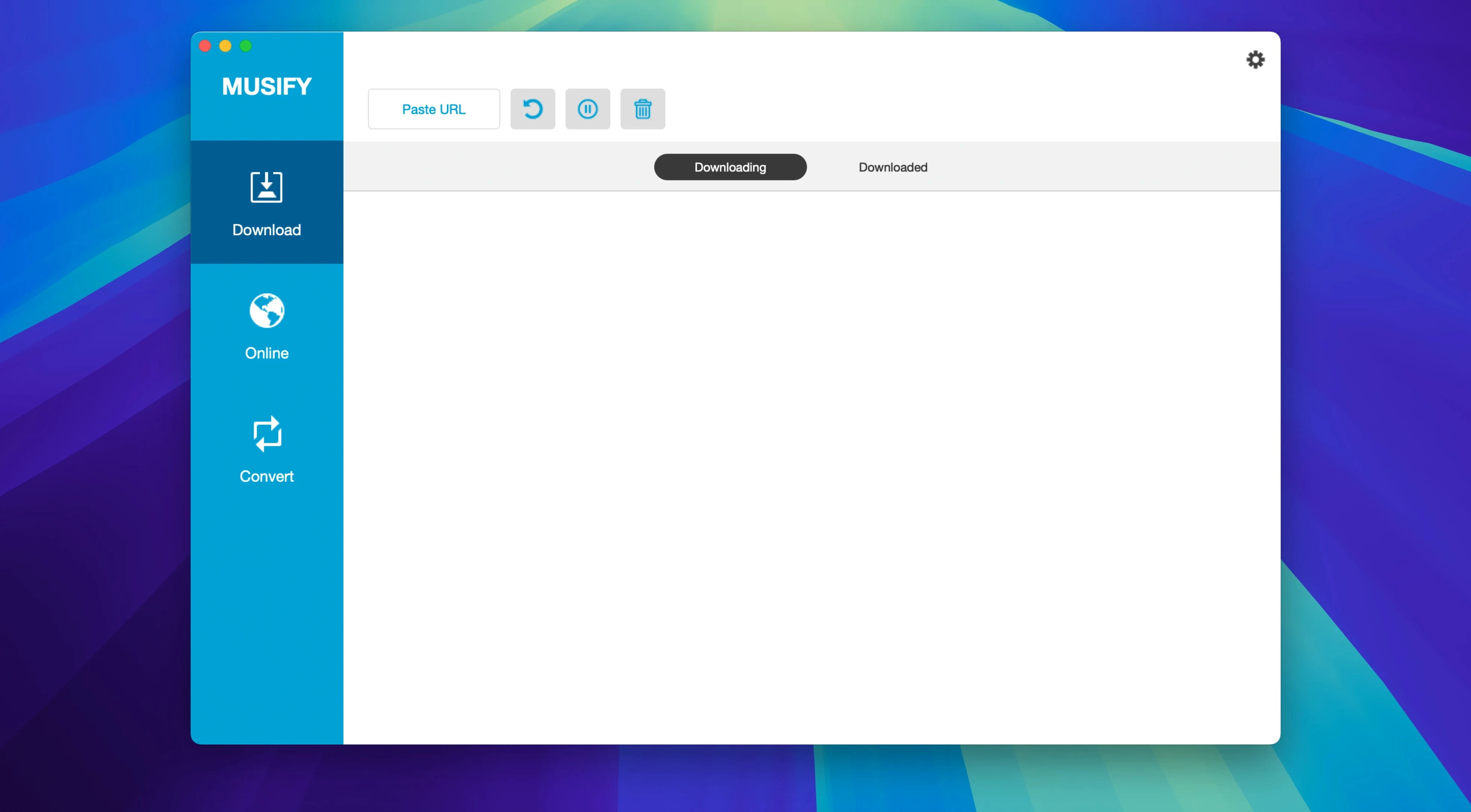
The first question I get about any audio downloader is always the same: will it even run on my Mac? For Musify, the answer is yes if you're on macOS 10.12 or later with an Intel processor. It's a 64-bit Intel build — no native Apple silicon support yet, so it runs through Rosetta 2 on M-series machines. That means it works, but you're not getting a fully arm64-optimized binary. Keep that in mind if you're sensitive to launch times or memory pressure.
YouTube, Spotify, SoundCloud, Bandcamp, and 1,000+ other sources
Musify pulls audio from over a thousand sites — YouTube, Spotify, SoundCloud, Bandcamp, and MixCloud are the ones most people ask about. It also reaches into social platforms like Facebook, Instagram, and Veojam, plus spoken-word corners like Audioboom and Freesound. The conversion engine handles batch MP3 transcodes, so you can queue up a folder of files and walk away. Metadata comes through intact, which is a detail I always check — nothing worse than a library full of "Track 01" files. The playlist downloader covers the major streaming services, and there's a device transfer tool for pushing tracks to an iPhone or Android phone over USB.
Does it handle playlists and batch jobs?
Yes, it grabs playlists from the big music services and lets you convert multiple files at once. That batch converter is useful when you've accumulated a mix of formats and just want everything flattened to MP3. The install is straightforward: mount the .dmg, run through the Gatekeeper-friendly opener — which drops you into Terminal for a quick bypass — then drag the app to /Applications. After that, it's ready to use. No package scripts, no background daemons, just a standard app bundle.
Grabbing a Bandcamp album to MP3, step by step
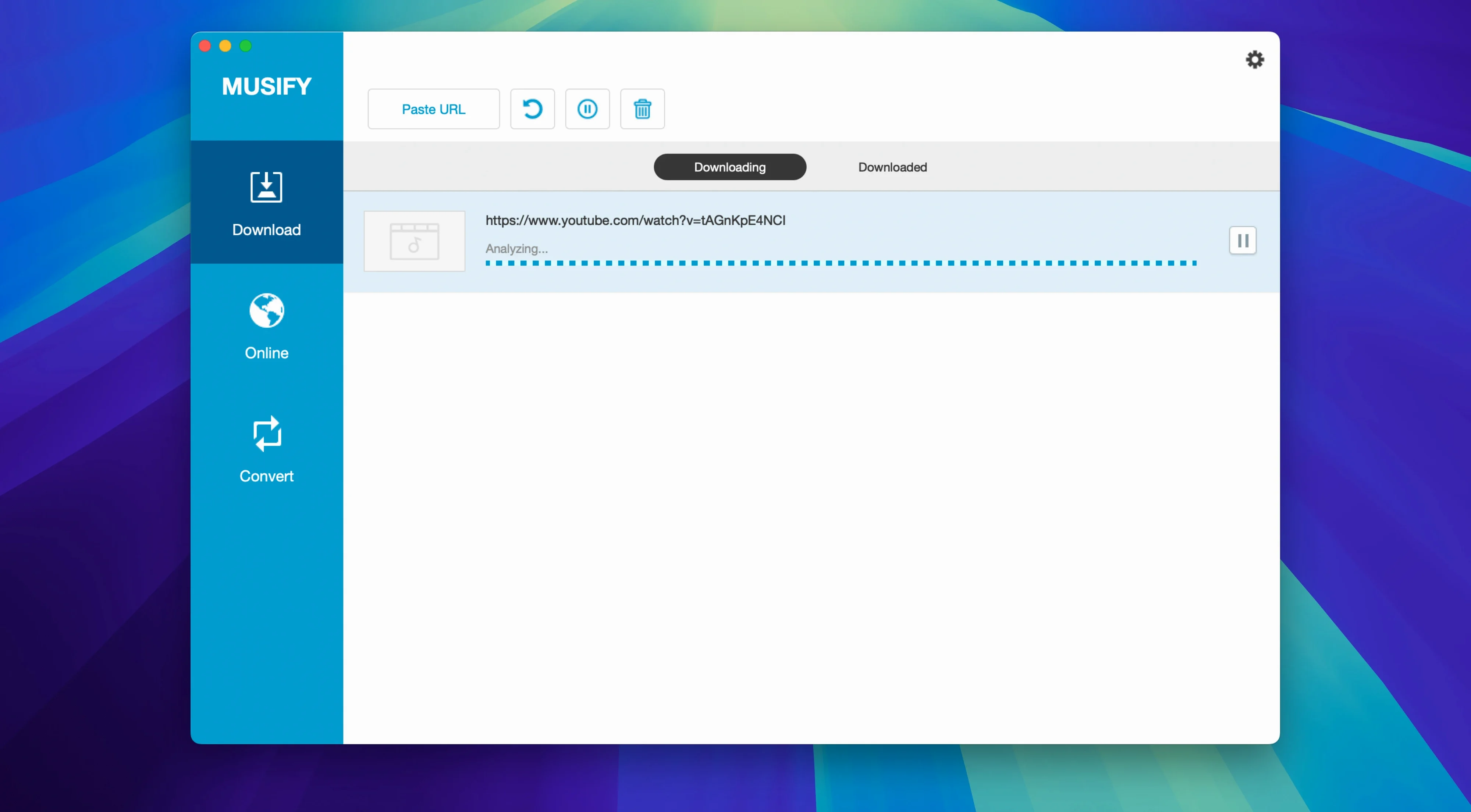
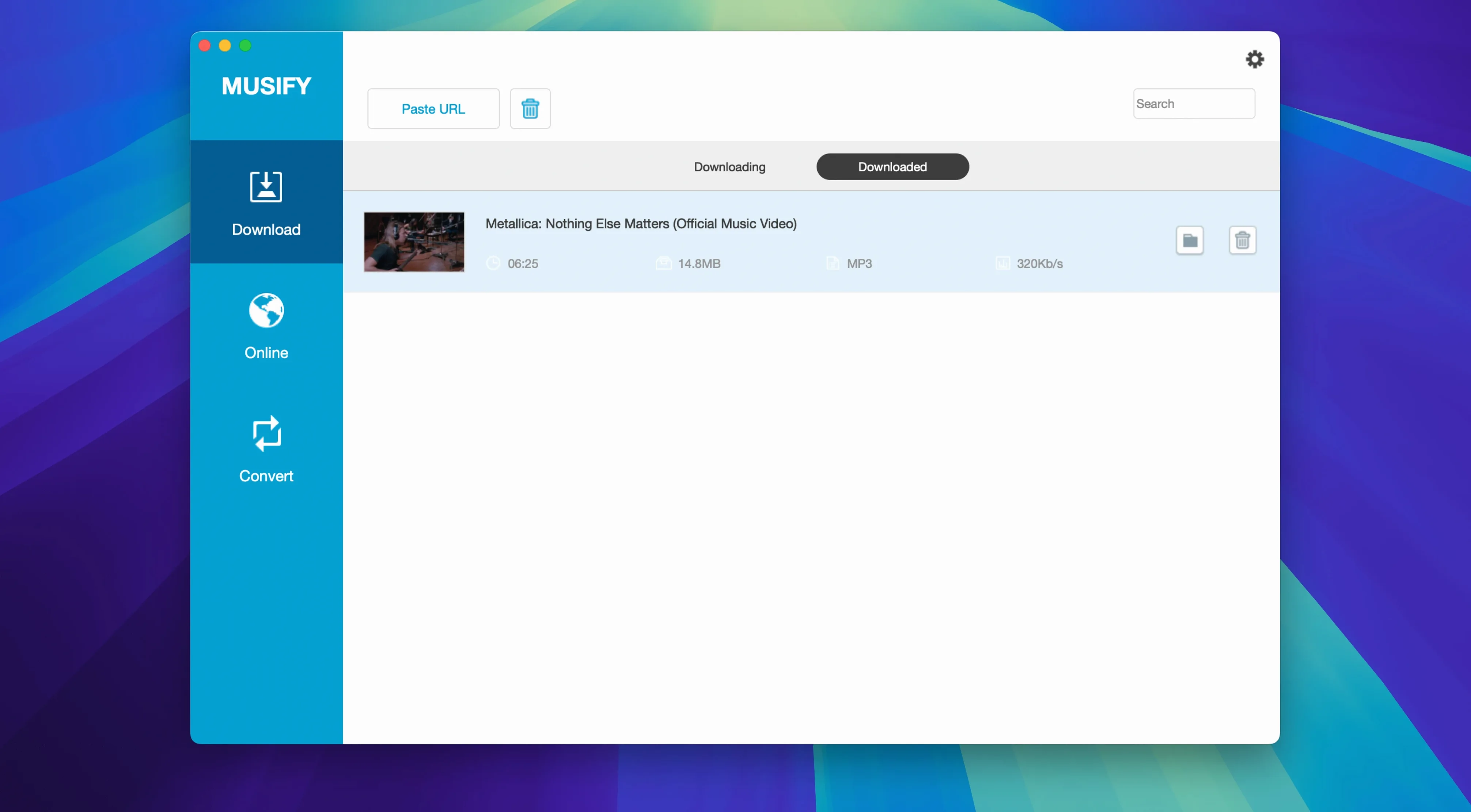
Let me walk through a real task I do often — pulling a full Bandcamp album into a clean MP3 folder. Open Musify, click the browser tab, and head to Bandcamp. Find the album page, copy the URL from the address bar, then switch back to the main Musify window and paste it into the link field. The app parses the page and lists every track it finds. Pick MP3 as the output format from the dropdown — M4A and WAV are there too, but MP3 is what I want for a car USB stick. Check the "Download playlist" box so it grabs all tracks in one go, then hit Download. It pulls the audio, preserves the artist and album tags, and drops numbered files into the output folder you set in preferences. From there I drag them into ~/Music and they show up in the Music app with artwork and everything. The whole thing takes maybe ninety seconds for a ten-track release on a decent connection.
A podcast archivist's afternoon
A friend of mine runs a small community radio archive. She uses Musify for Mac to pull episodes from SoundCloud and MixCloud before shows expire. Her workflow: Monday morning she opens a dozen browser tabs with show URLs, pastes them one by one into Musify, queues everything as 128 kbps MP3 — speech doesn't need 320 — and lets the batch engine run while she edits metadata in another window. By lunch she has a folder of timestamped, tagged episodes ready for the station's offline NAS. The batch converter handles the occasional WAV file a contributor sends in, and the device transfer tool means she can test mixes on her Android phone without firing up Android File Transfer. Musify torrent searches occasionally float around, but the direct download approach has been solid for her since version 5.3.0.
Will it run on my Mac and fit my workflow?
Does it need Rosetta on Apple Silicon?
Yes. The build is 64-bit Intel, so macOS fires up Rosetta 2 the first time you launch it. You won't see a difference in daily use — audio downloads are network-bound, not CPU-bound — but the process does sit in the translated binary list in Activity Monitor. If the developer ships a universal binary down the line, you'd swap it in and Rosetta steps aside.
What's the Gatekeeper situation?
The .dmg includes an opener script that guides you through a Terminal bypass. You mount the image, run the opener, hit Enter when prompted, and it clears the quarantine flag so the app launches normally. This is standard for signed-but-not-notarized Mac software. After that one step, Musify opens like any other app from /Applications.
Can it pull from Spotify without a premium account?
It can grab tracks from Spotify's web player if you're logged in, though Spotify's streaming quality caps at 160 kbps Ogg Vorbis on the free tier. The downloaded file gets transcoded to your chosen output format — MP3, M4A, or WAV — during the save step. Metadata carries over, so artist, album, and cover art stay attached.
Is Musify safe to use long-term?
From a system perspective, it's a self-contained app bundle — no kernel extensions, no background services, no login items. You drag it to the trash and it's gone. The only persistent files are the preferences plist in ~/Library/Preferences and whatever output folder you configure. No phoning home that I've observed in network traffic, though the built-in browser loads web content from the sites you visit, same as Safari or Chrome would.
- macOS 10.12 or later
- 64-bit Intel processor (Apple Silicon via Rosetta 2)
$ man musify | grep -A2 "?"
Can Musify download from Spotify?
Yes, Spotify is among the supported services, along with YouTube, SoundCloud, Bandcamp, and many others.
Does it run on Apple Silicon Macs?
Musify is a 64-bit Intel binary, so it runs on M-series Macs through Rosetta 2 — no native arm64 build yet.
Does it keep artist and album info?
It preserves metadata during downloads, so track names, artists, and album details stay attached to the file.
Comments 0
Sign in or create an account to leave a comment.
No comments yet. A codec, a slice, a machine — they appear after moderation.