
YT Saver for macOS
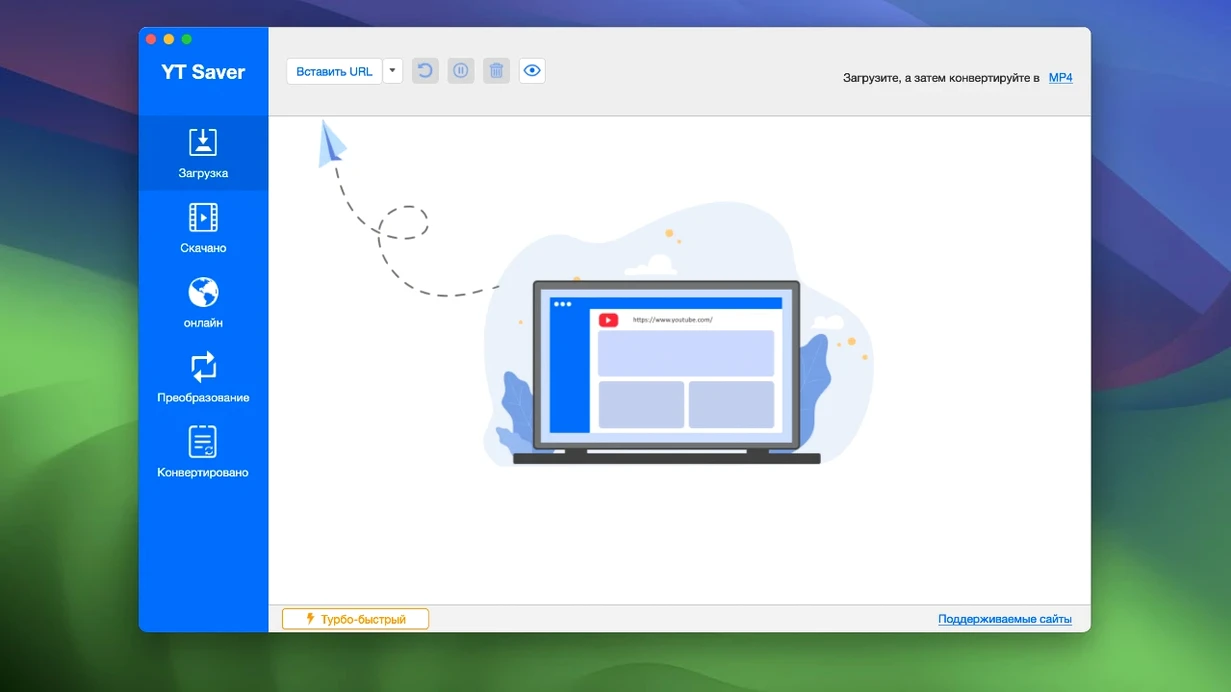
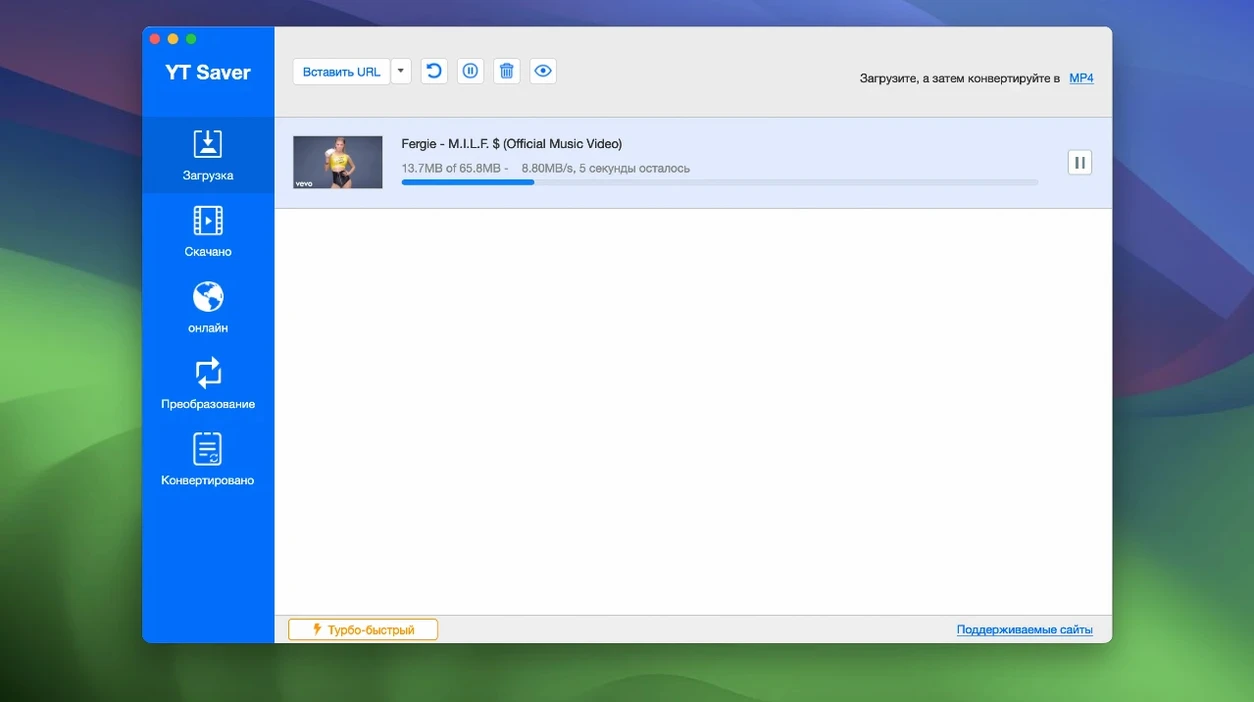
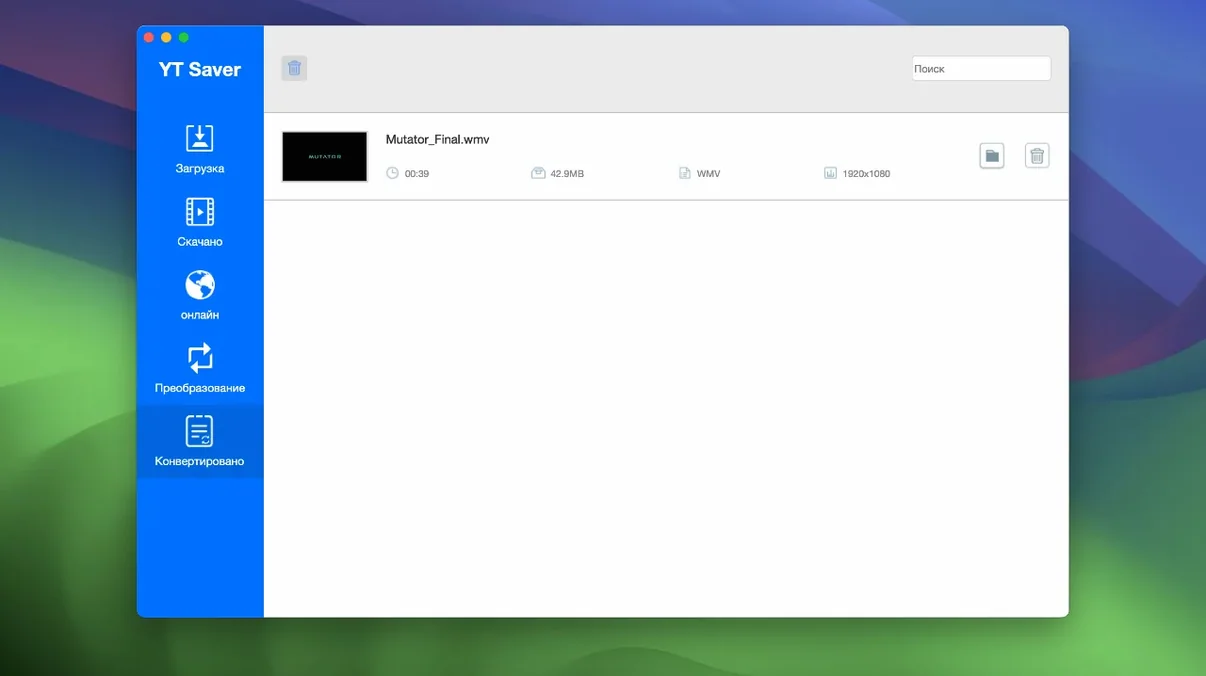
Compatibility is straightforward: you need an Intel Mac running OS X 10.10 Yosemite or newer. There is no native Apple silicon build, so M-series machines run the app through Rosetta 2. The disk image contains an x86 64-bit binary, and the first launch requires a quick Gatekeeper bypass in Terminal.
Once it's running, YT Saver acts as a download utility with a built-in browser. You can visit any of the 10,000 supported video and audio sharing sites directly inside the app, queue up simultaneous downloads, and pull down complete playlists. A private mode keeps downloaded files in a password-protected folder, which is handy on a shared Mac.
Format handling is broad on the audio side. Inputs include AAC, AC3, FLAC, M4A, WAV, WMA, AMR, MKA, MP2, AIF, AU, AIFF, CAF, OGG, RAM, RA, M4B, M4R, APE, OPUS, and WEBM. The conversion engine lets you pick a target format and leave the heavy lifting to the app, though the source material dictates how clean the result will be.
Speed is a stated priority — the developer claims accelerated downloading compared to standard browser-based grabs. Combined with multi-video queuing, that makes it practical for pulling down a season's worth of content or a large music playlist without babysitting individual links.
Grabbing full playlists for offline commutes
Two groups stand out. The first is anyone building a local media library for offline use — people who travel, commute through patchy coverage, or just prefer owning files rather than streaming everything. Grabbing a playlist in one shot and letting the app convert it to a consistent format overnight saves hours of manual work. The built-in browser means you never leave the app to hunt down a URL, which matters when you're pulling from a dozen different sites in a session.
The second group is users dealing with oddball formats. If you have an old MP2 file from a voice recorder, an OPUS podcast rip, or a WMA audiobook that nothing on your Mac will play, YT Saver's conversion engine handles the remuxing without needing a separate tool. It won't fix a badly encoded source, but it will get it into a container that modern players understand. The private mode folder also appeals to people who share a Mac and don't want downloaded files appearing in a standard ~/Downloads directory anyone can browse.
Paste a batch of URLs from a text file
A few touches aren't obvious from the main window. The multi-video queue accepts paste operations — you can copy a batch of URLs from a text file or a chat window, paste them in one go, and the app parses each line as a separate download. The private mode password is set once and applies to the whole protected folder; you don't enter it per file. And if you tend to download the same type of content repeatedly, the conversion engine remembers your last output format selection between sessions, so you're not re-picking MP4 or AAC every time you launch.
On Intel Macs with limited RAM, the simultaneous download count can be dialed back in preferences. Running eight concurrent pulls on an older MacBook Air with 4 GB of memory will thrash the disk; capping it at two or three keeps things responsive. The built-in browser also respects the system proxy settings from Network preferences, which matters if you route traffic through a proxy or VPN.
What does the empty section cover?
Rosetta 2 translation on Apple silicon
Yes, but through Rosetta 2 translation. There is no universal binary in version 10.15.0 — the app ships as an x86 64-bit executable. Performance is fine for downloading and converting, since those tasks are network- and disk-bound rather than CPU-bound. You won't notice the translation overhead during normal use.
Can it grab live streams or DRM-protected content?
It handles standard video and audio pages from the 10,000 supported sites. Live streams that are still in progress depend on the site's delivery method — some work, some don't — and DRM-locked content from subscription services isn't within the app's scope. The private mode folder protects downloaded files from local snooping, but it has nothing to do with bypassing access controls.
What happens to metadata and subtitles?
Metadata handling varies by source site. Some downloads carry embedded title and artist tags into the output file; others arrive with generic filenames you'll want to rename. Subtitles that are muxed into the video stream come along for the ride. Separate subtitle files are not automatically downloaded, so if you need an SRT or VTT, check whether the source page offers a standalone download.
Is the built-in browser a full replacement for Safari or Firefox?
No — it's a focused browser for visiting supported video and audio sharing sites so the app can detect downloadable media. It doesn't support extensions, password managers, or tabbed browsing in the usual sense. Use it to navigate to a video page and start a download, then go back to your regular browser for everything else.
Move your download folder off the boot drive
Right after you mount the .dmg and drag the app into /Applications, open preferences and adjust a few things. First, set a download destination outside your boot drive if you plan to pull large playlists — an external disk or a secondary internal volume keeps your startup disk from filling up unexpectedly. Second, pick your default output format. The app defaults to MP4 for video and M4A for audio, but if your playback setup prefers MKV or FLAC, switching now saves a conversion step later.
Turn on the private mode folder if more than one person has access to your Mac. It takes thirty seconds to set a password, and it prevents awkward discoveries in a shared Downloads directory. Finally, cap simultaneous downloads based on your connection speed and machine age. On a fast wired connection and a recent Intel iMac, six or eight at once is fine. On a 2015 MacBook on Wi-Fi, two or three keeps the queue moving without saturating the network.
- macOS 10.10 or later
- Intel 64-bit processor (Apple Silicon via Rosetta 2)
Comments 0
Sign in or create an account to leave a comment.
No comments yet. A codec, a slice, a machine — they appear after moderation.