SiteSucker Pro for macOS
If you have ever used a tool like wget or curl to mirror a directory of PDFs, SiteSucker Pro is the graphical counterpart that does not hide the mechanics. The interesting parts are not the download button, but the rule sets around it. The Limits section is where you constrain a crawl before it balloons: maximum link depth, total file count, and a floor and ceiling for file size. A misconfigured depth value is the difference between grabbing a single tutorial and mirroring an entire university domain.
The Paths section is where experienced users will spend most of their time. It lets you force the app to fetch specific URLs that a normal crawler would miss, or skip directories that are just noise. Combined with the content-type filters, you can pull down only the stylesheets and images from a reference site without filling a drive with HTML you will never read.
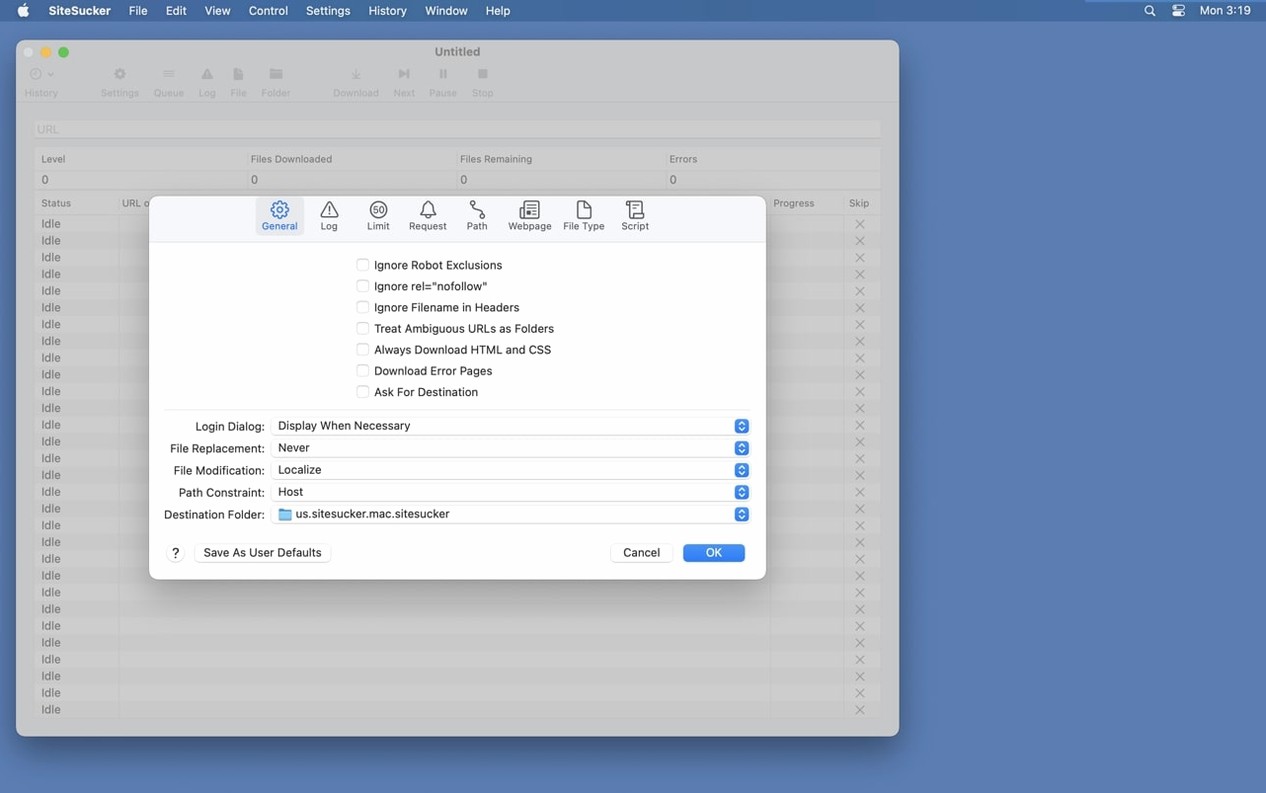
SiteSucker respects robots.txt by default, but that exclusion is a toggle in settings. For local mirrors of your own sites, turning it off is often the correct move. The app also writes an operation log from the moment a download starts, and you can open that log file directly in Console to trace a failed request or a redirect loop.
Version 6.2.2 is a maintenance release for macOS 14.0 and later. It fixes bugs in the PDF creation pipeline and adds a Format HTML option to the Webpage settings, which is useful if you want the saved markup to be readable instead of a single compressed line.
A teacher grabbing a site before a classroom without Wi‑Fi
A secondary-school biology teacher needs a copy of an interactive HTML anatomy atlas for a lesson in a lab where the Wi‑Fi is unreliable. She gives SiteSucker the atlas URL, sets Levels to 3 under Limits so she gets the main diagrams plus the linked detail pages but not the whole textbook repository, and unchecks everything except HTML and images in File Types. Twelve minutes later the site sits in a local folder. The directory structure mirrors the original, so relative links between pages and image folders work exactly as they do online. She copies the folder to a USB stick, walks into the lab, and opens the index page in Safari with no network icon in sight. The embedded anatomical animations that were PNG sequences play fine; a YouTube video on cell division does not, because she used SiteSucker rather than SiteSucker Pro and left the embedded‑video option off. That is a quick re‑download later.
Why SiteSucker’s download policy makes it invisible to most servers
Will it pull down video from YouTube and Vimeo?
SiteSucker Pro will download embedded YouTube and Vimeo videos when the page references them as standard or elements. It is not a stream‑ripper; it fetches the file the embed points to, which means DRM‑wrapped content or live streams will not come across. The video ends up in the local mirror’s directory tree just like a PNG or a stylesheet, keeping the same relative path the page expects.
Does it choke on login‑walled pages?
SiteSucker cannot authenticate against a web form on its own. If you need content behind a login, the usual workaround is to export the session cookies from Safari in a format like cookies.txt and point SiteSucker at them in the Advanced settings. That is manual, but it works for sites that do not check tokens with every request. Sites with heavy JavaScript‑based auth often fail because SiteSucker does not run scripts.
What stops it from downloading the entire internet?
The Limits panel. Link depth is the main brake: set it to 2 and the crawler stops two clicks away from the seed URL. The maximum file count ceiling is the kill switch — hit it and the session ends regardless of what links remain. A minimum file size filter keeps favicons and tracking pixels out; a maximum size filter keeps 2 GB disk images from sneaking in when you only wanted the documentation.
Switching user-agent to stop sites treating you like a robot
Out of the box, SiteSucker is polite to public servers but cautious to a fault. A few tweaks make it more practical for local mirrors and reference captures.
- User‑agent string. In Advanced settings, switch from the default identifier to Safari on macOS. Some CDNs serve different (often better‑compressed) assets when they see a real browser signature, and a few refuse the default crawler string entirely.
- Format HTML. The new option in the Webpage settings tells the app to pretty‑print the saved source. Turn it on if you expect to read or debug the HTML; leave it off if you want the smallest possible file and do not care about human readability.
- Ignore
robots.txtfor your own domains. When you mirror a site you control, the robots exclusion only gets in the way. The toggle is in the General settings, not hidden in a plist. - File Types scope. The default is all files. For a focused pull, switch to selected types and tick only what you need — HTML, CSS, images, and maybe PDF. This single choice is what separates a 45‑second run from a 45‑minute one.
How a test run with `--args` reveals missing pages before you travel
You have a small documentation site you want to read on a flight. The URL is https://docs.example-project.org.
First, you mount the disk image and drag the app to /Applications. On first launch you open Terminal and run the Gatekeeper bypass — the brief Press Enter step that takes three seconds. The app window opens with an empty URL field and a toolbar that looks more like a debugger than a browser, which is exactly right.
You paste the URL and open Settings. Under Limits, you set Levels to 3 and the maximum file count to 200. Under File Types, you switch to selected types and keep only HTML, CSS, JavaScript, images, and PDF. In Paths, you add a skip rule for /blog because that folder is just changelogs you already have. In Advanced, you pick the Safari user‑agent.
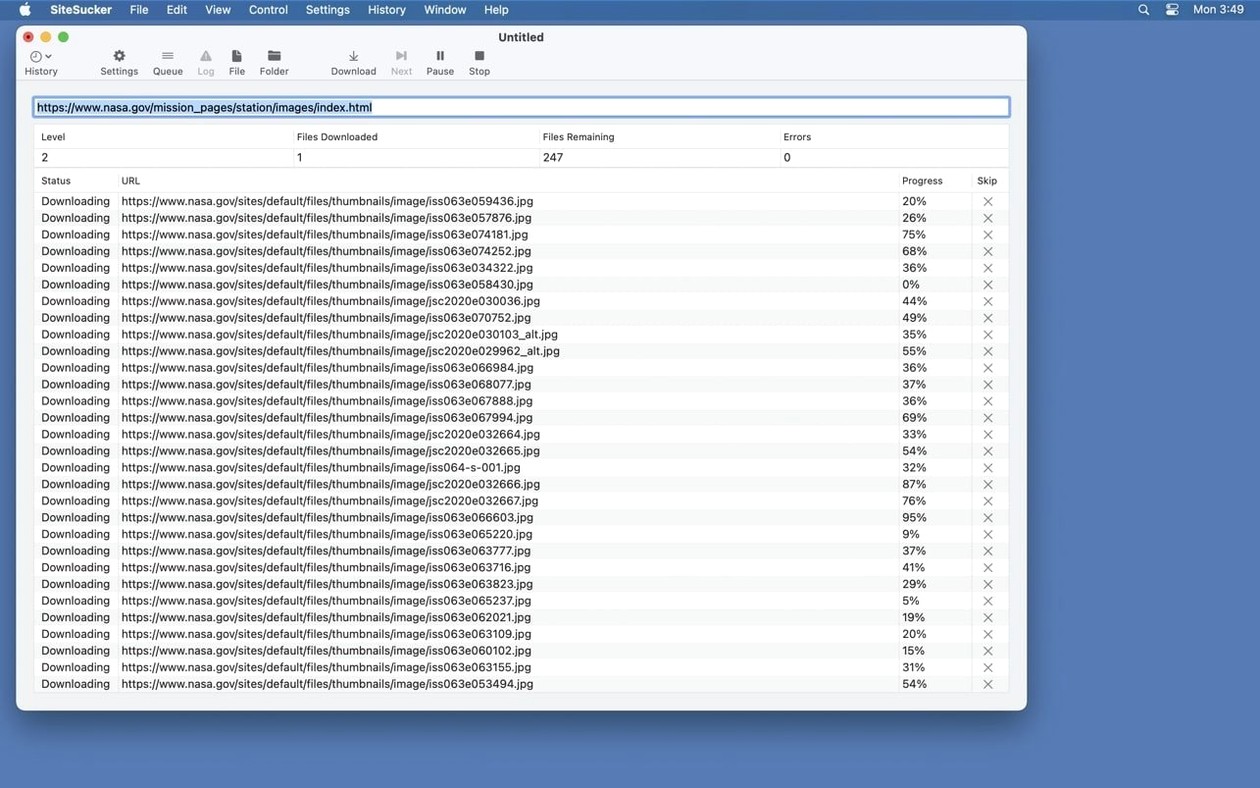
You click Download. The log pane fills with GET requests. Two files return 404; you note their paths because they are probably broken links on the live site, not a SiteSucker problem. The progress indicator runs for about four minutes. When it finishes, you click Open Log and Console pops up with the full session history. You scroll through the final lines: 198 files transferred, none skipped by robots rules, 2 errors.
You open the mirror folder in Finder. An index.html sits at the root. You double‑click it, and the documentation site renders with every stylesheet and nav icon intact. You close the laptop lid, board the plane, and read through the entire API reference without a single network timeout.
- Fixed bugs related to creating PDFs.
- Added a Format HTML option to Webpage settings.
- macOS 14.0 or later
- Apple Silicon and Intel
- Interface: English, German, Spanish, Italian, Portuguese, French
$ man sitesucker-pro | grep -A2 "?"
Can SiteSucker download only certain file types from a site?
Yes. You can configure it to download an entire site or only selected content types such as images, PDF files, or stylesheets.
Does SiteSucker always follow robots.txt rules?
By default, files listed in robots.txt are not downloaded. You can turn this exclusion off in the settings if you need to mirror your own site.
Where can I see what happened during a download?
SiteSucker keeps an operation log from the moment downloading starts, and you can open that log file directly in Console.
Comments 0
Sign in or create an account to leave a comment.
No comments yet. A codec, a slice, a machine — they appear after moderation.