
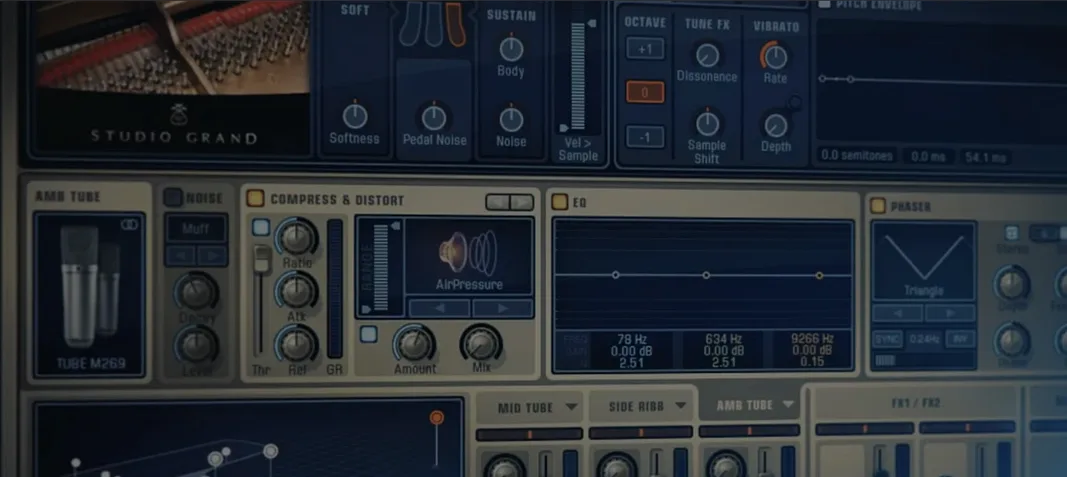
Addictive Keys for macOS
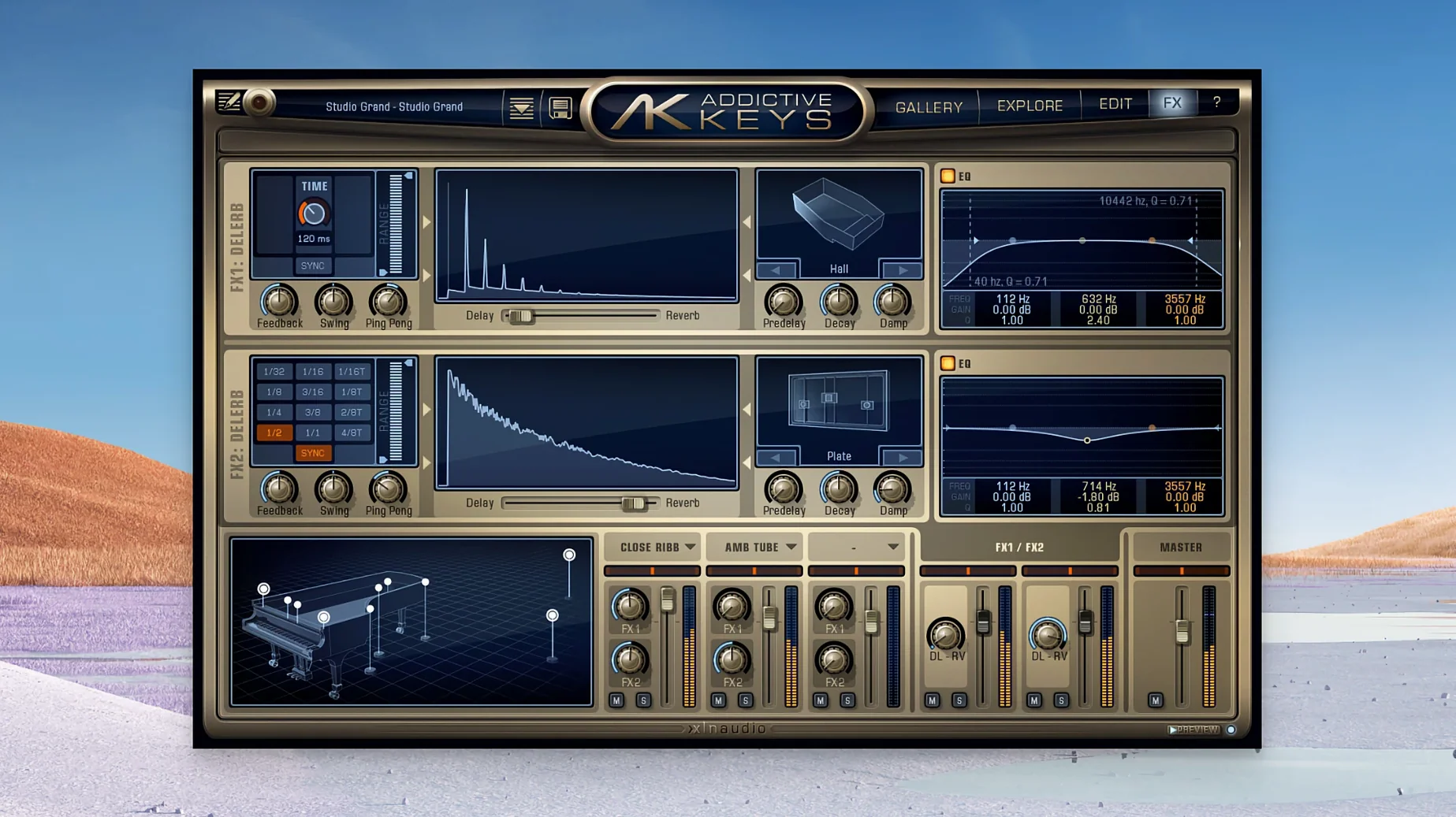
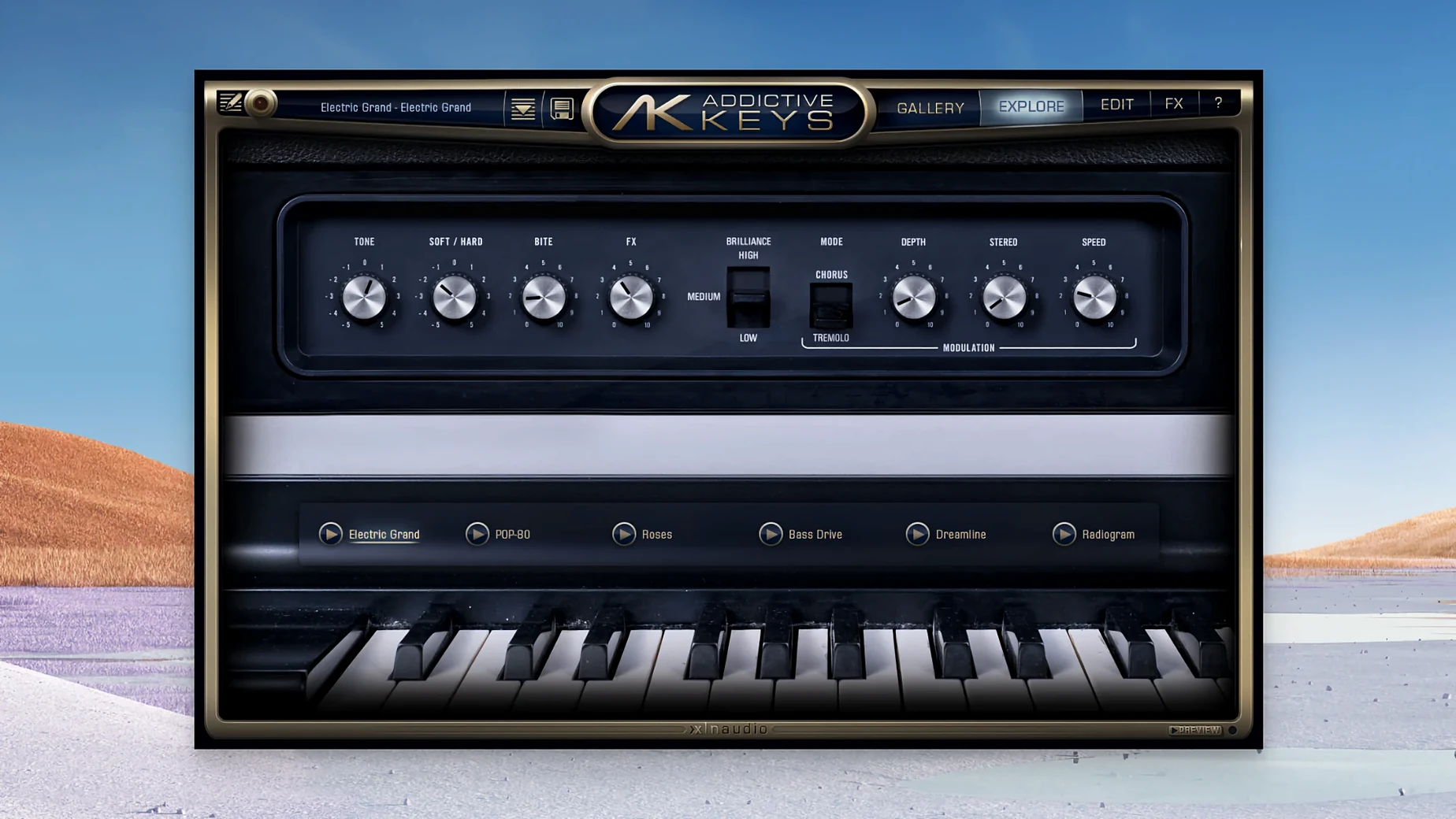
You drop a Rhodes part into a production that's been asking for a warm, bell-like tone. Instead of reaching for a sample pack, you load the Mark One from Addictive Keys onto a MIDI track, pull up a preset, and it sits in the mix immediately. That's the workflow this plugin aims for: a collection of four modeled keyboard instruments with production-ready sounds that don't need a chain of extra processing before they feel usable.
Four instruments bundled in The Complete Collection
| Detail | Spec |
|---|---|
| Current version | 1.7.3 |
| macOS requirement | 10.13 or later |
| Architecture | Apple silicon and Intel native |
| Plugin formats | VST, VST3, AU, AAX |
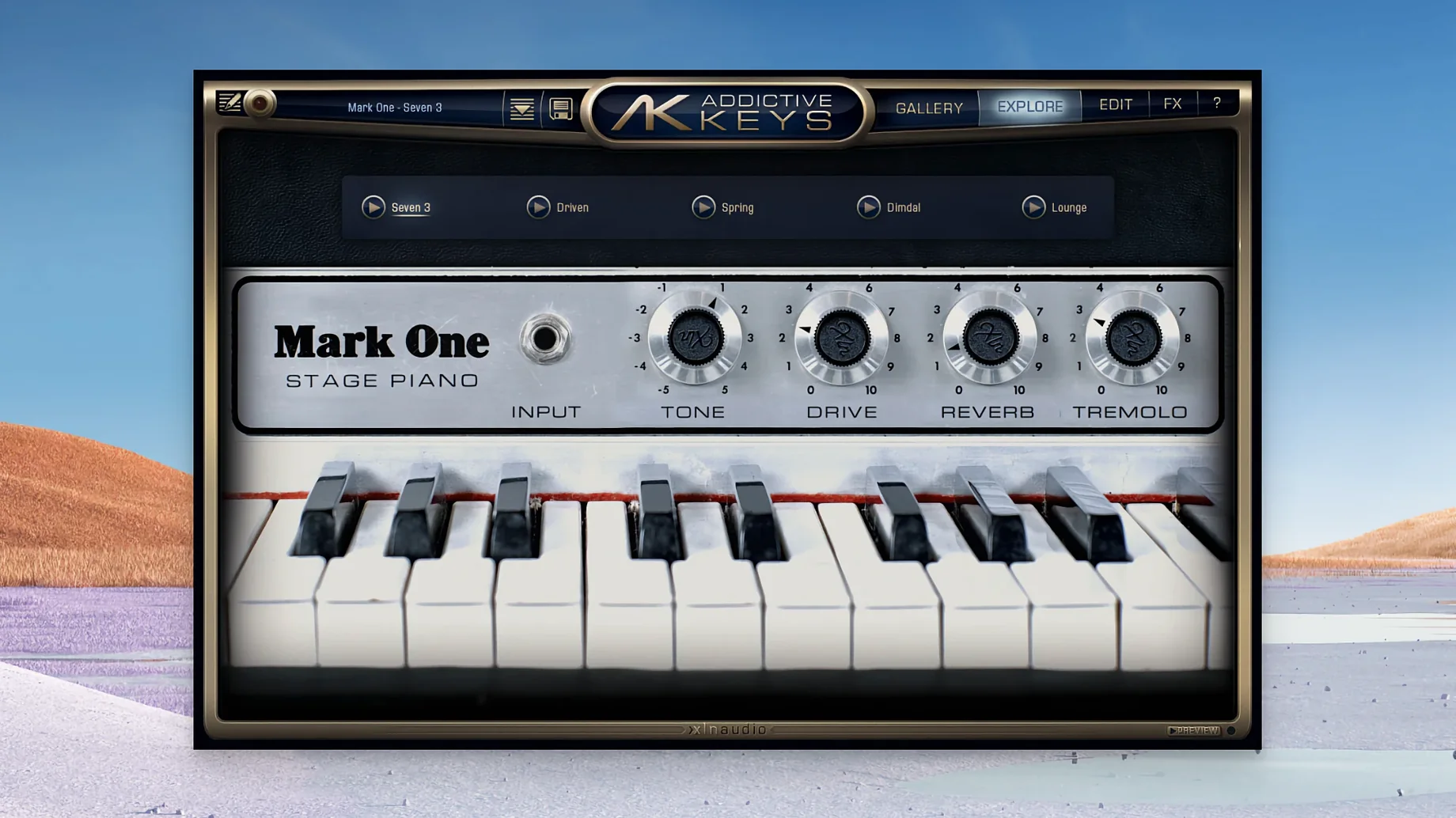
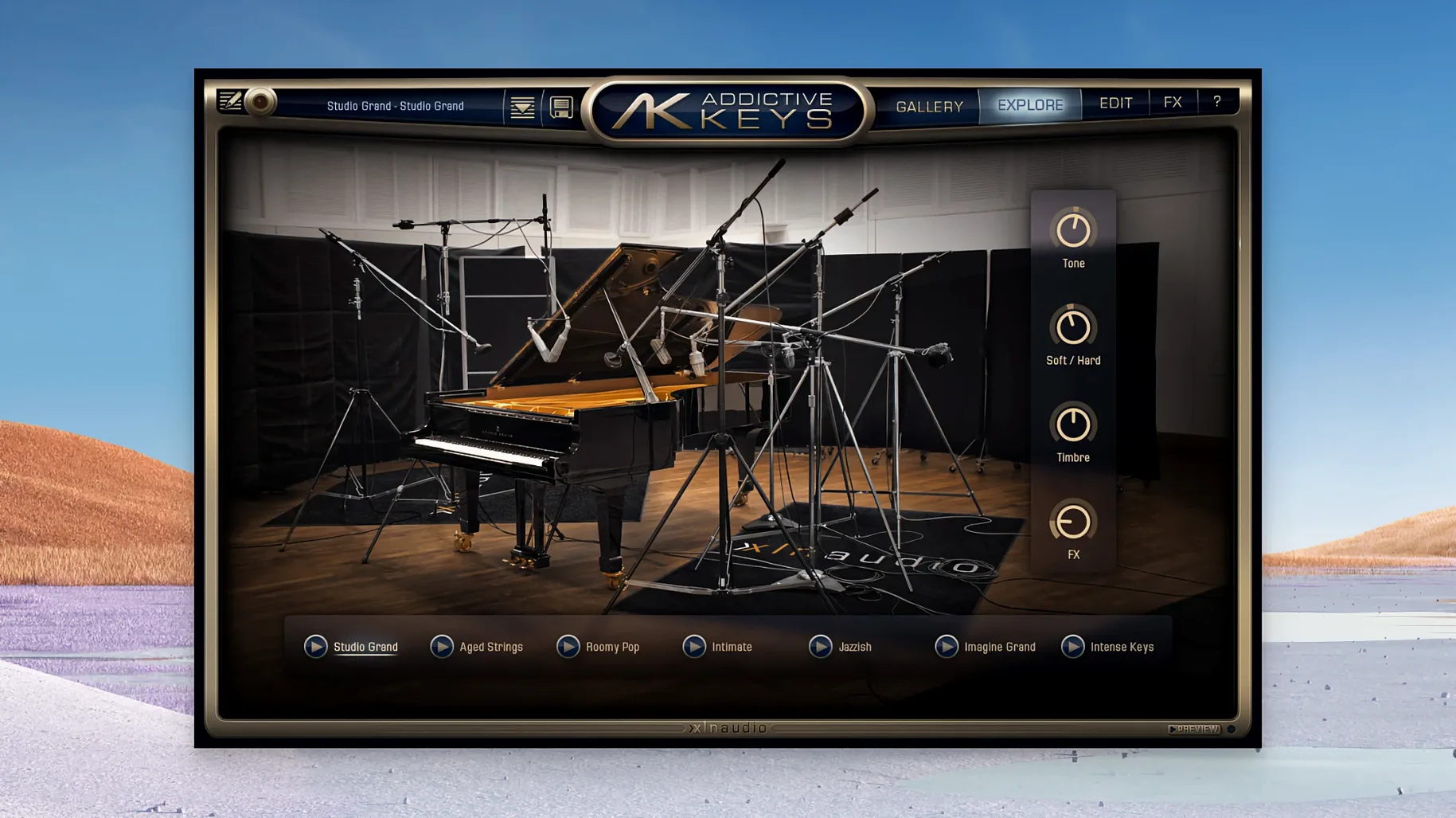
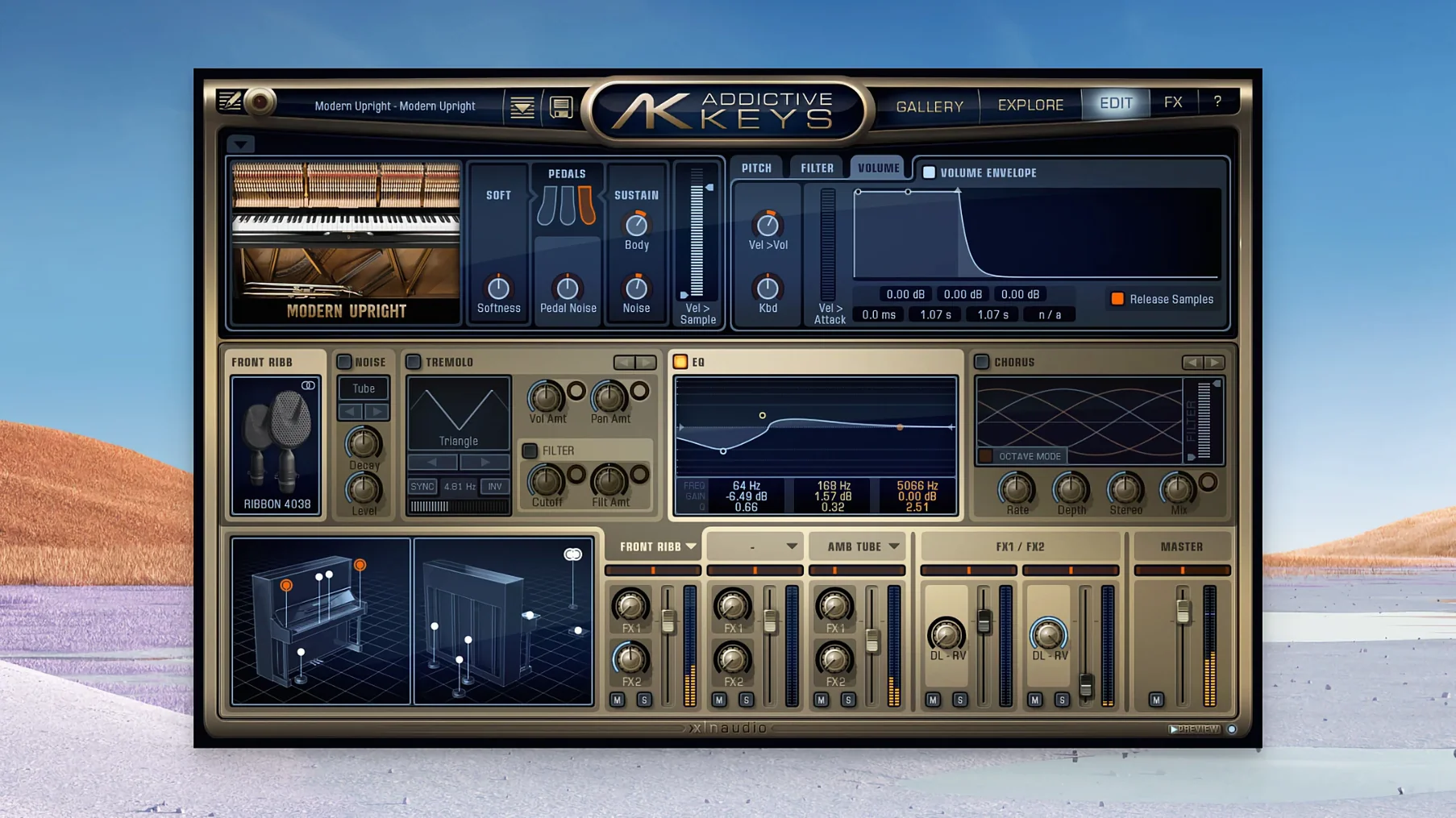
The Complete Collection bundles all four instruments: a Studio Grand, a Modern Upright, the Mark One based on a Rhodes Mk. 1 stage piano, and an Electric Grand modeled after a CP-80. Each one ships as a standard plugin you can load in any DAW that speaks VST, VST3, AU, or AAX on a Mac running 10.13 or later—Intel and Apple silicon are both supported in the same .dmg installer. The sound engine responds to velocity and damper pedal input the way you'd expect from a physically modeled instrument, but the interface keeps things simple: pick a preset, tweak a few macro controls if you need to, and move on. It's a practical toolset for producers who want characterful keyboard sounds without deep sound-design sessions.
Why its focus stays on four instruments instead of dozens
Put Addictive Keys next to something like Keyscape, and the difference in scope becomes obvious immediately. Keyscape spans dozens of keyboards—acoustic grands, vintage electrics, toy pianos, clavinets—with a deep hybrid modeling engine, while Addictive Keys keeps its focus on four instruments recorded through specific signal chains. The trade-off is clear: you get a narrower palette, but each piano loads in a couple of seconds and the interface never sends you hunting through menus. For a songwriter who wants an upright that sounds like an upright right away, that matters more than having 36 models to audition.
Against Native Instruments' piano offerings—the Gentleman, the Maverick, the Grandeur—Addictive Keys takes a lighter approach. Kontakt-based libraries bring round-robins, multiple mic positions, and half-pedaling, but they also bring the Kontakt browser and longer load times. The Modern Upright in Addictive Keys won't give you five microphone perspectives, yet the single perspective it does give you was chosen to work in a pop mix without surgery. Producers who already live inside Komplete will probably stay there; producers who want to drag in a piano and keep the session moving will notice the speed difference.
Modartt's Pianoteq sits at the other end of the spectrum: fully physically modeled, no samples, tiny install size, endless tweakability. Addictive Keys uses samples and keeps the tweaking constrained to a handful of macro knobs. Pianoteq rewards sound designers; Addictive Keys rewards people who trust the preset designers to have done the work already. Neither approach is wrong—they just serve different moments in a session.
A compact production workflow: building a track around the Mark One
Say you're putting together a downtempo track and you want the Rhodes to carry the harmonic weight without clogging the low-mids where the bass sits. Here's a practical chain from start to bounce.
- Create a new instrument track in your DAW and load the Mark One as an AU or VST3 plugin—the
.componentand.vst3bundles both sit in their standard system folders after installation. - Browse to the "Bell Tone" preset. It scoops the low-mids slightly and emphasizes the 1–4 kHz range where a Rhodes cuts through without sounding harsh. Play a few chords with the damper pedal down to hear how the release samples behave.
- Drop the Tone control back to around 10 o'clock if the preset feels too bright for your track. The knob is essentially a tilt EQ built into the engine—shelving highs one way, warming things up the other.
- Engage the built-in Room reverb at about 25% wet. It's a convolution-style short room that adds dimension without pushing the piano to the back of the soundstage. Leave the Plate and Hall options for later if the mix needs more tail.
- Record a four-bar progression. Because the plugin reports latency correctly to the host, the MIDI timing stays tight even at a 64-sample buffer—noticeable on Apple silicon machines where the native code path keeps the CPU meter low.
- After tracking, add a gentle low-cut around 120 Hz using your DAW's EQ and a subtle stereo chorus in parallel to widen the top end. The Mark One's stereo image is already naturally spread from the recorded tine and pickup configuration, so a little goes a long way.
- Freeze or bounce in place. The resulting audio file sits in the arrangement with the weight of a real electric piano, and you've used two internal controls and one external EQ to get there.
Right-click any knob for MIDI learn across AU, VST3, and AAX
A few things in Addictive Keys are easy to overlook on first install but save real time once they become habit. The MIDI learn function—right-click almost any knob—works across AU, VST3, and AAX without needing wrapper scripts. If you map the Tone and Reverb Mix controls to a couple of rotary encoders on your controller, you can dial in the sit of a piano part without touching the mouse.
The preset browser categorizes sounds by instrument, style, and character tags rather than dumping everything into a flat list. Typing "dark" in the search field narrows all four instruments at once, so you can jump from a muted Modern Upright to a velvety Electric Grand without switching plugin instances. The output level trim tucked at the end of the signal chain—just a small fader to the right of the main controls—often gets ignored, but it's the cleanest way to balance levels across presets before they hit your DAW's channel strip.
And if you ever need to move the library content folder after installation, the standalone app has a "Relocate Content" option that updates the internal database path without requiring a reinstall. On a Mac with limited internal storage, that one setting makes keeping the sample data on an external drive painless.
- macOS 10.13 or later
- Apple silicon or Intel processor
- Host DAW supporting VST, VST3, AU, or AAX
Comments 0
Sign in or create an account to leave a comment.
No comments yet. A codec, a slice, a machine — they appear after moderation.
More in VST Plugins
cd ../ Addictive Drums 2
VST Plugins 14.5 GB
 Ample Guitar M
VST Plugins 5.2 GB
 Ample Sound Ample Guitar LP III
VST Plugins 9.2 GB
 Analog Realism Sphinx 101
VST Plugins 82 MB
 Arturia Analog Lab V
VST Plugins 2 GB Updated
 Arturia Augmented BRASS
VST Plugins 2.3 GB
 Arturia Efx AMBIENT
VST Plugins 285 MB
 Arturia Emulator II V
VST Plugins 700 MB