
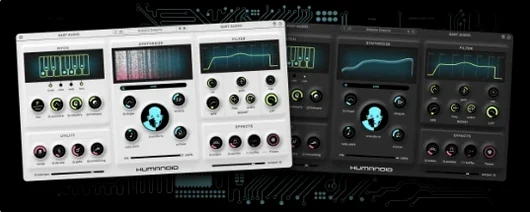
BABY Audio Humanoid for macOS
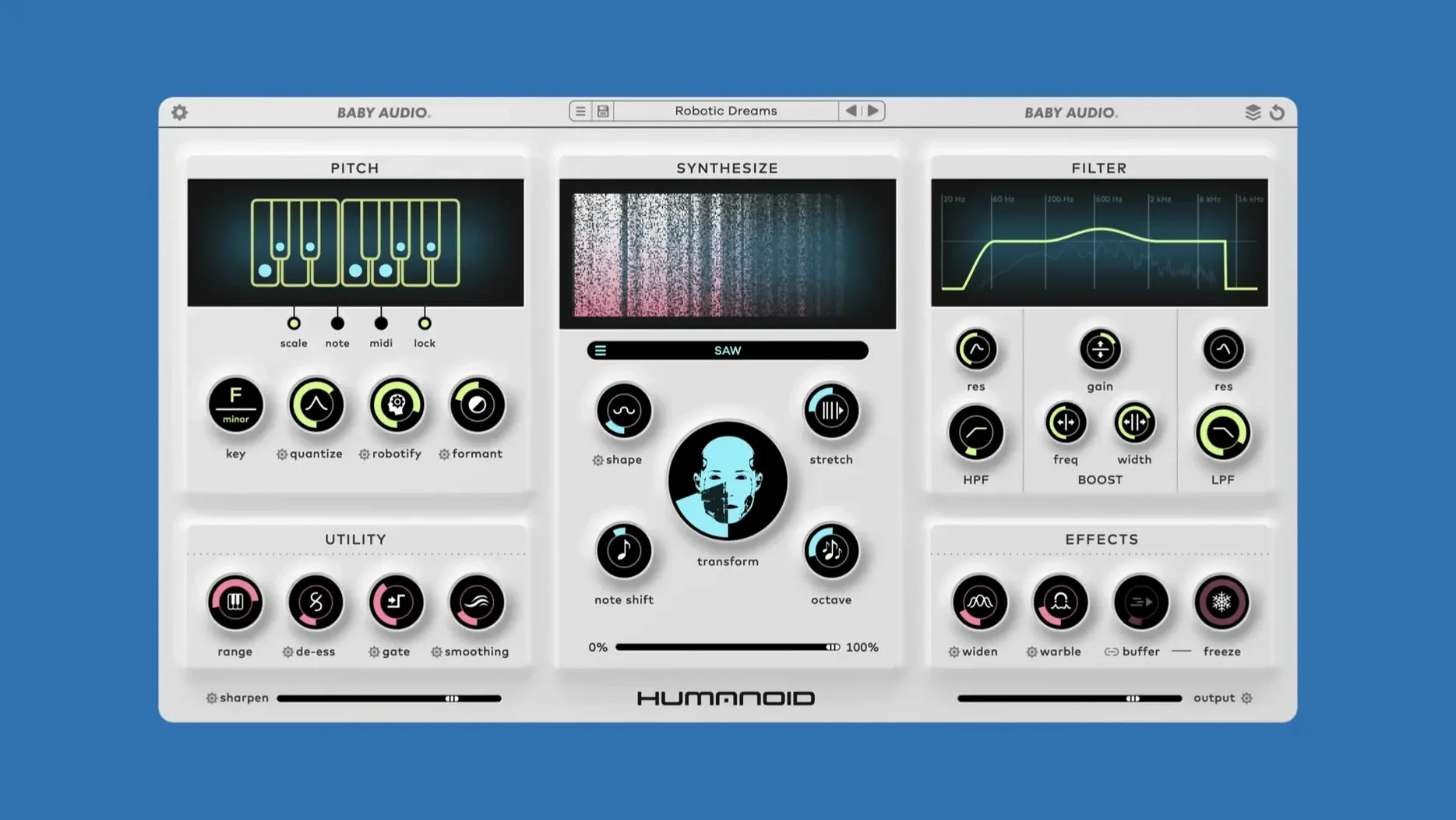
64 factory wavetables ship in the box, and you can drag in your own. That fact alone tells you Humanoid isn't a mild polish tool — it's built to replace the raw harmonic content of a vocal with something entirely synthetic. The core is an FFT-based retuning engine paired with phase vocoding, which means pitch correction and timbral reshaping happen in the same process. Hit a note, and the plugin snaps the input to the nearest semitone while the vocoder imposes the selected wavetable's spectral character.
| Detail | Info |
|---|---|
| Formats | VST, VST3, AU, AAX |
| Apple Silicon | Native support |
| Current version | 1.2 |
The main panel keeps things deceptively simple with a handful of macro controls, but clicking the gear icons next to the knobs exposes the parameters that actually shape the sound — formant shifting, stereo width of the synthesized layer, and the mix between the transformed signal and the dry vocal. Pushing the retune speed to its fastest setting gives you the instant, glassy hard-tune effect familiar from modern pop and hyperpop, while slower settings introduce a gliding, almost theremin-like pitch transition. Loading a custom wavetable from a short percussive sample, for instance, turns a sung phrase into a rhythmic, mallet-like texture that still follows the original pitch contour. The 101 presets added in the 1.2 anniversary pack lean into this range, from subtle doubling to outright robot choirs.
What does a working session actually look like?
I drop Humanoid on a dry vocal take — something straightforward, a verse with a narrow melodic range. The default patch kicks in with the hard-tune engine already engaged, so the first thing I hear is that immediate semitone snap. Not what I want yet. I pull up the wavetable browser, audition a few factory options, and land on a breathy pad wavetable. The vocal loses its chest resonance and takes on an airy, glass-layer texture that sits above the original signal.
Next, I open the gear menu on the mix knob. The dry/wet balance sits at 50% by default, but I push it to around 70% wet and dial the formant shift down a few semitones. The voice drops into a lower, androgynous register while the wavetable holds its spectral shape. I automate the pitch control via a MIDI clip in the DAW — eighth-note jumps across a fifth — and the retune speed is fast enough that each transition lands with a clean, robotic articulation. The phase vocoding introduces a slight chorusing artifact on the tails of words, which I keep because it thickens the stereo image. I bounce the processed take, slice a few breaths back in from the dry track, and the result sounds like a synthetic harmony part that still reads as a voice.
Click through wavetables during playback before touching anything else
- Audition wavetables while the loop runs. Humanoid's browser lets you click through the 64 factory wavetables during playback. Do that before touching any other control — the wavetable choice defines the core character, and a setting that sounds thin on a held note might lock in perfectly on a fast, staccato phrase.
- Map the pitch offset to a MIDI controller. The manual pitch control responds to MIDI input, and assigning a knob or fader to pitch lets you play the effect like an instrument. Even simple bends up a major third bring a vocal line somewhere the static processing never goes.
- Feed it non-vocal material early. Drop a hi-hat loop or a short noise burst onto the custom wavetable slot. The FFT engine doesn't care what the source was — it imposes that spectral snapshot onto whatever audio hits the input. A snare wavetable turned a spoken-word passage into a percussive, tuned rhythm bed that worked as a verse hook.
- Check the stereo width gear setting. The synthesized layer defaults to a fairly narrow image. Widening it separates the processed signal from a center-panned dry vocal cleanly, which saves you from adding a separate doubler or stereo spread plugin downstream.
- Fixed a rare bug where the plugin output would go silent.
- macOS 10.11 or later
- Apple Silicon and Intel 64‑bit native
$ man baby-audio-humanoid | grep -A2 "?"
Does Humanoid work natively on Apple Silicon Macs?
Yes, version 1.2 runs natively on Apple Silicon without requiring Rosetta, in VST, VST3, AU, and AAX formats.
Can I use my own sounds as wavetables in Humanoid?
Absolutely. You can import custom wavetables, which lets you impose the spectral fingerprint of any sample onto the tuned vocal signal.
Comments 0
Sign in or create an account to leave a comment.
No comments yet. A codec, a slice, a machine — they appear after moderation.
More in VST Plugins
cd ../ Arturia Pigments
VST Plugins 1.8 GB
 Black Rooster Audio The ALL Bundle
VST Plugins 3.5 GB
 Arturia MiniFreak V
VST Plugins 468 MB Updated
 Arturia Mellotron V
VST Plugins 2.1 GB
 Arturia FX Collection
VST Plugins 16.1 GB
 Blue Cat Audio Blue Cats PatchWork
VST Plugins 587 MB
 Bogren Digital Ampknob BDH 66o6 Plus
VST Plugins 253 MB
 Arturia Emulator II V
VST Plugins 700 MB