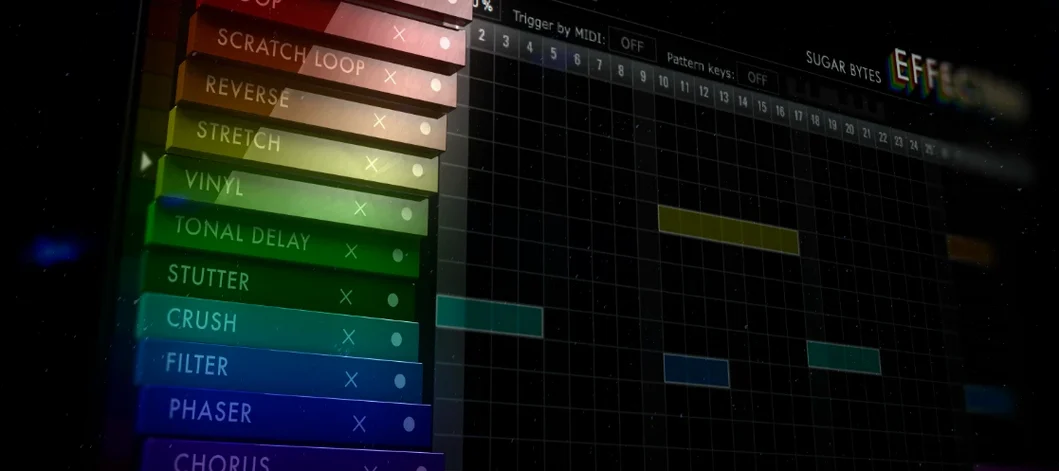
Effectrix for macOS
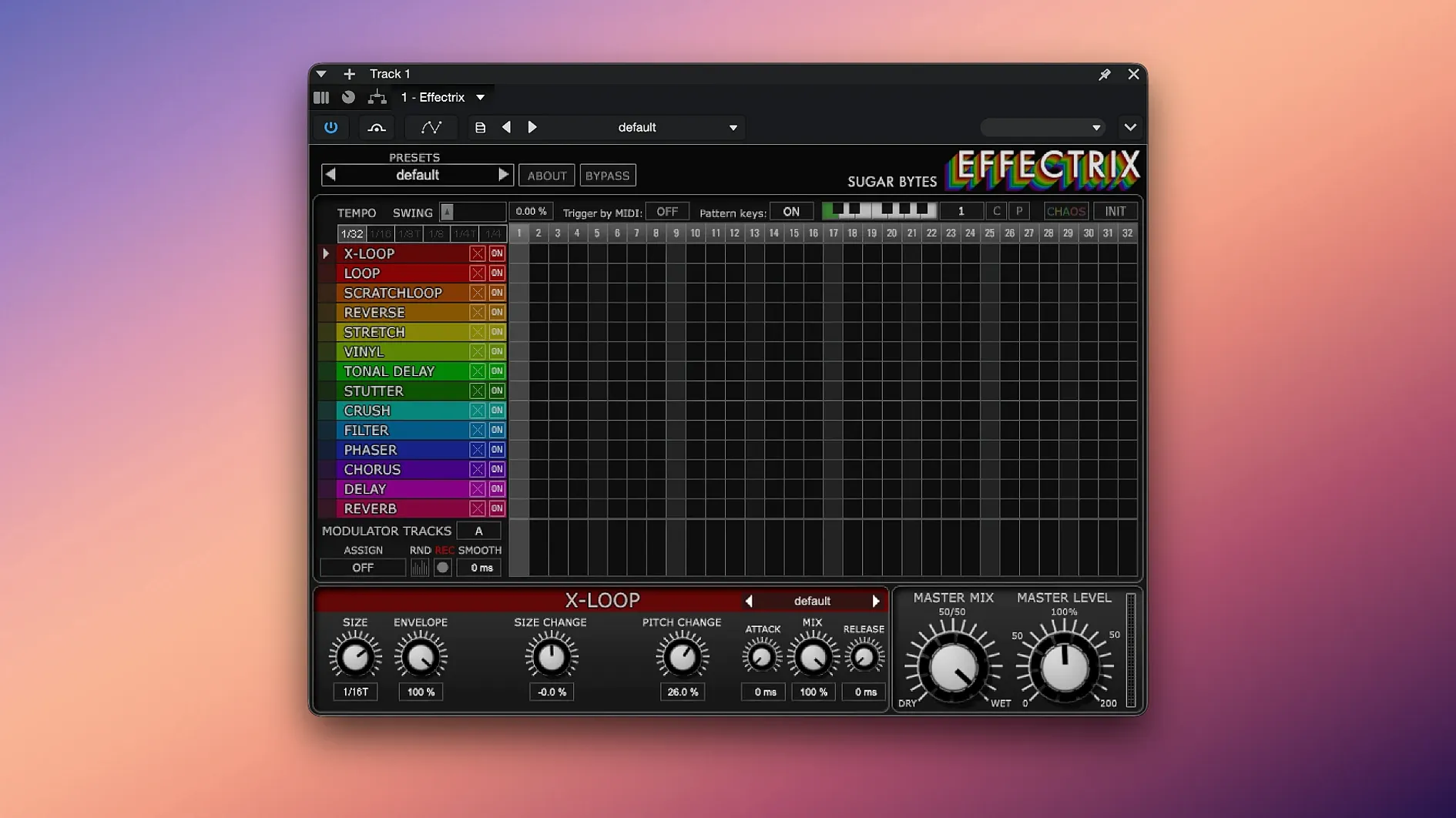
If you've ever used a step sequencer to program drum patterns, you already understand the core workflow of Effectrix. Instead of triggering drum hits, each step on its grid triggers a slice of audio processing. You draw in filter sweeps, bit-crusher artifacts, or vinyl noise exactly where you want them on a synchronized timeline. It's a familiar grid applied to a completely different purpose, and that's what makes it click so quickly.
Compatibility is straightforward. The current version, 1.4.8, ships as a universal binary that runs natively on both Intel and Apple Silicon Macs under macOS 10.14 and newer. You get Audio Unit, VST2, VST3, AAX, and a standalone application in one package. That covers Logic Pro, Ableton Live, Pro Tools, and essentially any DAW you're likely to throw at it. Twelve full patterns can be recalled instantly from a MIDI keyboard, which turns the plugin into a performative instrument rather than just a studio insert.
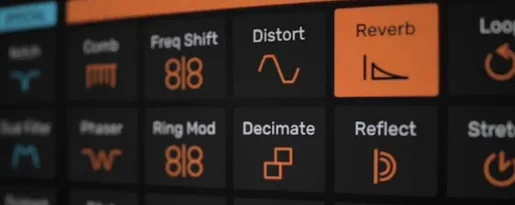
The engine itself houses 14 synchronized effects. Each one carries its own set of parameters, and every effect has hundreds of global presets to start from. The cycle length is adjustable, so odd time signatures and polyrhythmic gating are on the table. Copy and paste between patterns keeps things moving when you're building variations. It's a straightforward architecture: a 14-module chain locked to a transport-controlled step grid, with no hidden routing tricks needed to get the core sound.
How do you build a glitch vocal effect from scratch?
Start with a dry vocal track routed to an aux bus with Effectrix inserted. Set the tempo division to 1/16 so the grid matches a sixteenth-note feel, then load an empty preset and initialize the pattern. The trick is to avoid filling every step. Pick four or five steps across the 16, and place a short delay burst on two of them, a lo-fi crush on one, and a vinyl crackle on the last. Immediately you have movement that breathes with the vocal instead of fighting it.
Next, adjust the cycle length to something shorter than the full bar — 12 steps often works for a verse, since it drifts slightly against a four-bar phrase before snapping back. Add one modulation track to control the wet mix of the delay, drawing a ramp that fades in over the last three steps of the cycle. The result is a tail that feels like it's reaching toward the next line. Save the sequence as pattern one, then copy and paste it to pattern two and move two of the active steps by one slot each. Now MIDI note one and two give you two related variations you can switch between while the vocal plays.
Start with the Chaos button and see where it lands?
You open the standalone app, or the plugin inside your DAW, and the first thing you do is tap the Chaos button once just to see where the randomizer lands. It rarely gives you a finished sound, but it often suggests a step pattern you wouldn't have drawn yourself. You keep maybe a third of it, clear the rest, and start editing individual effect parameters per step.
From there you spend most of the time toggling between the two modulation tracks and the main grid. You click a step, change a parameter, listen back over one bar, then undo or refine. Copy and paste gets used constantly — a four-step phrase you like becomes a recurring hook by copying it to steps five through eight, then again to nine through twelve. You test pattern recall from the MIDI keyboard, triggering pattern one on the verse, pattern three on a fill, pattern two on the hook. The swing function gets nudged up to around 15 percent for a pattern that needs to feel less rigid. At the end of the session you save a preset with all twelve sequences mapped, knowing the whole performance can be played live without touching the mouse.
Change the tempo division first to reshape every sequence?
The first thing to check is the tempo division. The default may not match the subdivision you're actually hearing in your track, and changing it reshapes every sequence instantly. After that, the cycle length is the most powerful setting nobody touches early enough — shortening it is how you get polyrhythms and evolving patterns instead of static one-bar loops.
Set both modulation tracks to something immediately. Even a slow sine on the filter cutoff makes the effect chain feel alive compared to fixed parameter values. And before you start programming, spend two minutes flipping through the global presets for each effect individually. With hundreds per effect, you'll find timbres you wouldn't have dialed in manually, and those presets slot straight into the step grid as building blocks rather than full finished patches.
For users who found this page while searching for effectrix mac — yes, the current build runs as a native universal binary on Apple Silicon and Intel, and it installs the standalone app plus every major plugin format in one go. No separate downloads per format.
- macOS 10.14 or later
- Intel or Apple Silicon Mac
- Host supporting AU, VST2, VST3, or AAX
$ man effectrix | grep -A2 "?"
What plug-in formats does Effectrix use on macOS?
It provides Audio Unit, VST2, VST3, AAX, and a standalone application, supporting both Intel and Apple Silicon Macs.
How many effects are included?
There are 14 synchronized effects, each with its own set of adjustable parameters and hundreds of presets.
Can I switch patterns while performing?
Yes, you can recall any of the 12 available patterns from a MIDI keyboard, making it easy to perform changes live.
Comments 0
Sign in or create an account to leave a comment.
No comments yet. A codec, a slice, a machine — they appear after moderation.