FabFilter Total Bundle for macOS
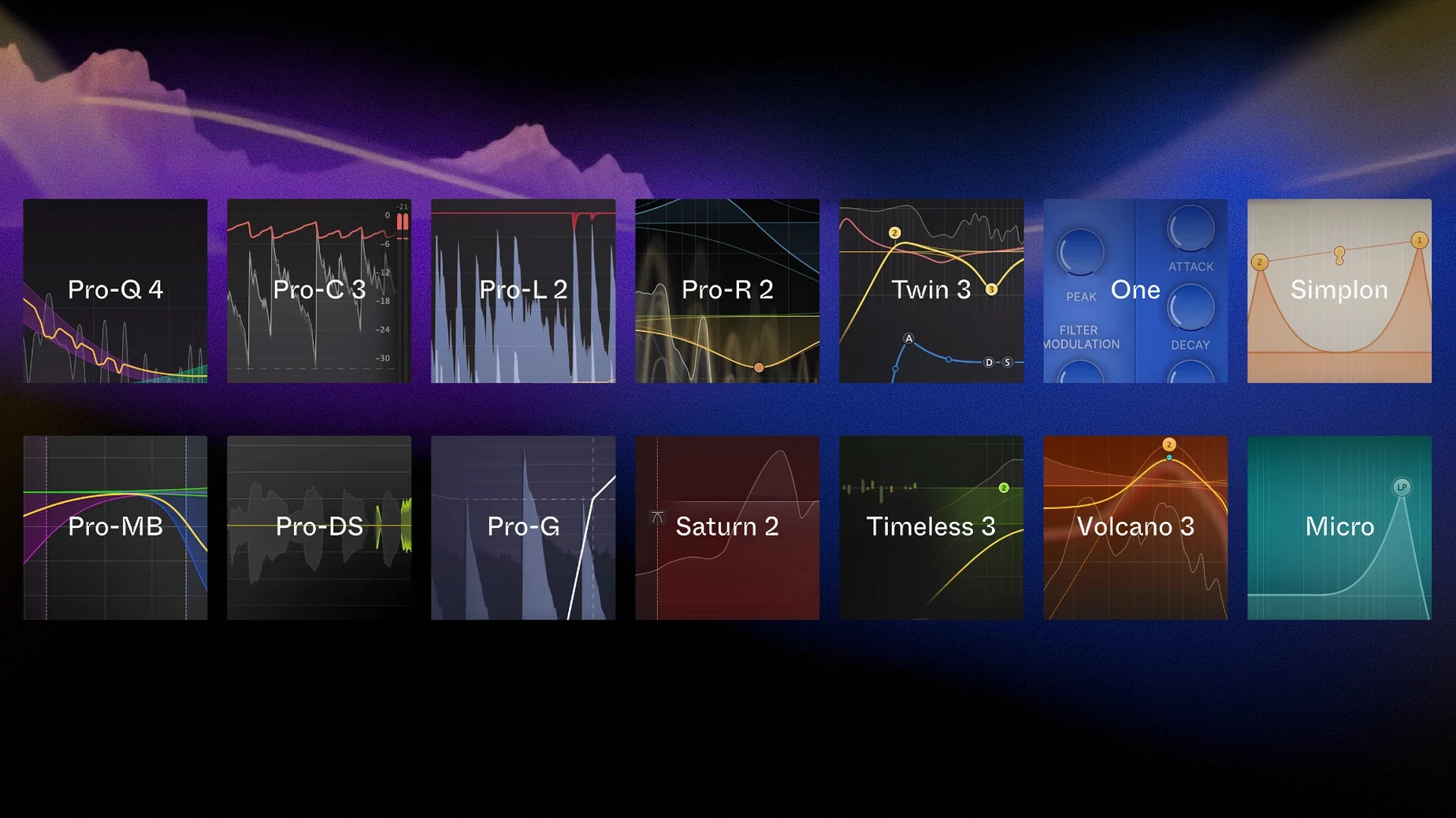
The FabFilter Total Bundle is the complete set of FabFilter audio plug-ins for macOS—a single collection that spans everything from surgical equalization to creative multiband distortion and virtual analog synthesis.
What's in the bundle
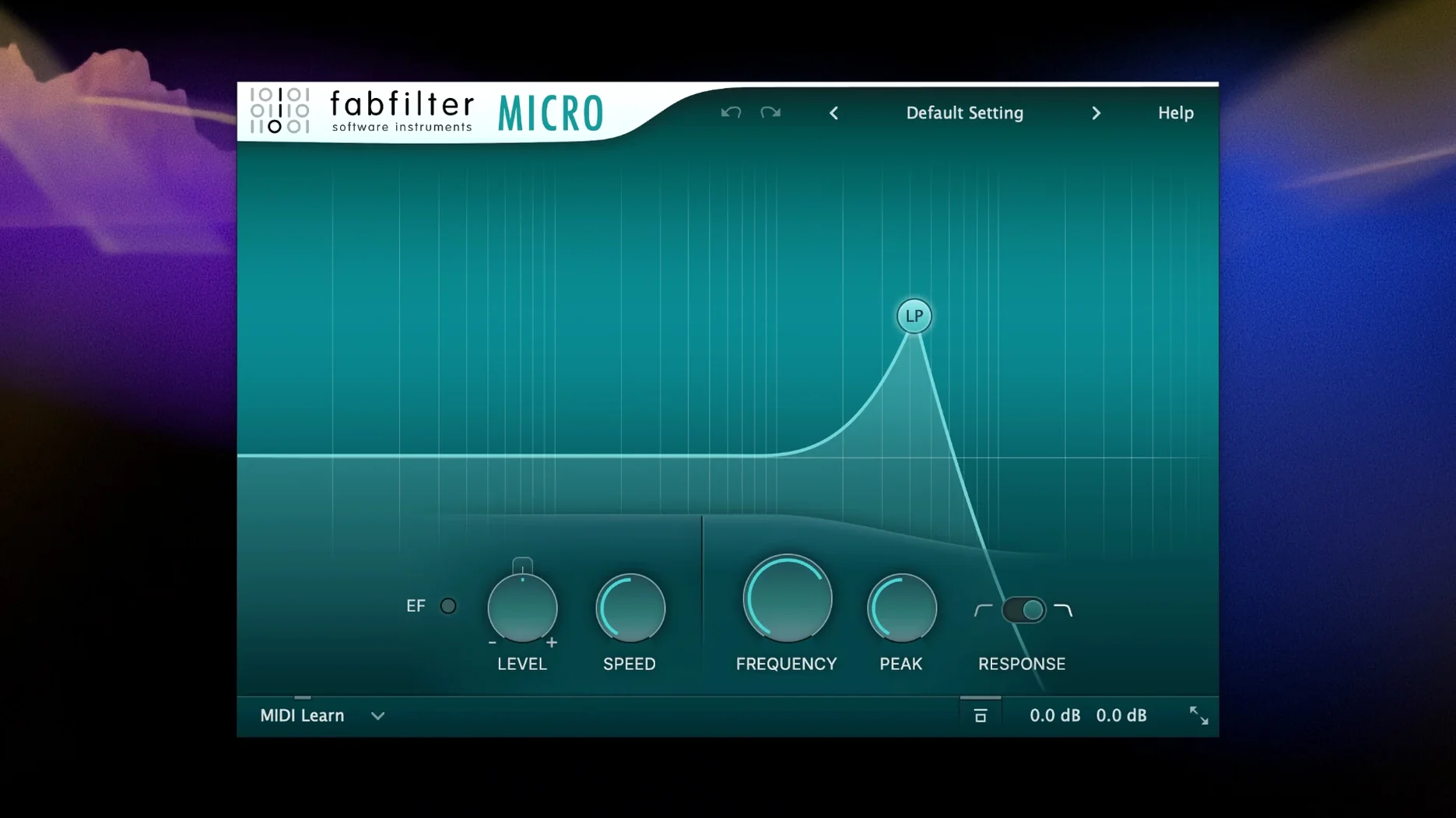
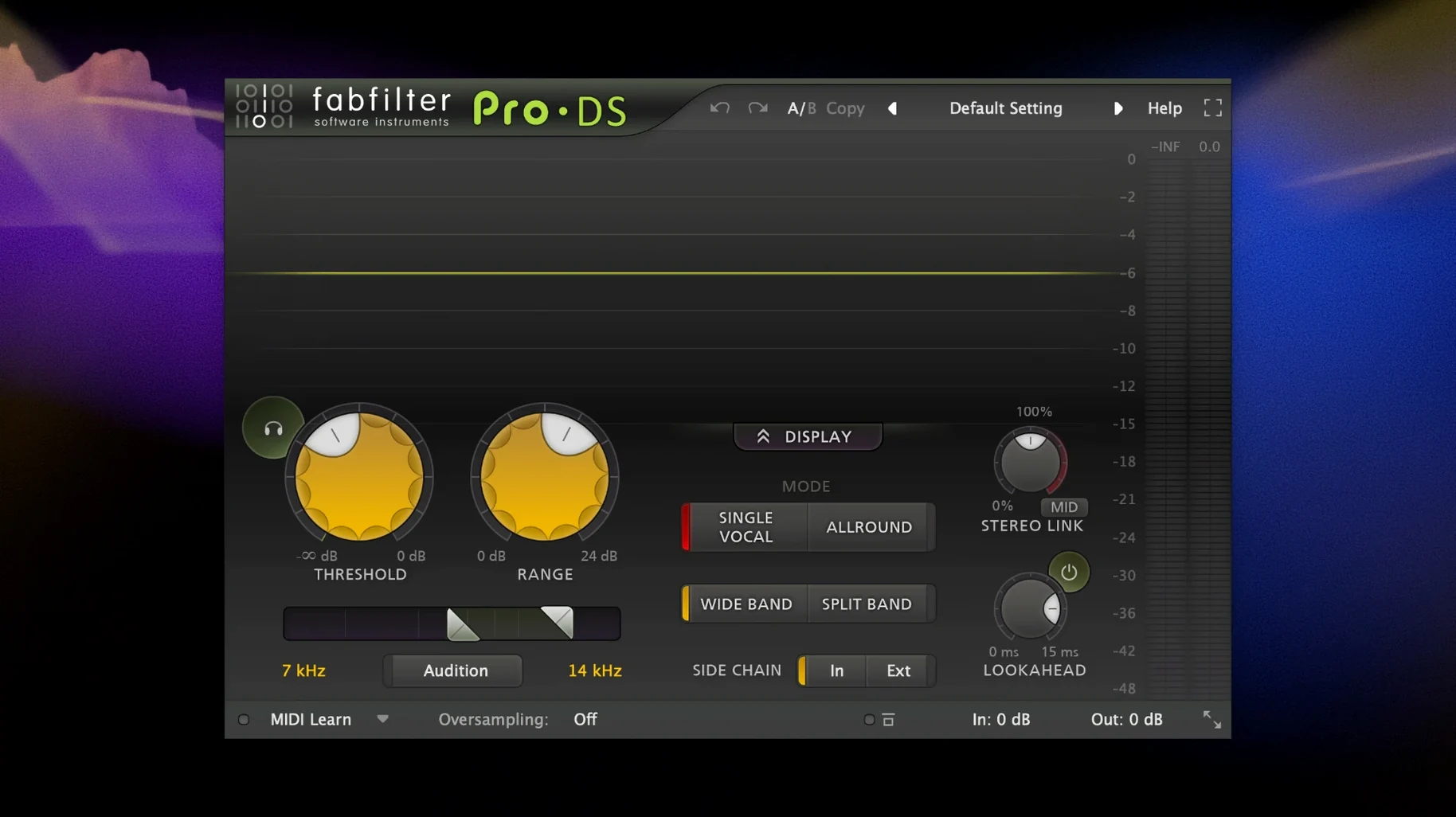
The package includes the full FabFilter lineup. The processor side covers Pro-Q for equalization, Pro-C for compression, Pro-L for limiting, Pro-MB for multiband dynamics, Pro-G for gating, Pro-DS for de-essing, and Pro-R for reverb. The creative tools bring Saturn for multiband distortion and saturation, Timeless for tape-style delay, Volcano for filter effects, and Twin for synthesis. The smaller utility plug-ins—Micro, One, and Simplon—round out the set with lightweight filtering and basic processing.
A single-developer toolkit for mixing, mastering, and sound design
This bundle suits anyone working across mixing, mastering, and sound design who wants a consistent toolkit from a single developer. It's a practical choice if you already reach for several FabFilter plug-ins and prefer the same interface conventions across EQs, dynamics processors, and creative effects. The instruments and multiband effects also make it useful for electronic music production and detailed sound shaping.
Forty to fifty instances stay remarkably light on the CPU
In a session with forty or fifty plug-in instances spread across a mix, the bundle stays remarkably light on the CPU. Pro-Q 4 in its default zero-latency mode barely registers on the meter—you can slap an instance on every channel without thinking twice. Natural Phase mode changes the calculus a bit, adding around 12–18 ms of latency and a modest CPU bump, so I tend to reserve it for the master bus and critical buss groups where the phase-coherent curves actually matter.
Pro-L 2 is the heaviest hitter in the collection when you push it into 32x oversampling and true-peak limiting, but even then a modern Apple Silicon Mac handles two or three instances on a mastering chain without breaking a sweat. On an Intel machine from the 2018–2019 era, I'd stick to 4x oversampling during tracking and save the higher modes for offline renders. The creative plug-ins—Saturn, Timeless, Volcano—scale linearly with the number of modulation sources you activate. Once you start drawing custom LFO curves and envelope followers across multiple bands in Saturn, the CPU draw inches up, but it's never spiky or unpredictable.
Stability under AU and VST3 hosts has been uneventful in the best way. Logic Pro, Ableton Live, and Reaper all load the plug-ins without sandboxing complaints or validation hiccups. The only quirk I've noticed: if you have an older session that references the VST2 versions, you'll want to migrate those insert slots to VST3 or AU before the VST2 bridge eventually disappears from DAWs that still support it. The install from the .dmg places the component files in the standard /Library/Audio/Plug-Ins/Components and /Library/Audio/Plug-Ins/VST3 folders, so any DAW that scans those paths picks them up immediately.
Memory usage is modest across the board. Pro-R 2, with its impulse response engine and the new IR import feature, allocates a bit more RAM than the other processors, but we're talking tens of megabytes, not hundreds. I've never seen the bundle contribute to swap pressure, even on 8 GB machines running large projects.
Switch the Pro‑Q 4 analyzer to pre‑ or post‑EQ in the first five minutes
The first thing to do after dropping the plug-ins into your system is to open Pro-Q 4 and spend five minutes customizing the analyzer behavior. Switch the spectrum display to pre-EQ or post-EQ depending on whether you want to see what's coming in or what you're sending out. Set the collision detection threshold to something meaningful for your genre—too sensitive and every kick drum paints the whole screen red, too loose and you miss genuine masking problems between bass and low mids.
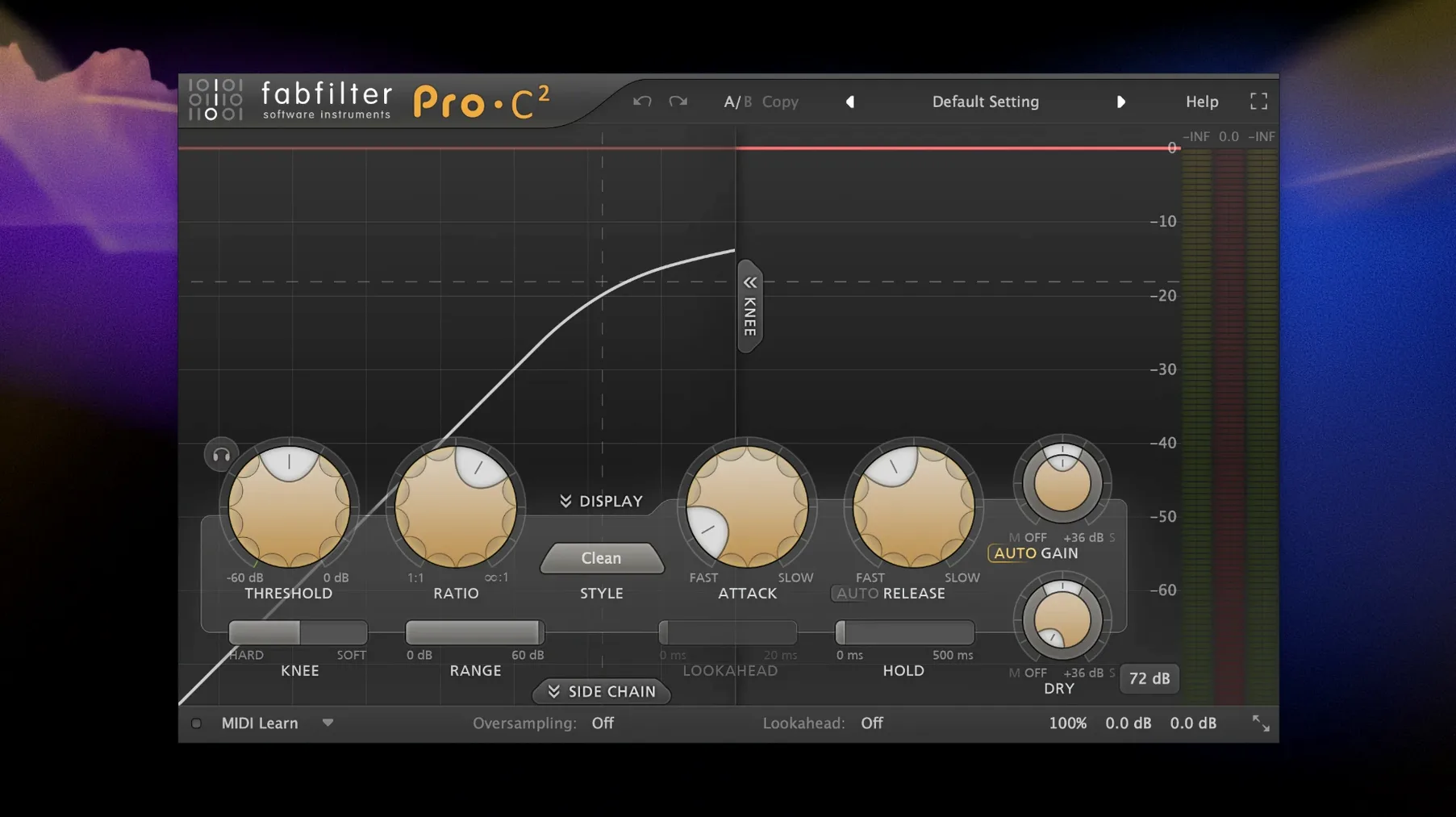
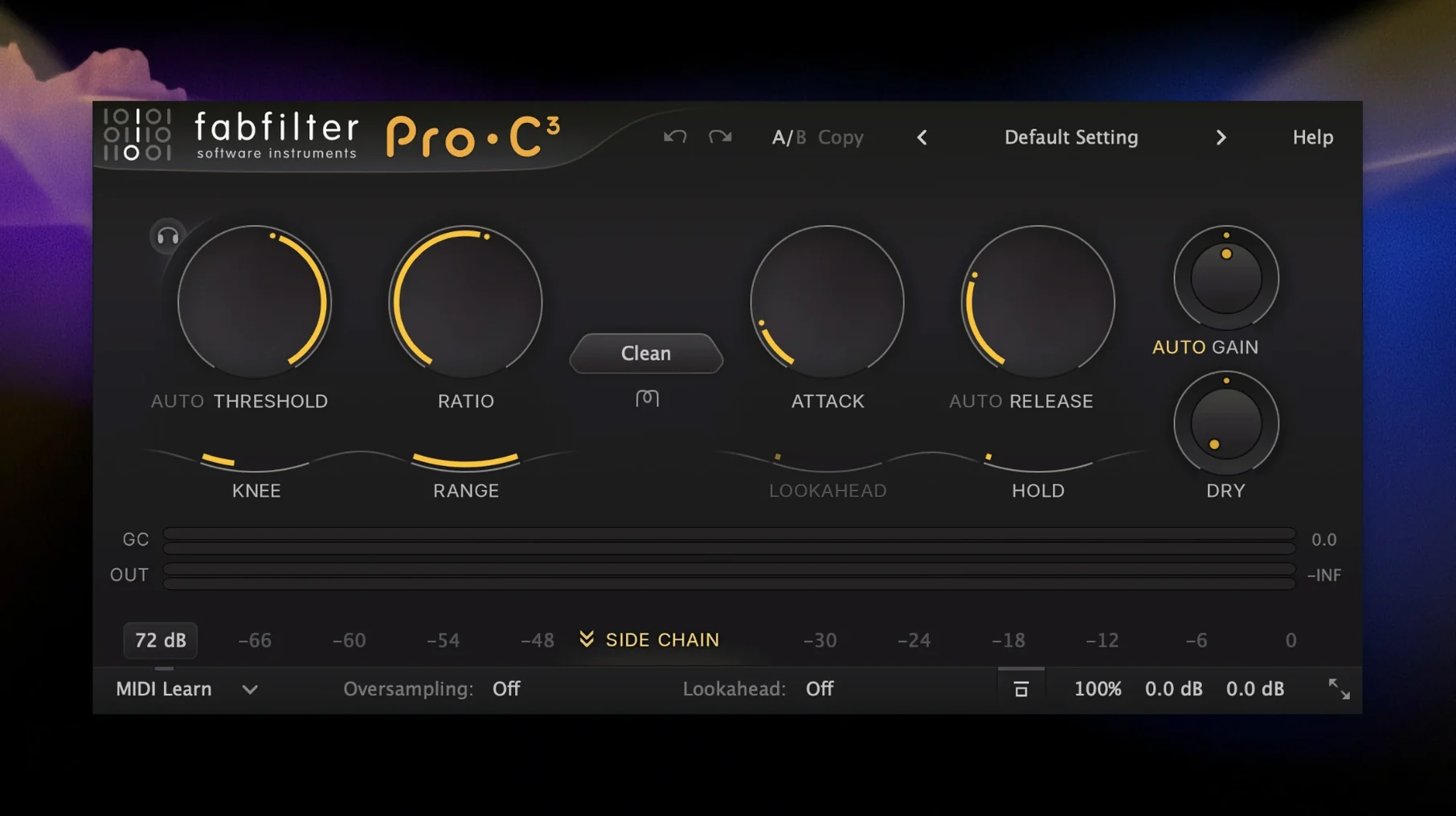
Next, load Pro-C 2 on a drum buss and cycle through the eight compression styles with the same threshold and ratio. The difference between Clean, Classic, and Opto isn't subtle once you hear them back to back, and internalizing those textures early saves you from hunting through presets later. While you're at it, enable the external sidechain input and route your kick into the bass compressor—it takes about thirty seconds to set up and cleans up the low end more effectively than static EQ cuts in most dense mixes.
For the creative plug-ins, resist the urge to dive straight into Saturn's multiband modulation matrix. Start with a single-band preset, get comfortable with the drive curve editor, and only then add a second band. The modulation routing panel in Saturn and Volcano uses a drag-and-drop paradigm that's intuitive once you've done it twice, but it can feel opaque if you jump straight into a five-band monster patch. The envelope follower in Timeless is one of the most musical ducking tools in the bundle—route it to the delay mix or feedback and you get echoes that step out of the way of dry transients without pumping artifacts.
One organizational tip: create a folder in your DAW's plug-in manager called "FabFilter Core" with Pro-Q, Pro-C, Pro-L, and Pro-MB, and a separate folder for the creative tools. When you're mixing on a deadline, not scrolling past Twin and Volcano every time you need a compressor saves real mental bandwidth.
Every plug‑in ships as a universal binary with native ARM code
Does the bundle work natively on Apple Silicon? Yes. Every plug-in in the collection ships as a universal binary with native ARM code. There is no Rosetta translation layer involved, which matters for CPU-heavy sessions where every cycle counts. You can verify this in Activity Monitor—the plug-in processes show "Apple" in the Kind column rather than "Intel" when running in a native DAW.
Are the plug-ins available as individual downloads or only as the full bundle? The .dmg installs the complete set. You cannot pick and choose during installation, but the plug-ins are independent files on disk, so you can safely remove any you don't use by deleting the corresponding .component and .vst3 files. Logic users only need the AU versions in /Library/Audio/Plug-Ins/Components; VST3 folders can be cleaned out if you never touch Live or Cubase.
Will my existing Pro-Q 3 presets load in Pro-Q 4? Yes. Pro-Q 4 reads all Pro-Q 3 preset files without conversion. The new dynamic EQ behaviors and the instance list view are additive features—they don't break backward compatibility. The same applies to Pro-R 2 loading Pro-R presets and Pro-C 2 loading original Pro-C patches.
Does the bundle include AAX for Pro Tools? The macOS package provides AU and VST3 formats. Pro Tools users on macOS can use the VST3 versions via a bridge or stick to the AU format in Logic and other hosts. Native AAX is not part of this build.
How does the HCiSO build handle the plug-in validation? The installed components pass standard AU validation in Logic and VST3 scanning in Ableton Live and Reaper without throwing errors or requiring manual approval in the Plug-in Manager. The plug-ins behave identically to their retail counterparts in terms of parameter automation, preset saving, and DAW recall.
iZotope, Soundtoys, and DMG Audio solve problems with different philosophies
The natural comparison set includes iZotope's mixing and mastering suite, the Soundtoys bundle, and the DMG Audio plug-in collection. All four occupy the same professional tier, but they solve problems with different philosophies.
Against iZotope—Neutron, Ozone, and the individual modules—the FabFilter approach is less assistant-driven. iZotope gives you a "learn" button that analyzes your audio and suggests EQ curves and compressor settings. FabFilter gives you a blank analysis display and expects you to read it. Neither approach is wrong, but if you want to build your own decisions from scratch every time, FabFilter's cleaner interface and more predictable control mapping feel faster once you know the tools. iZotope's inter-plugin communication (the way Neutron talks to Ozone across insert slots) has no equivalent in the FabFilter ecosystem, but Pro-Q 4's instance list view covers some of that ground—you can see spectral collisions across multiple Pro-Q instances without leaving the plug-in window.
Compared to Soundtoys, the creative overlap sits mainly in delay, saturation, and filtering. Soundtoys EchoBoy has more character models (Echoplex, Space Echo, DM-2 emulations) than Timeless, while Timeless leans harder into precise modulation and a cleaner, less colored signal path. Decapitator gives you five saturation algorithms with a distinct analog console flavor, whereas Saturn gives you multiband control over twenty-plus distortion models with per-band drive curves. If you're mixing rock or seeking vintage warmth, Soundtoys often wins on vibe. For electronic sound design where you need to saturate only the mids while keeping the subs clean, Saturn's multiband architecture is the more surgical tool.
The DMG Audio comparison is the most direct: Equilibrium vs. Pro-Q, Compassion vs. Pro-C, Limitless vs. Pro-L. DMG plug-ins generally expose more parameters and offer deeper customization of DSP internals—filter topologies, detector circuit models, oversampling algorithms—at the cost of a steeper learning curve. FabFilter consistently chooses the more streamlined interface. Equilibrium can mimic dozens of classic EQ curves with component-level accuracy; Pro-Q 4 gives you one parametric EQ that works the same way every time, with a spectrum display you can read from across the room. Which one fits your workflow depends on whether you treat the plug-in as an instrument to be tuned or a tool to execute a decision you already made in your head.
Collision detection lights up red, but your ears still make the call
The most common early mistake with Pro-Q 4 is over-relying on the spectrum analyzer's collision detection and under-using your ears. Seeing two tracks light up red in the same frequency zone doesn't automatically mean there's a masking problem—it means there's energy in the same range, which might be musically complementary rather than conflicting. Beginners tend to carve out notches wherever they see red, and the mix ends up thin and disconnected. The better workflow: identify the collision visually, then solo the two tracks and make a small EQ move while listening to both together. If you can't hear the improvement, undo it.
With Pro-C 2, the trap is setting the knee to zero and the ratio to infinity on the first insert and wondering why the track sounds lifeless. Hard-knee limiting on individual channels is rarely what a mix needs. Start with a soft knee, a 2:1 or 3:1 ratio, and a threshold that catches only the loudest 3–4 dB of the performance. Learn the sound of gentle gain reduction before reaching for the brick-wall settings.
In Saturn, the beginner mistake is engaging all the bands immediately and distorting the full spectrum. Heavy saturation across the low end turns kick drums into undefined thumps; keeping the first band clean or only lightly driven preserves punch while letting the upper bands add grit and presence. Multiband processing rewards restraint—one or two active bands often sound bigger than five.
With the modulation system shared across Timeless, Volcano, and Saturn, new users often assign multiple LFOs and envelope followers to every available target and end up with chaotic results that can't be dialed back predictably. The better habit: assign one modulation source, set its depth to a subtle range, and listen to what it does before adding a second. FabFilter's modulation visualizations—the little animated rings around modulated knobs—are excellent feedback, but only if you can track what each source is doing.
- macOS 10.13 or later
- Intel or Apple Silicon Mac
- Interface language: English
$ man fabfilter-total-bundle | grep -A2 "?"
Which plug-in formats are included in the FabFilter Total Bundle?
FabFilter plug-ins typically ship asAudio Units, VST, VST3, and AAX formats on macOS, covering most major DAWs.
What is the difference between Pro-Q and Simplon in the bundle?
Pro-Q is a full-featured parametric EQ with dynamic bands and spectrum analysis, while Simplon is a lightweight two-filter plug-in meant for quick high-pass and low-pass tasks.
Comments 0
Sign in or create an account to leave a comment.
No comments yet. A codec, a slice, a machine — they appear after moderation.