
MeldaProduction MCompleteBundle for macOS
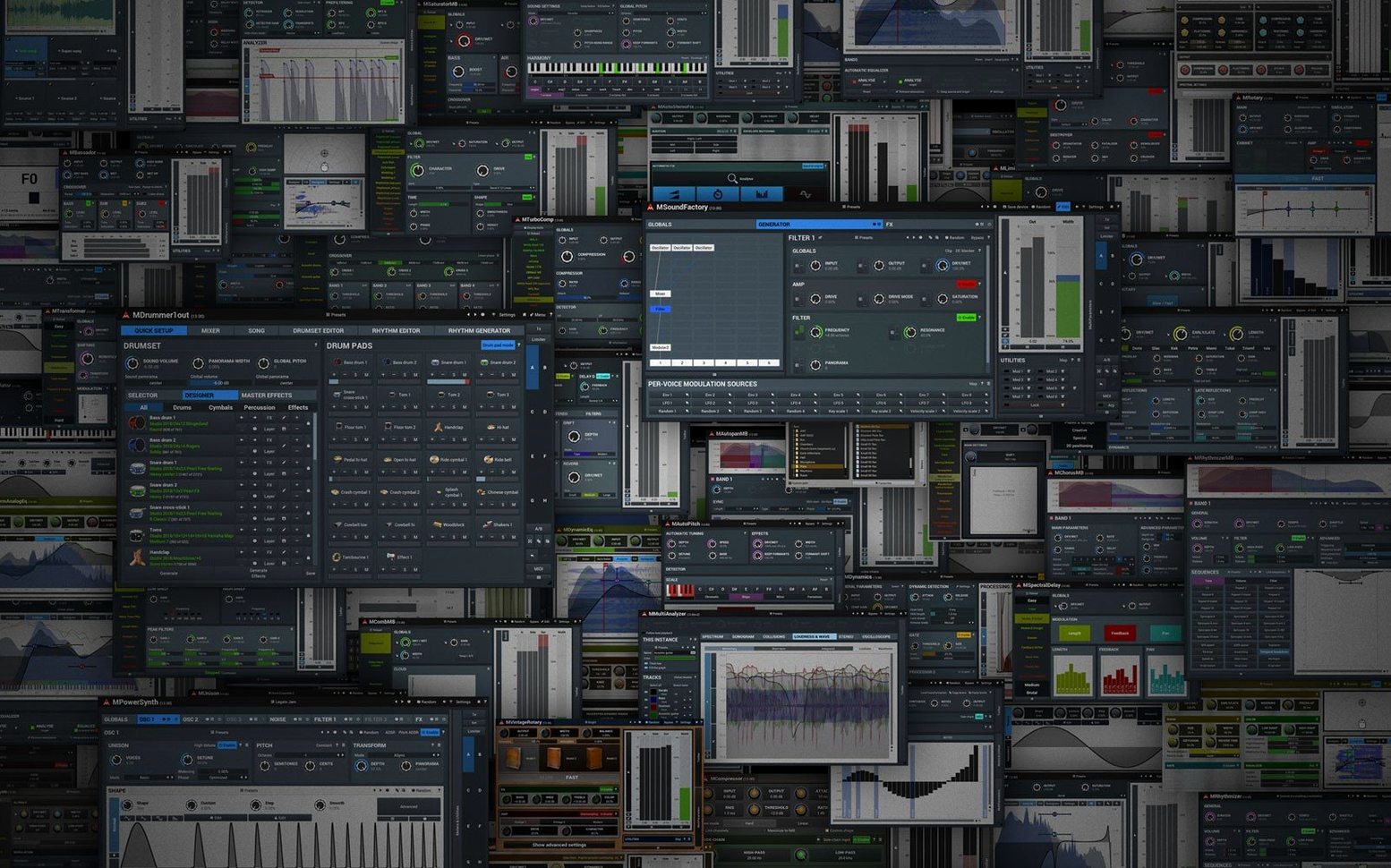
It runs on any Mac that can boot macOS 10.14 Mojave or newer — Intel machines from the last decade and every Apple Silicon Mac so far. The bundle ships as 64-bit VST, VST3, AU, and AAX, so it slots into Logic, Live, Cubase, Pro Tools, and practically any modern DAW without extra bridging.
Where each plug-in sits in a session
Because MCompleteBundle is the whole catalog, you are not locked into one category. A typical mix might look like this:
- Track inserts: channel strip duties with dynamics, surgical EQ, saturation, and creative modulation effects.
- Buses and groups: multiband compression, mid/side EQ, and up to 8-channel surround balancing for film or game audio stems.
- Instrument tracks: the included synthesizers and sound generators, fed through the same modulation system the effects use.
- Master output: loudness metering, limiting, and spectral analysis — the last stage before a bounce.
What holds it together
Every plug-in shares the same engine features. Mid/side processing is available wherever it makes sense, not as a separate plug-in. The UI scales freely, and the modulation system — LFOs, envelope followers, audio-triggered modulators — is the same across the bundle, so once you learn it on a compressor, you can reach for it on a reverb without re-learning the wiring.
Live preset search narrows as you type
A few workflow touches hide behind the utilitarian interface. The integrated preset browser runs a live full-text search — type a partial word and the list narrows before you finish typing. Double-clicking any knob resets it to default, which sounds trivial until you have mangled twenty modulation slots and need a clean starting point. Each plug-in stores four A/B/C/D snapshot slots per instance, so you can audition radically different settings on the same track without touching your DAW’s undo history.
One sleeper feature: the randomize button. Melda’s randomization is weighted per plug-in — a compressor randomizer tends not to produce unusable attack times, and a reverb randomizer rarely serves up pure noise. It is genuinely useful for breaking a dead ear in a long session, and the undo is instant. Another quiet help is the auto-gain compensation toggle that appears on every dynamics processor; it lets you judge what the compressor is actually doing instead of being tricked by a level bump.
Thirty instances barely touch the meters
On an M-series Mac, instance count is rarely the bottleneck. Loading a session with thirty instances of MCompleteBundle effects — EQ, dynamics, a convolution reverb, and the LoudnessAnalyzer on the master — the meters stay low. The plug-ins share a common framework, so the first one loads a small runtime into memory and every subsequent instance leans on it. That keeps overall RAM use flatter than you would expect from a 112-plugin bundle. GUI redraws are immediate even on scaled 5K displays, and automation lanes in Logic and Live track smoothly down to sample-level changes without zippering.
Stability in prolonged sessions holds up well. Plug-in sandboxing in modern DAWs means a single misbehaving process rarely takes down the host, but in practice crashes are infrequent enough that most users run them outside a sandbox without worry. The only quirk worth knowing: the very first scan after installation takes a minute or two longer than usual because each plug-in self-registers its presets, modulation shapes, and surround configurations. Subsequent rescans are fast.
What people ask before installing
Does it work natively on Apple Silicon?
Yes, the bundle is universal binary — no Rosetta required. The installer places ARM and Intel slices side by side, so you can move a session between an M3 MacBook Pro and an old Intel Mac Pro and the same plug-in state loads without translation.
Surround up to seventh order in Pro Tools Ultimate
The AAX versions are included and tested against current Pro Tools releases. Surround and ambisonic channel counts up to seventh order work inside Pro Tools Ultimate, though you will need a session configured for the right bus width before instantiating the plug-in.
How do the meldaproduction mcompletebundle mac torrent builds differ?
Functionally, the plug-ins are identical to what the developer ships — the same processing code, the same multichannel paths, the same preset library. The difference is only in how the package is prepared and activated, which is covered in the included guide.
- Public changelog for 2026.07 lists ongoing bug fixes and engine refinements across the bundle.
- macOS 10.14 Mojave or newer
- Intel or Apple Silicon Mac
- 64-bit host supporting VST, VST3, AU, or AAX
$ man meldaproduction-mcompletebundle | grep -A2 "?"
Does the bundle handle surround sessions?
Yes, it supports up to 8-channel surround audio, so it works inside 5.1 and 7.1 projects without collapsing to stereo.
Can I process the mid and side signals independently?
Mid/side processing is built into the engine and available on plug-ins where it is useful, letting you treat the center and the stereo sides separately.
Comments 0
Sign in or create an account to leave a comment.
No comments yet. A codec, a slice, a machine — they appear after moderation.
More in VST Plugins
cd ../ Melodyne
VST Plugins 97 MB
 Metric Halo Production Bundle
VST Plugins 318 MB
 MiniMeters
VST Plugins 103 MB
 Minuit Solstice
VST Plugins 117 MB
 MixWave Manuel Gardner Fernandes
VST Plugins 238 MB
 LFOTool
VST Plugins 7 MB
 Native Instruments Massive X
VST Plugins 1.6 GB
 Native Instruments Noire KONTAKT
VST Plugins 14.7 GB